change time MITSUBISHI OUTLANDER III 2016 User Guide
[x] Cancel search | Manufacturer: MITSUBISHI, Model Year: 2016, Model line: OUTLANDER III, Model: MITSUBISHI OUTLANDER III 2016Pages: 464, PDF Size: 60.77 MB
Page 140 of 464

Automatic transaxle (if so equipped) 5-64 Features and controls
5
in the “D” (DRIVE) or “R” (REVERSE) position.This occurs because the transaxle has not warmed up sufficiently; it does not indicate a problem. If this occurs
, place the selector
lever in the “P” (PARK) position and let the engine idle for at least 10 minutes. The transaxle will wa
rm up, and you will be
able to start normally. Do not leave the vehicle during warm-up operation. The MIVEC engine automatically switches its intake-valve contro
l between a low-speed
mode and a high-speed mode in accordance with driving conditions for maximum engineperformance.
N00513200216
Automatic transaxle will automaticallychange its gear depending on road and driv-ing conditions. This
helps achieve smooth
driving and excellent fuel efficiency. Also you can manually shift up and shiftdown the transaxle. Refer to “Sports mode” on page 5-68. The transaxle prevents unnecessary upshifts even when the accelerator pedal is releasedand ensures smooth driving. According to the conditions, the transaxle will automatically shift to a lower gear to achieve stronger engine
braking. This may
help reduce your need to use the servicebrake.
N00513801408
As an additional safe
ty precaution, models
equipped with an automatic transaxle have a shift-lock device that
holds the selector lever
in the “P” (PARK) position. To move theselector lever from the “P” (PARK) position to another position, follow the steps below. 1. Press and hold the brake pedal down. 2. Move the selector
lever to the desired
position.
The transaxle has 6 forward gears and 1 reverse gear.
Using the MIVEC engine
NOTE
To protect the engine, the high-speed mode may not be selected wh
ile the engine coolant
temperature is low. In such a case, the engine revolutions do not rise to over 5,000 rpmeven if the accelerator pedal is depressed.
Automatic transaxle
(if so
equipped)DRIVING UPHILL
DRIVING DOWNHILL
NOTE
During the break-in pe
riod or immediately
after reconnecting the
battery, your vehicle
may not shift smoothly. This does not indi-cate a problem in the transaxle. Shifting will become smoother once the transaxle has been shifted several
times by the electronic
control system.
Selector lever operation
NOTE
The selector lever ca
nnot be moved from “P”
(PARK) to another pos
ition if the operation
mode is put in OFF or
ACC, or if the brake
pedal is not pressed and held down.
BK0223400US.book 64 ページ 2015年2月13日 金曜日 午後12時15分
Page 144 of 464
Automatic transaxle (if so equipped) 5-68 Features and controls
5
N00514201395
This position locks the transaxle to prevent the vehicle from moving.
The engine can be
started from the “P” (PARK) position. Move the lever to this
position only after the
vehicle has come to a complete stop. At this position, the transaxle is disengaged. It is the same as th
e neutral position on a
manual transaxle and should be used when the vehicle is not m
oving for an extended
length of time during driving, such as in atraffic jam.
This position is used fo
r most city and high-
way driving. The transaxle will automatically change its gear depending on road and driv- ing conditions.
This position is for driving up very steep hills and for engine braking at low speeds when driving down steep hills.
N00514401456
While the vehicle is stopped or being drivenwith the selector lever in the “D” (DRIVE) or “L” (LOW) position,
sports mode can be
selected by pulling one of the sportronicsteering wheel paddle shifter towards you. In sports mode, rapid
shifting is possible sim-
ply by operating the sportronic steering wheelpaddle shifter. Unlike the manual transaxle, sports mode allows shifting with the accelerator pedaldepressed.
Selector lever positions
“P” PARK
“R” REVERSE
CAUTION Never shift into the “P” (PARK) or “R” (REVERSE) position while the vehicle is in motion. If the lever is shifted into the “P” (PARK) or “R” (REVERSE) position whilethe vehicle is in moti
on, the transaxle may be
damaged.
“N” NEUTRAL
WA R N I N G Never move the select
or lever to the “N”
(NEUTRAL) position while driving sinceyou could accidentally
slip it into the “P”
(PARK) or “R” (REVERSE) position, damaging the transaxle. To prevent the vehicle from rolling when stopped on a slope,
the engine should be
started in the “P” (PARK) position, not in“N” (NEUTRAL) position. To prevent rolling,
always keep your foot
on the brake pedal when the vehicle is in “N” (NEUTRAL) positi
on, or when shift-
ing into or out of “N” (NEUTRAL) posi-tion.
“D” DRIVE
CAUTION To prevent transaxle damage, never shift into the “D” (DRIVE) position from the “R” (REVERSE) position while the vehicle is in motion.
“L” LOW
WA R N I N G this position can be used for maximum engine braking. Be very careful not to shift into “L” (LOW) suddenly.Sudden engine brak
ing may cause the
tires to skid. Select this position according to the roadconditions and vehicle speed.
Sports mode
BK0223400US.book 68 ページ 2015年2月13日 金曜日 午後12時15分
Page 145 of 464
Automatic transaxle (if so equipped)
Features and controls 5-69
5
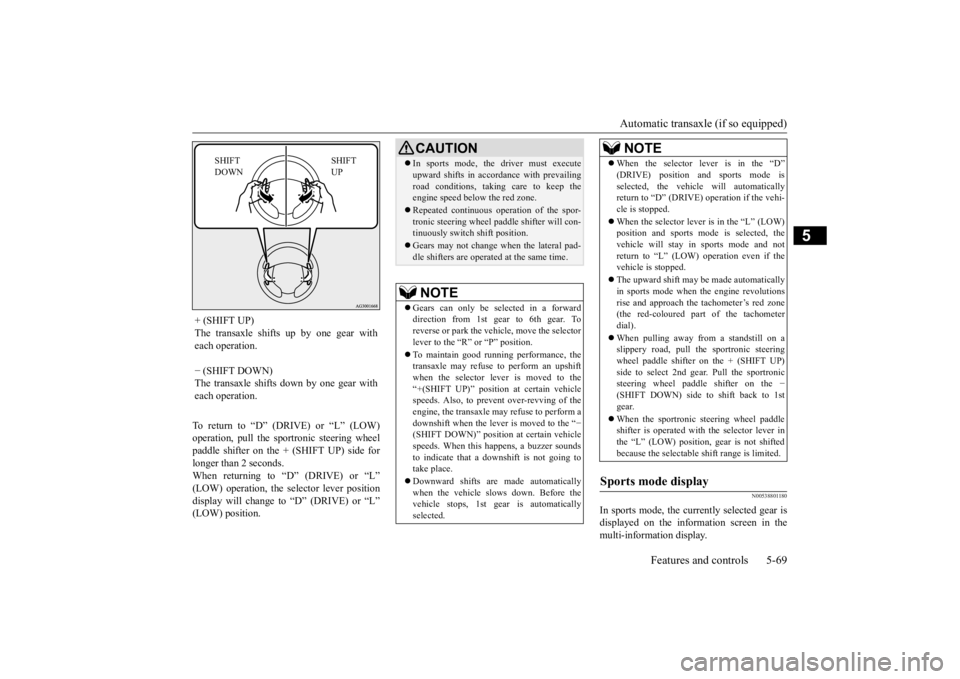
To return to “D” (DRIVE) or “L” (LOW) operation, pull the sportronic steering wheelpaddle shifter on the + (SHIFT UP) side for longer than 2 seconds. When returning to “D” (DRIVE) or “L”(LOW) operation, the selector lever position display will change to “D” (DRIVE) or “L” (LOW) position.
N00538801180
In sports mode, the curre
ntly selected gear is
displayed on the information screen in the multi-information display.
+ (SHIFT UP) The transaxle shifts up by one gear with each operation. − (SHIFT DOWN) The transaxle shifts down by one gear witheach operation.
SHIFT UP
SHIFT DOWN
CAUTION In sports mode, the driver must execute upward shifts in accordance with prevailingroad conditions, taking care to keep theengine speed below the red zone. Repeated continuous ope
ration of the spor-
tronic steering wheel pa
ddle shifter will con-
tinuously switch shift position. Gears may not change when the lateral pad- dle shifters are operated at the same time. NOTE
Gears can only be selected in a forward direction from 1st gear to 6th gear. Toreverse or park the vehi
cle, move the selector
lever to the “R” or “P” position. To maintain good running performance, the transaxle may refuse to perform an upshift when the selector lever is moved to the“+(SHIFT UP)” positi
on at certain vehicle
speeds. Also, to prevent over-revving of the engine, the transaxle may refuse to perform adownshift when the lever is moved to the “
−
(SHIFT DOWN)” position
at certain vehicle
speeds. When this happens, a buzzer soundsto indicate that a dow
nshift is not going to
take place. Downward shifts are made automatically when the vehicle slows down. Before the vehicle stops, 1st ge
ar is automatically
selected.
When the selector lever is in the “D” (DRIVE) position and sports mode isselected, the vehicle will automaticallyreturn to “D” (DRIVE)
operation if the vehi-
cle is stopped. When the selector lever is in the “L” (LOW) position and sports mode is selected, the vehicle will stay in
sports mode and not
return to “L” (LOW) operation even if the vehicle is stopped. The upward shift may be
made automatically
in sports mode when the engine revolutions rise and approach the tachometer’s red zone(the red-coloured part of the tachometer dial). When pulling away from a standstill on a slippery road, pull the sportronic steering wheel paddle shifter on the + (SHIFT UP)side to select 2nd gear
. Pull the sportronic
steering wheel paddle shifter on the
−
(SHIFT DOWN) side to shift back to 1stgear. When the sportronic steering wheel paddle shifter is operated with the selector lever in the “L” (LOW) position, gear is not shifted because the selectable shift range is limited.
Sports mode display
NOTE
BK0223400US.book 69 ページ 2015年2月13日 金曜日 午後12時15分
Page 146 of 464
Automatic transaxle (if so equipped) 5-70 Features and controls
5
N00514501369
To gain extra acceleration in “D” (DRIVE) position (when passing an
other vehicle) push
the accelerator to the floor. The automatictransaxle will automatically downshift.
NOTE
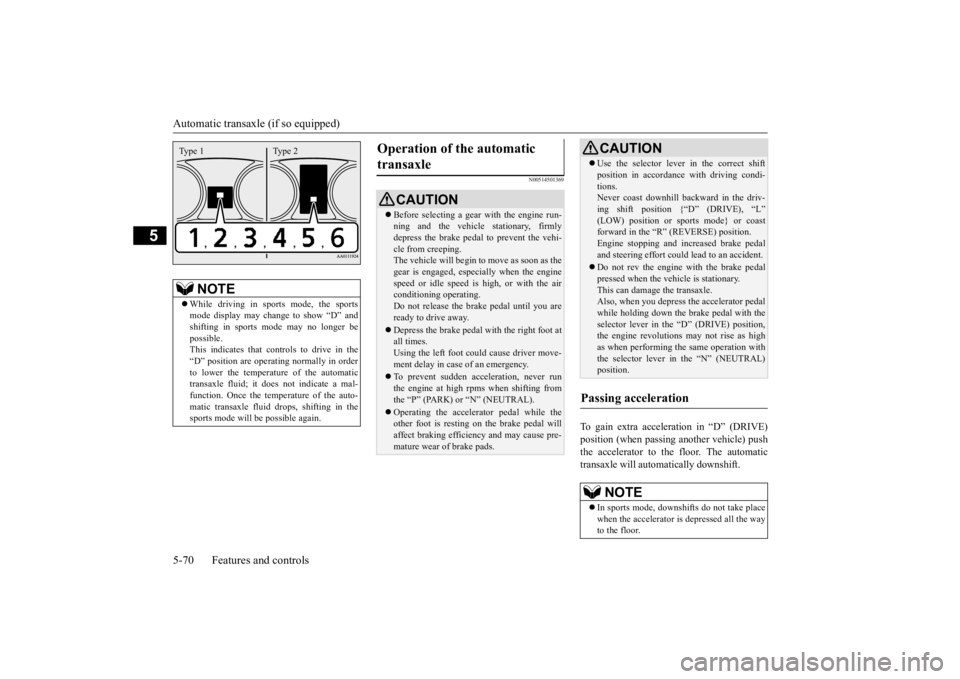
While driving in sports mode, the sports mode display may change to show “D” andshifting in sports
mode may no longer be
possible. This indicates that controls to drive in the“D” position are operati
ng normally in order
to lower the temperature of the automatic transaxle fluid; it doe
s not indicate a mal-
function. Once the temperature of the auto- matic transaxle fluid
drops, shifting in the
sports mode will be possible again.Type 1 Type 2
Operation of the automatic transaxle
CAUTION Before selecting a gear
with the engine run-
ning and the vehicle stationary, firmly depress the brake pedal to prevent the vehi-cle from creeping. The vehicle will begin to move as soon as the gear is engaged, espe
cially when the engine
speed or idle speed is
high, or with the air
conditioning operating. Do not release the brak
e pedal until you are
ready to drive away. Depress the brake pedal with the right foot at all times. Using the left foot c
ould cause driver move-
ment delay in case of an emergency. To prevent sudden acce
leration, never run
the engine at high rpms when shifting fromthe “P” (PARK) or “N” (NEUTRAL). Operating the accelerator pedal while the other foot is resting on the brake pedal will affect braking efficiency and may cause pre- mature wear of brake pads.
Use the selector lever in the correct shift position in accordance
with driving condi-
tions.Never coast downhill backward in the driv- ing shift position {“D” (DRIVE), “L” (LOW) position or sports mode} or coastforward in the “R” (REVERSE) position. Engine stopping and in
creased brake pedal
and steering effort could
lead to an accident.
Do not rev the engine
with the brake pedal
pressed when the vehi
cle is stationary.
This can damage the transaxle. Also, when you depress
the accelera
tor pedal
while holding down the brake pedal with theselector lever in the “D” (DRIVE) position, the engine revolutions
may not rise as high
as when performing the same operation withthe selector lever in the “N” (NEUTRAL) position.
Passing acceleration
NOTE
In sports mode, downshi
fts do not take place
when the accelerator is depressed all the wayto the floor.CAUTION
BK0223400US.book 70 ページ 2015年2月13日 金曜日 午後12時15分
Page 153 of 464
Continuously variable transmission (CVT) (if so equipped)
Features and controls 5-77
5
When returning to “D” (DRIVE) operation, the selector lever posi
tion display will change
to “D” (DRIVE) position.
N00560901067
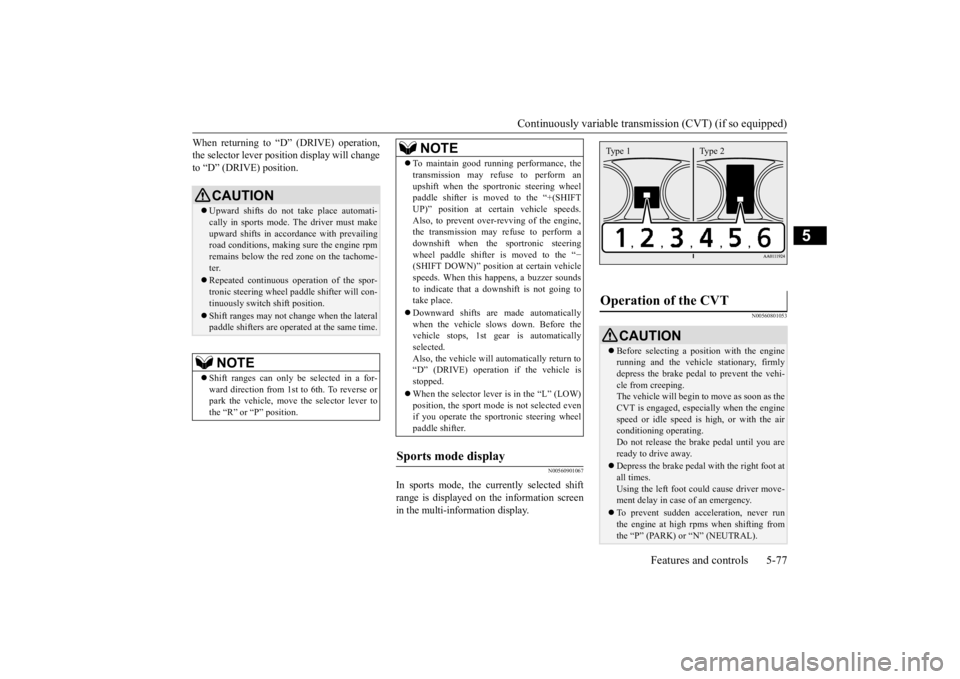
In sports mode, the currently selected shift range is displayed on the information screen in the multi-information display.
N00560801053
CAUTION Upward shifts do not
take place automati-
cally in sports mode. The driver must makeupward shifts in accordance with prevailing road conditions, making sure the engine rpm remains below the red zone on the tachome-ter. Repeated continuous ope
ration of the spor-
tronic steering wheel pa
ddle shifter will con-
tinuously switch shift position. Shift ranges may not cha
nge when the lateral
paddle shifters are opera
ted at the same time.
NOTE
Shift ranges can only be
selected in a for-
ward direction from 1st to 6th. To reverse orpark the vehicle, move
the selector lever to
the “R” or “P” position.
To maintain good running performance, the transmission may refuse to perform anupshift when the sportronic steering wheelpaddle shifter is moved to the “+(SHIFT UP)” position at cert
ain vehicle speeds.
Also, to prevent over-revving of the engine,the transmission may refuse to perform a downshift when the
sportronic steering
wheel paddle shifter is moved to the “
−
(SHIFT DOWN)” position
at certain vehicle
speeds. When this happens, a buzzer sounds to indicate that a dow
nshift is not going to
take place. Downward shifts are made automatically when the vehicle slows down. Before the vehicle stops, 1st ge
ar is automatically
selected.Also, the vehicle will automatically return to “D” (DRIVE) operation
if the vehicle is
stopped. When the selector lever is in the “L” (LOW) position, the sport mode
is not selected even
if you operate the spor
tronic steering wheel
paddle shifter.
Sports mode display
NOTE
Operation of the CVT
CAUTION Before selecting a pos
ition with the engine
running and the vehicl
e stationary, firmly
depress the brake pedal to prevent the vehi-cle from creeping. The vehicle will begin to move as soon as the CVT is engaged, especi
ally when the engine
speed or idle speed is
high, or with the air
conditioning operating. Do not release the brak
e pedal until you are
ready to drive away. Depress the brake pedal
with the right foot at
all times. Using the left foot could cause driver move- ment delay in case of an emergency. To prevent sudden acce
leration, never run
the engine at high rpms when shifting fromthe “P” (PARK) or “N” (NEUTRAL).Type 1 Type 2
BK0223400US.book 77 ページ 2015年2月13日 金曜日 午後12時15分
Page 157 of 464
S-AWC (Super-All Wheel Co
ntrol) (if so equipped)
Features and controls 5-81
5
N00576600020
While the drive mode is in the “4WD AUTO” position, if the ECO mode switch is switched
ON, the drive mode will be changed to “4WD ECO” mode.If the ECO mode switch is switched OFF, the drive mode will be returned to “4WD AUTO” mode.Refer to the “ECO
mode switch” on page
5-184.
N00541301062
S-AWC is an integrat
ed vehicle dynamics
control system that helps enhance driving performance, cornering performance, and vehicle stability over a wide range of drivingconditions through integrated management of the electronically cont
rolled 4WD, the AYC
(Active Yaw Control), the ABS and the ASC.
CAUTION If the selected drive
mode indicator begins
blinking, the drive m
ode will automatically
switch to protect the drive-system compo-nents. A warning will
also be displayed in
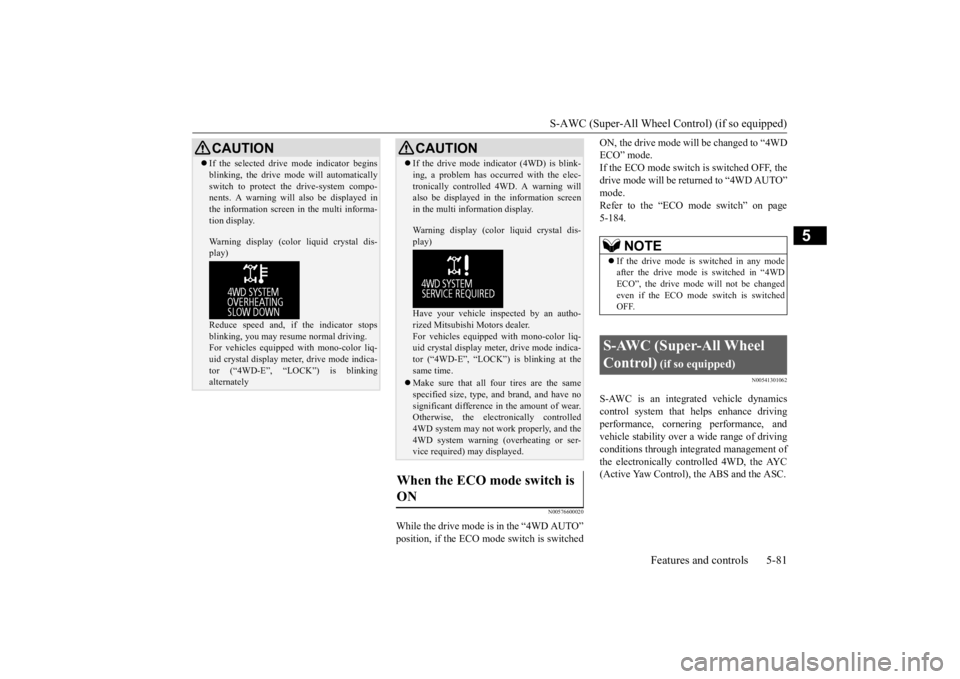
the information screen in the multi informa- tion display. Warning display (color
liquid crystal dis-
play) Reduce speed and, if
the indicator stops
blinking, you may resume normal driving. For vehicles equipped with mono-color liq- uid crystal display mete
r, drive mode indica-
tor (“4WD-E”, “LOCK”) is blinking alternately
If the drive mode indi
cator (4WD) is blink-
ing, a problem has occurred with the elec-tronically controlled 4WD. A warning willalso be displayed in the information screen in the multi information display. Warning display (color liquid crystal dis- play) Have your vehicle in
spected by an autho-
rized Mitsubishi Motors dealer.For vehicles equipped
with mono-color liq-
uid crystal display mete
r, drive mode indica-
tor (“4WD-E”, “LOCK”) is blinking at thesame time. Make sure that all four tires are the same specified size, type, a
nd brand, and have no
significant difference
in the amount of wear.
Otherwise, the electronically controlled4WD system may not work properly, and the 4WD system warning (overheating or ser- vice required) may displayed.
When the ECO mode switch is ON
CAUTION
NOTE
If the drive mode is switched in any mode after the drive mode is switched in “4WD ECO”, the drive mode will not be changedeven if the ECO mode switch is switched OFF.
S-AWC (Super-All Wheel Control)
(if so equipped)
BK0223400US.book 81 ページ 2015年2月13日 金曜日 午後12時15分
Page 179 of 464
Adaptive Cruise Control System (ACC) (if so equipped)
Features and controls 5-103
5
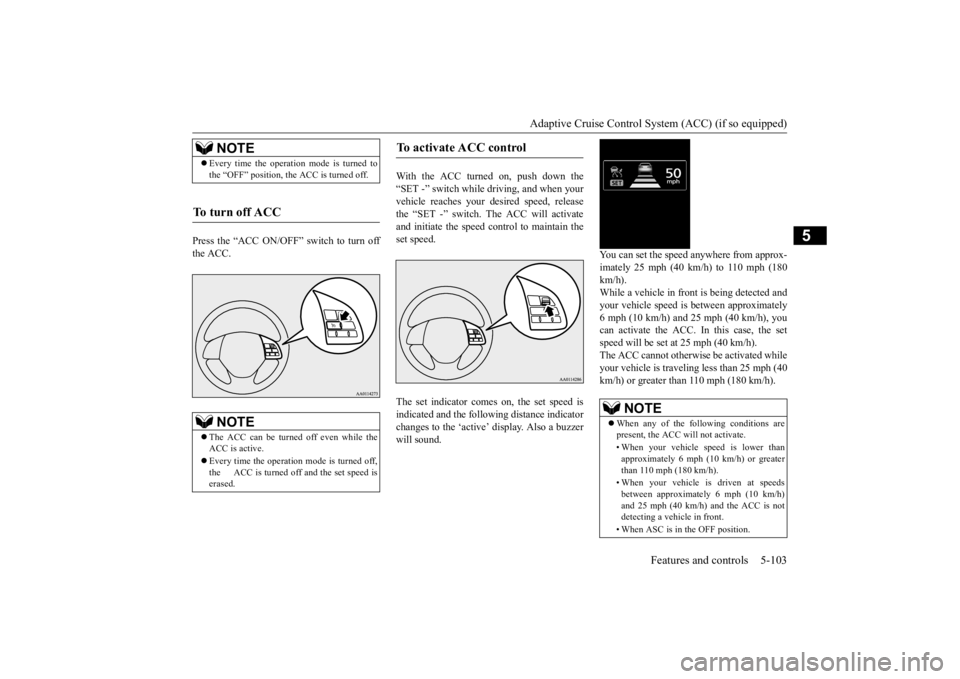
Press the “ACC ON/OFF” switch to turn off the ACC.
With the ACC turned on, push down the “SET -” switch while
driving, and when your
vehicle reaches your de
sired speed, release
the “SET -” switch. The ACC will activate and initiate the speed control to maintain the set speed. The set indicator comes on, the set speed is indicated and the follow
ing distance indicator
changes to the ‘active’
display. Also a buzzer
will sound.
You can set the speed anywhere from approx- imately 25 mph (40 km/h) to 110 mph (180 km/h). While a vehicle in front
is being detected and
your vehicle speed is
between a
pproximately
6 mph (10 km/h) and 25 mph (40 km/h), youcan activate the ACC. In this case, the set speed will be set at 25 mph (40 km/h). The ACC cannot otherwis
e be activated while
your vehicle is traveling less than 25 mph (40 km/h) or greater than 110 mph (180 km/h).
NOTE
Every time the operation mode is turned to the “OFF” position, the ACC is turned off.
To turn off ACC
NOTE
The ACC can be turned off even while the ACC is active. Every time the operation mode is turned off, the ACC is turned off and the set speed is erased.
To activate ACC control
NOTE
When any of the following conditions are present, the ACC will not activate. • When your vehicle speed is lower than approximately 6 mph (10 km/h) or greaterthan 110 mph (180 km/h). • When your vehicle is driven at speeds between approximately 6 mph (10 km/h) and 25 mph (40 km/h) and the ACC is not detecting a vehi
cle in front.
• When ASC is in the OFF position.
BK0223400US.book 103 ページ 2015年2月13日 金曜日 午後12時15分
Page 182 of 464
Adaptive Cruise Control System (ACC) (if so equipped) 5-106 Features and controls
5
N00581500027
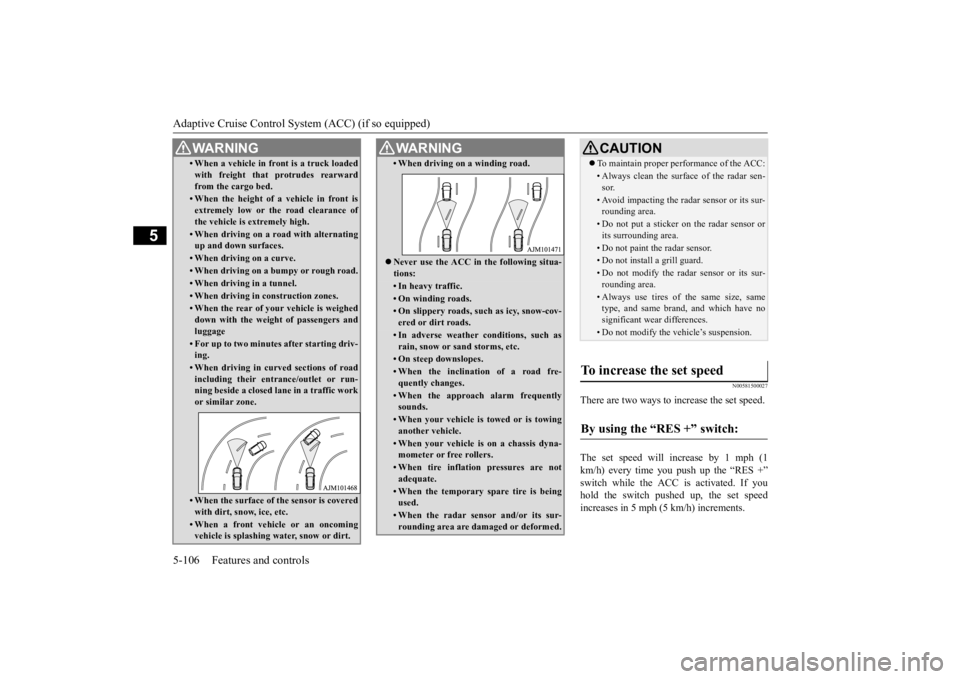
There are two ways to increase the set speed. The set speed will increase by 1 mph (1 km/h) every time you push up the “RES +” switch while the ACC is activated. If youhold the switch pushed up, the set speed increases in 5 mph (5 km/h) increments.
• When a vehicle in front is a truck loaded with freight that protrudes rearwardfrom the cargo bed.• When the height of a vehicle in front isextremely low or the road clearance ofthe vehicle is extremely high.• When driving on a r
oad with alternating
up and down surfaces.• When driving on a curve.• When driving on a bumpy or rough road.• When driving in a tunnel.• When driving in construction zones.• When the rear of your vehicle is weigheddown with the weight of passengers andluggage• For up to two minutes after starting driv-ing.• When driving in curved sections of roadincluding their entrance/outlet or run- ning beside a closed lane in a traffic work or similar zone.• When the surface of th
e sensor is covered
with dirt, snow, ice, etc.• When a front vehicle or an oncomingvehicle is splashing wa
ter, snow or dirt.
WA R N I N G
• When driving on
a winding road.
Never use the ACC in the following situa- tions:• In heavy traffic.• On winding roads.• On slippery roads, such as icy, snow-cov-ered or dirt roads.• In adverse weather conditions, such asrain, snow or sand storms, etc.• On steep downslopes.• When the inclination of a road fre-quently changes.• When the approach alarm frequentlysounds.• When your vehicle is towed or is towinganother vehicle.• When your vehicle is on a chassis dyna-mometer or free rollers.• When tire inflation pressures are notadequate.• When the temporary sp
are tire is being
used.• When the radar sensor and/or its sur-rounding area are damaged or deformed.WA R N I N G
CAUTION To maintain proper performance of the ACC:• Always clean the surface of the radar sen- sor.• Avoid impacting the radar sensor or its sur-rounding area.• Do not put a sticker on the radar sensor orits surrounding area.• Do not paint the radar sensor.• Do not install a grill guard.• Do not modify the radar sensor or its sur- rounding area.• Always use tires of the same size, sametype, and same brand, and which have no significant wear differences.• Do not modify the vehicle’s suspension.
To increase the set speed
By using the “RES +” switch:
BK0223400US.book 106 ページ 2015年2月13日 金曜日 午後12時15分
Page 183 of 464
Adaptive Cruise Control System (ACC) (if so equipped)
Features and controls 5-107
5
When the accelerator pedal is depressed while driving with the ACC control working, you can accelerate the vehicle beyond thepresently set speed. When the vehicle speed reaches your desired speed, push down and release the “SET -”
switch and release the accelerator pedal; the new speed is then set in the system.
N00581600028
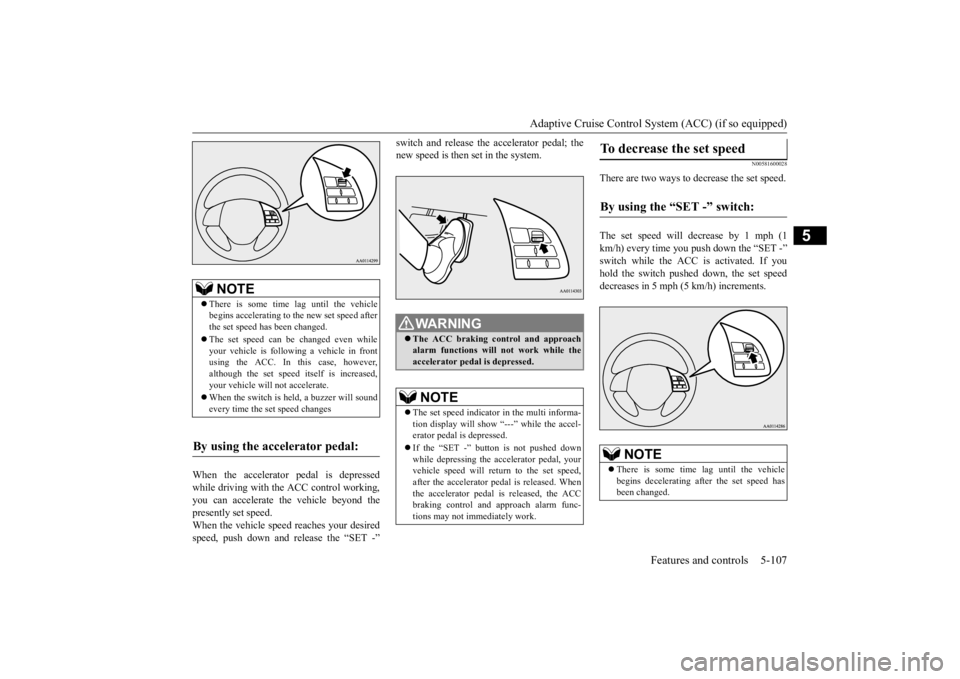
There are two ways to decrease the set speed. The set speed will decrease by 1 mph (1 km/h) every time you push down the “SET -” switch while the ACC is activated. If you hold the switch pushed down, the set speed decreases in 5 mph (5 km/h) increments.
NOTE
There is some time
lag until the vehicle
begins accelerating to
the new set speed after
the set speed has been changed. The set speed can be changed even while your vehicle is followi
ng a vehicle in front
using the ACC. In this case, however, although the set speed itself is increased,your vehicle will
not accelerate.
When the switch is he
ld, a buzzer will sound
every time the set speed changes
By using the accelerator pedal:
WA R N I N G The ACC braking control and approach alarm functions will
not work while the
accelerator pedal is depressed.NOTE
The set speed indicator in the multi informa- tion display will show “---” while the accel-erator pedal is depressed. If the “SET -” button is not pushed down while depressing the ac
celerator pedal, your
vehicle speed will return to the set speed, after the accelerator pedal is released. Whenthe accelerator pedal is released, the ACC braking control and approach alarm func- tions may not immediately work.
To decrease the set speed
By using the “SET -” switch:
NOTE
There is some time
lag until the vehicle
begins decelerating after the set speed has been changed.
BK0223400US.book 107 ページ 2015年2月13日 金曜日 午後12時15分
Page 184 of 464
Adaptive Cruise Control System (ACC) (if so equipped) 5-108 Features and controls
5
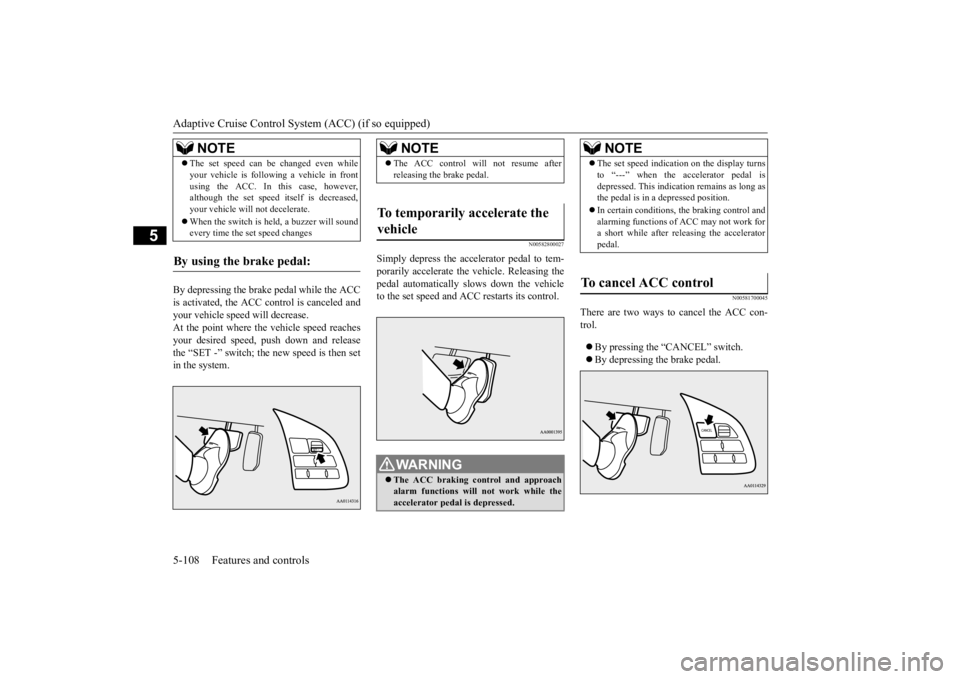
By depressing the brake pedal while the ACC is activated, the ACC c
ontrol is canceled and
your vehicle speed will decrease.At the point where the vehicle speed reaches your desired speed,
push down and release
the “SET -” switch; the new speed is then setin the system.
N00582800027
Simply depress the accelerator pedal to tem-porarily accelerate the
vehicle. Releasing the
pedal automatically sl
ows down the vehicle
to the set speed and ACC restarts its control.
N00581700045
There are two ways to cancel the ACC con- trol. By pressing the “CANCEL” switch. By depressing the brake pedal.
The set speed can be changed even while your vehicle is follow
ing a vehicle in front
using the ACC. In this case, however,although the set speed it
self is decreased,
your vehicle will
not decelerate.
When the switch is held, a buzzer will sound every time the set speed changes
By using the brake pedal:
NOTE
NOTE
The ACC control will
not resume after
releasing the brake pedal.
To temporarily accelerate the vehicle
WA R N I N G The ACC braking control and approach alarm functions will not work while the accelerator pedal is depressed.
NOTE
The set speed indication on the display turns to “---” when the accelerator pedal isdepressed. This indication remains as long asthe pedal is in a depressed position. In certain conditions, th
e braking control and
alarming functions of ACC may not work for a short while after releasing the accelerator pedal.
To cancel ACC control
BK0223400US.book 108 ページ 2015年2月13日 金曜日 午後12時15分