start stop button NISSAN ALTIMA 1997 U13 / 1.G Owners Manual
[x] Cancel search | Manufacturer: NISSAN, Model Year: 1997, Model line: ALTIMA, Model: NISSAN ALTIMA 1997 U13 / 1.GPages: 203, PDF Size: 1.64 MB
Page 16 of 203

The theft warning system provides visual
and audio alarm signals if parts of the
vehicle are disturbed.
How to activate the theft warning
system
1. Close all windows.
2. Remove the key from the ignition switch.
3. Close and lock all doors, hood and trunk
lid. Lock all doors by pressing the
button on the multi-remote controller. At
this time, the hazard indicators flash
twice to indicate all doors are locked.The system can be activated even if the
windows are open.
4.
Confirm that the SECURITY indicator light
comes on. The SECURITY light glows for
about 30 seconds and then begins to flash
once every three seconds. The system is
now activated. If, during this 30-second
time period, the door is unlocked by the
key or the multi-remote controller, or the
ignition key is turned to ACC or ON, the
system will not activate.
If the key is turned slowly when locking
the door, the system may not activate.
Furthermore, if the key is turned exces-
sively to the unlock position, the system
may be deactivated when the key is re-
moved. If the indicator light fails to glow
for 30 seconds, unlock the door once
and lock it again.
Even when the driver and/or passengers
are in the vehicle, the system will acti-
vate with all doors, hood and trunk lid
locked and ignition key off. Turn the
ignition key to ACC or ON to turn the
system off.
Theft warning system operation
The theft warning system emits the follow-
ing alarm:
cThe headlights blink and the horn sounds
intermittently. In addition, the starter mo-
tor does not operate.
cThe alarm automatically turns off after 2
to 3 minutes. However, the alarm reacti-
vates if the vehicle is tampered with
again. The alarm can be shut off by
unlocking a door or trunk lid with the key,
or by pressing the
button on the
multi-remote controller.
The alarm is activated by:
copening the door or trunk lid without
using the key (even if the door is un-
locked by releasing the door inside lock
switch) or opening the trunk lid by oper-
ating the opener lever.
copening the hood.
cpushing in or pulling out the key cylinder
on the door or trunk lid.
How to stop the alarm
The alarm stops only by unlocking a door or
the trunk lid with the key, or by pressing
IC0005
THEFT WARNING
(If so equipped)
1-9
ZX
Page 71 of 203
cDo not use the recirculation mode for
long periods as it may cause the inte-
rior air to become stale and the win-
dows to fog up.
cPositioning of the heating or air con-
ditioning controls should not be
done while driving, in order that full
attention may be given to the driving
operation.
CONTROLS
Fan control dial
This dial turns the fan on and off, and
controls fan speed.
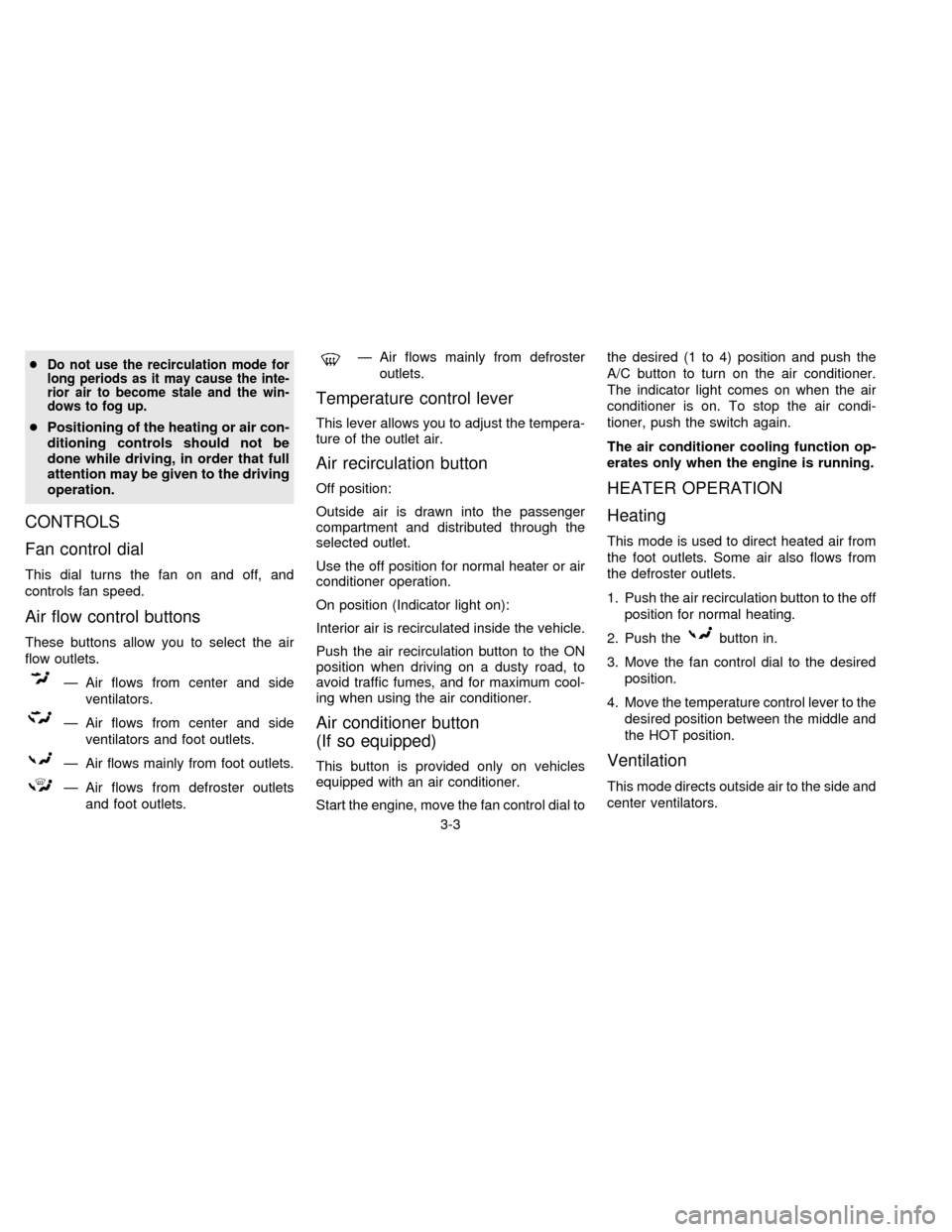
Air flow control buttons
These buttons allow you to select the air
flow outlets.
Ð Air flows from center and side
ventilators.
Ð Air flows from center and side
ventilators and foot outlets.
Ð Air flows mainly from foot outlets.
Ð Air flows from defroster outlets
and foot outlets.
Ð Air flows mainly from defroster
outlets.
Temperature control lever
This lever allows you to adjust the tempera-
ture of the outlet air.
Air recirculation button
Off position:
Outside air is drawn into the passenger
compartment and distributed through the
selected outlet.
Use the off position for normal heater or air
conditioner operation.
On position (Indicator light on):
Interior air is recirculated inside the vehicle.
Push the air recirculation button to the ON
position when driving on a dusty road, to
avoid traffic fumes, and for maximum cool-
ing when using the air conditioner.
Air conditioner button
(If so equipped)
This button is provided only on vehicles
equipped with an air conditioner.
Start the engine, move the fan control dial tothe desired (1 to 4) position and push the
A/C button to turn on the air conditioner.
The indicator light comes on when the air
conditioner is on. To stop the air condi-
tioner, push the switch again.
The air conditioner cooling function op-
erates only when the engine is running.
HEATER OPERATION
Heating
This mode is used to direct heated air from
the foot outlets. Some air also flows from
the defroster outlets.
1. Push the air recirculation button to the off
position for normal heating.
2. Push the
button in.
3. Move the fan control dial to the desired
position.
4. Move the temperature control lever to the
desired position between the middle and
the HOT position.
Ventilation
This mode directs outside air to the side and
center ventilators.
3-3
ZX
Page 88 of 203
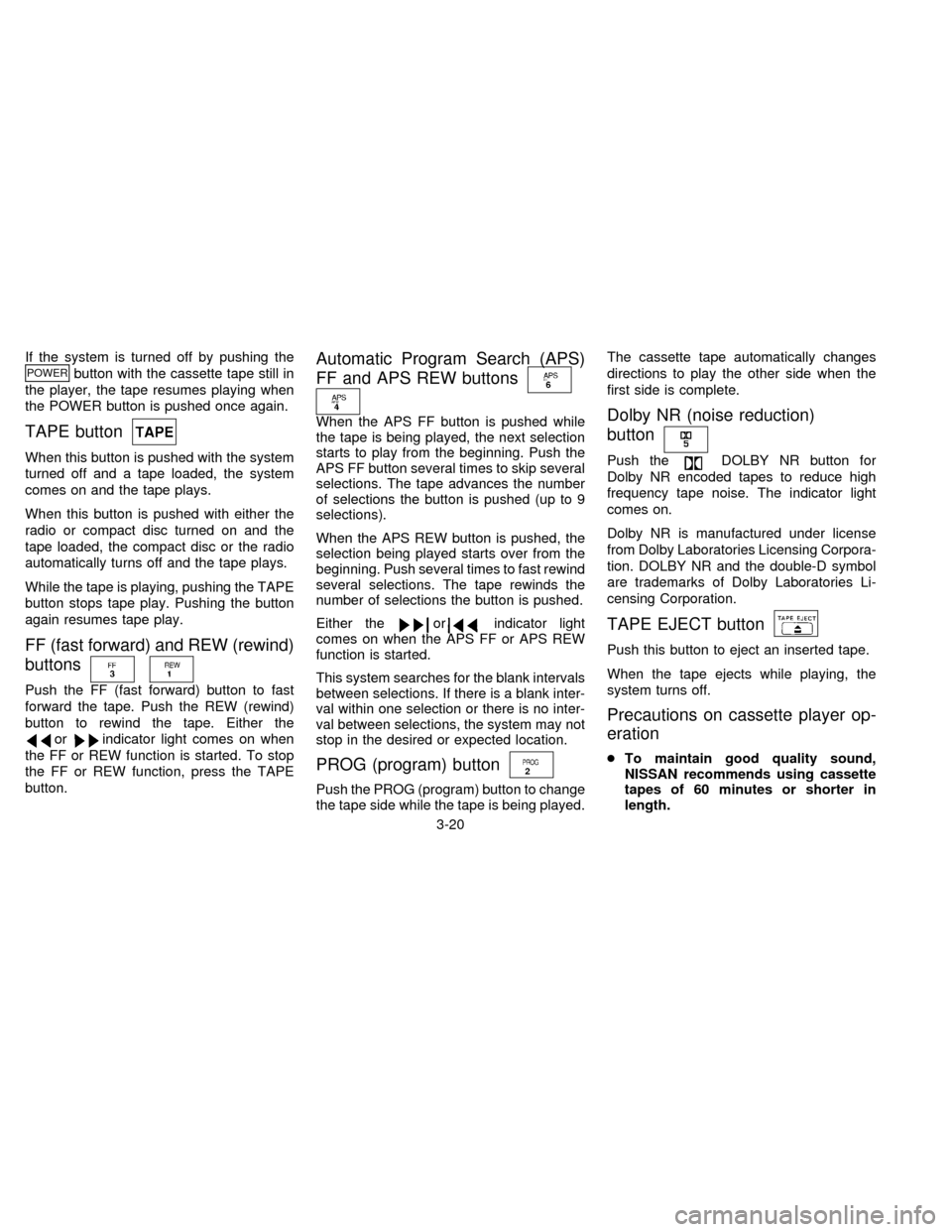
If the system is turned off by pushing thePOWERbutton with the cassette tape still in
the player, the tape resumes playing when
the POWER button is pushed once again.
TAPE button
When this button is pushed with the system
turned off and a tape loaded, the system
comes on and the tape plays.
When this button is pushed with either the
radio or compact disc turned on and the
tape loaded, the compact disc or the radio
automatically turns off and the tape plays.
While the tape is playing, pushing the TAPE
button stops tape play. Pushing the button
again resumes tape play.
FF (fast forward) and REW (rewind)
buttons
Push the FF (fast forward) button to fast
forward the tape. Push the REW (rewind)
button to rewind the tape. Either the
orindicator light comes on when
the FF or REW function is started. To stop
the FF or REW function, press the TAPE
button.
Automatic Program Search (APS)
FF and APS REW buttons
When the APS FF button is pushed while
the tape is being played, the next selection
starts to play from the beginning. Push the
APS FF button several times to skip several
selections. The tape advances the number
of selections the button is pushed (up to 9
selections).
When the APS REW button is pushed, the
selection being played starts over from the
beginning. Push several times to fast rewind
several selections. The tape rewinds the
number of selections the button is pushed.
Either the
orindicator light
comes on when the APS FF or APS REW
function is started.
This system searches for the blank intervals
between selections. If there is a blank inter-
val within one selection or there is no inter-
val between selections, the system may not
stop in the desired or expected location.
PROG (program) button
Push the PROG (program) button to change
the tape side while the tape is being played.The cassette tape automatically changes
directions to play the other side when the
first side is complete.
Dolby NR (noise reduction)
button
Push theDOLBY NR button for
Dolby NR encoded tapes to reduce high
frequency tape noise. The indicator light
comes on.
Dolby NR is manufactured under license
from Dolby Laboratories Licensing Corpora-
tion. DOLBY NR and the double-D symbol
are trademarks of Dolby Laboratories Li-
censing Corporation.
TAPE EJECT button
Push this button to eject an inserted tape.
When the tape ejects while playing, the
system turns off.
Precautions on cassette player op-
eration
cTo maintain good quality sound,
NISSAN recommends using cassette
tapes of 60 minutes or shorter in
length.
3-20
ZX
Page 89 of 203
cCassette tapes should be removed
from the player when not in use. Store
cassettes in their protective cases
and away from direct sunlight, heat,
moisture or magnetic sources.
cDirect sunlight can cause the cassette
to become deformed. The use of de-
formed cassettes may cause the cas-
sette to jam in the player.
cDo not use cassettes that have peel-
ing or loose labels. If used, the label
could jam in the player.
cIf a cassette has loose tape, insert a
pencil through one of the cassette
hubs and rewind the tape firmly.
Loose tape may cause jamming and
wavering sound quality.
cOver a period of time, the playback
head, capstan and pinch roller may
gather a tape coating residue as the
tape passes over the head. This resi-
due accumulation can cause a weak
or wavering sound and should be re-
moved periodically with a head clean-
ing tape. If the residue is not removed
periodically, the player may need to
be disassembled for cleaning.COMPACT DISC (CD) PLAYER
OPERATION
Turn the ignition key to the ACC or ON
position and insert the compact disc into the
slot with the label side facing up. The com-
pact disc is automatically pulled into the slot
and starts to play.
If the radio or cassette tape is already
operating, it automatically turns off and the
compact disc begins to play.
CAUTION
Do not force the compact disc into the
slot. This could damage the player.
If the system is turned off while the compact
disc is playing, pushing the POWER button
starts the compact disc.
CD button
When this button is pushed with the system
off and the compact disc loaded, the system
turns on and the compact disc starts to play.
When this button is pushed with the com-
pact disc loaded and the tape or the radio
playing, the tape or radio automatically
turns off and the compact disc starts to play.When this button is pushed while the com-
pact disc is playing, the compact disc stops
playing.
FF (fast forward), REW (rewind)
button
When the FF (fast forward) or REW (rewind)
button is pushed while the compact disc is
playing, the compact disc plays at an in-
creased speed while fast forwarding or re-
winding. When the button is released, the
compact disc returns to normal play speed.
Automatic Program Search (APS)
FF, APS REW button
When the APS FF button is pushed while
the compact disc is playing, the selection
following the present one starts to play from
its beginning. Push several times to skip
several selections. The compact disc ad-
vances the number of times the button is
pushed. (When the last selection on the
compact disc is skipped, the first selection is
played.)
When the APS REW button is pushed, the
selection being played returns to its begin-
ning. Push several times to skip back several
3-21
ZX
Page 99 of 203

Shifting with automatic transmission
Push the button to shift into P, R or from D
to 2. All other positions can be selected
without pushing the button.
P (Park):
Use this position when the vehicle is parked
or when starting the engine. Always be sure
the vehicle is at a complete stop. For maxi-
mum safety, depress the brake pedal, then
push in the selector lever button and move
the shift lever to the P position. Apply the
parking brake. When parking on a hill, apply
the parking brake first, then move the shift
lever into the P position.
Shifting from P (Park)
If the ignition switch is in the ON position
and the foot brake pedal is depressed, but
the shift lever still cannot be moved out of P
(Park), follow these instructions:
1. Shut the engine off and remove the key.
2. Apply the parking brake.
3. Reinsert the key and turn it clockwise to
the ACC position.
4. Depress the brake pedal, move the gear-
shift lever to N (Neutral) and start the
engine.These instructions for starting the vehicle in
N (Neutral) should only be used until service
can be obtained.
R (Reverse):
Use this position to back up. Always be sure
the vehicle is completely stopped. With the
brake pedal depressed, push in the selector
lever button and move the shift lever to the
R position.
N (Neutral):
Neither forward nor reverse gear is en-
gaged. The engine can be started in this
position. You may shift to N and restart a
stalled engine while the vehicle is moving.
D (Drive):
Use this position for all normal forward
driving.
2 (Second gear):
Use for hill climbing or engine braking on
downhill grades.
Do not shift into the 2 position at speeds
over 74 MPH (119 Km/h). Do not exceed 74
MPH (119 Km/h) in the 2 position.
ASD0510
4-7
ZX