display NISSAN ALTIMA 2008 L32A / 4.G Owners Manual
[x] Cancel search | Manufacturer: NISSAN, Model Year: 2008, Model line: ALTIMA, Model: NISSAN ALTIMA 2008 L32A / 4.GPages: 352, PDF Size: 4.42 MB
Page 12 of 352

1. Vents (P. 4-10)
2. Headlight/fog light (if so equipped)/turn
signal switch (P. 2-27)3. Steering wheel switch for audio control
(if so equipped)/BluetoothThands-free
phone system (if so equipped)
(P. 4-43, P. 4-46, P. 4-60)
4. Meters and gauges (P. 2-3)5. Driver supplemental air bag/horn
(P. 1-39, P. 2-33)
6. Cruise control main/set switch
(P. 5-17)
7. Windshield wiper/washer switch
(P. 2-26)
8. Push-button ignition switch (P. 5-6)
9. Hazard warning flasher switch (P. 2-32)
10. Front passenger air bag status light
(P. 1-48)
11. Front passenger supplemental air bag
(P. 1-39)
12. Glove box (P. 2-39)
13. Navigation system* (if so equipped)
(P. 4-2)
14. Heater and air conditioner (manual or
automatic) (P. 4-10, P. 4-18)
15. Shift selector lever (P. 5-10)
16. Audio system controls (P. 4-20)
17. Tilt/telescopic steering wheel controls
(P. 3-20)
18. Vehicle information display controls
(P. 2-16)
19. Hood release (P. 3-16)
WIC1258
INSTRUMENT PANEL
0-6Illustrated table of contents
ZREVIEW COPYÐ2008 Altima(alt)
Owners ManualÐUSA_English(nna)
03/12/07Ðdebbie
X
Page 70 of 352
SUPPLEMENTAL AIR BAG
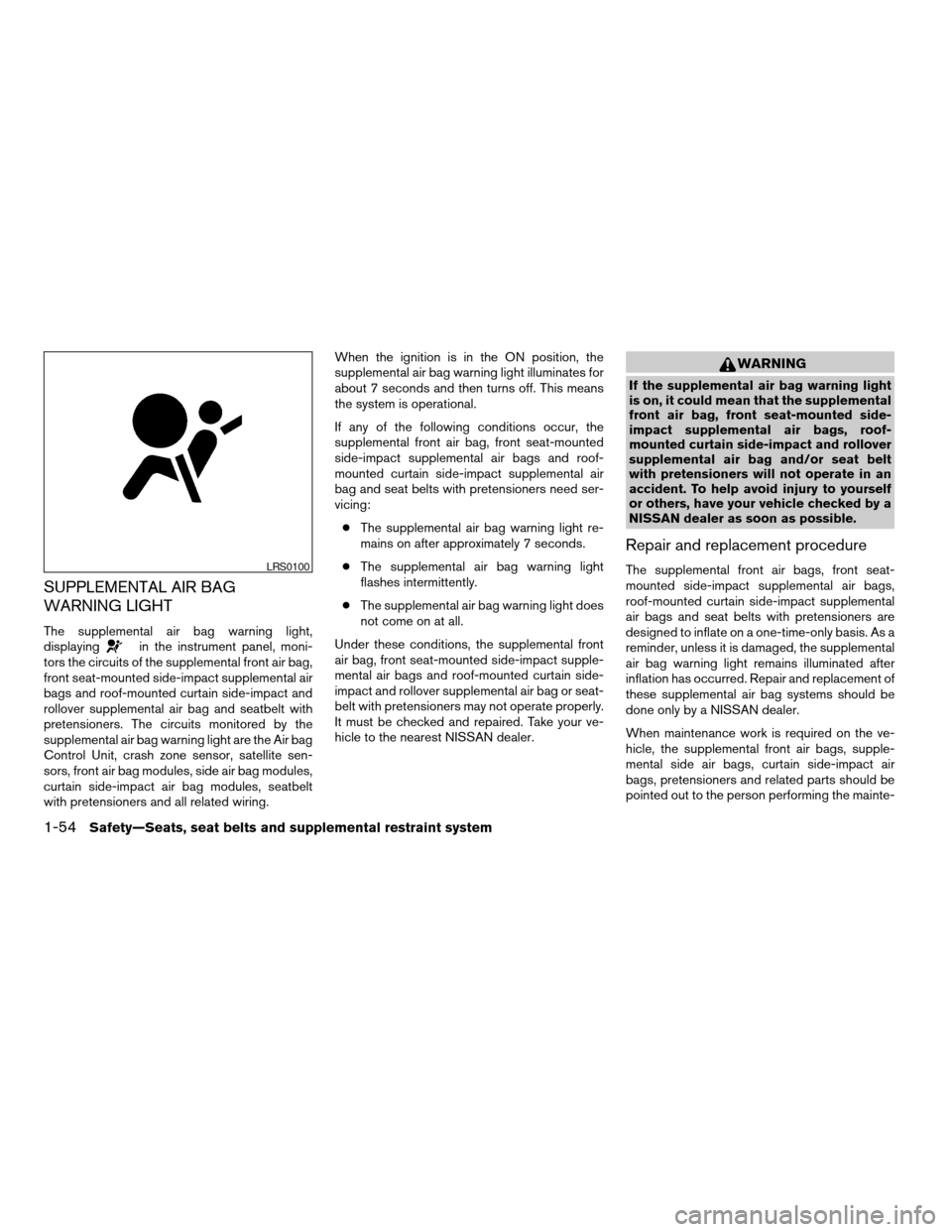
WARNING LIGHT
The supplemental air bag warning light,
displayingin the instrument panel, moni-
tors the circuits of the supplemental front air bag,
front seat-mounted side-impact supplemental air
bags and roof-mounted curtain side-impact and
rollover supplemental air bag and seatbelt with
pretensioners. The circuits monitored by the
supplemental air bag warning light are the Air bag
Control Unit, crash zone sensor, satellite sen-
sors, front air bag modules, side air bag modules,
curtain side-impact air bag modules, seatbelt
with pretensioners and all related wiring.When the ignition is in the ON position, the
supplemental air bag warning light illuminates for
about 7 seconds and then turns off. This means
the system is operational.
If any of the following conditions occur, the
supplemental front air bag, front seat-mounted
side-impact supplemental air bags and roof-
mounted curtain side-impact supplemental air
bag and seat belts with pretensioners need ser-
vicing:
cThe supplemental air bag warning light re-
mains on after approximately 7 seconds.
cThe supplemental air bag warning light
flashes intermittently.
cThe supplemental air bag warning light does
not come on at all.
Under these conditions, the supplemental front
air bag, front seat-mounted side-impact supple-
mental air bags and roof-mounted curtain side-
impact and rollover supplemental air bag or seat-
belt with pretensioners may not operate properly.
It must be checked and repaired. Take your ve-
hicle to the nearest NISSAN dealer.
WARNING
If the supplemental air bag warning light
is on, it could mean that the supplemental
front air bag, front seat-mounted side-
impact supplemental air bags, roof-
mounted curtain side-impact and rollover
supplemental air bag and/or seat belt
with pretensioners will not operate in an
accident. To help avoid injury to yourself
or others, have your vehicle checked by a
NISSAN dealer as soon as possible.
Repair and replacement procedure
The supplemental front air bags, front seat-
mounted side-impact supplemental air bags,
roof-mounted curtain side-impact supplemental
air bags and seat belts with pretensioners are
designed to inflate on a one-time-only basis. As a
reminder, unless it is damaged, the supplemental
air bag warning light remains illuminated after
inflation has occurred. Repair and replacement of
these supplemental air bag systems should be
done only by a NISSAN dealer.
When maintenance work is required on the ve-
hicle, the supplemental front air bags, supple-
mental side air bags, curtain side-impact air
bags, pretensioners and related parts should be
pointed out to the person performing the mainte-LRS0100
1-54Safety—Seats, seat belts and supplemental restraint system
ZREVIEW COPYÐ2008 Altima(alt)
Owners ManualÐUSA_English(nna)
04/04/07Ðdebbie
X
Page 72 of 352

2 Instruments and controls
Instrument panel...................................2-2
Meters and gauges................................2-3
Speedometer and odometer.....................2-4
Tachometer....................................2-5
Engine coolant temperature gauge...............2-5
Fuel gauge....................................2-6
Compass display (if so equipped)...................2-6
Compass display...............................2-7
Warning/indicator lights and audible reminders......2-10
Checking bulbs...............................2-10
Warning lights................................2-10
Indicator lights................................2-14
Audible reminders.............................2-16
Vehicle information display.........................2-16
How to use the Vehicle Information Display.......2-17
Security systems.................................2-24
Vehicle security system.........................2-24
NISSAN vehicle immobilizer system.............2-25
Windshield wiper and washer switch...............2-26
Switch operation..............................2-26
Rear window and outside mirror (if so equipped)
defroster switch..................................2-27
Headlight and turn signal switch....................2-27Xenon headlights (if so equipped)...............2-27
Headlight control switch........................2-28
Daytime running light system (Canada only)......2-30
Instrument brightness control...................2-31
Turn signal switch.............................2-31
Fog light switch (if so equipped)................2-32
Hazard warning flasher switch.....................2-32
Horn............................................2-33
Heated seat (if so equipped).......................2-33
Traction control system (TCS) off switch
(if so equipped)..................................2-34
Vehicle dynamic control (VDC) off switch
(if so equipped)..................................2-34
Power outlet.....................................2-35
Storage.........................................2-36
Map pockets..................................2-36
Seatback pockets.............................2-36
Storage pouch................................2-37
Sunglasses holder.............................2-37
Cup holders..................................2-38
Glove box....................................2-39
Console box..................................2-39
Covered storage box...........................2-40
ZREVIEW COPYÐ2008 Altima(alt)
Owners ManualÐUSA_English(nna)
03/12/07Ðdebbie
X
Page 74 of 352

1. Vents (P. 4-10)
2. Headlight/fog light (if so equipped)/turn
signal switch (P. 2-27)3. Steering wheel switch for audio control
(if so equipped)/BluetoothThands-free
phone system (if so equipped)
(P. 4-43, P. 4-46, P. 4-60)
4. Meters and gauges (P. 2-3)5. Driver supplemental air bag/horn
(P. 1-39, P. 2-33)
6. Cruise control main/set switch
(P. 5-17)
7. Windshield wiper/washer switch
(P. 2-26)
8. Push-button ignition switch (P. 5-6)
9. Hazard warning flasher switch (P. 2-32)
10. Front passenger air bag status light
(P. 1-48)
11. Front passenger supplemental air bag
(P. 1-39)
12. Glove box (P. 2-39)
13. Navigation system* (if so equipped)
(P. 4-2)
14. Heater and air conditioner (manual or
automatic) (P. 4-10, P. 4-18)
15. Shift selector lever (P. 5-10)
16. Audio system controls (P. 4-20)
17. Tilt/telescopic steering wheel controls
(P. 3-20)
18. Vehicle information display controls
(P. 2-16)
19. Hood release (P. 3-16)
WIC1258
INSTRUMENT PANEL
2-2Instruments and controls
ZREVIEW COPYÐ2008 Altima(alt)
Owners ManualÐUSA_English(nna)
03/12/07Ðdebbie
X
Page 75 of 352

20. Traction Control System (TCS) OFF
switch (if so equipped)/Vehicle Dy-
namic Control (VDC) OFF switch
(if so equipped) (P. 5-23, P. 5-24)
Trunk opener (P. 3-16)
Intelligent Key port (P. 5-6)
*: Refer to the separate Navigation System Own-
er’s Manual.
See the page number indicated in paren-
theses for operating details.
1. Tachometer
2. Speedometer
3. Fuel gauge
4. Engine coolant temperature gauge
5. Odometer/twin trip odometer
6. Twin trip odometer change button7. Vehicle information display
8. Instrument brightness control
WIC1259
METERS AND GAUGES
Instruments and controls2-3
ZREVIEW COPYÐ2008 Altima(alt)
Owners ManualÐUSA_English(nna)
03/12/07Ðdebbie
X
Page 76 of 352

1. Speedometer
2. Odometer
3. Change button
SPEEDOMETER AND ODOMETER
Speedometer
The speedometer indicates vehicle speed in
miles per hour (MPH) and kilometers per hour
(km/h) .
Odometer/Twin trip odometer
The odometer/twin trip odometer is displayed
when the ignition switch is in the ON position.
The odometer records the total distance the ve-
hicle has been driven.
The twin trip odometer records the distance of
individual trips.
Changing the display:
Pushing the change button changes the display
as follows:
Trip
!Trip!Trip
Resetting the trip odometer:
Pushing the change button for more than 1 sec-
ond resets the trip odometer to zero.
WIC1260WIC1261
2-4Instruments and controls
ZREVIEW COPYÐ2008 Altima(alt)
Owners ManualÐUSA_English(nna)
03/12/07Ðdebbie
X
Page 78 of 352
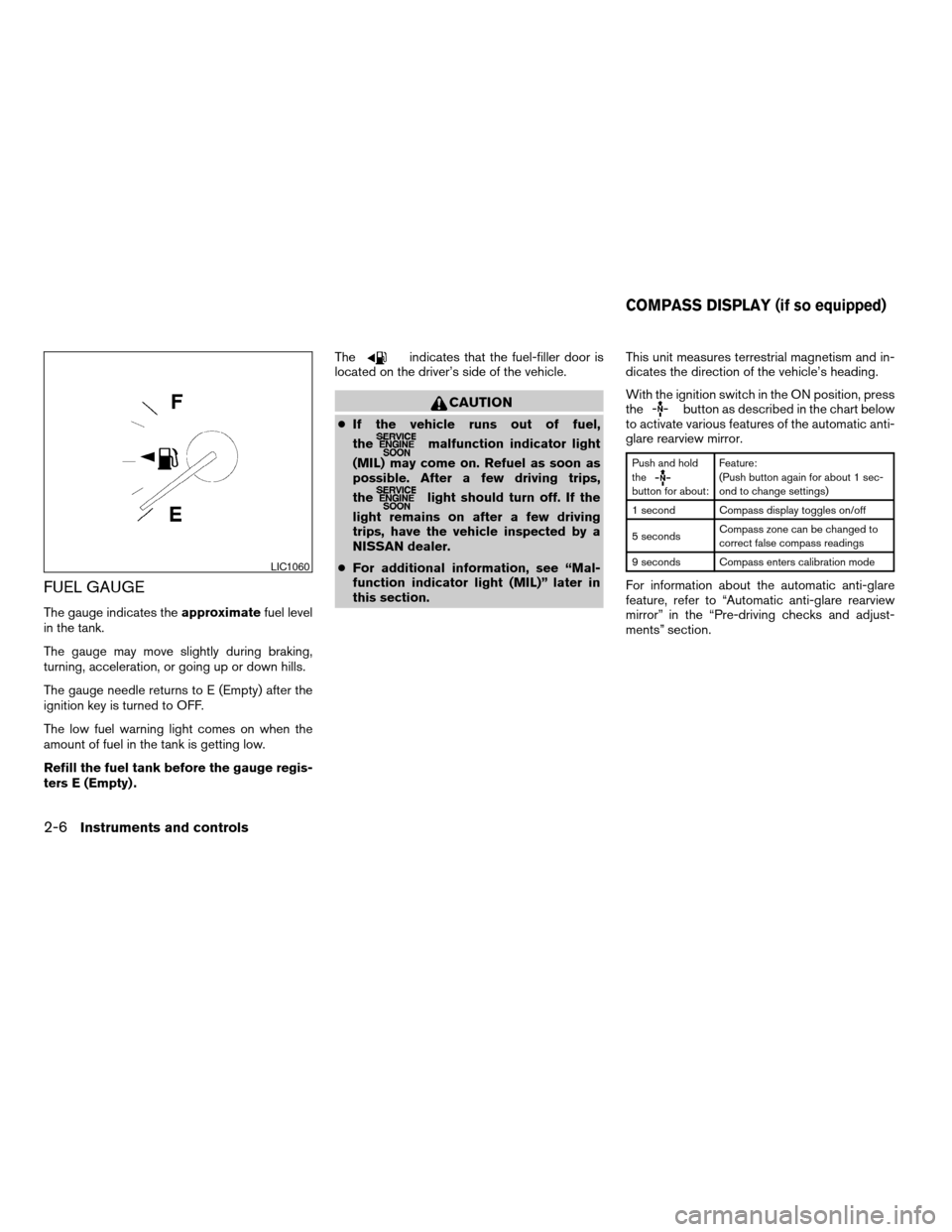
FUEL GAUGE
The gauge indicates theapproximatefuel level
in the tank.
The gauge may move slightly during braking,
turning, acceleration, or going up or down hills.
The gauge needle returns to E (Empty) after the
ignition key is turned to OFF.
The low fuel warning light comes on when the
amount of fuel in the tank is getting low.
Refill the fuel tank before the gauge regis-
ters E (Empty) .The
indicates that the fuel-filler door is
located on the driver’s side of the vehicle.
CAUTION
cIf the vehicle runs out of fuel,
the
malfunction indicator light
(MIL) may come on. Refuel as soon as
possible. After a few driving trips,
the
light should turn off. If the
light remains on after a few driving
trips, have the vehicle inspected by a
NISSAN dealer.
cFor additional information, see “Mal-
function indicator light (MIL)” later in
this section.This unit measures terrestrial magnetism and in-
dicates the direction of the vehicle’s heading.
With the ignition switch in the ON position, press
the
button as described in the chart below
to activate various features of the automatic anti-
glare rearview mirror.
Push and hold
the
button for about:Feature:
(Push button again for about 1 sec-
ond to change settings)
1 second Compass display toggles on/off
5 secondsCompass zone can be changed to
correct false compass readings
9 seconds Compass enters calibration mode
For information about the automatic anti-glare
feature, refer to “Automatic anti-glare rearview
mirror” in the “Pre-driving checks and adjust-
ments” section.
LIC1060
COMPASS DISPLAY (if so equipped)
2-6Instruments and controls
ZREVIEW COPYÐ2008 Altima(alt)
Owners ManualÐUSA_English(nna)
03/12/07Ðdebbie
X
Page 79 of 352

Push thebutton for about 1 second when
the ignition switch is in the ON position to toggle
the compass display
s1on or off. The display will
indicate the direction of the vehicle’s heading.
N: North
E: East
S: South
W: West
If the display reads “C”, calibrate the compass by
driving the vehicle in three complete circles at
less than 5 MPH (8 km/h) .You can also calibrate the compass by driving
your vehicle on your everyday route. The com-
pass will be calibrated once it has tracked three
complete circles.
COMPASS DISPLAY
Push thebutton when the ignition switch is
in the ON position. The direction will be dis-
played.
Zone variation change procedure
The difference between magnetic north and geo-
graphical north is known as variance. In some
areas, this difference can sometimes be great
enough to cause false compass readings. Follow
these instructions to set the variance for your
particular location if this happens:
1. Establish your location on the zone map.
Refer to the illustration. Record your zone
number.
2. Turn the ignition switch to the ON position.
3. Push the MODE button in for 5 seconds until
the current zone entry number and the
“VAR” icon is displayed.
4. Press the MODE button repeatedly until the
desired zone entry number is displayed.Once the desired zone number is displayed, stop
pressing the MODE button and the display will
show compass direction within a few seconds.
NOTE:
Use zone number 5 for Hawaii.
LIC0583
Instruments and controls2-7
ZREVIEW COPYÐ2008 Altima(alt)
Owners ManualÐUSA_English(nna)
03/12/07Ðdebbie
X
Page 80 of 352

cIf a magnet is located near the com-
pass or the vehicle is driven where the
terrestrial magnetism is disturbed, the
compass display may not indicate the
correct direction.
cIn places where the terrestrial magne-
tism is disturbed, the correction of the
direction starts automatically.
Inaccurate compass direction:
The compass display is equipped with automatic
correction function. If the correct direction is not
shown, follow this procedure.
1. With the display turned on, press and hold
the
switch for about 9 seconds. The
display will read “C.”
2. Calibrate the compass by driving the vehicle
in three complete circles at a maximum
speed of 5 MPH (8 km/h) .
3. After completing the circles the display
should return to normal.
cIf the compass deviates from the correct
indication soon after repeated adjustment,
have the compass checked at an authorized
dealer.
WIC0355
2-8Instruments and controls
ZREVIEW COPYÐ2008 Altima(alt)
Owners ManualÐUSA_English(nna)
03/12/07Ðdebbie
X
Page 85 of 352
cIf the light illuminates while driving,
avoid sudden steering maneuvers or
abrupt braking, reduce vehicle speed,
pull off the road to a safe location and
stop the vehicle as soon as possible.
Driving with under-inflated tires may
permanently damage the tires and in-
crease the likelihood of tire failure. Se-
rious vehicle damage could occur and
may lead to an accident and could re-
sult in serious personal injury. Check
the tire pressure for all four tires. Adjust
the tire pressure to the recommended
COLD tire pressure shown on the Tire
and Loading Information label to turn
the low tire pressure warning light OFF.
If the light still comes on while driving
after adjusting the tire pressure, a tire
may be flat. If you have a flat tire, re-
place it with a spare tire as soon as
possible.
cWhen a spare tire is mounted or a wheel
is replaced, the TPMS will not function
and the low tire pressure warning light
will flash for approximately 1 minute.
The light will remain on after 1 minute.
Contact your NISSAN dealer as soon as
possible for tire replacement and/or
system resetting.cReplacing tires with those not originally
specified by NISSAN could affect the
proper operation of the TPMS.
CAUTION
cThe TPMS is not a substitute for the
regular tire pressure check. Be sure to
check the tire pressure regularly.
cIf the vehicle is being driven at speeds
of less than 16 MPH (25 km/h) , the
TPMS may not operate correctly.
cBe sure to install the specified size of
tires to the 4 wheels correctly.
Master warning light
This light comes on when various vehicle infor-
mation display warnings appear.
Seat belt warning light and
chime
The light and chime remind you to fasten your
seat belts. The light illuminates whenever the
push-button ignition switch is pushed to the ON
or START position and remains illuminated until
the driver’s seat belt is fastened. At the same
time, the chime sounds for about 6 seconds
unless the driver’s seat belt is securely fastened.The seat belt warning light may also illuminate if
the front passenger’s seat belt is not fastened
when the front passenger’s seat is occupied . For
7 seconds after the ignition switch is in the ON
position, the system does not activate the warn-
ing light for the front passenger.
Refer to “Seat belts” in the “Safety—Seats, seat
belts and supplemental restraint system” section
for precautions on seat belt usage.
Supplemental air bag warning
light
When the ignition switch is pushed to ONor
START position, the supplemental air bag warn-
ing light illuminates for about 7 seconds and then
turns off. This means the system is operational.
If any of the following conditions occur, the
supplemental front air bag, front seat-mounted
side-impact supplemental air bags, roof-
mounted curtain side-impact supplemental air
bags, and seat belts with pretensioner systems
need servicing and your vehicle must be taken to
a NISSAN dealer:
cThe supplemental air bag warning light re-
mains on after approximately 7 seconds.
cThe supplemental air bag warning light
flashes intermittently.
Instruments and controls2-13
ZREVIEW COPYÐ2008 Altima(alt)
Owners ManualÐUSA_English(nna)
03/12/07Ðdebbie
X