bluetooth NISSAN ALTIMA 2017 L33 / 5.G User Guide
[x] Cancel search | Manufacturer: NISSAN, Model Year: 2017, Model line: ALTIMA, Model: NISSAN ALTIMA 2017 L33 / 5.GPages: 497, PDF Size: 5.51 MB
Page 222 of 497
Additional features
For additional information about the iPod® player
available with this system, refer to “iPod® player
operation without Navigation System” in this sec-
tion.
For additional information about the USB (Uni-
versal Serial Bus) connection port available with
this system, refer to “USB (Universal Serial Bus)
Connection Port (models without Navigation
System)” in this section.
For additional information about the Bluetooth®
audio interface available with this system, refer to
“Bluetooth® streaming audio without Navigation
System (Type B)” in this section.
FM/AM/SAT RADIO WITH
COMPACT DISC (CD) PLAYER (Type
A) (if so equipped)
For all operation precautions, refer to “Audio op-
eration precautions” in this section.1.
CD eject button
2. XM button*
3. Display screen
4. CD insert slot
LHA4300
Monitor, climate, audio, phone and voice recognition systems4-43
Page 223 of 497
5.SEEK button
6. SCAN button
7.
CAT button
8.
BACK button
9. iPod MENU button
10. ENTER/SETTING button / TUNE/SCROLL knob
11. Station select (1 - 6) buttons
12. RDM (random) button
13. RPT (repeat) button
14.
(power) button / VOL (volume) control
knob
15. DISP (display) button 16. MEDIA button
17. FM•AM button
*No satellite radio reception is available when the
XM button is pressed to access satellite radio
stations unless optional satellite receiver and an-
tenna are installed and an SiriusXM® Satellite
Radio service subscription is active. Satellite ra-
dio is not available in Alaska, Hawaii and Guam.
Audio main operation
(power) button / VOL (volume)
control knob
Place the ignition switch in the ACC or ON
position and press the
(power) button
while the system is off to call up the mode (radio,
CD, AUX, Bluetooth® audio, USB or iPod®) that
was playing immediately before the system was
turned off. To turn the system off, press the
(power)
button.
Turn the VOL (volume) control knob to adjust the
volume.
This vehicle may be equipped with Speed Sen-
sitive Volume. When this feature is active, the
audio volume changes as the driving speed
changes.
ENTER/SETTING button
Press the ENTER/SETTING button to show the
Settings screen on the display. Turn the
TUNE/SCROLL knob to navigate the options
and then press the ENTER/SETTING button to
make a selection.
4-44Monitor, climate, audio, phone and voice recognition systems
Page 227 of 497
CD with MP3 or WMA:
1 Disc Random→1 Folder Random →OFF
1 Disc Random: all tracks on the disc will be
played randomly.
1 Folder Random: all tracks in the current folder
will be played randomly.
OFF: No random play pattern is applied. The
indicator on the display will turn off.
The current play pattern of the CD is displayed on
the screen unless no pattern is applied.
CD EJECT button
When the
CD eject button is pressed with
a compact disc loaded, the compact disc will
eject and the last source will be played.
When the
CD eject button is pressed
twice with a compact disc loaded, the compact
disc will be ejected further for easier CD removal.
If the disc is not removed within 20 seconds, the
disc will reload.
Additional features
For additional information about the iPod® player
available with this system, refer to “iPod® player
operation without Navigation System” in this sec-
tion.
For additional information about the USB (Uni-
versal Serial Bus) connection port available with
this system, refer to “USB (Universal Serial Bus)
Connection Port (models without Navigation
System)” in this section.
For additional information about the Bluetooth®
audio interface available with this system, refer to
“Bluetooth® streaming audio without Navigation
System (Type B)” in this section.
4-48Monitor, climate, audio, phone and voice recognition systems
Page 234 of 497
SEEK/TRACK (Reverse orFast Forward) buttons
Press and hold the
SEEK button orTRACK button for 1.5 seconds while the com-
pact disc is playing to reverse or fast forward the
track being played. The compact disc plays at an
increased speed while reversing or fast forward-
ing. When the button is released, the compact
disc returns to normal play speed.
SEEK/TRACK buttons
Press the
SEEK button while a CD or
MP3/WMA CD is playing to return to the begin-
ning of the current track. Press the
SEEK
button several times to skip backward several
tracks.
Press the
TRACK button while a CD or
MP3/WMA CD is playing to advance one track.
Press the
TRACK button several times to
skip forward several tracks. If the last track on a
CD is skipped, the first track on the disc is played.
If the last track in a folder of an MP3/WMA CD is
skipped, the first track of the next folder is played. AUX button
The AUX IN audio input jack accepts any stan-
dard analog audio input such as from a portable
cassette tape/CD player, MP3 player or a laptop
computer. Press the AUX button to play a com-
patible device plugged into the AUX IN jack.
CD EJECT button
When the
CD eject button is pressed with
a compact disc loaded, the compact disc will
eject and the last source will be played.
If the disc is not removed within 10 seconds, the
disc will reload.
Additional features
For additional information, refer to “iPod® player
operation with Navigation System” in this section.
For additional information, refer to “USB (Univer-
sal Serial Bus) connection port (models with
Navigation System)” in this section.
For additional information, refer to “Bluetooth®
streaming audio with Navigation System” in this
section.USB (Universal Serial Bus)
CONNECTION PORT (models
without Navigation System) (if so
equipped)
Connecting a device to the USB
Connection Port
WARNING
Do not connect, disconnect, or operate the
USB device while driving. Doing so can be
a distraction. If distracted you could lose
control of your vehicle and cause an acci-
dent or serious injury.
LHA3077
Monitor, climate, audio, phone and voice recognition systems4-55
Page 244 of 497
SEEK/TRACK buttons
Press the
SEEK button orTRACK
button to skip backward or forward one track.
Press and hold the
SEEK button orTRACK button for 1.5 seconds while a track is
playing to reverse or fast forward the track being
played. The track plays at an increased speed
while reversing or fast forwarding. When the but-
ton is released, the track returns to normal play
speed.
Scrolling menus
While navigating long lists of artists, albums or
songs in the music menu, it is possible to scroll
the list by the first character in the name. To
activate character indexing, touch and hold the
“A-Z” key in the upper right corner of the screen.
Turn the TUNE/SCROLL knob to choose the
number or letter to jump to in the list and then
press the ENTER/AUDIO button.
If no character is selected after two seconds, the
display returns to normal.
BLUETOOTH® STREAMING AUDIO
WITHOUT NAVIGATION SYSTEM
TYPE A (if so equipped)
If you have a compatible Bluetooth® audio de-
vice that is capable of playing audio files, the
device can be connected to the vehicle’s audio
system so that the audio files on the device play
through the vehicle’s speakers. For additional
information, refer to “FM/AM radio with compact
disc (CD) player (Type A) .”
NOTE:
For additional information regarding
Bluetooth® Streaming Audio, refer to the
Cellular Phone Owner’s Manual.
Connecting Bluetooth® audio
To connect your Bluetooth® audio device to the
vehicle, follow the procedure below:1. Press and hold the
on the steering
wheel.
2. Enter the PIN number on the screen into the device to be connected.
3. If the pairing is successful, the device name will come up on the screen
LHA2279
Monitor, climate, audio, phone and voice recognition systems4-65
Page 245 of 497
NOTE:
Some phones may not require a PIN num-
ber in order to connect.
Audio main operation
To switch to the Bluetooth® audio mode, press
the USB/AUX button on the audio unit repeatedly
until the BT AUDIO is displayed on the screen.
NOTE:
When a Bluetooth® audio device is con-
nected to the system, audio function can
only be controlled through the device.
BLUETOOTH® STREAMING AUDIO
WITHOUT NAVIGATION SYSTEM
(Type B) (if so equipped)
If you have a compatible Bluetooth® audio de-
vice that is capable of playing audio files, the
device can be connected to the vehicle’s audio
system so that the audio files on the device play
through the vehicle’s speakers. For additional
information, refer to “FM/AM radio with compact
disc (CD) player (Type B)” or “FM/AM/SAT radio
with compact disc (CD) player (Type A)” in this
section.
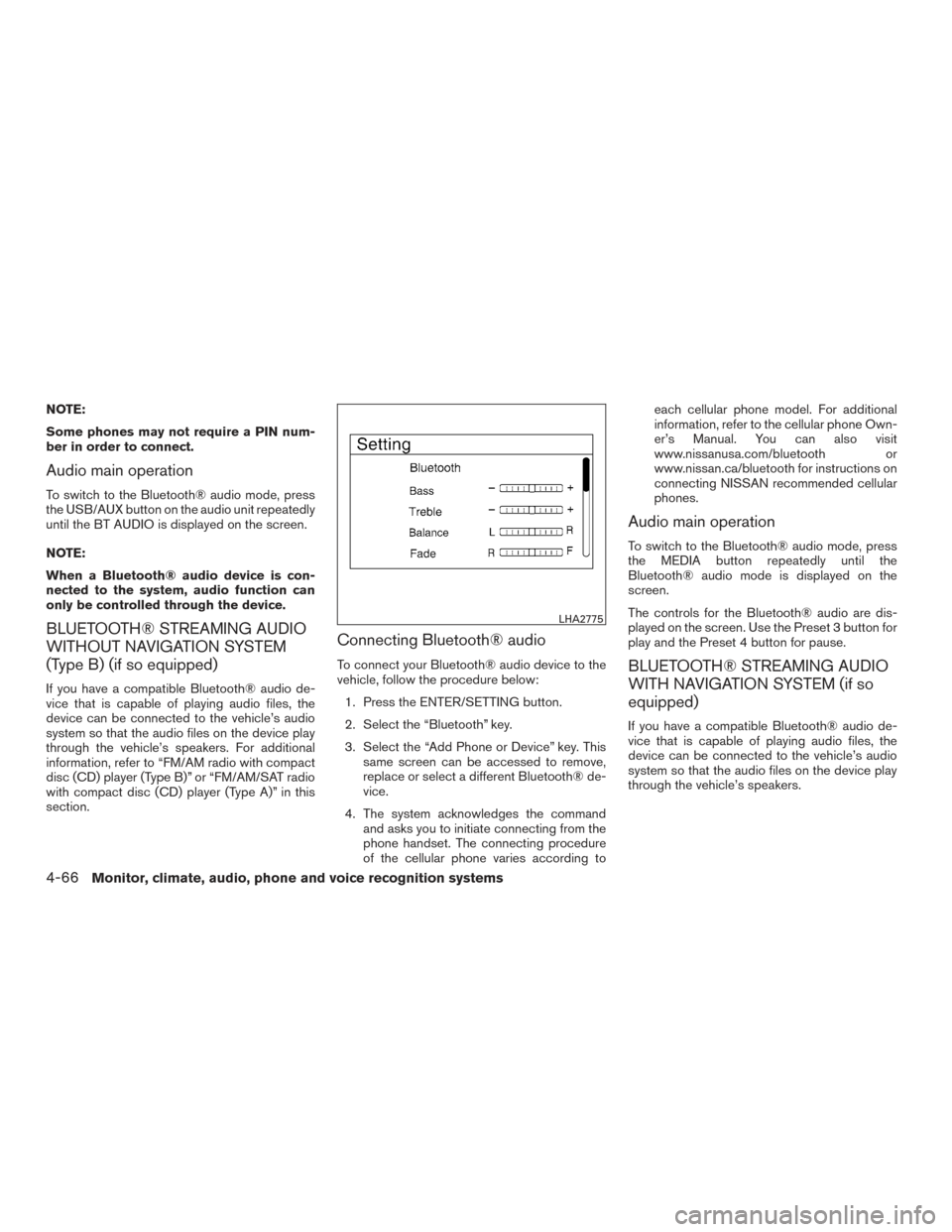
Connecting Bluetooth® audio
To connect your Bluetooth® audio device to the
vehicle, follow the procedure below:1. Press the ENTER/SETTING button.
2. Select the “Bluetooth” key.
3. Select the “Add Phone or Device” key. This same screen can be accessed to remove,
replace or select a different Bluetooth® de-
vice.
4. The system acknowledges the command and asks you to initiate connecting from the
phone handset. The connecting procedure
of the cellular phone varies according to each cellular phone model. For additional
information, refer to the cellular phone Own-
er’s Manual. You can also visit
www.nissanusa.com/bluetooth or
www.nissan.ca/bluetooth for instructions on
connecting NISSAN recommended cellular
phones.
Audio main operation
To switch to the Bluetooth® audio mode, press
the MEDIA button repeatedly until the
Bluetooth® audio mode is displayed on the
screen.
The controls for the Bluetooth® audio are dis-
played on the screen. Use the Preset 3 button for
play and the Preset 4 button for pause.
BLUETOOTH® STREAMING AUDIO
WITH NAVIGATION SYSTEM (if so
equipped)
If you have a compatible Bluetooth® audio de-
vice that is capable of playing audio files, the
device can be connected to the vehicle’s audio
system so that the audio files on the device play
through the vehicle’s speakers.
LHA2775
4-66Monitor, climate, audio, phone and voice recognition systems
Page 246 of 497
Connecting Bluetooth® audio
To connect your Bluetooth® audio device to the
vehicle, follow the procedure below:1. Press the
button.
2. Touch the “Settings” key.
3. Touch the “Phone & Bluetooth” key. 4. Touch the “Connect New Device” key.
5. The system acknowledges the command
and asks you to initiate connecting from the
phone handset. The connecting procedure
of the cellular phone varies according to
each cellular phone model. For additional
information, refer to the cellular phone Own-
er’s Manual. You can also visit
www.nissanusa.com/bluetooth or
www.nissan.ca/bluetooth for instructions on
connecting NISSAN recommended cellular
phones.
Audio main operation
To switch to the Bluetooth® audio mode, press
the AUX button repeatedly until the Bluetooth®
audio mode is displayed on the screen.
The controls for the Bluetooth® audio are dis-
played on the screen.
LHA3711LHA2844
Monitor, climate, audio, phone and voice recognition systems4-67
Page 248 of 497
Push the source select switch to change the
mode in the following sequence:
AM→FM1 →FM2 (if so equipped) →XM1 (if so
equipped) →XM2 (if so equipped) →XM3 (if so
equipped) →SXM1 (if so equipped) →SXM2 (if
so equipped) →SXM3 (if so equipped)→CD* →
USB/iPod®* (if so equipped) →Bluetooth® Au-
dio* (if so equipped) →AUX* →AM.
* These modes are only available when compat-
ible media storage is inserted into the device or
connected to the system.
Volume control switch
Push the volume control switch to increase or
decrease the volume.
Menu control switch/ENTER button
While the display is showing a map or audio
screen, tilt the Menu Control switch upward or
downward to select a station, track, CD or folder.
For most audio sources, tilting the switch
up/down for more than 1.5 seconds provides a
different function than a tilting up/down for less
than 1.5 seconds.
AM and FM:
● Tilt up/down for less than 1.5 seconds to
increase or decrease the preset station. ●
Tilt up/down for more than 1.5 seconds to
seek up or down to the next station.
● Press the ENTER button to show the list of
preset stations.
XM/SXM (if so equipped): ● Tilt up/down for less than 1.5 seconds to
increase or decrease the preset station.
● Tilt up/down for more than 1.5 seconds to
go to the next or previous channel.
● Press the ENTER button to show the
XM/SXM Menu.
iPod® (if so equipped): ● Tilt up/down for less than 1.5 seconds to
increase or decrease the track number.
● Press the ENTER button to show the iPod
Menu.
CD: ● Tilt up/down for less than 1.5 seconds to
increase or decrease the track number.
● Tilt up/down for more than 1.5 seconds to
increase or decrease the folder number (if
playing compressed audio files) .
● Press the ENTER button to show the CD
Menu. USB (if so equipped):
● Tilt up/down for less than 1.5 seconds to
increase or decrease the track number.
● Tilt up/down for more than 1.5 seconds to
increase or decrease the folder number.
● Press the ENTER button to show the USB
Menu.
Bluetooth® Streaming Audio (if so
equipped):
● Tilt up/down for less than 1.5 seconds to
skip ahead or back to the next song.
● Tilt up/down for more than 1.5 seconds to
reverse or fast forward the current song.
AUX: ● Press the ENTER button to show the AUX
Menu.(back) switch
Push the(back) switch to return to the
previous screen or cancel the current selection.
ANTENNA
The antenna cannot be shortened, but can be
removed. When you need to remove the antenna,
turn the antenna rod counterclockwise.
To install the antenna rod, turn the antenna rod
clockwise and hand tighten.
Monitor, climate, audio, phone and voice recognition systems4-69
Page 249 of 497
CAUTION
●Always properly tighten the antenna
rod during installation or the antenna
rod may break during vehicle operation.
● Be sure that the antenna is removed
before the vehicle enters an automatic
car wash.
● Be sure to fold down the antenna be-
fore the vehicle enters a garage with a
low ceiling.
Window antenna (if so equipped)
The antenna pattern is printed inside the rear
window.
CAUTION
● Do not place metalized film near the
rear window glass or attach any metal
parts to it. This may cause poor recep-
tion or noise.
● When cleaning the inside of the rear
window, be careful not to scratch or
damage the rear window antenna.
Lightly wipe along the antenna with a
dampened soft cloth. This vehicle is equipped with Smartphone Inte-
gration technology. This allows many compatible
Smartphone applications to be displayed and
easily controlled through the vehicle’s touch-
screen.
NOTE:
A compatible smartphone and registration
is required to use mobile applications or to
access connected features of certain ve-
hicle applications.
REGISTERING WITH
NISSANCONNECTSMMOBILE APPS
To use the Smartphone Integration feature, it is
necessary for the user to register. In order to
register, visit the NissanConnect
SMMobile App
website, www.nissanusa.com/connect/ or
www.canada.nissanconnect.com (For Canada)
and sign up or create an account through the
prompts on the NissanConnect Mobile App.
Once registered, download the NissanConnect
App from your compatible phone’s application
download source and then log into the applica-
tion. If you already have an account created
through the App, please log in.
CONNECT PHONE
To use this feature, a compatible smartphone
must be connected via Bluetooth® or USB to the
vehicle. For additional information on connecting
your phone, refer to “Bluetooth® Hands-Free
Phone System with Navigation System” in this
section.
NOTE:
For vehicles with Navigation, Apple
iPhones® must be plugged in via USB for
NissanConnect with Mobile Apps to func-
tion.
NOTE:
For vehicles without Navigation, Apple
iPhones® must be paired via Bluetooth®
for NissanConnect with Mobile Apps to
function.
NOTE:
For Android phones, NissanConnect with
Mobile Apps REQUIRES the phone to be
paired via Bluetooth® for NissanConnect
Mobile Apps to function.
NISSANCONNECTSMMOBILE APPS
(if so equipped)
4-70Monitor, climate, audio, phone and voice recognition systems
Page 250 of 497
APPLICATION DOWNLOAD
Once connected, the NissanConnect Mobile
Apps will search your phone to determine which
compatible applications are currently installed.
The vehicle will then download the in-vehicle inter-
face for each of these compatible applications.
Once downloaded, the user can access many
smartphone Applications through the vehicle dis-
play by pressing the INFO button followed by
touching the “My Apps” key or pressing the APPS
button on the audio unit. For additional information
on application availability refer to the NissanCon-
nect website https://canada.nissanconnect.com
or www.nissanusa.com/connect/ or contact
NISSAN Customer Service.
NissanConnectSMServices is a suite of telemat-
ics tools that provide emergency preparedness,
remote access, customizable alerts and conve-
nience services. This feature is an option on
Navigation equipped vehicles. For additional in-
formation, refer to the separate Navigation Sys-
tem Owner’s Manual. Apple Siri® Eyes Free personal assistant can be
accessed from the vehicle. Siri Eyes Free can be
accessed in Siri Eyes Free mode to reduce user
distraction. In this mode, Siri Eyes Free is avail-
able for interaction by voice control. After con-
necting a compatible Apple device by using
Bluetooth®, Siri Eyes Free can be activated from
the
TALK switch on the steering wheel.
Siri® is a trademark of Apple Inc., registered in
the U.S. and other countries.
● Some Siri Eyes Free functions, such as dis-
playing pictures or opening apps, may not
be available while driving.
● For best results, always update your device
to the latest software version.
● Keep the interior of the vehicle as quiet as
possible. Close the windows to eliminate the
surrounding noises (traffic noises, vibration
sounds, etc.) , which may prevent the system
from recognizing the voice commands cor-
rectly.
● For functions that can be used in Siri Eyes
Free, please refer to the Apple website.
NISSANCONNECTSMSERVICES (if so
equipped) SIRI® EYES FREE (if so equipped)
Monitor, climate, audio, phone and voice recognition systems4-71