climate settings NISSAN ALTIMA 2018 Owner´s Manual
[x] Cancel search | Manufacturer: NISSAN, Model Year: 2018, Model line: ALTIMA, Model: NISSAN ALTIMA 2018Pages: 467, PDF Size: 5.42 MB
Page 250 of 467
∙ “Yes”
∙ “No”
∙ “Where are you?”
∙ “When?”
∙ “Custom Messages”
To send one of the custom messages,
say “Custom Messages”. If more than
one custom message is stored, the
system will prompt for the number of
the desired custom message. For ad-
ditional information on setting and
managing custom text messages, re-
fer to “Bluetooth® settings” in this sec-
tion.
Reading a received text message:
1. Press the
button on the steering
wheel.
2. Say “Phone” af ter the tone.
3. Say “Read Text” af ter the tone. The text message, sender and delivery
time are shown on the screen. Use
the
tuning switch to scroll through all
text messages if more than one are avail-
able. Press the
button to exit the text
message screen. Press the
button to
access the following options for replying to
the text message:
∙ Call Back Speak this command to call the sender
of the text message using the
Bluetooth® Hands-Free Phone System.
∙ Send Text Speak this command to send a text
message response to the sender of the
text message.
∙ Read Text Speak this command to read the text
message again.
∙ Previous Text Speak this command to move to the
previous text message (if available).
∙ Next Text Speak this command to move to the
next text message (if available). Siri® Eyes Free (if so equipped)
If a connected phone is equipped with Siri®,
it can also be used to create custom mes-
sages that are sent through the phone. For
additional information, refer to “Siri® Eyes
Free” in this section.
NOTE:
Text messages are only displayed if the
vehicle speed is less than 5 mph
(8 km/h).
NOTE:
For Apple iPhones, text messages can
only be sent through Siri.
4-64Monitor, climate, audio, phone and voice recognition systems
Page 251 of 467
BLUETOOTH® SETTINGS
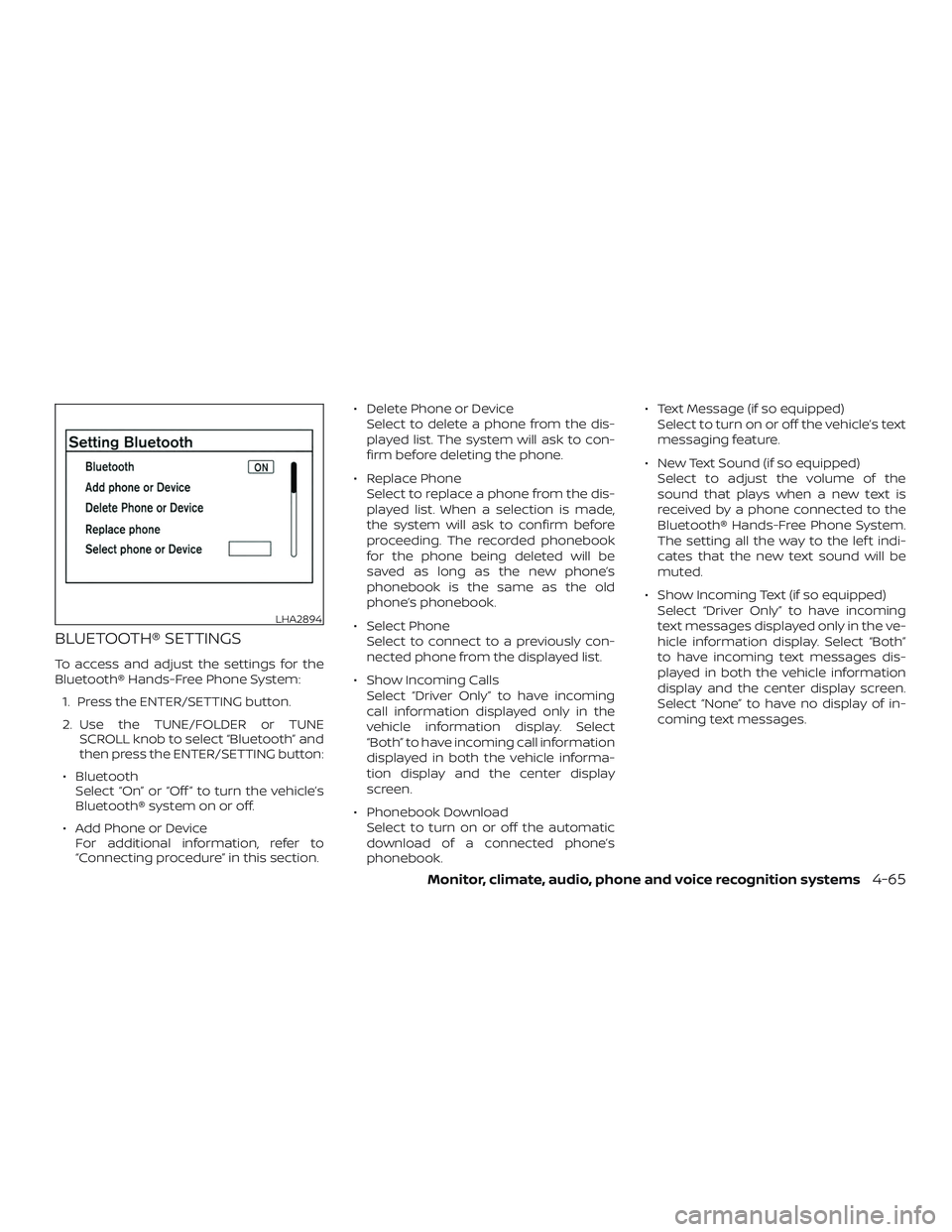
To access and adjust the settings for the
Bluetooth® Hands-Free Phone System:1. Press the ENTER/SETTING button.
2. Use the TUNE/FOLDER or TUNE SCROLL knob to select “Bluetooth” and
then press the ENTER/SETTING button:
∙ Bluetooth Select “On” or “Off ” to turn the vehicle’s
Bluetooth® system on or off.
∙ Add Phone or Device For additional information, refer to
“Connecting procedure” in this section. ∙ Delete Phone or Device
Select to delete a phone from the dis-
played list. The system will ask to con-
firm before deleting the phone.
∙ Replace Phone Select to replace a phone from the dis-
played list. When a selection is made,
the system will ask to confirm before
proceeding. The recorded phonebook
for the phone being deleted will be
saved as long as the new phone’s
phonebook is the same as the old
phone’s phonebook.
∙ Select Phone Select to connect to a previously con-
nected phone from the displayed list.
∙ Show Incoming Calls Select “Driver Only” to have incoming
call information displayed only in the
vehicle information display. Select
“Both” to have incoming call information
displayed in both the vehicle informa-
tion display and the center display
screen.
∙ Phonebook Download Select to turn on or off the automatic
download of a connected phone’s
phonebook. ∙ Text Message (if so equipped)
Select to turn on or off the vehicle’s text
messaging feature.
∙ New Text Sound (if so equipped) Select to adjust the volume of the
sound that plays when a new text is
received by a phone connected to the
Bluetooth® Hands-Free Phone System.
The setting all the way to the lef t indi-
cates that the new text sound will be
muted.
∙ Show Incoming Text (if so equipped) Select “Driver Only” to have incoming
text messages displayed only in the ve-
hicle information display. Select “Both”
to have incoming text messages dis-
played in both the vehicle information
display and the center display screen.
Select “None” to have no display of in-
coming text messages.
LHA2894
Monitor, climate, audio, phone and voice recognition systems4-65