park assist NISSAN ALTIMA 2020 Owner´s Manual
[x] Cancel search | Manufacturer: NISSAN, Model Year: 2020, Model line: ALTIMA, Model: NISSAN ALTIMA 2020Pages: 559, PDF Size: 6.3 MB
Page 20 of 559
9. Front passenger supplemental airbag (P. 1-46)
10. Passenger supplemental knee
airbag (P. 1-46)
11.. Glove box (P. 2-58)
12. Front passenger air bag status
light (P. 1-46)
Hazard warning flasher switch
(P. 6-2)
13. Power outlet (P. 2-56) USB connection port
(if so equipped) (P. 4-2, 4-42)
Aux jack*
14. Cup holders (P. 2-58)
15 Shif t lever (P. 5-18)
16. Electronic parking brake switch
(if so equipped) (P. 5-25)
Automatic brake hold switch
(if so equipped) (P. 5-25)
17. Push-button ignition switch
(P. 5-13) 18. Cruise control switches
(if so equipped) (P. 5-63)
Intelligent Cruise Control (ICC)
switches (if so equipped) (P. 5-66)
Bluetooth® Hands-free Phone
System*
ProPILOT Assist Switch
(if so equipped) (P. 5-90)
19. Driver supplemental knee airbag
(P. 1-46)
20. Hood release (P. 3-22) Fuel-filler door release (P. 3-25)
Tilt/telescopic steering wheel
controls (P. 3-28)
21. Trip computer reset switch (P. 2-4) Instrument brightness control
(P. 2-45)
Steering assist switch
(for vehicles with ProPILOT Assist)
(if so equipped) (P. 2-54)
Trunk opener (P. 3-23)
*: For additional information, refer to the
separate NissanConnect® Owner’s Manual.
Refer to the page number indicated in
parentheses for operating details.
Illustrated table of contents0-7
Page 24 of 559
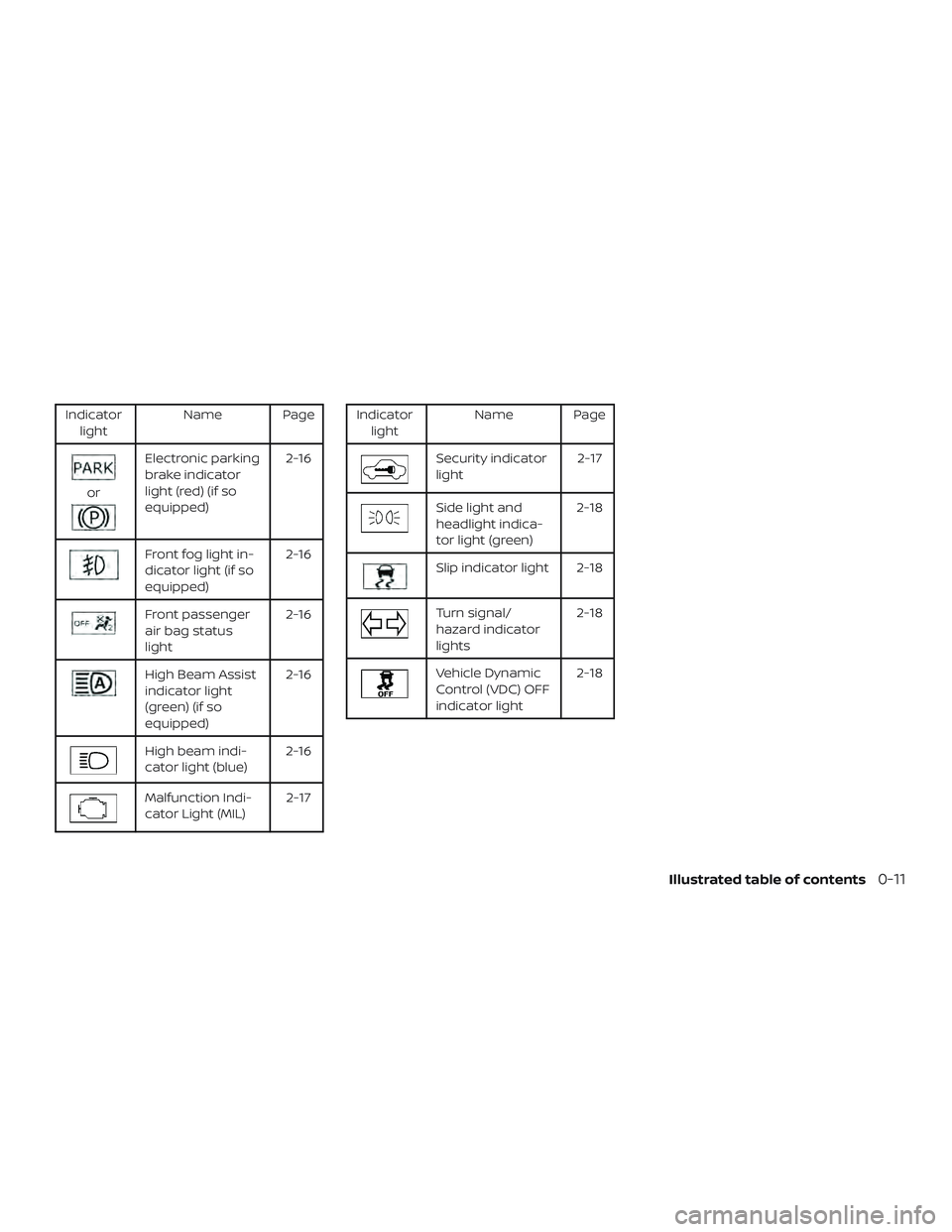
Indicatorlight Name Page
or
Electronic parking
brake indicator
light (red) (if so
equipped) 2-16
Front fog light in-
dicator light (if so
equipped)
2-16
Front passenger
air bag status
light2-16
High Beam Assist
indicator light
(green) (if so
equipped)2-16
High beam indi-
cator light (blue)
2-16
Malfunction Indi-
cator Light (MIL) 2-17
Indicator
light Name Page
Security indicator
light 2-17
Side light and
headlight indica-
tor light (green)2-18
Slip indicator light 2-18
Turn signal/
hazard indicator
lights2-18
Vehicle Dynamic
Control (VDC) OFF
indicator light2-18
Illustrated table of contents0-11
Page 98 of 559
10. Passenger supplemental kneeairbag (P. 1-46)
11.. Glove box (P. 2-58)
12. Front passenger air bag status
light (P. 1-46)
Hazard warning flasher switch
(P. 6-2)
13. Power outlet (P. 2-56) USB connection port
(if so equipped) (P. 4-2, 4-42)
Aux jack*
14. Cup holders (P. 2-58)
15 Shif t lever (P. 5-18)
16. Electronic parking brake switch
(if so equipped) (P. 5-25)
Automatic brake hold switch
(if so equipped) (P. 5-25)
17. Push-button ignition switch
(P. 5-13)
18. Cruise control switches
(if so equipped) (P. 5-63)
Intelligent Cruise Control (ICC)
switches (if so equipped) (P. 5-66)
Bluetooth® Hands-free Phone
System*
ProPILOT Assist Switch (if so
equipped) (P. 5-90) 19. Driver supplemental knee airbag
(P. 1-46)
20. Hood release (P. 3-22) Fuel-filler door release (P. 3-25)
Tilt/telescopic steering wheel
controls (P. 3-28)
21. Trip computer reset switch (P. 2-4) Instrument brightness control
(P. 2-45)
Steering assist switch (for vehicles
with ProPILOT Assist) (if so
equipped) (P. 2-54)
Trunk opener (P. 3-23)
*: For additional information, refer to the
separate NissanConnect® Owner’s Manual.
Refer to the page number indicated in
parentheses for operating details.
Instruments and controls2-3
Page 104 of 559
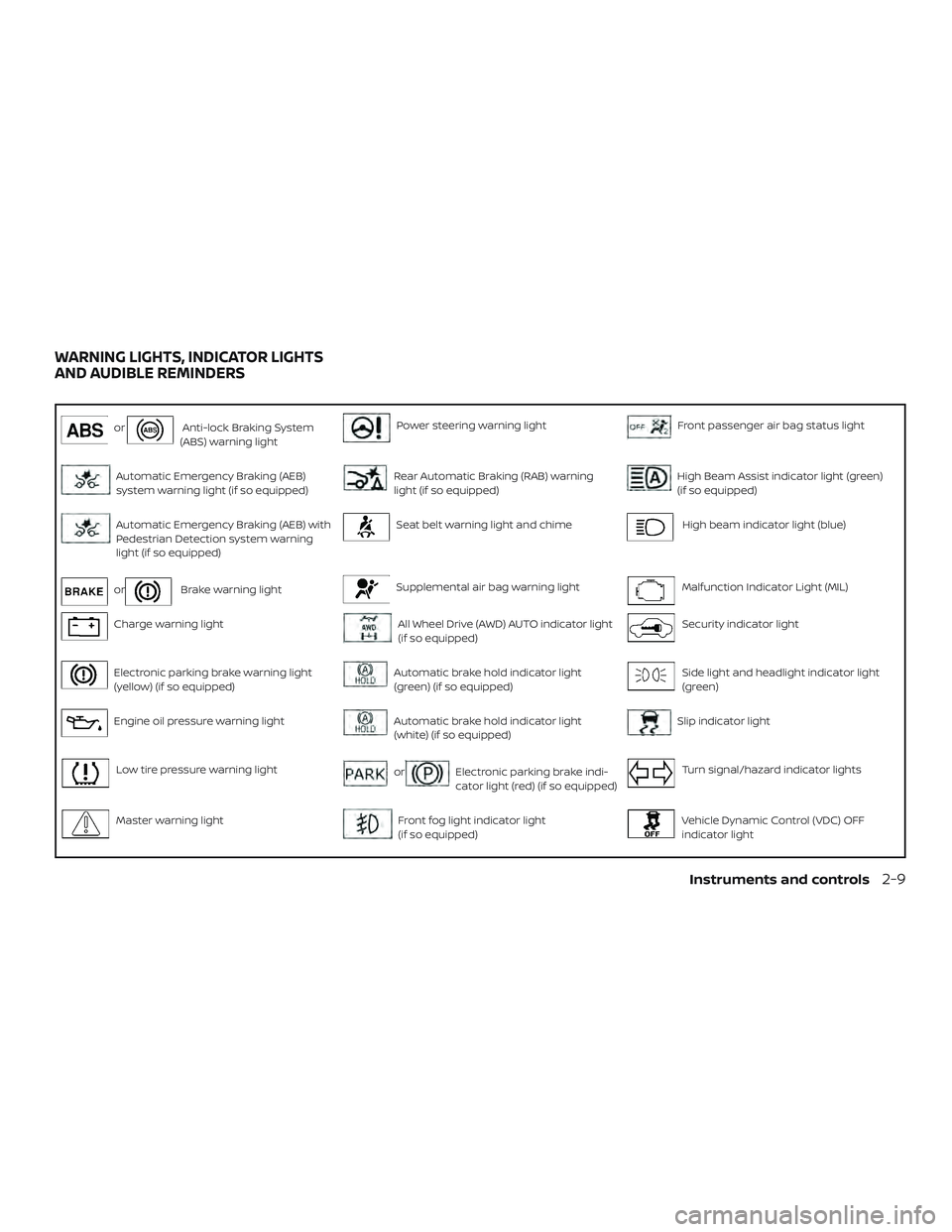
orAnti-lock Braking System
(ABS) warning lightPower steering warning lightFront passenger air bag status light
Automatic Emergency Braking (AEB)
system warning light (if so equipped)Rear Automatic Braking (RAB) warning
light (if so equipped)High Beam Assist indicator light (green)
(if so equipped)
Automatic Emergency Braking (AEB) with
Pedestrian Detection system warning
light (if so equipped)Seat belt warning light and chimeHigh beam indicator light (blue)
orBrake warning lightSupplemental air bag warning lightMalfunction Indicator Light (MIL)
Charge warning lightAll Wheel Drive (AWD) AUTO indicator light
(if so equipped)Security indicator light
Electronic parking brake warning light
(yellow) (if so equipped)Automatic brake hold indicator light
(green) (if so equipped)Side light and headlight indicator light
(green)
Engine oil pressure warning lightAutomatic brake hold indicator light
(white) (if so equipped)Slip indicator light
Low tire pressure warning lightorElectronic parking brake indi-
cator light (red) (if so equipped)Turn signal/hazard indicator lights
Master warning lightFront fog light indicator light
(if so equipped)Vehicle Dynamic Control (VDC) OFF
indicator light
WARNING LIGHTS, INDICATOR LIGHTS
AND AUDIBLE REMINDERS
Instruments and controls2-9
Page 105 of 559
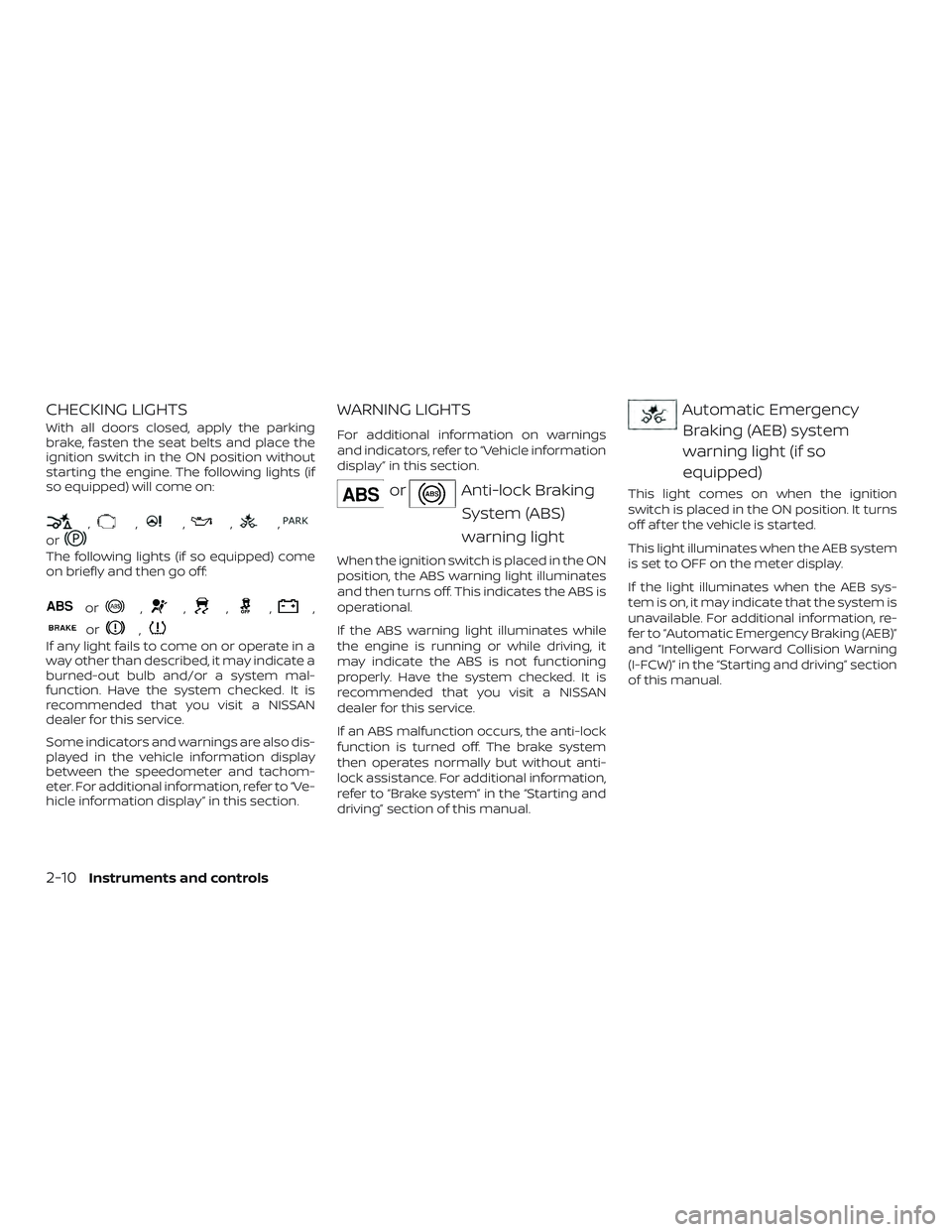
CHECKING LIGHTS
With all doors closed, apply the parking
brake, fasten the seat belts and place the
ignition switch in the ON position without
starting the engine. The following lights (if
so equipped) will come on:
,,,,,
or
The following lights (if so equipped) come
on briefly and then go off:
or,,,,,
or,
If any light fails to come on or operate in a
way other than described, it may indicate a
burned-out bulb and/or a system mal-
function. Have the system checked. It is
recommended that you visit a NISSAN
dealer for this service.
Some indicators and warnings are also dis-
played in the vehicle information display
between the speedometer and tachom-
eter. For additional information, refer to “Ve-
hicle information display” in this section.
WARNING LIGHTS
For additional information on warnings
and indicators, refer to “Vehicle information
display” in this section.
orAnti-lock BrakingSystem (ABS)
warning light
When the ignition switch is placed in the ON
position, the ABS warning light illuminates
and then turns off. This indicates the ABS is
operational.
If the ABS warning light illuminates while
the engine is running or while driving, it
may indicate the ABS is not functioning
properly. Have the system checked. It is
recommended that you visit a NISSAN
dealer for this service.
If an ABS malfunction occurs, the anti-lock
function is turned off. The brake system
then operates normally but without anti-
lock assistance. For additional information,
refer to “Brake system” in the “Starting and
driving” section of this manual.
Automatic EmergencyBraking (AEB) system
warning light (if so
equipped)
This light comes on when the ignition
switch is placed in the ON position. It turns
off af ter the vehicle is started.
This light illuminates when the AEB system
is set to OFF on the meter display.
If the light illuminates when the AEB sys-
tem is on, it may indicate that the system is
unavailable. For additional information, re-
fer to “Automatic Emergency Braking (AEB)”
and “Intelligent Forward Collision Warning
(I-FCW)” in the “Starting and driving” section
of this manual.
2-10Instruments and controls
Page 109 of 559
∙ When replacing a wheel without theTPMS such as the spare tire, the TPMS
will not function and the low tire pres-
sure warning light will flash for ap-
proximately 1 minute. The light will re-
main on af ter 1 minute. Have your
tires replaced and/or TPMS system
reset as soon as possible. It is recom-
mended that you visit a NISSAN dealer
for these services.
∙ Replacing tires with those not origi- nally specified by NISSAN could affect
the proper operation of the TPMS.
CAUTION
∙ The TPMS is not a substitute for theregular tire pressure check. Be sure to
check the tire pressure regularly.
∙ If the vehicle is being driven at speeds of less than 16 mph (25 km/h), the
TPMS may not operate correctly.
∙ Be sure to install the specified size of tires to the four wheels correctly.
Master warning light
When the ignition is in the ON position, the
master warning light illuminates if any of
the following are displayed on the vehicle
information display.
∙ No key warning
∙ Low windshield-washer fluid warning
∙ Parking brake release warning
∙ Door/trunk open warning
∙ Loose fuel cap
∙ Low tire pressure warning
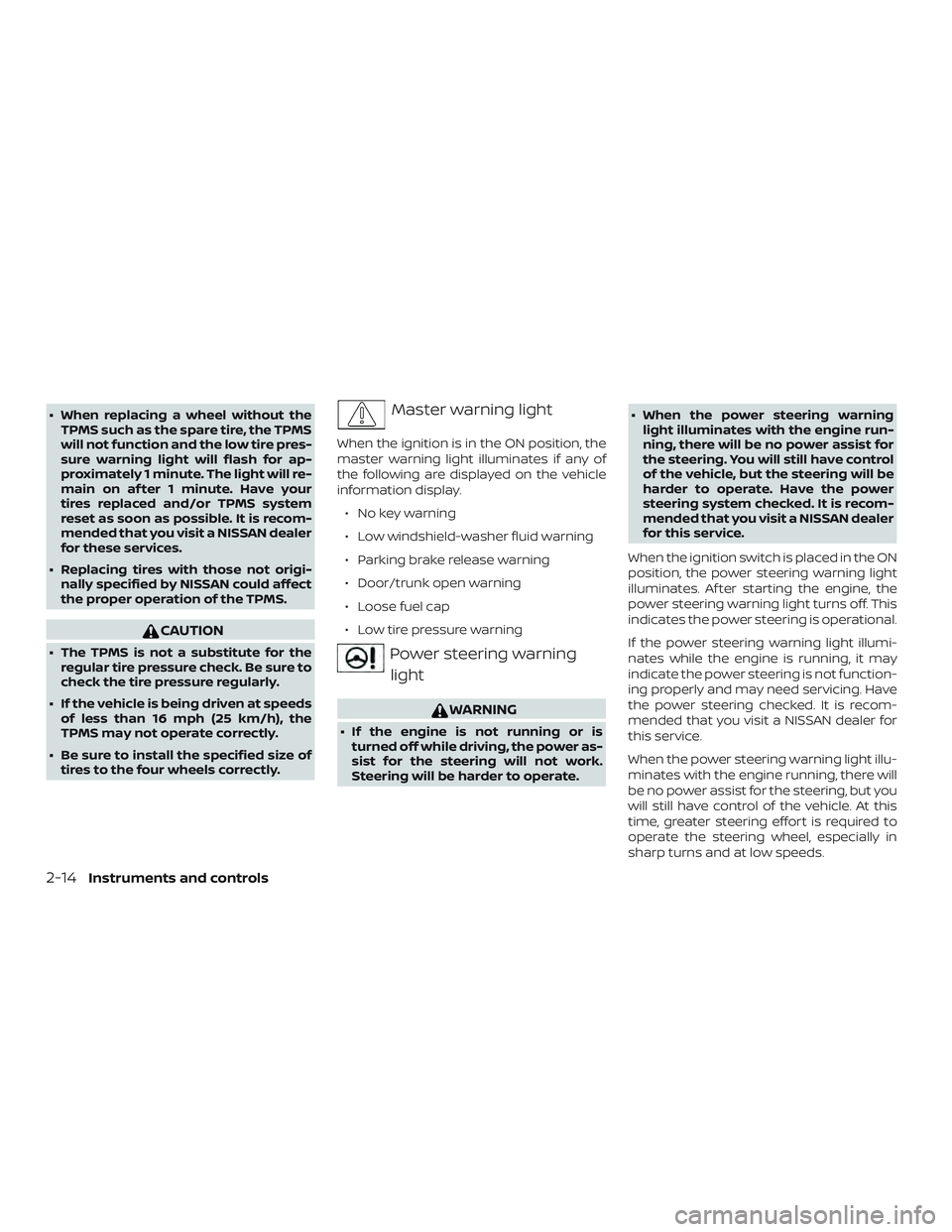
Power steering warninglight
WARNING
∙ If the engine is not running or is turned off while driving, the power as-
sist for the steering will not work.
Steering will be harder to operate. ∙ When the power steering warning
light illuminates with the engine run-
ning, there will be no power assist for
the steering. You will still have control
of the vehicle, but the steering will be
harder to operate. Have the power
steering system checked. It is recom-
mended that you visit a NISSAN dealer
for this service.
When the ignition switch is placed in the ON
position, the power steering warning light
illuminates. Af ter starting the engine, the
power steering warning light turns off. This
indicates the power steering is operational.
If the power steering warning light illumi-
nates while the engine is running, it may
indicate the power steering is not function-
ing properly and may need servicing. Have
the power steering checked. It is recom-
mended that you visit a NISSAN dealer for
this service.
When the power steering warning light illu-
minates with the engine running, there will
be no power assist for the steering, but you
will still have control of the vehicle. At this
time, greater steering effort is required to
operate the steering wheel, especially in
sharp turns and at low speeds.
2-14Instruments and controls
Page 111 of 559
Automatic brake holdindicator light (green) (if so
equipped)
The automatic brake hold indicator light
(green) illuminates while the automatic
brake hold system is operating.
For additional information, refer to “Auto-
matic brake hold” in the “Starting and driv-
ing” section of this manual.
Automatic brake holdindicator light (white) (if so
equipped)
The automatic brake hold indicator (white)
illuminates when the automatic brake hold
system is on standby.
For additional information, refer to “Auto-
matic brake hold” in the “Starting and driv-
ing” section of this manual.
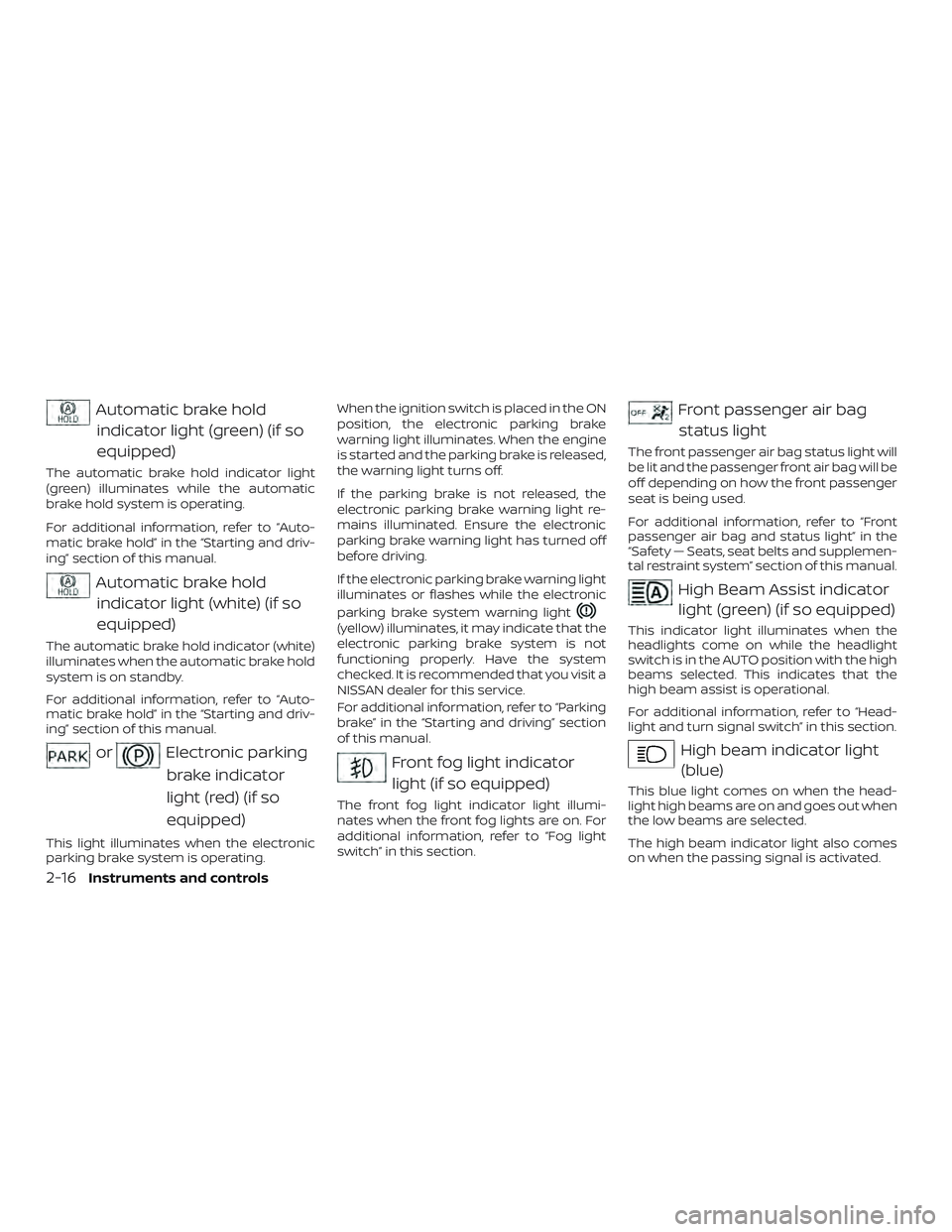
orElectronic parking
brake indicator
light (red) (if so
equipped)
This light illuminates when the electronic
parking brake system is operating. When the ignition switch is placed in the ON
position, the electronic parking brake
warning light illuminates. When the engine
is started and the parking brake is released,
the warning light turns off.
If the parking brake is not released, the
electronic parking brake warning light re-
mains illuminated. Ensure the electronic
parking brake warning light has turned off
before driving.
If the electronic parking brake warning light
illuminates or flashes while the electronic
parking brake system warning light
(yellow) illuminates, it may indicate that the
electronic parking brake system is not
functioning properly. Have the system
checked. It is recommended that you visit a
NISSAN dealer for this service.
For additional information, refer to “Parking
brake” in the “Starting and driving” section
of this manual.
Front fog light indicator
light (if so equipped)
The front fog light indicator light illumi-
nates when the front fog lights are on. For
additional information, refer to “Fog light
switch” in this section.
Front passenger air bagstatus light
The front passenger air bag status light will
be lit and the passenger front air bag will be
off depending on how the front passenger
seat is being used.
For additional information, refer to “Front
passenger air bag and status light” in the
“Safety — Seats, seat belts and supplemen-
tal restraint system” section of this manual.
High Beam Assist indicatorlight (green) (if so equipped)
This indicator light illuminates when the
headlights come on while the headlight
switch is in the AUTO position with the high
beams selected. This indicates that the
high beam assist is operational.
For additional information, refer to “Head-
light and turn signal switch” in this section.
High beam indicator light(blue)
This blue light comes on when the head-
light high beams are on and goes out when
the low beams are selected.
The high beam indicator light also comes
on when the passing signal is activated.
2-16Instruments and controls
Page 118 of 559
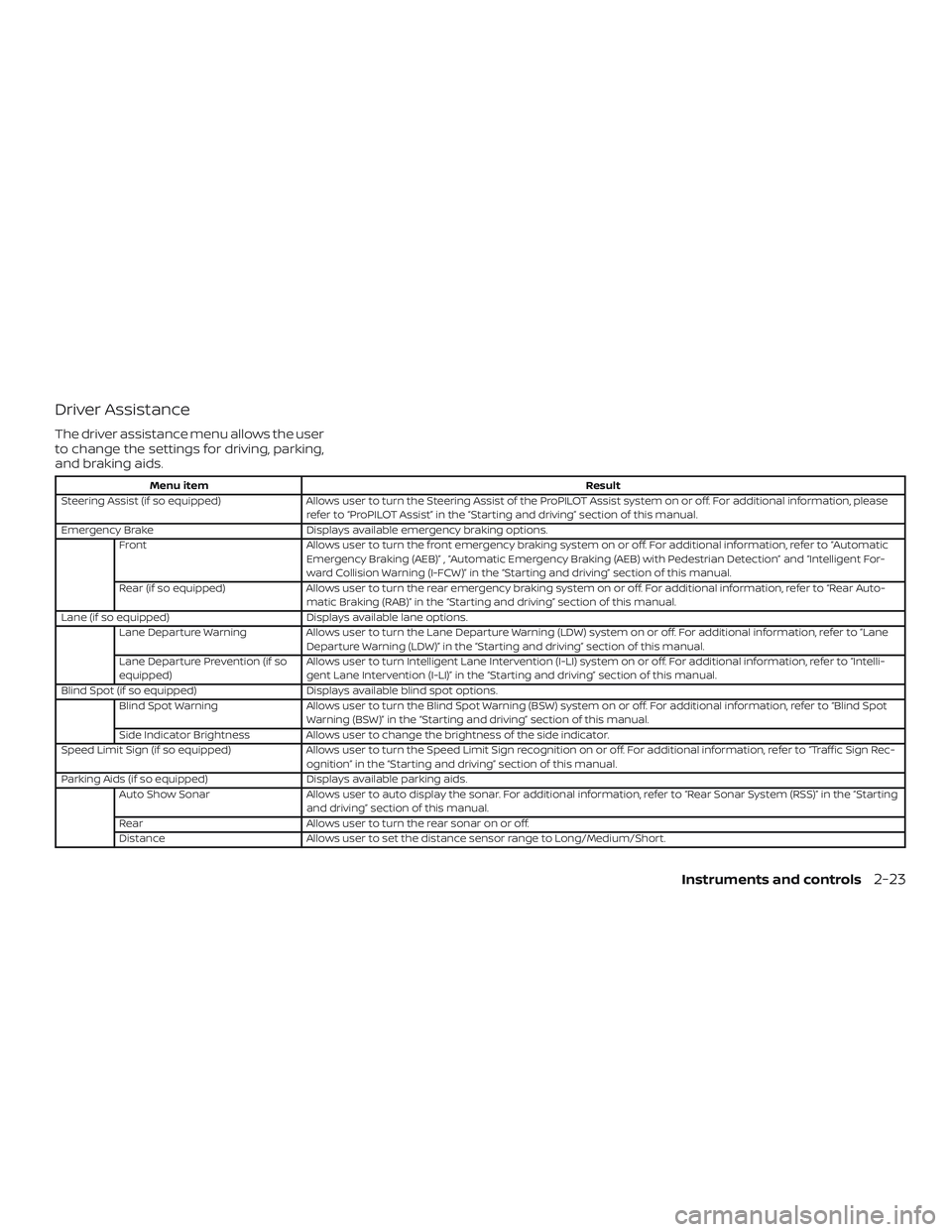
Driver Assistance
The driver assistance menu allows the user
to change the settings for driving, parking,
and braking aids.
Menu itemResult
Steering Assist (if so equipped) Allows user to turn the Steering Assist of the ProPILOT Assist system on or off. For additional information, please
refer to “ProPILOT Assist” in the “Starting and driving” section of this manual.
Emergency Brake Displays available emergency braking options.
Front Allows user to turn the front emergency braking system on or off. For additional information, refer to “Automatic
Emergency Braking (AEB)” , “Automatic Emergency Braking (AEB) with Pedestrian Detection” and “Intelligent For-
ward Collision Warning (I-FCW)” in the “Starting and driving” section of this manual.
Rear (if so equipped) Allows user to turn the rear emergency braking system on or off. For additional information, refer to “Rear Auto-
matic Braking (RAB)” in the “Starting and driving” section of this manual.
Lane (if so equipped) Displays available lane options.
Lane Departure Warning Allows user to turn the Lane Departure Warning (LDW) system on or off. For additional information, refer to “Lane
Departure Warning (LDW)” in the “Starting and driving” section of this manual.
Lane Departure Prevention (if so
equipped) Allows user to turn Intelligent Lane Intervention (I-LI) system on or off. For additional information, refer to “Intelli-
gent Lane Intervention (I-LI)” in the “Starting and driving” section of this manual.
Blind Spot (if so equipped) Displays available blind spot options.
Blind Spot Warning Allows user to turn the Blind Spot Warning (BSW) system on or off. For additional information, refer to “Blind Spot
Warning (BSW)” in the “Starting and driving” section of this manual.
Side Indicator Brightness Allows user to change the brightness of the side indicator.
Speed Limit Sign (if so equipped) Allows user to turn the Speed Limit Sign recognition on or off. For additional information, refer to “Traffic Sign Rec -
ognition” in the “Starting and driving” section of this manual.
Parking Aids (if so equipped) Displays available parking aids.
Auto Show Sonar Allows user to auto display the sonar. For additional information, refer to “Rear Sonar System (RSS)” in the “Starting
and driving” section of this manual.
Rear Allows user to turn the rear sonar on or off.
Distance Allows user to set the distance sensor range to Long/Medium/Short.
Instruments and controls2-23
Page 128 of 559
VEHICLE INFORMATION DISPLAY
WARNINGS
1. No Key Detected
2. Key ID Incorrect
3. Key Battery Low
4. Key System Error: See Owner’s Manual
5. Key Registration Complete
6. Shif t to Park
7. Push ignition to OFF
8. Push brake and start switch to drive
9. Engine start operation for IntelligentKey system (if I-Key battery level is low)
10. Release Parking Brake
11. Low Fuel
12. Loose Fuel Cap
13. Engine Oil Service due in———miles
14. Low Washer Fluid (if so equipped)
15. Tire Pressure Low - Add Air
16. Door Open
17. Trunk Open
18. Low Outside Temperature 19. Power will turn off to save the battery
20. Power turned off to save the battery
21. Reminder: Turn OFF Headlights
22. Headlight System Error: See Owner’s
Manual (if so equipped)
23. Parking Sensor Error: See Owner’s Manual (if so equipped)
24. Driver Attention Alert Malfunction
25. Malfunction: See Owner’s Manual (if so equipped)
26. Unavailable: Side Radar Obstruction (if so equipped)
27. Unavailable: High Cabin Temperature (if so equipped)
28. Time for a break?
29. Driver Attention Alert— Take a Break?
30. Malfunction (if so equipped)
31. Shipping Mode On Push Storage Fuse
32. Not Available: Parking Brake On (if so equipped)
33. Rear Door Alert is activated
34. Check Rear Seat For All Articles 35. Intelligent Cruise Control (ICC) indica-
tors (if so equipped)
36. Intelligent Cruise Control (ICC) (for ve- hicles with ProPILOT Assist) indicators
(if so equipped)
37. Speed Limit Sign indicator (if so equipped)
38. Chassis Control System Error: See Owner’s Manual (if so equipped)
39. Not Available System Malfunction (if so equipped)
40. Not Available: Seat Belt Not Fastened (if so equipped)
41. Not Available: Front Radar Blocked (if so equipped)
42. Currently not available (if so equipped)
43. Not Available Poor Road Conditions (if so equipped)
44. AWD Error: See Owner’s Manual (if so equipped)
45. AWD High Temp. Stop Vehicle (if so equipped)
46. AWD Tire Size Incorrect: See Owner’s Manual (if so equipped)
Instruments and controls2-33
Page 132 of 559
Malfunction (if so equipped)
This warning appears when one or more of
the following systems (if so equipped) is
not functioning properly:∙ Automatic Emergency Braking (AEB)
∙ Automatic Emergency Braking (AEB) with Pedestrian Detection
∙ Intelligent Forward Collision Warning (I- FCW)
If one or more of these warning appears,
have the system checked. It is recom-
mended that you visit a NISSAN dealer for
this service.
For additional information, refer to “Auto-
matic Emergency Braking (AEB)”, “Auto-
matic Emergency Braking (AEB) with Pe-
destrian Detection” or “Intelligent Forward
Collision Warning (I-FCW) in the “Starting
and driving” section of this manual.
Shipping Mode On Push Storage Fuse
This warning may appear if the extended
storage switch is not pushed in. When this
warning appears, push in the extended
storage switch to turn off the warning. For
additional information, refer to “Extended
storage switch” in this section. Not Available Parking Brake On (if so
equipped)
This message may appear when the Intel-
ligent Cruise Control (ICC) (for vehicles with
ProPILOT Assist) is engaged.
Under the following condition, the ICC (for
vehicles with ProPILOT Assist) system is au-
tomatically canceled:
∙ The electronic parking brake is applied.
The above system cannot be used when
the electronic parking is activated.
For additional information, refer to "Intelli-
gent Cruise Control (ICC) (for vehicles with
ProPILOT Assist)” and “Parking brake” in the
“Starting and driving” section of this
manual.
Rear Door Alert is activated
When the system is enabled, this message
appears when the Rear Door Alert system
is active and can remind the driver to check
the back seat. ∙ Using the steering wheel switch, a driver can select “Dismiss Message” to clear
the display for a period of time. If no
selection is made, this message auto-
matically turns off af ter a period of time. ∙ Using the steering wheel switch, a driver
can select “Disable Alert” to disable the
horn alert for the remainder of the cur-
rent trip.
WARNING
Selecting “Dismiss Message” during a
stop within a trip temporarily dismisses
the message for that stop without turn-
ing the system off. Alerts can be pro-
vided for other stops during the trip. Se-
lecting “Disable Alert” turns off the Rear
Door Alert system for the remainder of
a trip and no audible alert will be
provided.
NOTE:
This system is disabled until a driver en-
ables it using the vehicle information
display. For additional information, refer
to “How to use the vehicle information
display ” in this section.
For additional information, refer to “Rear
Door Alert” in this section.
Check Rear Seat For All Articles
When the system is enabled, this message
appears when the vehicle comes to a com-
plete stop, the vehicle is transitioned from
Instruments and controls2-37