remote start NISSAN ARMADA 2017 2.G User Guide
[x] Cancel search | Manufacturer: NISSAN, Model Year: 2017, Model line: ARMADA, Model: NISSAN ARMADA 2017 2.GPages: 614, PDF Size: 2.87 MB
Page 298 of 614
Settings:
Select to display the settings screen. See
“Setting menu” (P.4-102) .
Top Menu:
When the “Top Menu” key is selected in the
screen while a DVD is being played, the top
menu specific to each disc will be displayed. For
details, see the instructions on the disc.
DVD/USB operation keys
To operate the DVD/USB movie file, select the
preferred key displayed on the operation screen.
If you perform an operation with the remote
controller, a symbol will be displayed on the
lower left part of the rear seat screens indicating
the function performed. This symbol will auto-
matically turn off if no remote controller opera-
tion is performed for a specified period of time.
Pause:
Select the “
” key and push the ENTER
button to pause the DVD/USB movie file. To
resume playing the DVD/USB movie file, use the
“PLAY” key.
To pause the DVD/USB movie file, it is also
possible to push the “
” button on the keypad
of the remote controller.
Play:
Select the “
” key and push the ENTER
button to start playing the DVD/USB movie file,
for example, after pausing the DVD/USB movie
file.
To start playing the DVD/USB movie file, it is
also possible to push the
button on the
keypad of the remote controller.
Stop:
Select the “
” key and push the ENTER
button to stop playing the DVD/USB movie file.
To stop playing the DVD/USB movie file, it is
also possible to push the
button on the
keypad of the remote controller.
Skip (FORWARD) :
Select the “
” key and push the ENTER
button to skip the chapter(s) of the disc forward.
The chapters will advance the number of times
the ENTER button is pushed.
To skip the chapter(s) forward, it is also possible
to push the
button on the keypad of the
remote controller.
Skip (REWIND):
Select the “
” key and push the ENTER
button to skip the chapter(s) of the disc back- ward. The chapters will go back the number of
times the ENTER button is pushed.
To skip the chapter(s) backward, it is also
possible to push the
button on the keypad
of the remote controller.
/Commercial Skip:
This function is only for DVD-VIDEO and DVD-
VR.
Select the “
”or“” key to skip forward or
backwards by the set amount as defined in the
DVD settings menu.
To skip forward or backward, it is also possible
to push the
orbutton on the keypad of
the remote controller.
Monitor, heater, air conditioner, audio, phone and voice recognition systems4-101
Page 342 of 614
5 Starting and driving
Precautions when starting and driving ................................ 5-4Exhaust gas (carbon monoxide) ...................................... 5-4
Three-way catalyst .............................................................. 5-4
Tire Pressure Monitoring System (TPMS) .................... 5-5
Avoiding collision and rollover ......................................... 5-8
On-pavement and off-road driving precautions .......... 5-9
Off-road recovery ................................................................ 5-9
Rapid air pressure loss ...................................................... 5-9
Drinking alcohol/drugs and driving .............................. 5-10
Driving safety precautions .............................................. 5-10
Push-button ignition switch ................................................. 5-12 Operating range for engine start function ................. 5-13
Push-button ignition switch positions ......................... 5-14
Emergency engine shut off ............................................ 5-14
Intelligent Key battery discharge .................................. 5-15
Before starting the engine ................................................... 5-15
Starting the engine ................................................................ 5-16 Remote start (if so equipped) ....................................... 5-16
Driving the vehicle ................................................................. 5-17 Engine protection mode ................................................. 5-17
Automatic transmission ................................................... 5-18
Parking brake ........................................................................\
.. 5-22
Lane Departure Warning (LDW)/Lane Departure
Prevention (LDP) (if so equipped) .................................... 5-23 LDW system operation ................................................... 5-24 Turning the LDW system ON/OFF ............................ 5-25
How to enable/disable the LDW system ................. 5-26
LDP system operation .................................................. 5-26
Turning the LDP system ON/OFF ............................. 5-28
How to enable/disable the LDP system .................. 5-28
LDW/LDP system limitations ...................................... 5-29
System temporarily unavailable .................................. 5-31
System malfunction ....................................................... 5-32
System maintenance ..................................................... 5-32
Blind Spot Warning (BSW) (if so equipped) ................ 5-33
BSW system operation ................................................ 5-35
Turning the BSW system ON/OFF ........................... 5-36
How to enable/disable the BSW system ................ 5-36
BSW system limitations ............................................... 5-37
BSW driving situations ................................................. 5-38
System temporarily unavailable .................................. 5-41
System malfunction ....................................................... 5-41
System maintenance ..................................................... 5-42
Blind Spot Intervention
Š(BSI) (if so equipped) ........... 5-43
BSI system operation .................................................... 5-45
Turning the BSI system ON/OFF ............................... 5-46
How to enable/disable the BSI system ................... 5-47
BSI system limitations ................................................... 5-47
BSI driving situations .................................................... 5-49
System temporarily unavailable .................................. 5-54
Page 357 of 614
5-16Starting and driving
1. Apply the parking brake.
2. Move the shift lever to the P (Park) or N(Neutral) position. (P is recommended.)
The starter is designed not to operate unless
the shift lever is in either of the above
positions.
3. Push the ignition switch to the ON position. Depress the brake pedal and push the
ignition switch to start the engine.
To start the engine immediately, push and
release the ignition switch while depressing
the brake pedal with the ignition switch in
any position.
.If the engine is very hard to start inextremely cold weather or when restart-
ing, depress the accelerator pedal a little
(approximately 1/3 to the floor) and while
holding, crank the engine. Release the
accelerator pedal when the engine starts.
.If the engine is very hard to start becauseit is flooded, depress the accelerator
pedal all the way to the floor and hold it.
Push the ignition switch to the ON
position to start cranking the engine.
After 5 or 6 seconds, stop cranking by
pushing the ignition switch to OFF. After
cranking the engine, release the accel-
erator pedal. Crank the engine with your
foot off the accelerator pedal bydepressing the brake pedal and pushing
the push-button ignition switch to start
the engine. If the engine starts, but fails
to run, repeat the above procedure.
CAUTION
Do not operate the starter for more
than 15 seconds at a time. If the engine
does not start, push the ignition switch
to OFF and wait 10 seconds before
cranking again, otherwise the starter
could be damaged.
4. Warm-up
Allow the engine to idle for at least 30
seconds after starting. Do not race the
engine while warming it up. Drive at
moderate speed for a short distance first,
especially in cold weather. In cold weather,
keep the engine running for a minimum of 2 -
3 minutes before shutting it off. Starting and
stopping the engine over a short period of
time may make the vehicle more difficult to
start.
When racing the engine up to 4,000 rpm or
more under the no load condition, the
engine will enter the fuel cut mode. 5. To stop the engine, shift the shift lever to the
P (Park) position and push the ignition
switch to the OFF position.
In preparation for the next engine start, the
engine may have a slightly delayed shutoff after
placing the ignition switch in the OFF position,
depending on the driving conditions.
NOTE:
Care should be taken to avoid situations
that can lead to potential battery discharge
and potential no-start conditions such as:
1. Installation or extended use of electro-
nic accessories that consume battery
power when the engine is not running
(Phone chargers, GPS, DVD players,
etc.)
2. Vehicle is not driven regularly and/or
only driven short distances.
In these cases, the battery may need to be
charged to maintain battery health.
REMOTE START (if so equipped)
Vehicles started with the remote engine start
function require the ignition switch to be placed
in the ON position before the shift lever can be
moved from the P (Park) position. To place the
ignition switch in the ON position, perform the
following steps:
STARTING THE ENGINE
Page 358 of 614
1. Make sure that the Intelligent Key is on you.
2. Depress the brake pedal.
3. Push the ignition switch once to the ONposition.
For additional information about the remote
engine start function, see “Remote engine start”
(P.3-19) .ENGINE PROTECTION MODE
The engine has an engine protection mode to
reduce the chance of damage if the coolant
temperature becomes too high (for example,
when climbing steep grades in high temperature
with heavy loads, such as when towing a trailer) .
When the engine temperature reaches a certain
level:
. The engine coolant temperature gauge will
move toward the H position.
. Engine power may be reduced.
. The air conditioning cooling function may be
automatically turned OFF for a short time
(the blower will continue to operate) .
Engine power and, under some conditions,
vehicle speed will decrease. Vehicle speed can
be controlled with the accelerator pedal, but the
vehicle may not accelerate at the desired speed.
The transmission will downshift or upshift as it
reaches prescribed shift points. You can also
shift manually.
As driving conditions change and engine cool-
ant temperature is reduced, vehicle speed can
be increased using the accelerator pedal, and
air conditioning cooling function will automati-
cally be turned back ON. If:
1. The engine coolant temperature is not
reduced.
2. The air conditioning cooling function does not turn back ON.
3. The engine oil pressure warning light
illuminates or engine coolant temperature
gauge does not return to the normal range
from the H position, this may indicate a
malfunction. Move the vehicle off the road to
a safe area and allow the engine to cool. If
after checking the oil and coolant, the
remains on or engine coolant temperature
does not return to the normal range, do not
continue to drive. It is recommended you
contact a NISSAN dealer.
The Malfunction Indicator Light (MIL)
may
also come ON. You do not need to have your
vehicle towed, unless it remains on, but have it
inspected soon. It is recommended you contact
a NISSAN dealer for this service. See “Warning
lights, indicator lights and audible reminders”
(P.2-10) .
WARNING
Overheating can result in reduced en-
gine power and vehicle speed. The
Starting and driving5-17
DRIVING THE VEHICLE
Page 607 of 614
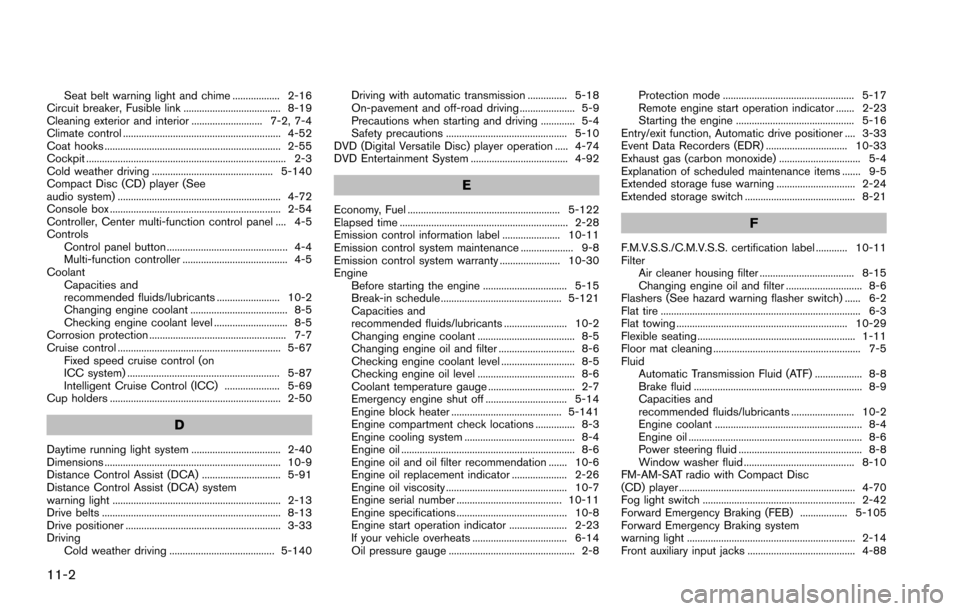
11-2
Seat belt warning light and chime .................. 2-16
Circuit breaker, Fusible link ..................................... 8-19
Cleaning exterior and interior ........................... 7-2, 7-4
Climate control ............................................................ 4-52
Coat hooks ................................................................... 2-55
Cockpit ............................................................................ 2-3
Cold weather driving .............................................. 5-140
Compact Disc (CD) player (See
audio system) .............................................................. 4-72
Console box ................................................................. 2-54
Controller, Center multi-function control panel .... 4-5
Controls Control panel button .............................................. 4-4
Multi-function controller ........................................ 4-5
Coolant Capacities and
recommended fluids/lubricants ........................ 10-2
Changing engine coolant ..................................... 8-5
Checking engine coolant level ............................ 8-5
Corrosion protection .................................................... 7-7
Cruise control .............................................................. 5-67 Fixed speed cruise control (on
ICC system) .......................................................... 5-87
Intelligent Cruise Control (ICC) ..................... 5-69
Cup holders ................................................................. 2-50
D
Daytime running light system .................................. 2-40
Dimensions ................................................................... 10-9
Distance Control Assist (DCA) .............................. 5-91
Distance Control Assist (DCA) system
warning light ................................................................ 2-13
Drive belts .................................................................... 8-13
Drive positioner ........................................................... 3-33
Driving Cold weather driving ........................................ 5-140 Driving with automatic transmission ............... 5-18
On-pavement and off-road driving ..................... 5-9
Precautions when starting and driving ............. 5-4
Safety precautions .............................................. 5-10
DVD (Digital Versatile Disc) player operation ..... 4-74
DVD Entertainment System ..................................... 4-92
E
Economy, Fuel .......................................................... 5-122
Elapsed time ................................................................ 2-28
Emission control information label ...................... 10-11
Emission control system maintenance .................... 9-8
Emission control system warranty ....................... 10-30
Engine Before starting the engine ................................ 5-15
Break-in schedule .............................................. 5-121
Capacities and
recommended fluids/lubricants ........................ 10-2
Changing engine coolant ..................................... 8-5
Changing engine oil and filter ............................. 8-6
Checking engine coolant level ............................ 8-5
Checking engine oil level ..................................... 8-6
Coolant temperature gauge ................................. 2-7
Emergency engine shut off ............................... 5-14
Engine block heater .......................................... 5-141
Engine compartment check locations ............... 8-3
Engine cooling system .......................................... 8-4
Engine oil .................................................................. 8-6
Engine oil and oil filter recommendation ....... 10-6
Engine oil replacement indicator ..................... 2-26
Engine oil viscosity .............................................. 10-7
Engine serial number ........................................ 10-11
Engine specifications .......................................... 10-8
Engine start operation indicator ...................... 2-23
If your vehicle overheats .................................... 6-14
Oil pressure gauge ................................................ 2-8 Protection mode .................................................. 5-17
Remote engine start operation indicator ....... 2-23
Starting the engine ............................................. 5-16
Entry/exit function, Automatic drive positioner .... 3-33
Event Data Recorders (EDR) ............................... 10-33
Exhaust gas (carbon monoxide) ............................... 5-4
Explanation of scheduled maintenance items ....... 9-5
Extended storage fuse warning .............................. 2-24
Extended storage switch .......................................... 8-21F
F.M.V.S.S./C.M.V.S.S. certification label ............ 10-11
Filter Air cleaner housing filter .................................... 8-15
Changing engine oil and filter ............................. 8-6
Flashers (See hazard warning flasher switch) ...... 6-2
Flat tire ............................................................................ 6-3
Flat towing ................................................................. 10-29
Flexible seating ............................................................ 1-11
Floor mat cleaning ........................................................ 7-5
Fluid Automatic Transmission Fluid (ATF) .................. 8-8
Brake fluid ................................................................ 8-9
Capacities and
recommended fluids/lubricants ........................ 10-2
Engine coolant ........................................................ 8-4
Engine oil .................................................................. 8-6
Power steering fluid ............................................... 8-8
Window washer fluid .......................................... 8-10
FM-AM-SAT radio with Compact Disc
(CD) player ................................................................... 4-70
Fog light switch .......................................................... 2-42
Forward Emergency Braking (FEB) .................. 5-105
Forward Emergency Braking system
warning light ................................................................ 2-14
Front auxiliary input jacks ......................................... 4-88
Page 608 of 614
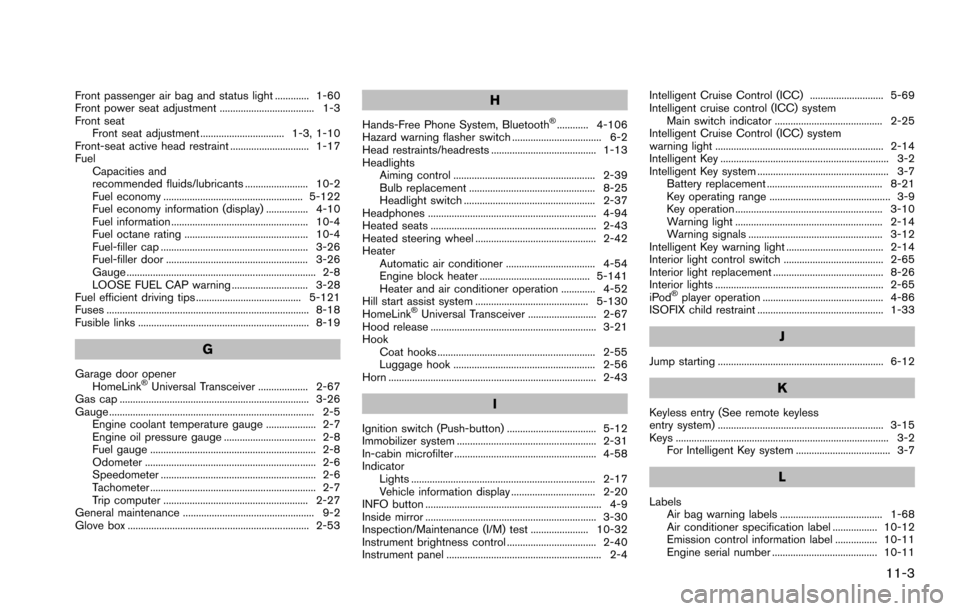
Front passenger air bag and status light ............. 1-60
Front power seat adjustment .................................... 1-3
Front seatFront seat adjustment ................................ 1-3, 1-10
Front-seat active head restraint .............................. 1-17
Fuel Capacities and
recommended fluids/lubricants ........................ 10-2
Fuel economy ..................................................... 5-122
Fuel economy information (display) ................ 4-10
Fuel information .................................................... 10-4
Fuel octane rating ............................................... 10-4
Fuel-filler cap ........................................................ 3-26
Fuel-filler door ...................................................... 3-26
Gauge ........................................................................ 2-8
LOOSE FUEL CAP warning ............................. 3-28
Fuel efficient driving tips ........................................ 5-121
Fuses ............................................................................. 8-18
Fusible links ................................................................. 8-19
G
Garage door opener
HomeLinkŠUniversal Transceiver ................... 2-67
Gas cap ........................................................................ 3-26
Gauge .............................................................................. 2-5 Engine coolant temperature gauge ................... 2-7
Engine oil pressure gauge ................................... 2-8
Fuel gauge ............................................................... 2-8
Odometer ................................................................. 2-6
Speedometer ........................................................... 2-6
Tachometer ............................................................... 2-7
Trip computer ....................................................... 2-27
General maintenance .................................................. 9-2
Glove box ..................................................................... 2-53
H
Hands-Free Phone System, BluetoothŠ............ 4-106
Hazard warning flasher switch .................................. 6-2
Head restraints/headrests ........................................ 1-13
Headlights Aiming control ...................................................... 2-39
Bulb replacement ................................................ 8-25
Headlight switch .................................................. 2-37
Headphones ................................................................ 4-94
Heated seats ............................................................... 2-43
Heated steering wheel .............................................. 2-42
Heater Automatic air conditioner .................................. 4-54
Engine block heater .......................................... 5-141
Heater and air conditioner operation ............. 4-52
Hill start assist system ........................................... 5-130
HomeLink
ŠUniversal Transceiver .......................... 2-67
Hood release ............................................................... 3-21
Hook Coat hooks ............................................................ 2-55
Luggage hook ...................................................... 2-56
Horn ............................................................................... 2-43
I
Ignition switch (Push-button) .................................. 5-12
Immobilizer system ..................................................... 2-31
In-cabin microfilter ...................................................... 4-58
Indicator Lights ...................................................................... 2-17
Vehicle information display ................................ 2-20
INFO button ................................................................... 4-9
Inside mirror ................................................................. 3-30
Inspection/Maintenance (I/M) test ...................... 10-32
Instrument brightness control .................................. 2-40
Instrument panel ........................................................... 2-4 Intelligent Cruise Control (ICC) ............................ 5-69
Intelligent cruise control (ICC) system
Main switch indicator ......................................... 2-25
Intelligent Cruise Control (ICC) system
warning light ................................................................ 2-14
Intelligent Key ................................................................ 3-2
Intelligent Key system .................................................. 3-7 Battery replacement ............................................ 8-21
Key operating range .............................................. 3-9
Key operation ........................................................ 3-10
Warning light ........................................................ 2-14
Warning signals ................................................... 3-12
Intelligent Key warning light ..................................... 2-14
Interior light control switch ...................................... 2-65
Interior light replacement .......................................... 8-26
Interior lights ................................................................ 2-65
iPod
Šplayer operation .............................................. 4-86
ISOFIX child restraint ................................................ 1-33
J
Jump starting ............................................................... 6-12
K
Keyless entry (See remote keyless
entry system) ............................................................... 3-15
Keys ................................................................................. 3-2 For Intelligent Key system .................................... 3-7
L
LabelsAir bag warning labels ....................................... 1-68
Air conditioner specification label ................. 10-12
Emission control information label ................ 10-11
Engine serial number ........................................ 10-11
11-3
Page 610 of 614
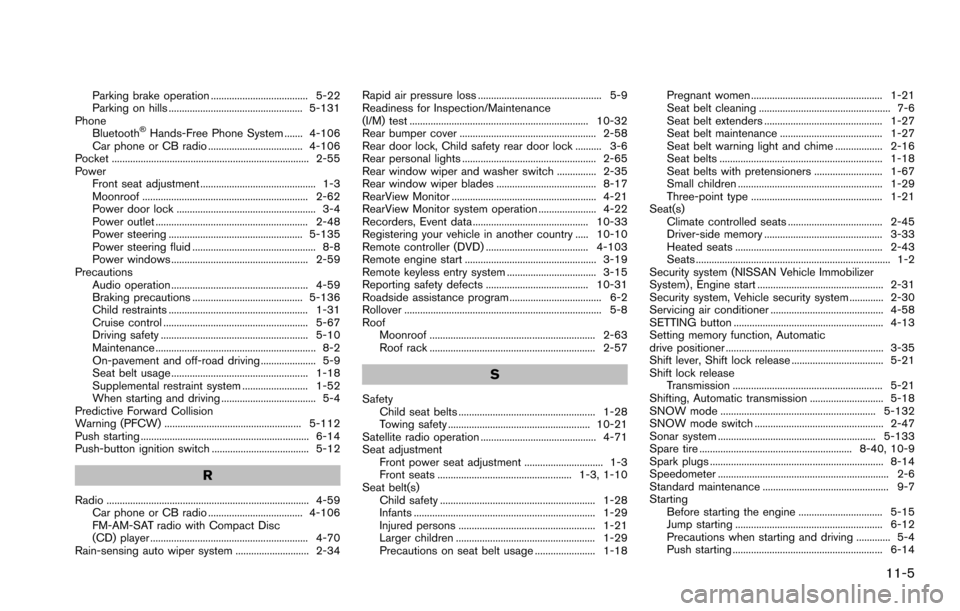
Parking brake operation ..................................... 5-22
Parking on hills ................................................... 5-131
Phone Bluetooth
ŠHands-Free Phone System ....... 4-106
Car phone or CB radio .................................... 4-106
Pocket ........................................................................... 2-55
Power Front seat adjustment ............................................ 1-3
Moonroof ............................................................... 2-62
Power door lock ..................................................... 3-4
Power outlet .......................................................... 2-48
Power steering ................................................... 5-135
Power steering fluid ............................................... 8-8
Power windows .................................................... 2-59
Precautions Audio operation .................................................... 4-59
Braking precautions .......................................... 5-136
Child restraints ..................................................... 1-31
Cruise control ....................................................... 5-67
Driving safety ........................................................ 5-10
Maintenance ............................................................. 8-2
On-pavement and off-road driving ..................... 5-9
Seat belt usage .................................................... 1-18
Supplemental restraint system ......................... 1-52
When starting and driving .................................... 5-4
Predictive Forward Collision
Warning (PFCW) .................................................... 5-112
Push starting ................................................................ 6-14
Push-button ignition switch ..................................... 5-12
R
Radio ............................................................................. 4-59 Car phone or CB radio .................................... 4-106
FM-AM-SAT radio with Compact Disc
(CD) player ............................................................ 4-70
Rain-sensing auto wiper system ............................ 2-34 Rapid air pressure loss ............................................... 5-9
Readiness for Inspection/Maintenance
(I/M) test .................................................................... 10-32
Rear bumper cover .................................................... 2-58
Rear door lock, Child safety rear door lock .......... 3-6
Rear personal lights ................................................... 2-65
Rear window wiper and washer switch ............... 2-35
Rear window wiper blades ...................................... 8-17
RearView Monitor ....................................................... 4-21
RearView Monitor system operation ...................... 4-22
Recorders, Event data ............................................ 10-33
Registering your vehicle in another country ..... 10-10
Remote controller (DVD) ....................................... 4-103
Remote engine start .................................................. 3-19
Remote keyless entry system .................................. 3-15
Reporting safety defects ....................................... 10-31
Roadside assistance program ................................... 6-2
Rollover ........................................................................... 5-8
Roof
Moonroof ............................................................... 2-63
Roof rack ............................................................... 2-57
S
SafetyChild seat belts .................................................... 1-28
Towing safety ...................................................... 10-21
Satellite radio operation ............................................ 4-71
Seat adjustment Front power seat adjustment .............................. 1-3
Front seats ................................................... 1-3, 1-10
Seat belt(s) Child safety ........................................................... 1-28
Infants ..................................................................... 1-29
Injured persons .................................................... 1-21
Larger children ..................................................... 1-29
Precautions on seat belt usage ....................... 1-18 Pregnant women .................................................. 1-21
Seat belt cleaning .................................................. 7-6
Seat belt extenders ............................................. 1-27
Seat belt maintenance ....................................... 1-27
Seat belt warning light and chime .................. 2-16
Seat belts .............................................................. 1-18
Seat belts with pretensioners .......................... 1-67
Small children ....................................................... 1-29
Three-point type .................................................. 1-21
Seat(s) Climate controlled seats .................................... 2-45
Driver-side memory ............................................. 3-33
Heated seats ........................................................ 2-43
Seats .......................................................................... 1-2
Security system (NISSAN Vehicle Immobilizer
System) , Engine start ................................................ 2-31
Security system, Vehicle security system ............. 2-30
Servicing air conditioner ........................................... 4-58
SETTING button ......................................................... 4-13
Setting memory function, Automatic
drive positioner ............................................................ 3-35
Shift lever, Shift lock release ................................... 5-21
Shift lock release Transmission ......................................................... 5-21
Shifting, Automatic transmission ............................ 5-18
SNOW mode ........................................................... 5-132
SNOW mode switch ................................................. 2-47
Sonar system ............................................................ 5-133
Spare tire .......................................................... 8-40, 10-9
Spark plugs .................................................................. 8-14
Speedometer ................................................................. 2-6
Standard maintenance ................................................ 9-7
Starting Before starting the engine ................................ 5-15
Jump starting ........................................................ 6-12
Precautions when starting and driving ............. 5-4
Push starting ......................................................... 6-14
11-5
Page 611 of 614
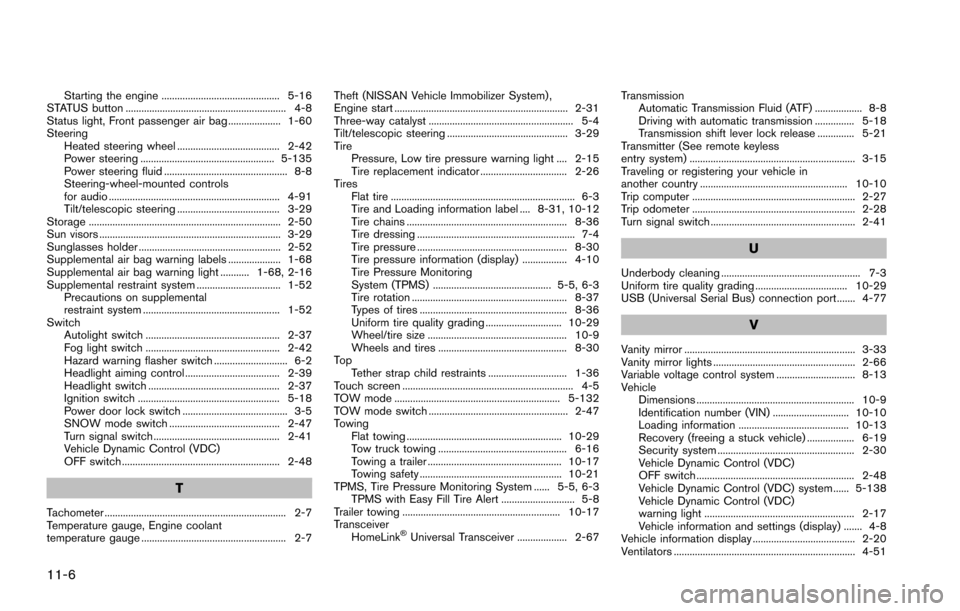
11-6
Starting the engine ............................................. 5-16
STATUS button ............................................................. 4-8
Status light, Front passenger air bag .................... 1-60
Steering Heated steering wheel ....................................... 2-42
Power steering ................................................... 5-135
Power steering fluid ............................................... 8-8
Steering-wheel-mounted controls
for audio ................................................................. 4-91
Tilt/telescopic steering ....................................... 3-29
Storage ......................................................................... 2-50
Sun visors ..................................................................... 3-29
Sunglasses holder ...................................................... 2-52
Supplemental air bag warning labels .................... 1-68
Supplemental air bag warning light ........... 1-68, 2-16
Supplemental restraint system ................................ 1-52 Precautions on supplemental
restraint system .................................................... 1-52
Switch Autolight switch ................................................... 2-37
Fog light switch ................................................... 2-42
Hazard warning flasher switch ............................ 6-2
Headlight aiming control .................................... 2-39
Headlight switch .................................................. 2-37
Ignition switch ...................................................... 5-18
Power door lock switch ........................................ 3-5
SNOW mode switch .......................................... 2-47
Turn signal switch ................................................ 2-41
Vehicle Dynamic Control (VDC)
OFF switch ............................................................ 2-48
T
Tachometer ..................................................................... 2-7
Temperature gauge, Engine coolant
temperature gauge ....................................................... 2-7 Theft (NISSAN Vehicle Immobilizer System) ,
Engine start .................................................................. 2-31
Three-way catalyst ....................................................... 5-4
Tilt/telescopic steering .............................................. 3-29
Tire
Pressure, Low tire pressure warning light .... 2-15
Tire replacement indicator ................................. 2-26
Tires Flat tire ...................................................................... 6-3
Tire and Loading information label .... 8-31, 10-12
Tire chains ............................................................. 8-36
Tire dressing ............................................................ 7-4
Tire pressure ......................................................... 8-30
Tire pressure information (display) ................. 4-10
Tire Pressure Monitoring
System (TPMS) ............................................. 5-5, 6-3
Tire rotation ........................................................... 8-37
Types of tires ........................................................ 8-36
Uniform tire quality grading ............................. 10-29
Wheel/tire size ..................................................... 10-9
Wheels and tires ................................................. 8-30
To p Tether strap child restraints .............................. 1-36
Touch screen ................................................................. 4-5
TOW mode ............................................................... 5-132
TOW mode switch ..................................................... 2-47
Towing Flat towing ........................................................... 10-29
Tow truck towing ................................................. 6-16
Towing a trailer ................................................... 10-17
Towing safety ...................................................... 10-21
TPMS, Tire Pressure Monitoring System ...... 5-5, 6-3 TPMS with Easy Fill Tire Alert ............................ 5-8
Trailer towing ............................................................ 10-17
Transceiver HomeLink
ŠUniversal Transceiver ................... 2-67 Transmission
Automatic Transmission Fluid (ATF) .................. 8-8
Driving with automatic transmission ............... 5-18
Transmission shift lever lock release .............. 5-21
Transmitter (See remote keyless
entry system) ............................................................... 3-15
Traveling or registering your vehicle in
another country ........................................................ 10-10
Trip computer .............................................................. 2-27
Trip odometer .............................................................. 2-28
Turn signal switch ....................................................... 2-41
U
Underbody cleaning ..................................................... 7-3
Uniform tire quality grading ................................... 10-29
USB (Universal Serial Bus) connection port ....... 4-77
V
Vanity mirror ................................................................. 3-33
Vanity mirror lights ...................................................... 2-66
Variable voltage control system .............................. 8-13
Vehicle Dimensions ............................................................ 10-9
Identification number (VIN) ............................. 10-10
Loading information .......................................... 10-13
Recovery (freeing a stuck vehicle) .................. 6-19
Security system .................................................... 2-30
Vehicle Dynamic Control (VDC)
OFF switch ............................................................ 2-48
Vehicle Dynamic Control (VDC) system ...... 5-138
Vehicle Dynamic Control (VDC)
warning light ......................................................... 2-17
Vehicle information and settings (display) ....... 4-8
Vehicle information display ....................................... 2-20
Ventilators ..................................................................... 4-51