stop start NISSAN ARMADA 2021 Owner´s Manual
[x] Cancel search | Manufacturer: NISSAN, Model Year: 2021, Model line: ARMADA, Model: NISSAN ARMADA 2021Pages: 603, PDF Size: 3.16 MB
Page 540 of 603
10-32Technical and consumer information
Pre-towing tips
.Be certain your vehicle maintains a
level position when a loaded or un-
loaded trailer is hitched. Do not drive
the vehicle if it has an abnormal nose-
up or nose-down condition; check for
improper tongue load, overload, worn
suspension or other possible causes
of either condition.
. Always secure items in the trailer to
prevent load shift while driving.
. Keep the cargo load as low as possible
in the trailer to keep the trailer center
of gravity low.
. Load the trailer so approximately 60%
of the trailer load is in the front half
and 40% is in the back half. Also make
sure the load is balanced side to side.
. Check your hitch, trailer tire pressure,
vehicle tire pressure, trailer light op-
eration, and trailer wheel lug nuts
every time you attach a trailer to the
vehicle.
. Be certain your rearview mirrors con-
form to all federal, state or local
regulations. If not, install any mirrors
required for towing before driving the
vehicle.
. Determine the overall height of the
vehicle and trailer so the required
clearance is known.
Trailer towing tips
In order to gain skill and an understand-
ing of the vehicle’s behavior, you should
practice turning, stopping and backing up
in an area which is free from traffic.
Steering stability, and braking perfor-
mance will be somewhat different than
under normal driving conditions.
.Always secure items in the trailer to
prevent load shift while driving.
. Lock the trailer hitch coupler with a
pin or lock to prevent the coupler from
inadvertently becoming unlatched.
. Avoid abrupt starts, acceleration or
stops.
. Avoid sharp turns or lane changes.
. Always drive your vehicle at a moder-
ate speed. Some states or provinces
have specific speed limits for vehicles
that are towing trailers. Obey the local
speed limits.
. When backing up, hold the bottom of
the steering wheel with one hand.
Move your hand in the direction in
which you want the trailer to go. Make
small corrections and back up slowly.
If possible, have someone guide you
when you are backing up.
Always block the wheels on both vehicle
and trailer when parking. Parking on a
slope is not recommended; however, if you must do so:
CAUTION
If you move the shift lever to the P
(Park) position before blocking the
wheels and applying the parking
brake, transmission damage could
occur.
1. Apply and hold the brake pedal.
2. Have someone place blocks on the downhill side of the vehicle and trailer
wheels.
3. After the wheel blocks are in place, slowly release the brake pedal until
the blocks absorb the vehicle load.
4. Apply the parking brake.
5. Shift the transmission into P (Park).
6. Four-Wheel Drive (4WD) models:
Make sure that the 4WD shift switch is
engaged in the AUTO, 4HI or 4LO
position and the Automatic Transmis-
sion (AT) park warning light is turned
off.
7. Turn off the engine.
To drive away:
1. Apply and hold the brake pedal.
Page 541 of 603
2. Start the engine.
3. Shift the transmission into gear.
4. Release the parking brake.
5. Drive slowly until the vehicle andtrailer are clear from the blocks.
6. Apply and hold the brake pedal.
7. Have someone retrieve and store the blocks.
. While going downhill, the weight of the
trailer pushing on the tow vehicle may
decrease overall stability. Therefore, to
maintain adequate control, reduce
your speed and shift to a lower gear.
Avoid long or repeated use of the
brakes when descending a hill, as this
reduces their effectiveness and could
cause overheating. Shifting to a lower
gear instead provides “engine braking”
and reduces the need to brake as
frequently.
. If the engine coolant temperature
rises to a high temperature, see “If
your vehicle overheats” (P.6-14).
. Trailer towing requires more fuel than
normal circumstances.
. Avoid towing a trailer for your vehicle’s
first 500 miles (800 km).
. Have your vehicle serviced more often
than at intervals specified in the
recommended maintenance schedule
shown in the "9. Maintenance and schedules" section.
. When making a turn, your trailer
wheels will be closer to the inside of
the turn than your vehicle wheels. To
compensate for this, make a larger
than normal turning radius during the
turn.
. Crosswinds and rough roads will ad-
versely affect vehicle/trailer handling,
possibly causing vehicle sway. When
being passed by larger vehicles, be
prepared for possible changes in
crosswinds that could affect vehicle
handling.
Do the following if the trailer begins to
sway:
1. Take your foot off the accelerator pedal to allow the vehicle to coast
and steer as straight ahead as the
road conditions allow. This combina-
tion will help stabilize the vehicle.
.Do not correct trailer sway bysteering or applying the brakes.
2. When the trailer sway stops, gently apply the brakes and pull to the side
of the road in a safe area.
3. Try to rearrange the trailer load so it is balanced as described earlier in this
section.
. Be careful when passing other vehi-
cles. Passing while towing a trailer requires considerably more distance
than normal passing. Remember the
length of the trailer must also pass the
other vehicle before you can safely
change lanes.
. Use the Tow mode or downshift the
transmission to a lower gear for en-
gine braking when driving down steep
or long hills. This will help slow the
vehicle without applying the brakes.
. Avoid holding the brake pedal down
too long or too frequently. This could
cause the brakes to overheat, result-
ing in reduced braking efficiency.
. Increase your following distance to
allow for greater stopping distances
while towing a trailer. Anticipate stops
and brake gradually.
. NISSAN recommends that the cruise
control not be used while towing a
trailer.
. While towing a trailer, do not use the
following systems (if so equipped):
— the Lane Departure Warning (LDW)
system
(See “How to enable/disable the
LDW system” (P.5-28).)
— the Intelligent Lane Intervention (I- LI) system
(See “How to enable/disable the I-LI
system” (P.5-34).)
Technical and consumer information10-33
Page 551 of 603
11 Index
A
ABS (Anti-lock Braking System) .................... 5-143
Advanced Air Bag System .................................... 1-60
Air bag systemAdvanced Air Bag System ............................. 1-60
Driver and front passenger
supplemental knee air bag system ....... 1-68
Front passenger air bag and
status light................................................................. 1-62
Front-seat mounted side-impact
supplemental air bag system..................... 1-70
Roof-mounted curtain side-impact
and rollover supplemental air
bag system................................................................ 1-70
Air bag warning labels ............................................ 1-72
Air bag warning light................................. 1-73, 2-13
Air cleaner housing filter ....................................... 8-15
Air conditioner Air conditioner operation............................... 4-35
Air conditioner service...................................... 4-41
Air conditioner specification label....... 10-13
Air conditioning system refrigerant
and lubricant recommendations............. 4-41
Air conditioning system refrigerant
and oil recommendations ............................. 10-7
Automatic air conditioner ............................. 4-36
In-cabin microfilter .............................................. 4-41
Alarm, How to stop alarm (see vehicle
security system)............................................................ 2-40
Alcohol, drugs and driving ................................... 5-10
Alert Rear Door Alert....................................................... 2-58
All-mode 4WD.............................................................. 5-124
Android Auto ....................................................................... 4-2 Antenna........................................................................\
....... 4-41
Anti-lock Braking System (ABS) .................... 5-143
Anti-lock Braking System (ABS)
warning light ................................................................... 2-14
Appearance care
Exterior appearance care ................................. 7-2
Interior appearance care................................... 7-5
Apple CarPlay®................................................................... 4-2
Armrest ........................................................................\
........ 1-11
Audible reminders....................................................... 2-19
Auto closure .................................................................... 3-25
Automatic Air conditioner ........................................................ 4-36
Automatic Transmission Fluid (ATF) ........ 8-8
Door locks...................................................................... 3-6
Drive positioner...................................................... 3-40
Driving with
automatic transmission .................................. 5-18
Seat positioner ....................................................... 3-40
Automatic Emergency Braking (AEB)
system warning light................................................ 2-14
Automatic Emergency Braking (AEB) with
pedestrian detection system ............................. 5-96
Average speed ............................................................... 2-36
Avoiding collision and rollover.............................. 5-8
B
Back door (See liftgate) .......................................... 3-22
Battery........................................................................\
.......... 8-11 Battery saver system.......................... 2-49, 2-78
Intelligent Key.......................................................... 8-21
Variable voltage control system .............. 8-13
Before starting the engine................................... 5-16
Belts (See drive belts)............................................... 8-13
Blind Spot Warning (BSW) ..................................... 5-38 Booster seats.................................................................. 1-51
Brake
Anti-lock Braking System (ABS) ............ 5-143
Brake booster.......................................................... 8-17
Brake fluid ..................................................................... 8-9
Brake system ....................................................... 5-142
Parking brake operation................................. 5-22
Warning light............................................................ 2-11
Break-in schedule .................................................... 5-123
Brightness control Instrument panel .................................................. 2-50
Bulb check/instrument panel............................ 2-11
Bulb replacement ........................................................ 8-24
C
Cabin air filter ................................................................. 4-41
Camera aiding sonar function.......................... 4-24
Capacities and
recommended fluids/lubricants...................... 10-2
Car phone or CB radio ............................................ 4-42
Cargo floor box ............................................................. 2-71
Cargo light ........................................................................\
2-80
Catalytic converter, Three way catalyst ....... 5-4
Charger Wireless charger .................................................... 2-62
Child restraints .............................................................. 1-32 Booster seats........................................................... 1-51
LATCH system ......................................................... 1-35
Precautions on child restraints................. 1-33
Top tether strap .................................................... 1-37
Child safety....................................................................... 1-30
Child safety rear door lock ...................................... 3-6
Chimes Audible reminders................................................ 2-19
Seat belt warning light and chime......... 2-13
Page 582 of 603
2.Progress Bar
Shows elapsed time, total time and
video progress bar indicator.
3.Volume
Select to display the volume level indica-
tor. Press
orto increase or
decrease the volume.
4.Night Mode
Select to dim the screen and reduce eye
strain during operation at night.
5.Previous
Select to go to the beginning of the
chapter. Select again to go to the previ-
ous chapter.
6.Rewind
Select to rewind at 2x, 4x, 8x, and 16x
speeds. Select
to resume playback.
7.Stop
Select to stop video playback and return
to the menu.
8.Play/Pause
Select once to pause video playback.
Select again to resume video playback.
9.Fast Forward
Select to fast forward at 2x, 4x, 8x, and 16x
speeds. Select
to resume playback.10.Next
Select to go to the next chapter.
11.Repeat
Select once to repeat the entire video.
Select again to repeat the currently
playing chapter one time.
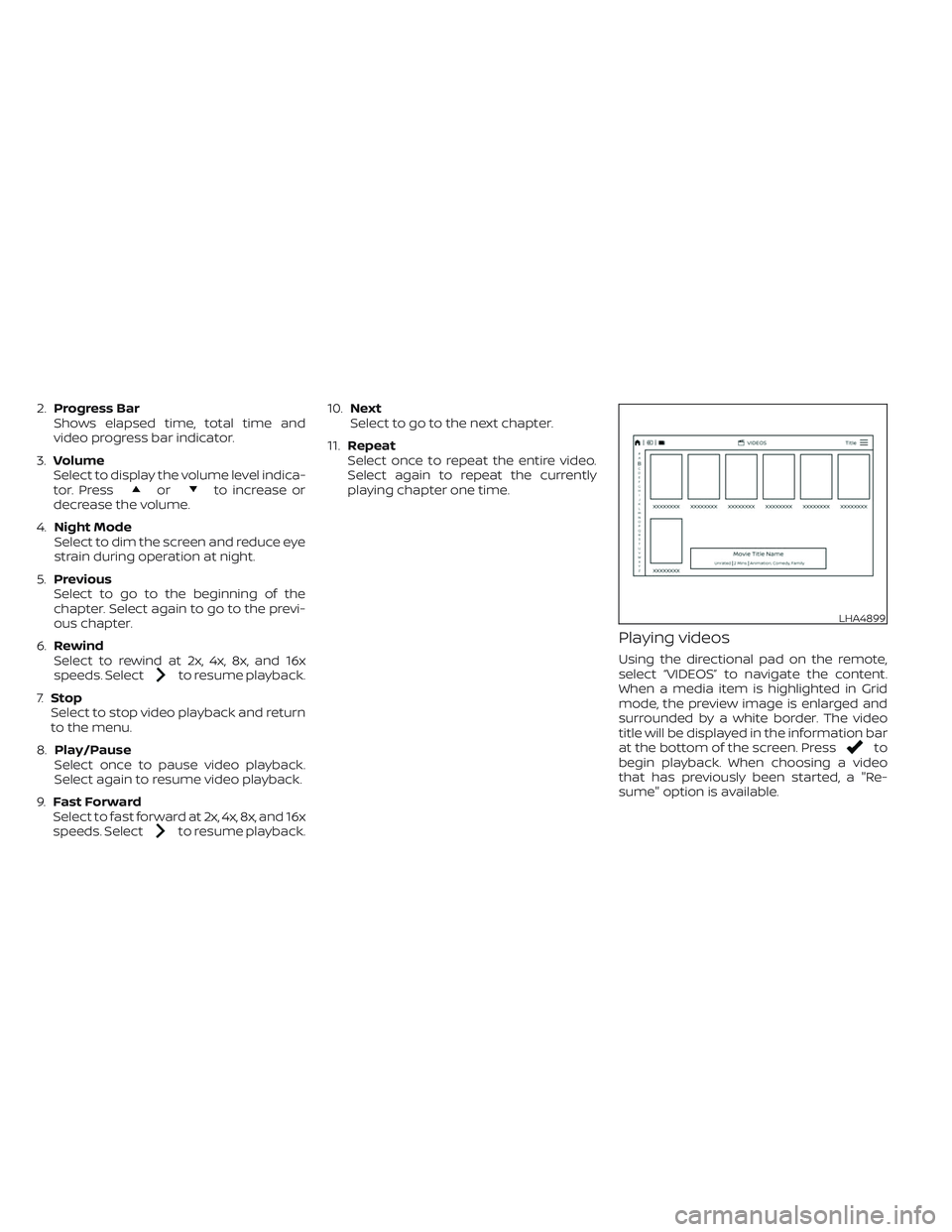
Playing videos
Using the directional pad on the remote,
select “VIDEOS” to navigate the content.
When a media item is highlighted in Grid
mode, the preview image is enlarged and
surrounded by a white border. The video
title will be displayed in the information bar
at the bottom of the screen. Press
to
begin playback. When choosing a video
that has previously been started, a "Re-
sume" option is available.
LHA4899