light NISSAN ARMADA 2022 Owner´s Manual
[x] Cancel search | Manufacturer: NISSAN, Model Year: 2022, Model line: ARMADA, Model: NISSAN ARMADA 2022Pages: 604, PDF Size: 2.97 MB
Page 300 of 604
4-70Monitor, heater, air conditioner, audio, phone and voice recognition systems
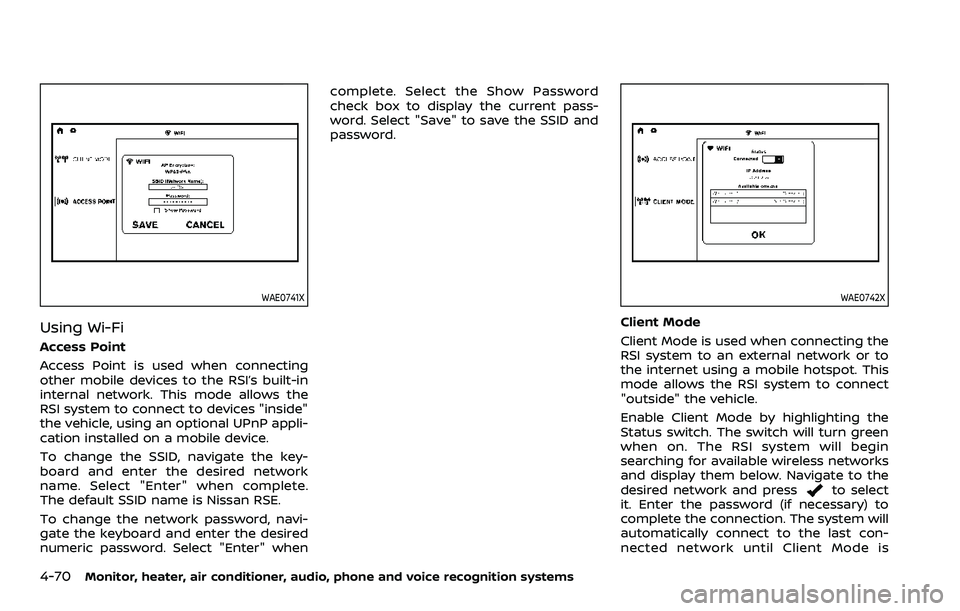
WAE0741X
Using Wi-Fi
Access Point
Access Point is used when connecting
other mobile devices to the RSI’s built-in
internal network. This mode allows the
RSI system to connect to devices "inside"
the vehicle, using an optional UPnP appli-
cation installed on a mobile device.
To change the SSID, navigate the key-
board and enter the desired network
name. Select "Enter" when complete.
The default SSID name is Nissan RSE.
To change the network password, navi-
gate the keyboard and enter the desired
numeric password. Select "Enter" whencomplete. Select the Show Password
check box to display the current pass-
word. Select "Save" to save the SSID and
password.
WAE0742X
Client Mode
Client Mode is used when connecting the
RSI system to an external network or to
the internet using a mobile hotspot. This
mode allows the RSI system to connect
"outside" the vehicle.
Enable Client Mode by highlighting the
Status switch. The switch will turn green
when on. The RSI system will begin
searching for available wireless networks
and display them below. Navigate to the
desired network and press
to select
it. Enter the password (if necessary) to
complete the connection. The system will
automatically connect to the last con-
nected network until Client Mode is
Page 301 of 604
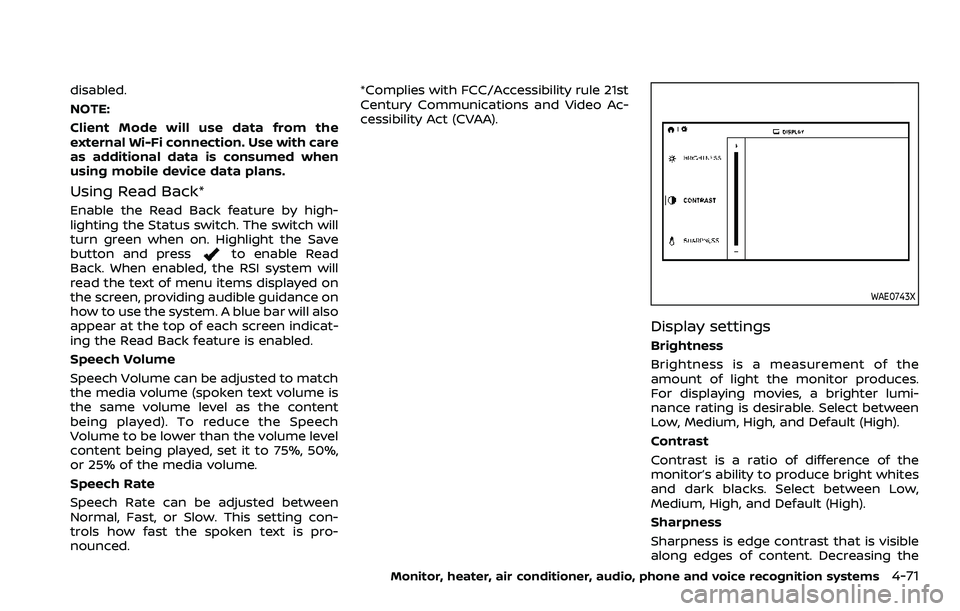
disabled.
NOTE:
Client Mode will use data from the
external Wi-Fi connection. Use with care
as additional data is consumed when
using mobile device data plans.
Using Read Back*
Enable the Read Back feature by high-
lighting the Status switch. The switch will
turn green when on. Highlight the Save
button and press
to enable Read
Back. When enabled, the RSI system will
read the text of menu items displayed on
the screen, providing audible guidance on
how to use the system. A blue bar will also
appear at the top of each screen indicat-
ing the Read Back feature is enabled.
Speech Volume
Speech Volume can be adjusted to match
the media volume (spoken text volume is
the same volume level as the content
being played). To reduce the Speech
Volume to be lower than the volume level
content being played, set it to 75%, 50%,
or 25% of the media volume.
Speech Rate
Speech Rate can be adjusted between
Normal, Fast, or Slow. This setting con-
trols how fast the spoken text is pro-
nounced. *Complies with FCC/Accessibility rule 21st
Century Communications and Video Ac-
cessibility Act (CVAA).
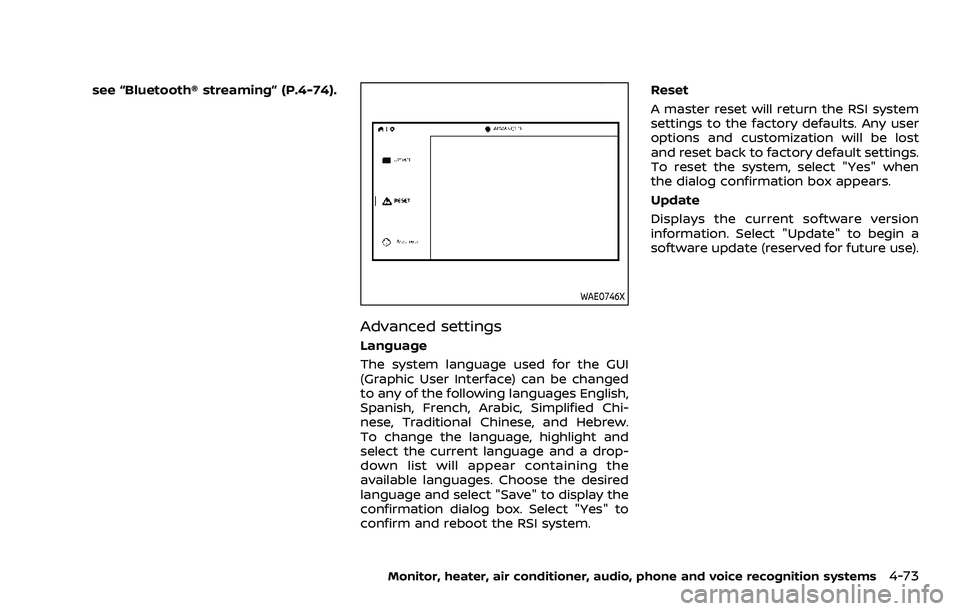
WAE0743X
Display settings
Brightness
Brightness is a measurement of the
amount of light the monitor produces.
For displaying movies, a brighter lumi-
nance rating is desirable. Select between
Low, Medium, High, and Default (High).
Contrast
Contrast is a ratio of difference of the
monitor’s ability to produce bright whites
and dark blacks. Select between Low,
Medium, High, and Default (High).
Sharpness
Sharpness is edge contrast that is visible
along edges of content. Decreasing the
Monitor, heater, air conditioner, audio, phone and voice recognition systems4-71
Page 303 of 604
see “Bluetooth® streaming” (P.4-74).
WAE0746X
Advanced settings
Language
The system language used for the GUI
(Graphic User Interface) can be changed
to any of the following languages English,
Spanish, French, Arabic, Simplified Chi-
nese, Traditional Chinese, and Hebrew.
To change the language, highlight and
select the current language and a drop-
down list will appear containing the
available languages. Choose the desired
language and select "Save" to display the
confirmation dialog box. Select "Yes" to
confirm and reboot the RSI system.Reset
A master reset will return the RSI system
settings to the factory defaults. Any user
options and customization will be lost
and reset back to factory default settings.
To reset the system, select "Yes" when
the dialog confirmation box appears.
Update
Displays the current software version
information. Select "Update" to begin a
software update (reserved for future use).
Monitor, heater, air conditioner, audio, phone and voice recognition systems4-73
Page 304 of 604
4-74Monitor, heater, air conditioner, audio, phone and voice recognition systems
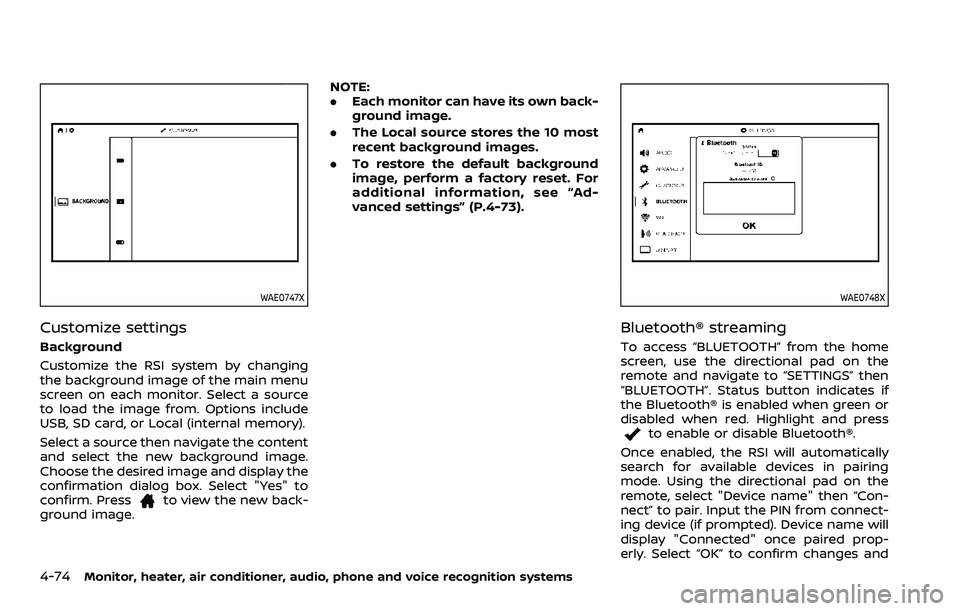
WAE0747X
Customize settings
Background
Customize the RSI system by changing
the background image of the main menu
screen on each monitor. Select a source
to load the image from. Options include
USB, SD card, or Local (internal memory).
Select a source then navigate the content
and select the new background image.
Choose the desired image and display the
confirmation dialog box. Select "Yes" to
confirm. Press
to view the new back-
ground image. NOTE:
.
Each monitor can have its own back-
ground image.
. The Local source stores the 10 most
recent background images.
. To restore the default background
image, perform a factory reset. For
additional information, see “Ad-
vanced settings” (P.4-73).
WAE0748X
Bluetooth® streaming
To access “BLUETOOTH” from the home
screen, use the directional pad on the
remote and navigate to “SETTINGS” then
“BLUETOOTH”. Status button indicates if
the Bluetooth® is enabled when green or
disabled when red. Highlight and press
to enable or disable Bluetooth®.
Once enabled, the RSI will automatically
search for available devices in pairing
mode. Using the directional pad on the
remote, select "Device name" then “Con-
nect” to pair. Input the PIN from connect-
ing device (if prompted). Device name will
display "Connected" once paired prop-
erly. Select “OK” to confirm changes and
Page 305 of 604
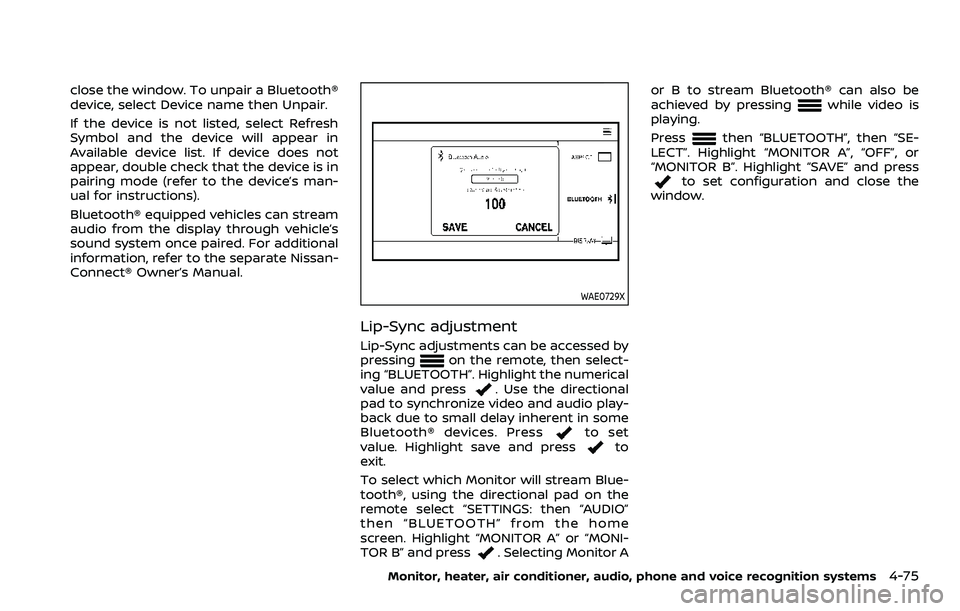
close the window. To unpair a Bluetooth®
device, select Device name then Unpair.
If the device is not listed, select Refresh
Symbol and the device will appear in
Available device list. If device does not
appear, double check that the device is in
pairing mode (refer to the device’s man-
ual for instructions).
Bluetooth® equipped vehicles can stream
audio from the display through vehicle’s
sound system once paired. For additional
information, refer to the separate Nissan-
Connect® Owner’s Manual.
WAE0729X
Lip-Sync adjustment
Lip-Sync adjustments can be accessed by
pressingon the remote, then select-
ing “BLUETOOTH”. Highlight the numerical
value and press
. Use the directional
pad to synchronize video and audio play-
back due to small delay inherent in some
Bluetooth® devices. Press
to set
value. Highlight save and pressto
exit.
To select which Monitor will stream Blue-
tooth®, using the directional pad on the
remote select “SETTINGS: then “AUDIO”
then “BLUETOOTH” from the home
screen. Highlight “MONITOR A” or “MONI-
TOR B” and press
. Selecting Monitor A or B to stream Bluetooth® can also be
achieved by pressing
while video is
playing.
Press
then “BLUETOOTH”, then “SE-
LECT”. Highlight “MONITOR A”, “OFF”, or
“MONITOR B”. Highlight “SAVE” and press
to set configuration and close the
window.
Monitor, heater, air conditioner, audio, phone and voice recognition systems4-75
Page 308 of 604
4-78Monitor, heater, air conditioner, audio, phone and voice recognition systems
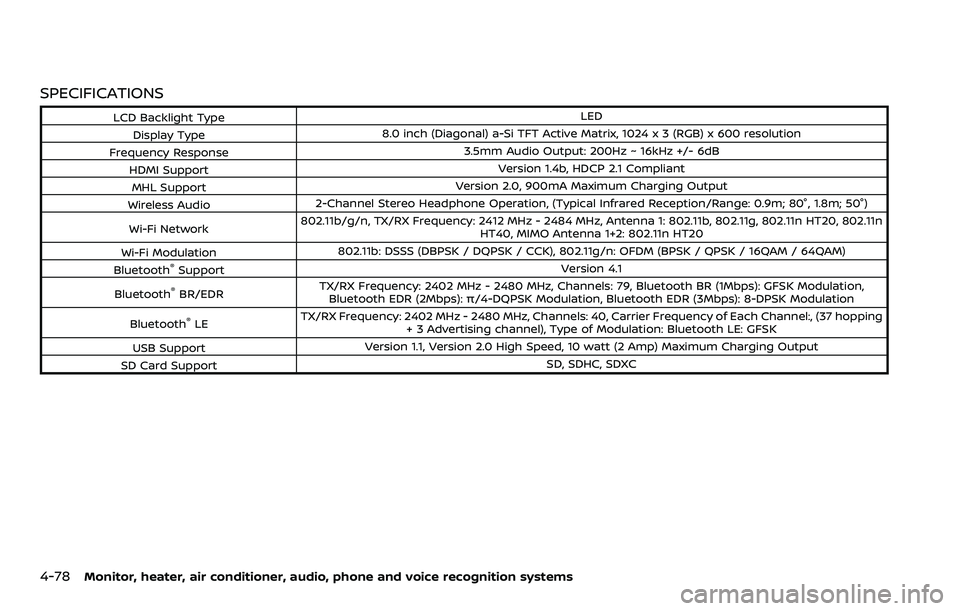
SPECIFICATIONS
LCD Backlight TypeLED
Display Type 8.0 inch (Diagonal) a-Si TFT Active Matrix, 1024 x 3 (RGB) x 600 resolution
Frequency Response 3.5mm Audio Output: 200Hz ~ 16kHz +/- 6dB
HDMI Support Version 1.4b, HDCP 2.1 Compliant
MHL Support Version 2.0, 900mA Maximum Charging Output
Wireless Audio 2-Channel Stereo Headphone Operation, (Typical Infrared Reception/Range: 0.9m; 80°, 1.8m; 50°)
Wi-Fi Network 802.11b/g/n, TX/RX Frequency: 2412 MHz - 2484 MHz, Antenna 1: 802.11b, 802.11g, 802.11n HT20, 802.11n
HT40, MIMO Antenna 1+2: 802.11n HT20
Wi-Fi Modulation 802.11b: DSSS (DBPSK / DQPSK / CCK), 802.11g/n: OFDM (BPSK / QPSK / 16QAM / 64QAM)
Bluetooth
®Support Version 4.1
Bluetooth
®BR/EDR TX/RX Frequency: 2402 MHz - 2480 MHz, Channels: 79, Bluetooth BR (1Mbps): GFSK Modulation,
Bluetooth EDR (2Mbps): π/4-DQPSK Modulation, Bluetooth EDR (3Mbps): 8-DPSK Modulation
Bluetooth
®LE TX/RX Frequency: 2402 MHz - 2480 MHz, Channels: 40, Carrier Frequency of Each Channel:, (37 hopping
+ 3 Advertising channel), Type of Modulation: Bluetooth LE: GFSK
USB Support Version 1.1, Version 2.0 High Speed, 10 watt (2 Amp) Maximum Charging Output
SD Card Support SD, SDHC, SDXC
Page 315 of 604
Rear Automatic Braking (RAB) .................................... 5-116RAB system operation ................................................ 5-118
Turning the RAB system ON/OFF ...................... 5-119
RAB system limitations .............................................. 5-119
System malfunction ...................................................... 5-121
System maintenance ................................................... 5-122
Break-in schedule ................................................................. 5-122
Fuel efficient driving tips ................................................. 5-123
Increasing fuel economy ................................................. 5-124
NISSAN all-mode 4WD® (if so equipped) ............. 5-124 NISSAN all-mode 4WD® system ........................... 5-125
4WD shift switch .............................................................. 5-129
4WD shift indicator ........................................................ 5-130
4WD warning light ......................................................... 5-130
Hill Start Assist system ...................................................... 5-132
Parking/parking on hills ................................................... 5-133
TOW mode ........................................................................\
.......... 5-134
SNOW mode ........................................................................\
....... 5-135
Front and rear sonar system (if
so equipped) ........................................................................\
...... 5-136 System operation ........................................................... 5-137
Sonar function settings ............................................. 5-137
Turning on and off the sonar function ......... 5-139 Sonar limitations ........................................................... 5-140
System temporarily unavailable ....................... 5-141
System maintenance ................................................ 5-141
Power steering ........................................................................\
5-141
Brake system ........................................................................\
... 5-142 Braking precautions ................................................... 5-142
Parking brake break-in ............................................ 5-142
Brake assist ........................................................................\
....... 5-143
Brake assist ....................................................................... 5-143
Anti-lock Braking System (ABS) ........................ 5-143
Vehicle Dynamic Control (VDC) system .............. 5-144
Vehicle Dynamic Control (VDC)
OFF switch ........................................................................\
. 5-146
Cold weather driving ......................................................... 5-146
Freeing a frozen door lock ................................... 5-146
Antifreeze ........................................................................\
.... 5-146
Battery ........................................................................\
........... 5-146
Draining of coolant water ..................................... 5-146
Tire equipment ............................................................... 5-147
Special winter equipment ..................................... 5-147
Driving on snow or ice ............................................. 5-147
Engine block heater (if so equipped) ........... 5-148
Page 318 of 604
5-6Starting and driving
Additional information
.Since the spare tire is not equipped
with the TPMS, the TPMS does not
monitor the tire pressure of the spare
tire.
. The TPMS will activate only when the
vehicle is driven at speeds above 16
MPH (25 km/h). Also, this system may
not detect a sudden drop in tire
pressure (for example, a flat tire while
driving).
. The low tire pressure warning light
does not automatically turn off when
the tire pressure is adjusted. After the
tire is inflated to the recommended
pressure, the vehicle must be driven at
speeds above 16 MPH (25 km/h) to
activate the TPMS and turn off the low
tire pressure warning light. Use a tire
pressure gauge to check the tire
pressure.
. The “Tire Pressure Low Add Air” warn-
ing appears in the vehicle information
display when the low tire pressure
warning light is illuminated and low
tire pressure is detected. The “Tire
Pressure Low Add Air” warning turns
off when the low tire pressure warn-
ing light turns off.
The “Tire Pressure Low Add Air” warn-
ing appears each time the ignition
switch is placed in the ON position as long as the low tire pressure warning
light remains illuminated.
The “Tire Pressure Low Add Air” warn-
ing does not appear if the low tire
pressure warning light illuminates to
indicate a TPMS malfunction.
. Tire pressure rises and falls depending
on the heat caused by the vehicle’s
operation and the outside tempera-
ture. Do not reduce the tire pressure
after driving because the tire pressure
rises after driving. Low outside tem-
perature can lower the temperature
of the air inside the tire which can
cause a lower tire inflation pressure.
This may cause the low tire pressure
warning light to illuminate. If the
warning light illuminates in low ambi-
ent temperature, check the tire pres-
sure for all four tires.
. You can also check the pressure of all
tires (except the spare tire) on the
vehicle information display. (See “10.
Tire pressures” (P.2-38).)
For additional information, see “Low tire
pressure warning light” (P.2-16) and “Tire
Pressure Monitoring System (TPMS) ” (P.6-
3).WARNING
. If the low tire pressure warning
light illuminates or Low Pressure
information is displayed on the
monitor screen while driving,
avoid sudden steering maneu-
vers or abrupt braking, reduce
vehicle speed, pull off the road
to a safe location and stop the
vehicle as soon as possible. Driv-
ing with under-inflated tires may
permanently damage the tires
and increase the likelihood of tire
failure. Serious vehicle damage
could occur and may lead to an
accident and could result in ser-
ious personal injury. Check the
tire pressure for all four tires.
Adjust the tire pressure to the
recommended COLD tire pressure
shown on the Tire and Loading
Information label to turn the low
tire pressure warning light OFF. If
the light still illuminates while
driving after adjusting the tire
pressure, a tire may be flat or
the TPMS may be malfunctioning.
If you have a flat tire, replace it
with a spare tire as soon as
possible. If no tire is flat and all
tires are properly inflated, it is
Page 319 of 604
recommended you consult a
NISSAN dealer.
. Since the spare tire is not
equipped with the TPMS, when a
spare tire is mounted or a wheel
is replaced, the TPMS will not
function and the low tire pressure
warning light will flash for ap-
proximately 1 minute. The light
will remain on after 1 minute.
Have your tires replaced and/or
TPMS system reset as soon as
possible. It is recommended you
visit a NISSAN dealer for these
services.
. Replacing tires with those not
originally specified by NISSAN
could affect the proper operation
of the TPMS.
. Do not inject any tire liquid or
aerosol tire sealant into the tires,
as this may cause a malfunction
of the tire pressure sensors.
CAUTION
.The TPMS may not function prop-
erly when the wheels are
equipped with tire chains or the
wheels are buried in snow. .
Do not place metalized film or
any metal parts (antenna, etc.) on
the windows. This may cause
poor reception of the signals
from the tire pressure sensors,
and the TPMS will not function
properly.
Some devices and transmitters may tem-
porarily interfere with the operation of
the TPMS and cause the low tire pressure
warning light to illuminate. Some exam-
ples are:
. Facilities or electric devices using
similar radio frequencies are near the
vehicle.
. If a transmitter set to similar frequen-
cies is being used in or near the
vehicle.
. If a computer (or similar equipment) or
a DC/AC converter is being used in or
near the vehicle.
Low tire pressure warning light may
illuminate in the following cases.
. If the vehicle is equipped with a wheel
and tire without TPMS.
. If the TPMS has been replaced and the
ID has not been registered.
. If the wheel is not originally specified
by NISSAN. FCC Notice:
For USA:
This device complies with Part 15 of the
FCC Rules. Operation is subject to the
following two conditions: (1) This device
may not cause harmful interference,
and (2) this device must accept any
interference received, including inter-
ference that may cause undesired op-
eration.
Note: Changes or modifications not
expressly approved by the party re-
sponsible for compliance could void
the user’s authority to operate the
equipment.
For Canada:
This device complies with Industry Ca-
nada licence-exempt RSS standard(s).
Operation is subject to the following
two conditions: (1) this device may not
cause interference, and (2) this device
must accept any interference, including
interference that may cause undesired
operation of the device.
Starting and driving5-7
Page 322 of 604
5-10Starting and driving
WARNING
The following actions can increase
the chance of losing control of the
vehicle if there is a sudden loss of tire
air pressure. Losing control of the
vehicle may cause a collision and
result in personal injury.
.The vehicle generally moves or
pulls in the direction of the flat
tire.
. Do not rapidly apply the brakes.
. Do not rapidly release the accel-
erator pedal.
. Do not rapidly turn the steering
wheel.
1. Remain calm and do not overreact.
2. Maintain a firm grip on the steering wheel with both hands and try to hold
a straight course.
3. When appropriate, slowly release the accelerator pedal to gradually slow
the vehicle.
4. Gradually steer the vehicle to a safe location off the road and away from
traffic if possible. 5. Lightly apply the brake pedal to gra-
dually stop the vehicle.
6. Turn on the hazard warning flashers and either contact a roadside emer-
gency service to change the tire or see
“Changing a flat tire” (P.6-4).
ABOUT LOWERING OF THE REAR OF
THE VEHICLE
If the loaded vehicle is not moved for a
long time, the vehicle rear body may be to
lower. But it is normal. Once the engine
starts, It will automatically adjust vehicle
height.
DRINKING ALCOHOL/DRUGS AND
DRIVING
WARNING
Never drive under the influence of
alcohol or drugs. Alcohol in the
bloodstream reduces coordination,
delays reaction time and impairs
judgement. Driving after drinking
alcohol increases the likelihood of
being involved in an accident injuring
yourself and others. Additionally, if
you are injured in an accident, alco-
hol can increase the severity of the
injury. NISSAN is committed to safe driving.
However, you must choose not to drive
under the influence of alcohol. Every year
thousands of people are injured or killed
in alcohol-related accidents. Although the
local laws vary on what is considered to
be legally intoxicated, the fact is that
alcohol affects all people differently and
most people underestimate the effects of
alcohol.
Remember, drinking and driving don’t
mix! And that is true for drugs, too (over-
the-counter, prescription, and illegal
drugs). Don’t drive if your ability to oper-
ate your vehicle is impaired by alcohol,
drugs, or some other physical condition.
DRIVING SAFETY PRECAUTIONS
Your NISSAN is designed for both normal
and off-road use. However, avoid driving
in deep water or mud as your NISSAN is
mainly designed for leisure use, unlike a
conventional off-road vehicle.
Remember that Two-Wheel Drive (2WD)
models are less capable than Four-Wheel
Drive (4WD) models for rough road driving
and extrication when stuck in deep snow,
mud, or the like.
Please observe the following precautions: