display NISSAN FRONTIER 2010 Owner´s Manual
[x] Cancel search | Manufacturer: NISSAN, Model Year: 2010, Model line: FRONTIER, Model: NISSAN FRONTIER 2010Pages: 373, PDF Size: 6.21 MB
Page 197 of 373
CD display mode
To change the text displayed while playing a CD
with text, press the DISP button. The DISP button
will allow you to scroll through CD text as follows:
Disc titleÃ!Track numberÃ!Track title.
To change the default display mode, press the
AUDIO knob repeatedly until DISPLAY MODE
appears on the display, then rotate the knob to
select the following display modes: Disc number
Ã!Folder number.
Once the display mode is selected, press the
AUDIO knob again to store the setting. If the
AUDIO knob is not pressed within 8 seconds, the
display will refresh with the last selected display
mode setting.
cTrack title mode displays the title of the se-
lected CD track.
cDisc title mode displays the title of the CD
being played.
cTrack number mode displays the number
selected disc and the track that is currently
being played on the disk.MP3 display mode
To change the text displayed when listening to an
MP3/WMA CD with MP3/WMA text (when CD
with text is being used) , press the DISP button.
The DISP button will scroll through the CD text as
follows: File nameÃ!Folder titleÃ!Art-
istÃ!Disc numberÃ!Folder number.
To change the default display mode, press the
AUDIO knob repeatedly until DISPLAY MODE
appears on the display, then rotate the knob to
select the following display modes: File name
Ã!Folder titleÃ!ArtistÃ!Disc number
Ã!Folder number.
Once a display mode is selected, press the AU-
DIO knob again to store the setting.
cFolder number mode displays the selected
folder number and the track number that is
currently being played.
cDisc number mode displays the selected
disc number and the track number that is
currently being played.
cArtist mode displays the artist title of the
MP3/WMA file.
cFile name mode displays the track title of the
MP3/WMA file.
cFolder title mode displays the folder name
given to the MP3 folder.Display satellite radio display mode (if so
equipped)
To change the text displayed when listening to
satellite radio (if so equipped) press the DISP
button. The DISP button will scroll through the
broadcast information as follows: NameÃ!
TitleÃ!Current display mode.
To change the default display mode press the
AUDIO button to display mode and press the
TUNE button to select the following display
modes: Channel numberÃ!Channel name
Ã!NameÃ!Title. Once the display mode is
selected press the AUDIO button again to store
the setting. If the AUDIO button is not pressed
after 8 seconds the display will refresh with the
last selected display mode setting.
cChannel number mode displays the channel
number of the selected satellite radio sta-
tion.
cChannel name mode displays the channel
name of the selected satellite radio station.
cName mode displays the name of the artist,
host or weather condition of the selected
satellite radio station.
cTitle mode displays the song title, show
name, or temperature of the selected satel-
lite radio station.
Heater, air conditioner, audio and phone systems4-31
Page 199 of 373
Radio data system (RDS):
RDS stands for Radio Data System, and is a data
information service transmitted by some radio
stations on the FM band (not AM band) . Cur-
rently, most RDS stations are in large cities, but
many stations are now considering broadcasting
RDS data.
RDS can display:
cStation call sign, such as “WHFR 98.3”.
cStation name, such as “The Groove”.
cMusic or programming type such as “Clas-
sical”, “Country”, or “Rock”.
cArtist and song information.
If the station broadcasts RDS information, the
RDS icon is displayed.
Compact disc (CD) changer operation
Turn the ignition key to the ACC or ON position
and insert the compact disc into the slot with the
label side facing up. The compact disc will be
guided automatically into the slot and start play-
ing. To insert the disc, first press the
LOAD
button.
If the radio is already operating, it will automati-
cally turn off and the compact disc will play.If the system has been turned off while the com-
pact disc was playing, pressing the PWR/VOL
control knob will start the compact disc.
Do not use 3.1 in (8 cm) diameter compact discs
in the CD changer.
LOAD button:
To insert a CD in the CD changer, press the load
button
for less than 1.5 seconds. Select
the loading slot by pressing the CD insert select
button (1 – 6) , then insert the CD.
To insert 6 CDs to the CD changer, press the
load button for more than 1.5 seconds.
The slot numbers (1 – 6) will illuminate on the
display when CDs are loaded into the changer.
CD button:
When the CD button is pressed with the system
off and the compact disc loaded, the system will
turn on and the compact disc will start to play.
When the CD button is pressed with the com-
pact disc loaded with the radio playing, the radio
will automatically be turned off and the compact
disc will start to play.
SEEK/TRACK button:
When the
button is pressed for less than
1.5 seconds while a compact disc is playing, the
track being played returns to its beginning. Press
several times to skip back through tracks. The
compact disc will go back the number of times
the button is pressed.
When the
button is pressed for less than
1.5 seconds while the compact disc is playing,
the next track will start to play from its beginning.
Press several times to skip through tracks. The
compact disc will advance the number of times
the button is pressed. (When the last track on the
compact disc is skipped through, the first track
will be played.)
CAT FOLDER button:
While playing a CD, press and hold the CAT
FOLDER button
orto fast forward
or rewind a track on a CD.
MP3 CAT FOLDER button:
While playing an MP3 CD, press the CAT
FOLDER button
orto scan back-
ward or forward through available folders.
Heater, air conditioner, audio and phone systems4-33
Page 216 of 373
MANUAL CONTROL
While using the voice recognition system, it is
possible to select menu options by using the
steering wheel controls instead of speaking voice
commands. The manual control mode does not
allow dialing a phone number by digits. The user
may select an entry from the Phonebook or Re-
cent Calls lists. To re-activate voice recognition,
exit the manual control mode by pressing and
holding the PHONE/END (
) button. At that
time, pressing the PHONE/SEND (
) button
will start the Hands Free Phone System.
Operating tips
cTo enter manual control mode, start the
voice recognition system and tilt the tuning
(
) switch up or down. The system will
speak9Showing Manual Options9when
manual controls are initially activated.cTo browse the menu options, tilt the tuning
(
) switch up or down. The system will
always speak the current menu option. De-
pending on the audio display, it will also
show the current menu option.
cTo select the current menu option, press the
PHONE/SEND (
) button.
cTo go back to the previous menu, press the
PHONE/END (
) button. If the current
menu is the Main Menu, pressing the
PHONE/END (
) button will exit the
Phone system.
cTo exit the manual control mode, press and
hold the PHONE/END (
) button for 5
seconds.
4-50Heater, air conditioner, audio and phone systems
Page 246 of 373
4WD shift indicator light
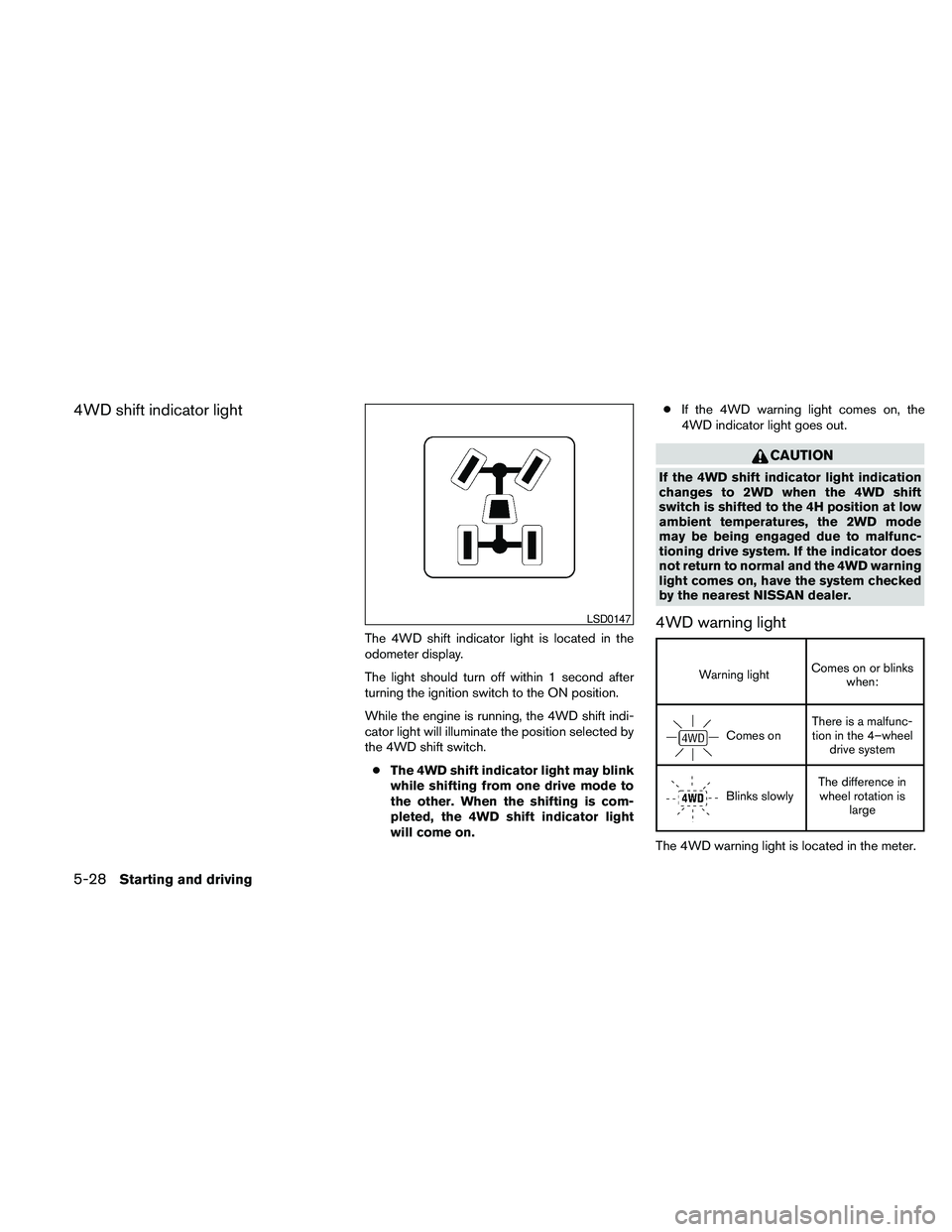
The 4WD shift indicator light is located in the
odometer display.
The light should turn off within 1 second after
turning the ignition switch to the ON position.
While the engine is running, the 4WD shift indi-
cator light will illuminate the position selected by
the 4WD shift switch.
cThe 4WD shift indicator light may blink
while shifting from one drive mode to
the other. When the shifting is com-
pleted, the 4WD shift indicator light
will come on.cIf the 4WD warning light comes on, the
4WD indicator light goes out.
CAUTION
If the 4WD shift indicator light indication
changes to 2WD when the 4WD shift
switch is shifted to the 4H position at low
ambient temperatures, the 2WD mode
may be being engaged due to malfunc-
tioning drive system. If the indicator does
not return to normal and the 4WD warning
light comes on, have the system checked
by the nearest NISSAN dealer.
4WD warning light
Warning lightComes on or blinks
when:
Comes onThere is a malfunc-
tion in the 4–wheel
drive system
Blinks slowlyThe difference in
wheel rotation is
large
The 4WD warning light is located in the meter.
LSD0147
5-28Starting and driving
Page 366 of 373
C.M.V.S.S. certification label..........9-11
Cold weather driving..............5-37
Compact disc (CD) player...........4-27
Compass display.................2-9
Console box...................2-39
Controls
Audio controls (steering wheel).......4-35
Heater and air conditioner controls . .4-2, 4-10
Coolant
Capacities and recommended
fuel/lubricants.................9-2
Changing engine coolant...........8-9
Checking engine coolant level........8-8
Engine coolant temperature gauge.....2-6
Corrosion protection...............7-5
Cruise control..................5-20
Cup holders...................2-42
Curtain side-impact and rollover air bag. . . .1-69
D
Daytime running light system (Canada only) . .2-29
Defroster switch
Rear window defroster switch.......2-26
Dimensions and weights.............9-9
Dimmer switch for instrument panel......2-29
Door locks.....................3-3
Door open warning light.............2-15
Drive belt.....................8-18
Driving
Cold weather driving............5-37
Driving with automatic transmission. . . .5-13
Driving with manual transmission......5-17
Precautions when starting and driving. . . .5-2E
Economy - fuel..................5-22
Electronic locking rear differential (E-Lock)
system......................5-30
Electronic locking rear differential (E-Lock)
system switch..................2-34
Emission control information label.......9-12
Emission control system warranty.......9-37
Engine
Before starting the engine..........5-12
Block heater.................5-39
Capacities and recommended
fuel/lubricants.................9-2
Changing engine coolant...........8-9
Changing engine oil.............8-11
Changing engine oil filter..........8-12
Checking engine coolant level........8-8
Checking engine oil level...........8-9
Engine compartment check locations. . . .8-6
Engine coolant temperature gauge.....2-6
Engine cooling system............8-8
Engine oil...................8-9
Engine oil and oil filter recommendation . . .9-6
Engine oil pressure warning light......2-15
Engine oil viscosity..............9-6
Engine serial number............9-11
Engine specifications.............9-8
Starting the engine.............5-12
Engine oil pressure gauge............2-8
Event data recorders..............9-38
Exhaust gas (Carbon monoxide).........5-2F
First aid kit.....................6-2
Flashers
(See hazard warning flasher switch)......2-30
Flat tire.......................6-3
Floor mat positioning aid.............7-5
Fluid
Brake fluid..................8-14
Capacities and recommended
fuel/lubricants.................9-2
Clutch fluid..................8-14
Engine coolant.................8-8
Engine oil...................8-9
Power steering fluid.............8-13
Window washer fluid............8-15
F.M.V.S.S. certification label...........9-11
Fog light switch.................2-30
Front air bag system
(See supplemental restraint system)......1-65
Front seats.....................1-2
Fuel
Capacities and recommended
fuel/lubricants.................9-2
Fuel economy................5-22
Fuel gauge...................2-7
Fuel octane rating...............9-5
Fuel recommendation.............9-4
Fuel-filler cap.................3-10
Fuel-filler door and cap...........3-10
Fuel-filler lid.................3-10
Fuses.......................8-24
Fusible links...................8-25
10-2