light NISSAN FRONTIER 2022 Owner´s Manual
[x] Cancel search | Manufacturer: NISSAN, Model Year: 2022, Model line: FRONTIER, Model: NISSAN FRONTIER 2022Pages: 556, PDF Size: 6.11 MB
Page 169 of 556
When the E-Lock switch is turned on, the
indicator light will flash until the system
engages. However, if all operation condi-
tions listed above are not met or the sys-
tem becomes disengaged, the indicator
light will continue to flash.
The Anti-lock Braking System (ABS) is dis-
abled and the ABS light illuminates when
the E-Lock system is on. Also, the Vehicle
Dynamic Control (VDC) system is disabled
and the VDC light illuminates when the
E-Lock system is on.
For additional information, see “Electronic
locking rear differential (E-Lock) system”
(P. 5-116) for further explanation and system
limitations.
WARNING
• Never leave the E-Lock system on
when driving on paved or hard-
surfaced roads. Turning the vehicle
may result in the rear wheels slipping
and result in an accident and per-
sonal injury. Af ter using the E-Lock
system to free the vehicle, turn the
system off. •
Use the E-Lock system only when
freeing a stuck vehicle. Try the 4LO
position before using the E-Lock sys-
tem. Never use the E-Lock system on
a slippery road surface such as snow
or ice surface. Using the E-Lock sys-
tem when driving in these road con-
ditions may cause unexpected
movement of the vehicle during en-
gine braking, accelerating or turning,
which may result in an accident and
serious personal injury.
CAUTION
• Af ter using the E-Lock system, turn
the switch off to prevent possible
damage to driveline components
from extended use.
• Do not drive over 12 mph (20 km/h)
when the system is engaged. Doing
so could result in possible damage to
the driveline.
• Do not turn on the E-Lock system
while the tires are spinning. Doing so
could damage drivetrain
components. To use the outlets for devices that require
up to 120v power, the vehicle must be run-
ning and the power inverter switch must
be on.
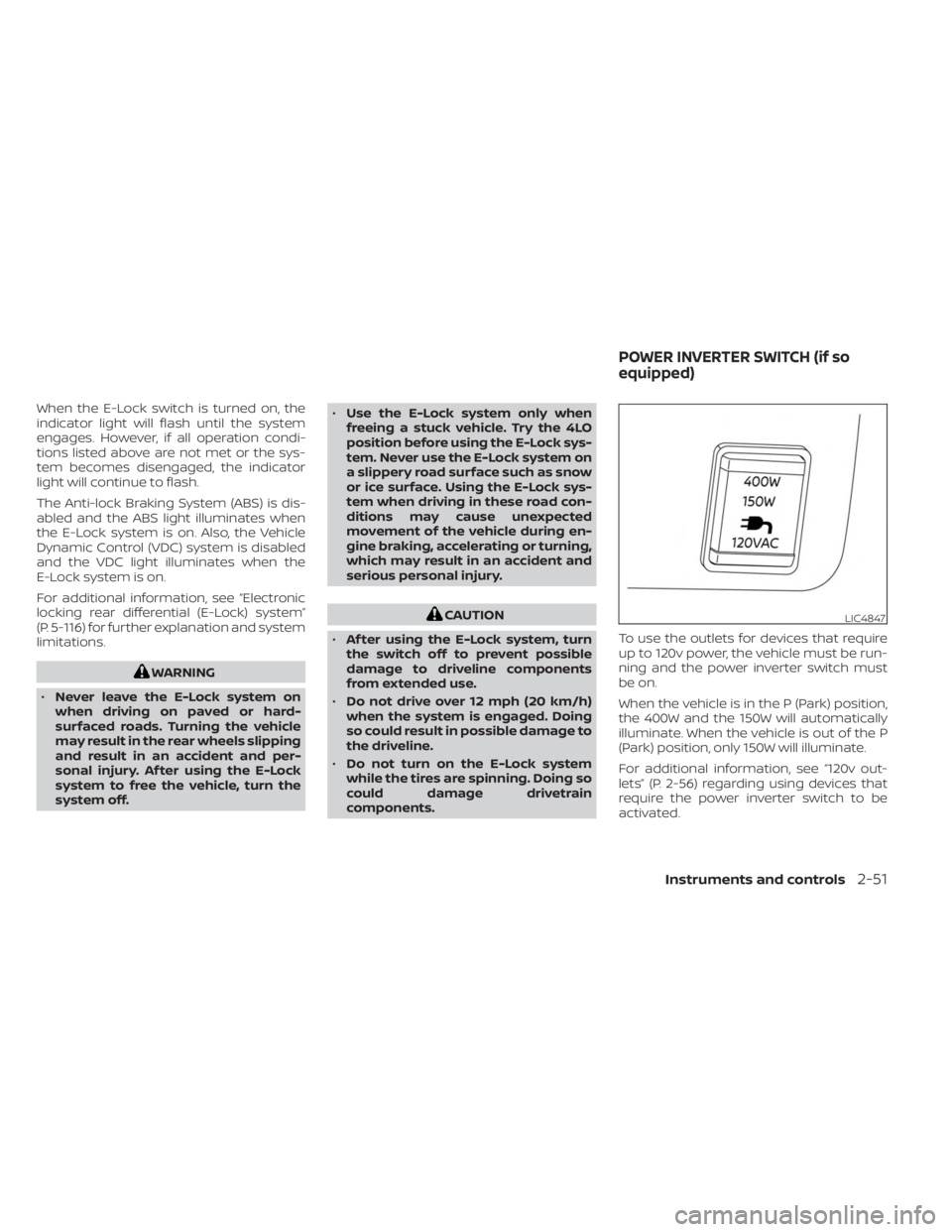
When the vehicle is in the P (Park) position,
the 400W and the 150W will automatically
illuminate. When the vehicle is out of the P
(Park) position, only 150W will illuminate.
For additional information, see “120v out-
lets” (P. 2-56) regarding using devices that
require the power inverter switch to be
activated.LIC4847
POWER INVERTER SWITCH (if so
equipped)
Instruments and controls2-51
Page 170 of 556
CAUTION
• Use power outlets with the engine
running to avoid discharging the ve-
hicle battery.
• Do not attempt to use this while
driving.
• Do not use double adapters or more
than one electrical accessory, doing
so could significantly drain the bat-
tery of your vehicle.
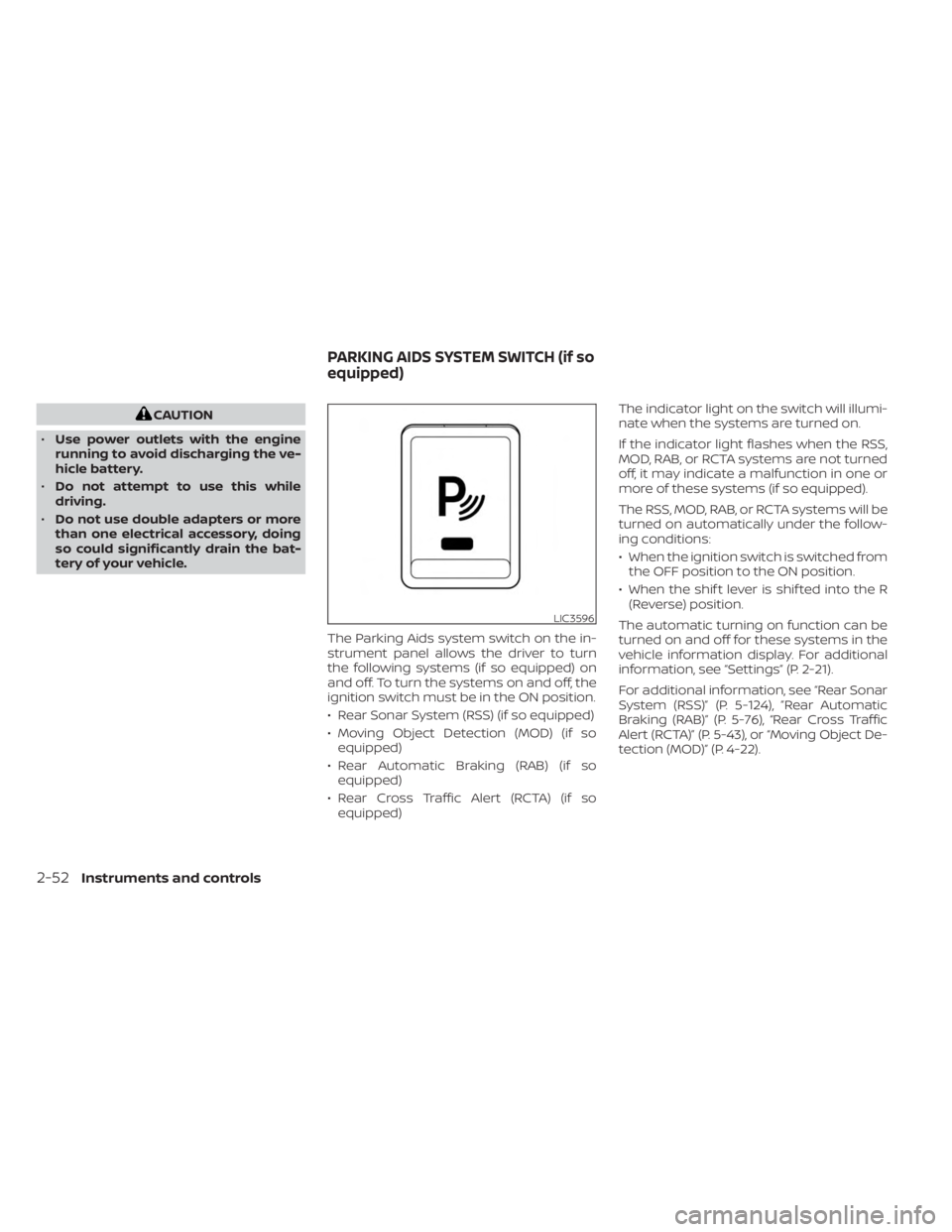
The Parking Aids system switch on the in-
strument panel allows the driver to turn
the following systems (if so equipped) on
and off. To turn the systems on and off, the
ignition switch must be in the ON position.
• Rear Sonar System (RSS) (if so equipped)
• Moving Object Detection (MOD) (if soequipped)
• Rear Automatic Braking (RAB) (if so equipped)
• Rear Cross Traffic Alert (RCTA) (if so equipped) The indicator light on the switch will illumi-
nate when the systems are turned on.
If the indicator light flashes when the RSS,
MOD, RAB, or RCTA systems are not turned
off, it may indicate a malfunction in one or
more of these systems (if so equipped).
The RSS, MOD, RAB, or RCTA systems will be
turned on automatically under the follow-
ing conditions:
• When the ignition switch is switched from
the OFF position to the ON position.
• When the shif t lever is shif ted into the R (Reverse) position.
The automatic turning on function can be
turned on and off for these systems in the
vehicle information display. For additional
information, see “Settings” (P. 2-21).
For additional information, see “Rear Sonar
System (RSS)” (P. 5-124), ”Rear Automatic
Braking (RAB)” (P. 5-76), “Rear Cross Traffic
Alert (RCTA)” (P. 5-43), or “Moving Object De-
tection (MOD)” (P. 4-22).
LIC3596
PARKING AIDS SYSTEM SWITCH (if so
equipped)
2-52Instruments and controls
Page 171 of 556
Tow mode should be used when pulling a
heavy trailer or hauling a heavy load. Driv-
ing the vehicle in the tow mode with no
trailer/load or light trailer/light load will not
cause any damage. However, fuel
economy may be reduced, and the
transmission/engine driving characteris-
tics may feel unusual.
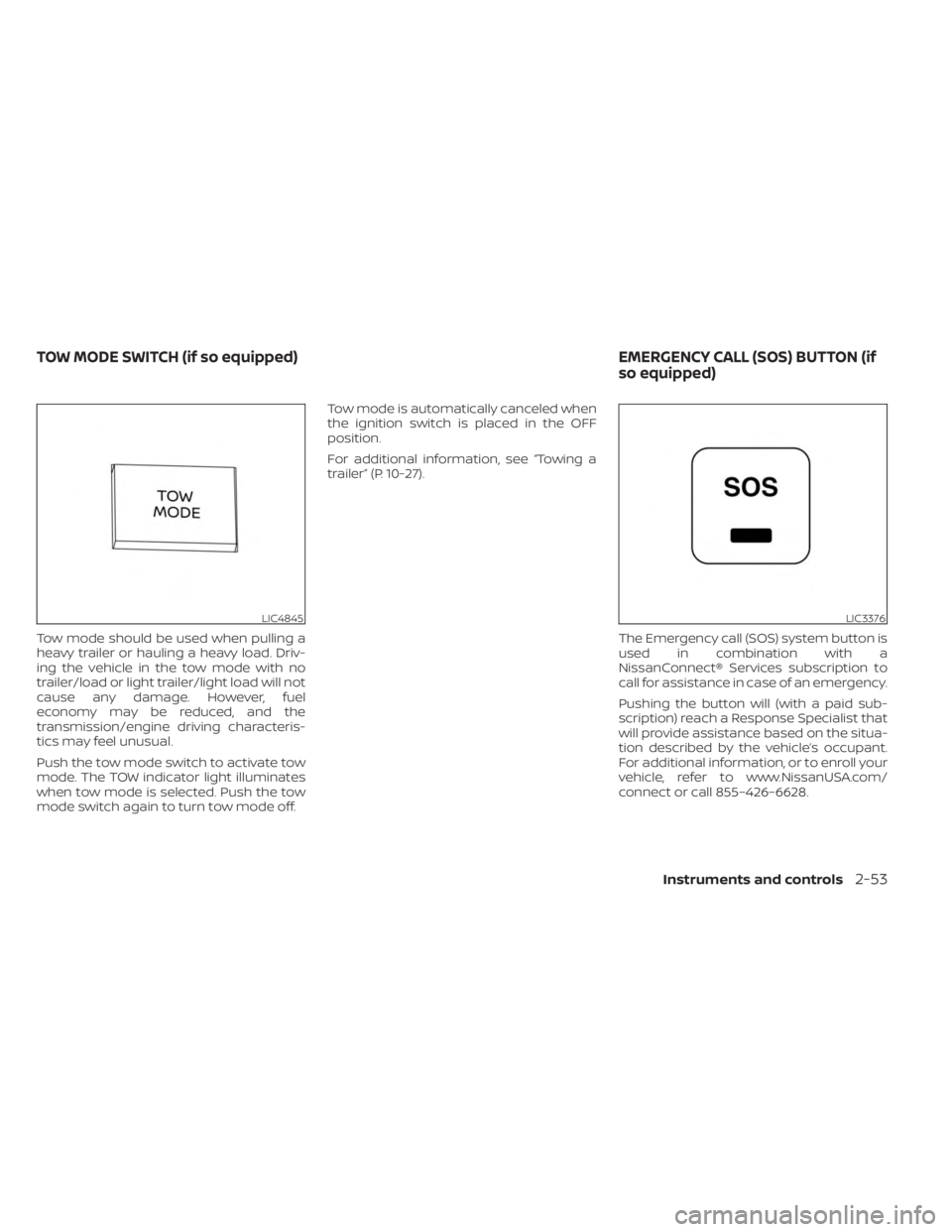
Push the tow mode switch to activate tow
mode. The TOW indicator light illuminates
when tow mode is selected. Push the tow
mode switch again to turn tow mode off.Tow mode is automatically canceled when
the ignition switch is placed in the OFF
position.
For additional information, see “Towing a
trailer” (P. 10-27).
The Emergency call (SOS) system button is
used in combination with a
NissanConnect® Services subscription to
call for assistance in case of an emergency.
Pushing the button will (with a paid sub-
scription) reach a Response Specialist that
will provide assistance based on the situa-
tion described by the vehicle’s occupant.
For additional information, or to enroll your
vehicle, refer to www.NissanUSA.com/
connect or call 855–426–6628.
LIC4845LIC3376
TOW MODE SWITCH (if so equipped) EMERGENCY CALL (SOS) BUTTON (if
so equipped)
Instruments and controls2-53
Page 173 of 556
12V OUTLETS
The power outlets are for powering electri-
cal accessories such as cellular
telephones.
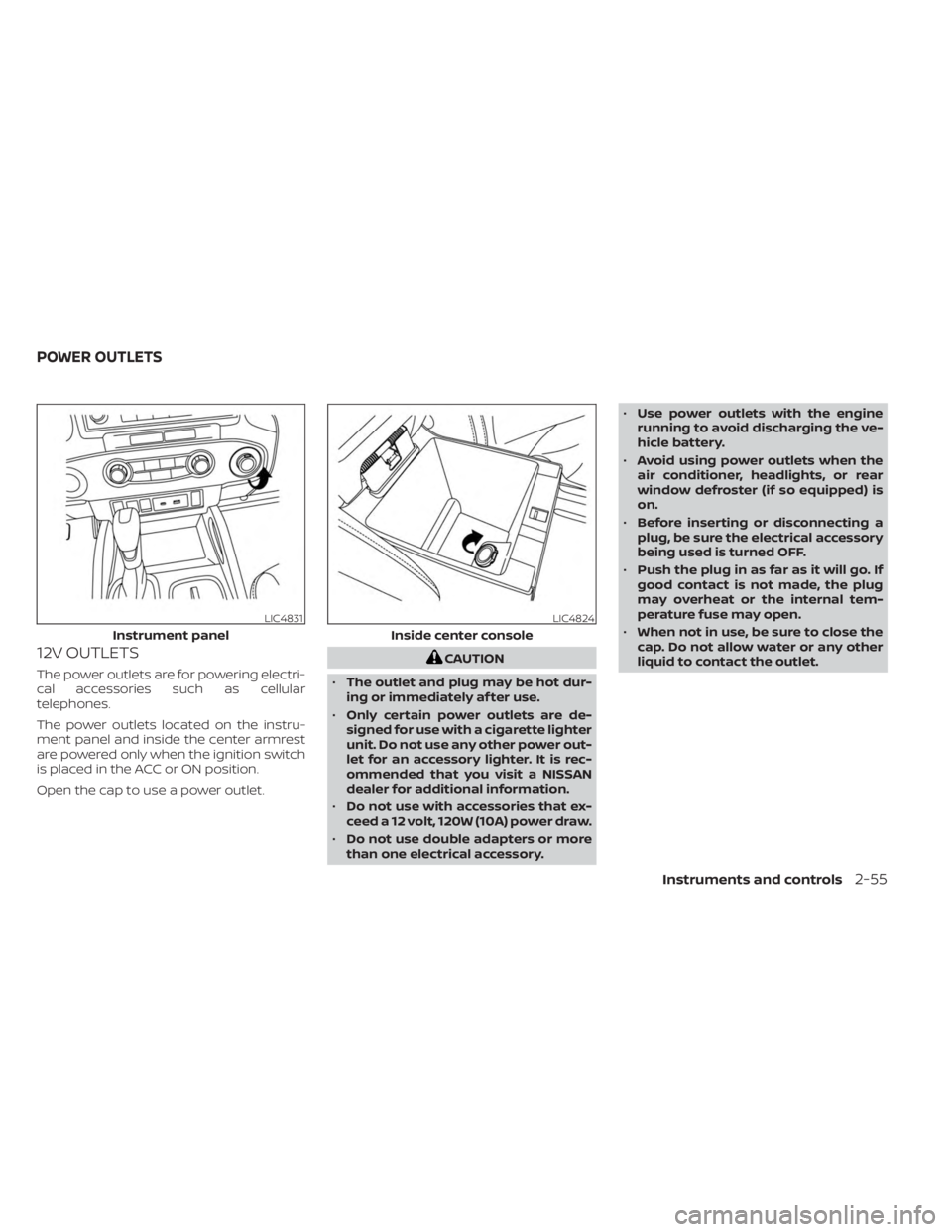
The power outlets located on the instru-
ment panel and inside the center armrest
are powered only when the ignition switch
is placed in the ACC or ON position.
Open the cap to use a power outlet.
CAUTION
• The outlet and plug may be hot dur-
ing or immediately af ter use.
• Only certain power outlets are de-
signed for use with a cigarette lighter
unit. Do not use any other power out-
let for an accessory lighter. It is rec-
ommended that you visit a NISSAN
dealer for additional information.
• Do not use with accessories that ex-
ceed a 12 volt, 120W (10A) power draw.
• Do not use double adapters or more
than one electrical accessory. •
Use power outlets with the engine
running to avoid discharging the ve-
hicle battery.
• Avoid using power outlets when the
air conditioner, headlights, or rear
window defroster (if so equipped) is
on.
• Before inserting or disconnecting a
plug, be sure the electrical accessory
being used is turned OFF.
• Push the plug in as far as it will go. If
good contact is not made, the plug
may overheat or the internal tem-
perature fuse may open.
• When not in use, be sure to close the
cap. Do not allow water or any other
liquid to contact the outlet.
LIC4831
Instrument panel
LIC4824
Inside center console
POWER OUTLETS
Instruments and controls2-55
Page 176 of 556
Do not use the outlet located in the truck
box with accessories that exceed 120 volt.
Do not use double adapters or more than
one electrical accessory.
CAUTION
• Operation of the 120 volt system with
the ignition in the ON position and
the engine not running (idle) will
drain the battery charge. This could
lead to a dead battery or no start
condition.
• The outlet and plug may be hot dur-
ing or immediately af ter use.
• Use power outlets with the engine
running to avoid discharging the ve-
hicle battery.
• Do not use double adaptors or more
than one electrical accessory.
• Avoid using power outlets when the
air conditioner, headlights or rear
window defroster is on.
• Before inserting or disconnecting a
plug, be sure the electrical accessory
being used is turned OFF. •
Push the plug in as far as it will go. If
good contact is not made, the plug
may overheat or the internal tem-
perature fuse may open.
• When not in use, be sure to close the
cap. Do not allow water or any other
liquid to contact the outlet.
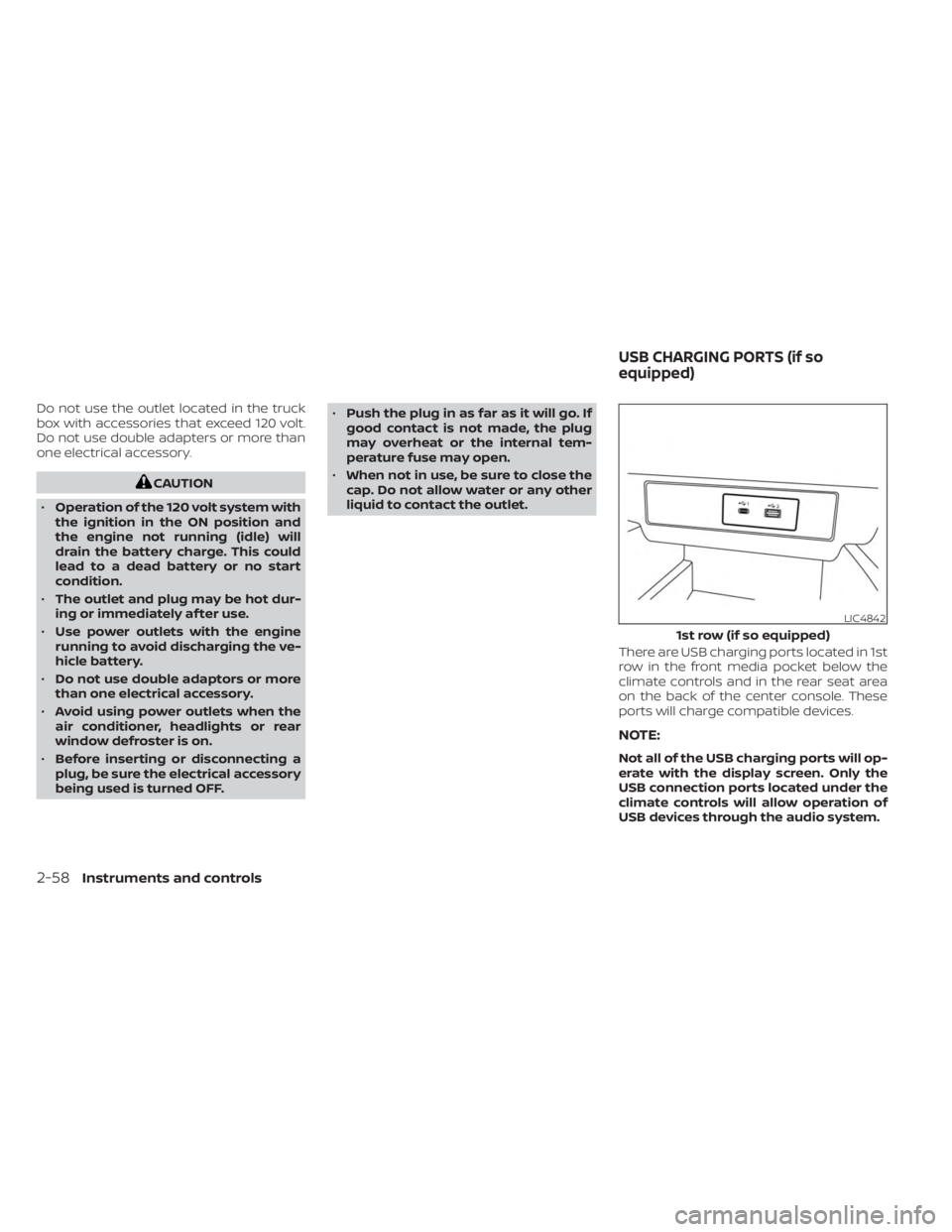
There are USB charging ports located in 1st
row in the front media pocket below the
climate controls and in the rear seat area
on the back of the center console. These
ports will charge compatible devices.
NOTE:
Not all of the USB charging ports will op-
erate with the display screen. Only the
USB connection ports located under the
climate controls will allow operation of
USB devices through the audio system.
LIC4842
1st row (if so equipped)
USB CHARGING PORTS (if so
equipped)
2-58Instruments and controls
Page 177 of 556
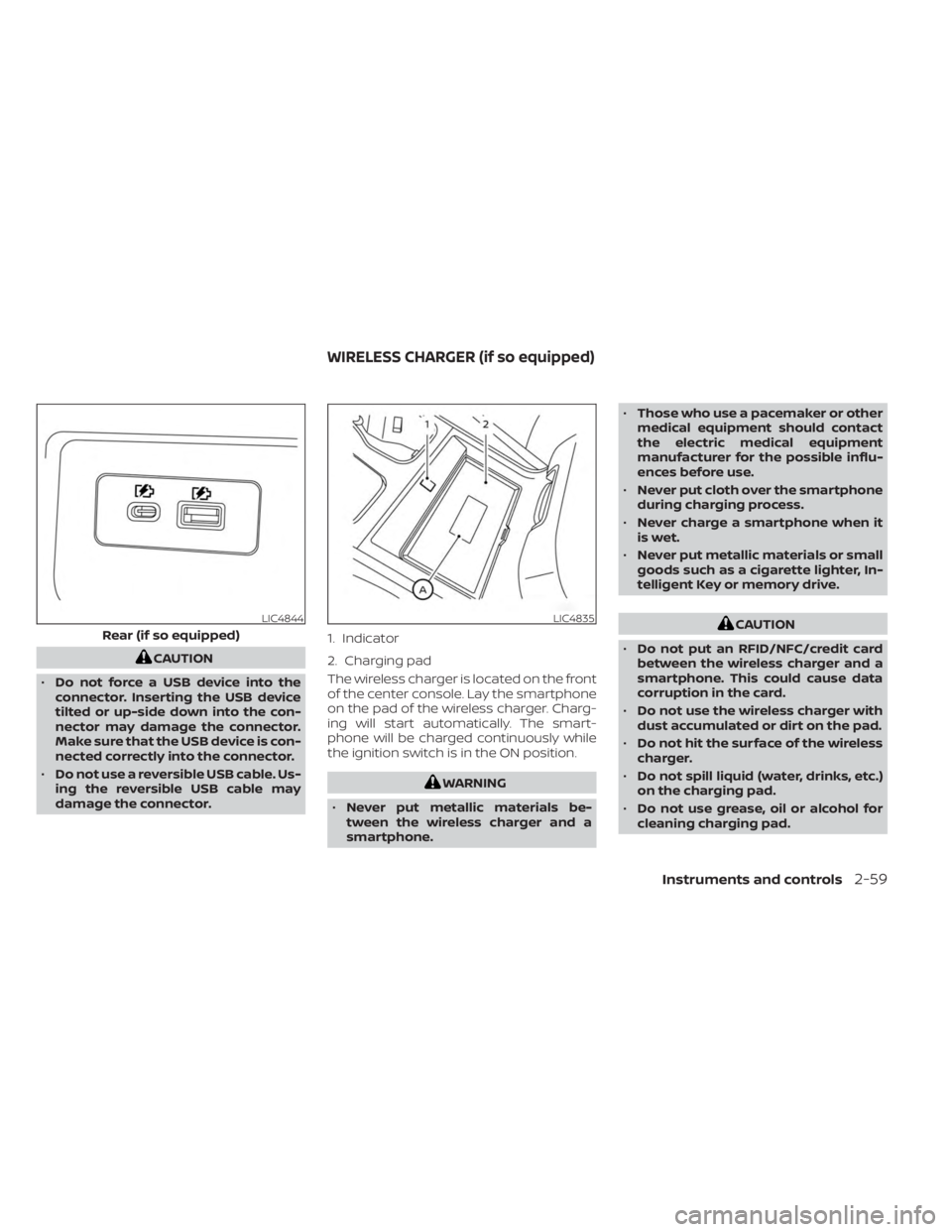
CAUTION
• Do not force a USB device into the
connector. Inserting the USB device
tilted or up-side down into the con-
nector may damage the connector.
Make sure that the USB device is con-
nected correctly into the connector.
• Do not use a reversible USB cable. Us-
ing the reversible USB cable may
damage the connector. The wireless charger is located on the front
of the center console. Lay the smartphone
on the pad of the wireless charger. Charg-
ing will start automatically. The smart-
phone will be charged continuously while
the ignition switch is in the ON position.
WARNING
• Never put metallic materials be-
tween the wireless charger and a
smartphone. •
Those who use a pacemaker or other
medical equipment should contact
the electric medical equipment
manufacturer for the possible influ-
ences before use.
• Never put cloth over the smartphone
during charging process.
• Never charge a smartphone when it
is wet.
• Never put metallic materials or small
goods such as a cigarette lighter, In-
telligent Key or memory drive.
CAUTION
• Do not put an RFID/NFC/credit card
between the wireless charger and a
smartphone. This could cause data
corruption in the card.
• Do not use the wireless charger with
dust accumulated or dirt on the pad.
• Do not hit the surface of the wireless
charger.
• Do not spill liquid (water, drinks, etc.)
on the charging pad.
• Do not use grease, oil or alcohol for
cleaning charging pad.LIC4844
Rear (if so equipped)
LIC4835
1. Indicator
2. Charging pad
WIRELESS CHARGER (if so equipped)
Instruments and controls2-59
Page 185 of 556
OVERHEAD SUNGLASSES
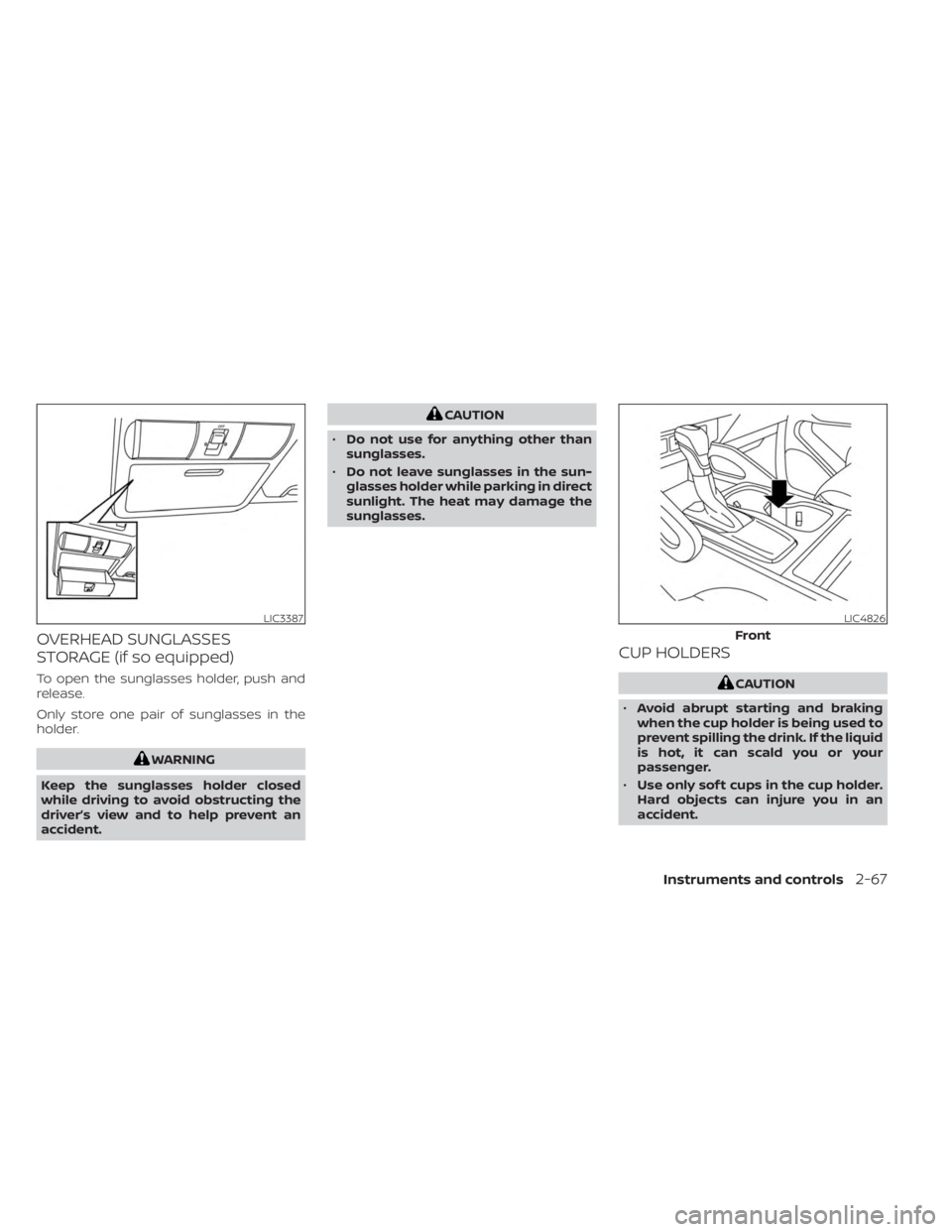
STORAGE (if so equipped)
To open the sunglasses holder, push and
release.
Only store one pair of sunglasses in the
holder.
WARNING
Keep the sunglasses holder closed
while driving to avoid obstructing the
driver’s view and to help prevent an
accident.
CAUTION
• Do not use for anything other than
sunglasses.
• Do not leave sunglasses in the sun-
glasses holder while parking in direct
sunlight. The heat may damage the
sunglasses.
CUP HOLDERS
CAUTION
• Avoid abrupt starting and braking
when the cup holder is being used to
prevent spilling the drink. If the liquid
is hot, it can scald you or your
passenger.
• Use only sof t cups in the cup holder.
Hard objects can injure you in an
accident.
LIC3387LIC4826
Front
Instruments and controls2-67
Page 187 of 556
WARNING
• Do not exceed maximum ladder rack
load capacity.
• Exceeding the ladder rack capacity
can change the vehicle’s center of
gravity and adversely affect the han-
dling and stability of the vehicle re-
sulting in an accident causing death
or serious injury.
• When loading the ladder rack, evenly
distribute the load as well as main-
tain a low center of gravity.
• Do not use your rack off road, unless
otherwise noted as an “off road
rated” product.
• Do not allow the ladder rack or load
to obstruct the vehicle’s exterior
lighting.
• Be careful that your vehicle does not
exceed the Gross Vehicle Weight Rat-
ing (GVWR) or its Gross Axle Weight
Rating (GAWR front & rear).
• Properly secure all cargo with ropes
or straps to help it prevent from slid-
ing or shif ting. •
Take extra caution when the vehicle
has load on the Ladder rack as this
raises the center of gravity of the ve-
hicle and may cause the vehicle to
roll over when there is a loss of ve-
hicle control.
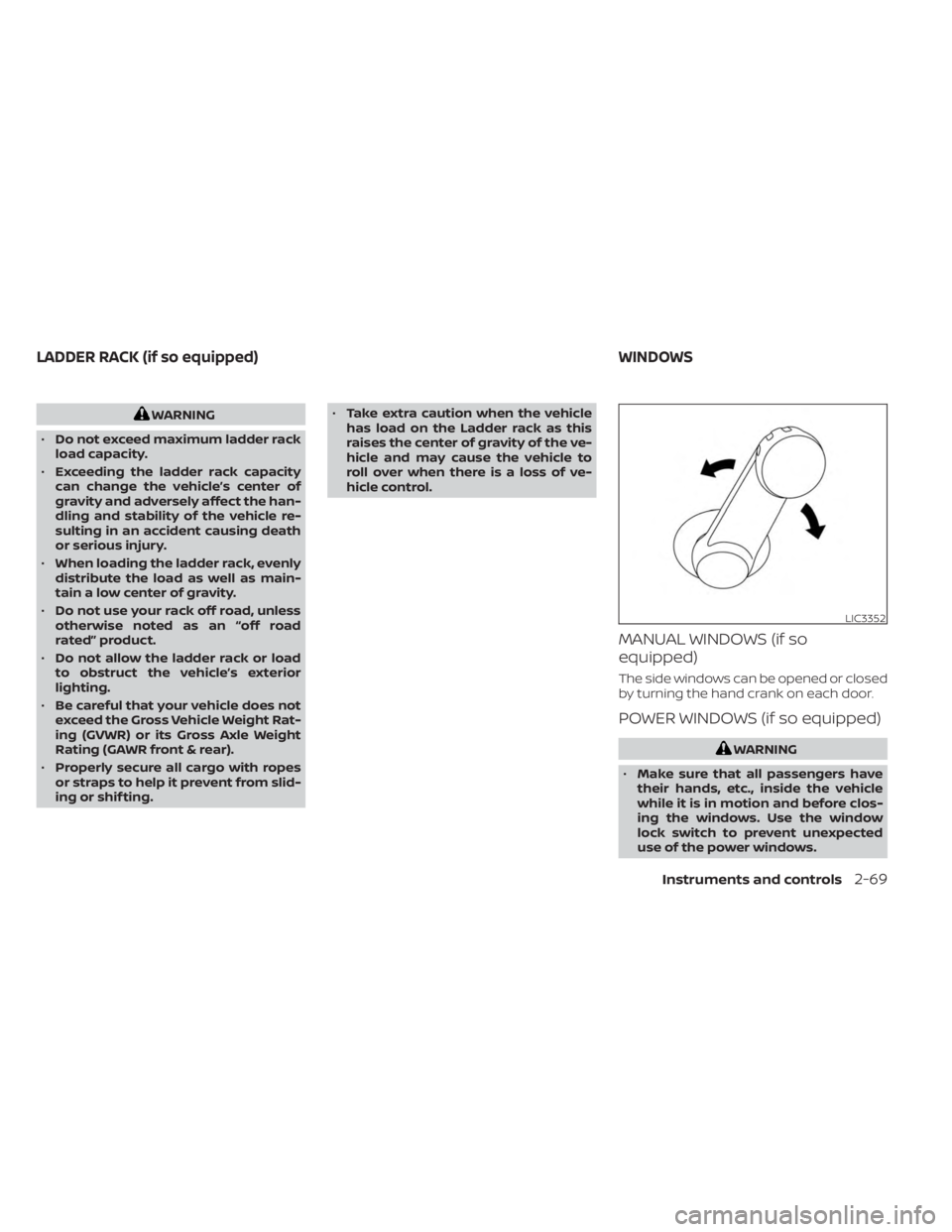
MANUAL WINDOWS (if so
equipped)
The side windows can be opened or closed
by turning the hand crank on each door.
POWER WINDOWS (if so equipped)
WARNING
• Make sure that all passengers have
their hands, etc., inside the vehicle
while it is in motion and before clos-
ing the windows. Use the window
lock switch to prevent unexpected
use of the power windows.
LIC3352
LADDER RACK (if so equipped) WINDOWS
Instruments and controls2-69
Page 192 of 556
Sunshade
Open and close the sunshade by sliding it
forward or backward.
If the moonroof does not close
Have your moonroof checked and re-
paired. It is recommended that you visit a
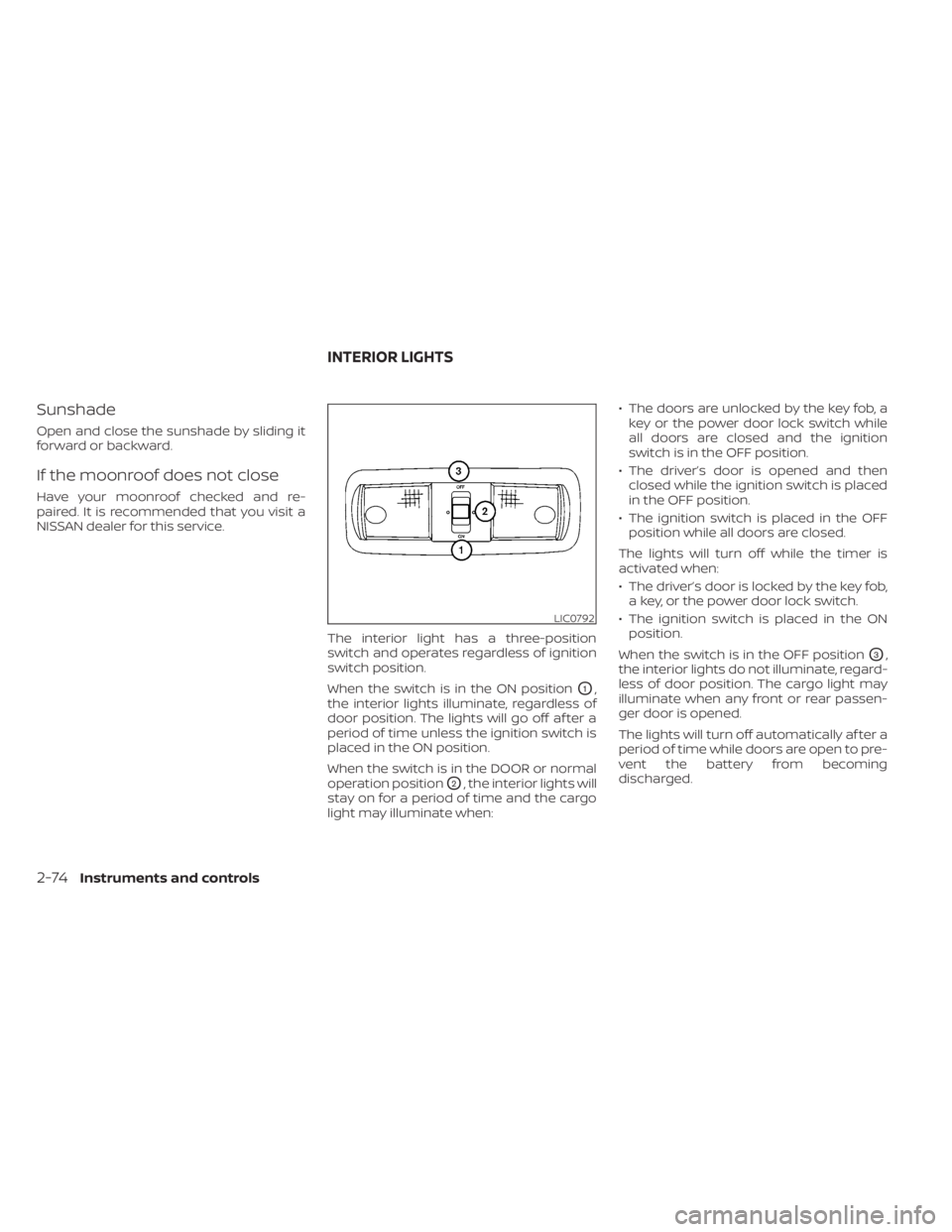
NISSAN dealer for this service.The interior light has a three-position
switch and operates regardless of ignition
switch position.
When the switch is in the ON position
O1,
the interior lights illuminate, regardless of
door position. The lights will go off af ter a
period of time unless the ignition switch is
placed in the ON position.
When the switch is in the DOOR or normal
operation position
O2, the interior lights will
stay on for a period of time and the cargo
light may illuminate when: • The doors are unlocked by the key fob, a
key or the power door lock switch while
all doors are closed and the ignition
switch is in the OFF position.
• The driver’s door is opened and then closed while the ignition switch is placed
in the OFF position.
• The ignition switch is placed in the OFF position while all doors are closed.
The lights will turn off while the timer is
activated when:
• The driver’s door is locked by the key fob, a key, or the power door lock switch.
• The ignition switch is placed in the ON position.
When the switch is in the OFF position
O3,
the interior lights do not illuminate, regard-
less of door position. The cargo light may
illuminate when any front or rear passen-
ger door is opened.
The lights will turn off automatically af ter a
period of time while doors are open to pre-
vent the battery from becoming
discharged.
LIC0792
INTERIOR LIGHTS
2-74Instruments and controls
Page 193 of 556
CAUTION
Do not use for extended periods of time
with the engine stopped. This could re-
sult in a discharged battery.
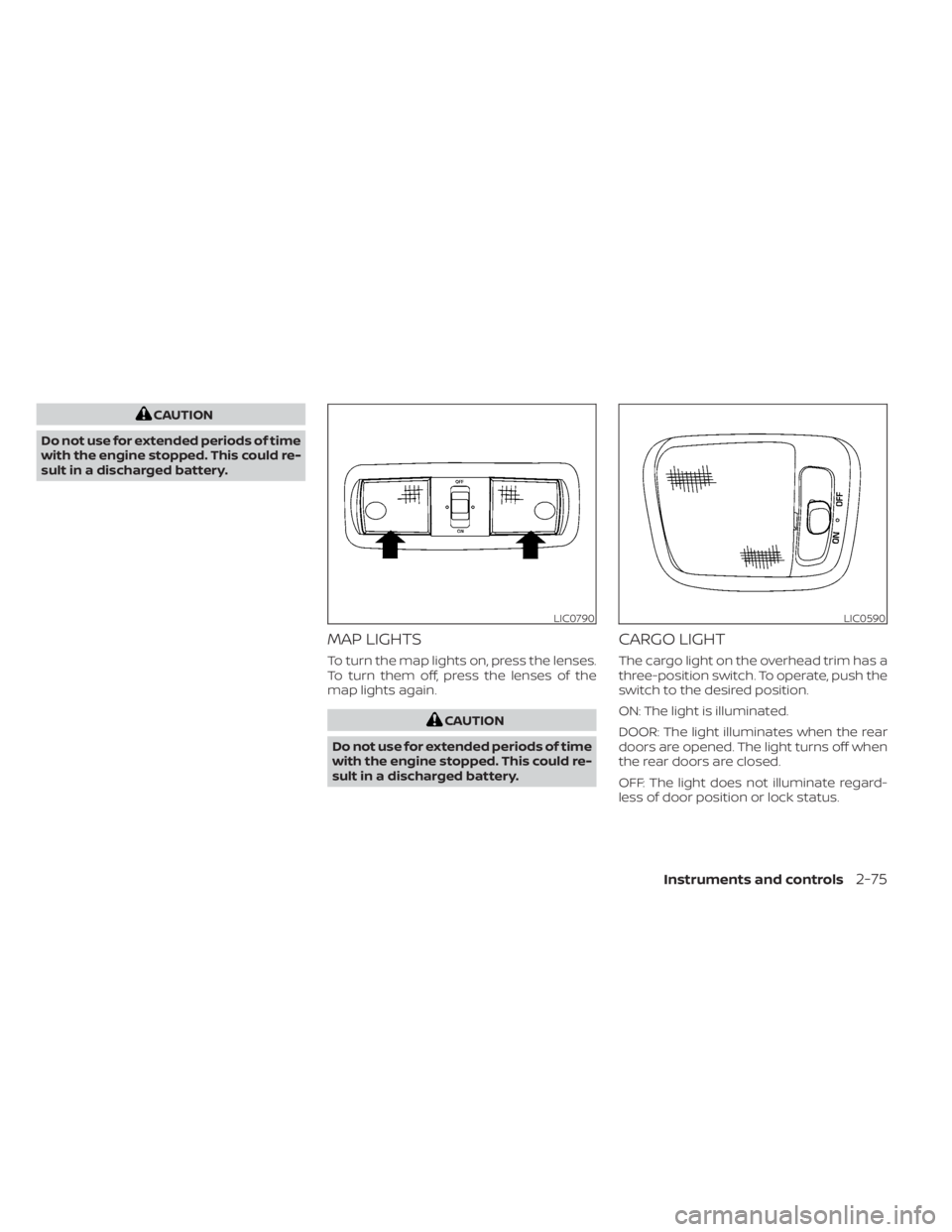
MAP LIGHTS
To turn the map lights on, press the lenses.
To turn them off, press the lenses of the
map lights again.
CAUTION
Do not use for extended periods of time
with the engine stopped. This could re-
sult in a discharged battery.
CARGO LIGHT
The cargo light on the overhead trim has a
three-position switch. To operate, push the
switch to the desired position.
ON: The light is illuminated.
DOOR: The light illuminates when the rear
doors are opened. The light turns off when
the rear doors are closed.
OFF: The light does not illuminate regard-
less of door position or lock status.
LIC0790LIC0590
Instruments and controls2-75