key NISSAN GT-R 2011 Owner's Manual
[x] Cancel search | Manufacturer: NISSAN, Model Year: 2011, Model line: GT-R, Model: NISSAN GT-R 2011Pages: 312, PDF Size: 13.07 MB
Page 207 of 312
Black plate (213,1)
Model "R35-N" EDITED: 2009/ 10/ 30
.Speed Sensing Wiper Interval:
When this item is turned to ON, the wiper
interval is adjusted automatically according
to the vehicle speed.
. Selective Door Unlock:
When this item is turned to ON, only the
driver’s door is unlocked first after the door
unlock operation. When the door handle
request switch on the driver’s or front
passenger’s side door is pushed to be
unlocked, only the corresponding door is
unlocked first. All the doors can be unlocked
if the door unlock operation is performed
again within 60 seconds.
When this item is turned to OFF, all the
doors will be unlocked after the door unlock
operation is performed once.
. Intelligent Key Lock/Unlock:
When this item is turned to ON, door lock/
unlock function by pushing the door handle
request switch will be activated.
. Return All Settings to Default:
Select this item, push
choose “YES” if you want to return all
settings to the default.
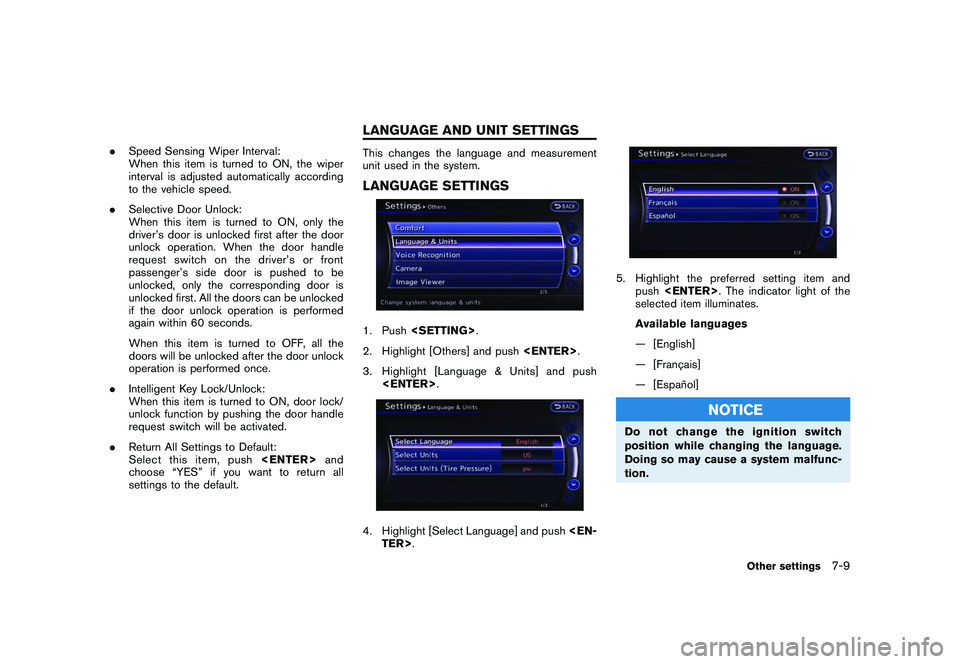
This changes the language and measurement
unit used in the system.LANGUAGE SETTINGS1. Push
2. Highlight [Others] and push
3. Highlight [Language & Units] and push
5. Highlight the preferred setting item and push
selected item illuminates.
Available languages
— [English]
— [Franc¸ ais]
— [Espan ˜
ol]
NOTICE
Do not change the ignition switch
position while changing the language.
Doing so may cause a system malfunc-
tion.
Other settings
7-9
LANGUAGE AND UNIT SETTINGS
Page 209 of 312
Black plate (215,1)
Model "R35-N" EDITED: 2009/ 10/ 30
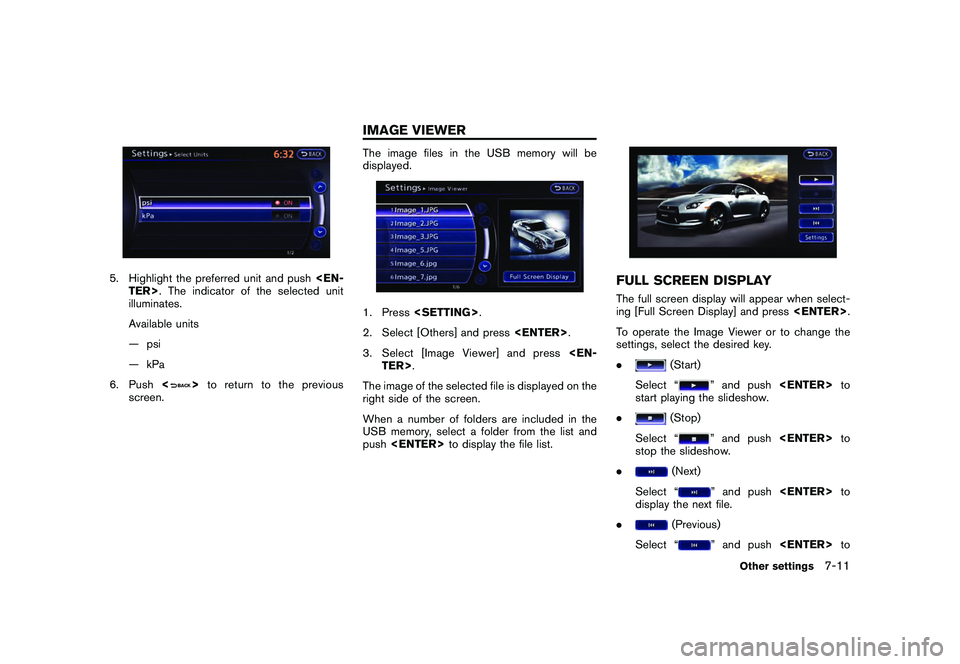
5. Highlight the preferred unit and push
illuminates.
Available units
— psi
— kPa
6. Push <
>to return to the previous
screen.
The image files in the USB memory will be
displayed.1. Press
2. Select [Others] and press
3. Select [Image Viewer] and press
The image of the selected file is displayed on the
right side of the screen.
When a number of folders are included in the
USB memory, select a folder from the list and
push
FULL SCREEN DISPLAYThe full screen display will appear when select-
ing [Full Screen Display] and press
To operate the Image Viewer or to change the
settings, select the desired key.
.
(Start)
Select “
” and push
start playing the slideshow.
.
(Stop)
Select “
” and push
stop the slideshow.
.
(Next)
Select “
” and push
display the next file.
.
(Previous)
Select “
” and push
Other settings
7-11
IMAGE VIEWER
Page 273 of 312
![NISSAN GT-R 2011 Owners Manual Black plate (279,1)
Model "R35-N" EDITED: 2009/ 10/ 30
3. Select the record you would like to display.The menu screen will be displayed.4. Select [Transfer Stop Watch Times to USBMemory]. The time rec](/img/5/58175/w960_58175-272.png "NISSAN GT-R 2011 Owners Manual Black plate (279,1)
Model \"R35-N\" EDITED: 2009/ 10/ 30
3. Select the record you would like to display.The menu screen will be displayed.4. Select [Transfer Stop Watch Times to USBMemory]. The time rec")
Black plate (279,1)
Model "R35-N" EDITED: 2009/ 10/ 30
3. Select the record you would like to display.The menu screen will be displayed.4. Select [Transfer Stop Watch Times to USBMemory]. The time record is saved to the
USB memory.
NOTICE
Inserting objects other than a USB
memory into the USB connector can
cause damage. Do not insert anything
other than a USB memory into the USB
connector.
INFO:
. Time records are saved to the USB memory
in the CSV format.
. While records are being saved to the USB
memory, do not change the key position or
remove the USB memory.
. To save all records to the USB memory,
select [Transfer All Stop Watch Times to
USB Mem.].
Deleting recordsUse the following procedure to delete time
records saved in the system.1. Select [TIME LOG]. The list screen will be
displayed.2. Select the record you would like to display.
The menu screen will be displayed.
Multi function meter
9-31