warning NISSAN KICKS 2022 Repair Manual
[x] Cancel search | Manufacturer: NISSAN, Model Year: 2022, Model line: KICKS, Model: NISSAN KICKS 2022Pages: 500, PDF Size: 3.24 MB
Page 122 of 500
Vehicle ahead detection indicator (if
so equipped)
This indicator shows when the Automatic
Emergency Braking (AEB) system is en-
gaged and has detected a vehicle.
For additional information, refer to “Auto-
matic Emergency Braking (AEB)” or “Auto-
matic Emergency Braking (AEB) with Pe-
destrian Detection” in the “Starting and
driving” section of this manual.
System Fault (if so equipped)
This warning appears if there is a malfunc-
tion in the Rear Automatic Braking (RAB)
system. For additional information, refer to
“Rear Automatic Braking (RAB)” in the “Start-
ing and driving” section of this manual.
Parking Sensor (if so equipped)
This indicator illuminates when the sensor
is activated. For additional information, re-
fer to “Rear Sonar System (RSS)” in the
“Starting and driving” section of this
manual.
Unavailable: High Cabin Temperature
(if so equipped)
This message appears when the camera
detects an interior temperature of more
than approximately 104°F (40°C). For addi-
tional information, refer to “Lane Departure
Warning (LDW)” in the “Starting and driving”
section of this manual.
Parking Sensor Error: See Owner’s
Manual (if so equipped)
This warning illuminates when there is an
error with the system. For additional infor-
mation, refer to “Rear Sonar System (RSS)”
in the “Starting and driving” section of this
manual.Your vehicle may have three types of secu-
rity systems:
• Vehicle security system
• NISSAN Anti-Thef t System
• NISSAN Vehicle Immobilizer System
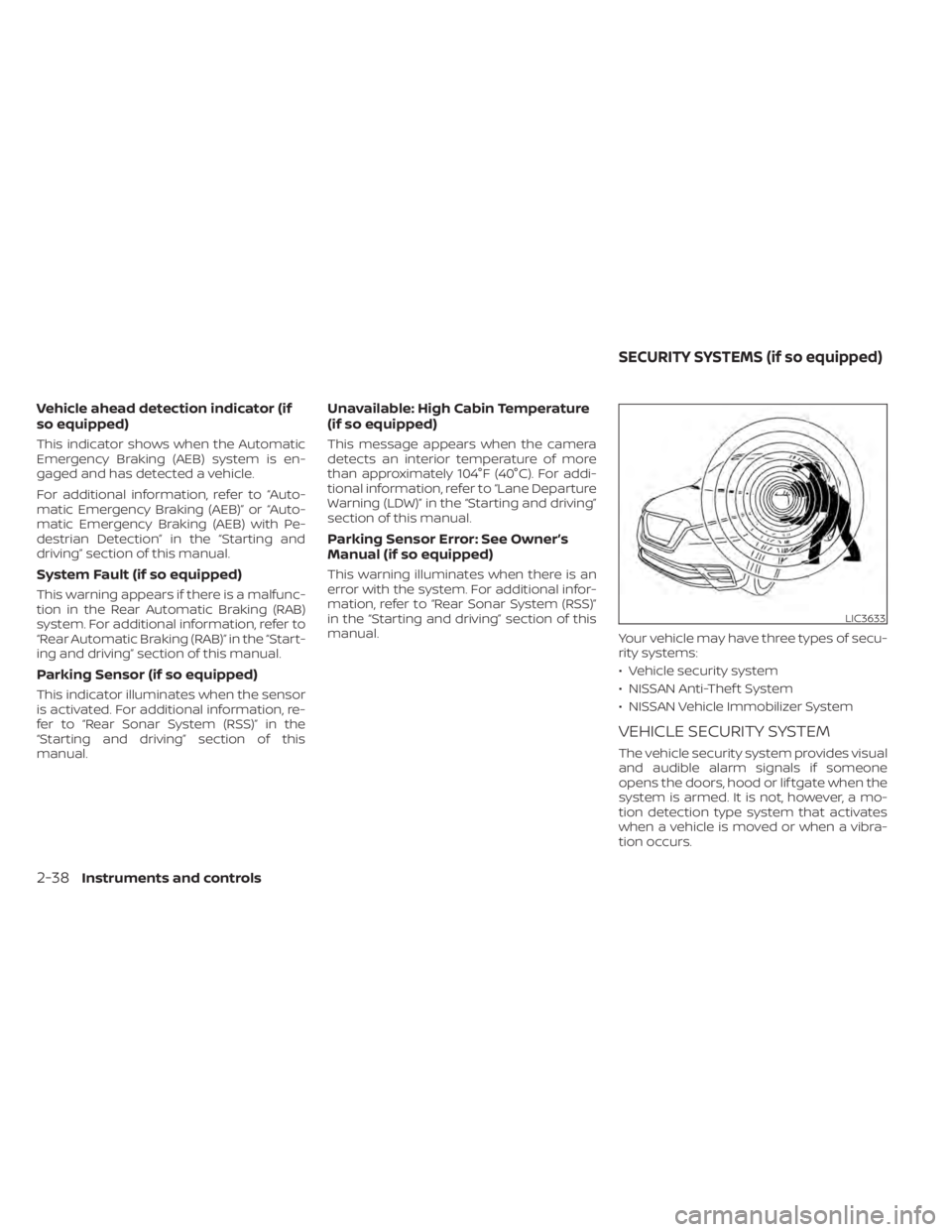
VEHICLE SECURITY SYSTEM
The vehicle security system provides visual
and audible alarm signals if someone
opens the doors, hood or lif tgate when the
system is armed. It is not, however, a mo-
tion detection type system that activates
when a vehicle is moved or when a vibra-
tion occurs.
LIC3633
SECURITY SYSTEMS (if so equipped)
Page 136 of 500
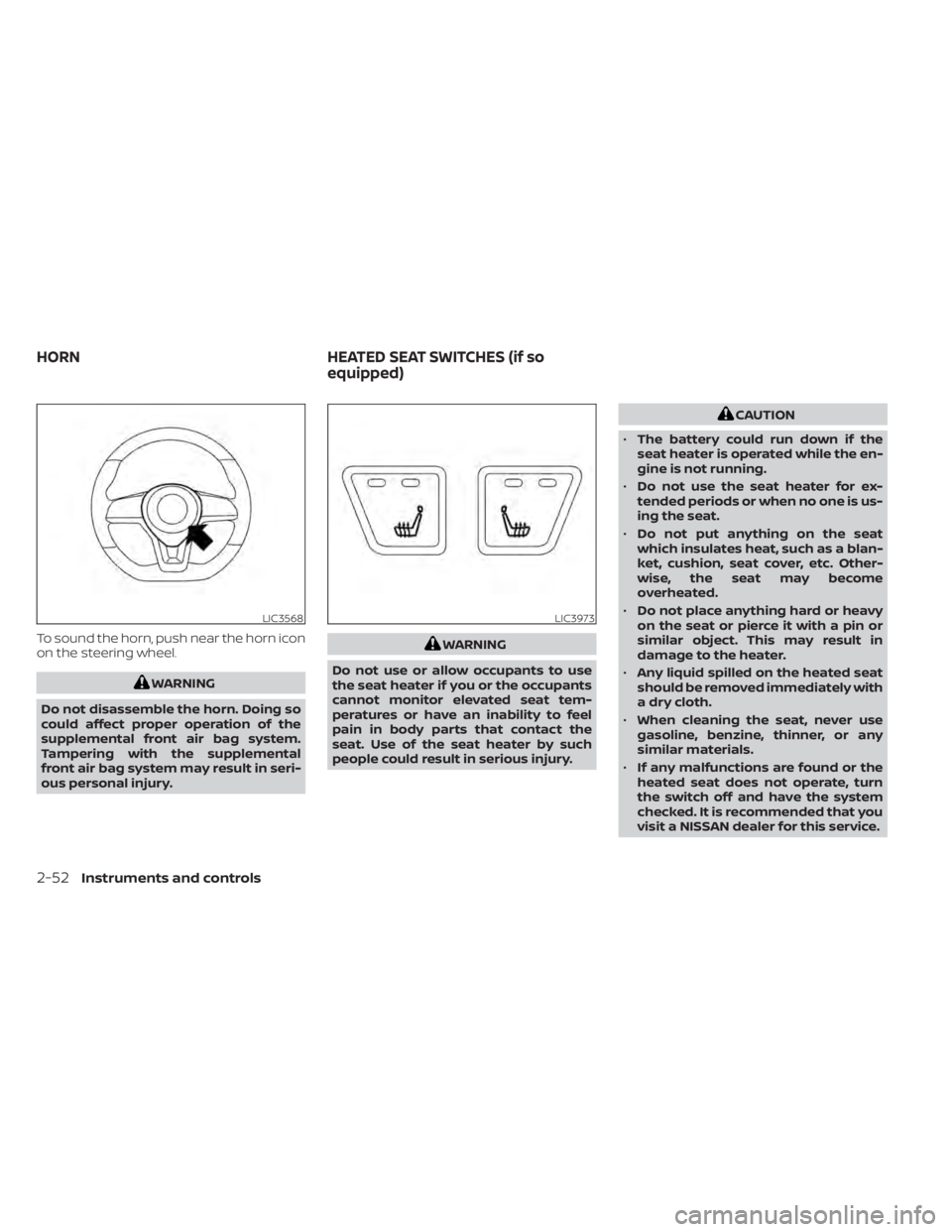
To sound the horn, push near the horn icon
on the steering wheel.WARNING
Do not use or allow occupants to use
the seat heater if you or the occupants
cannot monitor elevated seat tem-
peratures or have an inability to feel
pain in body parts that contact the
seat. Use of the seat heater by such
people could result in serious injury.
CAUTION
• The battery could run down if the
seat heater is operated while the en-
gine is not running.
• Do not use the seat heater for ex-
tended periods or when no one is us-
ing the seat.
• Do not put anything on the seat
which insulates heat, such as a blan-
ket, cushion, seat cover, etc. Other-
wise, the seat may become
overheated.
• Do not place anything hard or heavy
on the seat or pierce it with a pin or
similar object. This may result in
damage to the heater.
• Any liquid spilled on the heated seat
should be removed immediately with
a dry cloth.
• When cleaning the seat, never use
gasoline, benzine, thinner, or any
similar materials.
• If any malfunctions are found or the
heated seat does not operate, turn
the switch off and have the system
checked. It is recommended that you
visit a NISSAN dealer for this service.
LIC3973
HORN HEATED SEAT SWITCHES (if so
equipped)
Page 137 of 500
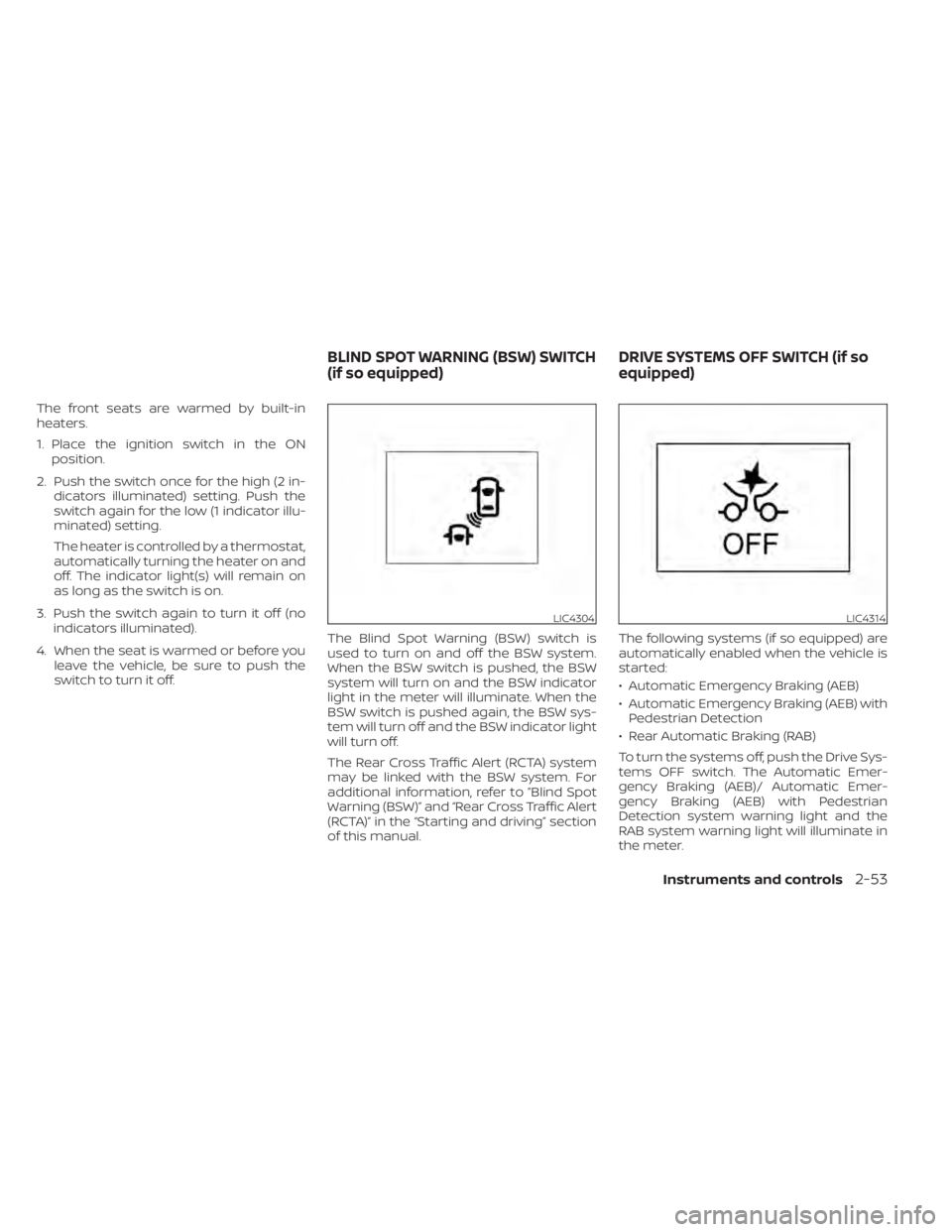
The front seats are warmed by built-in
heaters.
1. Place the ignition switch in the ONposition.
2. Push the switch once for the high (2 in- dicators illuminated) setting. Push the
switch again for the low (1 indicator illu-
minated) setting.
The heater is controlled by a thermostat,
automatically turning the heater on and
off. The indicator light(s) will remain on
as long as the switch is on.
3. Push the switch again to turn it off (no indicators illuminated).
4. When the seat is warmed or before you leave the vehicle, be sure to push the
switch to turn it off. The Blind Spot Warning (BSW) switch is
used to turn on and off the BSW system.
When the BSW switch is pushed, the BSW
system will turn on and the BSW indicator
light in the meter will illuminate. When the
BSW switch is pushed again, the BSW sys-
tem will turn off and the BSW indicator light
will turn off.
The Rear Cross Traffic Alert (RCTA) system
may be linked with the BSW system. For
additional information, refer to ”Blind Spot
Warning (BSW)” and “Rear Cross Traffic Alert
(RCTA)” in the “Starting and driving” section
of this manual. The following systems (if so equipped) are
automatically enabled when the vehicle is
started:
• Automatic Emergency Braking (AEB)
• Automatic Emergency Braking (AEB) with
Pedestrian Detection
• Rear Automatic Braking (RAB)
To turn the systems off, push the Drive Sys-
tems OFF switch. The Automatic Emer-
gency Braking (AEB)/ Automatic Emer-
gency Braking (AEB) with Pedestrian
Detection system warning light and the
RAB system warning light will illuminate in
the meter.
LIC4304LIC4314
BLIND SPOT WARNING (BSW) SWITCH
(if so equipped) DRIVE SYSTEMS OFF SWITCH (if so
equipped)
Instruments and controls2-53
Page 138 of 500
For additional information, refer to “Auto-
matic Emergency Braking (AEB)” , “Auto-
matic Emergency Braking (AEB) with Pe-
destrian Detection” and “Rear Automatic
Braking (RAB)” in the “Starting and driving”
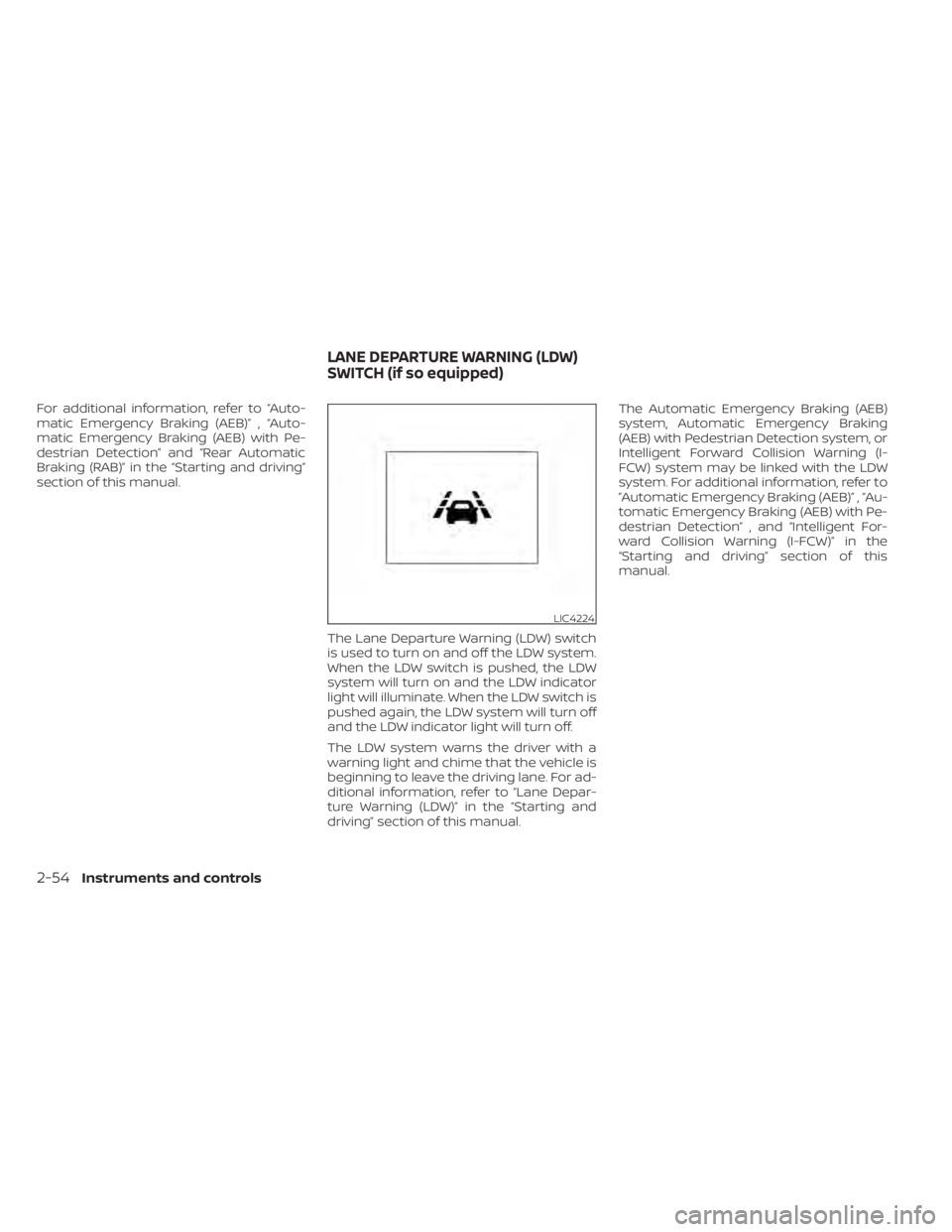
section of this manual.The Lane Departure Warning (LDW) switch
is used to turn on and off the LDW system.
When the LDW switch is pushed, the LDW
system will turn on and the LDW indicator
light will illuminate. When the LDW switch is
pushed again, the LDW system will turn off
and the LDW indicator light will turn off.
The LDW system warns the driver with a
warning light and chime that the vehicle is
beginning to leave the driving lane. For ad-
ditional information, refer to “Lane Depar-
ture Warning (LDW)” in the “Starting and
driving” section of this manual.The Automatic Emergency Braking (AEB)
system, Automatic Emergency Braking
(AEB) with Pedestrian Detection system, or
Intelligent Forward Collision Warning (I-
FCW) system may be linked with the LDW
system. For additional information, refer to
”Automatic Emergency Braking (AEB)” , “Au-
tomatic Emergency Braking (AEB) with Pe-
destrian Detection” , and “Intelligent For-
ward Collision Warning (I-FCW)” in the
“Starting and driving” section of this
manual.
LIC4224
LANE DEPARTURE WARNING (LDW)
SWITCH (if so equipped)
Page 139 of 500
WARNING
The Rear Sonar System is a conve-
nience but it is not a substitute for
proper backing. Always turn and check
that it is safe to do so before backing
up. Always back up slowly.
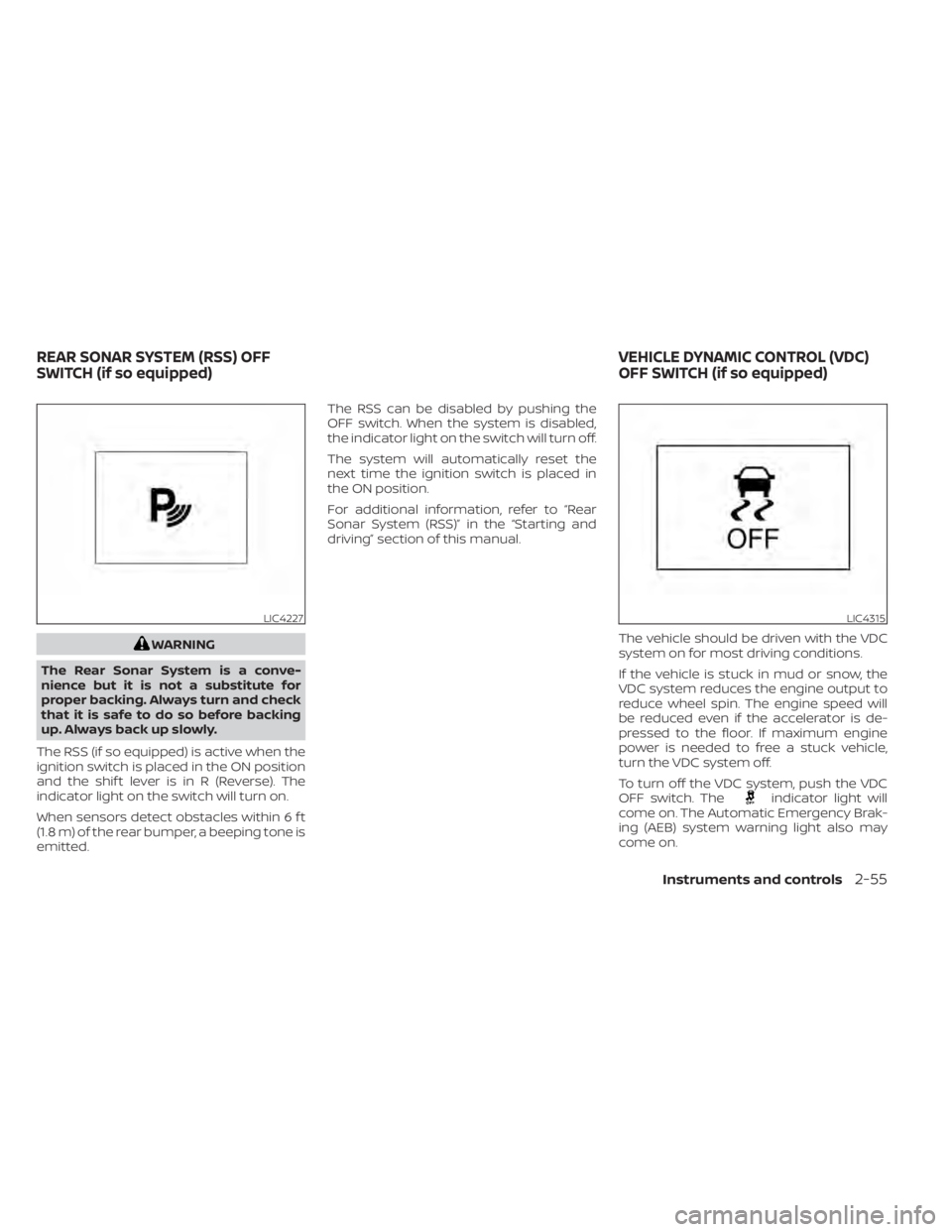
The RSS (if so equipped) is active when the
ignition switch is placed in the ON position
and the shif t lever is in R (Reverse). The
indicator light on the switch will turn on.
When sensors detect obstacles within 6 f t
(1.8 m) of the rear bumper, a beeping tone is
emitted. The RSS can be disabled by pushing the
OFF switch. When the system is disabled,
the indicator light on the switch will turn off.
The system will automatically reset the
next time the ignition switch is placed in
the ON position.
For additional information, refer to “Rear
Sonar System (RSS)” in the “Starting and
driving” section of this manual.
The vehicle should be driven with the VDC
system on for most driving conditions.
If the vehicle is stuck in mud or snow, the
VDC system reduces the engine output to
reduce wheel spin. The engine speed will
be reduced even if the accelerator is de-
pressed to the floor. If maximum engine
power is needed to free a stuck vehicle,
turn the VDC system off.
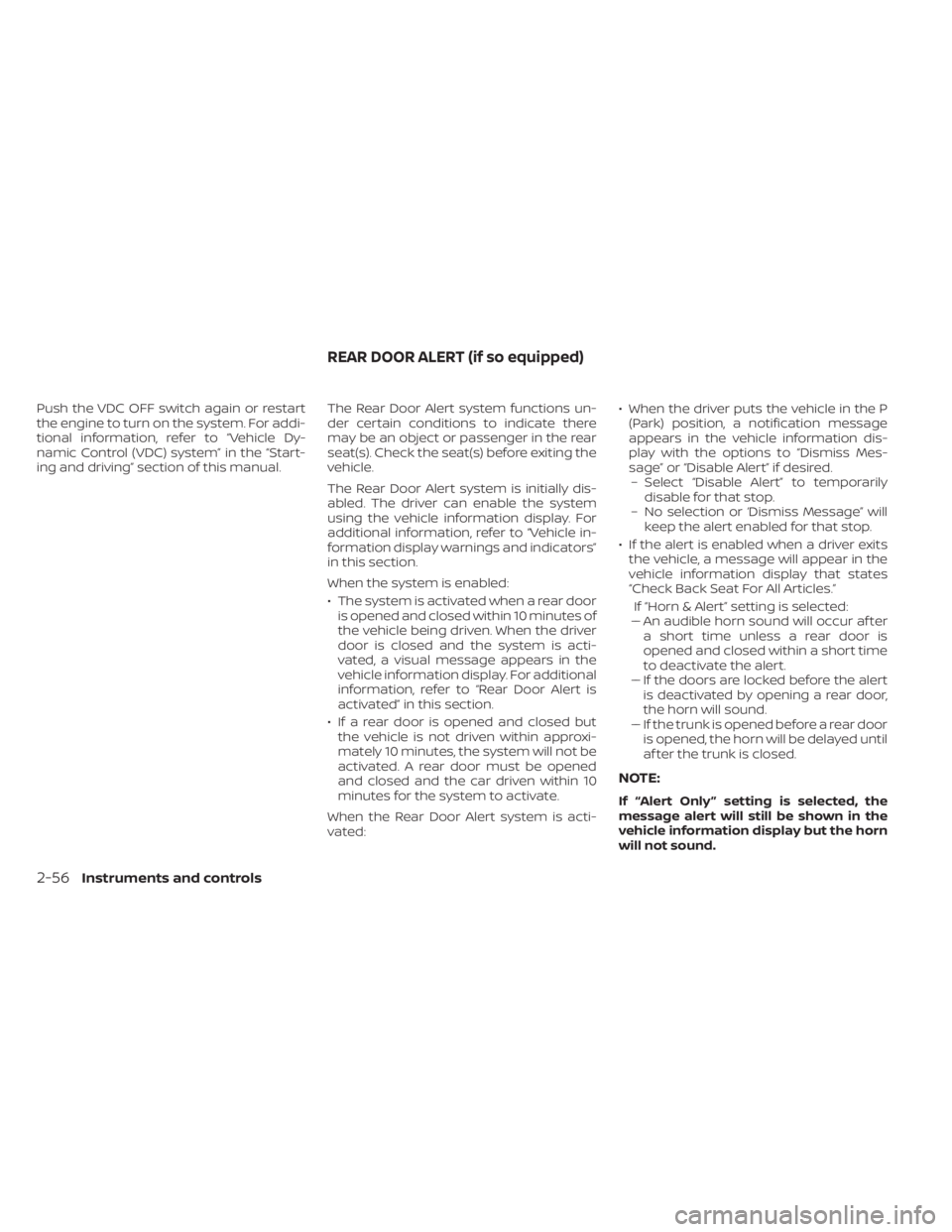
To turn off the VDC system, push the VDC
OFF switch. The
indicator light will
come on. The Automatic Emergency Brak-
ing (AEB) system warning light also may
come on.
LIC4227LIC4315
REAR SONAR SYSTEM (RSS) OFF
SWITCH (if so equipped) VEHICLE DYNAMIC CONTROL (VDC)
OFF SWITCH (if so equipped)
Instruments and controls2-55
Page 140 of 500
Push the VDC OFF switch again or restart
the engine to turn on the system. For addi-
tional information, refer to “Vehicle Dy-
namic Control (VDC) system” in the “Start-
ing and driving” section of this manual.The Rear Door Alert system functions un-
der certain conditions to indicate there
may be an object or passenger in the rear
seat(s). Check the seat(s) before exiting the
vehicle.
The Rear Door Alert system is initially dis-
abled. The driver can enable the system
using the vehicle information display. For
additional information, refer to “Vehicle in-
formation display warnings and indicators”
in this section.
When the system is enabled:
• The system is activated when a rear door
is opened and closed within 10 minutes of
the vehicle being driven. When the driver
door is closed and the system is acti-
vated, a visual message appears in the
vehicle information display. For additional
information, refer to “Rear Door Alert is
activated” in this section.
• If a rear door is opened and closed but the vehicle is not driven within approxi-
mately 10 minutes, the system will not be
activated. A rear door must be opened
and closed and the car driven within 10
minutes for the system to activate.
When the Rear Door Alert system is acti-
vated: • When the driver puts the vehicle in the P
(Park) position, a notification message
appears in the vehicle information dis-
play with the options to “Dismiss Mes-
sage” or “Disable Alert” if desired.– Select “Disable Alert” to temporarily disable for that stop.
– No selection or ‘Dismiss Message” will keep the alert enabled for that stop.
• If the alert is enabled when a driver exits the vehicle, a message will appear in the
vehicle information display that states
“Check Back Seat For All Articles.”
If “Horn & Alert” setting is selected:
– – An audible horn sound will occur af ter
a short time unless a rear door is
opened and closed within a short time
to deactivate the alert.
–– If the doors are locked before the alert is deactivated by opening a rear door,
the horn will sound.
–– If the trunk is opened before a rear door is opened, the horn will be delayed until
af ter the trunk is closed.
NOTE:
If “Alert Only ” setting is selected, the
message alert will still be shown in the
vehicle information display but the horn
will not sound.
REAR DOOR ALERT (if so equipped)
2-56Instruments and controls
Page 141 of 500
WARNING
• If the driver selects “Disable Alert”, no
audible alert will be provided regard-
less of rear door open/close status.
• There may be times when there is an
object or passenger in the rear
seat(s) but the audible alert does not
sound. For example, if rear seat pas-
sengers enter or exit the vehicle dur-
ing a trip.
• The system does not directly detect
objects or passengers in the rear
seat(s). Instead, it can detect when a
rear door is opened and closed, indi-
cating that there may be something
in the rear seat(s).
NOTE:
There may be times when the horn
sounds but there are no objects or pas-
sengers in the rear seat(s).
For additional information, refer to “Rear
Door Alert is activated” in this section.
12V OUTLETS
The power outlet is for powering electrical
accessories such as cellular telephones. It
is rated at 12 volt, 120W (10A) maximum.
The front console power outlet is powered
only when the ignition switch is in the ON
position, or while the accessory power is
active.
NOTE:
• When the ignition is in the OFF position, the front console power outlet stops
delivering power one minute af ter the
door is opened and stays open. • If the door remains closed af ter the ig-
nition is placed in the OFF position, the
front console power outlet continues
to deliver power until the accessory
power timer has elapsed.
CAUTION
• The outlet and plug may be hot dur-
ing or immediately af ter use.
• Only certain power outlets are de-
signed for use with a cigarette lighter
unit. Do not use any other power out-
let for an accessory lighter. It is rec-
ommended that you visit a NISSAN
dealer for additional information.
• Do not use with accessories that ex-
ceed a 12 volt, 120W (10A) power draw.
• Do not use double adapters or more
than one electrical accessory.
• Use power outlets with the engine
running to avoid discharging the ve-
hicle battery.
• Avoid using power outlets when the
air conditioner, headlights or rear
window defroster is on.
• Before inserting or disconnecting a
plug, be sure the electrical accessory
being used is turned off.
Instruments and controls2-57
Page 154 of 500
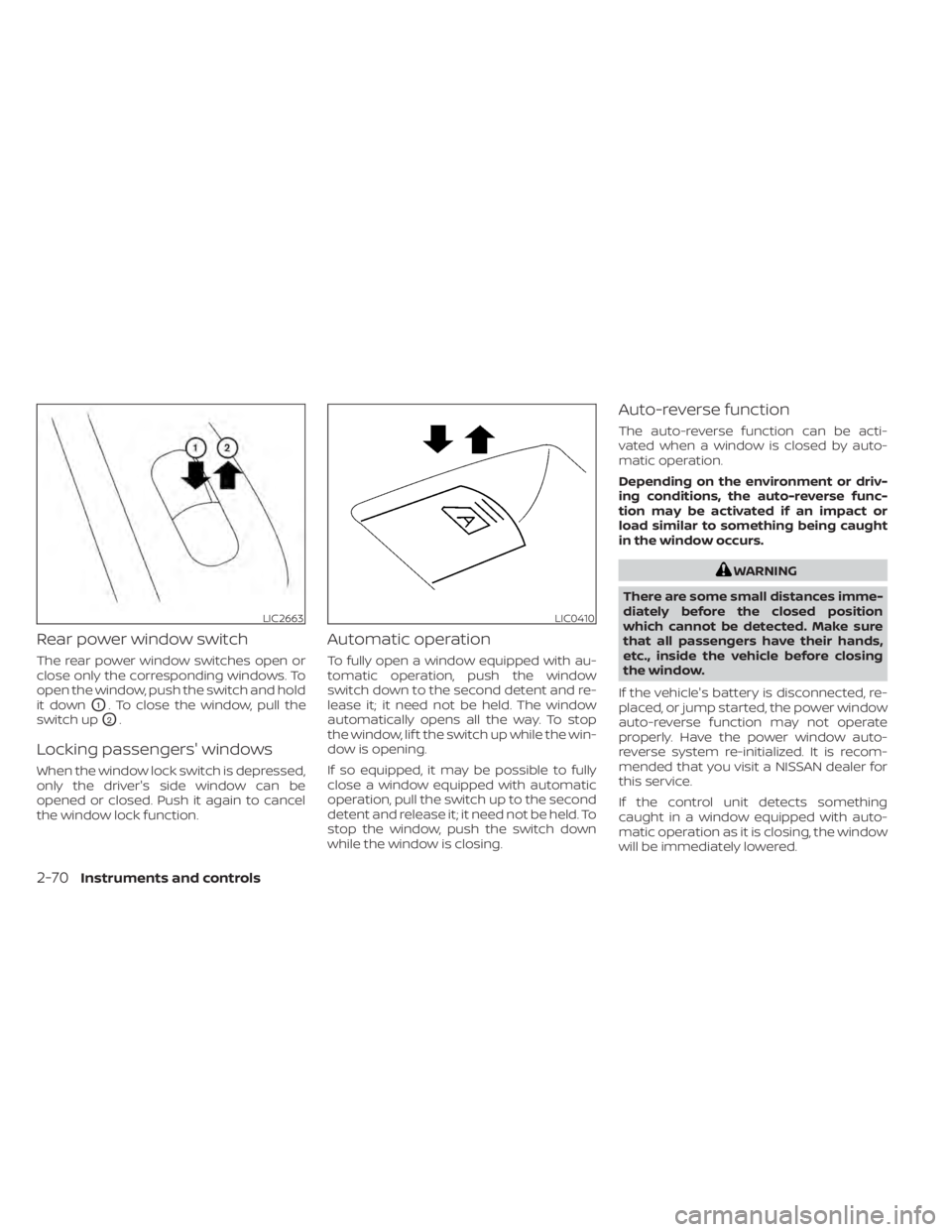
Rear power window switch
The rear power window switches open or
close only the corresponding windows. To
open the window, push the switch and hold
it down
O1. To close the window, pull the
switch up
O2.
Locking passengers' windows
When the window lock switch is depressed,
only the driver's side window can be
opened or closed. Push it again to cancel
the window lock function.
Automatic operation
To fully open a window equipped with au-
tomatic operation, push the window
switch down to the second detent and re-
lease it; it need not be held. The window
automatically opens all the way. To stop
the window, lif t the switch up while the win-
dow is opening.
If so equipped, it may be possible to fully
close a window equipped with automatic
operation, pull the switch up to the second
detent and release it; it need not be held. To
stop the window, push the switch down
while the window is closing.
Auto-reverse function
The auto-reverse function can be acti-
vated when a window is closed by auto-
matic operation.
Depending on the environment or driv-
ing conditions, the auto-reverse func-
tion may be activated if an impact or
load similar to something being caught
in the window occurs.
WARNING
There are some small distances imme-
diately before the closed position
which cannot be detected. Make sure
that all passengers have their hands,
etc., inside the vehicle before closing
the window.
If the vehicle's battery is disconnected, re-
placed, or jump started, the power window
auto-reverse function may not operate
properly. Have the power window auto-
reverse system re-initialized. It is recom-
mended that you visit a NISSAN dealer for
this service.
If the control unit detects something
caught in a window equipped with auto-
matic operation as it is closing, the window
will be immediately lowered.
LIC2663LIC0410
2-70Instruments and controls
Page 164 of 500
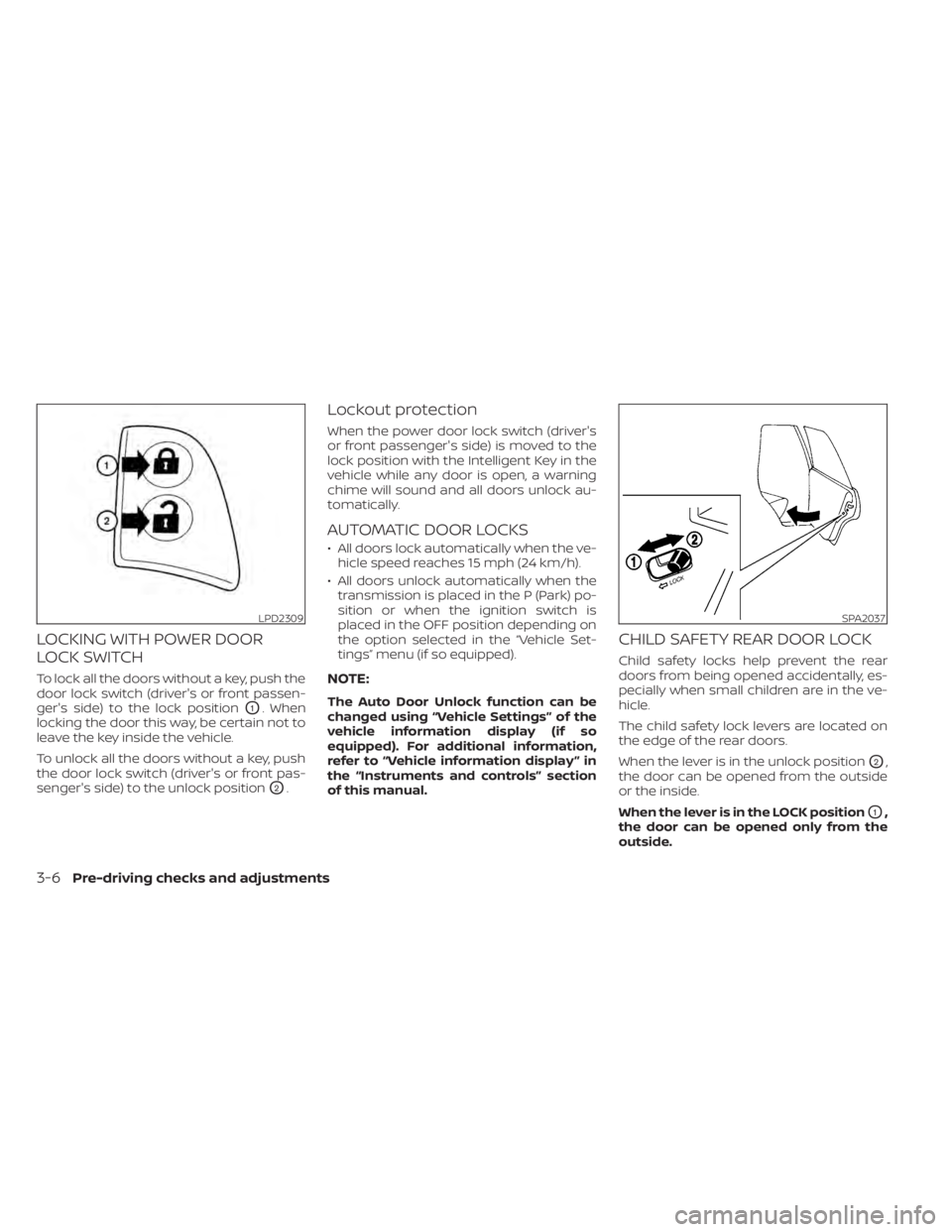
LOCKING WITH POWER DOOR
LOCK SWITCH
To lock all the doors without a key, push the
door lock switch (driver's or front passen-
ger's side) to the lock position
O1. When
locking the door this way, be certain not to
leave the key inside the vehicle.
To unlock all the doors without a key, push
the door lock switch (driver's or front pas-
senger's side) to the unlock position
O2.
Lockout protection
When the power door lock switch (driver's
or front passenger's side) is moved to the
lock position with the Intelligent Key in the
vehicle while any door is open, a warning
chime will sound and all doors unlock au-
tomatically.
AUTOMATIC DOOR LOCKS
• All doors lock automatically when the ve- hicle speed reaches 15 mph (24 km/h).
• All doors unlock automatically when the transmission is placed in the P (Park) po-
sition or when the ignition switch is
placed in the OFF position depending on
the option selected in the “Vehicle Set-
tings” menu (if so equipped).
NOTE:
The Auto Door Unlock function can be
changed using “Vehicle Settings” of the
vehicle information display (if so
equipped). For additional information,
refer to “Vehicle information display ” in
the “Instruments and controls” section
of this manual.
CHILD SAFETY REAR DOOR LOCK
Child safety locks help prevent the rear
doors from being opened accidentally, es-
pecially when small children are in the ve-
hicle.
The child safety lock levers are located on
the edge of the rear doors.
When the lever is in the unlock position
O2,
the door can be opened from the outside
or the inside.
When the lever is in the LOCK position
O1,
the door can be opened only from the
outside.
SPA2037
3-6Pre-driving checks and adjustments
Page 165 of 500
WARNING
• Radio waves could adversely affect
electric medical equipment. Those
who use a pacemaker should contact
the electric medical equipment
manufacturer for the possible influ-
ences before use.
• The Intelligent Key transmits radio
waves when the buttons are pressed.
The FAA advises the radio waves may
affect aircraf t navigation and com-
munication systems. Do not operate
the Intelligent Key while on an air-
plane. Make sure the buttons are not
operated unintentionally when the
unit is stored for a flight.
• Never leave the Intelligent Key in the
vehicle when you leave the vehicle.
The Intelligent Key system can operate all
the door and lif tgate locks using the re-
mote control function or pushing the re-
quest switch (if so equipped) on the vehicle
without taking the key out from a pocket or
purse. The operating environment and/or
conditions may affect the Intelligent Key
system operation.
Be sure to read the following before using
the Intelligent Key system.