air condition NISSAN MURANO 2009 Owner´s Manual
[x] Cancel search | Manufacturer: NISSAN, Model Year: 2009, Model line: MURANO, Model: NISSAN MURANO 2009Pages: 443, PDF Size: 3.95 MB
Page 73 of 443
Black plate (71,1)
Model "Z51-D" EDITED: 2007/ 10/ 2
29. All-Wheel Drive (AWD) LOCK switch*
30. Rear window and outside mirror* defroster switch
31. Heater/air conditioner control or Audio system
32. Glove box
*: if so equipped
**: Refer to the separate Navigation System Owner’s
Manual (if so equipped) .
Instruments and controls2-3
Page 76 of 443
Black plate (74,1)
Model "Z51-D" EDITED: 2007/ 10/ 2
SIC3573
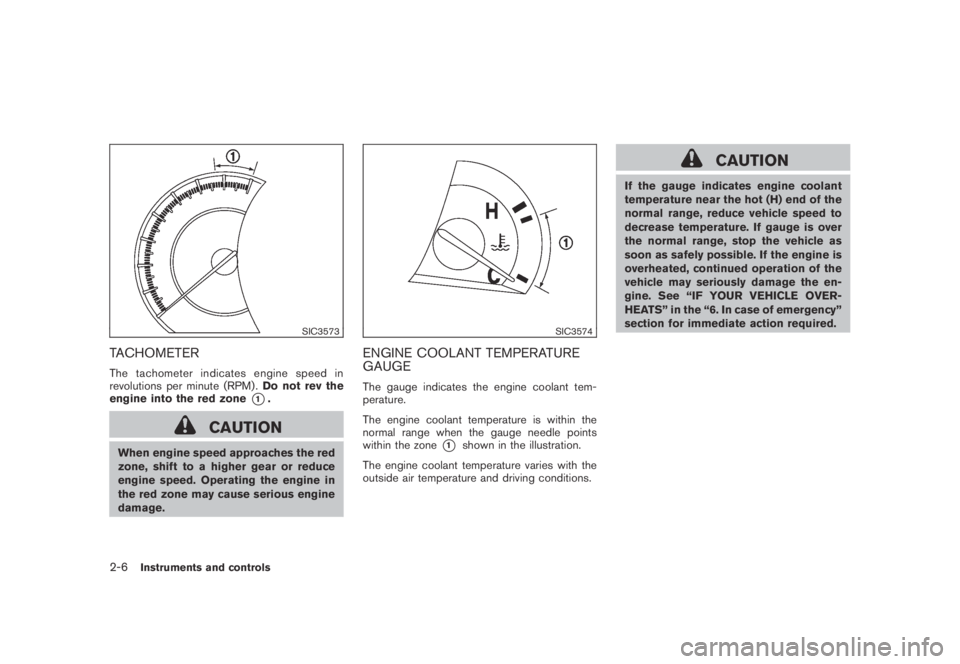
TACHOMETER
The tachometer indicates engine speed in
revolutions per minute (RPM) .Do not rev the
engine into the red zone
*1.
CAUTION
When engine speed approaches the red
zone, shift to a higher gear or reduce
engine speed. Operating the engine in
the red zone may cause serious engine
damage.
SIC3574
ENGINE COOLANT TEMPERATURE
GAUGE
The gauge indicates the engine coolant tem-
perature.
The engine coolant temperature is within the
normal range when the gauge needle points
within the zone
*1shown in the illustration.
The engine coolant temperature varies with the
outside air temperature and driving conditions.
CAUTION
If the gauge indicates engine coolant
temperature near the hot (H) end of the
normal range, reduce vehicle speed to
decrease temperature. If gauge is over
the normal range, stop the vehicle as
soon as safely possible. If the engine is
overheated, continued operation of the
vehicle may seriously damage the en-
gine. See “IF YOUR VEHICLE OVER-
HEATS” in the “6. In case of emergency”
section for immediate action required.
2-6Instruments and controls
Page 84 of 443
Black plate (82,1)
Model "Z51-D" EDITED: 2007/ 10/ 2
CAUTION
.The TPMS is not a substitute for the
regular tire pressure check. Be sure
to check the tire pressure regularly.
.If the vehicle is being driven at
speeds of less than 16 MPH (25
km/h) , the TPMS may not operate
correctly.
.Be sure to correctly install the
specified size of tires to the four
wheels.
Master warning light
When the ignition switch is in the ON position,
the master warning light illuminates if any of the
following are displayed on the dot matrix liquid
crystal display:
.No key warning
.Low fuel warning
.Low washer fluid warning
.Parking brake release warning
.Door/lift gate open warning
See “DOT MATRIX LIQUID CRYSTAL DIS-
PLAY” later in this section.
Seat belt warning light
The light and chime remind you to fasten seat
belts. The light illuminates whenever the ignition
switch is pushed to the ON position, and will
remain illuminated until the driver’s seat belt is
fastened.
The seat belt warning light for the front
passenger will illuminate if the seat belt is not
fastened when the front passenger’s seat is
occupied. For 6 seconds after the ignition
switch is in the ON position, the system does
not activate the warning light for the front
passenger.
See “SEAT BELTS” in the “1. Safety — Seats,
seat belts and supplemental restraint system”
section for precautions on seat belt usage.
Supplemental air bag warning light
After pushing the ignition switch to the ON
position, the supplemental air bag warning light
will illuminate. The supplemental air bag warning
light will turn off after about 7 seconds if the
supplemental front air bag and supplemental
side air bag, curtain side-impact air bag systems
and/or pretensioner seat belt are operational.
If any of the following conditions occur, the front
air bag, side air bag, curtain and rollover air bag
and pretensioner systems needs servicing andyour vehicle must be taken to your nearest
NISSAN dealer.
.The supplemental air bag warning light
remains on after approximately 7 seconds.
.The supplemental air bag warning light
flashes intermittently.
.The supplemental air bag warning light does
not come on at all.
Unless checked and repaired, the Supplemental
Restraint Systems (air bag systems) and/or the
pretensioners may not function properly.
For additional information, see “SUPPLEMEN-
TAL RESTRAINT SYSTEM” in the “1. Safety —
Seats, seat belts and supplemental restraint
system” section.
WARNING
If the supplemental air bag warning
light is on, it could mean that the front
air bag, side air bag, curtain and roll-
over air bag and/or pretensioner sys-
tems will not operate in an accident. To
help avoid injury to yourself or others,
have your vehicle checked by a NISSAN
dealer as soon as possible.
2-14Instruments and controls
Page 90 of 443
Black plate (88,1)
Model "Z51-D" EDITED: 2007/ 10/ 2
11. Low washer fluid warning
This warning appears when the washer tank fluid
is at a low level. Add washer fluid as necessary.
(See “WINDOW WASHER FLUID” in the “8.
Maintenance and do-it-yourself” section.)
12. Door/lift gate open warning (ignition
switch is in the ON position)
This warning appears if any of the doors and/or
the lift gate are open or not closed securely. The
vehicle icon indicates which door is open on the
display.
13. “Time to rest” indicator
This indicator appears when the set “time to
rest” indicator activates. You can set the time for
up to 6 hours. (See “TRIP COMPUTER” later in
this section.)
14. Low outside temperature warning
This warning appears if the outside temperature
is below 378F(38C) . The warning can be set not
to be displayed. (See “TRIP COMPUTER” later
in this section.)
SIC3578
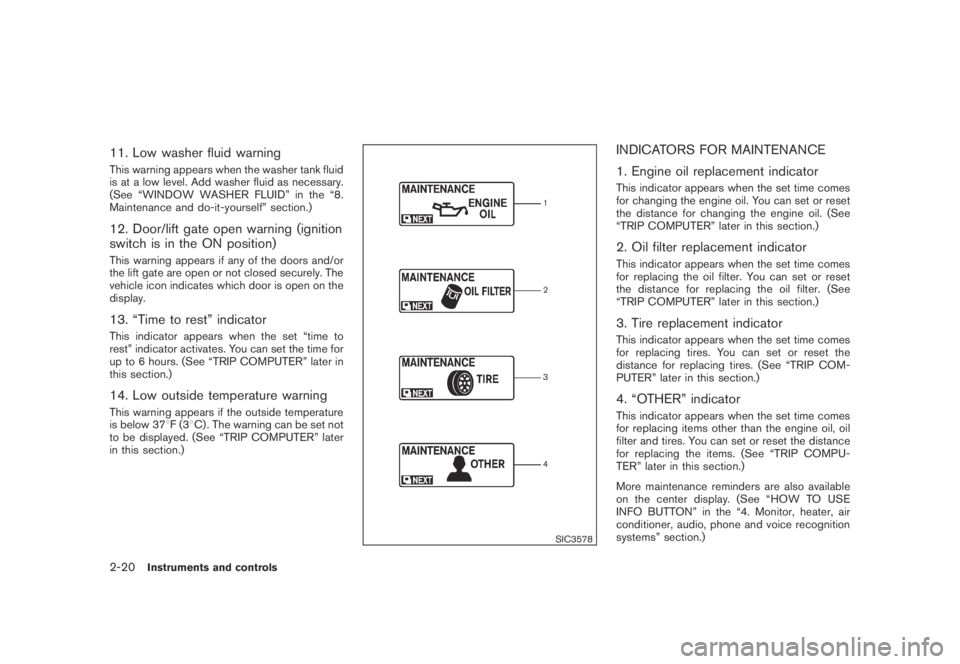
INDICATORS FOR MAINTENANCE
1. Engine oil replacement indicator
This indicator appears when the set time comes
for changing the engine oil. You can set or reset
the distance for changing the engine oil. (See
“TRIP COMPUTER” later in this section.)
2. Oil filter replacement indicator
This indicator appears when the set time comes
for replacing the oil filter. You can set or reset
the distance for replacing the oil filter. (See
“TRIP COMPUTER” later in this section.)
3. Tire replacement indicator
This indicator appears when the set time comes
for replacing tires. You can set or reset the
distance for replacing tires. (See “TRIP COM-
PUTER” later in this section.)
4. “OTHER” indicator
This indicator appears when the set time comes
for replacing items other than the engine oil, oil
filter and tires. You can set or reset the distance
for replacing the items. (See “TRIP COMPU-
TER” later in this section.)
More maintenance reminders are also available
on the center display. (See “HOW TO USE
INFO BUTTON” in the “4. Monitor, heater, air
conditioner, audio, phone and voice recognition
systems” section.)
2-20Instruments and controls
Page 93 of 443
Black plate (91,1)
Model "Z51-D" EDITED: 2007/ 10/ 2
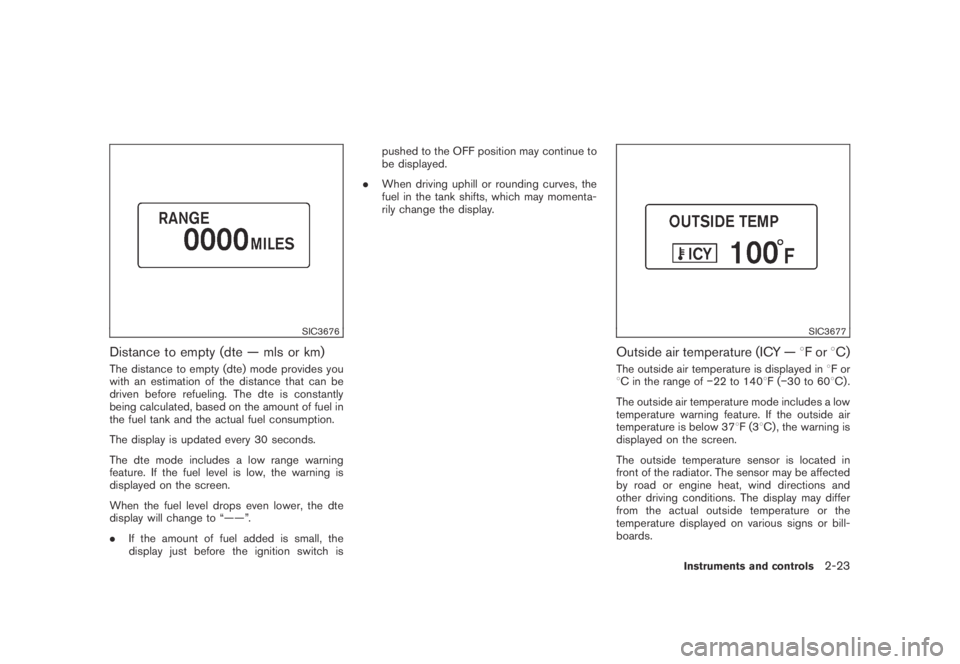
SIC3676
Distance to empty (dte — mls or km)
The distance to empty (dte) mode provides you
with an estimation of the distance that can be
driven before refueling. The dte is constantly
being calculated, based on the amount of fuel in
the fuel tank and the actual fuel consumption.
The display is updated every 30 seconds.
The dte mode includes a low range warning
feature. If the fuel level is low, the warning is
displayed on the screen.
When the fuel level drops even lower, the dte
display will change to “——”.
.If the amount of fuel added is small, the
display just before the ignition switch ispushed to the OFF position may continue to
be displayed.
.When driving uphill or rounding curves, the
fuel in the tank shifts, which may momenta-
rily change the display.
SIC3677
Outside air temperature (ICY —8For8C)
The outside air temperature is displayed in8For
8C in the range of−22 to 1408F(−30 to 608C) .
The outside air temperature mode includes a low
temperature warning feature. If the outside air
temperature is below 378F(38C) , the warning is
displayed on the screen.
The outside temperature sensor is located in
front of the radiator. The sensor may be affected
by road or engine heat, wind directions and
other driving conditions. The display may differ
from the actual outside temperature or the
temperature displayed on various signs or bill-
boards.
Instruments and controls2-23
Page 103 of 443
Black plate (101,1)
Model "Z51-D" EDITED: 2007/ 10/ 2
SIC3669
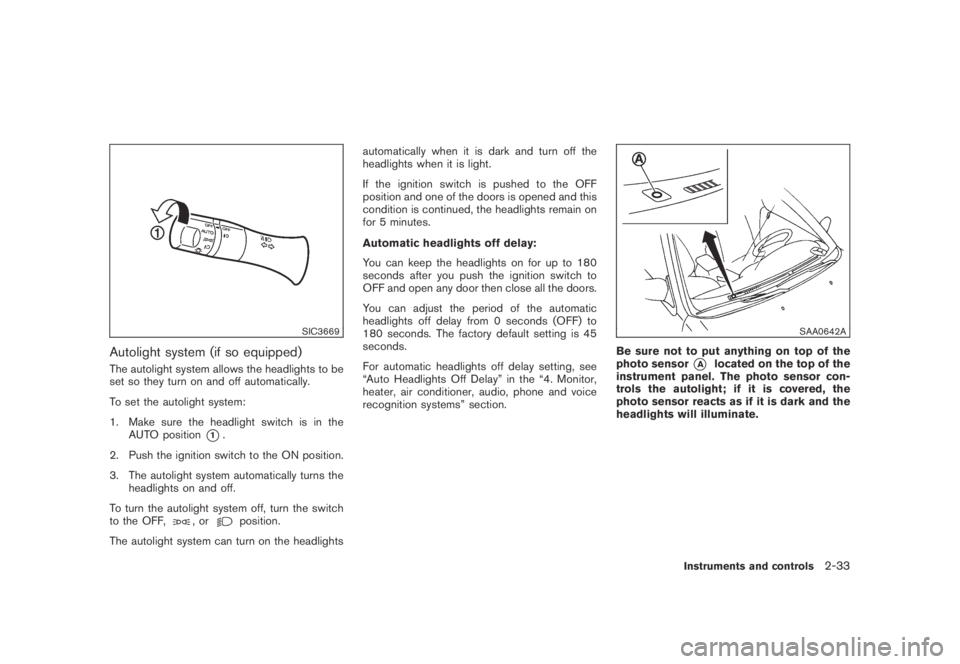
Autolight system (if so equipped)
The autolight system allows the headlights to be
set so they turn on and off automatically.
To set the autolight system:
1. Make sure the headlight switch is in the
AUTO position
*1.
2. Push the ignition switch to the ON position.
3. The autolight system automatically turns the
headlights on and off.
To turn the autolight system off, turn the switch
to the OFF,
,orposition.
The autolight system can turn on the headlightsautomatically when it is dark and turn off the
headlights when it is light.
If the ignition switch is pushed to the OFF
position and one of the doors is opened and this
condition is continued, the headlights remain on
for 5 minutes.
Automatic headlights off delay:
You can keep the headlights on for up to 180
seconds after you push the ignition switch to
OFF and open any door then close all the doors.
You can adjust the period of the automatic
headlights off delay from 0 seconds (OFF) to
180 seconds. The factory default setting is 45
seconds.
For automatic headlights off delay setting, see
“Auto Headlights Off Delay” in the “4. Monitor,
heater, air conditioner, audio, phone and voice
recognition systems” section.
SAA0642A
Be sure not to put anything on top of the
photo sensor
*Alocated on the top of the
instrument panel. The photo sensor con-
trols the autolight; if it is covered, the
photo sensor reacts as if it is dark and the
headlights will illuminate.
Instruments and controls2-33
Page 109 of 443
Black plate (107,1)
Model "Z51-D" EDITED: 2007/ 10/ 2
5. Push the CLOCK button*1or AUDIO
knob
*2to enter.
The display will return to the regular clock
display after 10 seconds.
If the power supply is disconnected, the clock
will not indicate the correct time.
Readjust the time.
MODELS WITH COLOR DISPLAY
For adjusting the time, see “Clock settings” in
the “4. Monitor, heater, air conditioner, audio,
phone and voice recognition systems” section.
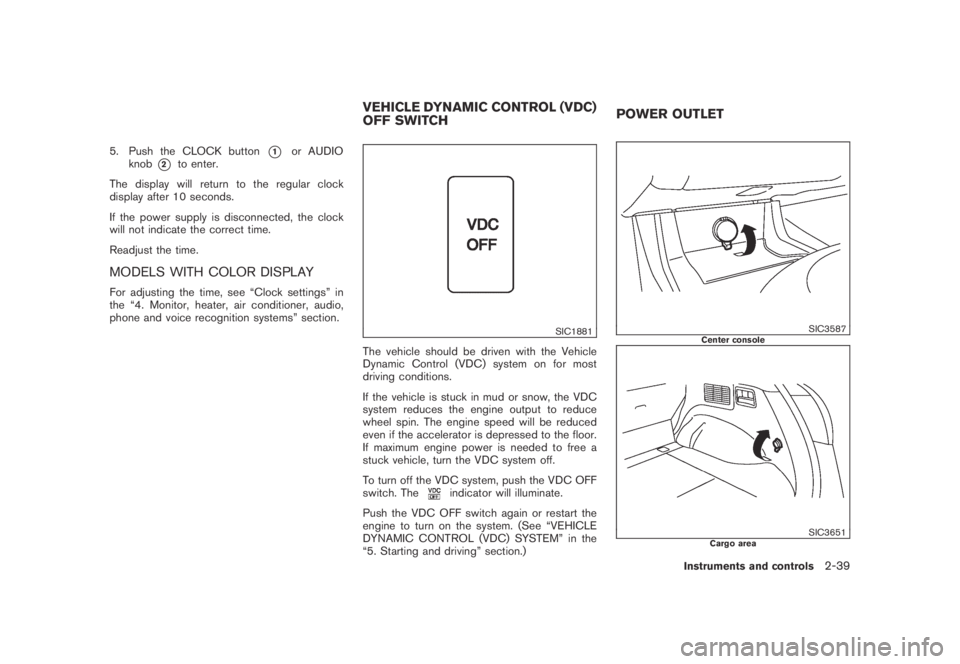
SIC1881
The vehicle should be driven with the Vehicle
Dynamic Control (VDC) system on for most
driving conditions.
If the vehicle is stuck in mud or snow, the VDC
system reduces the engine output to reduce
wheel spin. The engine speed will be reduced
even if the accelerator is depressed to the floor.
If maximum engine power is needed to free a
stuck vehicle, turn the VDC system off.
To turn off the VDC system, push the VDC OFF
switch. The
indicator will illuminate.
Push the VDC OFF switch again or restart the
engine to turn on the system. (See “VEHICLE
DYNAMIC CONTROL (VDC) SYSTEM” in the
“5. Starting and driving” section.)
SIC3587Center console
SIC3651Cargo area
VEHICLE DYNAMIC CONTROL (VDC)
OFF SWITCHPOWER OUTLET
Instruments and controls2-39
Page 110 of 443
Black plate (108,1)
Model "Z51-D" EDITED: 2007/ 10/ 2
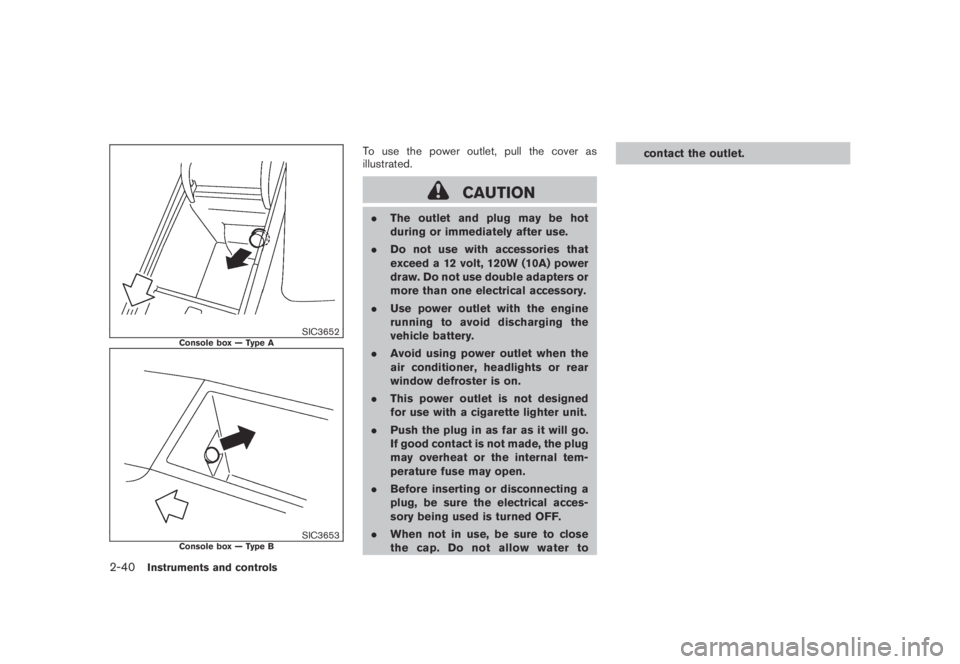
SIC3652Console box — Type A
SIC3653Console box — Type B
To use the power outlet, pull the cover as
illustrated.
CAUTION
.The outlet and plug may be hot
during or immediately after use.
.Do not use with accessories that
exceed a 12 volt, 120W (10A) power
draw. Do not use double adapters or
more than one electrical accessory.
.Use power outlet with the engine
running to avoid discharging the
vehicle battery.
.Avoid using power outlet when the
air conditioner, headlights or rear
window defroster is on.
.This power outlet is not designed
for use with a cigarette lighter unit.
.Push the plug in as far as it will go.
If good contact is not made, the plug
may overheat or the internal tem-
perature fuse may open.
.Before inserting or disconnecting a
plug, be sure the electrical acces-
sory being used is turned OFF.
.When not in use, be sure to close
the cap. Do not allow water tocontact the outlet.
2-40Instruments and controls
Page 125 of 443
Black plate (123,1)
Model "Z51-D" EDITED: 2007/ 10/ 2
— remain on for about 15 seconds.
.doors are unlocked by pushing the UN-
LOCK button on the Intelligent Key or door
handle request switch with the ignition
switch in the LOCK position
— remain on for about 15 seconds.
.any door is opened and then closed with the
ignition switch in the LOCK position
— remain on for about 15 seconds.
.any door is opened with the ignition switch
in the ACC or ON position
— remain on while the door is opened.
When the door is closed, the lights go off.
The lights will also turn off after 30
minutes when the lights remain illumi-
nated after the ignition switch has been
pushed to the OFF or LOCK position to
prevent the battery from becoming dis-
charged.
When the auto interior illumination is set to the
OFF position (see “VEHICLE INFORMATION
AND SETTINGS” in the “4. Monitor, heater, air
conditioner, audio, phone and voice recognition
systems” section) , the lights will illuminate under
the following condition:
.any door is opened with the ignition switch
in any position— remain on while the door is opened.
When the door is closed, the lights go off.
OFF position
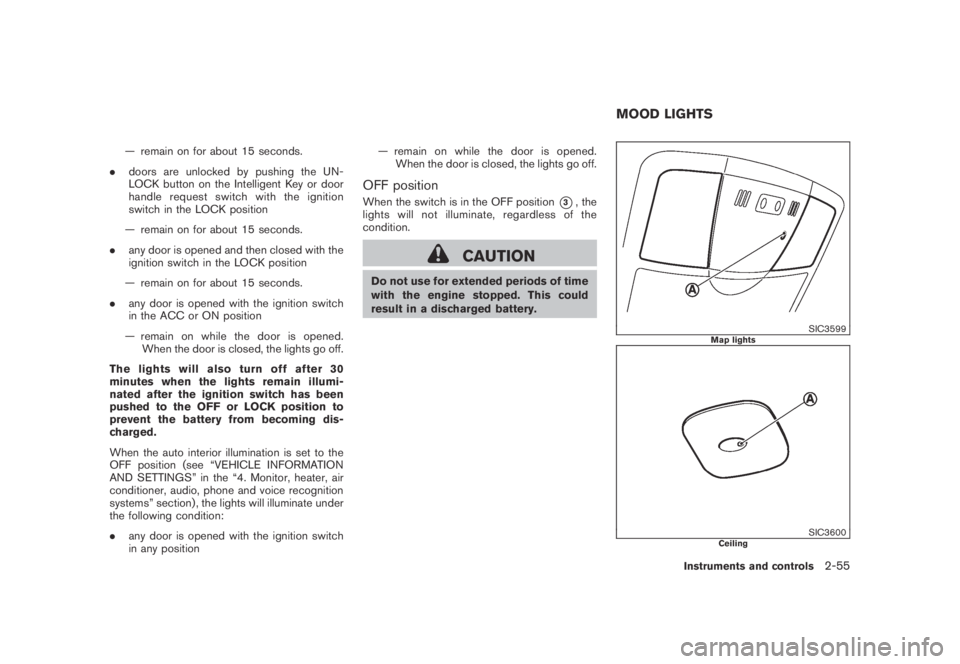
When the switch is in the OFF position*3, the
lights will not illuminate, regardless of the
condition.
CAUTION
Do not use for extended periods of time
with the engine stopped. This could
result in a discharged battery.
SIC3599Map lights
SIC3600Ceiling
MOOD LIGHTS
Instruments and controls2-55
Page 135 of 443
Black plate (135,1)
Model "Z51-D" EDITED: 2007/ 10/ 2
SPA2432
LOCKING WITH MECHANICAL KEY
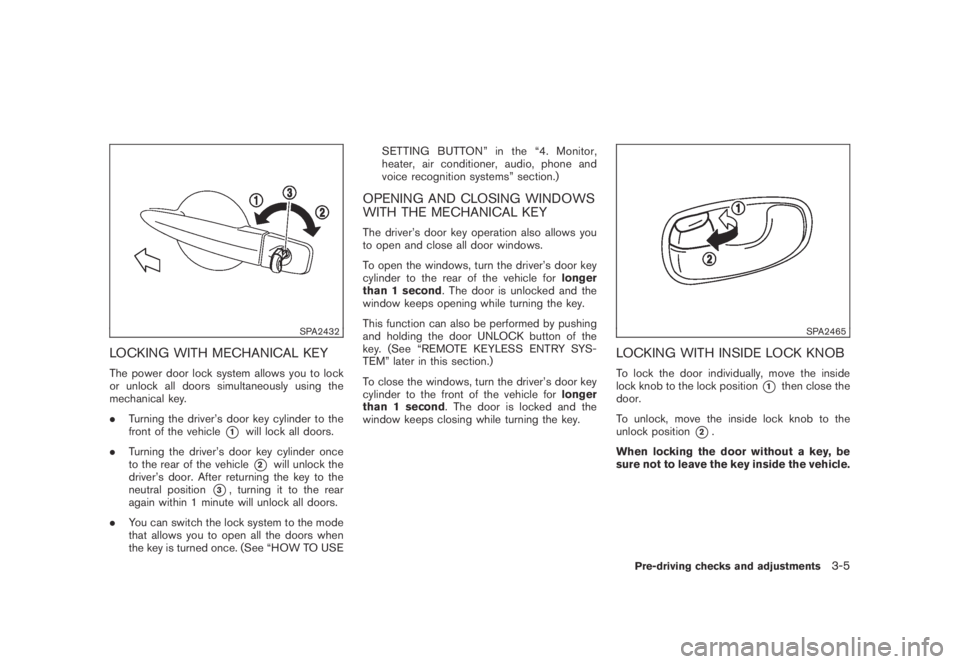
The power door lock system allows you to lock
or unlock all doors simultaneously using the
mechanical key.
.Turning the driver’s door key cylinder to the
front of the vehicle
*1will lock all doors.
.Turning the driver’s door key cylinder once
to the rear of the vehicle
*2will unlock the
driver’s door. After returning the key to the
neutral position
*3, turning it to the rear
again within 1 minute will unlock all doors.
.You can switch the lock system to the mode
that allows you to open all the doors when
the key is turned once. (See “HOW TO USESETTING BUTTON” in the “4. Monitor,
heater, air conditioner, audio, phone and
voice recognition systems” section.)
OPENING AND CLOSING WINDOWS
WITH THE MECHANICAL KEY
The driver’s door key operation also allows you
to open and close all door windows.
To open the windows, turn the driver’s door key
cylinder to the rear of the vehicle forlonger
than 1 second. The door is unlocked and the
window keeps opening while turning the key.
This function can also be performed by pushing
and holding the door UNLOCK button of the
key. (See “REMOTE KEYLESS ENTRY SYS-
TEM” later in this section.)
To close the windows, turn the driver’s door key
cylinder to the front of the vehicle forlonger
than 1 second. The door is locked and the
window keeps closing while turning the key.
SPA2465
LOCKING WITH INSIDE LOCK KNOB
To lock the door individually, move the inside
lock knob to the lock position
*1then close the
door.
To unlock, move the inside lock knob to the
unlock position
*2.
When locking the door without a key, be
sure not to leave the key inside the vehicle.
Pre-driving checks and adjustments3-5