ECU NISSAN MURANO 2018 Owner´s Manual
[x] Cancel search | Manufacturer: NISSAN, Model Year: 2018, Model line: MURANO, Model: NISSAN MURANO 2018Pages: 460, PDF Size: 5.06 MB
Page 92 of 460
2 Instruments and controls
Instrument panel................................2-2
Meters and gauges ..............................2-4
Speedometer and odometer .................2-4
Tachometer ..................................2-6
Engine coolant temperature gauge ..........2-6
Fuel gauge ................................... 2-7
Warning lights, indicator lights and audible
reminders .......................................2-8
Checking lights ...............................2-8
Warning lights ................................2-9
Indicator lights .............................. 2-13
Audible reminders ........................... 2-16
Vehicle information display .....................2-16
How to use the vehicle information
display ...................................... 2-17
Startup display .............................. 2-18
Settings ..................................... 2-18
Vehicle information display warnings
and indicators ............................... 2-27
Security systems ............................... 2-31
Vehicle security system .....................2-31
NISSAN Vehicle Immobilizer System .........2-32
Wiper and washer switch .......................2-34
Switch operation ............................ 2-34Rear switch operation
.......................2-35
Rear window and outside mirror
(if so equipped) defroster switch ................2-36
Headlight and turn signal switch ...............2-37
Headlight control switch .....................2-37
Daytime Running Lights (DRL) system
(Type A) (if so equipped) .....................2-39
LED Daytime Running Lights (DRL)
system (Type B) (if so equipped) .............2-39
Instrument brightness control ...............2-40
Turn signal switch ........................... 2-40
Fog light switch (if so equipped) .............2-41
Horn ........................................... 2-41
Climate controlled seat switches
(if so equipped) ................................. 2-42
Heated seat switches (if so equipped) ..........2-43
Heated rear seat switches (if so equipped) ......2-44
Heated steering wheel switch (if so equipped) . . 2-45
Vehicle Dynamic Control (VDC) OFF switch ......2-46
E-c
all (SOS) switch (if so equipped) ..............2-47
Power outlets ..................................2-47
12v outlets ...................................2-47
Extended storage switch .......................2-48
Storage ........................................ 2-49
Page 100 of 460
orAnti-lock Braking System (ABS)
warning lightPower steering warning lightSecurity indicator light
Automatic Emergency Braking (AEB) system
warning lightSeat belt warning light and chimeSide light and headlight indicator light
(green)
orBrake warning lightSupplemental air bag warning lightSlip indicator light
Charge warning lightFront fog light indicator light
(if so equipped)Turn signal/hazard indicator lights
Engine oil pressure warning lightFront passenger air bag status lightVehicle Dynamic Control (VDC) OFF indi-
cator light
Low tire pressure warning lightHigh beam indicator light (blue)
Master warning lightMalfunction Indicator Light (MIL)
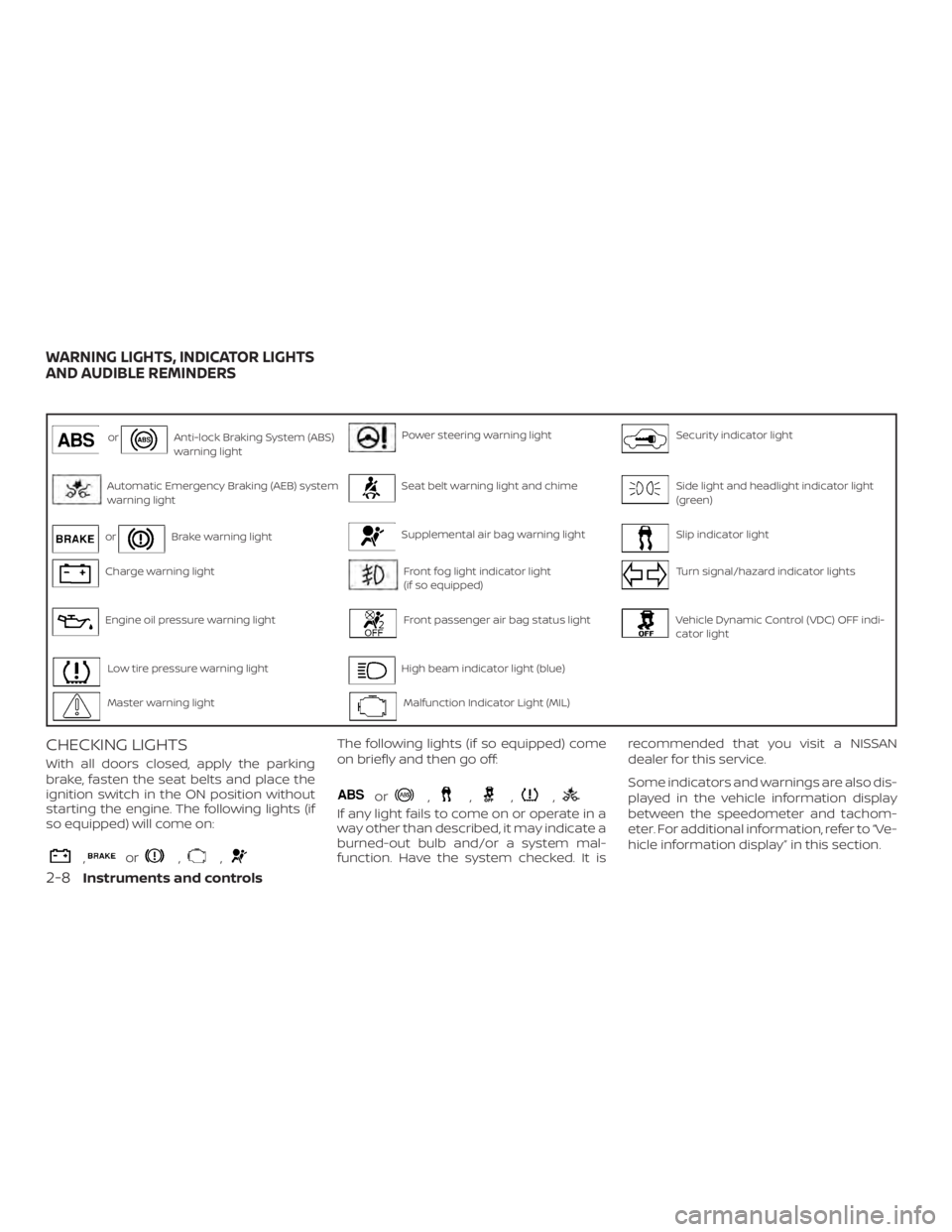
CHECKING LIGHTS
With all doors closed, apply the parking
brake, fasten the seat belts and place the
ignition switch in the ON position without
starting the engine. The following lights (if
so equipped) will come on:
,or,,
The following lights (if so equipped) come
on briefly and then go off:
or,,,,
If any light fails to come on or operate in a
way other than described, it may indicate a
burned-out bulb and/or a system mal-
function. Have the system checked. It isrecommended that you visit a NISSAN
dealer for this service.
Some indicators and warnings are also dis-
played in the vehicle information display
between the speedometer and tachom-
eter. For additional information, refer to “Ve-
hicle information display” in this section.
WARNING LIGHTS, INDICATOR LIGHTS
AND AUDIBLE REMINDERS
2-8Instruments and controls
Page 105 of 460
For additional information, refer to “Power
steering” in the “Starting and driving” sec-
tion of this manual.
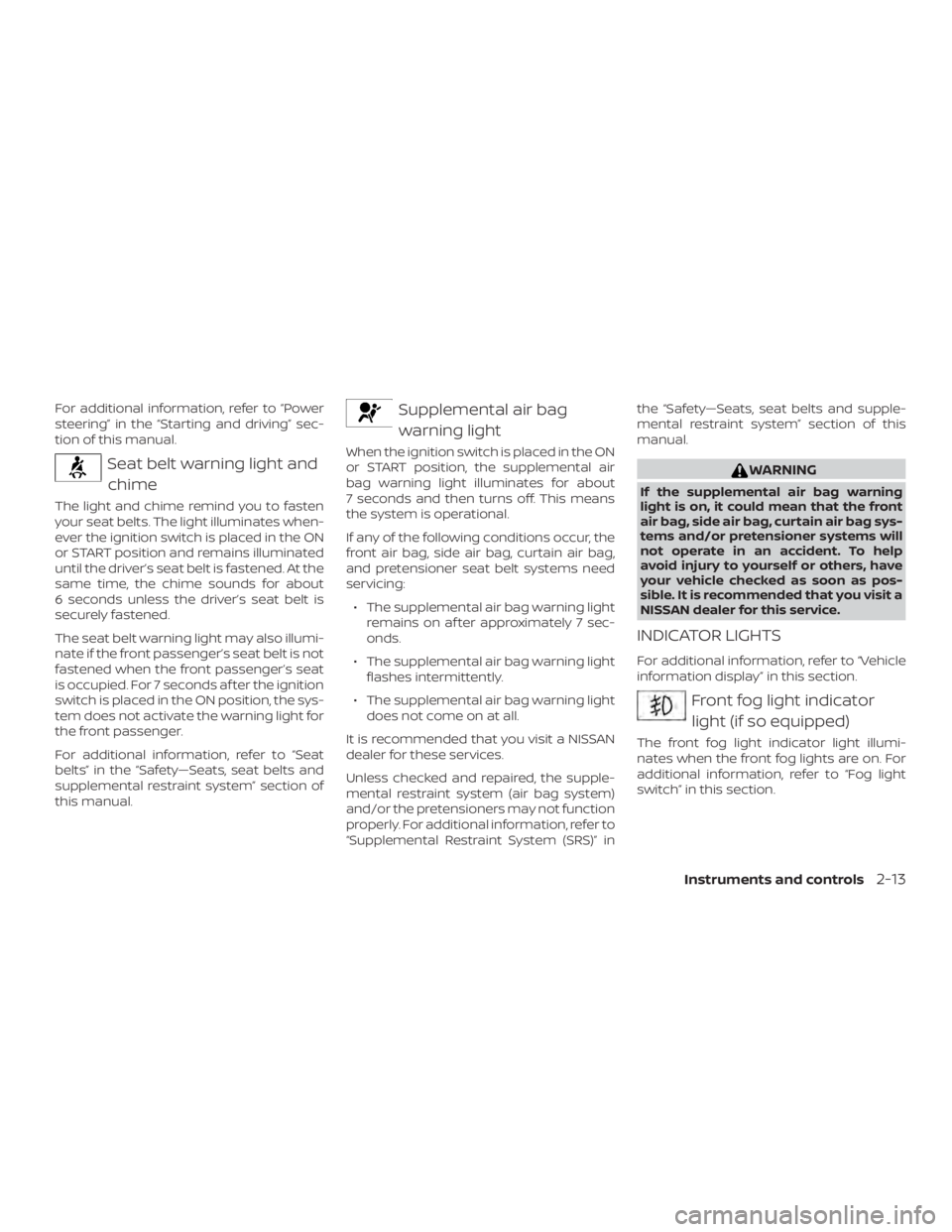
Seat belt warning light andchime
The light and chime remind you to fasten
your seat belts. The light illuminates when-
ever the ignition switch is placed in the ON
or START position and remains illuminated
until the driver’s seat belt is fastened. At the
same time, the chime sounds for about
6 seconds unless the driver’s seat belt is
securely fastened.
The seat belt warning light may also illumi-
nate if the front passenger’s seat belt is not
fastened when the front passenger’s seat
is occupied. For 7 seconds af ter the ignition
switch is placed in the ON position, the sys-
tem does not activate the warning light for
the front passenger.
For additional information, refer to “Seat
belts” in the “Safety—Seats, seat belts and
supplemental restraint system” section of
this manual.
Supplemental air bagwarning light
When the ignition switch is placed in the ON
or START position, the supplemental air
bag warning light illuminates for about
7 seconds and then turns off. This means
the system is operational.
If any of the following conditions occur, the
front air bag, side air bag, curtain air bag,
and pretensioner seat belt systems need
servicing:
∙ The supplemental air bag warning light remains on af ter approximately 7 sec-
onds.
∙ The supplemental air bag warning light flashes intermittently.
∙ The supplemental air bag warning light does not come on at all.
It is recommended that you visit a NISSAN
dealer for these services.
Unless checked and repaired, the supple-
mental restraint system (air bag system)
and/or the pretensioners may not function
properly. For additional information, refer to
“Supplemental Restraint System (SRS)” in the “Safety—Seats, seat belts and supple-
mental restraint system” section of this
manual.
WARNING
If the supplemental air bag warning
light is on, it could mean that the front
air bag, side air bag, curtain air bag sys-
tems and/or pretensioner systems will
not operate in an accident. To help
avoid injury to yourself or others, have
your vehicle checked as soon as pos-
sible. It is recommended that you visit a
NISSAN dealer for this service.
INDICATOR LIGHTS
For additional information, refer to “Vehicle
information display” in this section.
Front fog light indicator
light (if so equipped)
The front fog light indicator light illumi-
nates when the front fog lights are on. For
additional information, refer to “Fog light
switch” in this section.
Instruments and controls2-13
Page 107 of 460
The MIL may stop blinking and come on
steady. Have the vehicle inspected. It is rec-
ommended that you visit a NISSAN dealer
for this service. You do not need to have
your vehicle towed to the dealer.
CAUTION
Continued vehicle operation without
having the emission control system
checked and repaired as necessary
could lead to poor driveability, reduced
fuel economy, and possible damage to
the emission control system.
Security indicator light
This light blinks when the ignition switch is
placed in the OFF, LOCK or ACC (if so
equipped) position.
The blinking security indicator light indi-
cates that the security systems equipped
on the vehicle are operational.
For additional information, refer to “Security
systems” in this section.
Side light and headlightindicator light (green)
The side light and headlight indicator light
illuminates when the side light or headlight position is selected. For additional informa-
tion, refer to “Headlight and turn signal
switch” in this section.
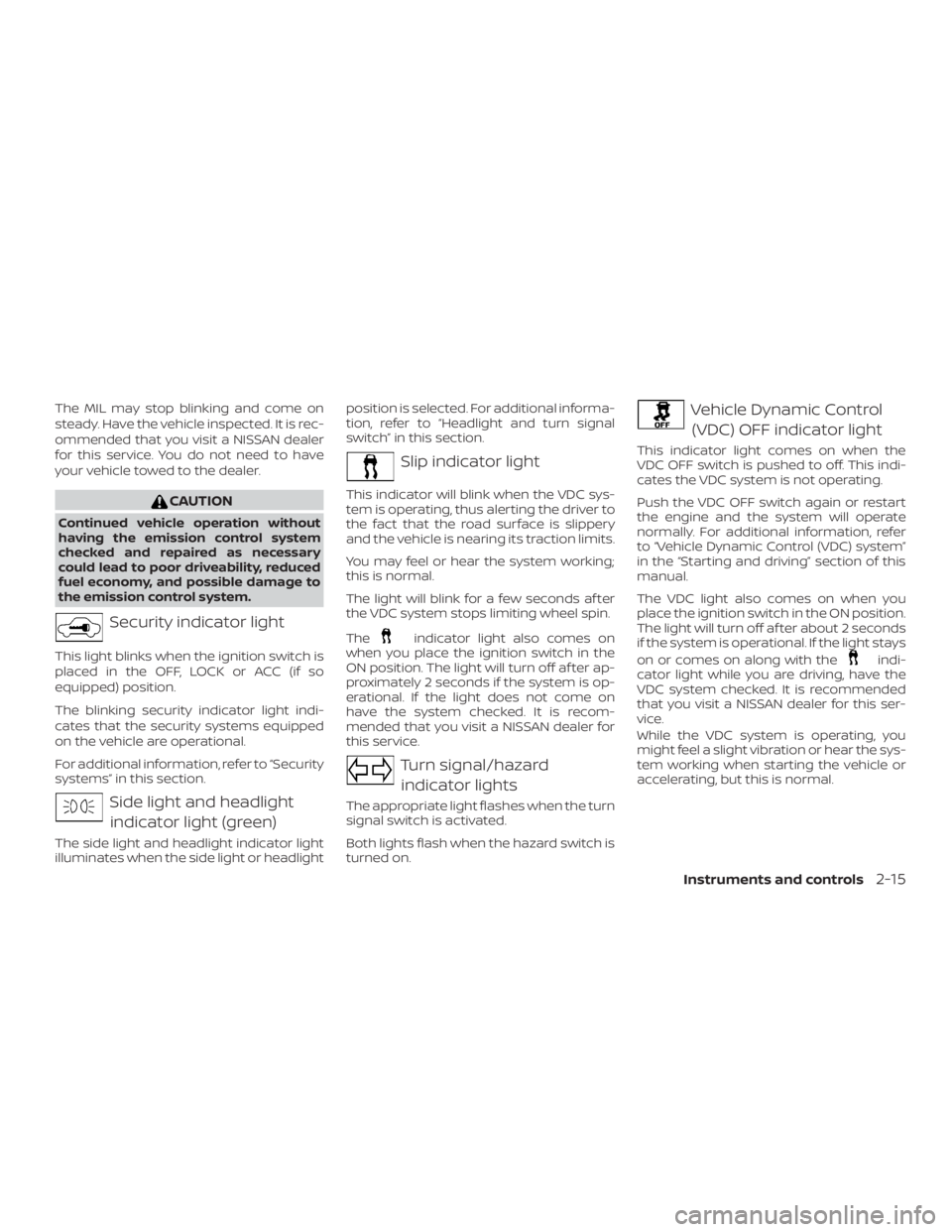
Slip indicator light
This indicator will blink when the VDC sys-
tem is operating, thus alerting the driver to
the fact that the road surface is slippery
and the vehicle is nearing its traction limits.
You may feel or hear the system working;
this is normal.
The light will blink for a few seconds af ter
the VDC system stops limiting wheel spin.
The
indicator light also comes on
when you place the ignition switch in the
ON position. The light will turn off af ter ap-
proximately 2 seconds if the system is op-
erational. If the light does not come on
have the system checked. It is recom-
mended that you visit a NISSAN dealer for
this service.
Turn signal/hazard
indicator lights
The appropriate light flashes when the turn
signal switch is activated.
Both lights flash when the hazard switch is
turned on.
Vehicle Dynamic Control (VDC) OFF indicator light
This indicator light comes on when the
VDC OFF switch is pushed to off. This indi-
cates the VDC system is not operating.
Push the VDC OFF switch again or restart
the engine and the system will operate
normally. For additional information, refer
to “Vehicle Dynamic Control (VDC) system”
in the “Starting and driving” section of this
manual.
The VDC light also comes on when you
place the ignition switch in the ON position.
The light will turn off af ter about 2 seconds
if the system is operational. If the light stays
on or comes on along with the
indi-
cator light while you are driving, have the
VDC system checked. It is recommended
that you visit a NISSAN dealer for this ser-
vice.
While the VDC system is operating, you
might feel a slight vibration or hear the sys-
tem working when starting the vehicle or
accelerating, but this is normal.
Instruments and controls2-15
Page 123 of 460
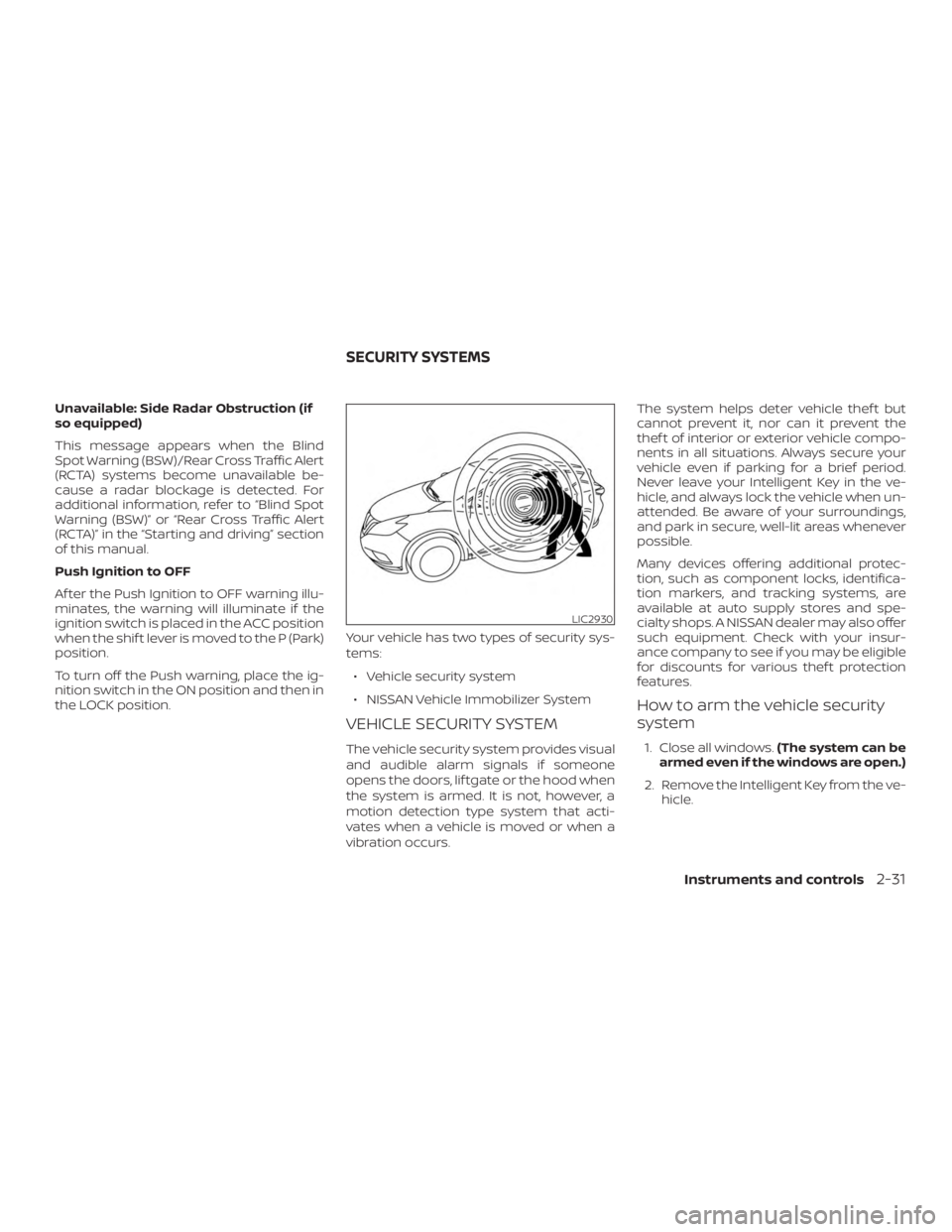
Unavailable: Side Radar Obstruction (if
so equipped)
This message appears when the Blind
Spot Warning (BSW)/Rear Cross Traffic Alert
(RCTA) systems become unavailable be-
cause a radar blockage is detected. For
additional information, refer to “Blind Spot
Warning (BSW)” or “Rear Cross Traffic Alert
(RCTA)” in the “Starting and driving” section
of this manual.
Push Ignition to OFF
Af ter the Push Ignition to OFF warning illu-
minates, the warning will illuminate if the
ignition switch is placed in the ACC position
when the shif t lever is moved to the P (Park)
position.
To turn off the Push warning, place the ig-
nition switch in the ON position and then in
the LOCK position.Your vehicle has two types of security sys-
tems:
∙ Vehicle security system
∙ NISSAN Vehicle Immobilizer System
VEHICLE SECURITY SYSTEM
The vehicle security system provides visual
and audible alarm signals if someone
opens the doors, lif tgate or the hood when
the system is armed. It is not, however, a
motion detection type system that acti-
vates when a vehicle is moved or when a
vibration occurs. The system helps deter vehicle thef t but
cannot prevent it, nor can it prevent the
thef t of interior or exterior vehicle compo-
nents in all situations. Always secure your
vehicle even if parking for a brief period.
Never leave your Intelligent Key in the ve-
hicle, and always lock the vehicle when un-
attended. Be aware of your surroundings,
and park in secure, well-lit areas whenever
possible.
Many devices offering additional protec-
tion, such as component locks, identifica-
tion markers, and tracking systems, are
available at auto supply stores and spe-
cialty shops. A NISSAN dealer may also offer
such equipment. Check with your insur-
ance company to see if you may be eligible
for discounts for various thef t protection
features.
How to arm the vehicle security
system
1. Close all windows.
(The system can be
armed even if the windows are open.)
2. Remove the Intelligent Key from the ve- hicle.
LIC2930
SECURITY SYSTEMS
Instruments and controls2-31
Page 124 of 460
3. Close all doors, hood and lif tgate. Lockall doors. The doors can be locked with
the Intelligent Key, door handle request
switch, or mechanical key.
4. Confirm that the
security indica-
tor light stays on for about 30 seconds.
The vehicle security system is now pre-
armed. The vehicle security system will
automatically shif t into the armed
phase. The
security light begins
to flash once every three seconds. If
during the pre-armed phase one of the
following occurs, the system will not
arm:
∙ Any door is unlocked with the mechani- cal key, the Intelligent Key or door re-
quest switch.
∙ Ignition switch is placed in ACC or ON position.
∙ Even when the driver and/or passen-
gers are in the vehicle, the system will
activate with all the doors, hood and
lif tgate locked with the ignition
switch placed in the LOCK position.
When placing the ignition switch in
the ACC or ON position, the system
will be released.
Vehicle security system activation
The vehicle security system will give the
following alarm:
∙ The headlights blink and the horn sounds intermittently but synchro-
nously.
∙ The alarm automatically turns off af ter a period of time. However, the alarm
reactivates if the vehicle is tampered
with again.
The alarm is activated by: ∙ opening any door or hood without us- ing the key or Intelligent Key (even if the
door is unlocked by releasing the door
inside lock knob).
How to stop an activated alarm
The alarm stops only by unlocking a door
or the lif tgate with the mechanical key,
pressing the
button on the Intelligent
Key, or pressing the request switch on the
driver’s or passenger’s door with the Intel-
ligent Key in range of the door handle.
NISSAN VEHICLE IMMOBILIZER
SYSTEM
The NISSAN Vehicle Immobilizer System
will not allow the engine to start without
the use of a registered key.
Never leave these keys in the vehicle.
FCC Notice:
For USA:
This device complies with Part 15 of the
FCC Rules. Operation is subject to the fol-
lowing two conditions: (1) This device
may not cause harmful interference, and
(2) this device must accept any interfer-
ence received, including interference
that may cause undesired operation.
NOTE:
Changes or modifications not expressly
approved by the party responsible for
compliance could void the user’s author-
ity to operate the equipment.
2-32Instruments and controls
Page 125 of 460
For Canada:
This device complies with Industry
Canada licence-exempt RSS standard(s).
Operation is subject to the following two
conditions: (1) this device may not cause
interference, and (2) this device must ac-
cept any interference received, including
interference that may cause undesired
operation of the device.
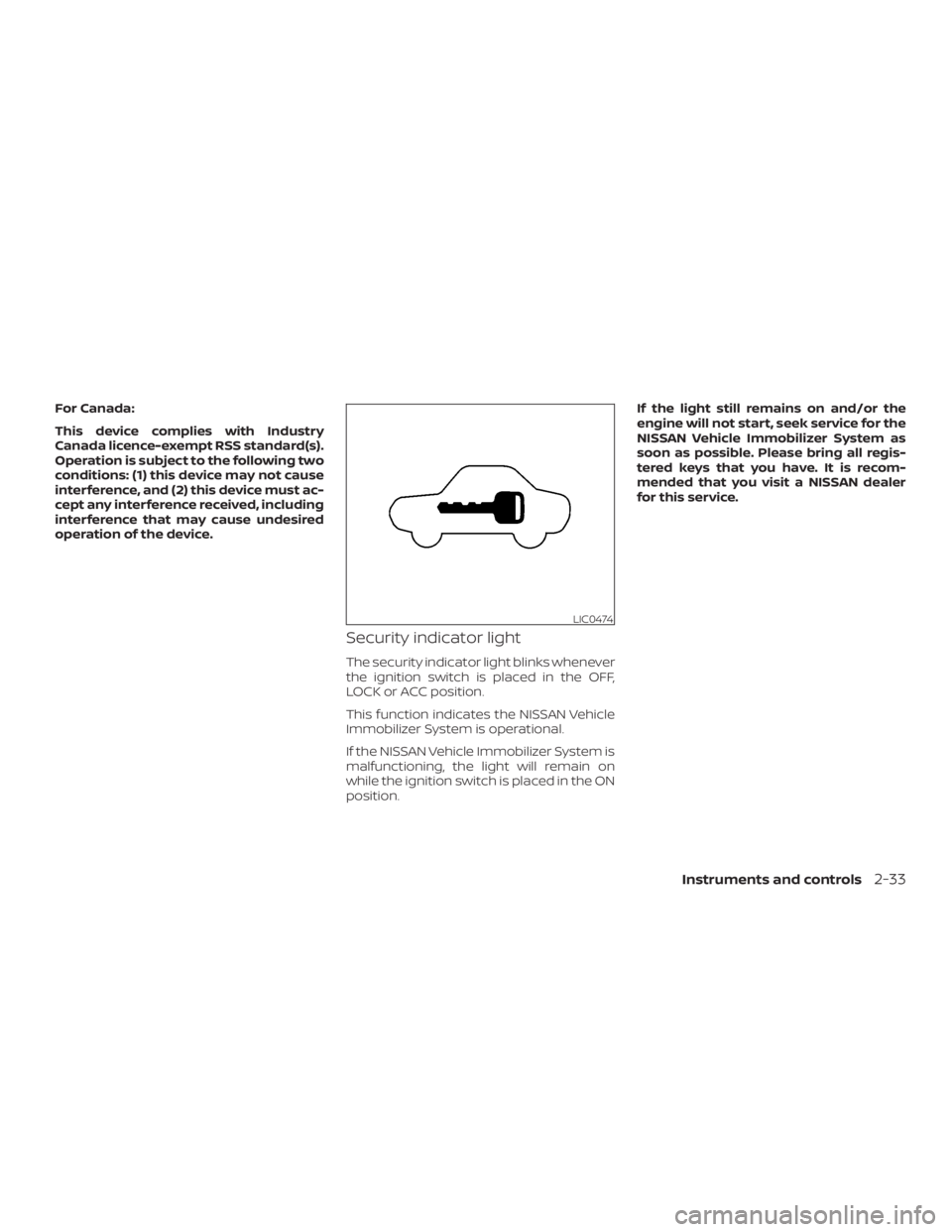
Security indicator light
The security indicator light blinks whenever
the ignition switch is placed in the OFF,
LOCK or ACC position.
This function indicates the NISSAN Vehicle
Immobilizer System is operational.
If the NISSAN Vehicle Immobilizer System is
malfunctioning, the light will remain on
while the ignition switch is placed in the ON
position.If the light still remains on and/or the
engine will not start, seek service for the
NISSAN Vehicle Immobilizer System as
soon as possible. Please bring all regis-
tered keys that you have. It is recom-
mended that you visit a NISSAN dealer
for this service.
LIC0474
Instruments and controls2-33
Page 147 of 460
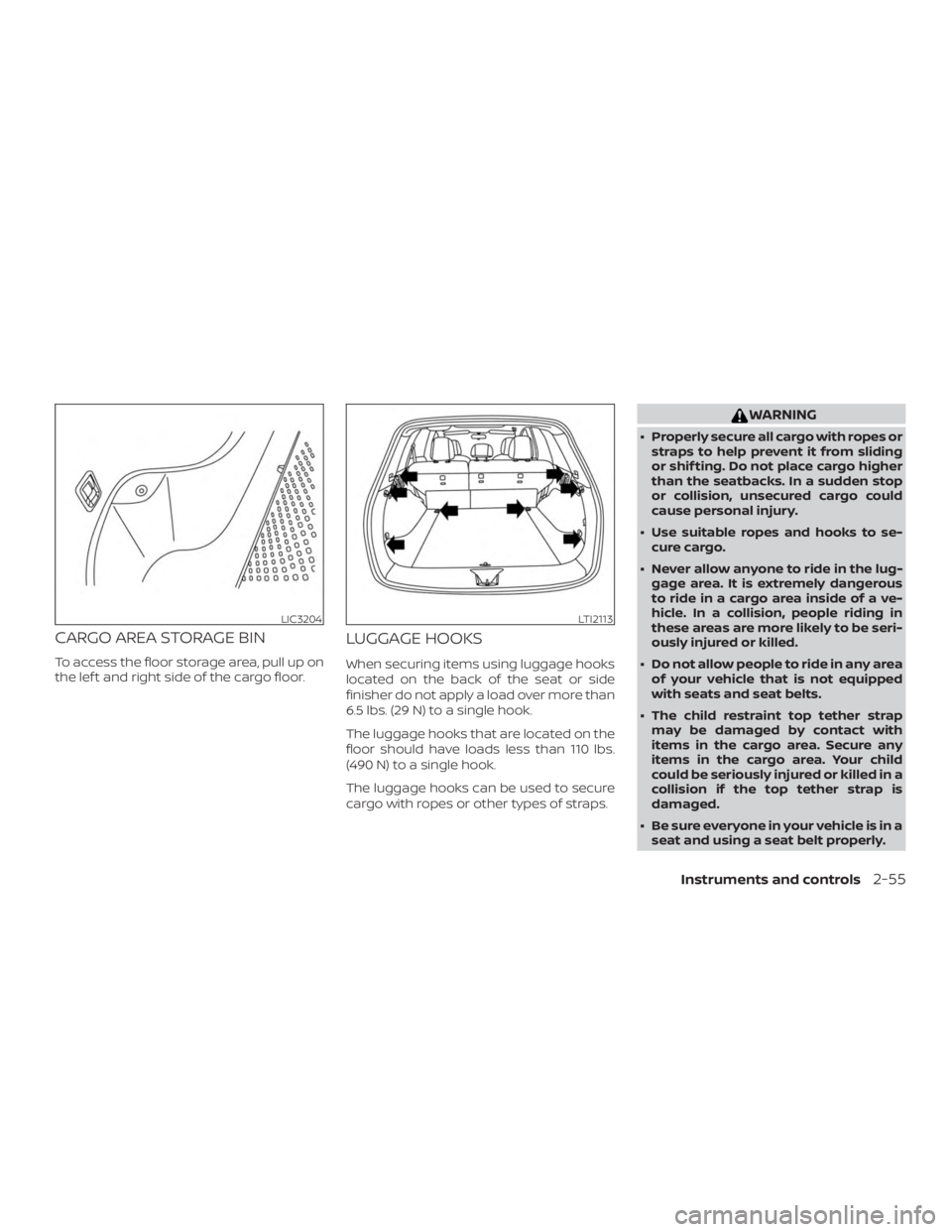
CARGO AREA STORAGE BIN
To access the floor storage area, pull up on
the lef t and right side of the cargo floor.
LUGGAGE HOOKS
When securing items using luggage hooks
located on the back of the seat or side
finisher do not apply a load over more than
6.5 lbs. (29 N) to a single hook.
The luggage hooks that are located on the
floor should have loads less than 110 lbs.
(490 N) to a single hook.
The luggage hooks can be used to secure
cargo with ropes or other types of straps.
WARNING
∙ Properly secure all cargo with ropes orstraps to help prevent it from sliding
or shif ting. Do not place cargo higher
than the seatbacks. In a sudden stop
or collision, unsecured cargo could
cause personal injury.
∙ Use suitable ropes and hooks to se- cure cargo.
∙ Never allow anyone to ride in the lug- gage area. It is extremely dangerous
to ride in a cargo area inside of a ve-
hicle. In a collision, people riding in
these areas are more likely to be seri-
ously injured or killed.
∙ Do not allow people to ride in any area of your vehicle that is not equipped
with seats and seat belts.
∙ The child restraint top tether strap may be damaged by contact with
items in the cargo area. Secure any
items in the cargo area. Your child
could be seriously injured or killed in a
collision if the top tether strap is
damaged.
∙ Be sure everyone in your vehicle is in a seat and using a seat belt properly.
LIC3204LTI2113
Instruments and controls2-55
Page 148 of 460
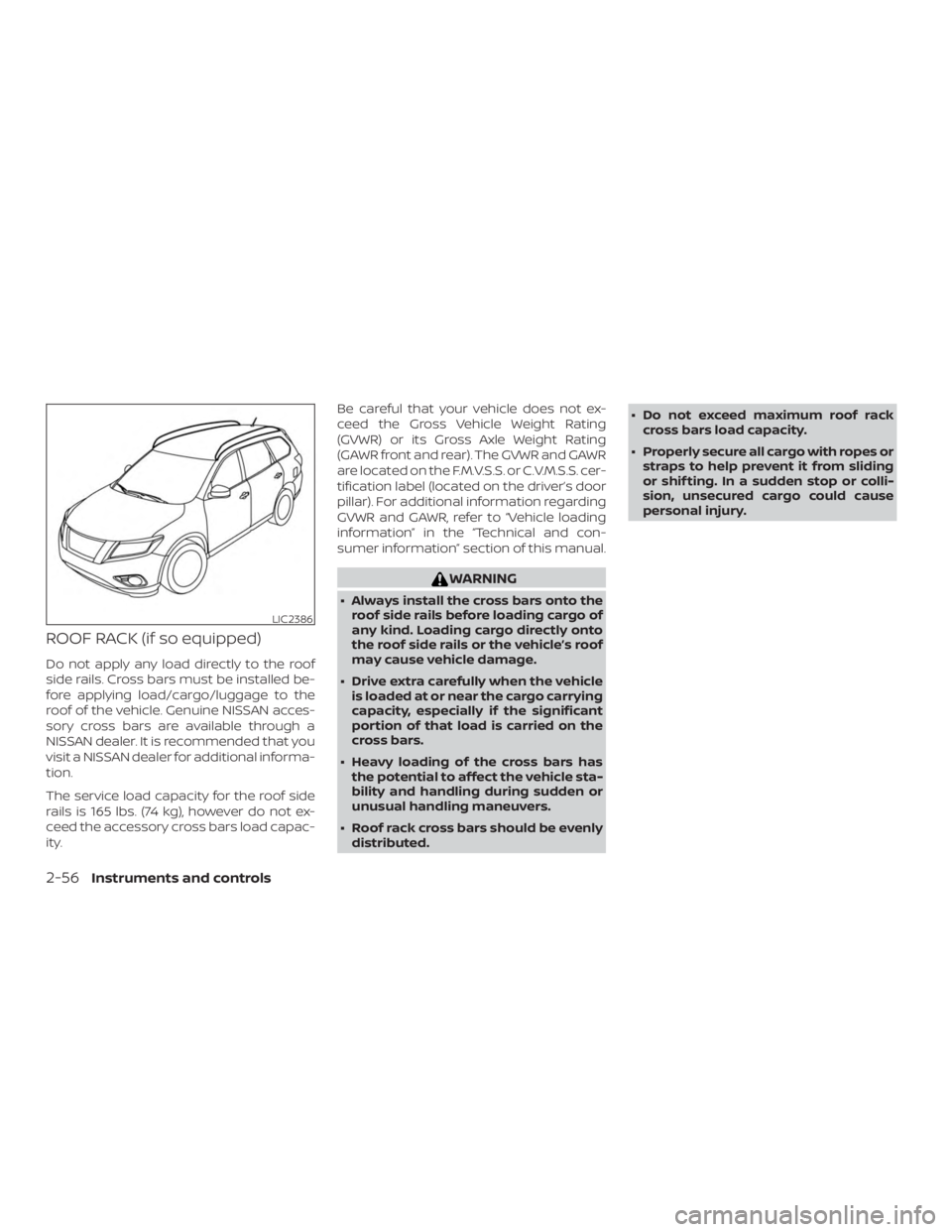
ROOF RACK (if so equipped)
Do not apply any load directly to the roof
side rails. Cross bars must be installed be-
fore applying load/cargo/luggage to the
roof of the vehicle. Genuine NISSAN acces-
sory cross bars are available through a
NISSAN dealer. It is recommended that you
visit a NISSAN dealer for additional informa-
tion.
The service load capacity for the roof side
rails is 165 lbs. (74 kg), however do not ex-
ceed the accessory cross bars load capac-
ity.Be careful that your vehicle does not ex-
ceed the Gross Vehicle Weight Rating
(GVWR) or its Gross Axle Weight Rating
(GAWR front and rear). The GVWR and GAWR
are located on the F.M.V.S.S. or C.V.M.S.S. cer-
tification label (located on the driver’s door
pillar). For additional information regarding
GVWR and GAWR, refer to “Vehicle loading
information” in the “Technical and con-
sumer information” section of this manual.
WARNING
∙ Always install the cross bars onto the
roof side rails before loading cargo of
any kind. Loading cargo directly onto
the roof side rails or the vehicle’s roof
may cause vehicle damage.
∙ Drive extra carefully when the vehicle is loaded at or near the cargo carrying
capacity, especially if the significant
portion of that load is carried on the
cross bars.
∙ Heavy loading of the cross bars has the potential to affect the vehicle sta-
bility and handling during sudden or
unusual handling maneuvers.
∙ Roof rack cross bars should be evenly distributed. ∙ Do not exceed maximum roof rack
cross bars load capacity.
∙ Properly secure all cargo with ropes or straps to help prevent it from sliding
or shif ting. In a sudden stop or colli-
sion, unsecured cargo could cause
personal injury.
LIC2386
2-56Instruments and controls
Page 155 of 460
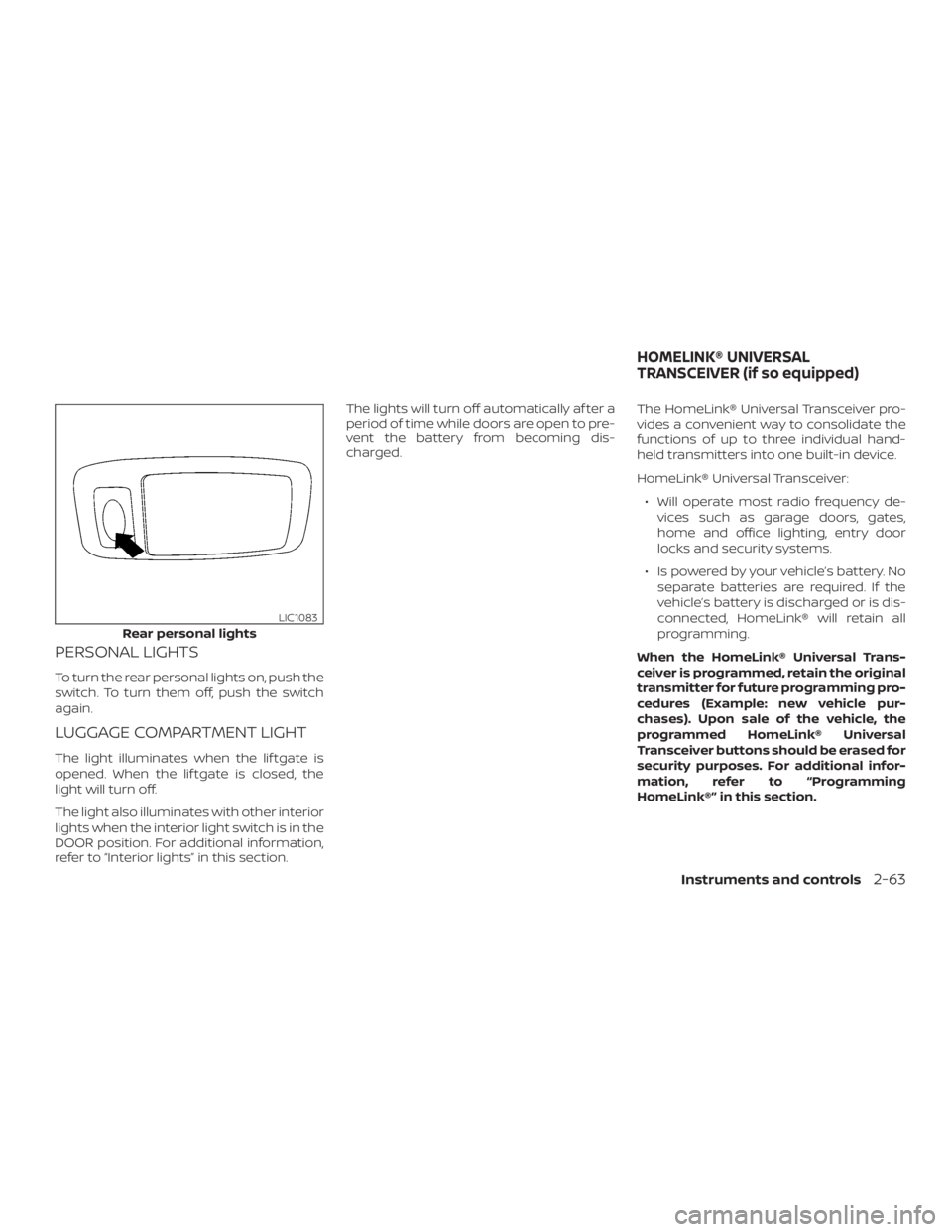
PERSONAL LIGHTS
To turn the rear personal lights on, push the
switch. To turn them off, push the switch
again.
LUGGAGE COMPARTMENT LIGHT
The light illuminates when the lif tgate is
opened. When the lif tgate is closed, the
light will turn off.
The light also illuminates with other interior
lights when the interior light switch is in the
DOOR position. For additional information,
refer to “Interior lights” in this section.The lights will turn off automatically af ter a
period of time while doors are open to pre-
vent the battery from becoming dis-
charged.
The HomeLink® Universal Transceiver pro-
vides a convenient way to consolidate the
functions of up to three individual hand-
held transmitters into one built-in device.
HomeLink® Universal Transceiver:
∙ Will operate most radio frequency de- vices such as garage doors, gates,
home and office lighting, entry door
locks and security systems.
∙ Is powered by your vehicle’s battery. No separate batteries are required. If the
vehicle’s battery is discharged or is dis-
connected, HomeLink® will retain all
programming.
When the HomeLink® Universal Trans-
ceiver is programmed, retain the original
transmitter for future programming pro-
cedures (Example: new vehicle pur-
chases). Upon sale of the vehicle, the
programmed HomeLink® Universal
Transceiver buttons should be erased for
security purposes. For additional infor-
mation, refer to “Programming
HomeLink®” in this section.
Rear personal lights
LIC1083
HOMELINK® UNIVERSAL
TRANSCEIVER (if so equipped)
Instruments and controls2-63