cruise control NISSAN MURANO 2020 Owner´s Manual
[x] Cancel search | Manufacturer: NISSAN, Model Year: 2020, Model line: MURANO, Model: NISSAN MURANO 2020Pages: 518, PDF Size: 3.52 MB
Page 4 of 518
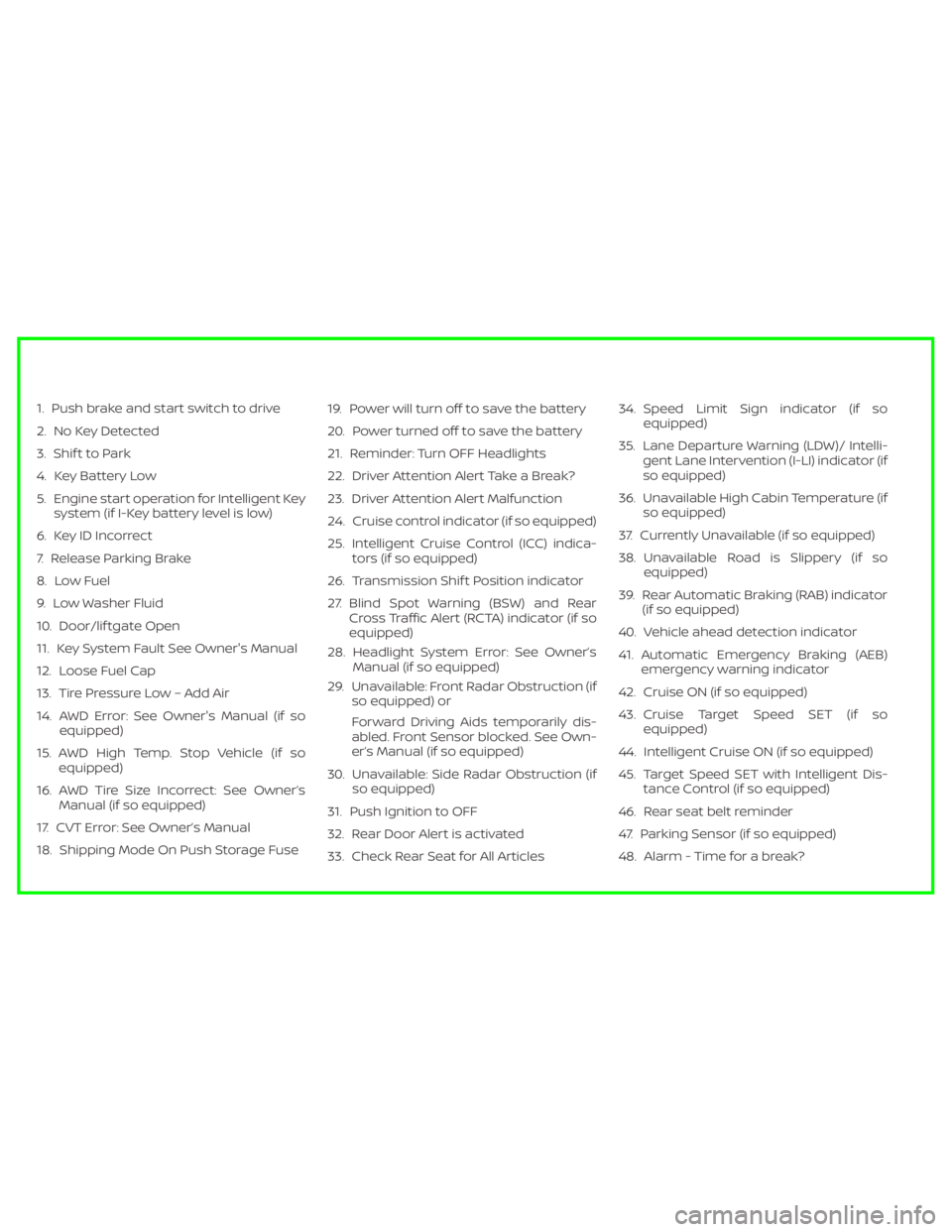
1. Push brake and start switch to drive
2. No Key Detected
3. Shif t to Park
4. Key Battery Low
5. Engine start operation for Intelligent Keysystem (if I-Key battery level is low)
6. Key ID Incorrect
7. Release Parking Brake
8. Low Fuel
9. Low Washer Fluid
10. Door/lif tgate Open
11. Key System Fault See Owner's Manual
12. Loose Fuel Cap
13. Tire Pressure Low – Add Air
14. AWD Error: See Owner's Manual (if so equipped)
15. AWD High Temp. Stop Vehicle (if so equipped)
16. AWD Tire Size Incorrect: See Owner’s Manual (if so equipped)
17. CVT Error: See Owner’s Manual
18. Shipping Mode On Push Storage Fuse 19. Power will turn off to save the battery
20. Power turned off to save the battery
21. Reminder: Turn OFF Headlights
22. Driver Attention Alert Take a Break?
23. Driver Attention Alert Malfunction
24. Cruise control indicator (if so equipped)
25. Intelligent Cruise Control (ICC) indica-
tors (if so equipped)
26. Transmission Shif t Position indicator
27. Blind Spot Warning (BSW) and Rear Cross Traffic Alert (RCTA) indicator (if so
equipped)
28. Headlight System Error: See Owner’s Manual (if so equipped)
29. Unavailable: Front Radar Obstruction (if so equipped) or
Forward Driving Aids temporarily dis-
abled. Front Sensor blocked. See Own-
er’s Manual (if so equipped)
30. Unavailable: Side Radar Obstruction (if so equipped)
31. Push Ignition to OFF
32. Rear Door Alert is activated
33. Check Rear Seat for All Articles 34. Speed Limit Sign indicator (if so
equipped)
35. Lane Departure Warning (LDW)/ Intelli- gent Lane Intervention (I-LI) indicator (if
so equipped)
36. Unavailable High Cabin Temperature (if so equipped)
37. Currently Unavailable (if so equipped)
38. Unavailable Road is Slippery (if so equipped)
39. Rear Automatic Braking (RAB) indicator (if so equipped)
40. Vehicle ahead detection indicator
41. Automatic Emergency Braking (AEB) emergency warning indicator
42. Cruise ON (if so equipped)
43. Cruise Target Speed SET (if so equipped)
44. Intelligent Cruise ON (if so equipped)
45. Target Speed SET with Intelligent Dis- tance Control (if so equipped)
46. Rear seat belt reminder
47. Parking Sensor (if so equipped)
48. Alarm - Time for a break?
Page 5 of 518
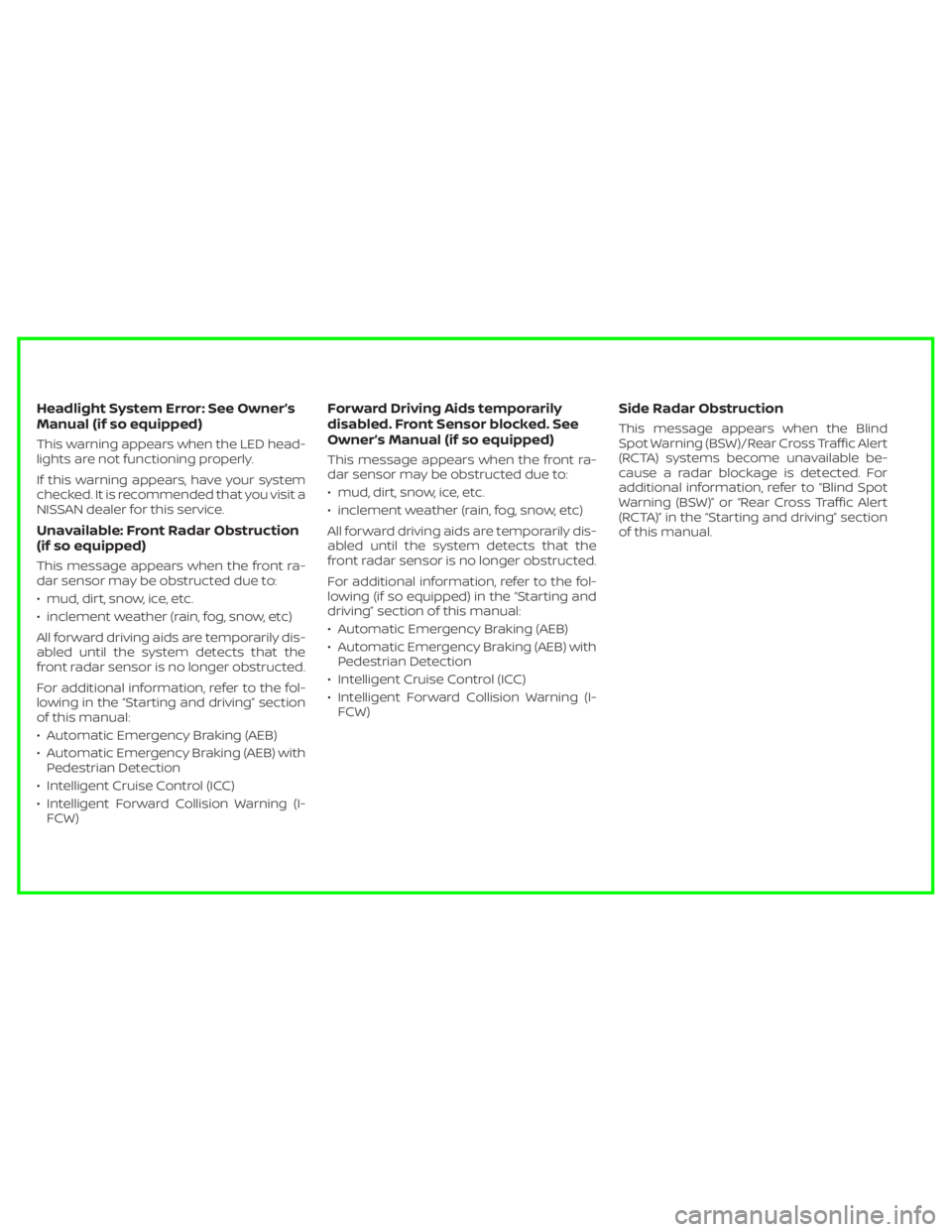
Headlight System Error: See Owner’s
Manual (if so equipped)
This warning appears when the LED head-
lights are not functioning properly.
If this warning appears, have your system
checked. It is recommended that you visit a
NISSAN dealer for this service.
Unavailable: Front Radar Obstruction
(if so equipped)
This message appears when the front ra-
dar sensor may be obstructed due to:
• mud, dirt, snow, ice, etc.
• inclement weather (rain, fog, snow, etc)
All forward driving aids are temporarily dis-
abled until the system detects that the
front radar sensor is no longer obstructed.
For additional information, refer to the fol-
lowing in the “Starting and driving” section
of this manual:
• Automatic Emergency Braking (AEB)
• Automatic Emergency Braking (AEB) withPedestrian Detection
• Intelligent Cruise Control (ICC)
• Intelligent Forward Collision Warning (I- FCW)
Forward Driving Aids temporarily
disabled. Front Sensor blocked. See
Owner’s Manual (if so equipped)
This message appears when the front ra-
dar sensor may be obstructed due to:
• mud, dirt, snow, ice, etc.
• inclement weather (rain, fog, snow, etc)
All forward driving aids are temporarily dis-
abled until the system detects that the
front radar sensor is no longer obstructed.
For additional information, refer to the fol-
lowing (if so equipped) in the “Starting and
driving” section of this manual:
• Automatic Emergency Braking (AEB)
• Automatic Emergency Braking (AEB) withPedestrian Detection
• Intelligent Cruise Control (ICC)
• Intelligent Forward Collision Warning (I- FCW)
Side Radar Obstruction
This message appears when the Blind
Spot Warning (BSW)/Rear Cross Traffic Alert
(RCTA) systems become unavailable be-
cause a radar blockage is detected. For
additional information, refer to “Blind Spot
Warning (BSW)” or “Rear Cross Traffic Alert
(RCTA)” in the “Starting and driving” section
of this manual.
Page 8 of 518
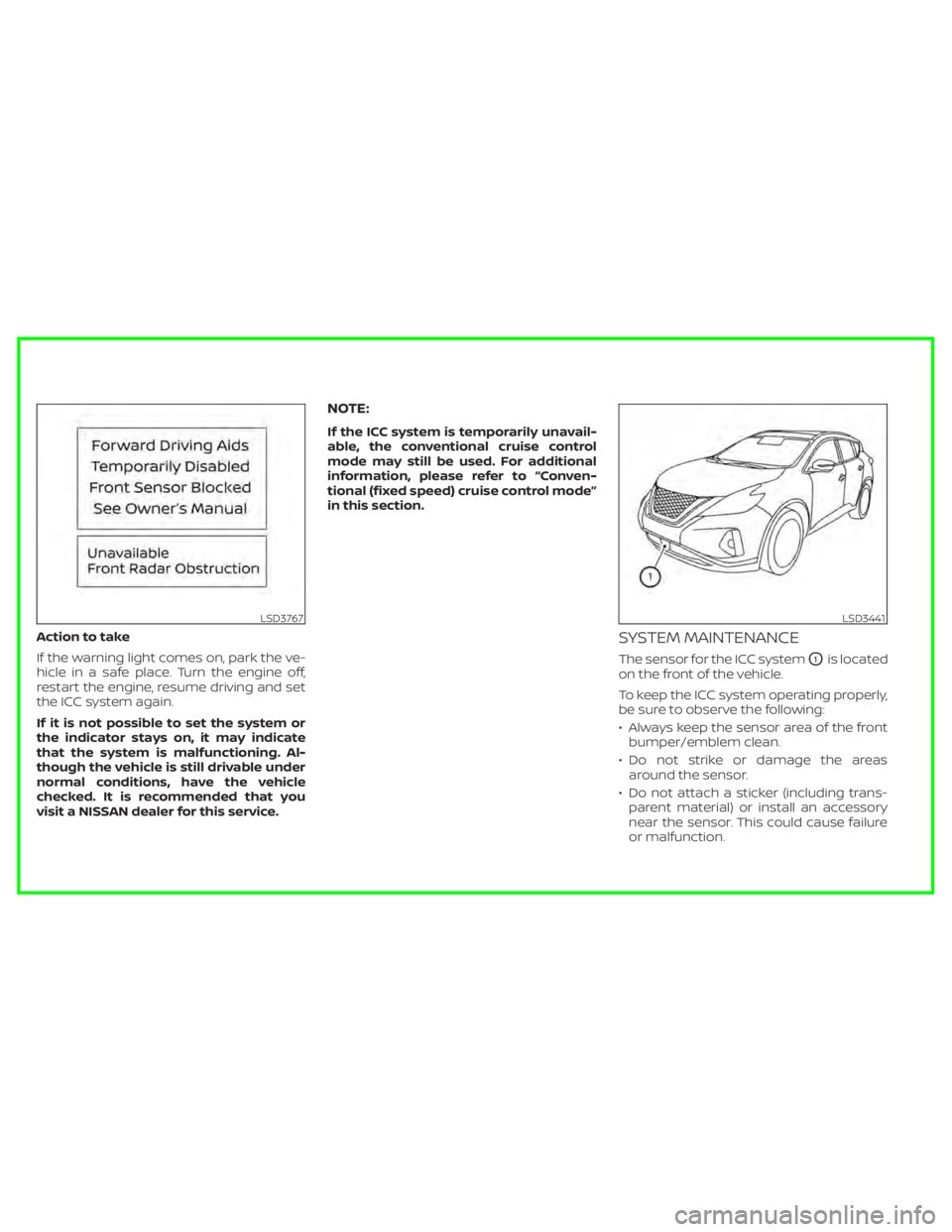
Action to take
If the warning light comes on, park the ve-
hicle in a safe place. Turn the engine off,
restart the engine, resume driving and set
the ICC system again.
If it is not possible to set the system or
the indicator stays on, it may indicate
that the system is malfunctioning. Al-
though the vehicle is still drivable under
normal conditions, have the vehicle
checked. It is recommended that you
visit a NISSAN dealer for this service.
NOTE:
If the ICC system is temporarily unavail-
able, the conventional cruise control
mode may still be used. For additional
information, please refer to “Conven-
tional (fixed speed) cruise control mode”
in this section.
SYSTEM MAINTENANCE
The sensor for the ICC systemO1is located
on the front of the vehicle.
To keep the ICC system operating properly,
be sure to observe the following:
• Always keep the sensor area of the front bumper/emblem clean.
• Do not strike or damage the areas around the sensor.
• Do not attach a sticker (including trans- parent material) or install an accessory
near the sensor. This could cause failure
or malfunction.
LSD3767LSD3441
Page 33 of 518
18. Cruise control switches (if so equipped)(P. 5-57)
Intelligent Cruise Control (ICC) switches
(if so equipped) (P. 5-59)
19. Driver supplemental knee air bag
(P. 1-49)
20. Bluetooth® Hands-Free Phone System/
Audio control switches*
21. Hood release (P. 3-22) Fuel door release (P. 3-29)
22. Fuse box (P. 8-19)
23. Heated steering wheel switch
(if so equipped) (P. 2-49)
Dynamic driver assistance switch
(if so equipped) (P. 2-49)
Lif tgate instrument panel switch
(if so equipped) (P. 3-22)
Vehicle Dynamic Control (VDC) OFF
switch (P. 2-50)
24. Instrument brightness control (P. 2-38) Twin trip odometer reset switch (P. 2-3)
*: Refer to the separate NissanConnect®
Owner's Manual.
Refer to the page number indicated in
parentheses for operating details.
Illustrated table of contents0-7
Page 111 of 518
18. Cruise control switches (if so equipped)(P. 5-57)
Intelligent Cruise Control (ICC) switches
(if so equipped) (P. 5-59)
19. Driver supplemental knee air bag
(P. 1-49)
20. Bluetooth® Hands-Free Phone System/
Audio control switches*
21. Hood release (P. 3-22) Fuel door release (P. 3-29)
22. Fuse box (P. 8-19)
23. Heated steering wheel switch
(if so equipped) (P. 2-49)
Dynamic driver assistance switch
(if so equipped) (P. 2-49)
Lif tgate instrument panel switch
(if so equipped) (P. 3-22)
Vehicle Dynamic Control (VDC) OFF
switch (P. 2-50)
24. Instrument brightness control (P. 2-38) Twin trip odometer reset switch (P. 2-3)
*: Refer to the separate NissanConnect®
Owner's Manual.
Refer to the page number indicated in
parentheses for operating details.
Instruments and controls2-3
Page 125 of 518
The vehicle information display is located
to the lef t of the speedometer. It displays
such items as:
• Home
• Audio information
• Navigation information (if so equipped)
• Drive computer information
• Fuel economy information
• Driving aids information (if so equipped)
• Speed Limit Sign (if so equipped)
• Tire pressure information
• Indicators and warnings
• Vehicle and meter display settings• Cruise control status
• Odometer/twin trip odometer
• Gear position information (P, R, N, D)
• Distance To Empty and fuel indicator
• Time
• Outside Air Temperature
The display will be interrupted when a
phone call is received. Phone calls can be
answered or rejected through the steering
wheel controls.HOW TO USE THE VEHICLE
INFORMATION DISPLAY
The vehicle information display can be
changed using the OK and
buttons located on the steering wheel.
1. OK — change or select an item in the
vehicle information display.
— scroll up or down the vehicle in-
formation menu items. If the vehicle in-
formation display is not showing a menu
with the
buttons, pressing thewill change to the previous/next audio
preset.
LIC3224LIC3778
VEHICLE INFORMATION DISPLAY
Instruments and controls2-17
Page 128 of 518
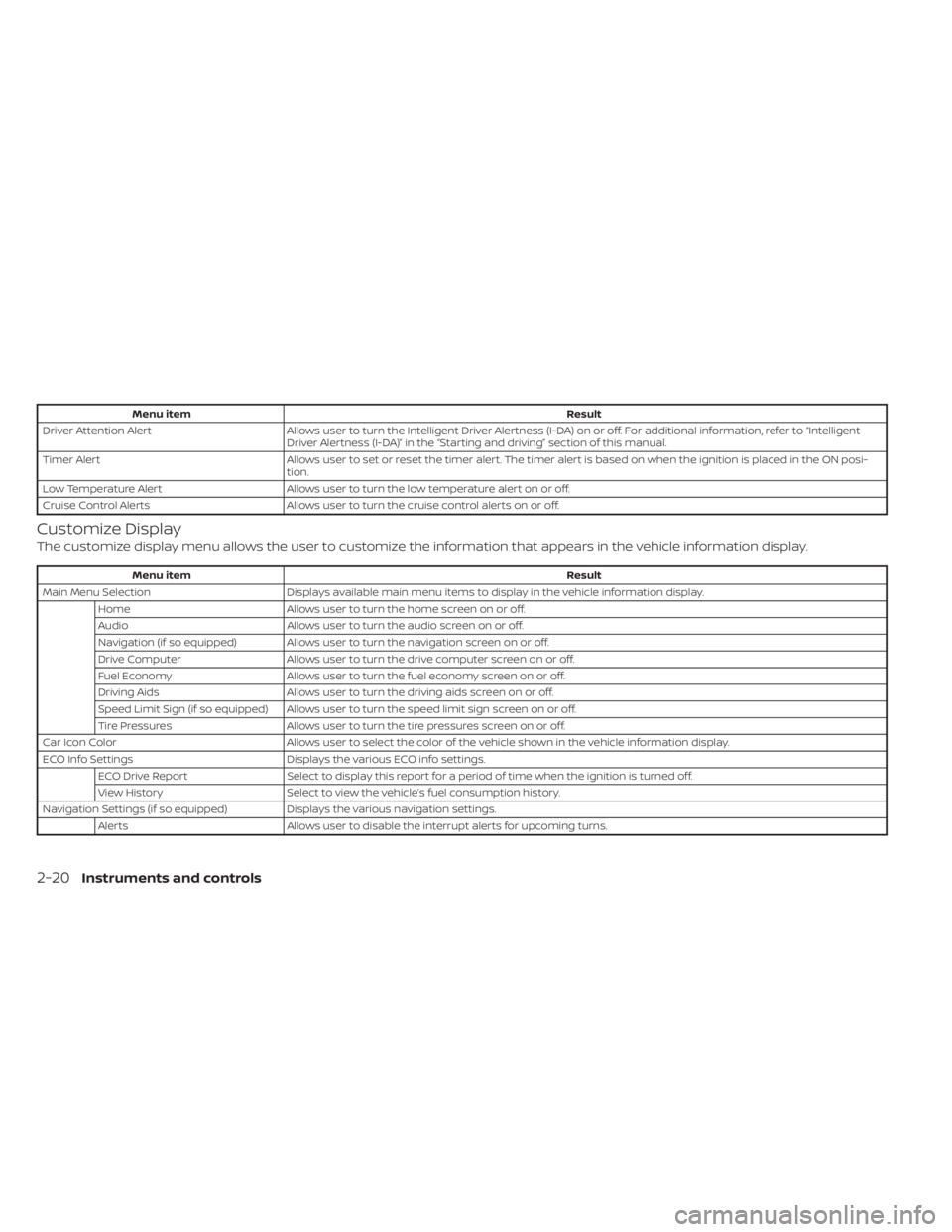
Menu itemResult
Driver Attention Alert Allows user to turn the Intelligent Driver Alertness (I-DA) on or off. For additional information, refer to “Intelligent
Driver Alertness (I-DA)” in the “Starting and driving” section of this manual.
Timer Alert Allows user to set or reset the timer alert. The timer alert is based on when the ignition is placed in the ON posi-
tion.
Low Temperature Alert Allows user to turn the low temperature alert on or off.
Cruise Control Alerts Allows user to turn the cruise control alerts on or off.
Customize Display
The customize display menu allows the user to customize the information that appears in the vehicle information display.
Menu item Result
Main Menu Selection Displays available main menu items to display in the vehicle information display.
Home Allows user to turn the home screen on or off.
Audio Allows user to turn the audio screen on or off.
Navigation (if so equipped) Allows user to turn the navigation screen on or off.
Drive Computer Allows user to turn the drive computer screen on or off.
Fuel Economy Allows user to turn the fuel economy screen on or off.
Driving Aids Allows user to turn the driving aids screen on or off.
Speed Limit Sign (if so equipped) Allows user to turn the speed limit sign screen on or off.
Tire Pressures Allows user to turn the tire pressures screen on or off.
Car Icon Color Allows user to select the color of the vehicle shown in the vehicle information display.
ECO Info Settings Displays the various ECO info settings.
ECO Drive Report Select to display this report for a period of time when the ignition is turned off.
View History Select to view the vehicle’s fuel consumption history.
Navigation Settings (if so equipped) Displays the various navigation settings.
Alerts Allows user to disable the interrupt alerts for upcoming turns.
2-20Instruments and controls
Page 134 of 518
1. Push brake and start switch to drive
2. No Key Detected
3. Shif t to Park
4. Key Battery Low
5. Engine start operation for Intelligent Keysystem (if I-Key battery level is low)
6. Key ID Incorrect
7. Release Parking Brake
8. Low Fuel
9. Low Washer Fluid
10. Door/lif tgate Open
11. Key System Fault See Owner's Manual
12. Loose Fuel Cap
13. Tire Pressure Low – Add Air
14. AWD Error: See Owner's Manual (if so equipped)
15. AWD High Temp. Stop Vehicle (if so equipped)
16. AWD Tire Size Incorrect: See Owner’s Manual (if so equipped)
17. CVT Error: See Owner’s Manual
18. Shipping Mode On Push Storage Fuse 19. Power will turn off to save the battery
20. Power turned off to save the battery
21. Reminder: Turn OFF Headlights
22. Driver Attention Alert Take a Break?
23. Driver Attention Alert Malfunction
24. Cruise control indicator (if so equipped)
25. Intelligent Cruise Control (ICC) indica-
tors (if so equipped)
26. Transmission Shif t Position indicator
27. Blind Spot Warning (BSW) and Rear Cross Traffic Alert (RCTA) indicator (if so
equipped)
28. Headlight System Error: See Owner’s Manual (if so equipped)
29. Unavailable: Front Radar Obstruction (if so equipped) or
Forward Driving Aids temporarily dis-
abled. Front Sensor blocked. See Own-
er’s Manual (if so equipped)
30. Unavailable: Side Radar Obstruction (if so equipped)
31. Push Ignition to OFF
32. Rear Door Alert is activated 33. Check Rear Seat for All Articles
34. Speed Limit Sign indicator (if so
equipped)
35. Lane Departure Warning (LDW)/ Intelli- gent Lane Intervention (I-LI) indicator (if
so equipped)
36. Unavailable High Cabin Temperature (if so equipped)
37. Currently Unavailable (if so equipped)
38. Unavailable Road is Slippery (if so equipped)
39. Rear Automatic Braking (RAB) indicator (if so equipped)
40. Vehicle ahead detection indicator
41. Automatic Emergency Braking (AEB) emergency warning indicator
42. Cruise ON (if so equipped)
43. Cruise Target Speed SET (if so equipped)
44. Intelligent Cruise ON (if so equipped)
45. Target Speed SET with Intelligent Dis- tance Control (if so equipped)
46. Parking Sensor (if so equipped)
47. Alarm - Time for a break?
2-26Instruments and controls
Page 137 of 518
Power will turn off to save the battery
This message appears in the vehicle infor-
mation display af ter a period of time if the
ignition switch is in the ACC or the ON po-
sition and if the vehicle is in P (Park). For
additional information, refer to “Push-
button ignition switch positions” in the
“Starting and driving” section of this
manual.
Power turned off to save the battery
This message appears af ter the ignition
switch is automatically turned to off. For
additional information, refer to “Push-
button ignition switch positions” in the
“Starting and driving” section of this
manual.
Reminder: Turn OFF Headlights
This warning appears when the headlights
are lef t in the ON position when exiting the
vehicle. Place the headlight switch in the
OFF or AUTO position. For additional infor-
mation, refer to “Headlight and turn signal
switch” in this section.
Driver Attention Alert - Take a Break?
This alert appears when the system has
detected that the driver may be displaying
fatigue or a lack of attention.
Driver Attention Alert Malfunction
This warning appears when the Intelligent
Driver Alertness (I-DA) system is not func-
tioning properly. For additional information,
refer to “Intelligent Driver Alertness (I-DA)” in
the “Starting and driving” section of this
manual.
Cruise control indicator (if so
equipped)
These indicators show the cruise control
system status.
For additional information, refer to “Cruise
control” in the “Starting and driving” section
of this manual.
Intelligent Cruise Control (ICC)
indicators (if so equipped)
These indicators show the Intelligent
Cruise Control (ICC) system status. For ad-
ditional information, refer to “Intelligent
Cruise Control (ICC)” in the “Starting and
driving” section of this manual.
Transmission Shif t Position indicator
This indicator shows the transmission shif t
position.
Blind Spot Warning (BSW) and Rear
Cross Traffic Alert (RCTA) indicator (if
so equipped)
This indicator shows when the BSW and
RCTA systems are engaged.
For additional information, refer to “Blind
Spot Warning (BSW)” and “Rear Cross Traffic
Alert (RCTA)” in the “Starting and driving”
section of this manual.
Headlight System Error: See Owner’s
Manual (if so equipped)
This warning appears when the LED head-
lights are not functioning properly.
If this warning appears, have your system
checked. It is recommended that you visit a
NISSAN dealer for this service.
Unavailable: Front Radar Obstruction
(if so equipped)
This warning appears when one of the fol-
lowing systems (if so equipped) becomes
unavailable because the front radar is ob-
structed.
• Automatic Emergency Braking (AEB)
• Automatic Emergency Braking (AEB) withPedestrian Detection
• Intelligent Cruise Control (ICC)
Instruments and controls2-29
Page 138 of 518
• Intelligent Forward Collision Warning (I-FCW)
For additional information, refer to the
“Starting and driving” section of this
manual.
Forward Driving Aids temporarily
disabled. Front Sensor blocked. See
Owner’s Manual (if so equipped)
This message appears when the front ra-
dar sensor may be obstructed due to:
• mud, dirt, snow, ice, etc.
• inclement weather (rain, fog, snow, etc.)
All forward driving aids are temporarily dis-
abled until the system detects that the
front radar sensor is no longer obstructed.
For additional information, refer to the fol-
lowing (if so equipped) in the “Starting and
driving” section of this manual:
• Automatic Emergency Braking (AEB)
• Automatic Emergency Braking (AEB) with Pedestrian Detection
• Intelligent Cruise Control (ICC)
• Intelligent Forward Collision Warning (I- FCW)
Unavailable: Side Radar Obstruction
(if so equipped)
This message appears when one of the
following systems (if so equipped) be-
comes unavailable because a radar block-
age is detected.
• Blind Spot Warning (BSW)
• Rear Cross Traffic Alert (RCTA)
For additional information, refer to the
“Starting and driving” section of this
manual.
Push Ignition to OFF
Af ter the Push Ignition to OFF warning illu-
minates, the warning will illuminate if the
ignition switch is placed in the ACC position
when the shif t lever is moved to the P (Park)
position.
To turn off the Push warning, place the ig-
nition switch in the ON position and then in
the LOCK position.
Rear Door Alert is activated
When the system is enabled, this message
appears when the Rear Door Alert system
is active and can remind the driver to check
the back seat. • Using the steering wheel switch, a driver
can select “Dismiss Message” to clear the
display for a period of time. If no selection
is made, this message automatically
turns off af ter a period of time.
• Using the steering wheel switch, a driver can select “Disable Alert” to disable the
horn alert for the remainder of the cur-
rent trip.
WARNING
Selecting “Dismiss Message” during a
stop within a trip temporarily dis-
misses the message for that stop with-
out turning the system off. Alerts can
be provided for other stops during the
trip. Selecting “Disable Alert” turns off
the Rear Door Alert system for the re-
mainder of a trip and no audible alert
will be provided.
NOTE:
This system is disabled until a driver en-
ables it using the vehicle information
display. For additional information, refer
to “How to use the vehicle information
display ” in this section.
For additional information, refer to “Rear
Door Alert” in this section.
2-30Instruments and controls