display NISSAN NAVARA 2005 Repair User Guide
[x] Cancel search | Manufacturer: NISSAN, Model Year: 2005, Model line: NAVARA, Model: NISSAN NAVARA 2005Pages: 3171, PDF Size: 49.59 MB
Page 93 of 3171

TROUBLE DIAGNOSIS
AT-85
D
E
F
G
H
I
J
K
L
MA
B
AT
I/C SOL MON (A) — —
FR/B SOL MON (A) — —
D/CSOLMON(A) — —
HLR/C SOL MON (A) — —
ONOFF SOL MON (ON/OFF) — — LC/B solenoid
P POSI IND (ON/OFF) — —
R POSI IND (ON/OFF) — —
N POSI IND (ON/OFF) — —
D POSI IND (ON/OFF) — —
4TH POSI IND (ON/OFF) — —
3RD POSI IND (ON/OFF) — —
2ND POSI IND (ON/OFF) — —
1ST POSI IND (ON/OFF) — —
MANU MODE IND (ON/OFF) — —
Not mounted but displayed.
POWER M LAMP (ON/OFF) — —
F-SAFE IND/L (ON/OFF) — —
ATF WARN LAMP (ON/OFF) — —
BACK-UPLAMP(ON/OFF) — —
STARTER RELAY (ON/OFF) — —
PNP SW3 MON (ON/OFF) — —
C/V CLB ID1 — —
C/V CLB ID2 — —
C/V CLB ID3 — —
UNIT CLB ID1 — —
UNIT CLB ID2 — —
UNIT CLB ID3 — —
TRGT GR RATIO — —
TRGT PRES TCC (kPa) — —
TRGT PRES L/P (kPa) — —
TRGT PRES I/C (kPa) — —
TRGTPREFR/B(kPa) — —
TRGT PRES D/C (kPa) — —
TRG PRE HLR/C (kPa) — —
SHIFT PATTERN — —
DRV CST JUDGE — —Monitored item (Unit)Monitor Item Selection
Remarks ECU
INPUT
SIGNALSMAIN SIG-
NALSSELEC-
TION
FROM
MENU
Page 94 of 3171
AT-86
TROUBLE DIAGNOSIS
CAN DIAGNOSTIC SUPPORT MONITOR MODE
Operation Procedure
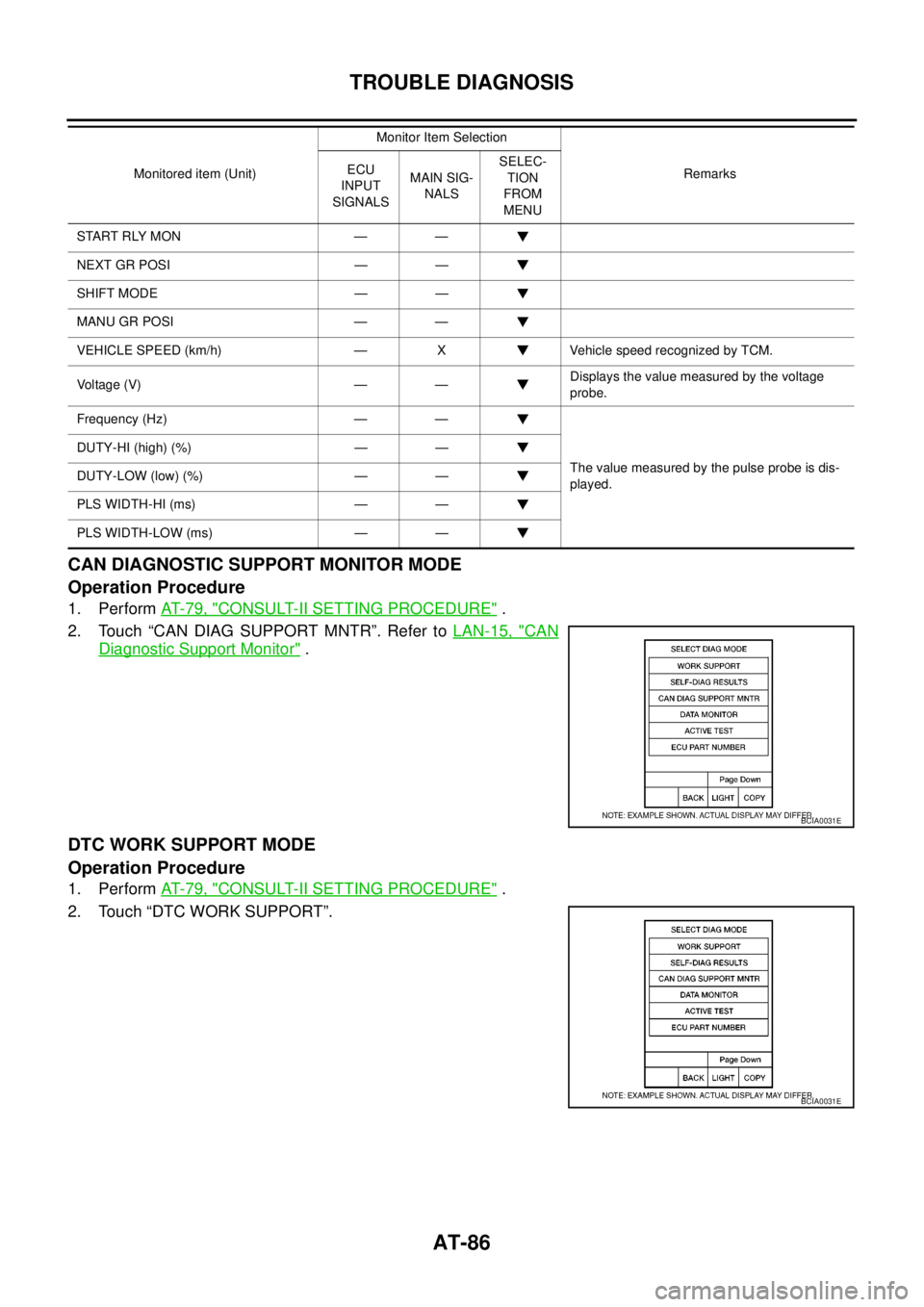
1. PerformAT- 7 9 , "CONSULT-II SETTING PROCEDURE".
2. Touch “CAN DIAG SUPPORT MNTR”. Refer toLAN-15, "
CAN
Diagnostic Support Monitor".
DTC WORK SUPPORT MODE
Operation Procedure
1. PerformAT- 7 9 , "CONSULT-II SETTING PROCEDURE".
2. Touch “DTC WORK SUPPORT”.
START RLY MON — —
NEXT GR POSI — —
SHIFT MODE — —
MANU GR POSI — —
VEHICLE SPEED (km/h) — X Vehicle speed recognized by TCM.
Vo l ta g e (V ) — —Displays the value measured by the voltage
probe.
Frequency (Hz) — —
The value measured by the pulse probe is dis-
played. DUTY-HI (high) (%) — —
DUTY-LOW (low) (%) — —
PLS WIDTH-HI (ms) — —
PLS WIDTH-LOW (ms) — —Monitored item (Unit)Monitor Item Selection
Remarks ECU
INPUT
SIGNALSMAIN SIG-
NALSSELEC-
TION
FROM
MENU
BCIA0031E
BCIA0031E
Page 96 of 3171
AT-88
TROUBLE DIAGNOSIS
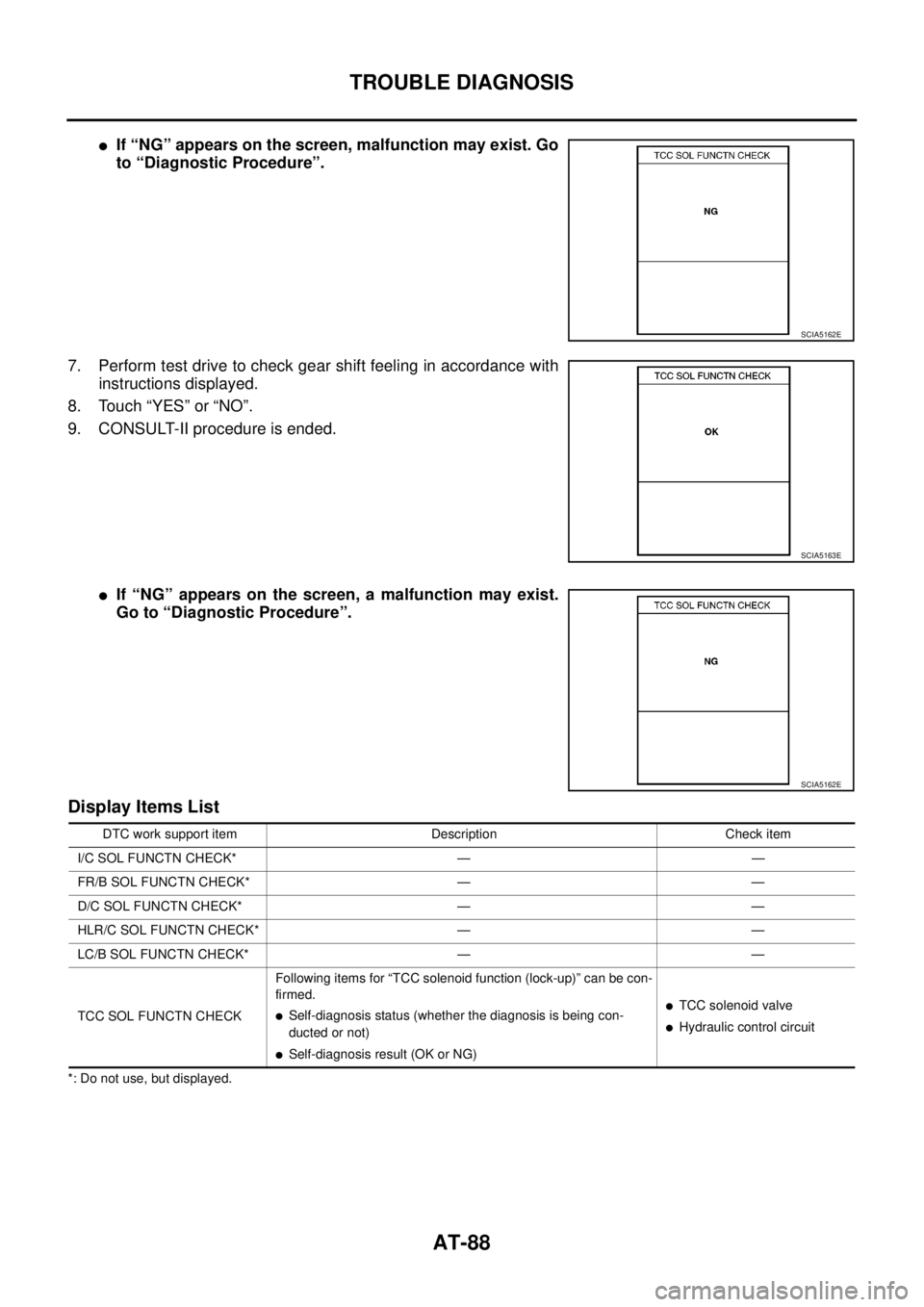
lIf “NG” appears on the screen, malfunction may exist. Go
to “Diagnostic Procedure”.
7. Perform test drive to check gear shift feeling in accordance with
instructions displayed.
8. Touch “YES” or “NO”.
9. CONSULT-II procedure is ended.
lIf “NG” appears on the screen, a malfunction may exist.
Go to “Diagnostic Procedure”.
Display Items List
*: Do not use, but displayed.
SCIA5162E
SCIA5163E
SCIA5162E
DTC work support item Description Check item
I/C SOL FUNCTN CHECK* — —
FR/B SOL FUNCTN CHECK* — —
D/C SOL FUNCTN CHECK* — —
HLR/C SOL FUNCTN CHECK* — —
LC/B SOL FUNCTN CHECK* — —
TCC SOL FUNCTN CHECKFollowing items for “TCC solenoid function (lock-up)” can be con-
firmed.
lSelf-diagnosis status (whether the diagnosis is being con-
ducted or not)
lSelf-diagnosis result (OK or NG)
lTCC solenoid valve
lHydraulic control circuit
Page 97 of 3171
TROUBLE DIAGNOSIS
AT-89
D
E
F
G
H
I
J
K
L
MA
B
AT
Diagnostic Procedure Without CONSULT-IIECS00FXB
TCM SELF-DIAGNOSTIC PROCEDURE (WITHOUT CONSULT-II)
Description
In the unlikely event of a malfunction in the electrical system, when the ignition switch is switched ON, the OD
OFF indicator lamp lights up for 2 seconds. If there is no malfunction, when the ignition switch is turned ON,
the indicator lamp lights up for 2 seconds. As a method for locating the suspect circuit, when the self-diagnos-
tics start signal is input, the memory for the malfunction location is output and OD OFF indicator lamp flashes
to display the corresponding DTC.
Diagnostic Procedure
1.CHECK OD OFF INDICATOR LAMP
1. Start the engine with selector lever in “P” position. Warm engine to normal operating temperature.
2. Turn ignition switch ON and OFF at least twice, then leave it in the OFF position.
3. Wait 10 seconds.
4. Turn ignition switch ON. (Do not start engine.)
Does OD OFF indicator lamp come on for about 2 seconds?
YES >> GO TO 2.
NO >> GO TOAT- 1 7 7 , "
OD OFF Indicator Lamp Does Not Come On".
2.JUDGEMENT PROCEDURE
1. Turn ignition switch OFF.
2. Keep pressing shift lock release button.
3. Move selector lever from “P” to “D” position.
4. Release accelerator pedal. (Set the closed throttle position signal ON.)
5. Depress brake pedal. (Stop lamp switch signal ON.)
6. Turn ignition switch ON.
7. Wait 3 seconds.
8. Move selector lever from “D” to “3” position.
9. Release brake pedal. (Stop lamp switch signal OFF.)
10. Move selector lever from “3” to “2” position.
11. Depress brake pedal. (Stop lamp switch signal ON.)
12. Release brake pedal. (Stop lamp switch signal OFF.)
13. Depress accelerator pedal fully and release it.
>> GO TO 3.
3.CHECK SELF-DIAGNOSIS CODE
Check OD OFF indicator lamp. Refer toAT-90, "
Judgement Self-diagnosis Code".
If the system does not go into self-diagnosis. Refer toAT-99, "
DTC P0705 PARK/NEUTRAL POSITION
SWITCH",AT- 1 6 8 , "CLOSED THROTTLE POSITION AND WIDE OPEN THROTTLE POSITION CIRCUIT",
AT- 1 6 9 , "
BRAKE SIGNAL CIRCUIT".
>>DIAGNOSIS END
Page 102 of 3171
AT-94
DTC P0615 START SIGNAL CIRCUIT
DTC P0615 START SIGNAL CIRCUIT
PFP:25230
DescriptionECS00FXI
TCM prohibits cranking other than at “P” or “N” position.
CONSULT-II Reference ValueECS00FXJ
On Board Diagnosis LogicECS00FXK
Diagnostic trouble code “P0615 STARTER RELAY/CIRC” with CONSULT-II or 14th judgement flicker without
CONSULT-II is detected when starter relay is switched ON other than at “P” or “N” position. (Or when switched
OFF at “P” or “N” position).
Possible CauseECS00FXL
lHarness or connectors
(starter relay and TCM circuit is open or shorted.)
lstarter relay
DTC Confirmation ProcedureECS00FXM
CAUTION:
Always drive vehicle at a safe speed.
NOTE:
If “DTC Confirmation Procedure” has been previously performed, always turn ignition switch OFF and
wait at least 10 seconds before performing the next test.
After the repair, perform the following procedure to confirm the malfunction is eliminated.
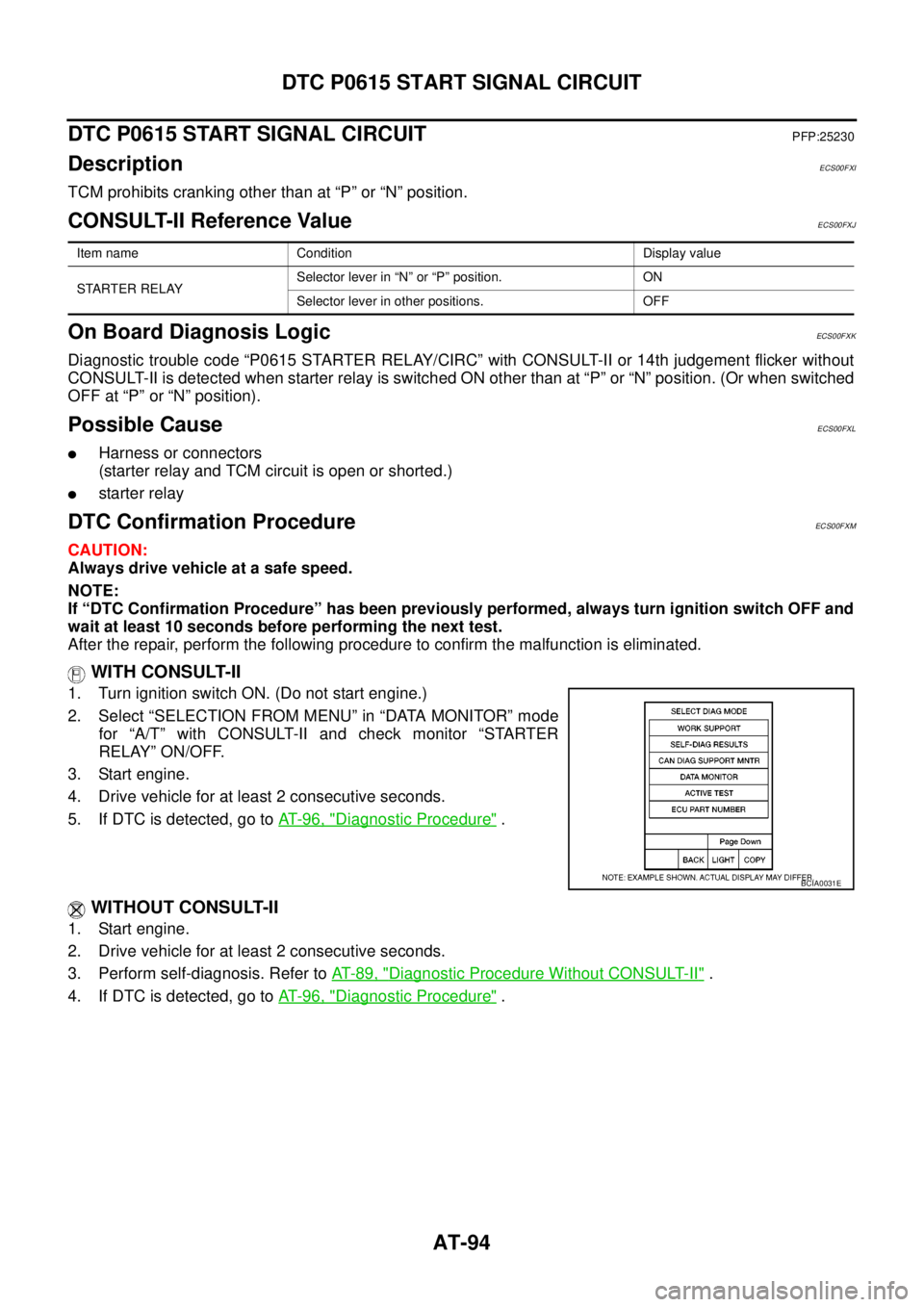
WITH CONSULT-II
1. Turn ignition switch ON. (Do not start engine.)
2. Select “SELECTION FROM MENU” in “DATA MONITOR” mode
for “A/T” with CONSULT-II and check monitor “STARTER
RELAY” ON/OFF.
3. Start engine.
4. Drive vehicle for at least 2 consecutive seconds.
5. If DTC is detected, go toAT-96, "
Diagnostic Procedure".
WITHOUT CONSULT-II
1. Start engine.
2. Drive vehicle for at least 2 consecutive seconds.
3. Perform self-diagnosis. Refer toAT-89, "
Diagnostic Procedure Without CONSULT-II".
4. If DTC is detected, go toAT-96, "
Diagnostic Procedure".
Item name Condition Display value
STARTER RELAYSelector lever in “N” or “P” position. ON
Selector lever in other positions. OFF
BCIA0031E
Page 104 of 3171
AT-96
DTC P0615 START SIGNAL CIRCUIT
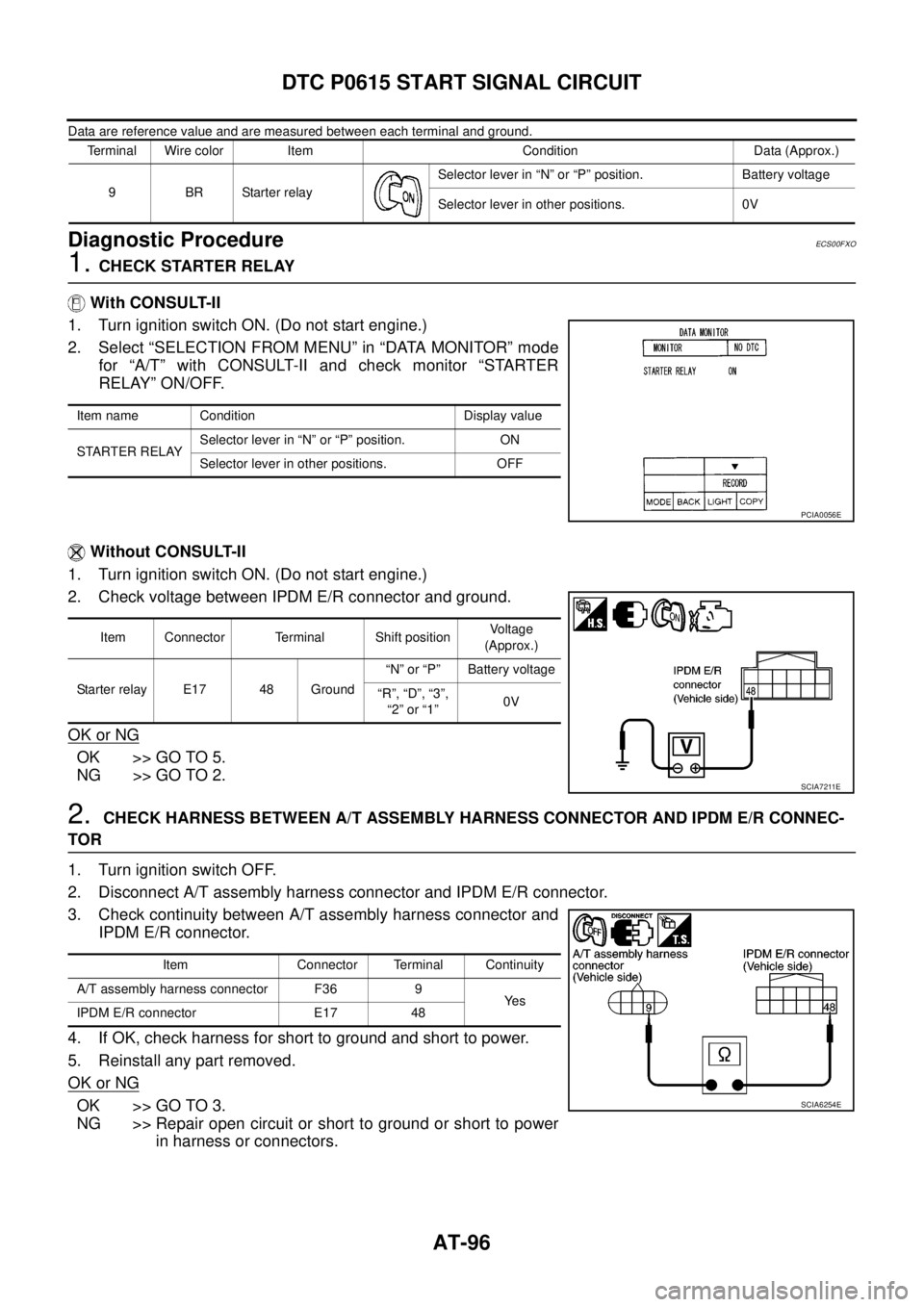
Data are reference value and are measured between each terminal and ground.
Diagnostic ProcedureECS00FXO
1.CHECK STARTER RELAY
With CONSULT-II
1. Turn ignition switch ON. (Do not start engine.)
2. Select “SELECTION FROM MENU” in “DATA MONITOR” mode
for “A/T” with CONSULT-II and check monitor “STARTER
RELAY” ON/OFF.
Without CONSULT-II
1. Turn ignition switch ON. (Do not start engine.)
2. Check voltage between IPDM E/R connector and ground.
OK or NG
OK >> GO TO 5.
NG >> GO TO 2.
2.CHECK HARNESS BETWEEN A/T ASSEMBLY HARNESS CONNECTOR AND IPDM E/R CONNEC-
TOR
1. Turn ignition switch OFF.
2. Disconnect A/T assembly harness connector and IPDM E/R connector.
3. Check continuity between A/T assembly harness connector and
IPDM E/R connector.
4. If OK, check harness for short to ground and short to power.
5. Reinstall any part removed.
OK or NG
OK >> GO TO 3.
NG >> Repair open circuit or short to ground or short to power
in harness or connectors.
Terminal Wire color Item Condition Data (Approx.)
9BRStarterrelaySelector lever in “N” or “P” position. Battery voltage
Selector lever in other positions. 0V
Item name Condition Display value
STARTER RELAYSelector lever in “N” or “P” position. ON
Selector lever in other positions. OFF
PCIA0056E
Item Connector Terminal Shift positionVoltage
(Approx.)
Starter relay E17 48 Ground“N” or “P” Battery voltage
“R”, “D”, “3”,
“2”or“1”0V
SCIA7211E
Item Connector Terminal Continuity
A/T assembly harness connector F36 9
Ye s
IPDM E/R connector E17 48
SCIA6254E
Page 106 of 3171
AT-98
DTC P0700 TCM
DTC P0700 TCM
PFP:31036
DescriptionECS00FXP
TCM consists of a microcomputer and connectors for signal input and output and for power supply. TCM con-
trols A/T.
On Board Diagnosis LogicECS00FXQ
Diagnostic trouble code “P0700 TCM” with CONSULT-II is detected when TCM is malfunctioning.
Possible CauseECS00FXR
TCM
DTC Confirmation ProcedureECS00FXS
NOTE:
If “DTC Confirmation Procedure” has been previously performed, always turn ignition switch OFF and
wait at least 10 seconds before performing the next test.
After the repair, perform the following procedure to confirm the malfunction is eliminated.
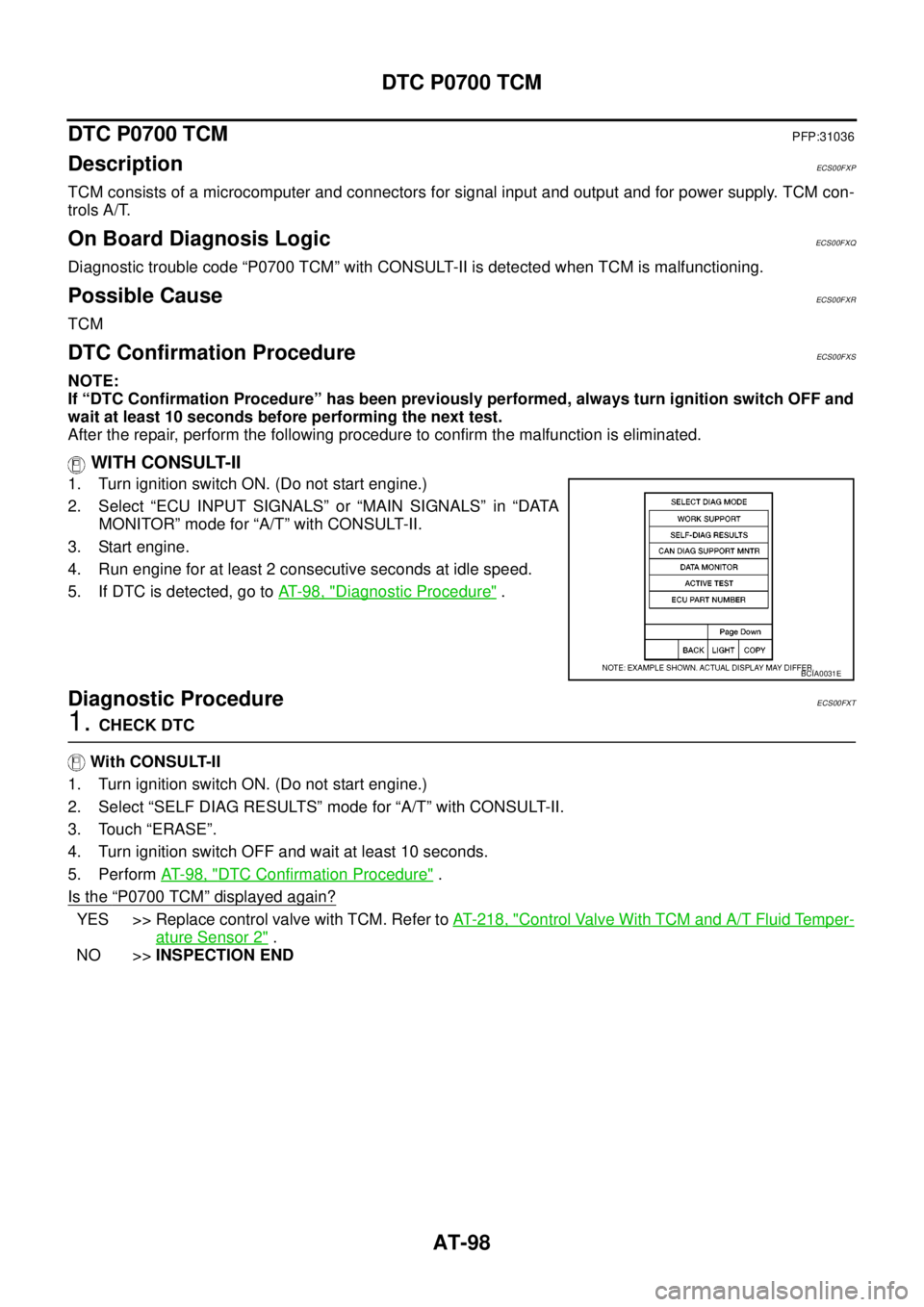
WITH CONSULT-II
1. Turn ignition switch ON. (Do not start engine.)
2. Select “ECU INPUT SIGNALS” or “MAIN SIGNALS” in “DATA
MONITOR” mode for “A/T” with CONSULT-II.
3. Start engine.
4. Run engine for at least 2 consecutive seconds at idle speed.
5. If DTC is detected, go toAT-98, "
Diagnostic Procedure".
Diagnostic ProcedureECS00FXT
1.CHECK DTC
With CONSULT-II
1. Turn ignition switch ON. (Do not start engine.)
2. Select “SELF DIAG RESULTS” mode for “A/T” with CONSULT-II.
3. Touch “ERASE”.
4. Turn ignition switch OFF and wait at least 10 seconds.
5. PerformAT- 9 8 , "
DTC Confirmation Procedure".
Is the
“P0700 TCM”displayed again?
YES >> Replace control valve with TCM. Refer toAT- 2 1 8 , "Control Valve With TCM and A/T Fluid Temper-
ature Sensor 2".
NO >>INSPECTION END
BCIA0031E
Page 107 of 3171
DTC P0705 PARK/NEUTRAL POSITION SWITCH
AT-99
D
E
F
G
H
I
J
K
L
MA
B
AT
DTC P0705 PARK/NEUTRAL POSITION SWITCHPFP:32006
DescriptionECS00FXU
lPNP switch includes a transmission range switch.
lThe transmission range switch detects the selector lever position and sends a signal to TCM.
CONSULT-II Reference ValueECS00FXV
On Board Diagnosis LogicECS00FXW
Diagnostic trouble code “P0705 PNP SW/CIRC” with CONSULT-II or 9th judgement flicker without CONSULT-
II is detected under the following conditions.
lWhen TCM does not receive the correct voltage signal from PNP switches 1, 2, 3 and 4 based on the gear
position.
lWhen no other positions but “P” position is detected from “N” position.
Possible CauseECS00FXX
lHarness or connectors
PNP switches 1, 2, 3 and 4 and TCM circuit is open or shorted.
lPNPswitches1,2,3and4
DTC Confirmation ProcedureECS00FXY
CAUTION:
Always drive vehicle at a safe speed.
NOTE:
If “DTC Confirmation Procedure” has been previously performed, always turn ignition switch OFF and
wait at least 10 seconds before performing the next test.
After the repair, perform the following procedure to confirm the malfunction is eliminated.
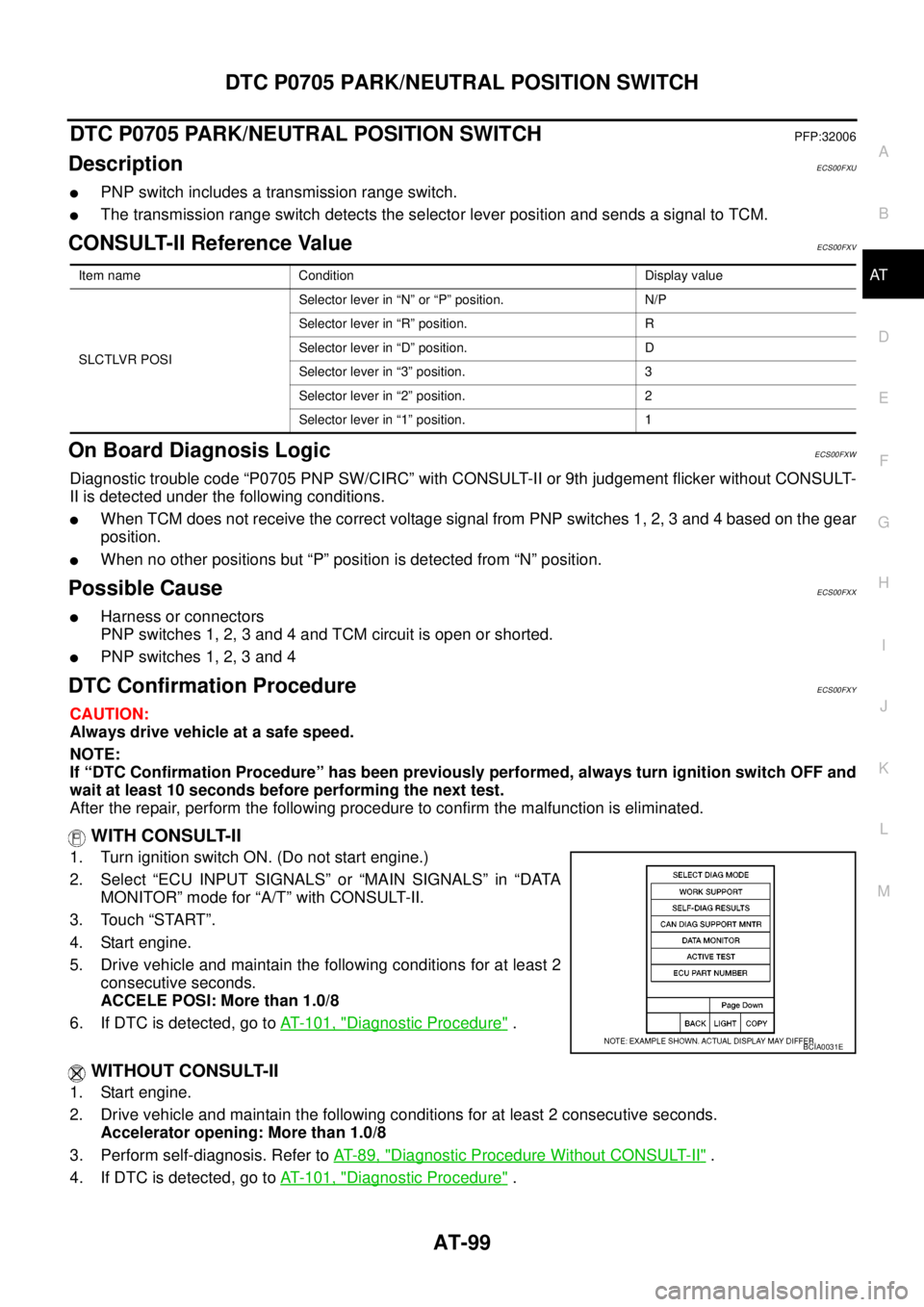
WITH CONSULT-II
1. Turn ignition switch ON. (Do not start engine.)
2. Select “ECU INPUT SIGNALS” or “MAIN SIGNALS” in “DATA
MONITOR” mode for “A/T” with CONSULT-II.
3. Touch “START”.
4. Start engine.
5. Drive vehicle and maintain the following conditions for at least 2
consecutive seconds.
ACCELE POSI: More than 1.0/8
6. If DTC is detected, go toAT- 1 0 1 , "
Diagnostic Procedure".
WITHOUT CONSULT-II
1. Start engine.
2. Drive vehicle and maintain the following conditions for at least 2 consecutive seconds.
Accelerator opening: More than 1.0/8
3. Perform self-diagnosis. Refer toAT-89, "
Diagnostic Procedure Without CONSULT-II".
4. If DTC is detected, go toAT- 1 0 1 , "
Diagnostic Procedure".
Item name Condition Display value
SLCTLVR POSISelector lever in “N” or “P” position. N/P
Selector lever in “R” position. R
Selector lever in “D” position. D
Selector lever in “3” position. 3
Selector lever in “2” position. 2
Selector lever in “1” position. 1
BCIA0031E
Page 109 of 3171
DTC P0705 PARK/NEUTRAL POSITION SWITCH
AT-101
D
E
F
G
H
I
J
K
L
MA
B
AT
Diagnostic ProcedureECS00FY0
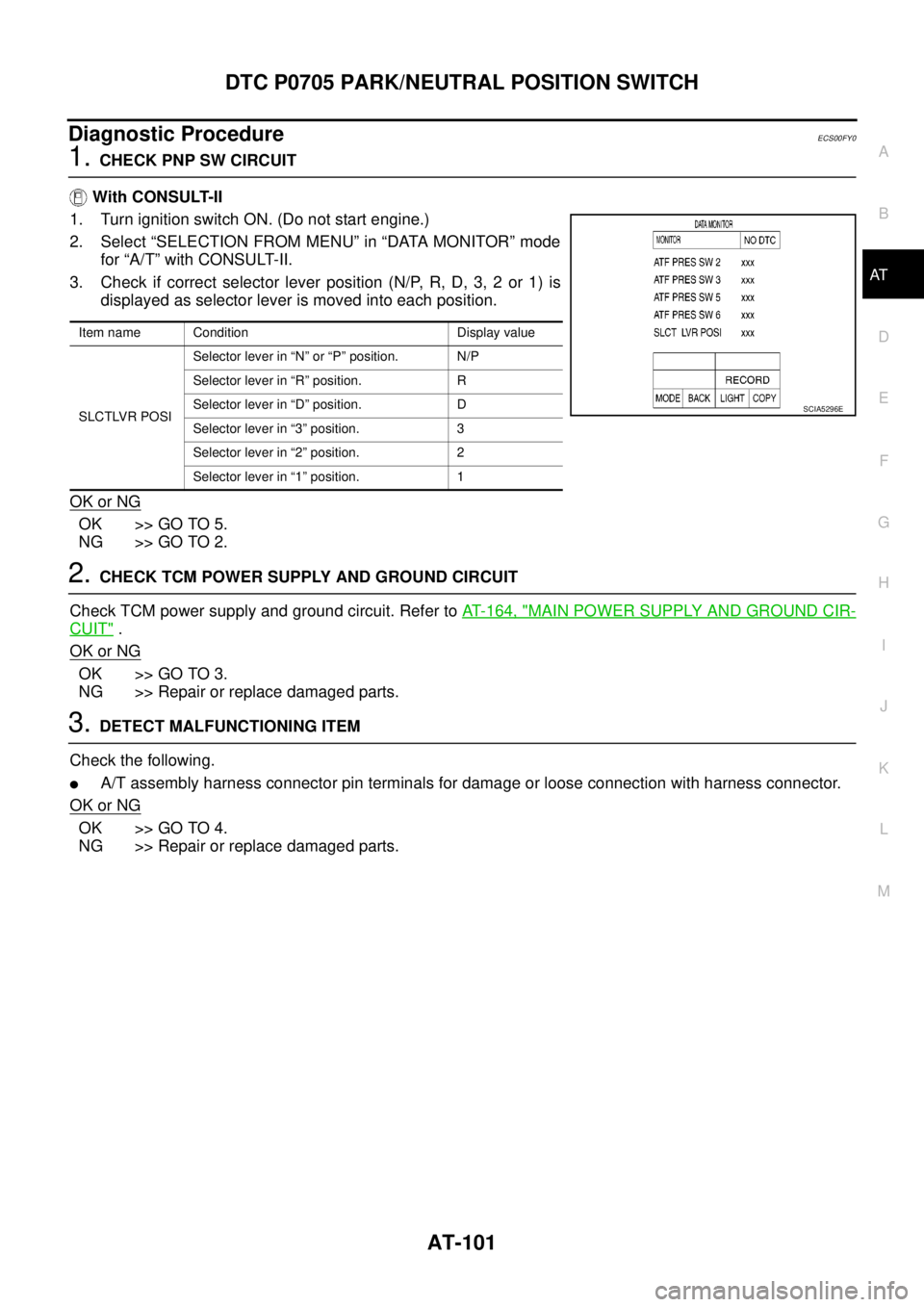
1.CHECK PNP SW CIRCUIT
With CONSULT-II
1. Turn ignition switch ON. (Do not start engine.)
2. Select “SELECTION FROM MENU” in “DATA MONITOR” mode
for “A/T” with CONSULT-II.
3. Check if correct selector lever position (N/P, R, D, 3, 2 or 1) is
displayed as selector lever is moved into each position.
OK or NG
OK >> GO TO 5.
NG >> GO TO 2.
2.CHECK TCM POWER SUPPLY AND GROUND CIRCUIT
Check TCM power supply and ground circuit. Refer toAT- 1 6 4 , "
MAIN POWER SUPPLY AND GROUND CIR-
CUIT".
OK or NG
OK >> GO TO 3.
NG >> Repair or replace damaged parts.
3.DETECT MALFUNCTIONING ITEM
Check the following.
lA/T assembly harness connector pin terminals for damage or loose connection with harness connector.
OK or NG
OK >> GO TO 4.
NG >> Repair or replace damaged parts.
Item name Condition Display value
SLCTLVR POSISelector lever in “N” or “P” position. N/P
Selector lever in “R” position. R
Selector lever in “D” position. D
Selector lever in “3” position. 3
Selector lever in “2” position. 2
Selector lever in “1” position. 1
SCIA5296E
Page 111 of 3171
DTC P0720 VEHICLE SPEED SENSOR A/T (REVOLUTION SENSOR)
AT-103
D
E
F
G
H
I
J
K
L
MA
B
AT
DTC P0720 VEHICLE SPEED SENSOR A/T (REVOLUTION SENSOR)PFP:32702
DescriptionECS00FY1
Revolution sensor detects the revolution of the idler gear parking pawl lock gear and emits a pulse signal. The
pulse signal is sent to TCM which converts it into vehicle speed.
CONSULT-II Reference ValueECS00FY2
On Board Diagnosis LogicECS00FY3
Diagnostic trouble code “P0720 VEH SPD SEN/CIR AT” with CONSULT-II or 1st judgement flicker without
CONSULT-II is detected under the following conditions.
lWhen TCM does not receive the proper voltage signal from the sensor.
lAfter ignition switch is turned ON, irregular signal input from vehicle speed sensor MTR before the vehicle
starts moving.
Possible CauseECS00FY4
lHarness or connectors
(The sensor circuit is open or shorted.)
lRevolution sensor
lVehicle speed sensor MTR
DTC Confirmation ProcedureECS00FY5
CAUTION:
lAlways drive vehicle at a safe speed.
lBe careful not to rev engine into the red zone on the tachometer.
NOTE:
If “DTC Confirmation Procedure” has been previously performed, always turn ignition switch OFF and
wait at least 10 seconds before performing the next test.
After the repair, perform the following procedure to confirm the malfunction is eliminated.
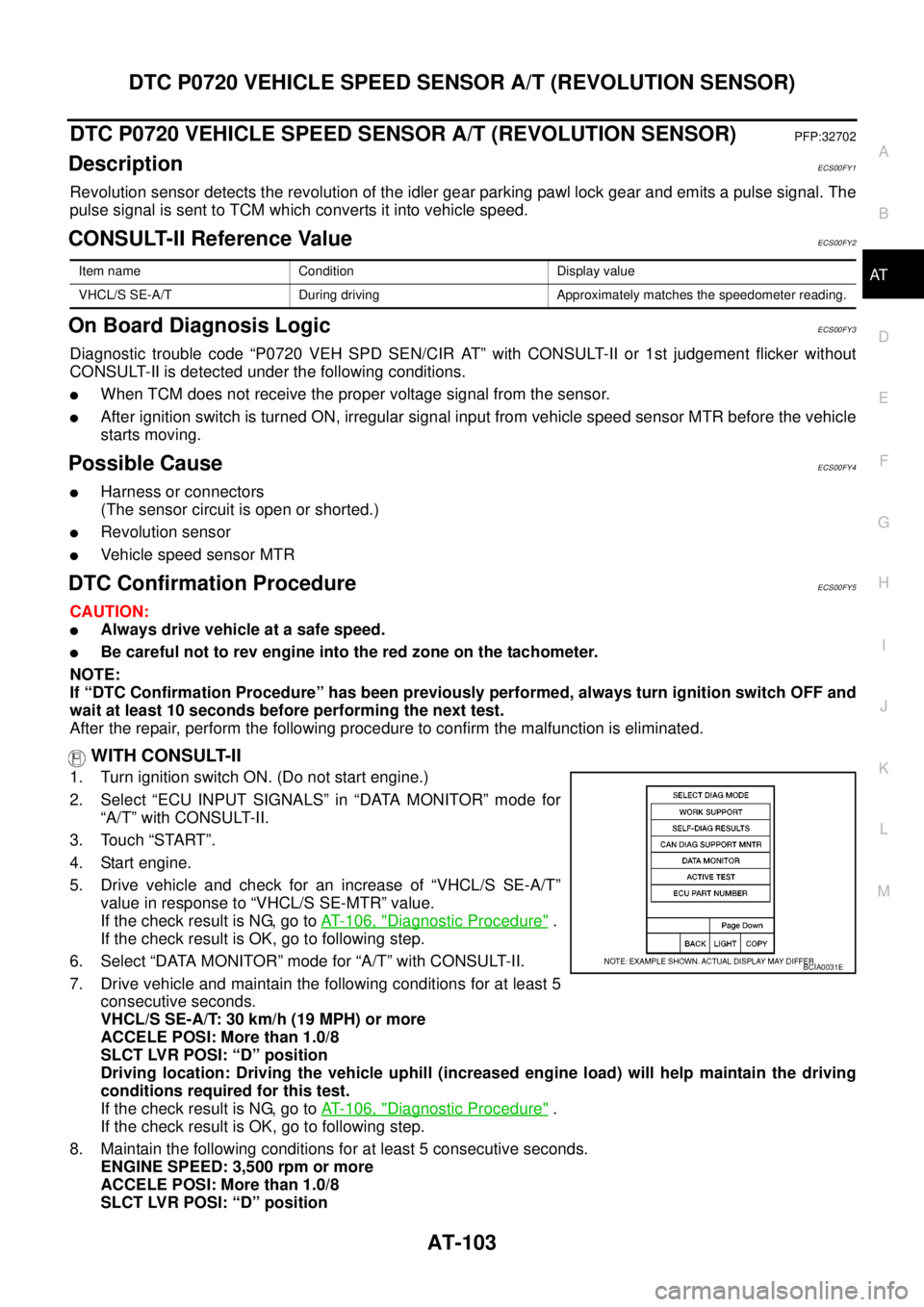
WITH CONSULT-II
1. Turn ignition switch ON. (Do not start engine.)
2. Select “ECU INPUT SIGNALS” in “DATA MONITOR” mode for
“A/T” with CONSULT-II.
3. Touch “START”.
4. Start engine.
5. Drive vehicle and check for an increase of “VHCL/S SE-A/T”
value in response to “VHCL/S SE-MTR” value.
If the check result is NG, go toAT- 1 0 6 , "
Diagnostic Procedure".
If the check result is OK, go to following step.
6. Select “DATA MONITOR” mode for “A/T” with CONSULT-II.
7. Drive vehicle and maintain the following conditions for at least 5
consecutive seconds.
VHCL/S SE-A/T: 30 km/h (19 MPH) or more
ACCELE POSI: More than 1.0/8
SLCT LVR POSI: “D” position
Driving location: Driving the vehicle uphill (increased engine load) will help maintain the driving
conditions required for this test.
If the check result is NG, go toAT- 1 0 6 , "
Diagnostic Procedure".
If the check result is OK, go to following step.
8. Maintain the following conditions for at least 5 consecutive seconds.
ENGINE SPEED: 3,500 rpm or more
ACCELE POSI: More than 1.0/8
SLCT LVR POSI: “D” position
Item name Condition Display value
VHCL/S SE-A/T During driving Approximately matches the speedometer reading.
BCIA0031E