rear entertainment NISSAN PATHFINDER 2009 Owner´s Manual
[x] Cancel search | Manufacturer: NISSAN, Model Year: 2009, Model line: PATHFINDER, Model: NISSAN PATHFINDER 2009Pages: 471, PDF Size: 5.9 MB
Page 254 of 471
Press thebutton on the front radio control
panel; the headphones symbol and the message
“Headphones ON” illuminates on the front dis-
play when the headphones are on.
One or two infrared headphones and one remote
controller are included if the vehicle is equipped
with the DVD entertainment system.
For vehicles equipped with the FM/AM/SAT radio
with compact disc player, if the rear headphones
are turned on, the rear speakers will be disabled.
The rear passengers can use the wireless head-
phones to listen to a different media than the front
passengers. The rear passengers can listen to
the same media along with the front passengers
or they can listen to a different media.
For more information on the remote controller,
see “NISSAN Mobile Entertainment System
(MES)” later in this section.
VOL (volume) wireless headphones
dial:
The VOL dial on the wireless headphones allows
the rear passengers to adjust the headphone
volume level.
Speaker control (front panel) but-
ton:
Press the
button on the front radio control
panel to turn the rear speakers off and the wire-
less headphones on. Press the
button
again to turn rear speakers back on and wireless
headphones off.
MODE (remote control) button:
The MODE button on the remote controller al-
lows the rear passengers to change between
Preset A, Preset B, Preset C, Music Box**, CD*,
CompactFlash*, DVD* and AUX. When a source
of media is selected, the media type will be dis-
played on the rear screen.
*These modes are only available when compat-
ible media storage is inserted into the device.
**This mode is only available when music has
been downloaded into the Music Box hard-disk
drive audio system.
Seek (remote control)
buttons:
In AM or FM mode, the
or theseek
buttons on the remote controller allow the rear
seat passengers to find the next or previous
preset radio station.In CD, Music Box hard-disk drive audio system
and CompactFlash™ mode, the
or
the
seek buttons allow the rear passen-
gers to find the next or previous selection.
REW and FF (remote
control) buttons:
When the
(rewind) or the(fast for-
ward) button on the remote controller is pressed
while in AM or FM mode, the radio will tune to the
next frequency.
When the
(rewind) or the(fast for-
ward) button on the remote controller is pressed
while in CD, Music Box hard-disk audio system,
or CompactFlash™, the media will play while re-
winding or fast forwarding.
ANTENNA
Window antenna
The antenna pattern is printed inside the rear
passenger and driver side windows.
4-88Monitor, climate, audio, phone and voice recognition systems
ZREVIEW COPYÐ2009 Pathfinder(pat)
Owners ManualÐUSA_English(nna)
05/29/08Ðdebbie
X
Page 255 of 471
CAUTION
cDo not place metalized film near the
rear driver or passenger side window
glass or attach any metal parts to it. This
may cause poor reception or noise.
cWhen cleaning the inside of the rear
driver or passenger side window, be
careful not to scratch or damage the
window antenna. Lightly wipe along the
antenna with a dampened soft cloth.
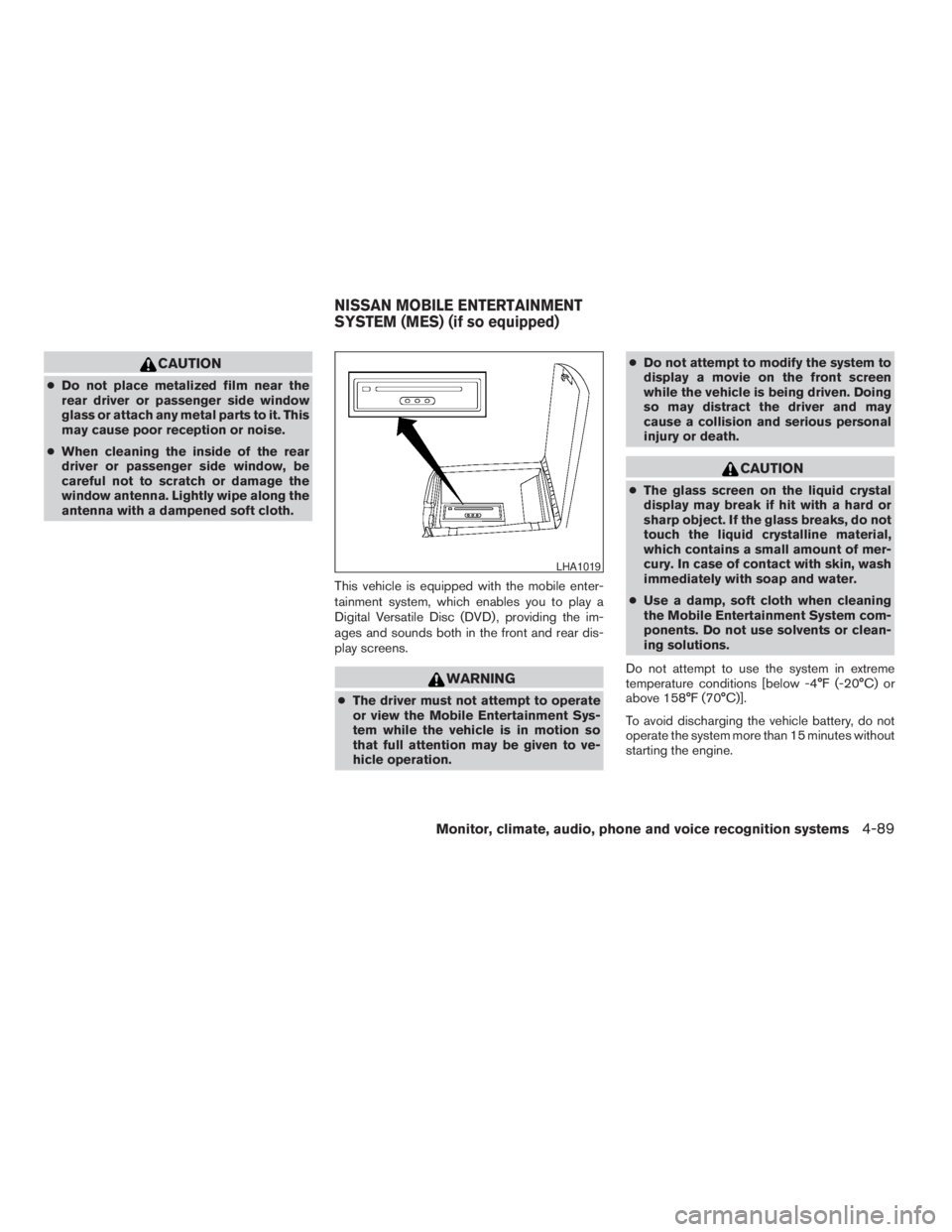
This vehicle is equipped with the mobile enter-
tainment system, which enables you to play a
Digital Versatile Disc (DVD) , providing the im-
ages and sounds both in the front and rear dis-
play screens.
WARNING
cThe driver must not attempt to operate
or view the Mobile Entertainment Sys-
tem while the vehicle is in motion so
that full attention may be given to ve-
hicle operation.cDo not attempt to modify the system to
display a movie on the front screen
while the vehicle is being driven. Doing
so may distract the driver and may
cause a collision and serious personal
injury or death.
CAUTION
cThe glass screen on the liquid crystal
display may break if hit with a hard or
sharp object. If the glass breaks, do not
touch the liquid crystalline material,
which contains a small amount of mer-
cury. In case of contact with skin, wash
immediately with soap and water.
cUse a damp, soft cloth when cleaning
the Mobile Entertainment System com-
ponents. Do not use solvents or clean-
ing solutions.
Do not attempt to use the system in extreme
temperature conditions [below -4°F (-20°C) or
above 158°F (70°C)].
To avoid discharging the vehicle battery, do not
operate the system more than 15 minutes without
starting the engine.
LHA1019
NISSAN MOBILE ENTERTAINMENT
SYSTEM (MES) (if so equipped)
Monitor, climate, audio, phone and voice recognition systems4-89
ZREVIEW COPYÐ2009 Pathfinder(pat)
Owners ManualÐUSA_English(nna)
05/29/08Ðdebbie
X
Page 265 of 471
REMOTE CONTROL OPERATION
For all operation precautions, see “Before oper-
ating the DVD Mobile Entertainment System”
earlier in this section.
The DVD system can also be controlled by using
the remote controller in the rear seats. See the
following items.
PWR on/off button:
With the ignition switch turned to the ACC or ON
position, press the PWR button to turn the DVD
rear display on or off.
NOTE:
The PWR button on the remote control only
turns the rear display on or off.
Insert the DVD into the slot with the label side
facing up. The DVD will be guided automatically
into the slot.
If the DVD player is off and a DVD is inserted, the
DVD player will automatically turn on.
CAUTION
Do not force the compact disc into the
slot. This could damage the player.MODE select button:
Press the MODE button to select Audio/Video
source between DVD and AUX input (input jacks
on the faceplate, Red = right channel audio input,
White = left channel audio input, and Yellow =
Video input) .
The display will show the “AUX” in the upper left
corner of the display for 4 seconds once the
Mode is changed to AUX.
To use the input jacks, refer to “Auxiliary input
jacks” in this section.
PLAY:
When the
PLAY button on the remote
control is pressed, the player will play.
In play mode, the display will briefly show
on the upper left corner of the display.
FF (Fast Forward) , REW
(Rewind):
Press
(fast forward) /(Rewind) but-
tons to carry out the fast forward or rewind pre-
sentation at 5 times normal play speed.
Press
(fast forward) /(Rewind) but-
tons again or PLAY button to resume the normal
play speed.
NEXT CHAPTER/
PREVIOUS CHAPTER:
When the
(NEXT CHAPTER) button is
pressed while the DVD is being played, the pro-
gram next to the present one will start to play from
its beginning. Press several times to skip through
programs. The DVD will advance the number of
times the button is pressed. When the
(PREVIOUS CHAPTER) button is pressed, the
program being played returns to its beginning.
Press several times to skip back through pro-
grams. The DVD will go back the number of times
the button is pressed.
PAUSE:
When the
PAUSE button on the remote
control is pressed, the player will pause playing of
the media. In pause mode, the player will
show
on the upper left corner of the dis-
play until the player is changed to another mode.
STOP:
Press the STOP button once to stop playing the
media. The display will show
in the upper
left corner of the display for 4 seconds, and the
last disc position will be stored. When the PLAY
button is pressed again, it will resume at the
stored disc track and time position.
Monitor, climate, audio, phone and voice recognition systems4-99
ZREVIEW COPYÐ2009 Pathfinder(pat)
Owners ManualÐUSA_English(nna)
05/30/08Ðbarbara
X
Page 465 of 471
F
First aid kit....................6-2
Flashers
(See hazard warning flasher switch)......2-32
Flat tire......................6-2
Floor mat positioning aid.............7-4
Fluid
Brake fluid..................8-14
Capacities and recommended
fuel/lubricants.................9-2
Engine coolant................8-8
Engine oil...................8-9
Power steering fluid.............8-13
Window washer fluid............8-15
F.M.V.S.S. certification label..........9-10
Fog light switch.................2-32
Front air bag system
(See supplemental restraint system).....1-49
Front seats....................1-2
Fuel
Capacities and recommended
fuel/lubricants.................9-2
Fuel economy................5-22
Fuel gauge..................2-7
Fuel octane rating..............9-4
Fuel recommendation............9-3
Fuel-filler door and cap...........3-23
Fuses......................8-24
Fusible links...................8-26G
Garage door opener, HomeLinkTUniversal
Transceiver...................2-54
Gascap.....................3-23
Gauge
Engine coolant temperature gauge.....2-6
Engine oil pressure gauge..........2-8
Fuel gauge..................2-7
Odometer...................2-4
Speedometer.................2-4
Tachometer..................2-6
Trip computer.................2-5
Trip odometer.................2-4
Voltmeter...................2-8
General maintenance..............8-2
Glass hatch...................3-23
Glove box....................2-40
H
Hands-free phone system,
BluetoothT..............4-105, 4-120
Hazard warning flasher switch.........2-32
Head restraints..................1-7
Active Head Restraint............1-7
Headlight and turn signal switch........2-28
Headlight control switch............2-28
Headlights....................8-30
Headphones (See NISSAN mobile
entertainment system).............4-92
Heated seats..................2-34
Heated steering wheel.............2-33Heater
Heater and air conditioner
controls................4-38, 4-45
Heater operation...........4-39, 4-46
Rear seat air conditioner..........4-47
Hill descent control switch...........2-35
Hill descent control system..........5-38
Hill start assist system.............5-39
HomeLinkTUniversal Transceiver.......2-54
Hood release..................3-21
Hook
Luggage hook................2-43
Horn.......................2-33
I
Ignition switch..................5-9
Immobilizer system.........2-24, 3-3, 5-12
Important vehicle information label.......9-10
In-cabin microfilter...............8-20
Increasing fuel economy............5-22
Indicator lights and audible reminders
(See warning/indicator lights and audible
reminders)....................2-13
Inside automatic anti-glare mirror.......3-27
Inside mirror...................3-27
Instrument brightness control.........2-31
Instrument panel..............0-6, 2-2
Instrument panel dimmer switch........2-31
Intelligent Key system
Key operating range.............3-9
Key operation................3-10
Mechanical key................3-3
Remote keyless entry operation......3-13
Troubleshooting guide...........3-17
10-3
ZREVIEW COPYÐ2009 Pathfinder(pat)
Owners ManualÐUSA_English(nna)
06/13/08Ðdebbie
X
Page 467 of 471
N
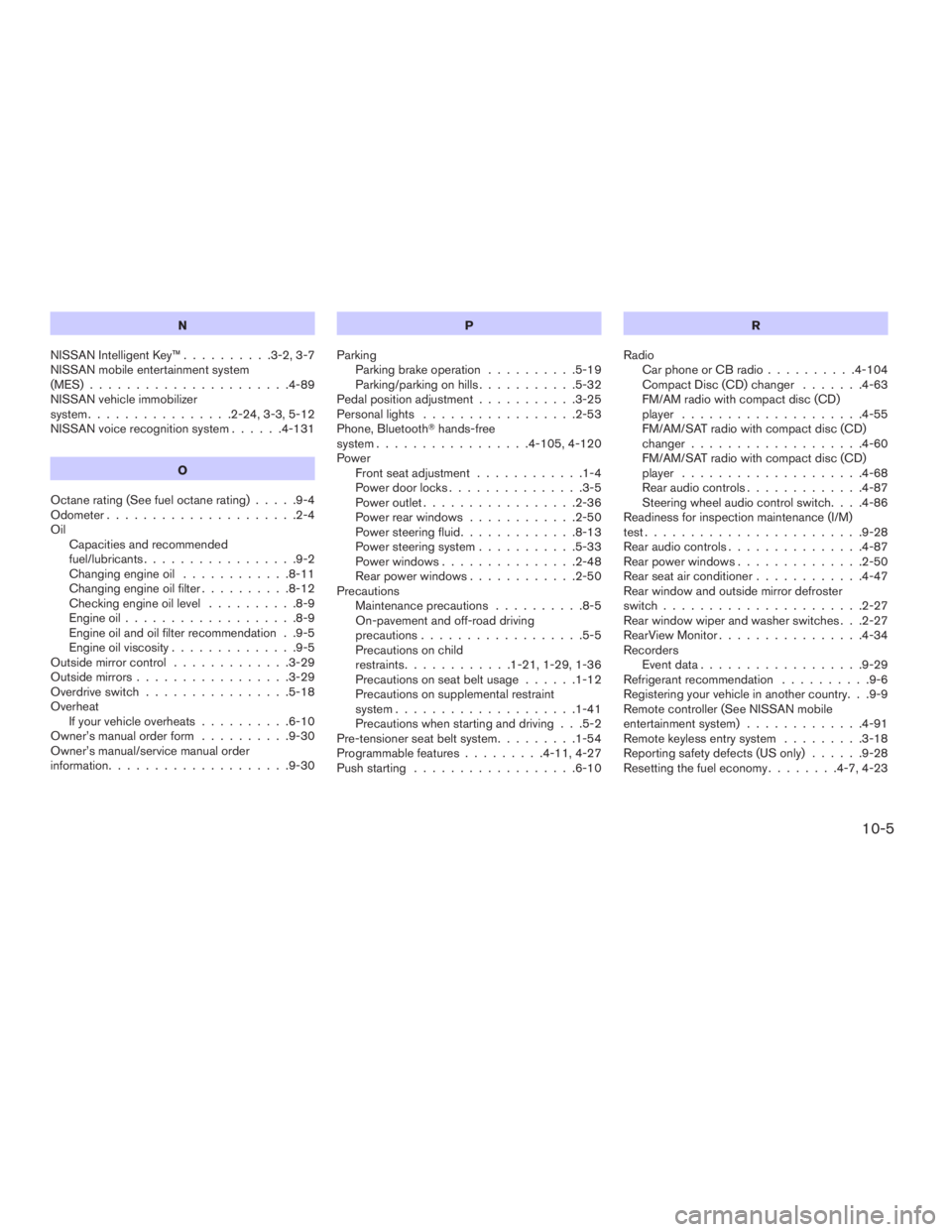
NISSAN Intelligent Key™..........3-2, 3-7
NISSAN mobile entertainment system
(MES)......................4-89
NISSAN vehicle immobilizer
system................2-24, 3-3, 5-12
NISSAN voice recognition system......4-131
O
Octane rating (See fuel octane rating).....9-4
Odometer.....................2-4
Oil
Capacities and recommended
fuel/lubricants.................9-2
Changing engine oil............8-11
Changing engine oil filter..........8-12
Checking engine oil level..........8-9
Engine oil...................8-9
Engine oil and oil filter recommendation . .9-5
Engine oil viscosity..............9-5
Outside mirror control.............3-29
Outside mirrors.................3-29
Overdrive switch................5-18
Overheat
If your vehicle overheats..........6-10
Owner’s manual order form..........9-30
Owner’s manual/service manual order
information....................9-30P
Parking
Parking brake operation..........5-19
Parking/parking on hills...........5-32
Pedal position adjustment...........3-25
Personal lights.................2-53
Phone, BluetoothThands-free
system.................4-105, 4-120
Power
Front seat adjustment............1-4
Power door locks...............3-5
Power outlet.................2-36
Power rear windows............2-50
Power steering fluid.............8-13
Power steering system...........5-33
Power windows...............2-48
Rear power windows............2-50
Precautions
Maintenance precautions..........8-5
On-pavement and off-road driving
precautions..................5-5
Precautions on child
restraints............1-21, 1-29, 1-36
Precautions on seat belt usage......1-12
Precautions on supplemental restraint
system....................1-41
Precautions when starting and driving . . .5-2
Pre-tensioner seat belt system.........1-54
Programmable features.........4-11, 4-27
Push starting..................6-10R
Radio
Car phone or CB radio..........4-104
Compact Disc (CD) changer.......4-63
FM/AM radio with compact disc (CD)
player....................4-55
FM/AM/SAT radio with compact disc (CD)
changer...................4-60
FM/AM/SAT radio with compact disc (CD)
player....................4-68
Rear audio controls.............4-87
Steering wheel audio control switch. . . .4-86
Readiness for inspection maintenance (I/M)
test........................9-28
Rear audio controls...............4-87
Rear power windows..............2-50
Rear seat air conditioner............4-47
Rear window and outside mirror defroster
switch......................2-27
Rear window wiper and washer switches . . .2-27
RearView Monitor................4-34
Recorders
Event data..................9-29
Refrigerant recommendation..........9-6
Registering your vehicle in another country. . .9-9
Remote controller (See NISSAN mobile
entertainment system).............4-91
Remote keyless entry system.........3-18
Reporting safety defects (US only)......9-28
Resetting the fuel economy........4-7, 4-23
10-5
ZREVIEW COPYÐ2009 Pathfinder(pat)
Owners ManualÐUSA_English(nna)
06/13/08Ðdebbie
X
Page 468 of 471
S
Safety
Child safety rear door lock..........3-6
Child seat belts........1-21, 1-29, 1-36
Reporting safety defects (US only). . . .9-28
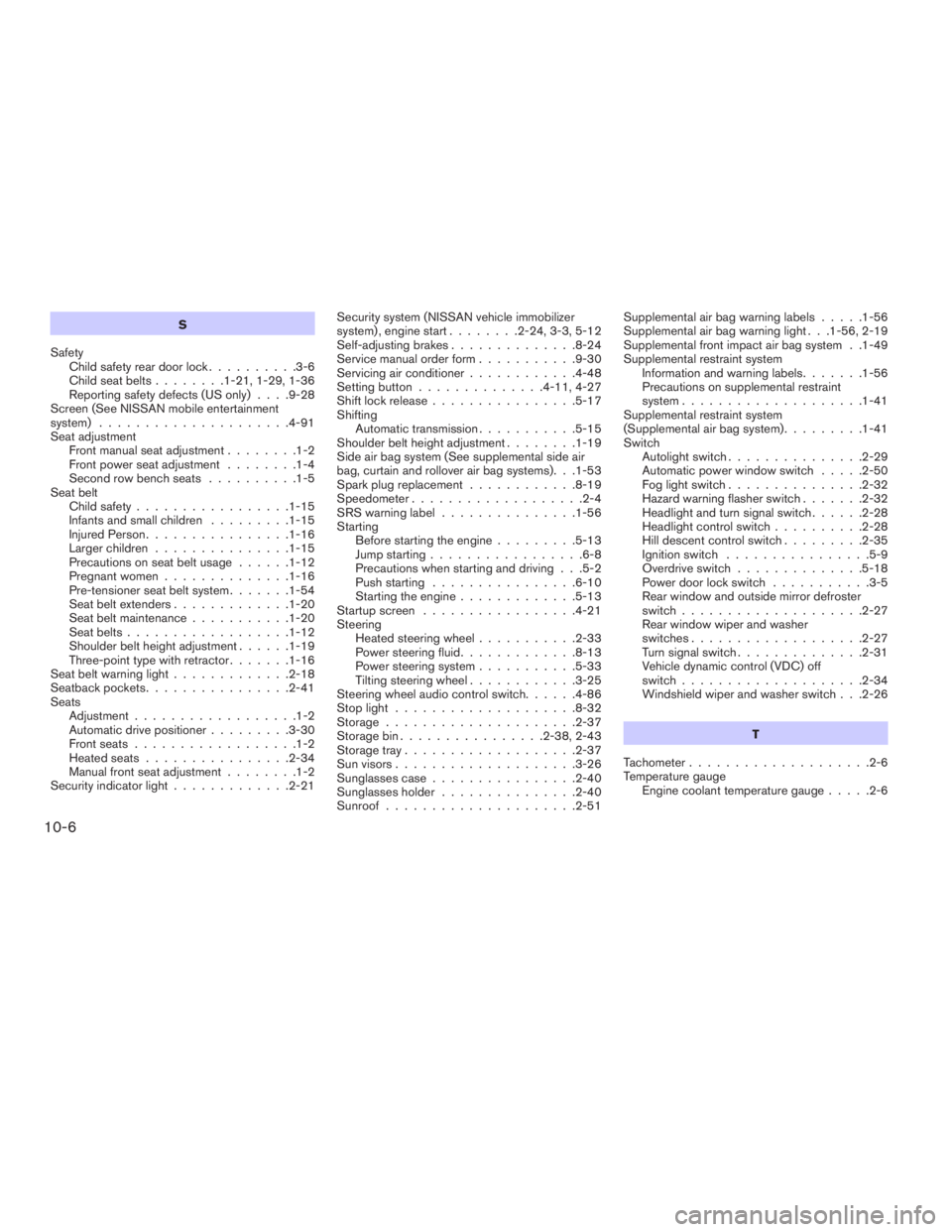
Screen (See NISSAN mobile entertainment
system).....................4-91
Seat adjustment
Front manual seat adjustment........1-2
Front power seat adjustment........1-4
Second row bench seats..........1-5
Seat belt
Child safety.................1-15
Infants and small children.........1-15
Injured Person................1-16
Larger children...............1-15
Precautions on seat belt usage......1-12
Pregnant women..............1-16
Pre-tensioner seat belt system.......1-54
Seat belt extenders.............1-20
Seat belt maintenance...........1-20
Seat belts..................1-12
Shoulder belt height adjustment......1-19
Three-point type with retractor.......1-16
Seat belt warning light.............2-18
Seatback pockets................2-41
Seats
Adjustment..................1-2
Automatic drive positioner.........3-30
Front seats..................1-2
Heated seats................2-34
Manual front seat adjustment........1-2
Security indicator light.............2-21Security system (NISSAN vehicle immobilizer
system) , engine start........2-24, 3-3, 5-12
Self-adjusting brakes..............8-24
Service manual order form...........9-30
Servicing air conditioner............4-48
Setting button..............4-11, 4-27
Shift lock release................5-17
Shifting
Automatic transmission...........5-15
Shoulder belt height adjustment........1-19
Side air bag system (See supplemental side air
bag, curtain and rollover air bag systems). . .1-53
Spark plug replacement............8-19
Speedometer...................2-4
SRS warning label...............1-56
Starting
Before starting the engine.........5-13
Jump starting.................6-8
Precautions when starting and driving . . .5-2
Push starting................6-10
Starting the engine.............5-13
Startup screen.................4-21
Steering
Heated steering wheel...........2-33
Power steering fluid.............8-13
Power steering system...........5-33
Tilting steering wheel............3-25
Steering wheel audio control switch......4-86
Stop light....................8-32
Storage.....................2-37
Storage bin................2-38, 2-43
Storage tray...................2-37
Sun visors....................3-26
Sunglasses case................2-40
Sunglasses holder...............2-40
Sunroof.....................2-51Supplemental air bag warning labels.....1-56
Supplemental air bag warning light . . .1-56, 2-19
Supplemental front impact air bag system . .1-49
Supplemental restraint system
Information and warning labels.......1-56
Precautions on supplemental restraint
system....................1-41
Supplemental restraint system
(Supplemental air bag system).........1-41
Switch
Autolight switch...............2-29
Automatic power window switch.....2-50
Fog light switch...............2-32
Hazard warning flasher switch.......2-32
Headlight and turn signal switch......2-28
Headlight control switch..........2-28
Hill descent control switch.........2-35
Ignition switch................5-9
Overdrive switch..............5-18
Power door lock switch...........3-5
Rear window and outside mirror defroster
switch....................2-27
Rear window wiper and washer
switches...................2-27
Turn signal switch..............2-31
Vehicle dynamic control (VDC) off
switch....................2-34
Windshield wiper and washer switch . . .2-26
T
Tachometer....................2-6
Temperature gauge
Engine coolant temperature gauge.....2-6
10-6
ZREVIEW COPYÐ2009 Pathfinder(pat)
Owners ManualÐUSA_English(nna)
06/13/08Ðdebbie
X