stop start NISSAN PATHFINDER 2022 Owner´s Manual
[x] Cancel search | Manufacturer: NISSAN, Model Year: 2022, Model line: PATHFINDER, Model: NISSAN PATHFINDER 2022Pages: 647, PDF Size: 8.48 MB
Page 428 of 647

Condition D
When driving on roads with limited road
structures or buildings (for example, long
bridges, deserts, snow fields, driving next to
long walls), the system may display the
“Forward Driving Aids temporarily disabled
Front Sensor Blocked See Owner’s Manual”
warning message.
Action to take:
When the above driving conditions no lon-
ger exist, turn the system back on.
ICC system malfunction
If the ICC system malfunctions, it will be
turned off automatically, a chime will
sound, and the speed control status warn-
ing (orange) will illuminate.
Action to take:
If the warning light comes on, stop the ve-
hicle in a safe place. Turn the engine off,
restart the engine and set the ICC system
again. If it is not possible to set the ICC
system or the indicator stays on, it may be
a malfunction. Although the normal driving
can be continued, the ICC system shouldbe inspected. It is recommended that you
visit a NISSAN dealer for this service.
NOTE:
If the ICC system is temporarily unavail-
able, the conventional cruise control
mode may still be used. For additional
information, see “Conventional (fixed
speed) cruise control mode” (P. 5-126).
ICC sensor maintenance
The radar sensor is located on the front of
the vehicle.
To keep the ICC system operating properly,
be sure to observe the following:
• Always keep the sensor area of the front
bumper/emblem clean.
• Do not strike or damage the areas around the sensor.
• Do not attach a sticker (including trans- parent material) or install an accessory
near the sensor. This could cause failure
or malfunction.
• Do not attach metallic objects near the sensor area (brush guard, etc.). This could
cause failure or malfunction.
• Do not alter, remove, or paint the front bumper.
LSD4329
Starting and driving5-117
Page 432 of 647
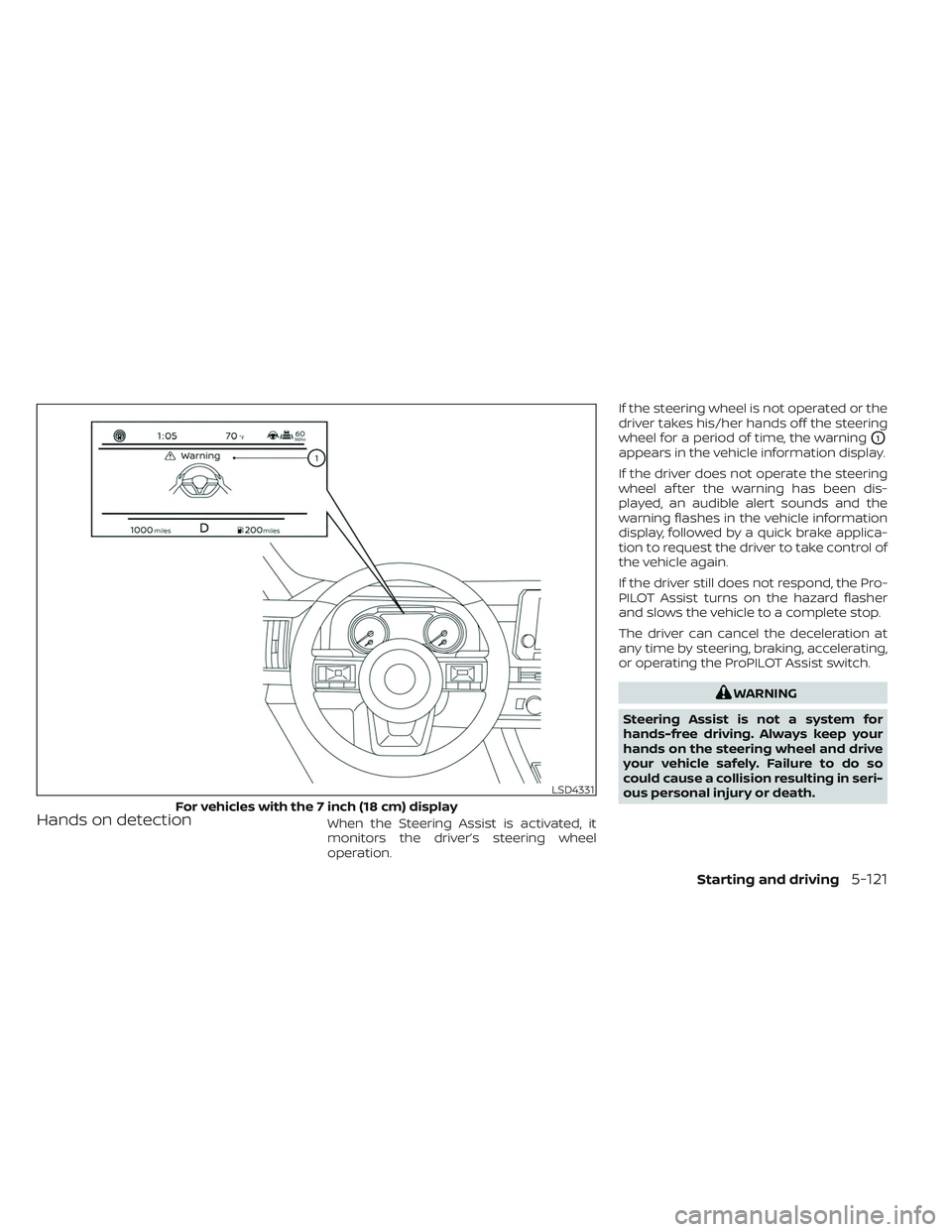
Hands on detectionWhen the Steering Assist is activated, it
monitors the driver’s steering wheel
operation.If the steering wheel is not operated or the
driver takes his/her hands off the steering
wheel for a period of time, the warning
O1
appears in the vehicle information display.
If the driver does not operate the steering
wheel af ter the warning has been dis-
played, an audible alert sounds and the
warning flashes in the vehicle information
display, followed by a quick brake applica-
tion to request the driver to take control of
the vehicle again.
If the driver still does not respond, the Pro-
PILOT Assist turns on the hazard flasher
and slows the vehicle to a complete stop.
The driver can cancel the deceleration at
any time by steering, braking, accelerating,
or operating the ProPILOT Assist switch.
WARNING
Steering Assist is not a system for
hands-free driving. Always keep your
hands on the steering wheel and drive
your vehicle safely. Failure to do so
could cause a collision resulting in seri-
ous personal injury or death.
LSD4331
For vehicles with the 7 inch (18 cm) display
Starting and driving5-121
Page 435 of 647
•For the ProPILOT Assist system to op-
erate properly, the windshield in
front of the camera must be clean.
Replace worn wiper blades. The cor-
rect size wiper blades must be used
to help make sure the windshield is
kept clean. Only use Genuine NISSAN
wiper blades, or equivalent wiper
blades, that are specifically designed
for use on your vehicle model and
model year. It is recommended that
you visit a NISSAN dealer for the cor-
rect parts for your vehicle.
Steering Assist temporary
standby
Automatic standby due to driving
operation:
When the driver activates the turn signal,
the Steering Assist is temporarily placed in
a standby mode. (The Steering Assist re-
starts automatically when the operating
conditions are met again.)
Automatic standby:
In the following cases, a chime sounds and
the Steering Assist is placed in a temporary
standby mode. (The Steering Assist re-
starts automatically when the operating
conditions are met again.) • When lane markers on both sides are no
longer detected
• When a vehicle ahead is no longer de- tected under approximately 37 mph (60
km/h)
Steering Assist cancel
Under the following conditions, the Steer-
ing Assist cancels, a warning message is
displayed and the Steering Assist status
indicator and the Steering Assist indicator
turn off:
• When unusual lane markers appear inthe traveling lane or when the lane
marker cannot be correctly detected for
some time due to certain conditions (for
example, a snow rut, the reflection of light
on a rainy day, the presence of several
unclear lane markers)
• When the windshield wiper operates in the high (HI) speed operation (the Steer-
ing Assist is disabled when the wiper op-
erates for more than approximately 10
seconds)
Action to take:
Turn the ICC system off using the CANCEL
switch. When the conditions listed above
are no longer present, turn the ICC system
on again.
Steering Assist malfunction
When the system malfunctions, it turns off
automatically. The Steering Assist status
warning illuminates (orange). A chime may
sound depending on the situation.
Action to take:
Stop the vehicle in a safe location, place the
vehicle in the P (Park) position, turn the en-
gine off, restart the engine, resume driving,
and set the Intelligent Cruise Control sys-
tem again. If the warning (orange) contin-
ues to illuminate, the Steering Assist is mal-
functioning. Although the vehicle is still
drivable under normal conditions, have the
system checked. It is recommended that
you visit a NISSAN dealer for this service.
Steering Assist maintenance
The camera sensor is located above the
inside mirror.
To keep the proper operation of the system
and prevent a system malfunction, be sure
to observe the following:
• Always keep the windshield clean.
• Do not attach a sticker (including trans- parent material) or install an accessory
near the camera unit.
5-124Starting and driving
Page 450 of 647
While the AEB with Pedestrian Detection
system is operating, you may hear the
sound of brake operation. This is normal
and indicates that the AEB with Pedestrian
Detection system is operating properly.
NOTE:
The vehicle’s brake lights come on when
any braking is performed by the AEB
with Pedestrian Detection system.
Depending on vehicle speed and distance
to the vehicle or pedestrian ahead, as well
as driving and roadway conditions, the sys-
tem may help the driver avoid a forward
collision or may help mitigate the conse-
quences if a collision should be unavoid-
able. If the driver is handling the steering
wheel, accelerating or braking, the AEB with
Pedestrian Detection system function will
be delayed or will not function.The automatic braking will cease under the
following conditions:
• When the steering wheel is turned to
avoid a collision.
• When the accelerator pedal is depressed.
• When there is no longer a vehicle or a pedestrian detected ahead.
If the AEB with Pedestrian Detection sys-
tem has stopped the vehicle, the vehicle
will remain at a standstill for approximately
2 seconds before the brakes are released.
Starting and driving5-139
Page 458 of 647
Action to take:
When the VDC system is on, the AEB with
Pedestrian Detection system will resume
automatically.
SYSTEM MALFUNCTION
If the AEB with Pedestrian Detection sys-
tem malfunctions, it will be turned off auto-
matically, a chime will sound, the AEB with
Pedestrian Detection system warning light
(orange) will illuminate and the warning
message [Malfunction] will appear in the
vehicle information display.Action to take
If the warning light (orange) comes on, stop
the vehicle in a safe location, turn the en-
gine off and restart the engine. If the warn-
ing light continues to illuminate, have the
AEB with Pedestrian Detection system
checked. It is recommended that you visit a
NISSAN dealer for this service.
LSD4329
Starting and driving5-147
Page 474 of 647
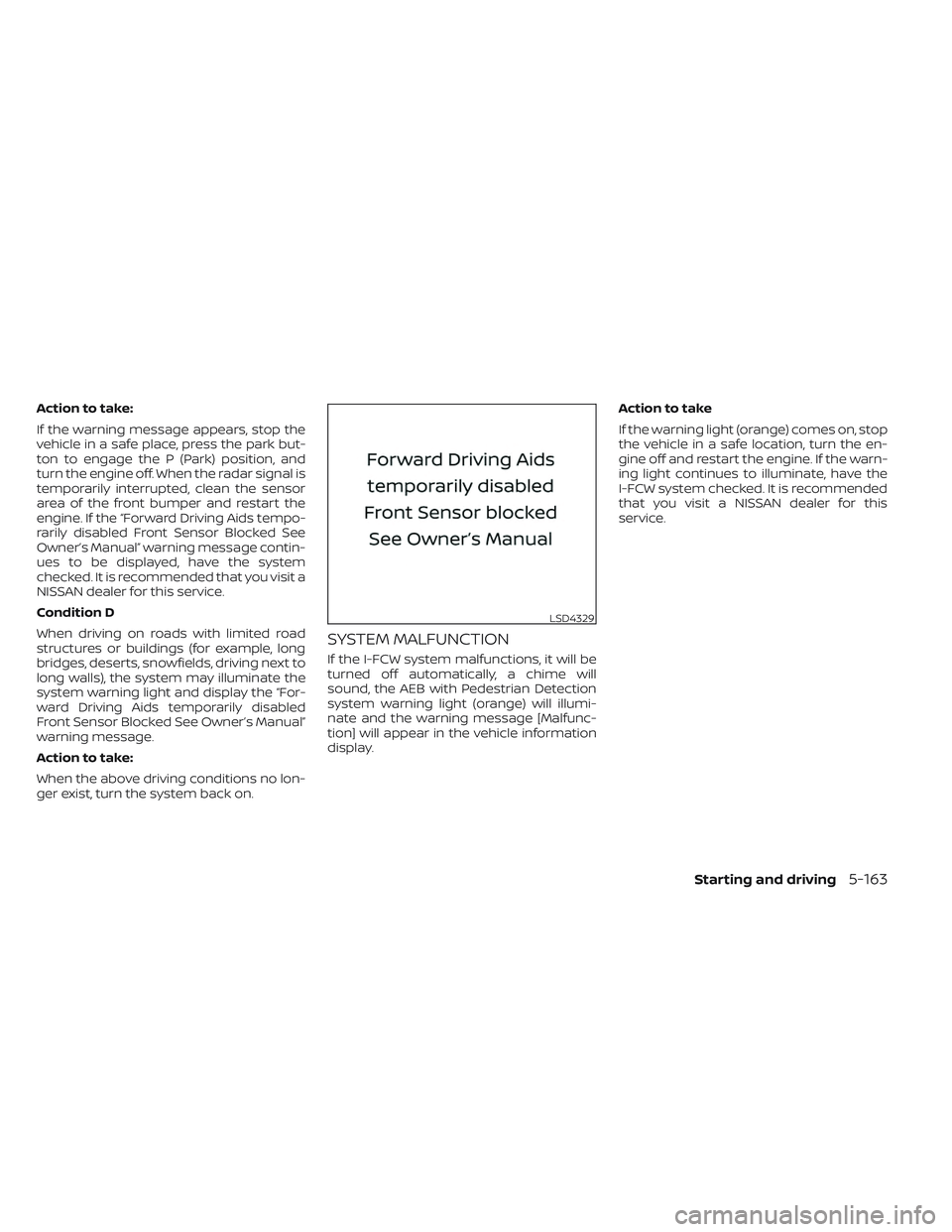
Action to take:
If the warning message appears, stop the
vehicle in a safe place, press the park but-
ton to engage the P (Park) position, and
turn the engine off. When the radar signal is
temporarily interrupted, clean the sensor
area of the front bumper and restart the
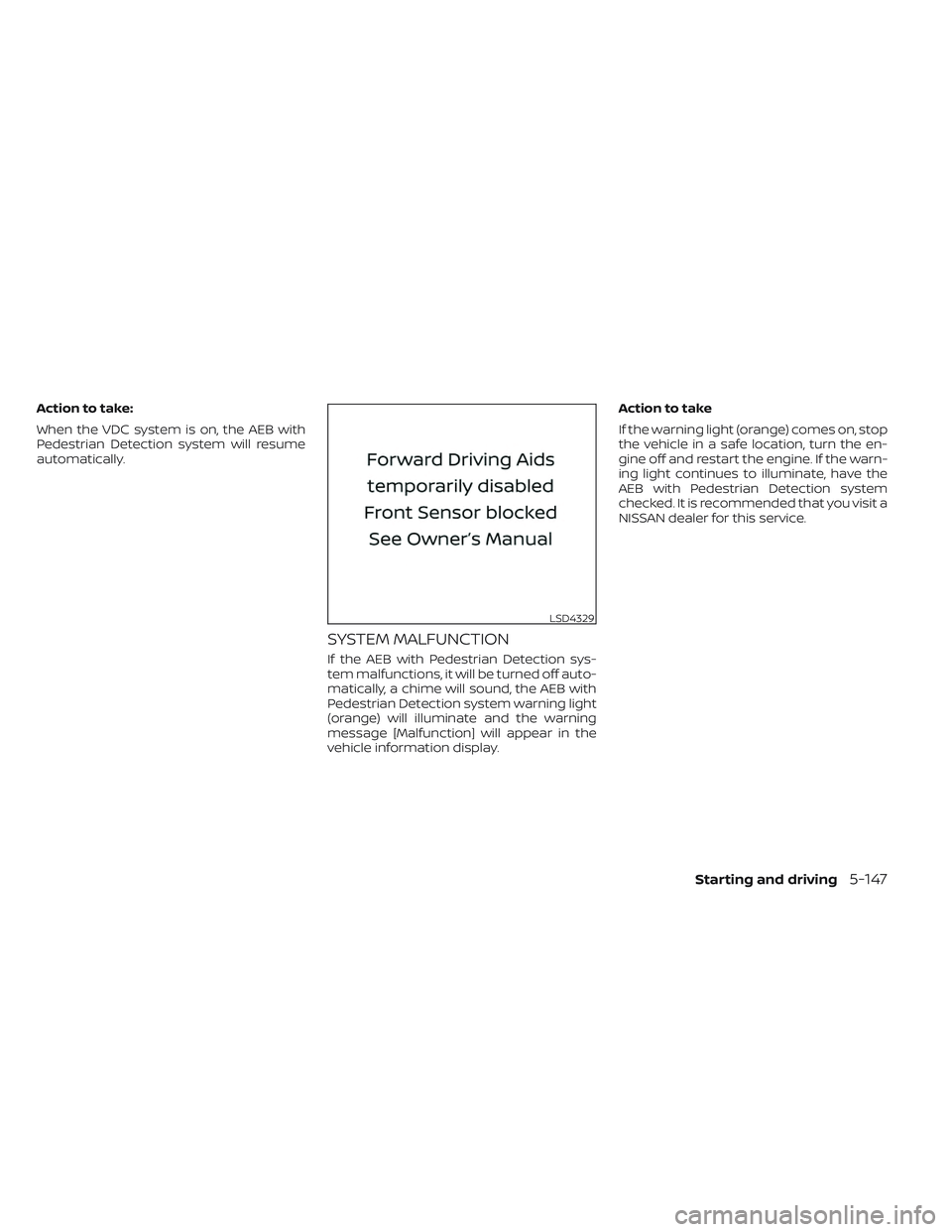
engine. If the “Forward Driving Aids tempo-
rarily disabled Front Sensor Blocked See
Owner’s Manual” warning message contin-
ues to be displayed, have the system
checked. It is recommended that you visit a
NISSAN dealer for this service.
Condition D
When driving on roads with limited road
structures or buildings (for example, long
bridges, deserts, snowfields, driving next to
long walls), the system may illuminate the
system warning light and display the “For-
ward Driving Aids temporarily disabled
Front Sensor Blocked See Owner’s Manual”
warning message.
Action to take:
When the above driving conditions no lon-
ger exist, turn the system back on.
SYSTEM MALFUNCTION
If the I-FCW system malfunctions, it will be
turned off automatically, a chime will
sound, the AEB with Pedestrian Detection
system warning light (orange) will illumi-
nate and the warning message [Malfunc-
tion] will appear in the vehicle information
display.Action to take
If the warning light (orange) comes on, stop
the vehicle in a safe location, turn the en-
gine off and restart the engine. If the warn-
ing light continues to illuminate, have the
I-FCW system checked. It is recommended
that you visit a NISSAN dealer for this
service.
LSD4329
Starting and driving5-163
Page 480 of 647
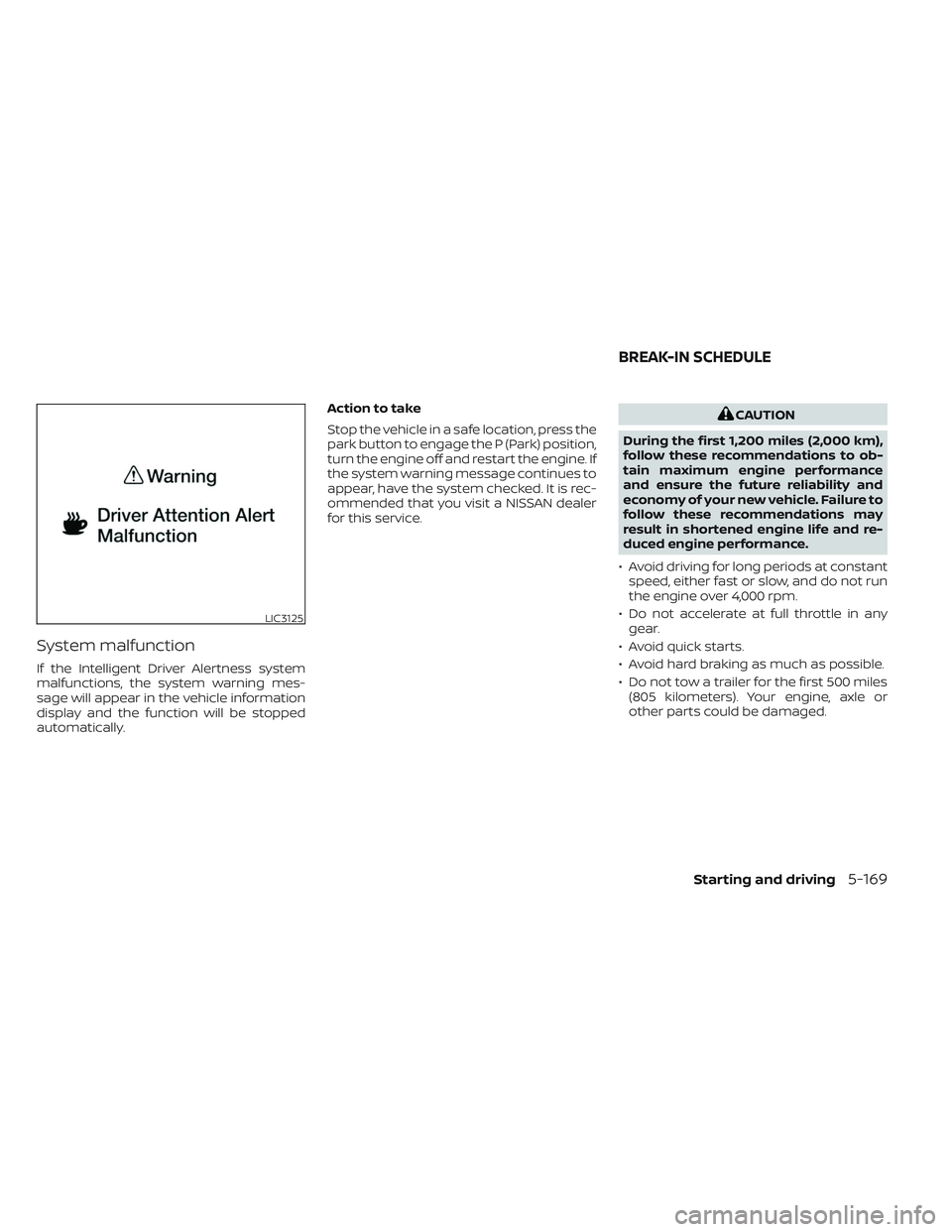
System malfunction
If the Intelligent Driver Alertness system
malfunctions, the system warning mes-
sage will appear in the vehicle information
display and the function will be stopped
automatically.Action to take
Stop the vehicle in a safe location, press the
park button to engage the P (Park) position,
turn the engine off and restart the engine. If
the system warning message continues to
appear, have the system checked. It is rec-
ommended that you visit a NISSAN dealer
for this service.
CAUTION
During the first 1,200 miles (2,000 km),
follow these recommendations to ob-
tain maximum engine performance
and ensure the future reliability and
economy of your new vehicle. Failure to
follow these recommendations may
result in shortened engine life and re-
duced engine performance.
• Avoid driving for long periods at constant speed, either fast or slow, and do not run
the engine over 4,000 rpm.
• Do not accelerate at full throttle in any gear.
• Avoid quick starts.
• Avoid hard braking as much as possible.
• Do not tow a trailer for the first 500 miles (805 kilometers). Your engine, axle or
other parts could be damaged.
LIC3125
BREAK-IN SCHEDULE
Starting and driving5-169
Page 481 of 647
Follow these easy-to-use Fuel Efficient
Driving Tips to help you achieve the most
fuel economy from your vehicle.
1.Use Smooth Accelerator and Brake
Pedal Application
• Avoid rapid starts and stops.
• Use smooth, gentle accelerator and brake application whenever possible.
• Maintain constant speed while com- muting and coast whenever possible.
2. Maintain Constant Speed
• Look ahead to try and anticipate and minimize stops.
• Synchronizing your speed with traffic lights allows you to reduce your num-
ber of stops.
• Maintaining a steady speed can mini- mize red light stops and improve fuel
efficiency.
3. Use Air Conditioning (A/C) at Higher
Vehicle Speeds
• Below 40 mph (64 km/h), it is more efficient to open windows to cool the
vehicle due to reduced engine load.
• Above 40 mph (64 km/h), it is more efficient to use A/C to cool the vehicle
due to increased aerodynamic drag. • Recirculating the cool air in the cabin
when the A/C is on reduces cooling
load.
4. Drive at Economical Speeds and
Distances
• Observing the speed limit and not ex- ceeding 60 mph (97 km/h) (where le-
gally allowed) can improve fuel effi-
ciency due to reduced aerodynamic
drag.
• Maintaining a safe following distance behind other vehicles reduces unnec-
essary braking.
• Safely monitoring traffic to anticipate changes in speed permits reduced
braking and smooth acceleration
changes.
• Select a gear range suitable to road conditions.
5. Use Cruise Control
• Using cruise control during highway driving helps maintain a steady speed.
• Cruise control is particularly effective in providing fuel savings when driving
on flat terrains.
6. Plan for the Shortest Route
• Utilize a map or navigation system to determine the best route to save time. 7.
Avoid Idling
• Shutting off your engine when safe for stops exceeding 30–60 seconds saves
fuel and reduces emissions.
8. Buy an Automated Pass for Toll Roads
• Automated passes permit drivers to use special lanes to maintain cruising
speed through the toll and avoid stop-
ping and starting.
9. Winter Warm Up
• Limit idling time to minimize impact to fuel economy.
• Vehicles typically need no more than 30 seconds of idling at start-up to ef-
fectively circulate the engine oil before
driving.
• Your vehicle will reach its ideal operat- ing temperature more quickly while
driving versus idling.
10. Keeping your Vehicle Cool
• Park your vehicle in a covered parking area or in the shade whenever
possible.
• When entering a hot vehicle, opening the windows will help to reduce the
inside temperature faster, resulting in
reduced demand on your A/C system.
FUEL EFFICIENT DRIVING TIPS
5-170Starting and driving
Page 482 of 647
• Keep your engine tuned up.
• Follow the recommended scheduledmaintenance.
• Keep the tires inflated to the correct pres- sure. Low tire pressure increases tire
wear and lowers fuel economy.
• Keep the wheels in correct alignment. Im- proper alignment increases tire wear and
lowers fuel economy.
•
Use the recommended viscosity engine
oil. For additional information, see “Engine
oil and oil filter recommendations” (P. 8-10).
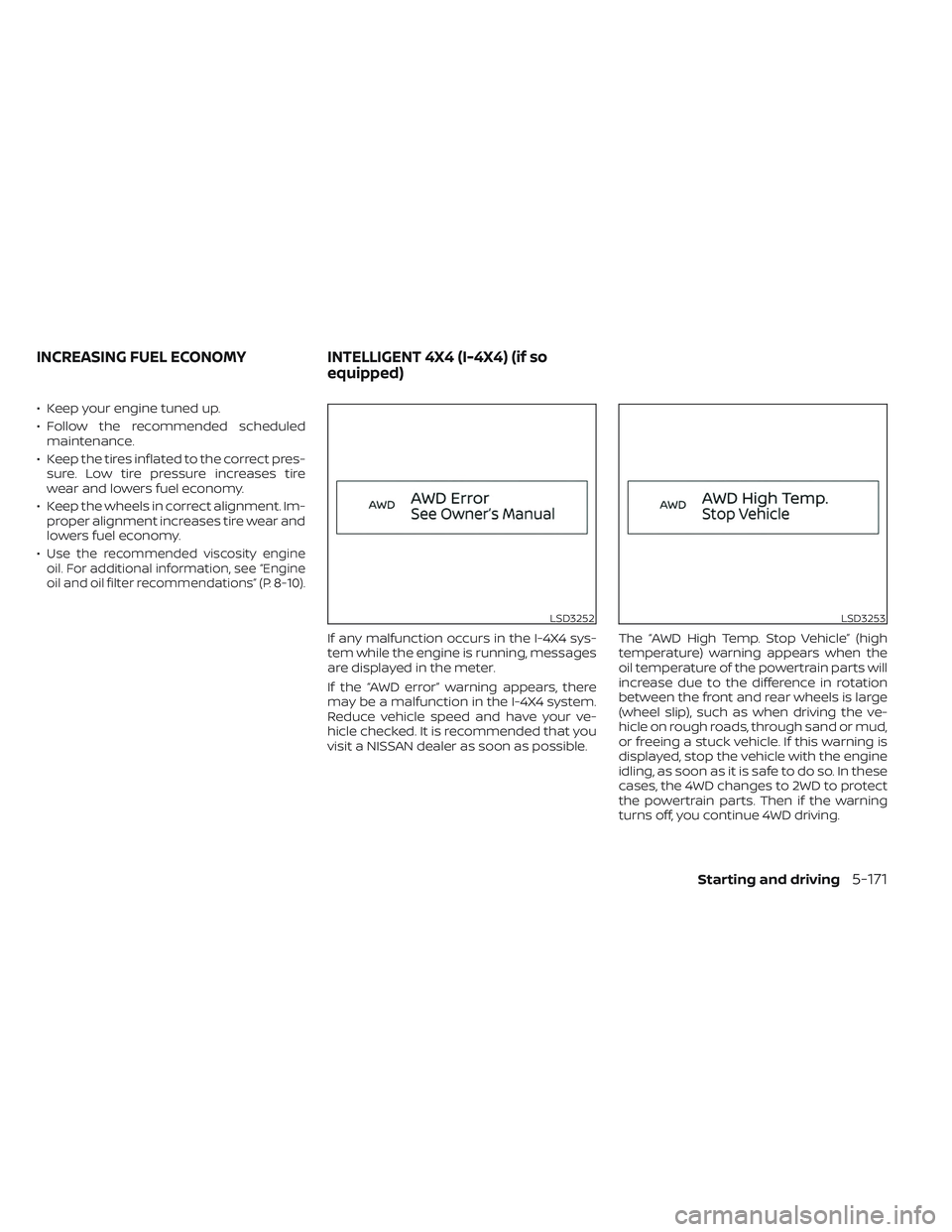
If any malfunction occurs in the I-4X4 sys-
tem while the engine is running, messages
are displayed in the meter.
If the “AWD error” warning appears, there
may be a malfunction in the I-4X4 system.
Reduce vehicle speed and have your ve-
hicle checked. It is recommended that you
visit a NISSAN dealer as soon as possible. The “AWD High Temp. Stop Vehicle” (high
temperature) warning appears when the
oil temperature of the powertrain parts will
increase due to the difference in rotation
between the front and rear wheels is large
(wheel slip), such as when driving the ve-
hicle on rough roads, through sand or mud,
or freeing a stuck vehicle. If this warning is
displayed, stop the vehicle with the engine
idling, as soon as it is safe to do so. In these
cases, the 4WD changes to 2WD to protect
the powertrain parts. Then if the warning
turns off, you continue 4WD driving.
LSD3252LSD3253
INCREASING FUEL ECONOMY
INTELLIGENT 4X4 (I-4X4) (if so
equipped)
Starting and driving5-171
Page 484 of 647
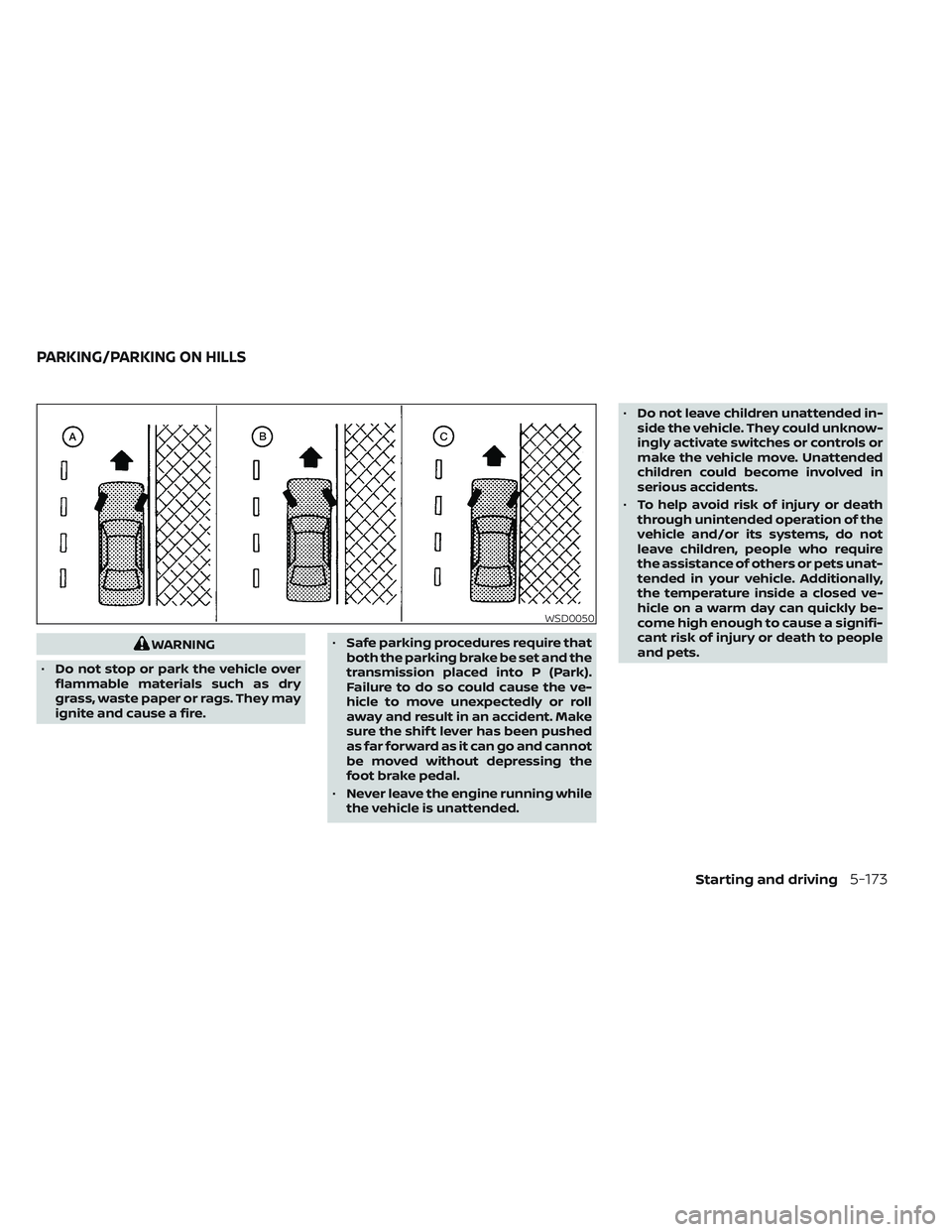
WARNING
• Do not stop or park the vehicle over
flammable materials such as dry
grass, waste paper or rags. They may
ignite and cause a fire. •
Safe parking procedures require that
both the parking brake be set and the
transmission placed into P (Park).
Failure to do so could cause the ve-
hicle to move unexpectedly or roll
away and result in an accident. Make
sure the shif t lever has been pushed
as far forward as it can go and cannot
be moved without depressing the
foot brake pedal.
• Never leave the engine running while
the vehicle is unattended. •
Do not leave children unattended in-
side the vehicle. They could unknow-
ingly activate switches or controls or
make the vehicle move. Unattended
children could become involved in
serious accidents.
• To help avoid risk of injury or death
through unintended operation of the
vehicle and/or its systems, do not
leave children, people who require
the assistance of others or pets unat-
tended in your vehicle. Additionally,
the temperature inside a closed ve-
hicle on a warm day can quickly be-
come high enough to cause a signifi-
cant risk of injury or death to people
and pets.
WSD0050
PARKING/PARKING ON HILLS
Starting and driving5-173