warning NISSAN PATHFINDER 2023 Owners Manual
[x] Cancel search | Manufacturer: NISSAN, Model Year: 2023, Model line: PATHFINDER, Model: NISSAN PATHFINDER 2023Pages: 665, PDF Size: 4.64 MB
Page 469 of 665
Condition B:
When there is inclement weather (rain, fog,
snow, etc.) blocking the front radar sensor,
the AEB with Pedestrian Detection system
will be canceled, the chime will sound and
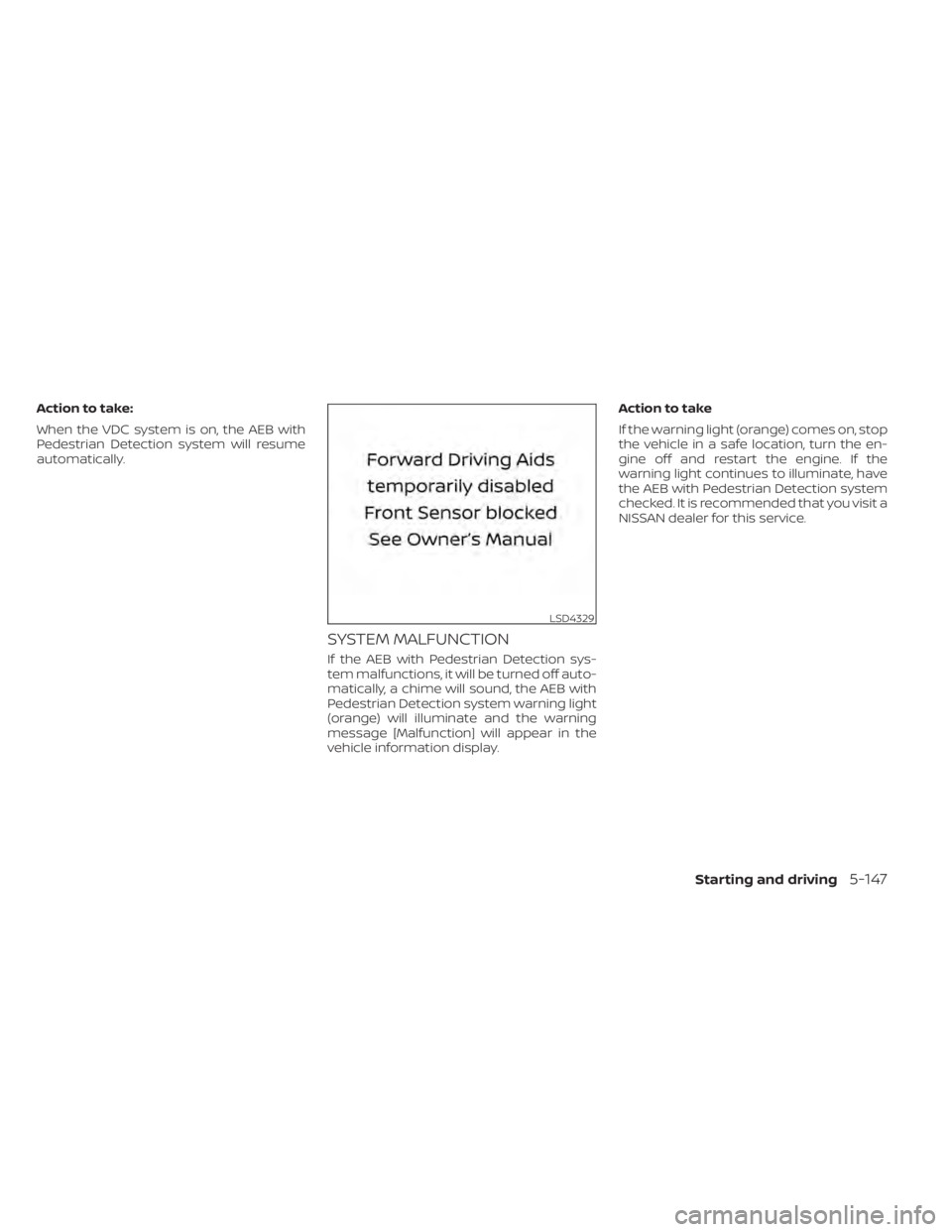
the “Forward Driving Aids temporarily dis-
abled Front Sensor Blocked See Owner’s
Manual” warning message will appear in
the vehicle information display.
Action to take:
When the conditions listed above are no
longer present, the warning message will
no longer be available in the vehicle infor-
mation display. If the “Forward Driving Aids
temporarily disabled Front Sensor Blocked
See Owner’s Manual” warning message
continues to be displayed, have the system
checked. It is recommended that you visit a
NISSAN dealer for this service.
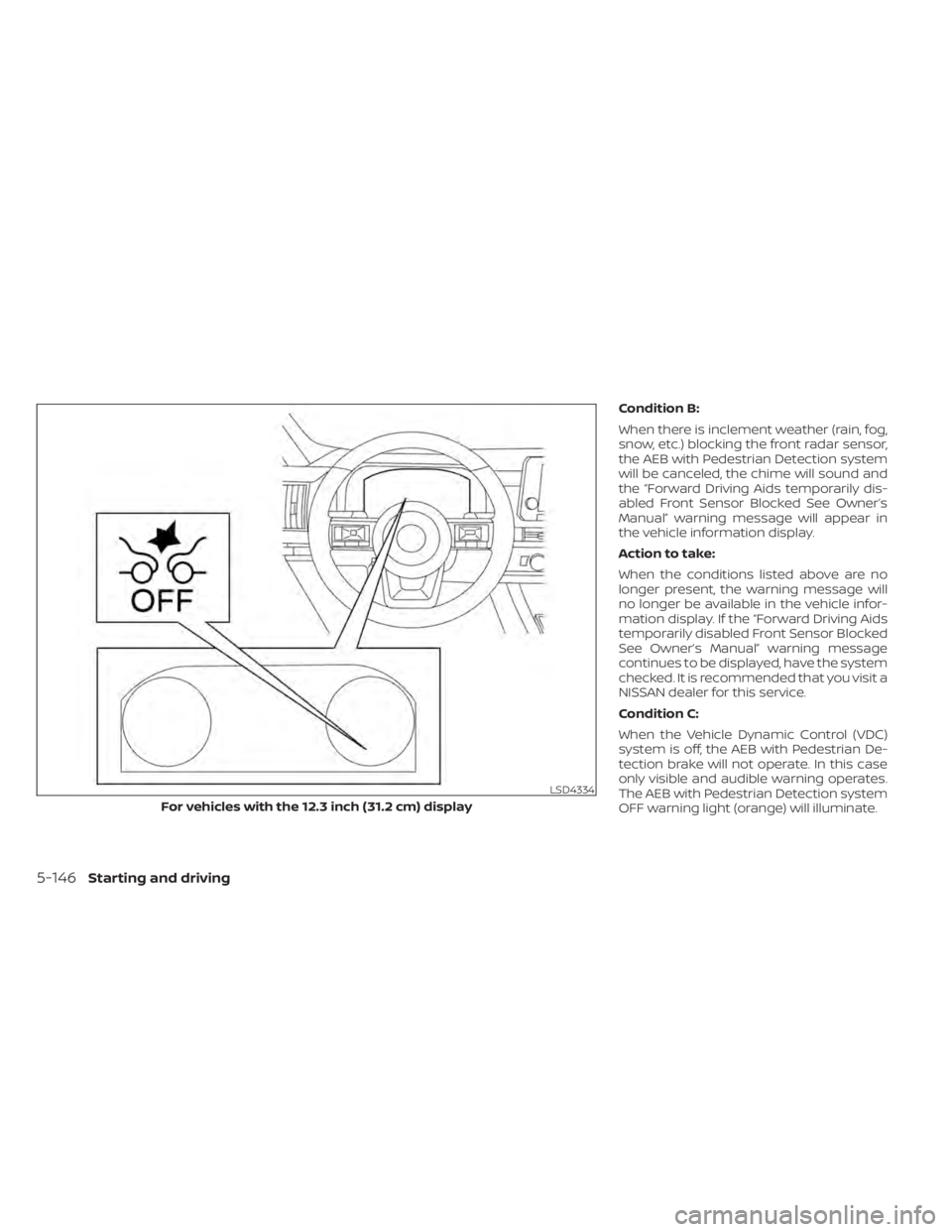
Condition C:
When the Vehicle Dynamic Control (VDC)
system is off, the AEB with Pedestrian De-
tection brake will not operate. In this case
only visible and audible warning operates.
The AEB with Pedestrian Detection system
OFF warning light (orange) will illuminate.
LSD4334
For vehicles with the 12.3 inch (31.2 cm) display
5-146Starting and driving
Page 470 of 665
Action to take:
When the VDC system is on, the AEB with
Pedestrian Detection system will resume
automatically.
SYSTEM MALFUNCTION
If the AEB with Pedestrian Detection sys-
tem malfunctions, it will be turned off auto-
matically, a chime will sound, the AEB with
Pedestrian Detection system warning light
(orange) will illuminate and the warning
message [Malfunction] will appear in the
vehicle information display.Action to take
If the warning light (orange) comes on, stop
the vehicle in a safe location, turn the en-
gine off and restart the engine. If the
warning light continues to illuminate, have
the AEB with Pedestrian Detection system
checked. It is recommended that you visit a
NISSAN dealer for this service.
LSD4329
Starting and driving5-147
Page 472 of 665
RF Exposure Information according 2.1091/
2.1093/OET bulletin 65:
Radiofrequency radiation exposure
information:
This equipment complies with FCC radia-
tion exposure limits set forth for an uncon-
trolled environment. This equipment
should be installed and operated with
minimum distance of 20 cm between the
radiator and your body.
The transmitter must not be co-located or
operating in conjunction with any other an-
tenna or transmitter.
For Canada
Type approval number:
IC: 3387A-FR5CPEC
Legal warning for RF equipment:
This device complies with Industry Canada
licence-exempt RSS standard(s). Operation
is subject to the following two conditions:
(1) this device may not cause interference,
and (2) this device must accept any inter-
ference, including interference that may
cause undesired operation of the device.WARNING
Failure to follow the warnings and in-
structions for proper use of the I-FCW
system could result in serious injury or
death.
• The I-FCW system can help warn the
driver before a collision occurs but
will not avoid a collision. It is the driv-
er’s responsibility to stay alert, drive
safely and be in control of the vehicle
at all times.
The I-FCW system can help alert the driver
when there is a sudden braking of a second
vehicle traveling in front of the vehicle
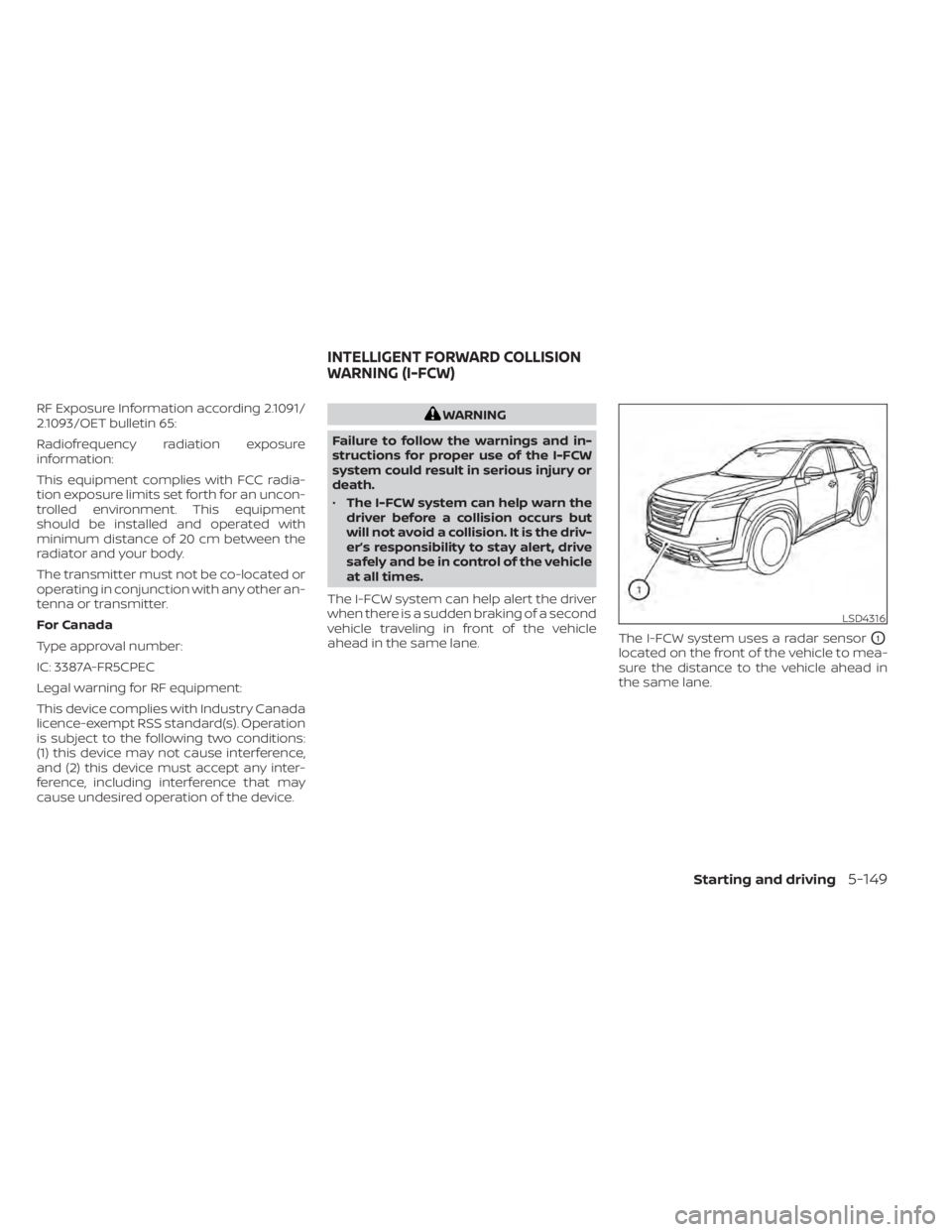
ahead in the same lane. The I-FCW system uses a radar sensor
O1
located on the front of the vehicle to mea-
sure the distance to the vehicle ahead in
the same lane.
LSD4316
INTELLIGENT FORWARD COLLISION
WARNING (I-FCW)
Starting and driving5-149
Page 474 of 665
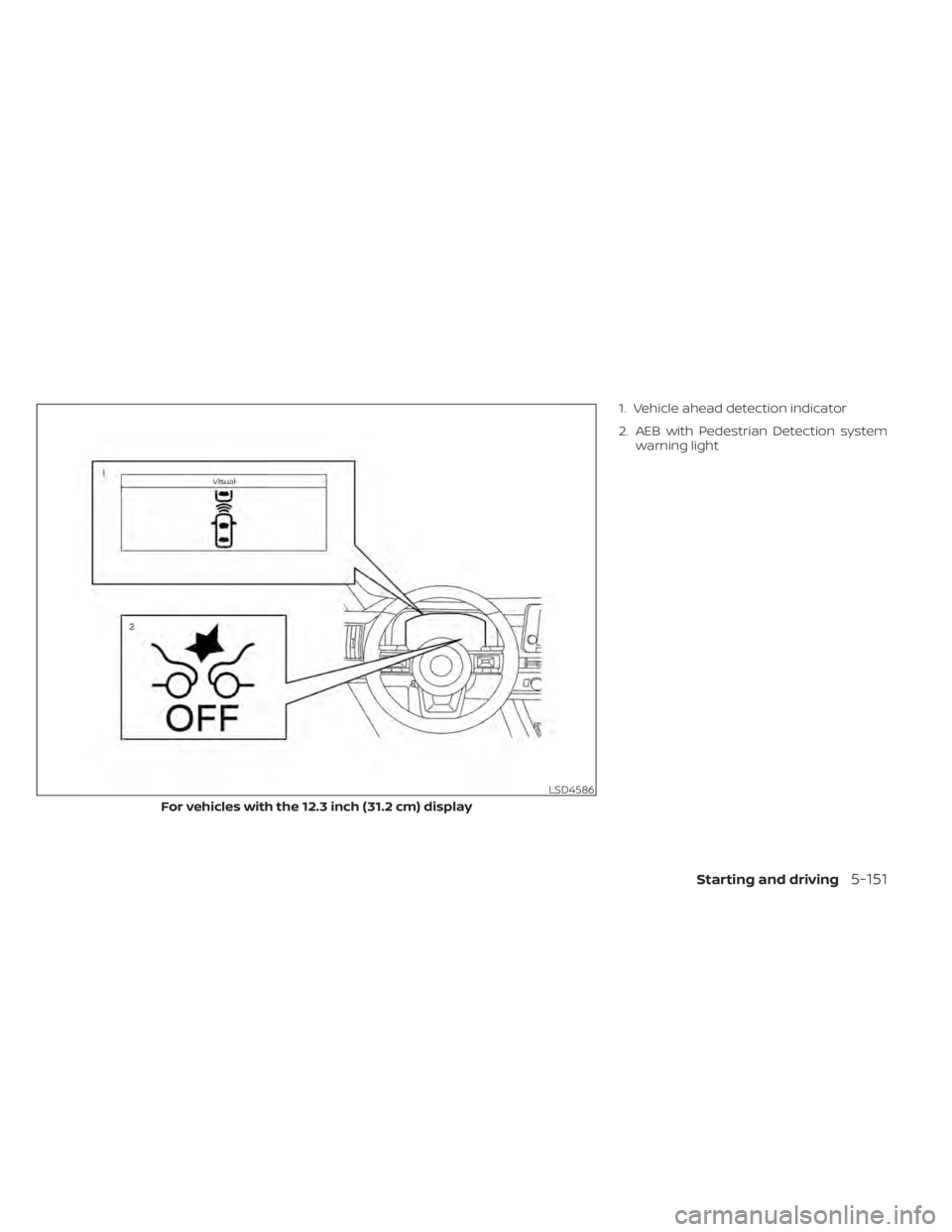
1. Vehicle ahead detection indicator
2. AEB with Pedestrian Detection systemwarning light
LSD4586
For vehicles with the 12.3 inch (31.2 cm) display
Starting and driving5-151
Page 476 of 665
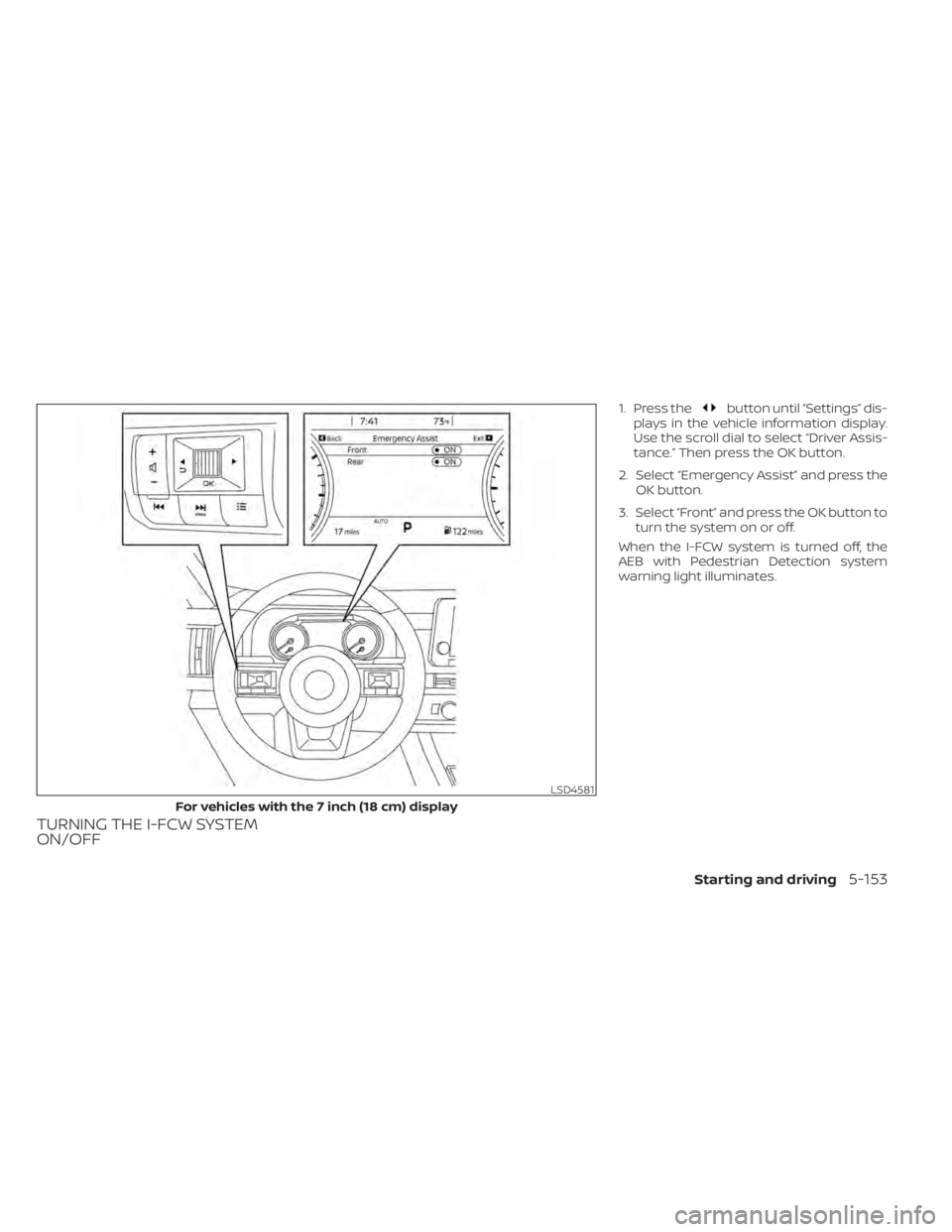
TURNING THE I-FCW SYSTEM
ON/OFF
1. Press thebutton until “Settings” dis-
plays in the vehicle information display.
Use the scroll dial to select “Driver Assis-
tance.” Then press the OK button.
2. Select “Emergency Assist” and press the OK button.
3. Select “Front” and press the OK button to turn the system on or off.
When the I-FCW system is turned off, the
AEB with Pedestrian Detection system
warning light illuminates.
LSD4581
For vehicles with the 7 inch (18 cm) display
Starting and driving5-153
Page 479 of 665
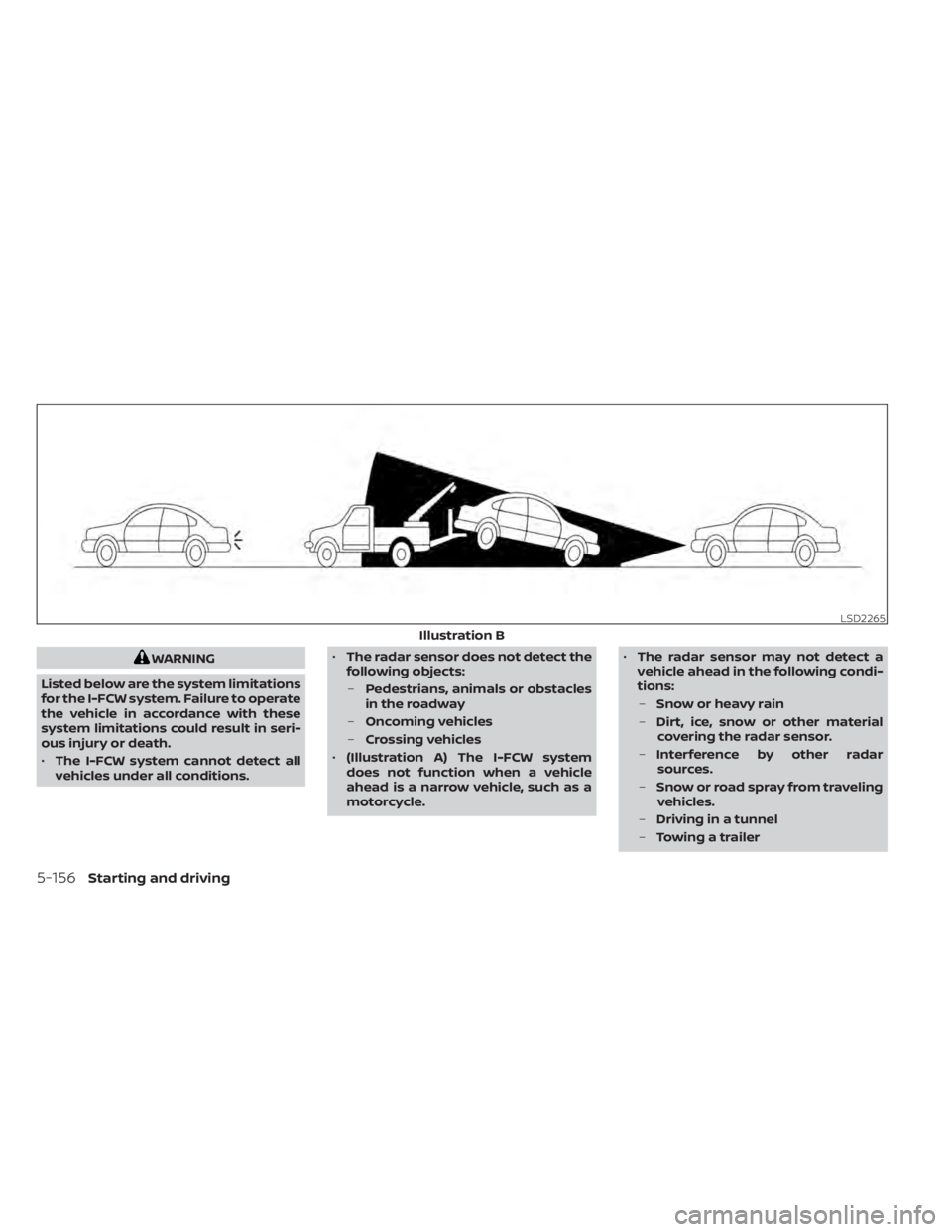
WARNING
Listed below are the system limitations
for the I-FCW system. Failure to operate
the vehicle in accordance with these
system limitations could result in seri-
ous injury or death.
• The I-FCW system cannot detect all
vehicles under all conditions. •
The radar sensor does not detect the
following objects:
– Pedestrians, animals or obstacles
in the roadway
– Oncoming vehicles
– Crossing vehicles
• (Illustration A) The I-FCW system
does not function when a vehicle
ahead is a narrow vehicle, such as a
motorcycle. •
The radar sensor may not detect a
vehicle ahead in the following condi-
tions:
– Snow or heavy rain
– Dirt, ice, snow or other material
covering the radar sensor.
– Interference by other radar
sources.
– Snow or road spray from traveling
vehicles.
– Driving in a tunnel
– Towing a trailer
LSD2265
Illustration B
5-156Starting and driving
Page 480 of 665
•(Illustration B) When the vehicle
ahead is being towed.
• (Illustration C) When the distance to
the vehicle ahead is too close, the
beam of the radar sensor is
obstructed.
• (Illustration D) When driving on a
steep downhill slope or roads with
sharp curves.
• The system is designed to automati-
cally check the sensor’s functionality,
within certain limitations. The sys-
tem may not detect some forms of
obstruction of the sensor area such
as ice, snow, stickers, etc. In these
cases, the system may not be able to
warn the driver properly. Be sure that
you check, clean and clear the sensor
area regularly.
• Excessive noise will interfere with the
warning chime sound, and the chime
may not be heard.
Starting and driving5-157
Page 484 of 665
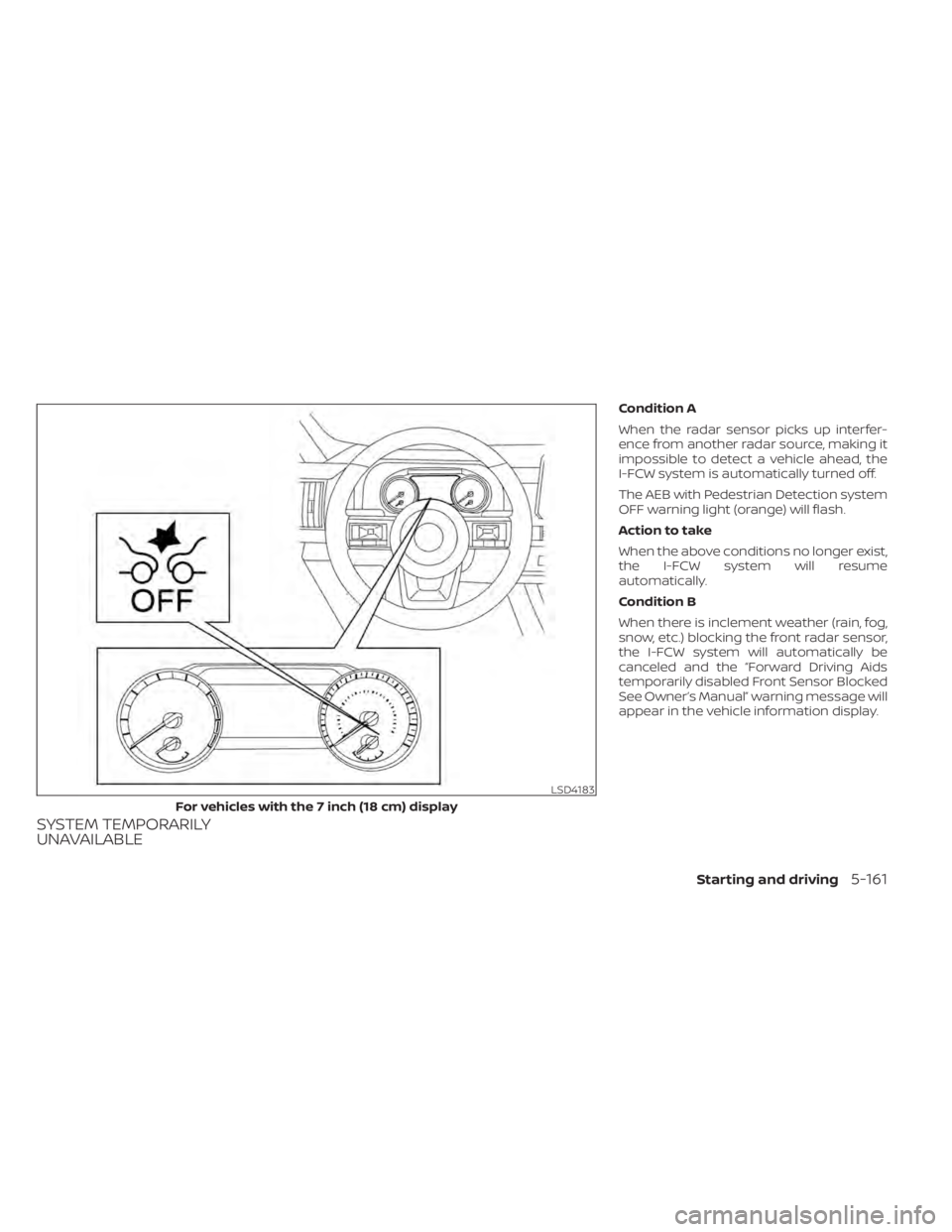
SYSTEM TEMPORARILY
UNAVAILABLE
Condition A
When the radar sensor picks up interfer-
ence from another radar source, making it
impossible to detect a vehicle ahead, the
I-FCW system is automatically turned off.
The AEB with Pedestrian Detection system
OFF warning light (orange) will flash.
Action to take
When the above conditions no longer exist,
the I-FCW system will resume
automatically.
Condition B
When there is inclement weather (rain, fog,
snow, etc.) blocking the front radar sensor,
the I-FCW system will automatically be
canceled and the “Forward Driving Aids
temporarily disabled Front Sensor Blocked
See Owner’s Manual” warning message will
appear in the vehicle information display.
LSD4183
For vehicles with the 7 inch (18 cm) display
Starting and driving5-161
Page 485 of 665
Action to take:
When the conditions listed above are no
longer present, the warning message will
no longer be available in the vehicle infor-
mation display. If the “Forward Driving Aids
temporarily disabled Front Sensor Blocked
See Owner’s Manual” warning message
continues to be displayed, have the system
checked. It is recommended that you visit a
NISSAN dealer for this service.
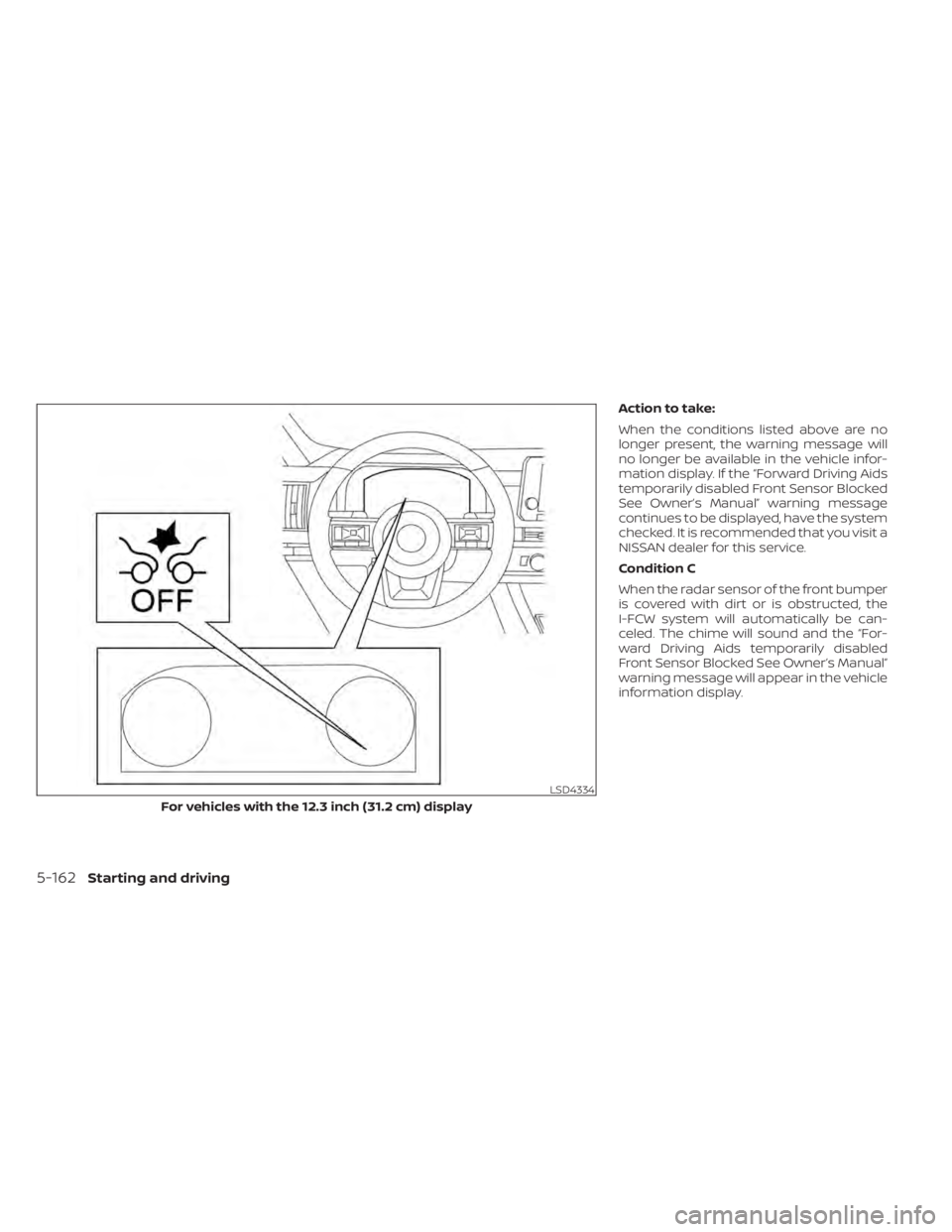
Condition C
When the radar sensor of the front bumper
is covered with dirt or is obstructed, the
I-FCW system will automatically be can-
celed. The chime will sound and the “For-
ward Driving Aids temporarily disabled
Front Sensor Blocked See Owner’s Manual”
warning message will appear in the vehicle
information display.
LSD4334
For vehicles with the 12.3 inch (31.2 cm) display
5-162Starting and driving
Page 486 of 665
Action to take:
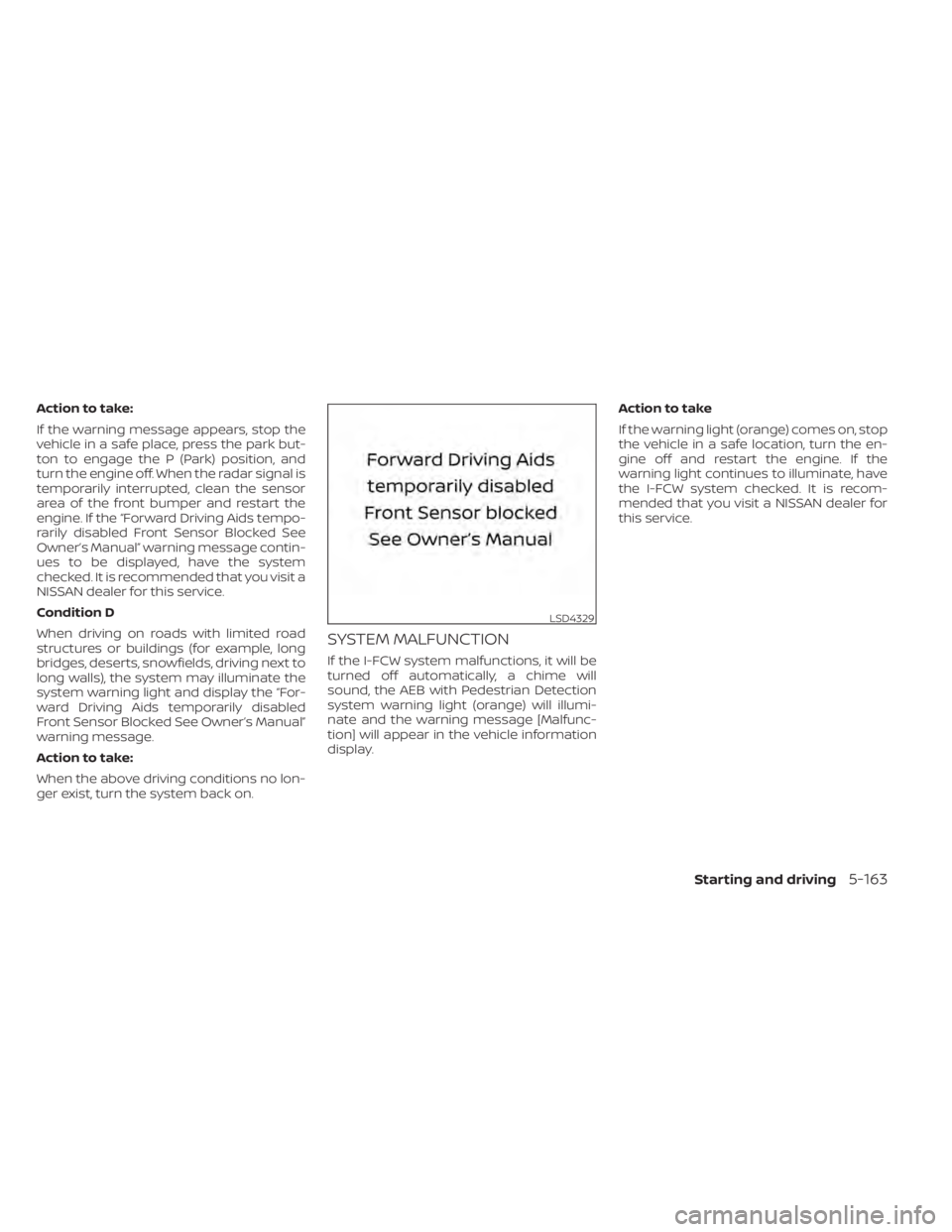
If the warning message appears, stop the
vehicle in a safe place, press the park but-
ton to engage the P (Park) position, and
turn the engine off. When the radar signal is
temporarily interrupted, clean the sensor
area of the front bumper and restart the
engine. If the “Forward Driving Aids tempo-
rarily disabled Front Sensor Blocked See
Owner’s Manual” warning message contin-
ues to be displayed, have the system
checked. It is recommended that you visit a
NISSAN dealer for this service.
Condition D
When driving on roads with limited road
structures or buildings (for example, long
bridges, deserts, snowfields, driving next to
long walls), the system may illuminate the
system warning light and display the “For-
ward Driving Aids temporarily disabled
Front Sensor Blocked See Owner’s Manual”
warning message.
Action to take:
When the above driving conditions no lon-
ger exist, turn the system back on.
SYSTEM MALFUNCTION
If the I-FCW system malfunctions, it will be
turned off automatically, a chime will
sound, the AEB with Pedestrian Detection
system warning light (orange) will illumi-
nate and the warning message [Malfunc-
tion] will appear in the vehicle information
display.Action to take
If the warning light (orange) comes on, stop
the vehicle in a safe location, turn the en-
gine off and restart the engine. If the
warning light continues to illuminate, have
the I-FCW system checked. It is recom-
mended that you visit a NISSAN dealer for
this service.
LSD4329
Starting and driving5-163