Settings NISSAN ROGUE 2023 Owner's Guide
[x] Cancel search | Manufacturer: NISSAN, Model Year: 2023, Model line: ROGUE, Model: NISSAN ROGUE 2023Pages: 508, PDF Size: 2.44 MB
Page 314 of 508

5-74Starting and driving
WAF0055X
1. Steering-wheel-mounted control (left)
2. Vehicle information display
3. Steering assist switch
NOTE:
.When the steering assist switch is
used to turn the system on or off,
the system remembers the setting even if the ignition switch is cycled.
The switch must be pushed again to
change the setting to on or off.
. The steering assist switch changes
the status of the “Steering Assist”
selection made in the “Settings”
screen in the vehicle information
display. Steering assist switch:
To turn the steering assist on or off, push
the steering assist switch
on the
instrument panel.
Setting in the vehicle information dis-
play:
1. Press the
button on the
steering wheeluntil “Settings” ap-
pears in the vehicle information dis-
play
and then press “OK” button.
2. Use the
buttonto select “Driver
Assistance.” Then press the “OK” but-
ton
.
3. Use the
buttonto select “Driving
Aids.” Then press the “OK” button.
4. Select “Steering Assist” and press the “OK” button
.
NOTE:
. When the Cruise screen is displayed
on the vehicle information display,
press the “OK” button on the steer-
ing wheel to call up the “Driving Aids”
setting display.
. When enabling/disabling the system
through the vehicle information dis-
play, the system retains the current
settings even if the engine is re-
started.
Page 335 of 508
WAC0212X
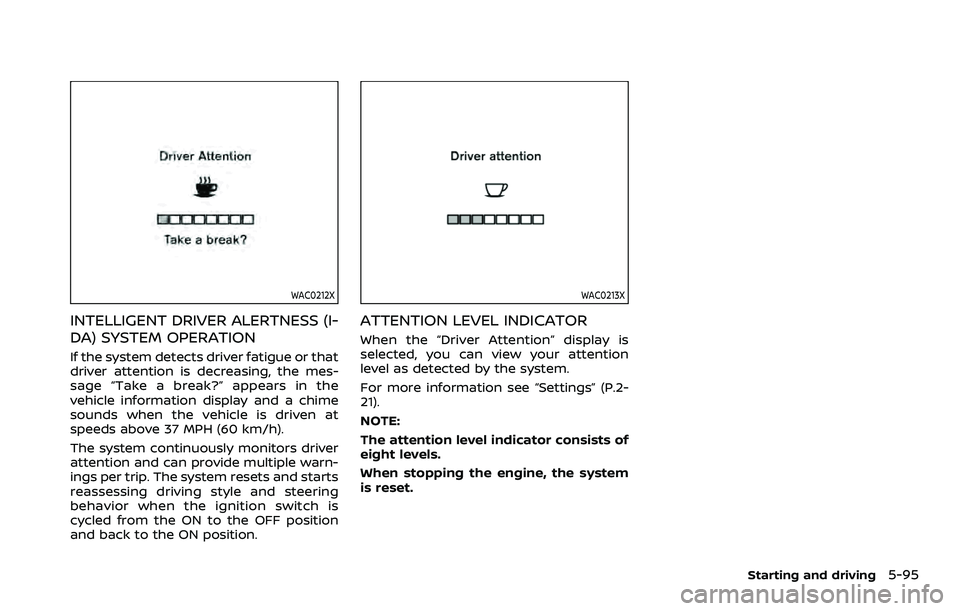
INTELLIGENT DRIVER ALERTNESS (I-
DA) SYSTEM OPERATION
If the system detects driver fatigue or that
driver attention is decreasing, the mes-
sage “Take a break?” appears in the
vehicle information display and a chime
sounds when the vehicle is driven at
speeds above 37 MPH (60 km/h).
The system continuously monitors driver
attention and can provide multiple warn-
ings per trip. The system resets and starts
reassessing driving style and steering
behavior when the ignition switch is
cycled from the ON to the OFF position
and back to the ON position.
WAC0213X
ATTENTION LEVEL INDICATOR
When the “Driver Attention” display is
selected, you can view your attention
level as detected by the system.
For more information see “Settings” (P.2-
21).
NOTE:
The attention level indicator consists of
eight levels.
When stopping the engine, the system
is reset.
Starting and driving5-95
Page 373 of 508
The chassis control is an electric control
module that includes the following func-
tions:
.Intelligent Trace Control
. Intelligent Engine Brake
. Active Ride Control
INTELLIGENT TRACE CONTROL
This system senses driving based on the
driver’s steering and acceleration/braking
patterns, and controls brake pressure at
individual wheels to aid tracing at corners
and help smooth vehicle response.
Intelligent Trace Control can be set to ON
(enabled) or OFF (disabled) through the
Vehicle Information Display “Settings”
page. See “Vehicle information display”
(P.2-19) for more information.
When the Vehicle Dynamic Control (VDC)
OFF switch is used to turn off the VDC
system, the Intelligent Trace Control is
also turned off.
JVS0403X
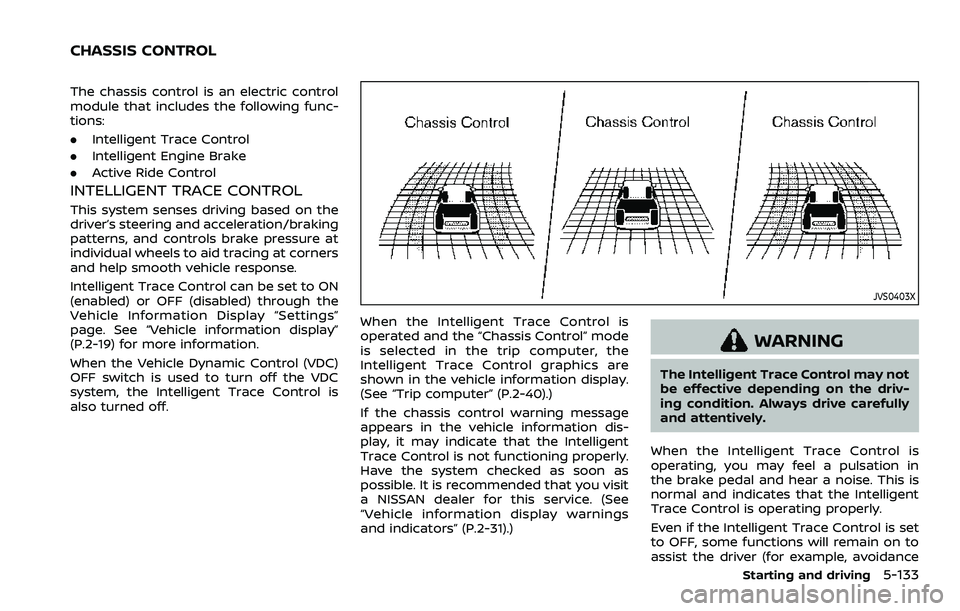
When the Intelligent Trace Control is
operated and the “Chassis Control” mode
is selected in the trip computer, the
Intelligent Trace Control graphics are
shown in the vehicle information display.
(See “Trip computer” (P.2-40).)
If the chassis control warning message
appears in the vehicle information dis-
play, it may indicate that the Intelligent
Trace Control is not functioning properly.
Have the system checked as soon as
possible. It is recommended that you visit
a NISSAN dealer for this service. (See
“Vehicle information display warnings
and indicators” (P.2-31).)
WARNING
The Intelligent Trace Control may not
be effective depending on the driv-
ing condition. Always drive carefully
and attentively.
When the Intelligent Trace Control is
operating, you may feel a pulsation in
the brake pedal and hear a noise. This is
normal and indicates that the Intelligent
Trace Control is operating properly.
Even if the Intelligent Trace Control is set
to OFF, some functions will remain on to
assist the driver (for example, avoidance
Starting and driving5-133
CHASSIS CONTROL
Page 374 of 508
5-134Starting and driving
scenes).
INTELLIGENT ENGINE BRAKE (Con-
tinuously Variable Transmission
(CVT) models)
The Intelligent Engine Brake function
adds subtle deceleration by controlling
CVT gear ratio, depending on the corner-
ing condition calculated from driver’s
steering input and plural sensors. This
benefit to easier traceability and less
workload of adjusting speed with braking
at corners.
The Intelligent Engine Brake also adds
subtle deceleration with gear ratio con-
trol according to driver’s brake pedal
operation.
The Intelligent Engine Brake can be set to
ON (enabled) or OFF (disabled) through
the Vehicle Information Display “Settings”
page. See “Vehicle information display”
(P.2-19) for more information.
JVS0403X
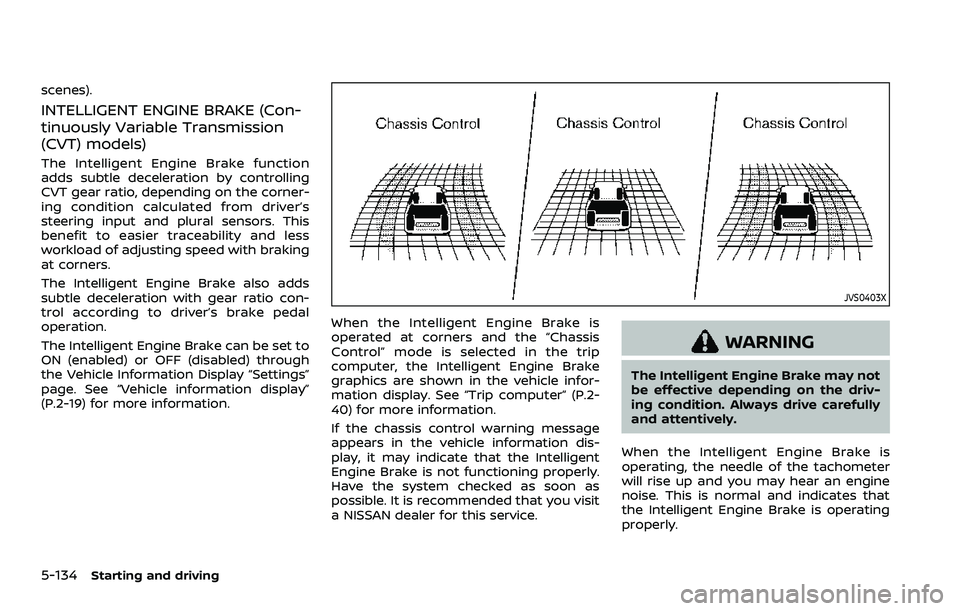
When the Intelligent Engine Brake is
operated at corners and the “Chassis
Control” mode is selected in the trip
computer, the Intelligent Engine Brake
graphics are shown in the vehicle infor-
mation display. See “Trip computer” (P.2-
40) for more information.
If the chassis control warning message
appears in the vehicle information dis-
play, it may indicate that the Intelligent
Engine Brake is not functioning properly.
Have the system checked as soon as
possible. It is recommended that you visit
a NISSAN dealer for this service.
WARNING
The Intelligent Engine Brake may not
be effective depending on the driv-
ing condition. Always drive carefully
and attentively.
When the Intelligent Engine Brake is
operating, the needle of the tachometer
will rise up and you may hear an engine
noise. This is normal and indicates that
the Intelligent Engine Brake is operating
properly.
Page 505 of 508
 charging
connector ........................................................................\
.. 2-66
V
Vanity mirror ........................................................")
USB (Universal Serial Bus) charging
connector ........................................................................\
.. 2-66
V
Vanity mirror ................................................................... 3-34
Vanity mirror lights .................................................... 2-82
Variable voltage control system ..................... 8-13
VehicleDimensions and weights................................ 10-8
Identification number (VIN)........................... 10-8
Loading information ...................................... 10-12
Recovery (freeing a stuck vehicle) .......... 6-20
Security system...................................................... 2-45
Vehicle dynamic control (VDC)
off switch .................................................................... 2-62
Vehicle dynamic control
(VDC) system ........................................................ 5-131
Vehicle information display................................. 2-19 How to use the vehicle
information display ............................................. 2-20
Settings........................................................................\
. 2-21
Startup display ....................................................... 2-20
Vehicle information display warnings
and indicators ......................................................... 2-31
Ventilators ........................................................................\
. 4-25
W
Warning Hazard warning flasher switch .................... 6-2
Intelligent Forward Collision
Warning (I-FCW).................................................. 5-107
Low tire pressure warning............................ 2-32
Tire pressure monitoring
system (TPMS)................................................. 5-5, 6-3
Vehicle information display.......................... 2-19 Warning lights, indicator lights and
audible reminders ................................................ 2-10
Warning labels, Air bag warning labels...... 1-61
Warning light Air bag warning light.......................... 1-62, 2-13
Anti-lock braking system (ABS)
warning light ............................................................ 2-13
Brake warning light ............................................ 2-11
Electric power steering
warning light ............................................................ 2-14
Electronic parking brake
warning light ............................................................ 2-14
Low tire pressure warning light ............... 2-14
Seat belt warning light
and chime.................................................... 1-14, 2-12
Warranty, Emission control
system warranty ....................................................... 10-18
Washer switch Rear window wiper and
washer switch ......................................................... 2-50
Wiper and washer switch .............................. 2-48
Washing........................................................................\
........... 7-2
Waxing ........................................................................\
.............. 7-2
Weights (See dimensions and weights)..... 10-8
Wheel/tire size ............................................................... 10-7
Wheels and tires ........................................................... 8-29 Care of wheels........................................................... 7-3
Cleaning aluminum alloy wheels ................ 7-3
Window washer fluid ................................................ 8-10
Window(s) Cleaning ........................................................................\
.. 7-3
Power windows ..................................................... 2-76
Wiper Rear window wiper and
washer switch ......................................................... 2-50
Rear window wiper blade.............................. 8-17
Wiper and washer switch .............................. 2-48 Wiper blades ............................................................. 8-16
Wiper and washer switch ..................................... 2-48
11-7