power steering NISSAN SENTRA 2020 Owner´s Manual
[x] Cancel search | Manufacturer: NISSAN, Model Year: 2020, Model line: SENTRA, Model: NISSAN SENTRA 2020Pages: 528, PDF Size: 3.56 MB
Page 244 of 528
mode when Remote Engine Start is acti-
vated depending on outside and cabin
temperatures. During this period, the cli-
mate control display and buttons will be
inoperable until the ignition switch is
turned on. In Remote Engine Start defrost-
ing mode, the rear window defroster and
heated steering wheel (if so equipped) may
be activated automatically.
MANUAL OPERATION
Fan speed control buttons
Press thefan speed control buttons
to manually control the fan speed.
Press the AUTO button to return to auto-
matic control of the fan speed.
Temperature control dial
The temperature control dial allows you to
adjust the temperature of the outlet air. To
lower the temperature, turn the dial to the
lef t. To increase the temperature, turn the
dial to the right. Temperature can be ad-
justed on the driver’s and passenger’s side.
Air recirculation
Press theair recirculation button to
recirculate interior air inside the vehicle.
The
indicator light on the button will
come on.
The air recirculation cannot be activated
when the air conditioner is in the
front
defrosting mode.
When the outside temperature exceeds
70°F (21°C), the air conditioning system may
default to air recirculation mode automati-
cally to reduce overall power consumption.
To exit air recirculation mode, deselect the
air recirculation button (indicator light will
turn off ) to enter fresh air mode.
Automatic intake air control
In the AUTO mode, the intake air will be
controlled automatically. To manually con-
trol the intake air, press the
air recir-
culation button. To return to the automatic
control mode, press and hold the
air
recirculation button for about 2 seconds.
The indicator light will flash twice, and then
the intake air will be controlled automati-
cally.
A/C (air conditioner) button
Start the engine, press thefan speed
control buttons to the desired position and
press the
button to turn on the air
conditioner. To turn off the air conditioner,
press the
button again.
The air conditioner cooling function op-
erates only when the engine is running.
Air flow control
Pressing thebutton manually con-
trols air flow and selects the air outlet:
— Air flows from center and side
vents.
— Air flows from center and sidevents and foot outlets.
— Air flows mainly from foot outlets.— Air flows from defroster and footoutlets.
4-42Monitor, climate, audio, phone and voice recognition systems
Page 289 of 528
Increasing fuel economy.......................5-111
Parking/parking on hills .......................5-112
Power steering ................................ 5-113
Brake system ................................. 5-114
Brake precautions .......................... 5-114
Anti-lock Braking System (ABS) .............5-114
Brake Assist ................................ 5-116
Vehicle Dynamic Control (VDC) system ........5-116
Rise-up and build-up ....................... 5-118
Brake force distribution ....................5-118
Chassis Control ............................... 5-119
Intelligent Trace Control (I-TC) ..............5-119
Active Ride Control (ARC) ...................5-119
Hill start assist system ........................ 5-119
Rear Sonar System (RSS) ......................5-120System operation
.......................... 5-121
How to enable/disable the sonar
system ..................................... 5-122
Sonar limitations ........................... 5-124
System temporarily unavailable ............5-124
System maintenance ......................5-125
Cold weather driving .......................... 5-125
Freeing a frozen door lock ..................5-125
Antifreeze .................................. 5-125
Battery..................................... 5-125
Draining of coolant water ..................5-126
Tire equipment ............................. 5-126
Special winter equipment ..................5-126
Driving on snow or ice ......................5-126
Engine block heater (if so equipped) ........5-127
Page 399 of 528
3. To help prevent the vehicle from rollinginto traffic when parked on an incline, it
is a good practice to turn the wheels as
illustrated.
• HEADED DOWNHILL WITH CURB
O1:
Turn the wheels into the curb and
move the vehicle forward until the
curb side wheel gently touches the
curb.
• HEADED UPHILL WITH CURB
O2:
Turn the wheels away from the curb
and move the vehicle back until the
curb side wheel gently touches the
curb.
• HEADED UPHILL OR DOWNHILL, NO CURB
O3:
Turn the wheels toward the side of the
road so the vehicle will move away
from the center of the road if it moves.
4. Place the ignition switch in the LOCK po- sition and remove the key.
WARNING
• If the engine is not running or is
turned off while driving, the power
assist for the steering will not work.
Steering will be harder to operate.
• When the power steering warning
light illuminates with the engine run-
ning, there will be no power assist for
the steering. You will still have control
of the vehicle, but the steering will be
harder to operate. Have the power
steering system checked. It is recom-
mended that you visit a NISSAN
dealer for this service.
The power steering system is designed to
provide power assist while driving to oper-
ate the steering wheel with light force.
When the steering wheel is operated re-
peatedly or continuously while parking or
driving at a very low speed, the power as-
sist for the steering wheel will be reduced.
This is to prevent overheating of the power
steering system and protect it from getting
damaged. While the power assist is re-
duced, steering wheel operation will be-
come heavy. When the temperature of the
power steering system goes down, the
power assist level will return to normal.
Avoid repeating such steering wheel op- erations that could cause the power steer-
ing system to overheat.
You may hear a noise when the steering
wheel is operated quickly. However, this is
not a malfunction.
If the power steering warning light illumi-
nates while the engine is running, it may
indicate the power steering system is not
functioning properly and may need servic-
ing. Have the power steering system
checked. It is recommended that you visit a
NISSAN dealer for this service.
When the power steering warning light illu-
minates with the engine running, there will
be no power assist for the steering, but you
will still have control of the vehicle. At this
time, greater steering effort is required to
operate the steering wheel, especially in
sharp turns and at low speeds.
For additional information, refer to “Power
steering warning light” in the “Instruments
and controls” section of this manual.
POWER STEERING
Starting and driving5-113
Page 402 of 528
BRAKE ASSIST
When the force applied to the brake pedal
exceeds a certain level, the Brake Assist is
activated generating greater braking force
than a conventional brake booster even
with light pedal force.
WARNING
The Brake Assist is only an aid to assist
braking operation and is not a collision
warning or avoidance device. It is the
driver’s responsibility to stay alert,
drive safely and be in control of the ve-
hicle at all times. The VDC system uses various sensors to
monitor driver inputs and vehicle motion.
Under certain driving conditions, the VDC
system helps to perform the following
functions:
• Controls brake pressure to reduce wheel
slip on one slipping drive wheel so power
is transferred to a non-slipping drive
wheel on the same axle.
• Controls brake pressure and engine out- put to reduce drive wheel slip based on
vehicle speed (traction control function).
• Controls brake pressure at individual wheels and engine output to help the
driver maintain control of the vehicle in
the following conditions:– Understeer (vehicle tends to not follow the steered path despite increased
steering input)
– Oversteer (vehicle tends to spin due to certain road or driving conditions)
The VDC system can help the driver to
maintain control of the vehicle, but it can-
not prevent loss of vehicle control in all driv-
ing situations. When the VDC system operates, the
indicator light in the instrument panel
flashes to note the following:
• The road may be slippery or the system
may determine some action is required
to help keep the vehicle on the steered
path.
• You may feel a pulsation in the brake pedal and hear a noise or vibration from
under the hood. This is normal and indi-
cates that the VDC system is working
properly.
• Adjust your speed and driving to the road conditions.
For additional information, refer to “Slip in-
dicator light” and ”Vehicle Dynamic Control
(VDC) OFF indicator light” in the ”Instru-
ments and controls” section of this manual.
If a malfunction occurs in the system, the
indicator light comes on in the instru-
ment panel. The VDC system automatically
turns off when the indicator light is off.
The vehicle information display is used to
turn off the VDC system. The
indicator
light and the AEB system warning light illu-
minates to indicate the VDC system is off.
VEHICLE DYNAMIC CONTROL (VDC)
SYSTEM
5-116Starting and driving
Page 403 of 528
When the vehicle information display is
used to turn off the VDC system, the sys-
tem still operates to prevent one drive
wheel from slipping by transferring power
to a non-slipping drive wheel. The
indicator light flashes if this occurs. All
other VDC functions are off and the
indicator light will not flash.
The VDC system is automatically reset to
on when the ignition switch is placed in the
OFF position then back to the ON position.
The computer has a built-in diagnostic fea-
ture that tests the system each time you
start the engine and move the vehicle for-
ward or in reverse at a slow speed. When
the self-test occurs, you may hear a clunk
noise and/or feel a pulsation in the brake
pedal. This is normal and is not an indica-
tion of a malfunction.
WARNING
• The VDC system is designed to help
the driver maintain stability but does
not prevent accidents due to abrupt
steering operation at high speeds or
by careless or dangerous driving
techniques. Reduce vehicle speed
and be especially careful when driv-
ing and cornering on slippery sur-
faces and always drive carefully.
• Do not modif y the vehicle's suspen-
sion. If suspension parts such as
shock absorbers, struts, springs, sta-
bilizer bars, bushings and wheels are
not NISSAN recommended for your
vehicle or are extremely deterio-
rated, the VDC system may not oper-
ate properly. This could adversely af-
fect vehicle handling performance,
and the
indicator light may flash
or theindicator light may
illuminate.
• If brake related parts such as brake
pads, rotors and calipers are not
NISSAN recommended or are ex-
tremely deteriorated, the VDC sys-
tem may not operate properly and
the
indicator light may
illuminate. •
If engine control related parts are not
NISSAN recommended or are ex-
tremely deteriorated, the
indica-
tor light may illuminate.
• When driving on extremely inclined
surfaces such as higher banked cor-
ners, the VDC system may not oper-
ate properly and the
indicator
light may flash or theindicator
light may illuminate. Do not drive on
these types of roads.
• When driving on an unstable surface
such as a turntable, ferry, elevator or
ramp, the
indicator light may
flash or theindicator light may
illuminate. This is not a malfunction.
Restart the engine af ter driving onto
a stable surface.
• If wheels or tires other than the
NISSAN recommended ones are
used, the VDC system may not oper-
ate properly and the
indicator
light may flash or theindicator
light may illuminate.
• The VDC system is not a substitute
for winter tires or tire chains on a
snow covered road.
Starting and driving5-117
Page 404 of 528
RISE-UP AND BUILD-UP
The system gradually adjusts braking
power during normal braking to help pro-
vide an enhanced brake feel.
BRAKE FORCE DISTRIBUTION
During braking while driving through turns,
the system optimizes the distribution of
force to each of the front and rear wheels
depending on the radius of the turn.
WARNING
• The VDC system is designed to help
the driver maintain stability but does
not prevent accidents due to abrupt
steering operation at high speeds or
by careless or dangerous driving
techniques. Reduce vehicle speed
and be especially careful when driv-
ing and cornering on slippery sur-
faces and always drive carefully. •
Do not modif y the vehicle's suspen-
sion. If suspension parts such as
shock absorbers, struts, springs, sta-
bilizer bars, bushings and wheels are
not NISSAN recommended for your
vehicle or are extremely deterio-
rated, the VDC system may not oper-
ate properly. This could adversely af-
fect vehicle handling performance,
and the
indicator light may flash
or theindicator light may
illuminate.
• If brake related parts such as brake
pads, rotors and calipers are not
NISSAN recommended or are ex-
tremely deteriorated, the VDC sys-
tem may not operate properly and
the
indicator light may
illuminate.
• If engine control related parts are not
NISSAN recommended or are ex-
tremely deteriorated, the
indica-
tor light may illuminate.
• When driving on extremely inclined
surfaces such as higher banked cor-
ners, the VDC system may not oper-
ate properly and the
indicator
light may flash or theindicator
light may illuminate. Do not drive on
these types of roads. •
When driving on an unstable surface
such as a turntable, ferry, elevator or
ramp, the
indicator light may
flash or theindicator light may
illuminate. This is not a malfunction.
Restart the engine af ter driving onto
a stable surface.
• If wheels or tires other than the
NISSAN recommended ones are
used, the VDC system may not oper-
ate properly and the
indicator
light may flash or theindicator
light may illuminate.
• The VDC system is not a substitute
for winter tires or tire chains on a
snow covered road.
5-118Starting and driving
Page 426 of 528
6. Af ter the engine cools down, check thecoolant level in the engine coolant res-
ervoir with the engine running. Add cool-
ant to the engine coolant reservoir if
necessary. Have your vehicle repaired. It
is recommended that you visit a NISSAN
dealer for this service. When towing your vehicle, all State (Provin-
cial in Canada) and local regulations for
towing must be followed. Incorrect towing
equipment could damage your vehicle.
Towing instructions are available from a
NISSAN dealer. Local service operators are
generally familiar with the applicable laws
and procedures for towing. To assure
proper towing and to prevent accidental
damage to your vehicle, NISSAN recom-
mends having a service operator tow your
vehicle. It is advisable to have the service
operator carefully read the following pre-
cautions:
WARNING
• Never ride in a vehicle that is being
towed.
• Never get under your vehicle af ter it
has been lif ted by a tow truck.
CAUTION
• When towing, make sure that the
transmission, axles, steering system
and powertrain are in working condi-
tion. If any of these conditions apply,
dollies or a flatbed tow truck must be
used.
• Always attach safety chains before
towing.
For additional information, refer to “Flat
towing” in the “Technical and consumer in-
formation” section of this manual.
TOWING RECOMMENDED BY
NISSAN
NISSAN recommends towing your vehicle
based upon the type of drivetrain. For addi-
tional information, refer to the diagrams in
this section to ensure that your vehicle is
properly towed.
TOWING YOUR VEHICLE
6-12In case of emergency
Page 484 of 528
Parking brake:Check the parking brake
operation regularly. The vehicle should be
securely held on a fairly steep hill with only
the parking brake applied. If the parking
brake needs adjustment, it is recom-
mended that you visit a NISSAN dealer for
this service.
Seats: Check seat position controls such
as seat adjusters, seatback recliner, etc., to
ensure they operate smoothly and all
latches lock securely in every position.
Check that the head restraints/headrests
move up and down smoothly and the locks
(if so equipped) hold securely in all latched
positions.
Seat belts: Check that all parts of the seat
belt system (for example, buckles, anchors,
adjusters and retractors) operate properly
and smoothly, and are installed securely.
Check the belt webbing for cuts, fraying,
wear or damage.
Steering wheel: Check for changes in the
steering system, such as excessive free
play, hard steering or strange noises.
Warning lights and chimes: Make sure all
warning lights and chimes are operating
properly.
Windshield defroster: Check that the air
comes out of the defroster outlets properly and in sufficient quantity when operating
the heater or air conditioner.
Windshield wiper and washer*:
Check
that the wipers and washer operate prop-
erly and that the wipers do not streak.
Under the hood and vehicle
The maintenance items listed here should
be checked periodically (for example, each
time you check the engine oil or refuel).
Battery*: This vehicle is equipped with a
sealed maintenance free battery. It is rec-
ommended that you visit a NISSAN dealer
for service.
NOTE:
Care should be taken to avoid situations
that can lead to potential battery dis-
charge and potential no-start conditions
such as:
1. Installation or extended use of elec-
tronic accessories that consume bat-
tery power when the engine is not run-
ning (Phone chargers, GPS, DVD
players, etc.).
2. Vehicle is not driven regularly and/or
only driven short distances. In these cases, the battery may need to
be charged to maintain battery health.
Brake and clutch (if so equipped) fluid
level*:
Make sure that the brake and clutch
fluid levels are between the MIN and MAX
lines on the reservoir.
Engine coolant level*: Check the coolant
level when the engine is cold.
Engine drive belt*: Make sure the drive belt
is not frayed, worn, cracked or oily.
Engine oil level*: Check the level af ter
parking the vehicle on a level surface with
the engine off. Wait more than 15 minutes
for the oil to drain back into the oil pan.
Exhaust system: Make sure there are no
loose supports, cracks or holes. If the
sound of the exhaust seems unusual or
there is a smell of exhaust fumes, immedi-
ately have the exhaust system inspected. It
is recommended that you visit a NISSAN
dealer for this service. For additional infor-
mation, refer to “Exhaust gas (carbon mon-
oxide)” in the “Starting and driving” section
of this manual.
9-4Maintenance and schedules
Page 519 of 528
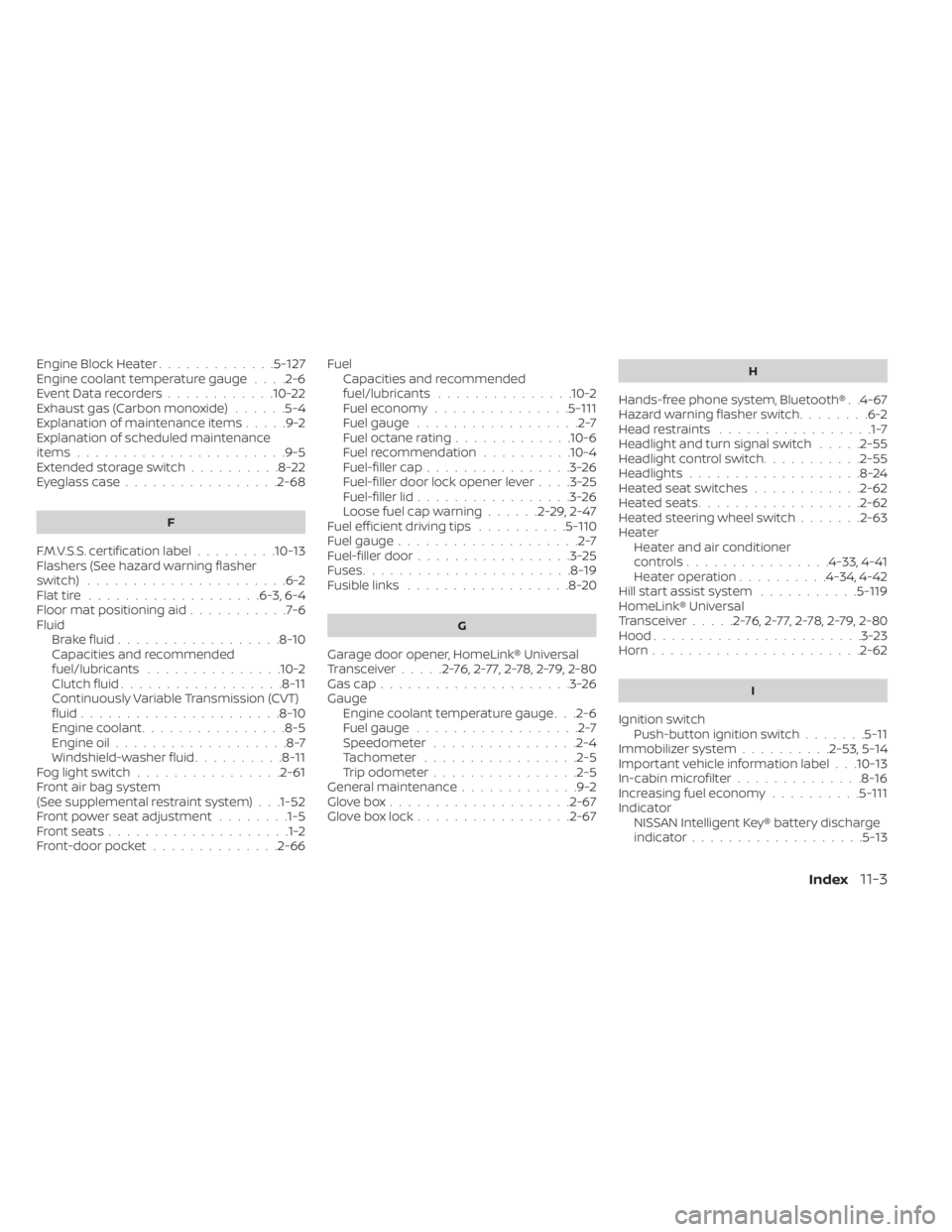
Engine Block Heater.............5-127Engine coolant temperature gauge. . . .2-6Event Data recorders............10-22Exhaust gas (Carbon monoxide)......5-4Explanation of maintenance items.....9-2Explanation of scheduled maintenance
items.......................9-5Extended storage switch..........8-22Eyeglass case.................2-68
F
F.M.V.S.S. certification label.........10-13Flashers (See hazard warning flasher
switch)......................6-2Flat tire.................. .6-3, 6-4Floor mat positioning aid...........7-6Fluid
Brake fluid..................8-10Capacities and recommended
fuel/lubricants...............10-2Clutch fluid..................8-11Continuously Variable Transmission (CVT)
fluid......................8-10Engine coolant................8-5Engine oil...................8-7Windshield-washer fluid..........8-11Fog light switch................2-61Front air bag system
(See supplemental restraint system). . .1-52Front power seat adjustment........1-5Front seats....................1-2Front-door pocket..............2-66
FuelCapacities and recommended
fuel/lubricants
...............10-2Fuel economy...............5-111Fuel gauge..................2-7Fuel octane rating.............10-6Fuel recommendation..........10-4Fuel-filler cap................3-26Fuel-filler door lock opener lever. . . .3-25Fuel-filler lid.................3-26Loose fuel cap warning......2-29,2-47Fuel efficient driving tips..........5-110Fuel gauge....................2-7Fuel-filler door.................3-25Fuses.......................8-19Fusible links..................8-20
G
Garage door opener, HomeLink® Universal
Transceiver.....2-76,2-77,2-78,2-79, 2-80Gas cap.....................3-26Gauge
Engine coolant temperature gauge. . .2-6Fuel gauge..................2-7Speedometer................2-4Tachometer................ .2-5Trip odometer................2-5General maintenance.............9-2Glove box................... .2-67Glove box lock.................2-67
H
Hands-free phone system, Bluetooth®. .4-67Hazard warning flasher switch........6-2Head restraints.................1-7Headlight and turn signal switch.....2-55Headlight control switch...........2-55Headlights...................8-24Heated seat switches............2-62Heated seats................. .2-62Heated steering wheel switch.......2-63Heater
Heater and air conditioner
controls
................4-33, 4-41Heater operation..........4-34, 4-42Hill start assist system...........5-119HomeLink® Universal
Transceiver.....2-76,2-77,2-78,2-79, 2-80Hood.......................3-23Horn...................... .2-62
I
Ignition switch
Push-button ignition switch.......5-11Immobilizer system..........2-53, 5-14Important vehicle information label. . .10-13In-cabin microfilter..............8-16Increasing fuel economy..........5-111IndicatorNISSAN Intelligent Key® battery discharge
indicator
...................5-13
Index11-3
Page 521 of 528
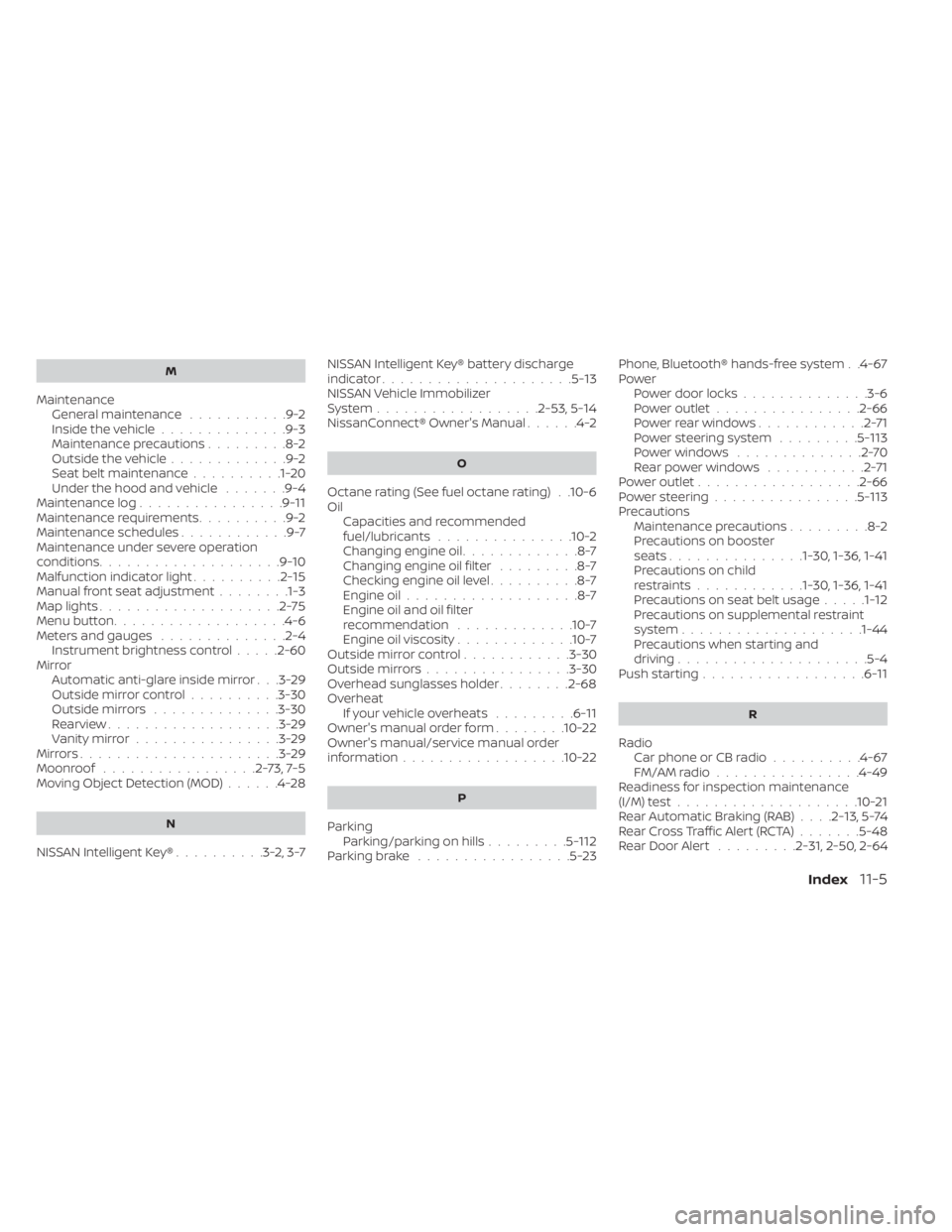
M
MaintenanceGeneral maintenance...........9-2Inside the vehicle..............9-3Maintenance precautions.........8-2Outside the vehicle.............9-2Seat belt maintenance..........1-20Under the hood and vehicle.......9-4Maintenance log................9-11Maintenance requirements..........9-2Maintenance schedules............9-7Maintenance under severe operation
conditions....................9-10Malfunction indicator light..........2-15Manual front seat adjustment........1-3Map lights....................2-75Menu button.................. .4-6Meters and gauges..............2-4Instrument brightness control.....2-60Mirror
Automatic anti-glare inside mirror. . .3-29Outside mirror control..........3-30Outside mirrors..............3-30Rearview...................3-29Vanity mirror................3-29Mirrors......................3-29Moonroof.................2-73,7-5Moving Object Detection (MOD)......4-28
N
NISSAN Intelligent Key®..........3-2,3-7
NISSAN Intelligent Key® battery discharge
indicator.....................5-13NISSAN Vehicle Immobilizer
System................. .2-53, 5-14NissanConnect® Owner's Manual......4-2
O
Octane rating (See fuel octane rating). .10-6Oil
Capacities and recommended
fuel/lubricants
...............10-2Changing engine oil.............8-7Changing engine oil filter.........8-7Checking engine oil level..........8-7Engine oil...................8-7Engine oil and oil filter
recommendation.............10-7Engine oil viscosity.............10-7Outside mirror control............3-30Outside mirrors................3-30Overhead sunglasses holder........2-68OverheatIf your vehicle overheats.........6-11Owner's manual order form........10-22Owner's manual/service manual order
information................. .10-22
P
Parking
Parking/parking on hills.........5-112Parking brake.................5-23
Phone, Bluetooth® hands-free system. .4-67PowerPower door locks..............3-6Power outlet................2-66Powerrearwindows............2-71Power steering system.........5-113Power windows..............2-70Rear power windows...........2-71Power outlet................. .2-66Power steering................5-113Precautions
Maintenance precautions.........8-2Precautions on booster
seats...............1-30, 1-36, 1-41Precautions on child
restraints............1-30, 1-36, 1-41Precautions on seat belt usage.....1-12Precautions on supplemental restraint
system................... .1-44Precautions when starting and
driving.................... .5-4Push starting..................6-11
R
Radio
Car phone or CB radio..........4-67FM/AM radio................4-49Readiness for inspection maintenance
(I/M) test................... .10-21Rear Automatic Braking (RAB). . . .2-13, 5-74Rear Cross Traffic Alert (RCTA).......5-48Rear Door Alert.........2-31, 2-50, 2-64
Index11-5