WW-12
< SERVICE INFORMATION >
FRONT WIPER AND WASHER SYSTEM
Front Wiper Does Not Operate
INFOID:0000000001704546
CAUTION:
• During IPDM E/R fail-safe control, front wipers may not operate. Refer to PG-16, "
System Descrip-
tion" in “PG IPDM E/R” to make sure that it is not in fail-safe status.
1.ACTIVE TEST
With CONSULT-lIl
1. Select “IPDM E/R” on CONSULT-III, and select “ACTIVE TEST” on “SELECT DIAG MODE” screen.
2. Select “FRONT WIPER” on “SELECT TEST ITEM” screen.
3. Touch “LO” or “HI” screen.
Without CONSULT-lIl
Start up auto active test. Refer to PG-19, "
Auto Active Test" .
Does front wiper operate normally?
YES >> GO TO 2.
NO >> GO TO 4.
2.CHECK CIRCUIT BETWEEN COMBINATION SWITCH AND BCM
With CONSULT-llI
1. Select “BCM” on CONSULT-III, and select “WIPER” on “SELECT TEST ITEM” screen.
2. Select “DATA MONITOR” on “SELECT DIAG MODE” screen. Make sure that “FR WIPER INT”, “FR
WIPER LOW”, and “FR WIPER HI” turn ON-OFF according to wiper switch operation.
Without CONSULT-lIl
Refer to LT-63, "
Combination Switch Inspection" .
OK or NG
OK >> GO TO 3.
NG >> Check combination switch (wiper switch). Refer to LT-63, "
Combination Switch Inspection" .
3.CHECK CIRCUIT BETWEEN IPDM E/R AND BCM
Select “BCM” on CONSULT-III, and perform self-diagnosis for “BCM”.
Displayed self
-diagnosis results
NO DTC>>Replace BCM. Refer to BCS-18, "Removal and Installation of BCM" .
CAN COMM CIRCUIT>>Check CAN communication line of BCM. Refer to BCS-17, "
CAN Communication
Inspection Using CONSULT-III (Self-Diagnosis)" .
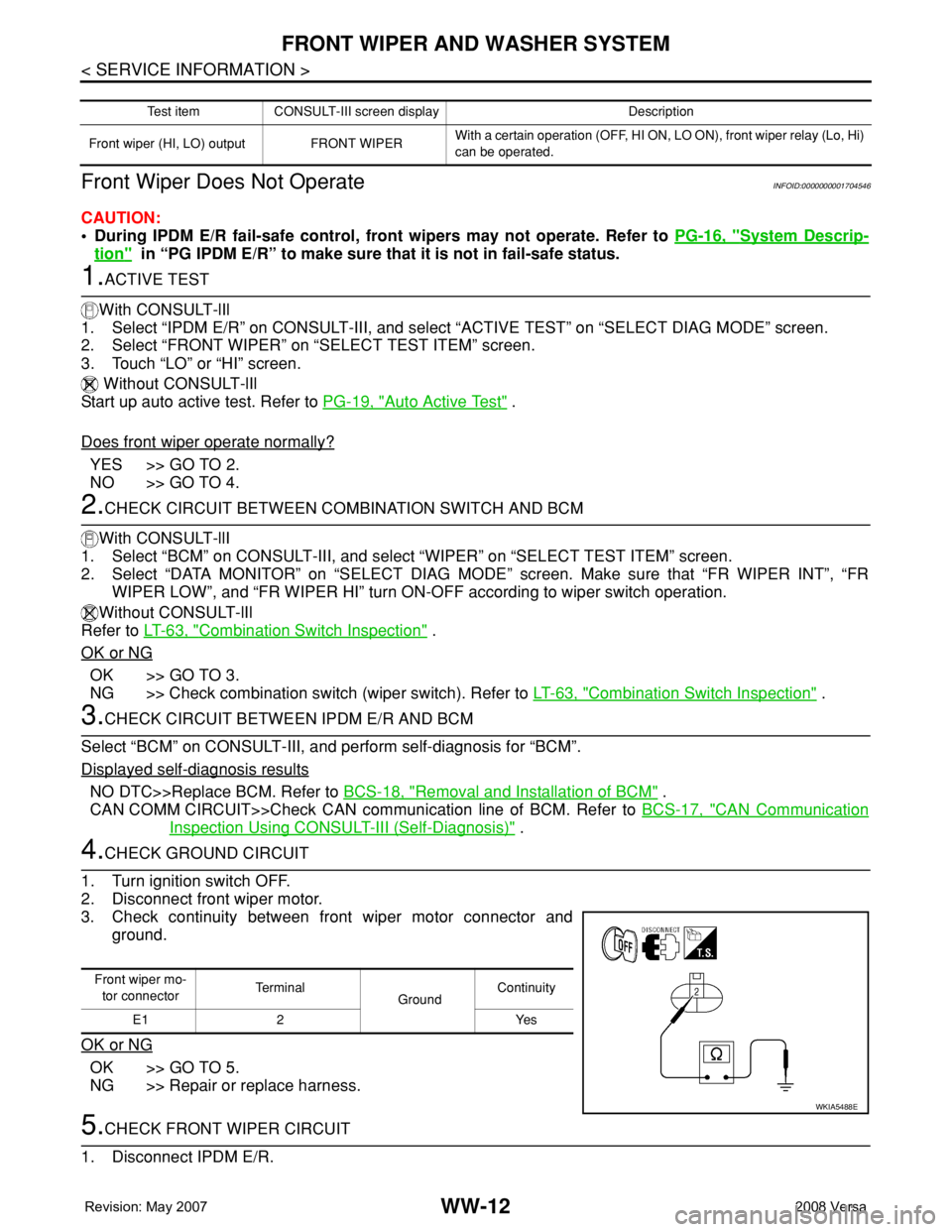
4.CHECK GROUND CIRCUIT
1. Turn ignition switch OFF.
2. Disconnect front wiper motor.
3. Check continuity between front wiper motor connector and
ground.
OK or NG
OK >> GO TO 5.
NG >> Repair or replace harness.
5.CHECK FRONT WIPER CIRCUIT
1. Disconnect IPDM E/R.
Test item CONSULT-III screen display Description
Front wiper (HI, LO) output FRONT WIPERWith a certain operation (OFF, HI ON, LO ON), front wiper relay (Lo, Hi)
can be operated.
Front wiper mo-
tor connectorTe r m i n a l
GroundContinuity
E1 2 Yes
WKIA5488E