lock NISSAN TITAN 2004 1.G Owner's Manual
[x] Cancel search | Manufacturer: NISSAN, Model Year: 2004, Model line: TITAN, Model: NISSAN TITAN 2004 1.GPages: 328, PDF Size: 4.93 MB
Page 59 of 328
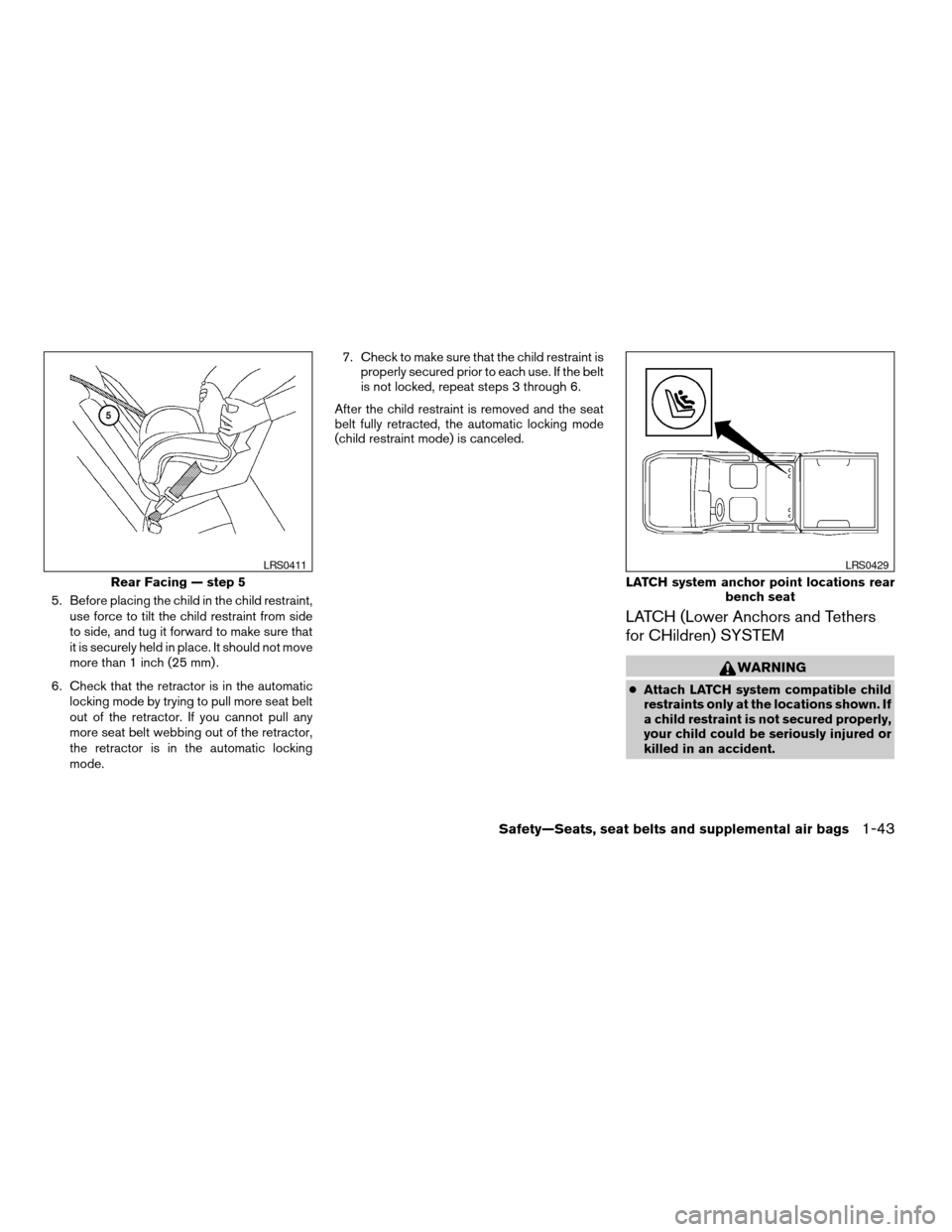
5. Before placing the child in the child restraint,
use force to tilt the child restraint from side
to side, and tug it forward to make sure that
it is securely held in place. It should not move
more than 1 inch (25 mm) .
6. Check that the retractor is in the automatic
locking mode by trying to pull more seat belt
out of the retractor. If you cannot pull any
more seat belt webbing out of the retractor,
the retractor is in the automatic locking
mode.7. Check to make sure that the child restraint is
properly secured prior to each use. If the belt
is not locked, repeat steps 3 through 6.
After the child restraint is removed and the seat
belt fully retracted, the automatic locking mode
(child restraint mode) is canceled.
LATCH (Lower Anchors and Tethers
for CHildren) SYSTEM
WARNING
cAttach LATCH system compatible child
restraints only at the locations shown. If
a child restraint is not secured properly,
your child could be seriously injured or
killed in an accident.
Rear Facing — step 5
LRS0411
LATCH system anchor point locations rear
bench seat
LRS0429
Safety—Seats, seat belts and supplemental air bags1-43
ZREVIEW COPY:Ð2004 Titan(tzw)
Owners Manual(owners)ÐUSA English(nna)
02/20/04Ðtbrooks
X
Page 63 of 328
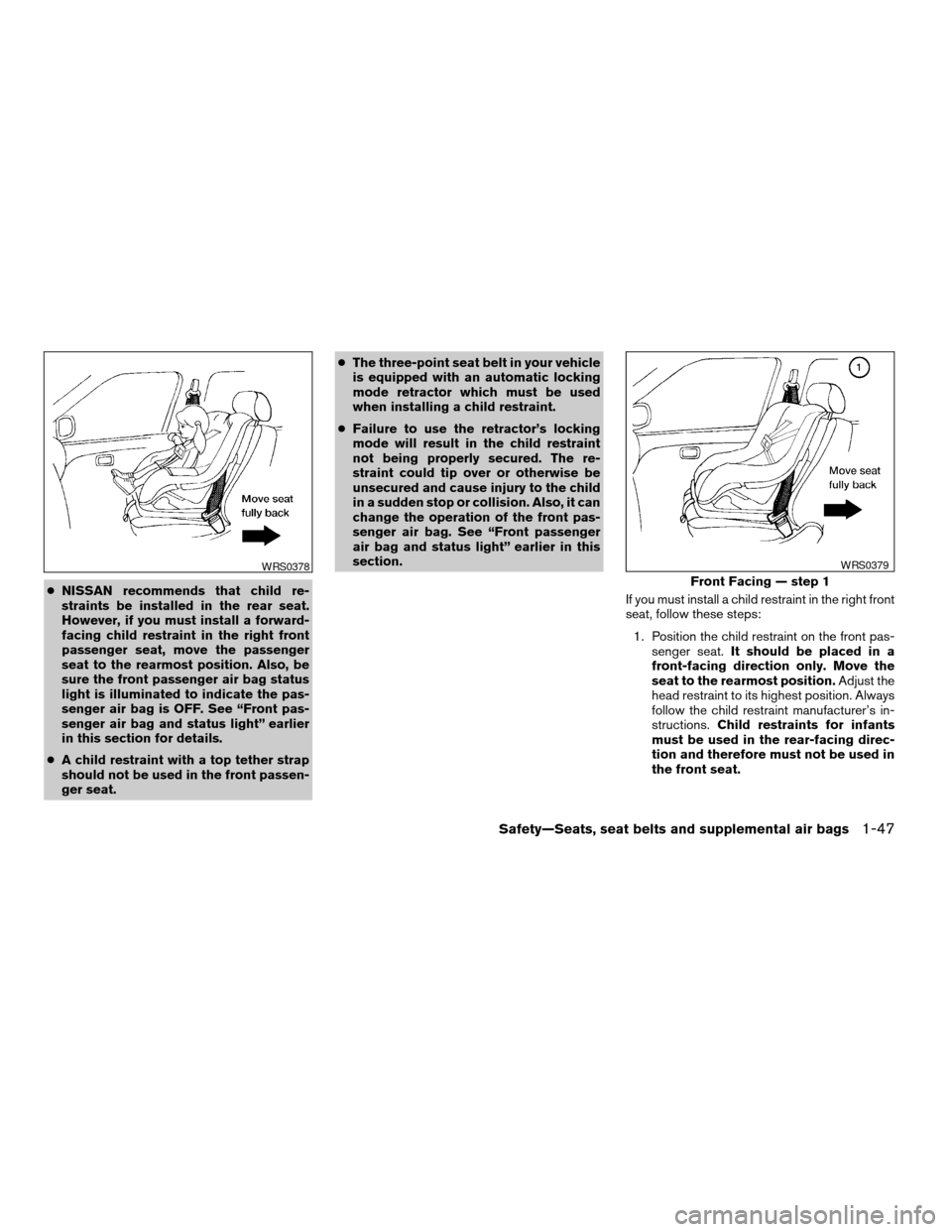
cNISSAN recommends that child re-
straints be installed in the rear seat.
However, if you must install a forward-
facing child restraint in the right front
passenger seat, move the passenger
seat to the rearmost position. Also, be
sure the front passenger air bag status
light is illuminated to indicate the pas-
senger air bag is OFF. See “Front pas-
senger air bag and status light” earlier
in this section for details.
cA child restraint with a top tether strap
should not be used in the front passen-
ger seat.cThe three-point seat belt in your vehicle
is equipped with an automatic locking
mode retractor which must be used
when installing a child restraint.
cFailure to use the retractor’s locking
mode will result in the child restraint
not being properly secured. The re-
straint could tip over or otherwise be
unsecured and cause injury to the child
in a sudden stop or collision. Also, it can
change the operation of the front pas-
senger air bag. See “Front passenger
air bag and status light” earlier in this
section.
If you must install a child restraint in the right front
seat, follow these steps:
1. Position the child restraint on the front pas-
senger seat.It should be placed in a
front-facing direction only. Move the
seat to the rearmost position.Adjust the
head restraint to its highest position. Always
follow the child restraint manufacturer’s in-
structions.Child restraints for infants
must be used in the rear-facing direc-
tion and therefore must not be used in
the front seat.
WRS0378
Front Facing — step 1
WRS0379
Safety—Seats, seat belts and supplemental air bags1-47
ZREVIEW COPY:Ð2004 Titan(tzw)
Owners Manual(owners)ÐUSA English(nna)
02/20/04Ðtbrooks
X
Page 64 of 328
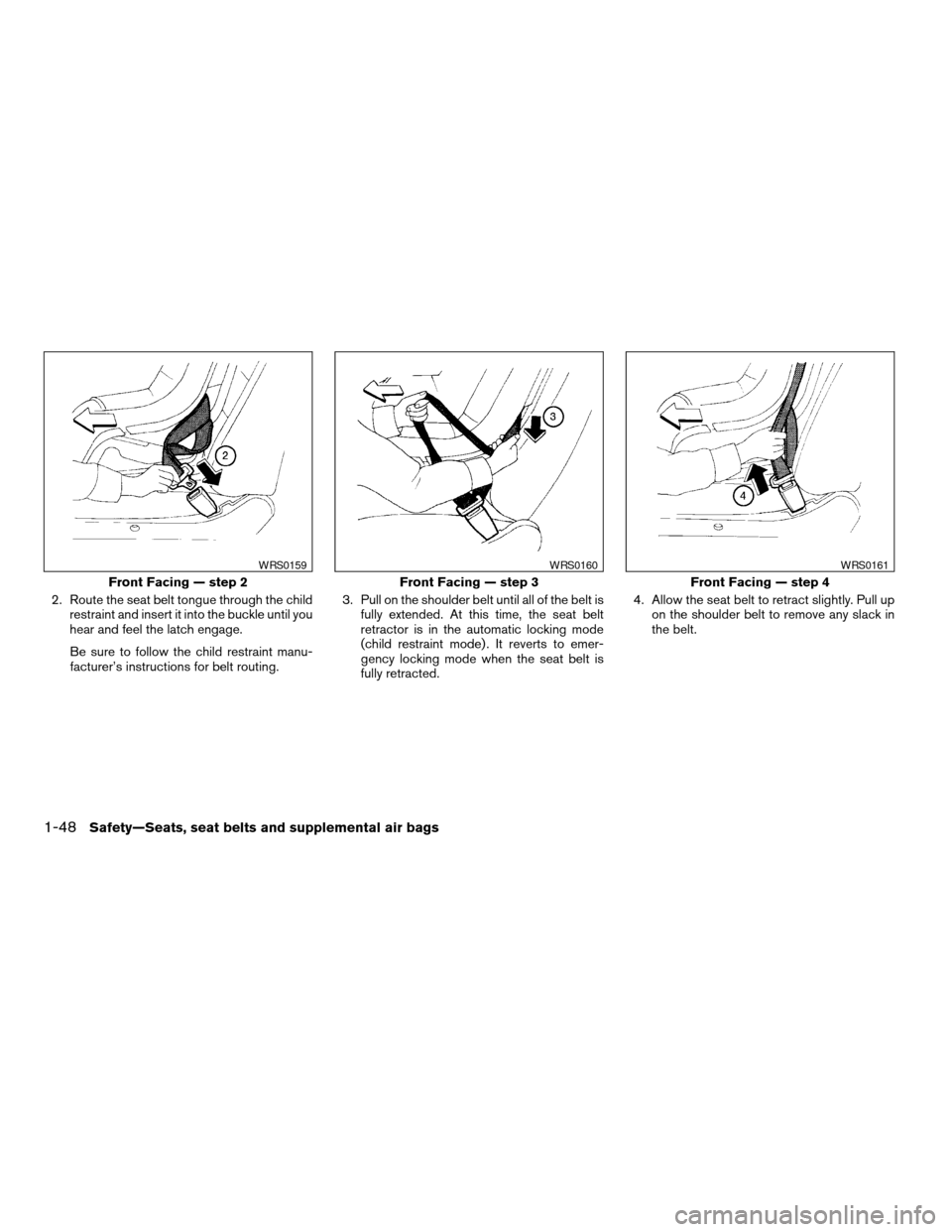
2. Route the seat belt tongue through the child
restraint and insert it into the buckle until you
hear and feel the latch engage.
Be sure to follow the child restraint manu-
facturer’s instructions for belt routing.3. Pull on the shoulder belt until all of the belt is
fully extended. At this time, the seat belt
retractor is in the automatic locking mode
(child restraint mode) . It reverts to emer-
gency locking mode when the seat belt is
fully retracted.4. Allow the seat belt to retract slightly. Pull up
on the shoulder belt to remove any slack in
the belt.
Front Facing — step 2
WRS0159
Front Facing — step 3
WRS0160
Front Facing — step 4
WRS0161
1-48Safety—Seats, seat belts and supplemental air bags
ZREVIEW COPY:Ð2004 Titan(tzw)
Owners Manual(owners)ÐUSA English(nna)
02/20/04Ðtbrooks
X
Page 65 of 328
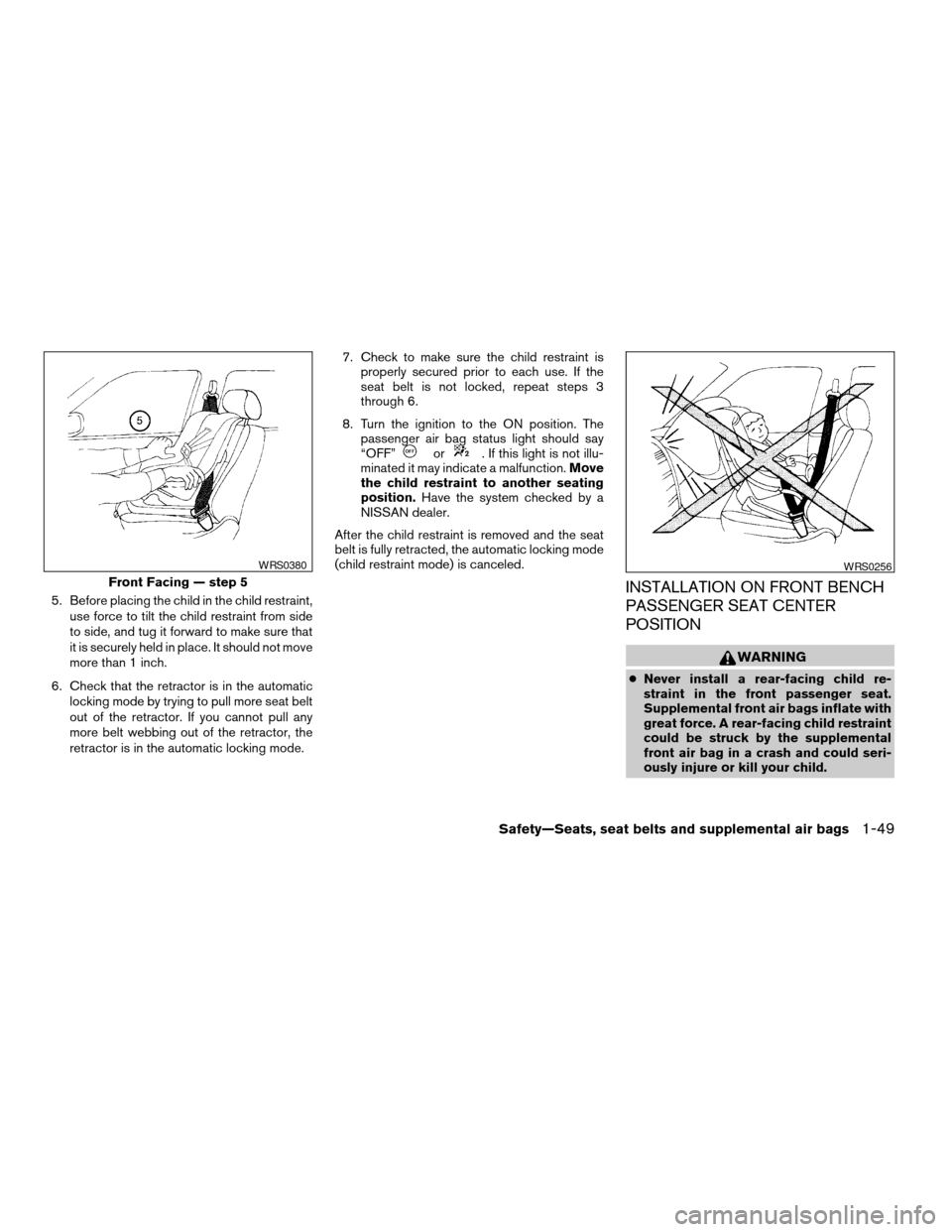
5. Before placing the child in the child restraint,
use force to tilt the child restraint from side
to side, and tug it forward to make sure that
it is securely held in place. It should not move
more than 1 inch.
6. Check that the retractor is in the automatic
locking mode by trying to pull more seat belt
out of the retractor. If you cannot pull any
more belt webbing out of the retractor, the
retractor is in the automatic locking mode.7. Check to make sure the child restraint is
properly secured prior to each use. If the
seat belt is not locked, repeat steps 3
through 6.
8. Turn the ignition to the ON position. The
passenger air bag status light should say
“OFF”
or. If this light is not illu-
minated it may indicate a malfunction.Move
the child restraint to another seating
position.Have the system checked by a
NISSAN dealer.
After the child restraint is removed and the seat
belt is fully retracted, the automatic locking mode
(child restraint mode) is canceled.
INSTALLATION ON FRONT BENCH
PASSENGER SEAT CENTER
POSITION
WARNING
cNever install a rear-facing child re-
straint in the front passenger seat.
Supplemental front air bags inflate with
great force. A rear-facing child restraint
could be struck by the supplemental
front air bag in a crash and could seri-
ously injure or kill your child.
Front Facing — step 5
WRS0380WRS0256
Safety—Seats, seat belts and supplemental air bags1-49
ZREVIEW COPY:Ð2004 Titan(tzw)
Owners Manual(owners)ÐUSA English(nna)
02/20/04Ðtbrooks
X
Page 68 of 328

2 Instruments and controls
Instrument panel...................................2-2
Meters and gauges................................2-3
Speedometer and odometer.....................2-4
Tachometer....................................2-5
Engine coolant temperature gauge...............2-5
Fuel gauge....................................2-6
Engine oil pressure gauge.......................2-6
Voltmeter......................................2-7
Automatic transmission fluid temperature
gauge (if so equipped)..........................2-7
Compass and outside temperature display
(if so equipped)...................................2-8
Outside temperature display.....................2-8
Compass display...............................2-9
Warning/indicator lights and audible reminders......2-12
Checking bulbs...............................2-12
Warning lights................................2-13
Indicator lights................................2-16
Audible reminders.............................2-19
Security systems (if so equipped)..................2-20
Vehicle security system.........................2-20
Nissan vehicle immobilizer system (NVIS)........2-21
Windshield wiper and washer switch...............2-22Switch operation..............................2-22
Heated mirror switch (if so equipped)...............2-23
Headlight and turn signal switch....................2-23
Headlight control switch........................2-23
Daytime running light system (Canada only)......2-26
Instrument brightness control...................2-26
Turn signal switch.............................2-27
Fog light switch (if so equipped)................2-27
Hazard warning flasher switch.....................2-27
Cargo lamp switch...............................2-28
Horn............................................2-28
Heated seat (if so equipped).......................2-29
Vehicle dynamic control (VDC) off switch
(if so equipped)..................................2-29
Electronic locking rear differential system switch
(if so equipped)..................................2-30
Rear sonar system off switch (if so equipped)........2-31
Tow mode switch.................................2-31
Power outlet.....................................2-32
Cigarette lighter..................................2-33
Storage.........................................2-34
Instrument panel storage trays..................2-34
Console box (if so equipped)...................2-35
ZREVIEW COPY:Ð2004 Titan(tzw)
Owners Manual(owners)ÐUSA English(nna)
02/23/04Ðdebbie
X
Page 69 of 328

Center armrest storage (if so equipped)..........2-36
Glove box....................................2-37
Sunglasses holder.............................2-37
Map pockets..................................2-38
Seatback pocket (if so equipped)...............2-38
Overhead console (if so equipped)..............2-38
Cup holders..................................2-39
Grocery hooks (if so equipped).................2-42
Lockable bedside storage compartment
(if so equipped)...............................2-42
Windows........................................2-43
Power windows (if so equipped)................2-43
Manual windows..............................2-45
Rear sliding window (if so equipped)............2-45
Sunroof (if so equipped)...........................2-46Automatic sunroof.............................2-46
Interior light......................................2-47
Console light (if so equipped)...................2-48
Personal lights (if so equipped)....................2-49
Map lights (if so equipped)........................2-49
HomeLinkTuniversal transceiver (if so equipped).....2-49
Programming HomeLinkT.......................2-50
Programming HomeLinkTfor Canadian
customers....................................2-51
Operating the HomeLinkTuniversal
transceiver....................................2-51
Programming trouble-diagnosis.................2-52
Clearing the programmed information............2-52
Reprogramming a single HomeLinkTbutton......2-52
If your vehicle is stolen.........................2-52
ZREVIEW COPY:Ð2004 Titan(tzw)
Owners Manual(owners)ÐUSA English(nna)
02/23/04Ðdebbie
X
Page 71 of 328

18. Power outlet/Cigarette lighter
(accessory) (P. 2-32/P. 2-33)
19. Vehicle dynamic control (VDC) off
switch (if so equipped) (P. 2-29)
20. Tow mode switch (P. 2-31)
21. Electronic locking rear differential
system switch (if so equipped)
(P .2-30)
22. Shift selector lever (console)
(if so equipped) (P. 5-9)
23. Power outlet (P. 2-32)
24. Passenger air bag status light (P. 2-17)
25. Hazard lights (P. 2-27)
26. 4WD shift switch (if so equipped)
(P. 5-20)
27. Shift selector lever (column)
(if so equipped) (P. 5-9)
28. Instrument brightness control (P. 2-26)
29. Tilt steering wheel control (P. 3-13)
30. Cargo lamp switch (P. 2-28)
31. Rear sonar system off switch (if so
equipped) (P. 2-31)
32. Pedal position adjustment switch
(if so equipped) (P. 3-13)
*: Refer to the separate Navigation System Own-
er’s Manual (if so equipped) .
See the page number indicated in paren-
theses for operating details.
1. Warning/indicator lights
2. Tachometer
3. Speedometer
4. Engine coolant temperature gauge
5. Fuel gauge
6. Engine oil pressure gauge7. Automatic transmission fluid tempera-
ture gauge (if so equipped)
8. Odometer/Twin trip odometer
9. Voltmeter
LIC0540
METERS AND GAUGES
Instruments and controls2-3
ZREVIEW COPY:Ð2004 Titan(tzw)
Owners Manual(owners)ÐUSA English(nna)
02/20/04Ðtbrooks
X
Page 80 of 328

orAnti-lock brake warning lightLow tire pressure warning light4WD shift indicator light (model)
Automatic transmission check warning lightLow windshield washer fluid warning lightorFront passenger air bag status
light
Automatic transmission park warning light
(model)Seat belt warning light and chimeHigh beam indicator light (Blue)
orBrake warning lightSupplemental air bag warning lightMalfunction indicator lamp (MIL)
Charge warning lightAutomatic transmission position indicator lightSecurity indicator light (NVIS) (if so equipped)
Door open warning lightorActive brake limited slip (if so
equipped)Slip indicator light (if so equipped)
Engine oil pressure low/engine coolant tem-
perature high warning lightCruise main switch indicator lightTransfer 4LO position indicator light
(model)
4WD warning light (model)Cruise set switch indicator lightTurn signal/hazard indicator lights
Low fuel warning lightElectronic locking rear differential system on
indicator light (if so equipped)Vehicle dynamic control off indicator light (if so
equipped)
CHECKING BULBS
With all doors closed, apply the parking brake
and turn the ignition key to the ON position
without starting the engine. The following lights
will come on:
,or,,,,
The following lights come on briefly and then go
off:
or,,,,,
,,,
If any light fails to come on, it may indicate
a burned-out bulb or an open circuit in the
electrical system. Have the system repaired
promptly.
WARNING/INDICATOR LIGHTS AND
AUDIBLE REMINDERS
2-12Instruments and controls
ZREVIEW COPY:Ð2004 Titan(tzw)
Owners Manual(owners)ÐUSA English(nna)
02/20/04Ðtbrooks
X
Page 81 of 328
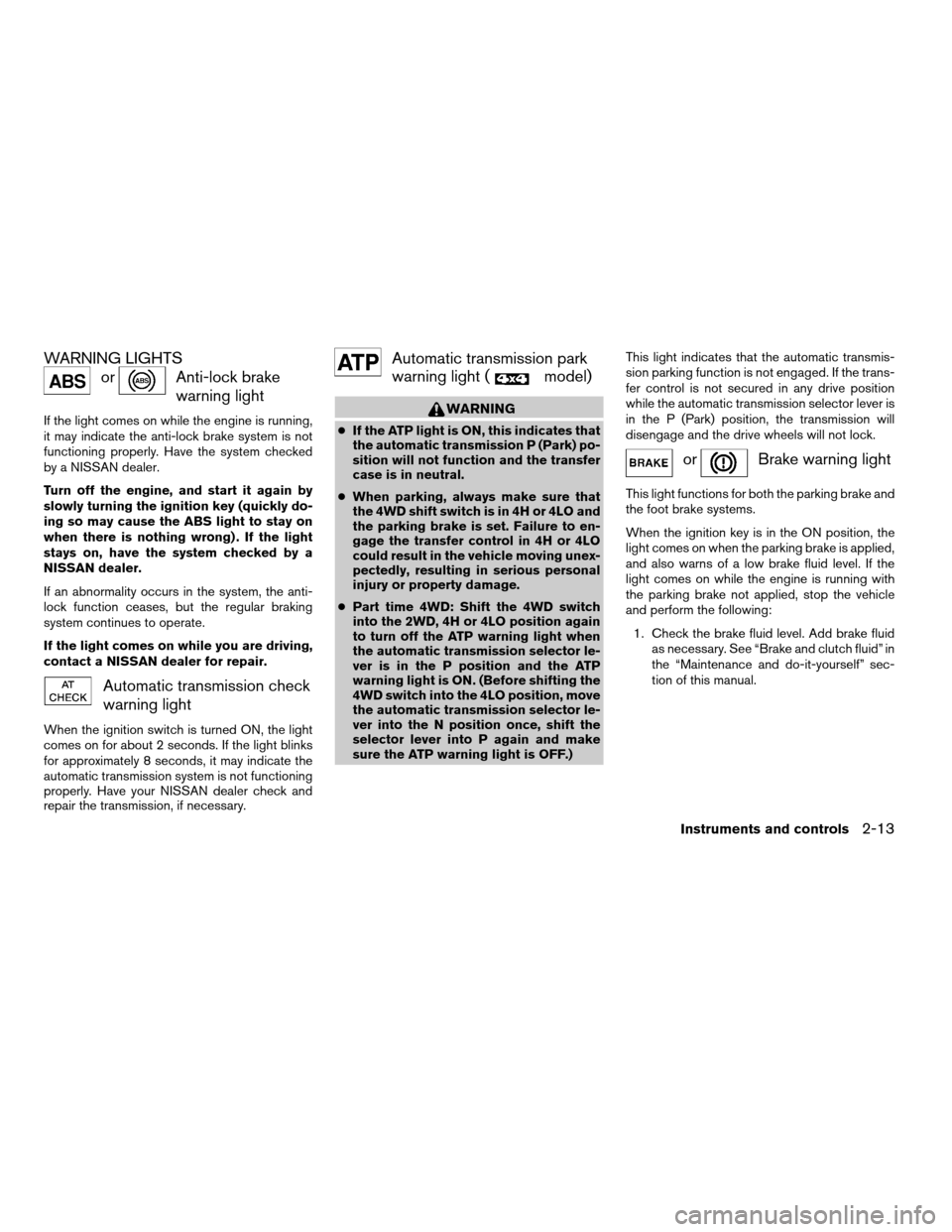
WARNING LIGHTS
orAnti-lock brake
warning light
If the light comes on while the engine is running,
it may indicate the anti-lock brake system is not
functioning properly. Have the system checked
by a NISSAN dealer.
Turn off the engine, and start it again by
slowly turning the ignition key (quickly do-
ing so may cause the ABS light to stay on
when there is nothing wrong) . If the light
stays on, have the system checked by a
NISSAN dealer.
If an abnormality occurs in the system, the anti-
lock function ceases, but the regular braking
system continues to operate.
If the light comes on while you are driving,
contact a NISSAN dealer for repair.
Automatic transmission check
warning light
When the ignition switch is turned ON, the light
comes on for about 2 seconds. If the light blinks
for approximately 8 seconds, it may indicate the
automatic transmission system is not functioning
properly. Have your NISSAN dealer check and
repair the transmission, if necessary.
Automatic transmission park
warning light (
model)
WARNING
cIf the ATP light is ON, this indicates that
the automatic transmission P (Park) po-
sition will not function and the transfer
case is in neutral.
cWhen parking, always make sure that
the 4WD shift switch is in 4H or 4LO and
the parking brake is set. Failure to en-
gage the transfer control in 4H or 4LO
could result in the vehicle moving unex-
pectedly, resulting in serious personal
injury or property damage.
cPart time 4WD: Shift the 4WD switch
into the 2WD, 4H or 4LO position again
to turn off the ATP warning light when
the automatic transmission selector le-
ver is in the P position and the ATP
warning light is ON. (Before shifting the
4WD switch into the 4LO position, move
the automatic transmission selector le-
ver into the N position once, shift the
selector lever into P again and make
sure the ATP warning light is OFF.)This light indicates that the automatic transmis-
sion parking function is not engaged. If the trans-
fer control is not secured in any drive position
while the automatic transmission selector lever is
in the P (Park) position, the transmission will
disengage and the drive wheels will not lock.
orBrake warning light
This light functions for both the parking brake and
the foot brake systems.
When the ignition key is in the ON position, the
light comes on when the parking brake is applied,
and also warns of a low brake fluid level. If the
light comes on while the engine is running with
the parking brake not applied, stop the vehicle
and perform the following:
1. Check the brake fluid level. Add brake fluid
as necessary. See “Brake and clutch fluid” in
the “Maintenance and do-it-yourself” sec-
tion of this manual.
Instruments and controls2-13
ZREVIEW COPY:Ð2004 Titan(tzw)
Owners Manual(owners)ÐUSA English(nna)
02/23/04Ðdebbie
X
Page 85 of 328

orActive brake lim-
ited slip (if so
equipped)
This indicator light comes on if the active brake
limited slip is activated. If activated, the system
will apply brake to the slipping rear wheel, giving
the non-slipping rear wheel more traction.
Cruise main switch indicator
light
The light comes on when the cruise control main
switch is pushed. The light goes out when the
main switch is pushed again. When the cruise
main switch indicator light comes on, the cruise
control system is operational.
Cruise set switch indicator
light
The light comes on while the vehicle speed is
controlled by the cruise control system. If the light
blinks while the engine is running, it may indicate
the cruise control system is not functioning prop-
erly. Have the system checked by a NISSAN
dealer.
Electronic locking rear differ-
ential system on indicator light
(if so equipped)
This light comes on when the electronic locking
rear differential system clutch is fully engaged.
The indicator light flashes when the system is first
turned on. When the system fully engages, the
light remains on. If the switch is on and the
indicator light continues to flash, the system is
not engaged.
For additional information, see “Electronic lock-
ing rear differential system switch” later in this
section and “Electronic locking rear differential
system” in the “Starting and driving” section of
this manual.
4WD shift indicator light
(
model)
The light should turn off within 1 second after
turning the ignition switch to ON.
While the engine is running, the 4WD shift indi-
cator light will illuminate the position selected by
the 4WD shift switch.
The 4WD shift indicator light may blink
while shifting from one drive mode to the
other.
orFront passenger
air bag status light
The front passenger air bag status light (or) will be lit and the passenger front air
bag will be OFF depending on how the right front
passenger seat is being used.
For front passenger air bag status light operation,
see “Front passenger air bag and status light” in
the “Safety — Seats, seat belts and supplemental
air bags” section of this manual.
High beam indicator light
(Blue)
This blue light comes on when the headlight high
beams are on and goes out when the low beams
are selected.
The high beam indicator light also comes on
when the passing signal is activated.
Malfunction indicator lamp
(MIL)
If this indicator lamp comes on steady or blinks
while the engine is running, it may indicate a
potential emission control malfunction.
The malfunction indicator lamp may also come on
steady if the fuel filler cap is loose or missing, or if
the vehicle runs out of fuel. Check to make sure
Instruments and controls2-17
ZREVIEW COPY:Ð2004 Titan(tzw)
Owners Manual(owners)ÐUSA English(nna)
02/20/04Ðtbrooks
X