USB NISSAN VERSA NOTE 2017 2.G User Guide
[x] Cancel search | Manufacturer: NISSAN, Model Year: 2017, Model line: VERSA NOTE, Model: NISSAN VERSA NOTE 2017 2.GPages: 414, PDF Size: 4.55 MB
Page 217 of 414
(RDM) RANDOM
When the RDM button is pressed while a track is
being played, the play pattern can be changed as
follows:
Shuffle Off→Track Shuffle →Album Shuffle →
Shuffle Off
Track Shuffle: the tracks in the current list will be
played randomly.
Album Shuffle: the albums in the current list will
be played randomly.
Shuffle Off: no random play pattern is applied.
BACK button
When the
BACK button is pressed, it re-
turns to the previous menu.
MEDIA button
Press the MEDIA button while the iPod® is con-
nected to show the iPod® operation menu on the
audio display. Scroll through the menu list using
the TUNE/FOLDER knob. Press the
ENTER/SETTING button to select a menu item.
Items in the iPod® menu appear on the display in
the following order:
● Now playing
● Playlists
● Artists ●
Albums
● Songs
● Podcasts
● Genres
● Composers
● Audiobooks
● Shuffle songs
For additional information, refer to the iPod®
Owner’s Manual.iPod®* PLAYER OPERATION WITH
NAVIGATION SYSTEM (if so
equipped)
Connecting iPod®
WARNING
Do not connect, disconnect or operate the
USB device while driving. Doing so can be
a distraction. If distracted you could lose
control of your vehicle and cause an acci-
dent or serious injury.
LHA4358
4-64Monitor, climate, audio, phone and voice recognition systems
Page 218 of 414
CAUTION
●Do not force the USB device into the
USB port. Inserting the USB device
tilted or up-side-down into the port may
damage the port. Make sure that the
USB device is connected correctly into
the USB port.
● Do not grab the USB port cover (if so
equipped) when pulling the USB device
out of the port. This could damage the
port and the cover.
● Do not leave the USB cable in a place
where it can be pulled unintentionally.
Pulling the cable may damage the port.
For additional information, refer to your device
manufacturer’s owner information regarding the
proper use and care of the device.
To connect an iPod® to the vehicle so that the
iPod® can be controlled with the audio system
controls and display screen, use the USB con-
nection port located on the instrument panel.
Connect the iPod®-specific end of the cable to
the iPod® and the USB end of the cable to the
USB connection port on the vehicle. If your
iPod® supports charging via a USB connection,
its battery will be charged while connected to the
vehicle with the ignition switch in the ACC or ON
position. While connected to the vehicle, the iPod® can
only be operated by the vehicle audio controls.
To disconnect the iPod® from the vehicle, re-
move the USB end of the cable from the USB
port on the vehicle, then remove the cable from
the iPod®.
* iPod® is a trademark of Apple Inc., registered in
the U.S. and other countries.
Compatibility
The following models are compatible:
● iPod® Classic 5th generation (firmware ver-
sion 1.3.0 or later)
● iPod® Classic 6th generation (firmware ver-
sion 2.0.1 or later)
● iPod® Classic 7th generation (firmware ver-
sion 2.0.4 or later)
● iPod® Touch 2nd generation (firmware ver-
sion 4.2.1 or later)*
● iPod® Touch 3rd generation (firmware ver-
sion 5.1 or later)
● iPod® Touch 4th generation (firmware ver-
sion 5.1 or later)
● iPod® nano - 1st generation (firmware ver-
sion 1.3.1 or later) ●
iPod® nano - 2nd generation (firmware ver-
sion 1.1.3 or later)
● iPod® nano - 3rd generation (firmware ver-
sion 1.1.3 or later)
● iPod® nano - 4th generation (firmware ver-
sion 1.0.4 or later)
● iPod® nano - 5th generation (firmware ver-
sion 1.0.2 or later)
● iPod® nano - 6th generation (firmware ver-
sion 1.1 or later)
● iPhone® 3G (firmware version 4.2.1 or later)
● iPhone® 3GS (firmware version 5.1 or later)
● iPhone® 4 (firmware version 5.1 or later)
● iPhone® 4S (firmware version 5.1 or later)
* Some features of this iPod® may not be fully
functional.
Make sure that your iPod® firmware is updated to
the version indicated above.
Monitor, climate, audio, phone and voice recognition systems4-65
Page 224 of 414
SOURCE switch
Push the SOURCE switch to change the mode in
the following sequence:
AM→FM1 →FM2 →XM1 (satellite radio, if so
equipped) →XM2 (satellite radio, if so equipped)
→ XM3 (satellite radio, if so equipped) →CD* →
USB/iPod®* (if so equipped) →Bluetooth® Au-
dio* (if so equipped) →AUX* →AM.
* These modes are only available when compat-
ible media storage is inserted into the device or
connected to the system.
Volume control switches
Push the volume control switch to increase or
decrease the volume.
Tuning switch
For most audio sources, pressing the switches
for more than 1.5 seconds provides a different
function than pressing for less than 1.5 seconds.
AM and FM:
● Push the
switch for less than 1.5 sec-
onds to increase or decrease the preset
station.
● Push the
switch for more than
1.5 seconds to seek up or down to the next
station.
XM (if so equipped):
● Push the
switch for less than 1.5 sec-
onds to increase or decrease the preset
station.
● Push the
switch for more than
1.5 seconds to go to the next or previous
category.
iPod® (if so equipped):
● Push the
switch for less than 1.5 sec-
onds to increase or decrease the track num-
ber. CD:
● Push the
switch for less than 1.5 sec-
onds to increase or decrease the track num-
ber.
● Push the
switch for more than
1.5 seconds to increase or decrease the
folder number (if playing compressed audio
files) .
USB (if so equipped):
● Push the
switch for less than 1.5 sec-
onds to increase or decrease the track num-
ber.
● Push the
switch for more than
1.5 seconds to increase or decrease the
folder number.
Bluetooth® Audio (if so equipped):
● Push the
switch for less than 1.5 sec-
onds to skip ahead or back to the next song.
● Push the
switch for more than
1.5 seconds to reverse or fast forward the
current song.
Type B (if so equipped)
LHA3052
Monitor, climate, audio, phone and voice recognition systems4-71
Page 225 of 414
ANTENNA
The antenna cannot be shortened, but can be
removed. When you need to remove the antenna,
turn the antenna rod counterclockwise.
To install the antenna rod, turn the antenna rod
clockwise and hand tighten.
CAUTION
●Always properly tighten the antenna
rod during installation or the antenna
rod may break during vehicle operation.
● Be sure that the antenna is removed
before the vehicle enters an automatic
car wash.
● Be sure to fold down the antenna be-
fore the vehicle enters a garage with a
low ceiling. This vehicle is equipped with Smartphone Inte-
gration technology. This allows many compatible
Smartphone applications to be displayed and
easily controlled through the vehicle’s touch-
screen.
NOTE:
A compatible smartphone and registration
is required to use mobile applications or to
access connected features of certain ve-
hicle applications.
REGISTERING WITH
NISSANCONNECTSMMOBILE APPS
To use the Smartphone Integration feature, it is
necessary for the user to register. In order to
register, visit the NissanConnect
SMMobile Apps
website, www.nissanusa.com/connect/ or
www.nissan.ca/nissanconnect or
www.nissan.ca/nissanconnect/fr and sign up or
create an account through the prompts on the
NissanConnect Mobile Apps. Once registered,
download the NissanConnect Mobile Apps from
your compatible phone’s application download
source and then log into the application. If you
already have an account created through the
App, please log in.
CONNECT PHONE
To use this feature, a compatible smartphone
must be connected via Bluetooth® or USB to the
vehicle. For additional information, refer to
“Bluetooth® Hands-Free Phone System with
Navigation System” in this section.
NOTE:
For vehicles with navigation, Apple iP-
hones® REQUIRE the phone to be plugged
in via USB for NissanConnect Mobile Apps
to function.
For vehicles without Navigation, Apple iP-
hones® must be paired via Bluetooth® for
NissanConnect Mobile Apps to function.
NOTE:
For Android phones, NissanConnect Mo-
bile Apps REQUIRES the phone to be
paired via Bluetooth®.
NISSANCONNECTSMMOBILE APPS
(if so equipped)
4-72Monitor, climate, audio, phone and voice recognition systems
Page 406 of 414
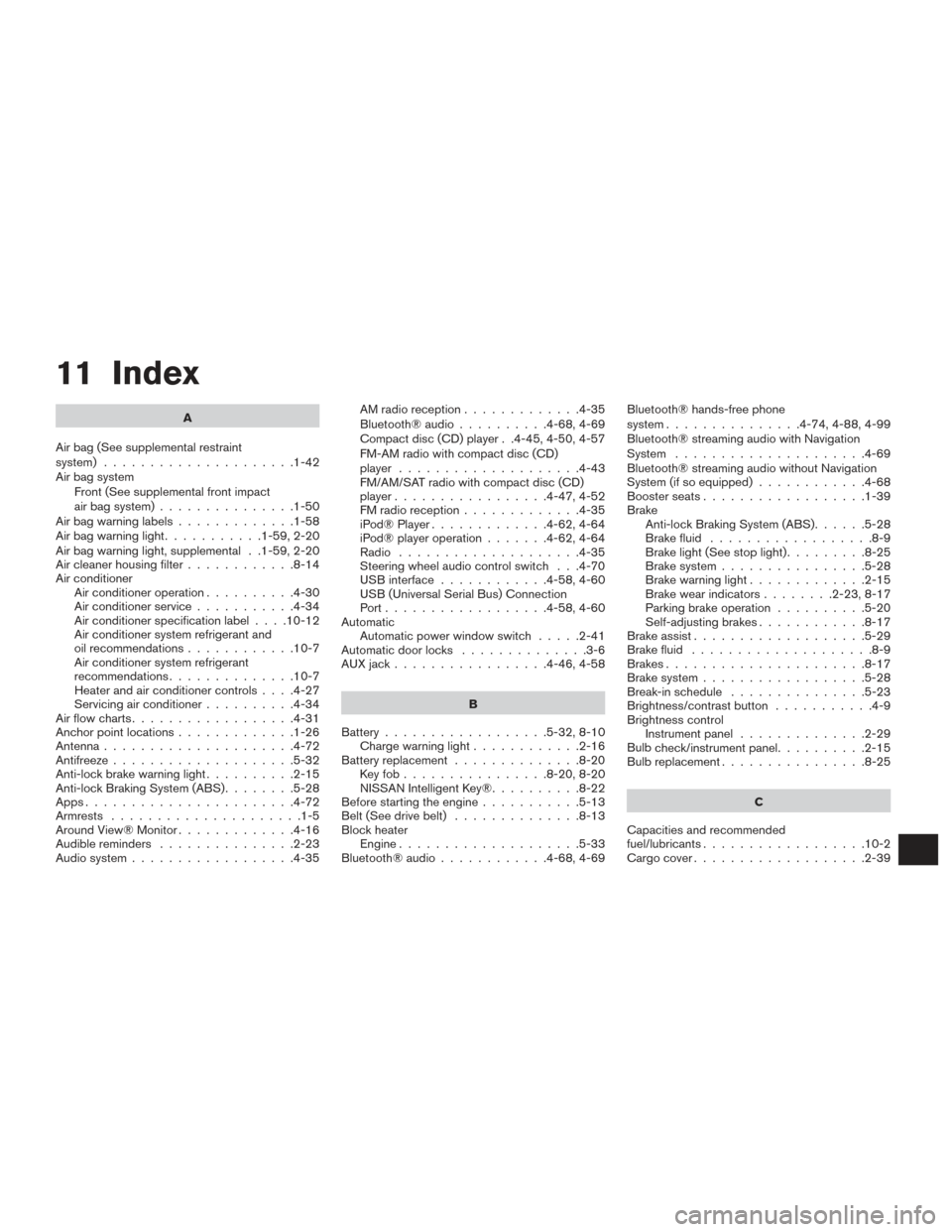
11 Index
A
Air bag (See supplemental restraint
system) .....................1-42
Air bag system Front (See supplemental front impact
air bag system) ...............1-50
Airbagwarninglabels.............1-58
Airbagwarninglight...........1-59,2-20
Air bag warning light, supplemental . .1-59, 2-20
Air cleaner housing filter ............8-14
Air conditioner Air conditioner operation ..........4-30
Air conditioner service ...........4-34
Air conditioner specification label ....10-12
Air conditioner system refrigerant and
oil recommendations ............10-7
Air conditioner system refrigerant
recommendations ..............10-7
Heater and air conditioner controls ....4-27
Servicing air conditioner ..........4-34
Airflowcharts..................4-31
Anchor point locations .............1-26
Antenna .....................4-72
Antifreeze ....................5-32
Anti-lock brake warning light ..........2-15
Anti-lock Braking System (ABS) ........5-28
Apps .......................4-72
Armrests .....................1-5
Around View® Monitor .............4-16
Audible reminders ...............2-23
Audio system ..................4-35 AMradioreception.............4-35
Bluetooth®audio..........4-68,4-69
Compact disc (CD) player . .4-45, 4-50, 4-57
FM-AM radio with compact disc (CD)
player ....................4-43
FM/AM/SAT radio with compact disc (CD)
player.................4-47,4-52
FMradioreception.............4-35
iPod® Player
.............4-62,4-64
iPod® player operation .......4-62,4-64
Radio ....................4-35
Steering wheel audio control switch . . .4-70
USB interface ............4-58,4-60
USB (Universal Serial Bus) Connection
Port..................4-58,4-60
Automatic Automatic power window switch .....2-41
Automatic door locks ..............3-6
AUXjack.................4-46,4-58
B
Battery ..................5-32,8-10
Chargewarninglight............2-16
Battery replacement ..............8-20
Keyfob................8-20,8-20
NISSAN Intelligent Key® ..........8-22
Before starting the engine ...........5-13
Belt (See drive belt) ..............8-13
Block heater Engine ....................5-33
Bluetooth®audio............4-68,4-69 Bluetooth® hands-free phone
system...............4-74,4-88,4-99
Bluetooth® streaming audio with Navigation
System
.....................4-69
Bluetooth® streaming audio without Navigation
System (if so equipped) ............4-68
Boosterseats..................1-39
Brake Anti-lock Braking System (ABS) ......5-28
Brake fluid ..................8-9
Brakelight(Seestoplight).........8-25
Brake system ................5-28
Brakewarninglight.............2-15
Brakewearindicators........2-23,8-17
Parking brake operation ..........5-20
Self-adjusting brakes ............8-17
Brake assist ...................5-29
Brake fluid ....................8-9
Brakes ......................8-17
Brake system ..................5-28
Break-inschedule ...............5-23
Brightness/contrast button ...........4-9
Brightness control Instrument panel ..............2-29
Bulb check/instrument
panel ..........2-15
Bulbreplacement................8-25
C
Capacities and recommended
fuel/lubricants ..................10-2
Cargocover...................2-39
Page 412 of 414
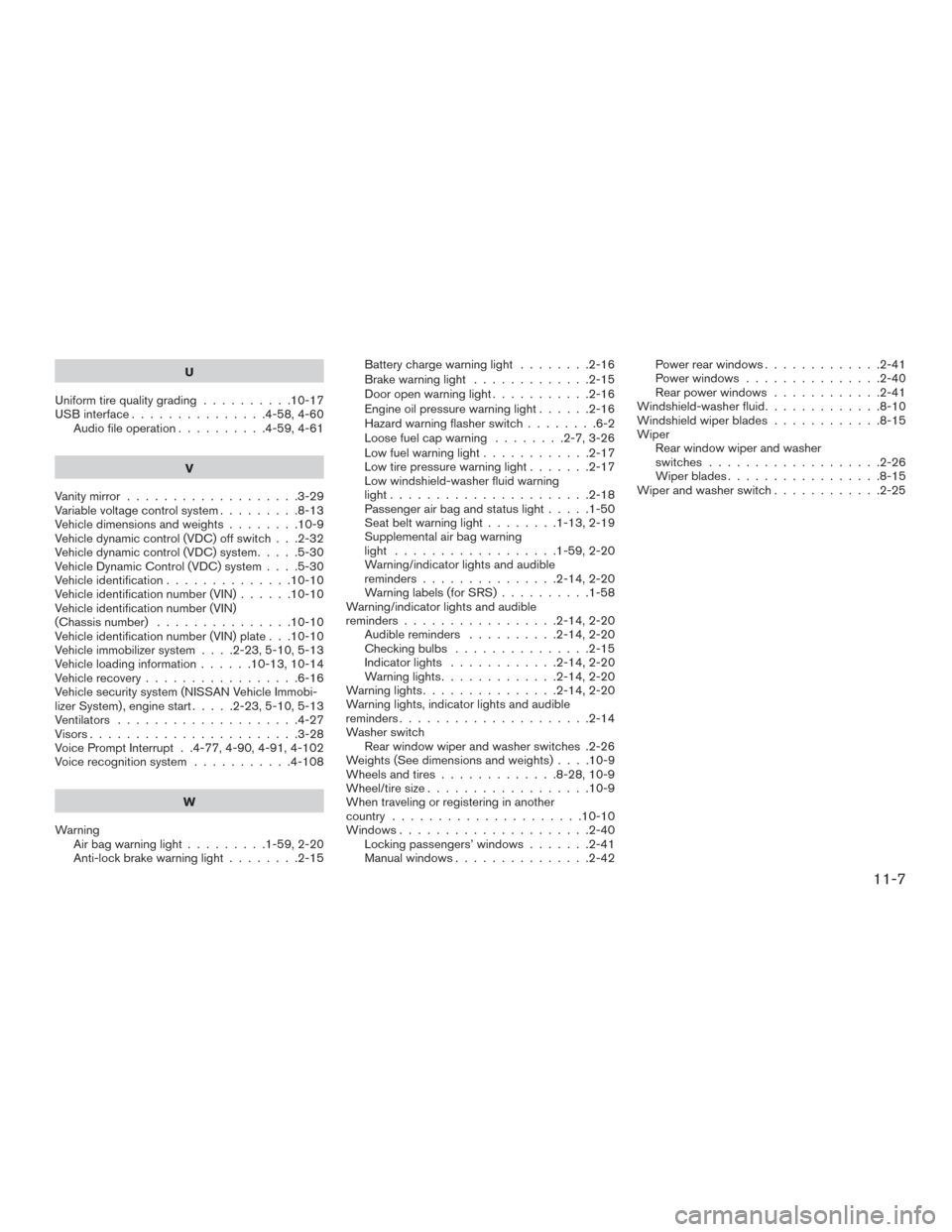
U
Uniform tire quality grading ..........10-17
USB interface ...............4-58,4-60
Audio file operation ..........4-59,4-61
V
Vanity mirror ...................3-29
Variable voltage control system .........8-13
Vehicledimensionsandweights........10-9
Vehicle dynamic control (VDC) off switch . . .2-32
Vehicle dynamic control (VDC) system .....5-30
Vehicle Dynamic Control (VDC) system ....5-30
Vehicle identification ..............10-10
Vehicle identification number (VIN) ......10-10
Vehicle identification number (VIN)
(Chassis number) ...............10-10
Vehicle identification number (VIN) plate . . .10-10
Vehicle immobilizer system ....2-23,5-10,5-13
Vehicleloadinginformation......10-13,10-14
Vehicle recovery .................6-16
Vehicle security system (NISSAN Vehicle Immobi-
lizer System) , engine start .....2-23,5-10,5-13
Ventilators ....................4-27
Visors.......................3-28
Voice Prompt Interrupt . .4-77, 4-90, 4-91, 4-102
Voice recognition system ...........4-108
W
Warning Airbagwarninglight.........1-59,2-20
Anti-lock brake warning light ........2-15Battery charge warning light
........2-16
Brake warning light .............2-15
Door open warning light ...........2-16
Engine oil pressure warning light ......2-16
Hazard warning flasher switch ........6-2
Loose fuel cap warning ........2-7,3-26
Lowfuelwarninglight............2-17
Low tire pressure warning light .......2-17
Low windshield-washer fluid warning
light......................2-18
Passenger air bag and status light .....1-50
Seatbeltwarninglight........1-13,2-19
Supplemental air bag warning
light ..................1-59,2-20
Warning/indicator lights and audible
reminders...............2-14,2-20
Warning labels (for SRS) ..........1-58
Warning/indicator lights and audible
reminders.................2-14,2-20 Audible reminders ..........2-14,2-20
Checking bulbs ...............2-15
Indicatorlights ............2-14,2-20
Warninglights.............2-14,2-20
Warninglights...............2-14,2-20
Warning lights, indicator lights and audible
reminders.....................2-14
Washer switch Rear window wiper and washer switches .2-26
Weights(Seedimensionsandweights)....10-9
Wheels and tires .............8-28,10-9
Wheel/tire size ..................10-9
When traveling or registering in another
country .....................10-10
Windows .....................2-40
Locking passengers’ windows .......2-41
Manual windows ...............2-42 Power rear windows
.............2-41
Power windows ...............2-40
Rear power windows ............2-41
Windshield-washerfluid.............8-10
Windshieldwiperblades............8-15
Wiper Rear window wiper and washer
switches...................2-26
Wiperblades.................8-15
Wiper and washer switch ............2-25
11-7