lock Oldsmobile Achieva 1995 s Owner's Guide
[x] Cancel search | Manufacturer: OLDSMOBILE, Model Year: 1995, Model line: Achieva, Model: Oldsmobile Achieva 1995Pages: 340, PDF Size: 16.99 MB
Page 103 of 340
Also, if your vehicle is left with the ignition turned off
for over 24 days, battery power to your clock, audio
system and Remote
Lock Control (if you have this
option) will be turned
off to reduce battery drain. When
the ignition is turned on again, battery power will
be
resupplied. However, under these conditions, it will be
necessary to reset the clock and audio system settings.
Inside Manual Daymight Rearview Mirror
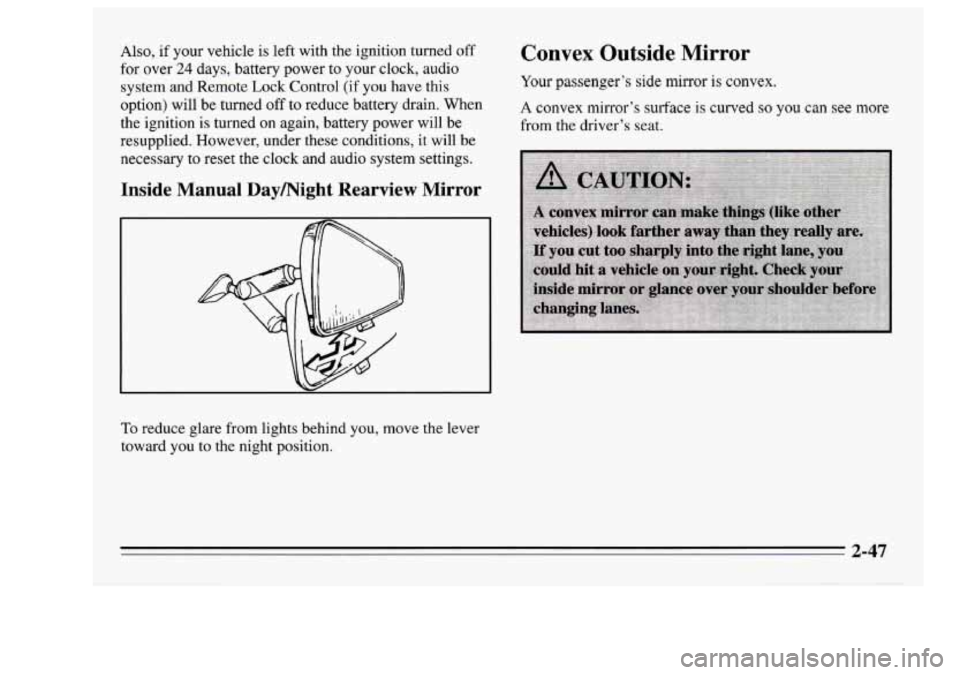
To reduce glare from lights behind you, move the lever
toward you to the night position.
Convex Outside Mirror
Your passenger’s side mirror is convex.
A convex mirror’s surface is curved so you can see more
from the driver’s seat.
2-47
Page 104 of 340
Manual Remote Control Mirrors
The outside rearview mirror should be adjusted so you
can just see the side of your vehicle when you are sitting
in a comfortable driving position.
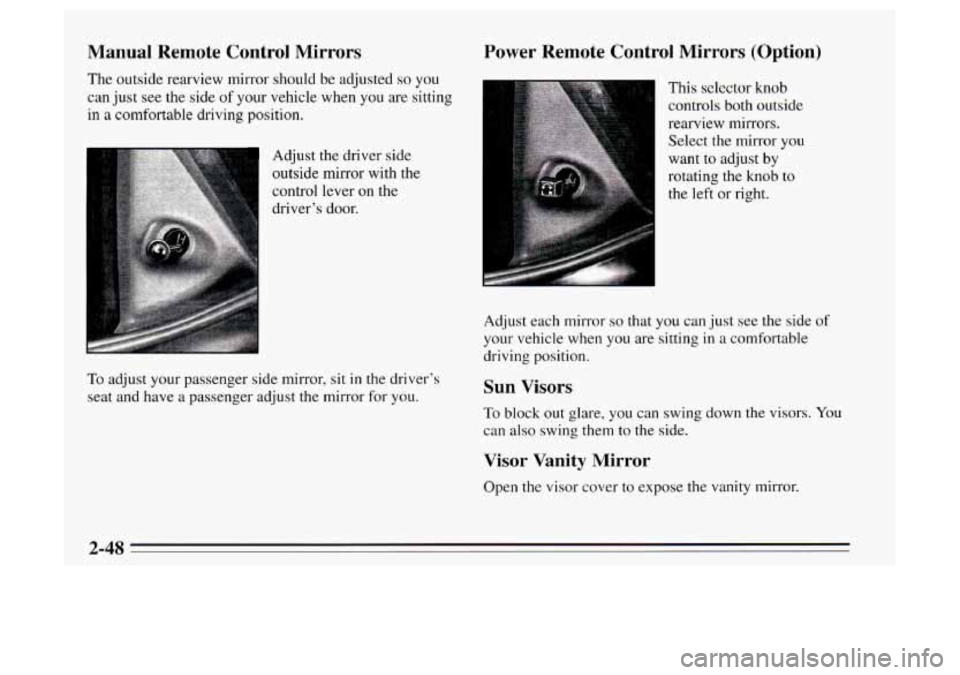
Adjust the driver side
outside mirror with the
control lever on the
driver’s door.
To adjust your passenger side mirror, sit in the driver’s
seat and have a passenger adjust the mirror for you.
Power Remote Control Mirrors (Option)
This selector knob
controls both outside
rearview mirrors. Select the mirror
you
want to adjust by
rotating the knob to
the left or right.
Adjust each mirrof
SO that yoil can Just see the side of
your vehicle when you are sitting
in a comfortable
driving position.
Sun Visors
To block out glare, you can swing down the visors. You
can also swing them to the side.
Visor Vanity Mirror
Open the visor cover to expose the vanity mirror.
2-48
Page 117 of 340
Voltmeter (Gage Cluster)
8
Up Shift Light (Manual Transaxle)
FASTE d
VOLTS 1-J BELTS
LOW
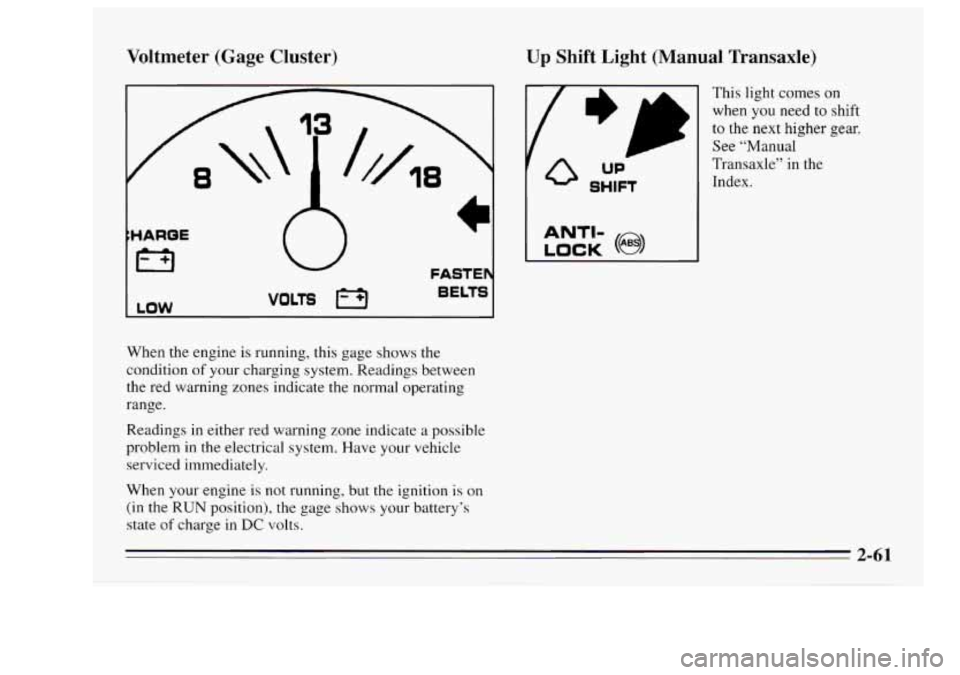
When the engine is running, this gage shows the
condition
of your charging system. Readings between
the red warning zones indicate the normal operating
range.
Readings in either red warning zone indicate
a possible
problem
in the electrical system. Have your vehicle
serviced immediately.
When your engine
is not running, but the ignition is on
(in the RUN position), the gage shows your battery’s
state
of charge in DC volts.
I LOCK (@I
ANTI-
This light comes on
when you need to shift
to the next higher gear.
See “Manual
Transaxle” in the
Index.
2-61
Page 118 of 340
Brake System Warning Light
FASTEN )i
BELTS #e*
BRAKE
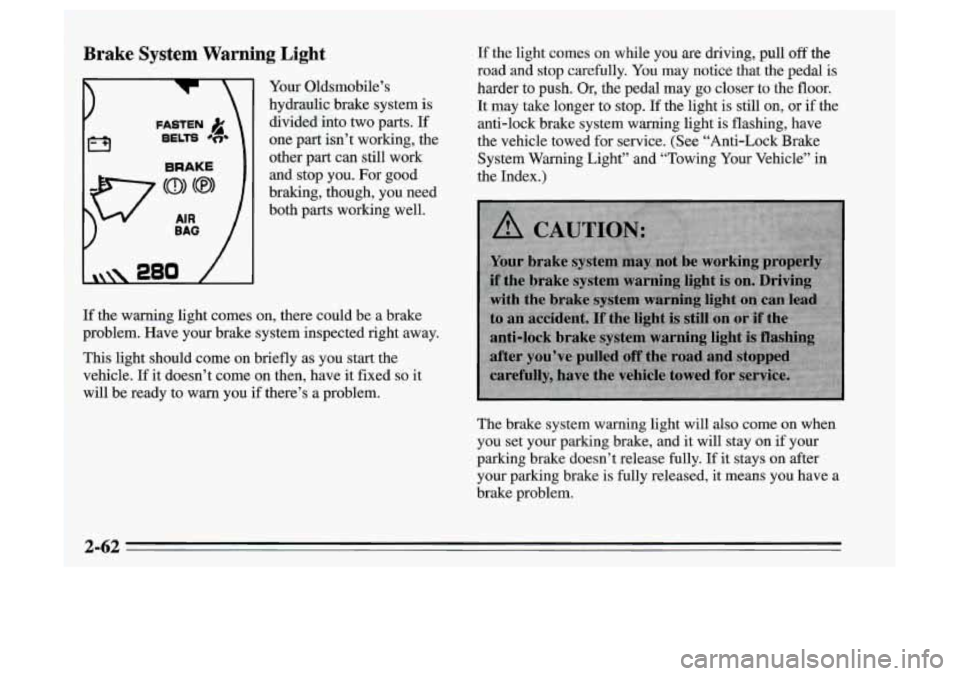
Your Oldsmobile’s
hydraulic brake system is
divided into two parts. If
one part isn’t working, the
other part can still work and stop you. For good
braking, though, you need
both parts working well. If the light comes
on while you are driving, pull off the
road
and stop carefully. You may notice that the pedal is
harder to push. Or, the pedal may go closer to the floor.
It may take longer to stop. If the light is still on, or if the
anti-lock brake system warning light is flashing, have
the vehicle towed for service. (See “Anti-Lock Brake
System Warning Light” and “Towing Your Vehicle” in
the Index.)
If the warning light comes on, there could be a brake
problem. Have your brake system inspected right away.
This light should come on briefly as you start the
vehicle. If
it doesn’t come on then, have it fixed so it
will be ready to warn you if there’s a problem.
The brake system warning light will also come
on when
you set your parking brake, and it will stay on
if your
parking brake doesn’t release fully.
If it stays on after
your parking brake is fully released, it means you have a
brake problem.
2-62
Page 119 of 340
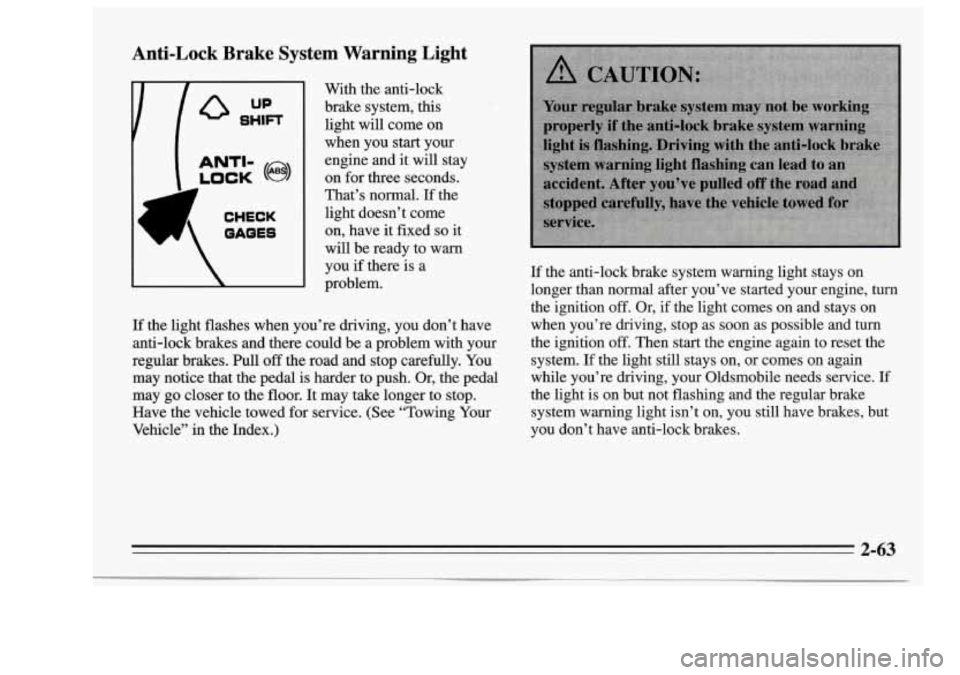
Anti-Lock Brake System Warning Light
‘A CHECK
OAQES
With the anti-lock
brake system,
this
light will come on
when you start your
engine and it will stay
on for
three seconds.
That’s normal.
If the
light doesn’t come
on, have it fiied
so it
will be ready to warn
you
if there is a
problem.
If the light flashes when you’re driving, you don’t have
anti-lock brakes and there could be a problem with your
regular brakes. Pull
off the road and stop carefully. You
may notice that the pedal is harder to push. Or, the pedal
may go closer to the floor. It may take longer to stop.
Have the vehicle towed for service. (See “Towing Your
Vehicle” in the Index.)
If the anti-lock brake system warning light stays on
longer than normal after you’ve started your engine,
turn
the ignition off. Or, if the light comes on and stays on
when you’re driving, stop as soon as possible and turn
the ignition
off. Then start the engine again to reset the
system.
If the light still stays on, or comes on again
while you’re driving, your Oldsmobile needs service.
If
the light is on but not flashing and the regular brake
system warning light isn’t on, you still have brakes, but
you don’t have anti-lock brakes.
2-63
Page 126 of 340
Here are four things that some owners ask about. None
of these show a problem with your fuel gage:
0 At the service station, the gas pump shuts off before
It takes a little more or less fuel to fill up than the
the
gage reads
F (FULL).
gage indicated. For example, the gage may have
indicated the tank was half full, but it actually took a
little more or less than half the tank’s capacity to fill
the tank.
0 The gage moves a little when you turn a corner or
speed
up.
The gage doesn’t go back to E (EMPTY) when you
turn
off the ignition.
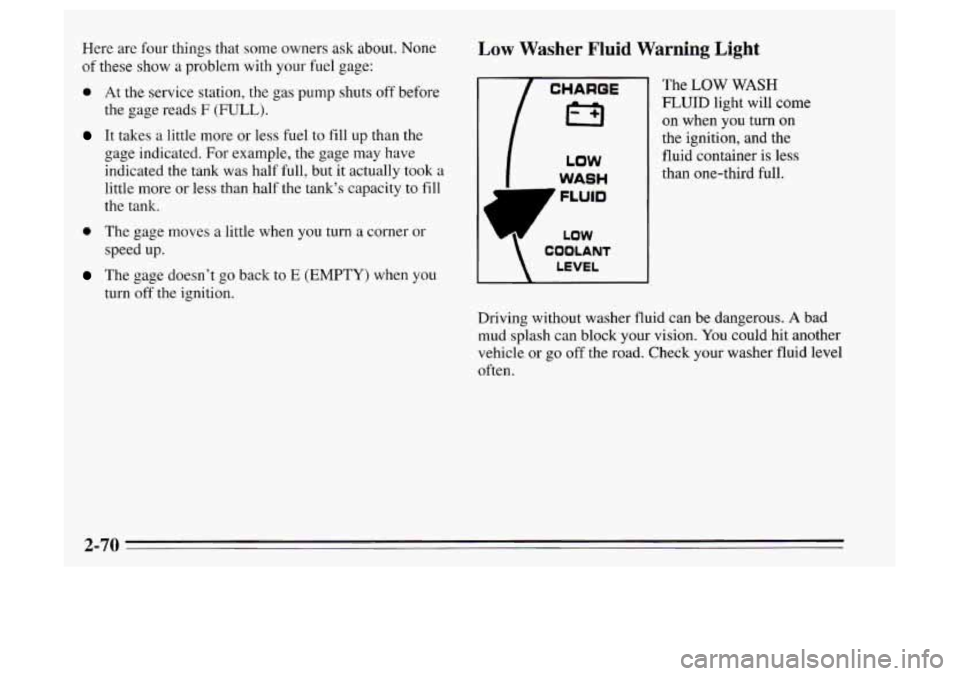
Low Washer Fluid Warning Light
1 CHAROE I
I3
LOW
WASH
LEVEL
COOLANT
The LOW WASH
FLUID light will come
on when you turn on
the ignition, and the
fluid container is less
than one-third full.
Driving without washer fluid can be dangerous.
A bad
mud splash can block your vision. You could hit another
vehicle or
go off the road. Check your washer fluid level
often.
Page 128 of 340
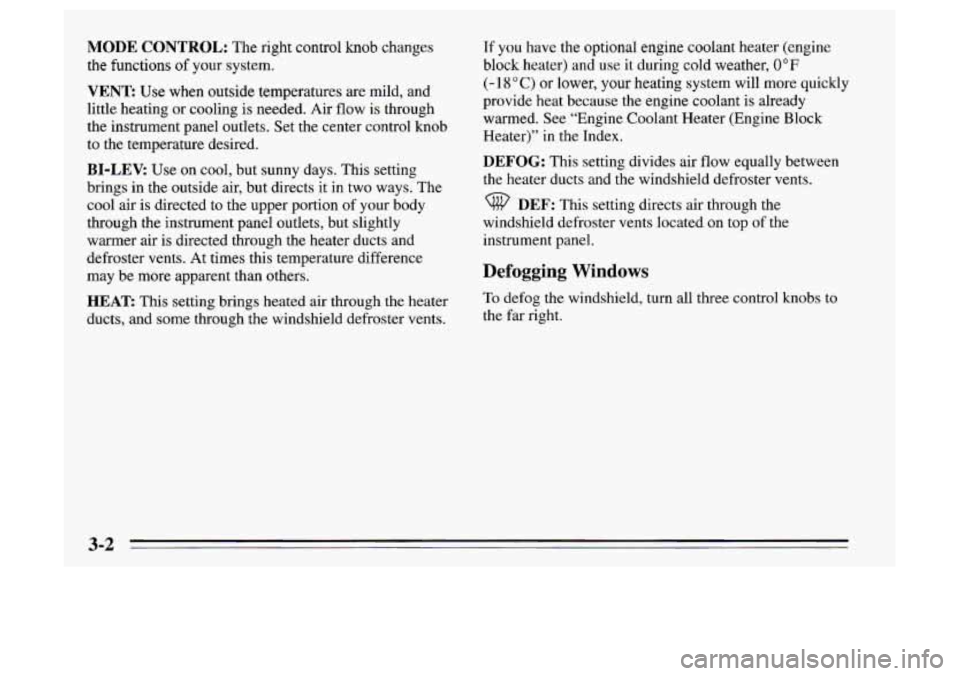
MODE CONTROL: The right control knob changes
the functions
of your system.
VENT: Use when outside temperatures are mild, and
little heating or cooling is needed. Air flow is through
the instrument panel outlets.
Set the center control knob
to the temperature desired.
BI-LEV: Use on cool, but sunny days. This setting
brings in the outside air, but directs it in two ways. The
cool air is directed to the upper portion of your body
through the instrument panel outlets, but slightly
warmer air is directed through the heater ducts and
defroster vents. At times this temperature difference
may be more apparent than others.
HEAT This setting brings heated air through the heater
ducts, and some through the windshield defroster vents.
If you have the optional engine coolant heater (engine
block heater) and
use it during cold weather, 0°F
(- 1 8’ C) or lower, your heating system will more quickly
provide heat because the engine coolant is already
warmed. See “Engine Coolant Heater (Engine Block
Heater)” in the Index.
DEFOG: This setting divides air flow equally between
the heater ducts and the windshield defroster vents.
DEF: This setting directs air through the
windshield defroster vents located on top
of the
instrument panel.
Defogging Windows
To defog the windshield, turn all three control knobs to
the far right.
3-2
Page 131 of 340
Audio Systems
The following pages describe the audio systems
available for your Oldsmobile and how to get the best
performance from them. Please read about the system in
your vehicle.
Setting the Clock
No matter which audio system you have in your vehicle,
setting
the clock is easy.
1. With the ignition on and radio either on or off, press
SET. The SET indicator will appear on the digital
display for five seconds.
2. You must begin to set the clock to the correct hour
and minute during those five seconds.
If your audio system does not have
a compact disc
player:
Press
SCAN to set the hour.
Press SEEK to set the minute. If
your system has
a compact disc player:
Press
SCAN to set the hour.
Press the left SEEK arrow to decrease minutes or the
right
SEEK arrow to increase minutes.
If your vehicle is left with the ignition turned off for
over
24 days, battery power to your clock, audio system
and Remote Lock Control
(if you have this option) will
be turned
off to reduce battery drain. When the ignition
is turned on again, battery power will be resupplied.
However, under these conditions, it will be necessary
to
reset the clock and audio system settings. The
Delco-LOC
II@ feature on vehicles equipped with the
optional
CD player will also be activated and will need
to be reset.
Page 132 of 340
![Oldsmobile Achieva 1995 s Owners Guide AM/FM Stereo Radio
L Q []I
I II VOLUME TREE r 1 I II TUNE
I II
-
I "
The digital display indicates information on time or
radio station frequency, the
AM or FM radio band,
whether the stat](/img/31/9564/w960_9564-131.png "Oldsmobile Achieva 1995 s Owners Guide AM/FM Stereo Radio
L Q []I
I II VOLUME TREE r 1 I II TUNE
I II
-
I \"
The digital display indicates information on time or
radio station frequency, the
AM or FM radio band,
whether the stat")
AM/FM Stereo Radio
L Q []I
I II VOLUME TREE r 1 I II TUNE
I II
-
I "
The digital display indicates information on time or
radio station frequency, the
AM or FM radio band,
whether the station is in stereo, and other radio
functions.
Playing the Radio
VOLUME: With the ignition on, turn the upper knob
clockwise to turn on the radio and increase volume.
Press it to change between the clock and the radio
station frequency display when the radio is on.
Finding a Station
AM/FM: Press the lower hob to change between the
AM and FM bands (the digital display will display AM
or FM, and if the station is in stereo, STEREO will be
displayed).
TUNE: Turn the lower knob clockwise or
counterclockwise to tune in radio stations (the radio
station frequency will be displayed on
the digital
display).
SCAN: Press this button to listen to stations for a few
seconds. Press it again to stop scanning.
SEEK: Each time you press SEEK, you will tune in the
next station on the
AM or FM radio band.
3-6
Page 134 of 340
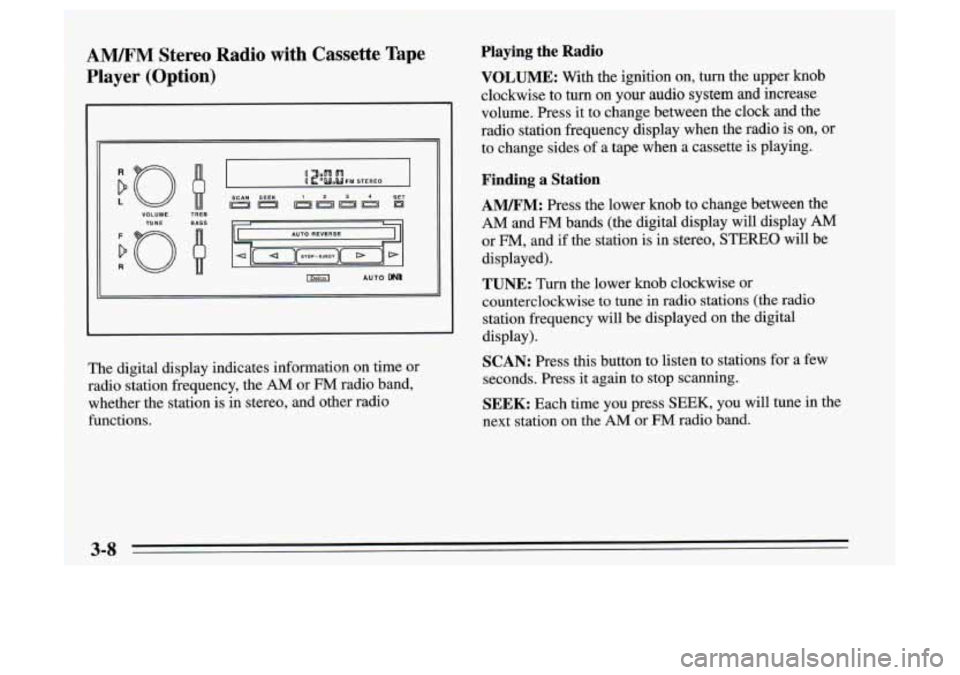
AM/FM Stereo Radio with Cassette Tape
Player (Option)
VOLUME TUNE
R
TREB
BASS
SCAN SEEK 3 4 SET
imd AUTO
The digital display indicates information on time or
radio station frequency, the
AM or FM radio band,
whether the station is
in stereo, and other radio
functions.
Playing the Radio
VOLUME: With the ignition on, turn the upper knob
clockwise to
turn on your audio system and increase
volume. Press it to change between the clock and the
radio station frequency display when the radio is on, or
to change sides of a tape when a cassette is playing.
Finding a Station
AM/FM: Press the lower knob to change between the
AM and FM bands (the digital display will display AM
or FM, and if the station is in stereo, STEREO will be
displayed).
TUNE: Turn the lower knob clockwise or
counterclockwise to tune in radio stations (the radio
station frequency will be displayed on the digital
display).
SCAN: Press this button to listen to stations for a few
seconds. Press it again to stop scanning.
SEEK: Each time you press SEEK, you will tune in the
next station on the
AM or FM radio band.
3-8