turn signal Oldsmobile Achieva 1995 Owner's Manuals
[x] Cancel search | Manufacturer: OLDSMOBILE, Model Year: 1995, Model line: Achieva, Model: Oldsmobile Achieva 1995Pages: 340, PDF Size: 16.99 MB
Page 7 of 340

Vehicle Symbols
These are some of the symbols you may find on your vehicle.
For example,
these symbols
are used on an
original battery:
POSSIBLE A
CAUTION
INJURY
PROTECT EYES BY
SHIELDING
CAUSTIC
ACID COULD BATTERY
CAUSE
BURNS
AVOID
SPARKS
OR
FLAMES
SPARK
OR ,\I/,
COULD FLAME
EXPLODE BATTERY
These symbols
are important
for you and
your passengers
whenever your
vehicle
is
driven:
DOOR LOCK
UNLOCK
FASTEN SEAT
BELTS
POWER
WINDOW
These symbols
have to do with
your lights:
SIGNALS e e
TURN
FOG LAMPS
$0
These symbols
are on some of
your controls:
WINDSHIELD
WIPER
WINDSHIELD DEFROSTER
WINDOW
DEFOGGER
VENTILATING FAN
These symbols are used on
warning and
indicator lights:
COOLANT F-
TEMP --
ENGINE
CHARGING
I-1
BATTERY SYSTEM
BRAKE
(a)
FUEL
ENGINE OIL
PRESSURE
Wd
TEMP OIL 9b
ANTI-LOCK (@)
BRAKE
Here are some
other symbols
you may see:
FUSE -%-
RELEASE
RADIO
VOLUME
CONDITIONING
A'R 43
RELEASE TRUNK e
LIGHTER n
HORN )tr
SPEAKER
b
V
Page 63 of 340
This device complies with Part 15 of the FCC Rules.
Operation
is subject to the following two conditions:
(1) This device may not cause harmful interference, and
(2) This device must accept any interference received,
including interference that may cause undesired
operation.
Should interference to this system occur, try this:
Check to determine if battery replacement is
necessary. See the instructions on battery
replacement.
Check the distance. You may be too far from your
vehicle. This product has a maximum range.
Check the location. Other vehicles or objects may be
blocking the signal.
See your Oldsmobile retailer or a qualified
technician for service.
Changes or modifications to
this system by other than an
authorized service facility could void authorization to
use this equipment.
Operation
The driver’s door will unlock when UNLOCK is
pressed.
If pressed again within five seconds, all doors
will unlock. All doors will lock when
DOOR is pressed.
The trunk will unlock anytime when the vehicle symbol
on the Remote
Lock Control is pressed and the ignition is
off. If the ignition is on, the trunk will unlock if the
parking brake is set (manual transaxle) or
the gear selector
is in PARK
(P) or NEUTRAL, (N) (automatic transaxle).
Press
DOOR or UNLOCK to illuminate the interior
lamps. The lamps will then
go off after 40 seconds when
UNLOCK is pressed and four seconds when
DOOR is
pressed. When the ignition is turned on, the lamps will
also fade out (see Illuminated EntryExit System earlier
in this section).
Matching Transmitter(s) To Your Vehicle
Each key chain transmitter is coded to prevent another
transmitter from unlocking your vehicle.
If a transmitter
is lost or stolen,
a replacement can be purchased through
your retailer. Remember to bring any remaining
transmitters with you when you
go to your retailer.
When the retailer matches the replacement transmitter to
your vehicle, the remaining transmitters must also be
matched. Once the new transmitter
is coded, the lost
transmitter will not unlock your vehicle.
2-7
Page 89 of 340
Horn
You can sound the horn by pressing the horn symbol on
your steering wheel.
Tilt Steering Wheel
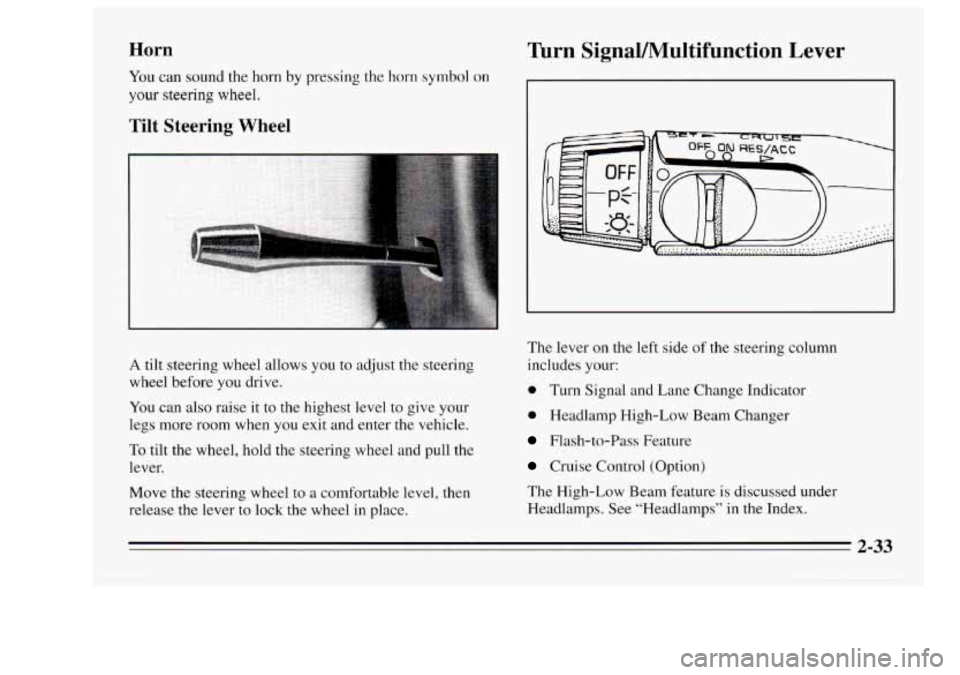
A tilt steering wheel allows you to adjust the steering
wheel before
you drive.
You can also raise it
to the highest level to give your
legs more room when you exit and enter the vehicle.
To tilt the wheel, hold the steering wheel and pull the
lever.
Move the steering wheel
to a comfortable level, then
release the lever to lock the wheel in place.
Turn SignaVMultifunction Lever
The lever on the left side of the steering column
includes your:
0 Turn Signal and Lane Change Indicator
0 Headlamp High-Low Beam Changer
Flash-to-Pass Feature
Cruise Control (Option)
The High-Low Beam feature
is discussed under
Headlamps. See “Headlamps” in the Index.
2-33
Page 90 of 340
Turn Signal and Lane Change Indicator
a
0
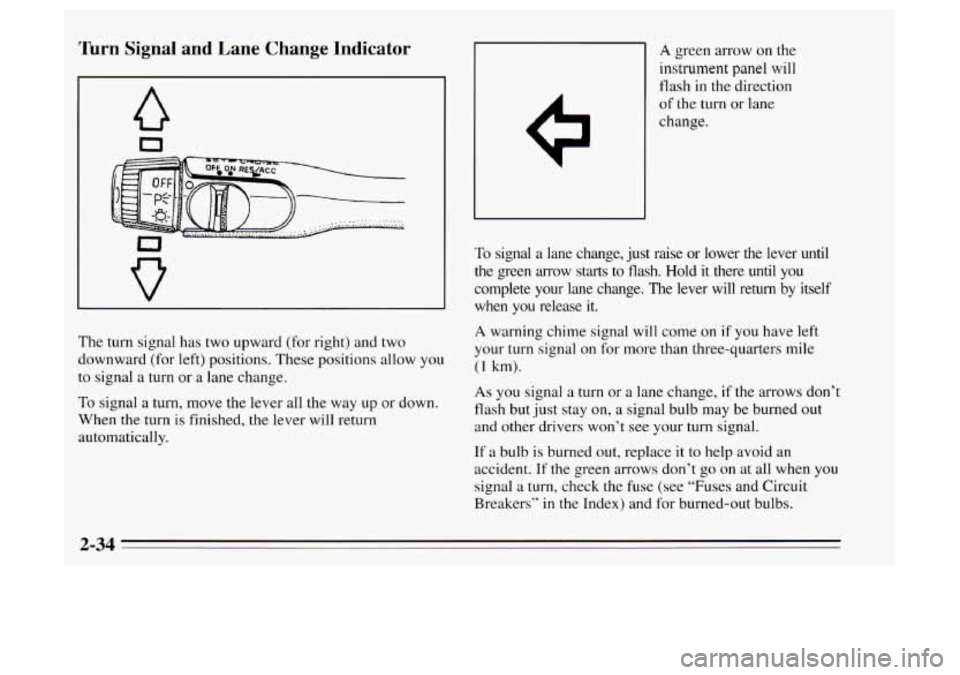
The turn signal has two upward (for right) and two
downward (for left) positions. These positions allow
you
to signal a turn or a lane change.
To signal a turn, move the lever all the way
up or down.
When
the turn is finished, the lever will return
automatically.
A green arrow on the
instrument panel will
flash in the direction
of the turn or lane
change.
To signal
a lane change, just raise or lower the lever until
the green arrow starts to flash. Hold it there until
you
complete your lane change. The lever will return by itself
when you release it.
A warning chime signal will come on if you have left
your turn signal on for more than three-quarters mile
(1 km).
As you signal a turn or a lane change, if the arrows don I:
flash but just stay on, a signal bulb may be burned out
and other drivers won’t see your
turn signal.
If a bulb is burned out, replace it to help avoid an
accident.
If the green arrows don’t go on at all when you
signal a turn, check the fuse (see “Fuses and Circuit
Breakers’’ in the Index) and for burned-out bulbs.
2-34
Page 92 of 340
Lamps On Reminder
If you open the driver’s door and turn off the ignition
while leaving the lamps on,
you will hear a warning
chime.
Flash-to-Pass (Except Canada)
Flash-to-pass lets you use your high beam headlamps to
signal a driver
in front of you that you want to pass.
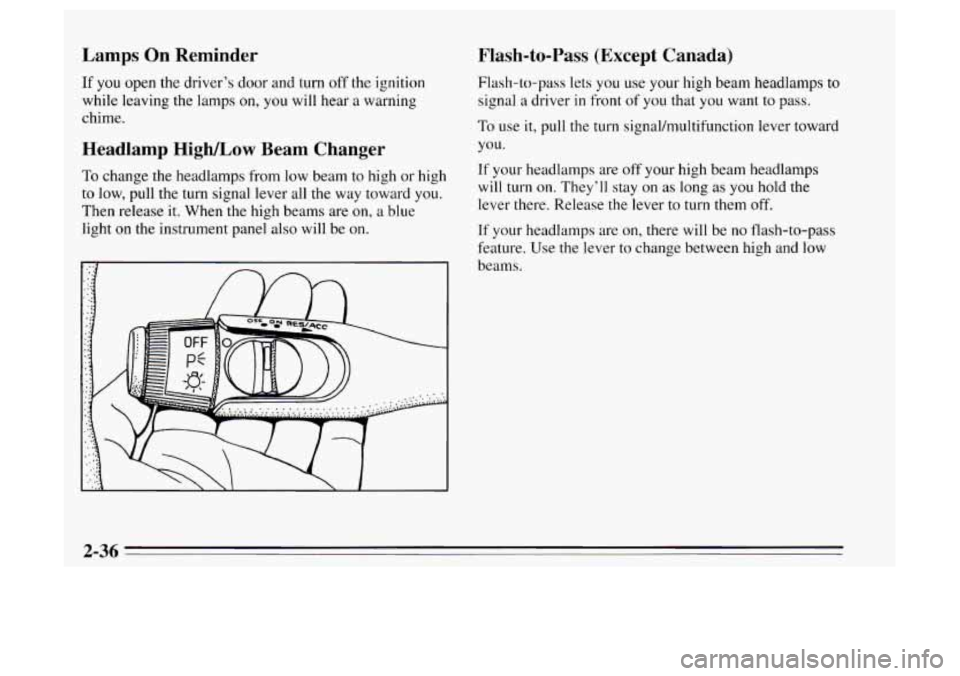
To use it, pull the turn signal/multifunction lever toward
Headlamp High/Low Beam Changer you.
To change the headlamps from low beam to high or high If your headlamps are off your high beam headlamps
will turn
on. They’ll stay on as long as you hold the to low, pull the turn signal lever all the way toward you.
Then release it. When the high beams are on, a blue
light
on the instrument panel also will be on. lever there. Release
thelever to turn them
off.
If your headlamps are on, there will be no flash-to-pass
feature. Use the lever
to change between high and low
beams.
2-36
Page 115 of 340
Warning Lights, Gages and
Indicators
Warning lights and gages can signal that something is
wrong before it becomes serious enough to cause an
expensive repair or replacement. Paying attention to
your warning lights and gages could also save you or
others from injury.
Warning lights come on when there may be or is a
problem with one of your vehicle’s functions.
As you
will see
in the details on the next few pages, some
warning lights come on briefly when you start the engine just to let you know they’re working. If you are
familiar with this section, you should not be alarmed when this happens.
Gages can indicate when there may be or is a problem
with one of your vehicle’s functions. Often gages and
warning lights work together to let you know when
there’s a problem with your vehicle.
When one of the warning lights comes on and stays on
when you are driving, or when one of the gages shows
there may be a problem, check the section that tells you
what to do about it. Please follow this manual’s advice.
Waiting to do repairs can be costly
-- and even
dangerous.
So please get to know your warning lights
and gages. They’re a big help.
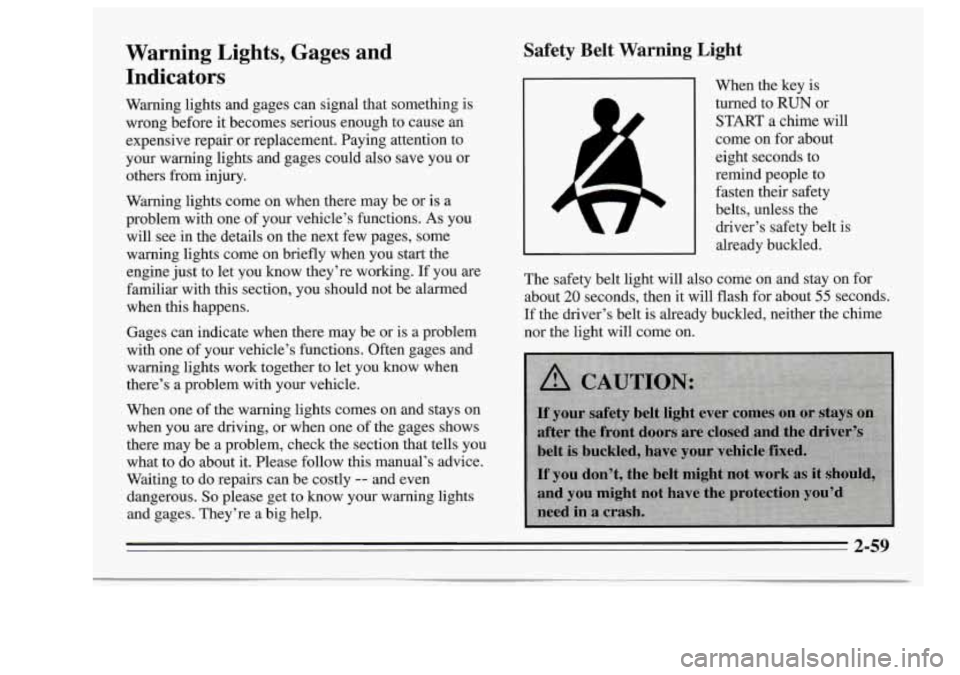
Safety Belt Warning Light
When the key is
turned to
RUN or
START a chime will
come on for about
eight seconds to
remind people to fasten their safety
belts, unless the
driver’s safety belt
is
already buckled.
The safety belt light will also come on and stay on for
about
20 seconds, then it will flash for about 55 seconds.
If the driver’s belt is already buckled, neither the chime
nor the light will come on.
2-59
Page 140 of 340
Disabling the Anti-Theft System
Enter your secret code by following these steps (you
will have only
15 seconds between each step).
1. Turn the ignition to the ACC or RUN position, and
turn
the radio off.
2. Press station preset buttons 1 and 4 at the same time.
SEC will appear in the display, indicating the audio
system is secure.
3. Press SET, and “OOO” will appear on the display.
4. Press SCAN until the first digit of your secret code
appears.
5. Press SEEK until the second and third digits of your
code appear.
display).
6. Press the TUNE knob (“000” will appear on the
7. Press SCAN until the fourth digit of your code appears.
8. Press SEEK until the fifth and sixth digits of your
code appear.
9. Press the TUNE knob. If the display shows “---,” the
radio is unsecured and will play again. If the display
shows SEC, the disabling sequence was unsuccessful
and the numbers did not match
the secret code.
If
you lose or forget your code, see your retailer.
Unlocking the System After a Power Loss
When battery power is reapplied to a secured audio
system after a
loss of power, the audio system will not
turn on and
LOC will appear on the digital display. You
will need to unlock the Delco LOC
11s system.
1. Turn the ignition to the ACC or RUN position, and
turn the radio
off.
2. Press SET, and “000” will appear on the display.
3. Follow steps 4-8 for disabling your anti-theft
system.
digital display if you are successful.
If SEC appears,
however, the numbers did not match, and your audio
system
is still locked.
4. Press the lower knob. The time will appear on the
Understanding Radio Reception
FM Stereo
FM stereo will give you the best sound, but FM signals
will reach only about
10 to 40 miles ( 16 to 65 km). Tall
buildings or hills can interfere with FM signals, causing
the sound to come and go.
3-14
Page 142 of 340
Care of Your Cassette Tape Player
A tape player that is not cleaned regularly can cause
reduced sound quality, ruined cassette, or a damaged
mechanism. Cassette tapes should be stored in their
cases away from contaminants, direct sunlight, and
extreme heat. If they aren’t, they may not operate
properly or cause failure of the tape player.
Your tape player should be cleaned after every
50 hours
of use. If you notice a reduction in sound quality, try a
good cassette to see if the tape or the tape player is at
fault.
If this other cassette has no improvement in sound
quality, clean the tape player.
Cleaning may be done with a scrubbing action
non-abrasive cleaning cassette. This system uses a
cleaning cassette with pads which scrub the tape head as
the hubs of the cleaner cassette turn.
It is normal for the
cartridge to eject while cleaning. Insert the cassette at
least three times to ensure a thorough cleaning.
A
scrubbing action cleaning cassette is available through
your Oldsmobile retail facility. You
may use a non-scrubbing action wet-type cleaner
which uses a cassette with
a fabric belt to clean the tape
head. This type of cleaning cassette will not eject. It may
not clean as thoroughly as the scrubbing type cleaner.
Cassettes are subject
to wear and the sound quality may
degrade over time. Always make sure that the cassette
tape is in good condition before
you have your tape
player serviced.
Care of Your Compact Discs
Handle discs carefully. Store them in their original cases
or other protective cases and away from direct sunlight
and dust. If the surface of a disc is soiled, dampen a
clean, soft cloth in a mild, neutral detergent solution and
clean it, wiping from the center to the edge.
Be sure never to touch the signal surface when handling
discs. Pick up discs by grasping the outer edges
or the
edge of the hole and the outer edge.
Page 155 of 340
Do not get too close to the vehicle you want to pass
while you’re awaiting an opportunity. For one thing,
following too closely reduces your area
of vision,
especially
if you’re following a larger vehicle. Also,
you won’t have adequate space if the vehicle ahead
suddenly slows or stops. Keep back a reasonable
distance.
When it looks like a chance to pass is coming up,
start
to accelerate but stay in the right lane and don’t
get too close. Time your move
so you will be
increasing speed as the time comes to move into the
other lane. If the way is clear to pass, you will have a
“running start” that more than makes up
for the
distance you would lose by dropping back. And if
something happens
to cause you to cancel your pass,
you need only slow down and drop back again and
wait for another opportunity.
If other cars are lined up to pass a slow vehicle, wait
your turn. But take care that someone isn’t trying to
pass you as you pull out
to pass the slow vehicle.
Remember
to glance over your shoulder and check
the blind spot.
0 Check your mirrors, glance over your shoulder, and
start your left lane change signal before moving out
of the right lane to pass. When you are far enough
ahead
of the passed vehicle to see its front in your
inside mirror, activate your right lane change signal
and move back into the right lane. (Remember that
your right outside mirror is convex. The vehicle you
just passed may seem to be farther away from you
than
it really is.)
Try not to pass more than one vehicle at a time on
two-lane roads. Reconsider before passing the next
vehicle.
0 Don’t overtake a slowly moving vehicle too rapidly.
Even though the brake lamps are not flashing, it may
be slowing down or starting to turn.
If you’re being passed, make it easy for the
following driver to get ahead
of you. Perhaps you
can ease a little to the right.
4-11
Page 159 of 340
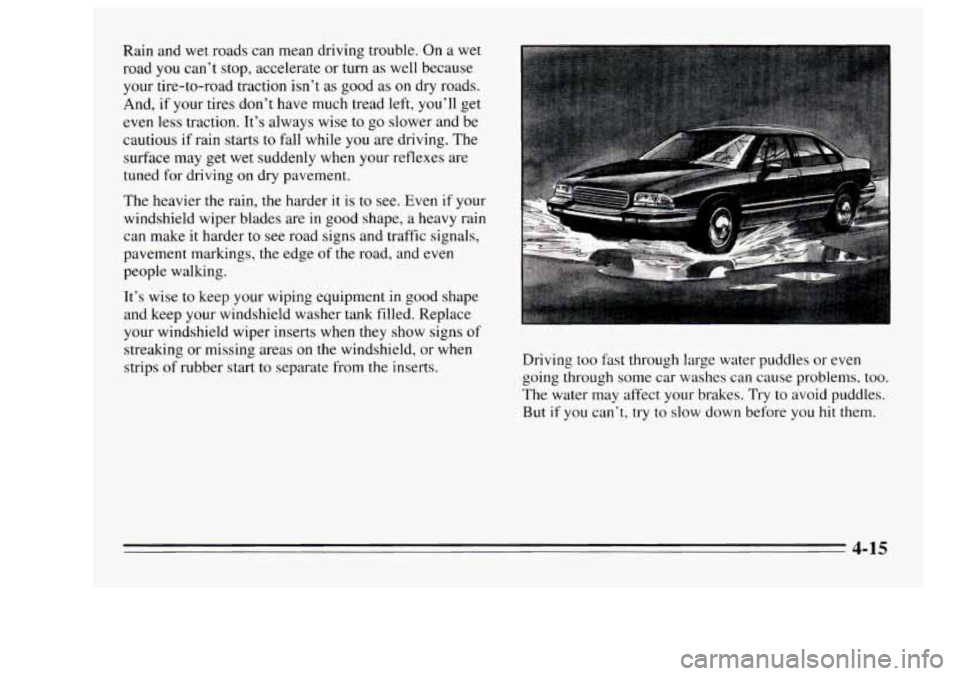
Rain and wet roads can mean driving trouble. On a wet
road you can’t stop, accelerate or turn as well because
your tire-to-road traction isn’t as good as on dry roads.
And, if your tires don’t have much tread left, you’ll get
even less traction. It’s always wise
to go slower and be
cautious if rain starts to fall while
you are driving. The
surface may get wet suddenly when your reflexes are
tuned for driving on dry pavement.
The heavier the rain, the harder it is to see. Even if your
windshield wiper blades are
in good shape, a heavy rain
can make it harder to
see road signs and traffic signals,
pavement markings, the edge of the road, and
even
people walking.
It’s wise to keep your wiping equipment in good shape
and keep your windshield washer tank filled. Replace
your windshield wiper inserts when they show signs
of
streaking or missing areas on the windshield, or when
strips of rubber start to separate from the inserts. Driving
too fast through large water puddles or even
going through some car washes can cause problems, too.
The water may affect your brakes. Try to avoid puddles.
But if you can’t, try to slow down before you
hit them.
4-15