light Oldsmobile Aurora 1997 s Service Manual
[x] Cancel search | Manufacturer: OLDSMOBILE, Model Year: 1997, Model line: Aurora, Model: Oldsmobile Aurora 1997Pages: 404, PDF Size: 20.75 MB
Page 129 of 404
The traction control system warning light may come on
for the following reasons:
0
0
0 If you turn the system off by pressing the
TRACTION
CONTROL button located on the
center console, the warning light will come on
and
stay on. To turn the system back on, press the button
again. The warning light should
go off. (See
“Traction Control System” in the Index for
more information.)
If there’s a brake system problem that is specifically
related to traction control, the traction control system
will turn
off and the warning light will come on. If
your brakes begin
to overheat, the traction control
system will turn
off and the warning light will come
on until your brakes cool down.
If the traction control system is affected by an
engine-related problem, the system will turn
off and
the warning light will come
on.
If the traction control system warning light comes on
and stays on for an extended period
of time when the
system is turned on, your vehicle needs service.
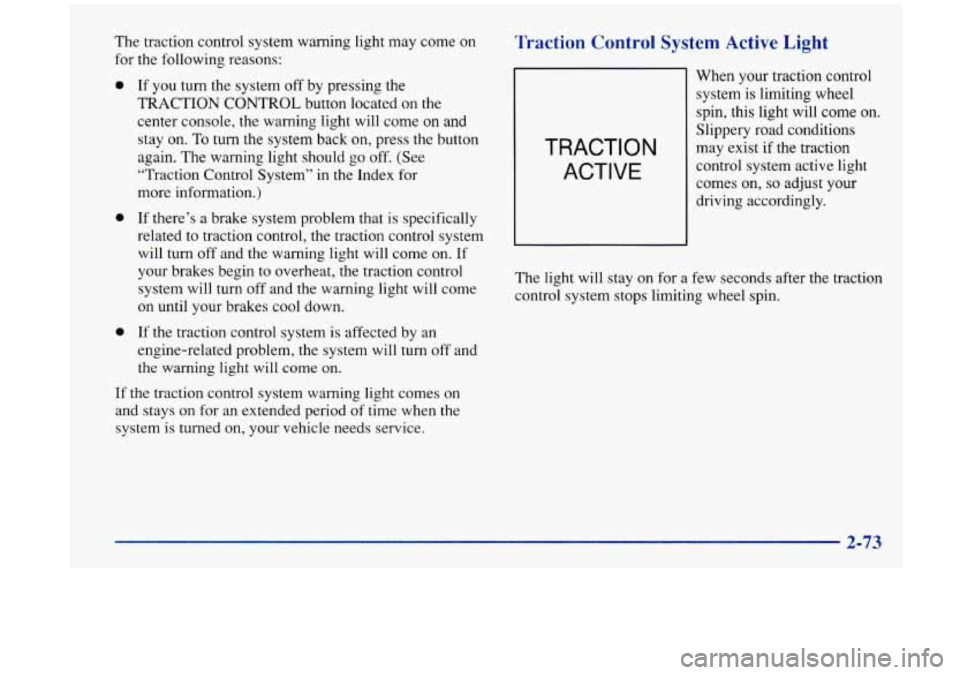
Traction Control System Active Light
TRACTION
ACTIVE
When your traction control
system is limiting wheel
spin, this light will come on.
Slippery road conditions
may exist
if the traction
control system active light
comes on,
so adjust your
driving accordingly.
The light will stay on for a few seconds after the traction
control system stops limiting wheel spin.
2-73
Page 131 of 404
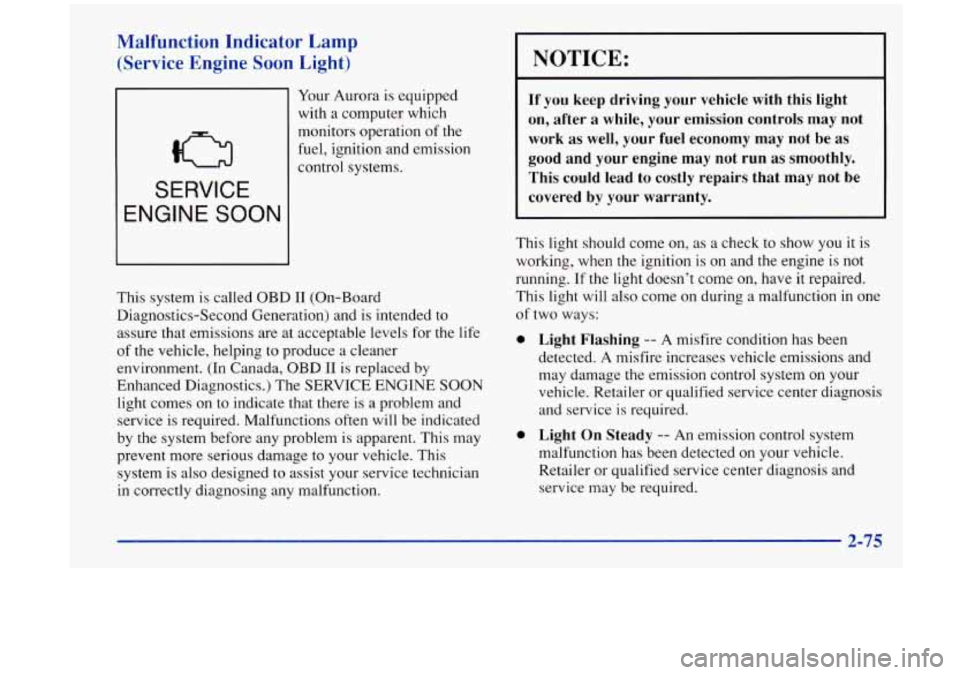
Malfunction Indicator Lamp
(Service Engine
Soon Light)
SERVICE
ENGINE SOON
Your Aurora is equipped
with a computer which
monitors operation of the
fuel, ignition and emission
control systems.
This system is called OBD
I1 (On-Board
Diagnostics-Second Generation) and is intended to
assure that emissions are at acceptable levels for the
life
of the vehicle, helping to produce a cleaner
environment.
(In Canada, OBD I1 is replaced by
Enhanced Diagnostics.) The
SERVICE ENGINE SOON
light comes on to indicate that there is a problem and
service is required. Malfunctions often will be indicated
by the system before any problem is apparent. This may
prevent more serious damage to your vehicle. This
system is also designed to assist your service technician
in correctly diagnosing any malfunction.
NOTICE:
If you keep driving your vehicle with this light
on, after a while, your emission controls may not
work as well, your fuel economy may not be as
good and your engine may not run as smoothly.
This could lead to costly repairs that may not be
covered by your warranty.
This light should come on, as a check to show you it is
working, when the ignition
is on and the engine is not
running.
If the light doesn’t come on, have it repaired.
This light will also come on during a malfunction in one
of two ways:
a
0
Light Flashing -- A misfire condition has been
detected. A misfire increases vehicle emissions and
may damage the emission control system on your
vehicle. Retailer or qualified service center diagnosis
and service is required.
Light On Steady -- An emission control system
malfunction has been detected on your vehicle.
Retailer or qualified service center diagnosis and
service may be required.
Page 132 of 404
If the Light Is Flashing If the Light Is On Steady
The following may prevent more serious damage to
your vehicle:
Reducing vehicle speed.
Avoiding hard accelerations.
0 Avoiding steep uphill grades.
If you are towing a trailer, reduce the amount of
cargo being hauled as soon as it is possible.
If the light stops flashing and remains on steady, see “If
the Light Is On Steady” following.
If the light continues to flash, when it is safe to do so,
stop the vehicle. Find a safe place to park your vehicle.
Turn the key
off, wait at least 10 seconds and restart the
engine.
If the light remains on steady, see “If the Light
Is On Steady” following. If the light is still flashing,
follow the previous steps, and drive the vehicle to your
retailer or qualified service center for service.
You may be able to correct the emission system
malfunction by considering the following:
Did
you just drive through a deep puddle of water?
If so, your electrical system may be wet. The condition
will usually be corrected when the electrical system
dries out. A few driving trips should
turn the light off.
Are you low on fuel?
As your engine starts to run out of fuel, your engine may
not run as efficiently as designed since small amounts of
air are sucked into the
fuel line causing a misfire. The
system can detect this. Adding fuel should correct this
condition. Make sure to install the fuel cap properly. It
will take a few driving trips to turn the light off.
2-76
Page 133 of 404
Have you recently changed brands of fuel?
If so, be sure to fuel your vehicle with quality fuel (see
“Fuel” in the Index). Poor fuel quality will cause your
engine not to run as efficiently as designed. You may
notice this as stalling after start-up, stalling when you
put the vehicle into gear, misfiring, hesitation on
acceleration
or stumbling on acceleration. (These
conditions may go away once the engine is warmed up.)
This will be detected by the system and cause the light
to turn on.
If you experience one or more of these conditions,
change the fuel brand you use. It
will require at least one
full tank of the proper fuel
to turn the light off.
If none of the above steps have made the light turn off,
have your retailer or qualified service center check
the
vehicle. Your retailer has the proper test equipment and
diagnostic tools to fix any mechanical or electrical
problems that may have developed.
Oil Pressure Warning Light
OIL
If you have a problem with
your oil, this light may stay
on after you start your
engine,
or come on when
you
are driving. A warning
chime and the message
LOW OIL PRESSURE may
also come on.
These indicate that oil
is not going through your engine
quickly enough to keep it cool. The engine could be low
on oil, or could have some other oil problem. Have it
fixed right away.
2-77
Page 134 of 404
The oil light could also come on in three other situations:
When the ignition is on but the engine is not running,
the light will
come on as a test to show you it is
working, but the light will go out when you turn the
ignition to
START. If it doesn’t come on with the
ignition
on, you may have a problem with the fuse or
bulb. Have it fixed right away.
0 Sometimes when the engine is idling at a stop, the
light may blink on and off. This is normal.
If you make a hard stop, the light may come on for a
moment. This is normal.
d!!, CAUTION:
Don’t keep driving if the oil pressure is low. If
you do, your engine can become so hot that it
catches fire. You
or others could be burned.
Check your oil
as soon as possible and have your
vehicle serviced.
NOTICE:
Damage to your engine from neglected oil
problems can be costly and
is not covered by
your warranty.
2-78
Page 146 of 404
Comfort Controls
This section tells you how to operate your climate
control system. Your climate control system uses
ozone-friendly
R- 134a refrigerant.
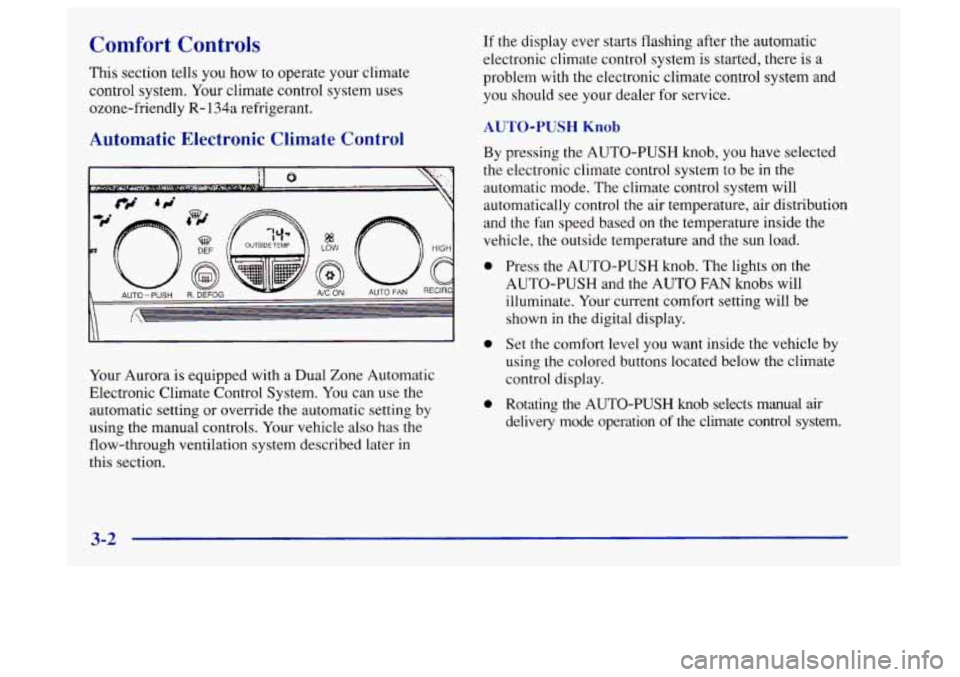
Automatic Electronic Climate Control
Your Aurora is equipped with a Dual Zone Automatic
Electronic Climate Control System. You can use the
automatic setting or override the automatic setting
by
using the manual controls. Your vehicle also has the
flow-through ventilation system described later
in
this section.
If the display ever starts flashing after the automatic
electronic climate control system is started, there is a
problem with the electronic climate control system and
you should see your dealer for service.
AUTO-PUSH Knob
By pressing the AUTO-PUSH knob, you have selected
the electronic climate control system to be in the
automatic mode. The climate control system will
automatically control the air temperature, air distribution
and the fan speed based on
the temperature inside the
vehicle, the outside temperature and the sun load.
0
0
0
Press the AUTO-PUSH knob. The lights on the
AUTO-PUSH and the AUTO FAN knobs will
illuminate. Your current comfort setting will be
shown in the digital display.
Set the comfort level you want inside the vehicle by
using the colored buttons located below the climate
control display.
Rotating the
AUTO-PUSH knob selects manual air
delivery mode operation of the climate control system.
3-2
Page 147 of 404
Temperature Buttons AUTO FAN Knob
To adjust the comfort level you want maintained inside
the vehicle, use the red and blue buttons located below
the digital display. If you want a warmer comfort level,
push the red button. If you want a cooler comfort level,
push the blue button. Your selected comfort setting will
be displayed on the digital screen for five seconds,
then
the outside temperature will be displayed.
Mode Control
Rotate the AUTO-PUSH knob to deliver air through
the floor, upper or windshield outlets. The system will
stay in the selected mode until the AUTO-PUSH
knob is pressed. This
knob controls the fan speed in either an automatic
mode or a manual mode.
0 Pressing the AUTO FAN knob puts the fan control in
the automatic mode. The AUTO FAN light will
appear below the knob. The fan speed indicators will
not be illuminated when the system is in the
automatic fan control mode.
Rotating the AUTO FAN knob selects a manual fan
speed. Rotate this knob to the right
to raise the fan
speed. Rotate this knob to the left to lower the fan
speed. Rotating the AUTO FAN knob overrides
the automatic fan control mode.
The fan speed
indicators will be illuminated while in the manual
fan control mode.
3-3
Page 148 of 404
Automatic Operation
Press the AUTO-PUSH knob when you want the system
to automatically adjust the interior temperature to your
preference. When the system is set for automatic
operation, air will come from the floor, upper or the
windshield outlets depending on the temperature inside
the vehicle, the outside temperature and the sun load.
Fan speed will vary as the system reaches and maintains
the comfort setting you have selected.
To find your comfort setting, start with the system in
automatic mode by pressing the AUTO-PUSH knob.
Adjust the comfort setting by using
the red and blue
buttons located below the digital display until you reach
a value of 75°F (24"C), on the display. Give the vehicle
about
20 minutes to stabilize and then readjust the
comfort setting if necessary. The display will show the
comfort setting for five seconds and then
it will show
the outside temperature.
In cold weather, the system will delay turning on the fan
to avoid blowing cold air. The length of the delay
depends
on the engine coolant temperature and the
outside temperature. Rotating the AUTO FAN knob will
override this delay by turning
off the automatic fan
mode and changing the fan speed.
I A I
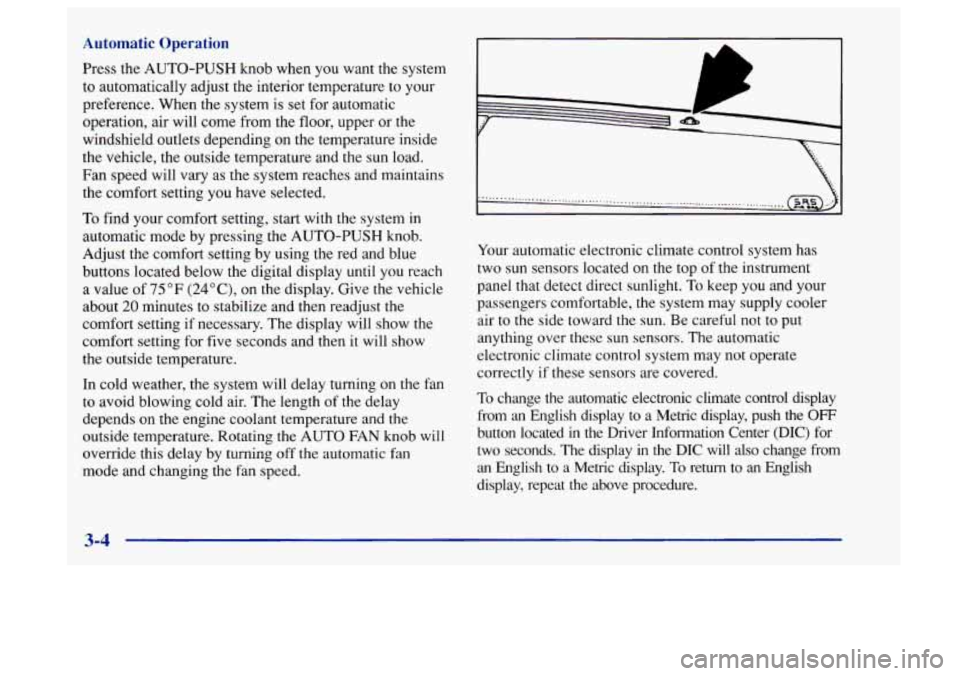
Your automatic electronic climate control system has
two sun sensors located on the top of the instrument
panel that detect direct sunlight.
To keep you and your
passengers comfortable, the system may supply cooler
air to the side toward the sun. Be careful not
to put
anything over these sun sensors. The automatic
electronic climate control system may not operate
correctly if these sensors are covered.
To change the automatic electronic climate control display
from an English display to a Metric display, push the
OFF
button located in the Driver Information Center (DIC) for
two seconds. The display
in the DIC will also change from
an English
to a Metric display. To return to an English
display, repeat
the above procedure.
3-4
Page 150 of 404
Operating the RECIRC mode in cold temperatures or
under high humidity conditions may cause moisture
to
form on the inside of the windshield. If this condition
occurs, deselect the RECIRC button.
A/C ON: Press this button to turn the air conditioning
on and
off. If the system is operating in the automatic
mode, the A/C
ON indicator light will automatically
illuminate. In the auto mode, the A/C compressor will
only operate when the system determines
it is needed.
OFF: Rotate the AUTO-PUSH knob to OFF. Turning
the system off will cause the fan to turn off and the
airflow to be directed
out the lower floor outlets. The
system will still try to keep the interior of the vehicle at
the previously chosen comfort setting. The outside
temperature will show in the display when the system is set to
OFF.
Air Conditioning
The air conditioner cools, dehumidifies and filters the
air for the inside of the vehicle.
The air conditioning compressor is enabled in all modes
unless the A/C
ON button is in the off position
(indicator light will not be illuminated). However, the
air conditioning compressor will not operate when the
outside temperature is below
44°F (7°C). When the air
conditioner is on,
you may sometimes notice slight
changes in your vehicle's engine speed and power. This
is normal, because the system is designed
to cycle the
compressor on and off to keep the desired cooling and
help
fuel economy.
On very
hot days, open the windows long enough to let
the hot air out. This reduces the time required to cool the
interior
of the vehicle to a comfortable level. If the
system
is in the automatic mode (AUTO-PUSH knob
indicator light is
on), during very hot days the system
will automatically
go to the RECIRC mode and the
temperature door will be positioned
at the full cold
position for maximum cooling. You can choose
the
extreme comfort setting of 60°F (16"C), but the
system
will not cool any faster by choosing the extreme
comfort setting.
Page 151 of 404
Heating
In cold weather, if the automatic mode is selected
(AUTO-PUSH knob indicator light is
on), the system
will automatically direct the airflow out of the lower
floor outlets and the temperature door will be positioned
at the full hot position. You can choose the extreme
comfort setting
of 90°F (32°C) but the system
will not warm up any faster by selecting the extreme
comfort setting.
In cold weather, the system will delay turning on the fan
to avoid blowing cold air. The length of the delay
depends on the engine coolant temperature and the
outside temperature. The fan speed will increase as the
temperature of the engine coolant increases. Rotating the
AUTO FAN knob will override this delay by turning
off the automatic fan control mode and changing the
fan speed.
Ventilation System
Your Aurora’s flow-through ventilation system always
allows outside air
to flow through your vehicle when it
is moving, even when the system is
OFF.
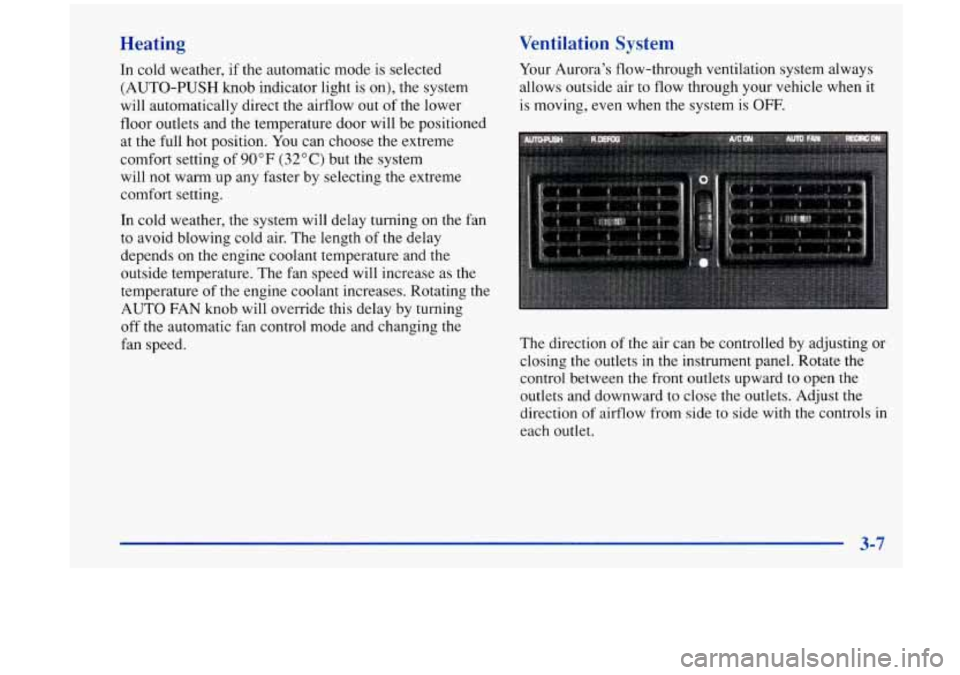
The direction of the air can be controlled by adjusting or
closing the outlets in the instrument panel. Rotate the
control between the front outlets upward to open the
outlets and downward
to close the outlets. Adjust the
direction
of airflow from side to side with the controls in
each outlet.
3-7