door lock OLDSMOBILE AURORA 2003 Owner's Manual
[x] Cancel search | Manufacturer: OLDSMOBILE, Model Year: 2003, Model line: AURORA, Model: OLDSMOBILE AURORA 2003Pages: 387, PDF Size: 18.05 MB
Page 108 of 387

Storage Areas
Glove Box
Use the master key to lock and unlock the glove box.
To open
ii, lift the latch release on the left side of
the glove
box door.
The
VALET key will not work in the glove box door lock.
Front Storage Area
The front armrest opens into a storage area. To open it,
push the latch at the front center of the armrest.
When the latch disengages, pull up on the armrest
to
open it. Inside you will find storage for cassettes,
compact discs and coins. In front
of the
storage area is a cupholder. Press and
release the cupholder cover to open.
Do not try to pull it
out. Press the cupholder back
to its recessed position
when not in use.
Assist Handles
A handle above each rear door and the front
passenger’s door can be used to help you get in or out
of your vehicle.
2-45
ProCarManuals.com
Page 111 of 387

Vehicle Personalization
Memory Seat and Mirrors
If your vehicle has this
feature, the controls are
located on the driver’s door
panel, and are used to
program and recall
memory settings for the
driver’s seating, outside
mirror positions and
climate controls. See
Automatic Climate Control
System
on page 3-23
for more information.
To save your seat and mirror positions into memory,
use the following procedure:
1. First identify the DRIVER # on the Driver information
Center (DIC) by pressing the MEMORY
button
(1 or 2) or by pressing the button with the
unlock symbol on the remote keyless entry
transmitter. See
Driver Information Center (DE) on
page
3-45.
2. Adjust the driver’s seat and lumbar position to a
safe and comfortable driving position. Adjust both
outside mirrors to suit you. See
Outside Power
Mirrors
on page 2-37.
3. Press and hold the MEMORY button (1 or 2)
corresponding with your DRIVER # displayed on the
DIC for longer than three seconds. You will hear
two beeps confirming that the seat and mirror
positions have been entered into memory.
To set the seat and mirror positions for a second driver,
follow the previous steps, but start by pressing the
button with the unlock symbol on the transmitter that
displays the other DRIVER
# on the DIC. Be sure to use
the MEMORY button
(1 or 2) which corresponds to
the DRIVER
# identified by the second transmitter.
2-48
ProCarManuals.com
Page 130 of 387

Exterior Lighting Battery Saver
If the exterior lamps control has been left on, the
exterior lamps will turn
off approximately 10 minutes
after the ignition is turned to
OFF and any door
has been opened. This protects against draining the
battery in case you have accidentally left the headlamps
or parking lamps on. If you need to leave the lamps
on for more than
10 minutes, use the exterior lamps
control to turn the lamps back on after the ignition has
been turned to
OFF and any door has been opened.
Interior Lamps
Instrument Panel Brightness
This feature controls the brightness of the instrument
panel lights.
.. .. .. ' The knob for this feature is
located on the driver's side I .. ..
Turn the knob clockwise to brighten the instrument
panel cluster lights and displays. Turn the knob
counterclockwise to dim the instrument panel cluster
iignts and dispiays.
If it is day and your parking lamps are on, the instrument
panel cluster lights and displays will come on at
full
intensity and will not be adjustable. If it is dark enough
outside and your parking lamps are on, the instrument
the door switches will come on, and can also be
adjusted. pane!
cluster lights and displays
a.nd the backlighting for
3-1 7
ProCarManuals.com
Page 131 of 387
Courtesy Lamps Entry
Lighting
If it is dark enough outside and the front reading lamp
slider lever, located on the overhead console, is in
the DOOR position, when any door is opened all of the
vehicles courtesy lamps will come on. See “Front
Reading Lamps” and “Rear Reading Lamps” later in this
section for more information. They make it easier for
you to enter and leave the vehicle. The courtesy lamps
will remain on for about
25 seconds after all doors
have been closed. They will then theater dim to
off.
Move the front reading lamp slider lever to ON to turn
on the interior courtesy lamps. When the control is
moved back to either
OFF or DOOR, the courtesy lamps
will immediately turn
off.
If the control is OFF when the doors are opened, only
the lower instrument panel courtesy lamps will come on.
Also, if the control is OFF when illuminated entry or
delayed exit lighting are active, only the lower instrument
panel courtesy lamps will be on.
If a door is left ajar, your interior lamps will turn
off after
10 minutes to save your battery. If
it is dark enough outside and you press the unlock
symbol on the remote keyless entry transmitter while all
doors are closed, the interior courtesy lamps will
come on and stay on for approximately
40 seconds.
When the
40 seconds are up, the lights will automatically
fade until they turn
off. The lamps will turn off
immediately by pressing the lock symbol on the remote
keyless entry transmitter, by turning the ignition key
to
ON or by activating the power door locks.
Delayed Entry Lighting
When you open the door to enter your vehicle, the
interior lamps will come on
if it is dark enough outside.
When you close the door with the ignition
off, the
interior lamps will stay on for
25 seconds. When the
25 seconds are up the lights will automatically fade until
they turn
off. Locking the doors with the power door
lock switch or with the lock symbol on the remote
keyless entry transmitter, will override the delayed entry
lighting and the lamps will turn
off immediately.
3-1 8
ProCarManuals.com
Page 132 of 387
Theater Dimming Parade Dimming
This feature allows for a three to five-second fade out of
the overhead courtesy lamps instead of immediate
turn
off after you remove the key from the ignition. They
will not fade
if the interior lamps are manually turned
on. The lower instrument panel courtesy lamps will not
fade out.
Delayed Exit Lighting
This feature will turn on the interior lamps for 25 seconds
after you remove the key from the ignition while the
doors are closed and it is night. This will give you time
to find the door handle or lock switches as you exit
the vehicle. When the
25 seconds are up, or if the key
is reinserted into the ignition, the lights will be turned
off by the theater dimming system. The lamps will turn
off immediately by pressing the lock symbol on the
remote keyless entry transmitter, by turning the ignition
key to ON or by activating the power door locks. To activate the instrument panel backlighting during the
day,
turn the exterior lamps control to the parking
lamp position. Dimming
of the instrument panel display
is not possible during daylight hours. The instrument
panel display can only be adjusted when the parking
lamps are on and it is dark outside.
Perimeter Lighting
When the unlock symbol on the remote keyless entry
transmitter is pressed, the DRL headlamps, parking
lamps and back-up lamps will turn on for approximately
25 seconds if it is dark enough outside.
This feature can be programmed to be on or
off for
each transmitter. You can also program how long the
exterior lamps will stay on after unlocking the vehicle.
You must program this feature through the
DIC. See DIC
Vehicle Personalization on page 3-52.
3-1 9
ProCarManuals.com
Page 140 of 387

Passenger Temperature Control
If your vehicle has this feature, the driver and the
front-seat passenger can select separate temperature
settings. This feature allows the passenger to select
a temperature that is
8" F (4" C) warmer or cooler than
the driver's selected temperature.
The knob for this feature is
located on the passenger's
door. Turn the knob
clockwise
or
counterclockwise to a
warmer or cooler setting.
Outlet Adjustment
Use the lever located in
the center of each front
outlet to change the
direction of the airflow.
Use the thumbwheel
located below each front
outlet to turn the outlets on
and
off.
3-27
ProCarManuals.com
Page 142 of 387
A $&‘ v (Fan): Press the up or down arrow on the
fan button to override the automatic fan control and
increase or decrease the fan speed.
A TEMP v (Temperature): Press either arrow on
the TEMP button once to display your current
temperature setting in the digital display. Press the up
or down arrow again to provide
a warmer or cooler
temperature setting.
Climate Controls Personalization
If your vehicle is equipped with this feature, up to two
drivers are able to store and recall climate control
settings for the temperature, the fan speed and the
direction of the airflow.
Memory buttons
1 and 2 are located on the driver’s
door panel and correspond to the numbers
1 or 2 found
on the back of each remote keyless entry transmitter.
To store settings, do the following:
1. Select the desired temperature, fan speed and
airflow mode. If desired, a separate temperature
setting may also be selected for the front seat
passenger. For information on how to do this, see
Automatic Climate Control System on page 3-23.
2. Locate memory buttons 1 and 2 on the driver’s door
panel.
3. Press the memory button on the door panel that
corresponds to the number on the back
of the
transmitter you are programming, until you hear two
beeps. The beeps confirm that your selection has
been saved and can now be recalled. For more
information
on the memory feature, see Memory
Seat
and Mkrors on page 2-48.
Follow these steps each time you want to change the
stored settings.
To recall the climate control settings last stored on your
transmitter, press the unlock button on your remote
keyless entry transmitter and put the ignition in
ACC (Accessory) or
ON. The settings will be recalled.
3-29
ProCarManuals.com
Page 165 of 387
DIC Vehicle Personalization
The DIC can be used to program the following personal
choice features available with your vehicle:
Automatic Door Locks
Window Lock Out Security Feedback
Delayed Locking
Perimeter Lighting
Driver ID
Memory Seats
Outside Curb View Assist Mirror
To access the personalization menu, the vehicle must
be in PARK (P) with the ignition in ON and no warning
messages displayed on the DIC. You must then
press and hold both of the SELECT buttons for three
seconds. This will display the personalization menu.
The DIC display will show the following:
FEATURE PROGRAMMING
PRESS SELECT DOWN TO
SELECT MENU OPTIONS
PRESS SELECT RIGHT TO The next item
to be displayed is DRIVER
1 or
DRIVER
2. To change the driver number, press the
SELECT right arrow. The driver number that you select
should correspond with the number on the back of
your remote keyless entry transmitter. Once the correct
driver number has been selected, press the SELECT
down arrow to enter your choice and move on to
the next selection.
The DIC is used to program the personal choices
of two
drivers. The drivers are recognized as DRIVER
1 and
DRIVER
2. You will let the DIC and the vehicle
know which driver you are by using your remote keyless
entry transmitter or by pressing the appropriate
memory seat button located on the driver’s door or
choosing the driver with the DIC. Each remote keyless
entry transmitter was pre-programmed to belong to
DRIVER
1 or DRIVER 2. The personalization features
may be programmed differently for each driver.
When you press the unlock symbol on the transmitter,
the DIC will automatically change driver numbers
and the vehicle will recall the personal choice settings
that were last made to correspond to your transmitter,
including your radio and comfort control settings.
See
Climate Controls Personalization on page 3-29.
CHANGE SETTINGS
3-52
ProCarManuals.com
Page 166 of 387
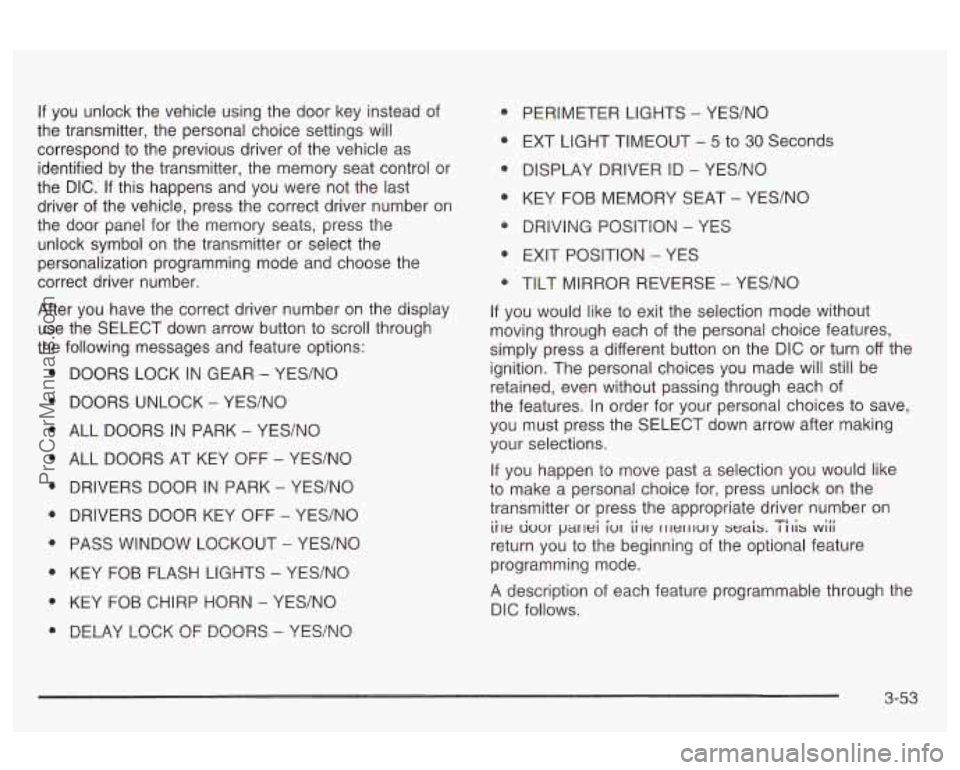
If you unlock the vehicle using the door key instead of
the transmitter, the personal choice settings will
correspond to the previous driver of the vehicle as
identified by the transmitter, the memory seat control or
the DIC.
If this happens and you were not the last
driver of the vehicle, press the correct driver number on
the door panel
for the memory seats, press the
unlock symbol
on the transmitter or select the
personalization programming mode and choose the
correct driver number.
After you have the correct driver number on the display
use the SELECT down arrow button to scroll through
the following messages and feature options:
e
e
DOORS LOCK IN GEAR - YES/NO
DOORS UNLOCK
- YES/NO
ALL DOORS IN PARK
- YES/NO
ALL DOORS AT KEY OFF
- YEWNO
DRIVERS DOOR IN PARK
- YES/NO
DRIVERS DOOR KEY
OFF - YES/NO
PASS WINDOW LOCKOUT
- YES/NO
KEY FOB FLASH
LIGHTS - YES/NO
KEY FOB CHIRP HORN
- YES/NO
DELAY LOCK OF DOORS - YES/NO
PERIMETER LIGHTS - YES/NO
EXT LIGHT TIMEOUT
- 5 to 30 Seconds
DISPLAY DRIVER ID
- YES/NO
KEY FOB MEMORY SEAT
- YES/NO
DRIVING POSITION
- YES
EXIT POSITION
- YES
TILT MIRROR REVERSE
- YES/NO
If you would like to exit the selection mode without
moving through each of the personal choice features,
simply press a different button
on the DIC or turn off the
ignition. The personal choices you made will still be
retained, even without passing through each of
the features. In order for your personal choices to save,
you must press the SELECT down arrow after making
your selections.
If you happen to move past a selection you would like
to make a personal choice for, press unlock on the
transmitter or press the appropriate driver number
on
return you to the beginning of the optional feature
programming mode.
A description of each feature programmable through the
DIC follows.
ii~e uuur parlei iur iile rllerllury seais. I 111s wiii TI. .
3-53
ProCarManuals.com
Page 167 of 387
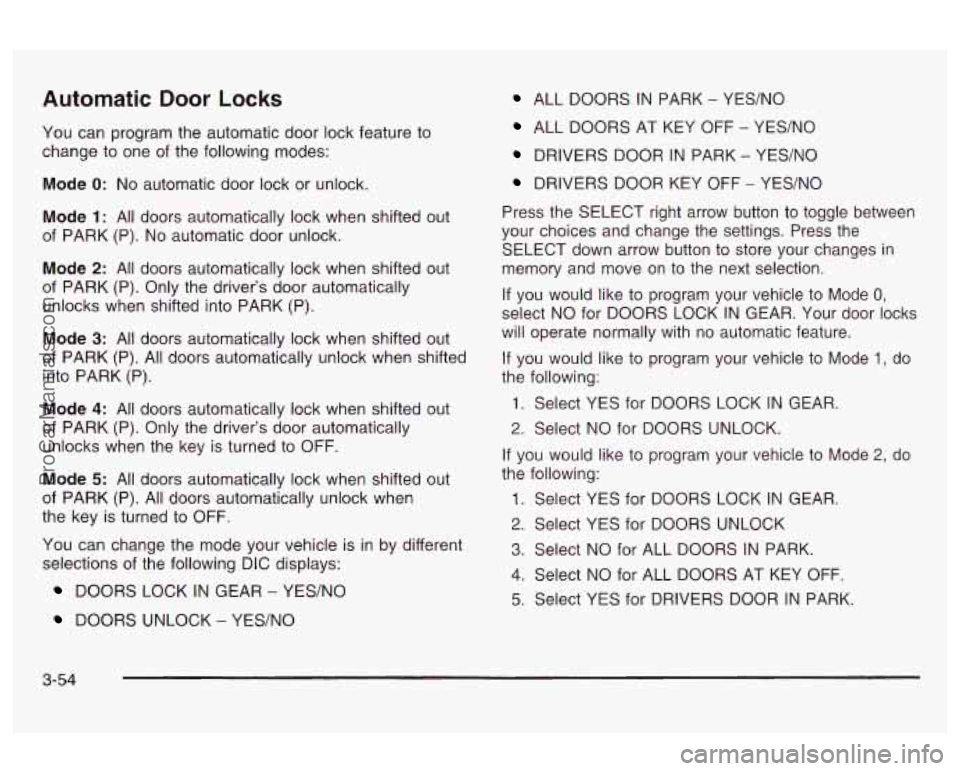
Automatic Door Locks ALL DOORS IN PARK - YES/NO
You can program the automatic door lock feature to
change to one of the following modes:
Mode
0: No automatic door lock or unlock.
Mode
1: All doors automatically lock when shifted out
of PARK (P).
No automatic door unlock.
Mode
2: All doors automatically lock when shifted out
of PARK (P). Only the driver’s door automatically
unlocks when shifted into PARK (P).
Mode
3: All doors automatically lock when shifted out
of PARK (P). All doors automatically unlock when shifted
into PARK (P).
Mode
4: All doors automatically lock when shifted out
of PARK (P). Only the driver’s door automatically
unlocks when the key is turned to OFF.
Mode
5: All doors automatically lock when shifted out
of PARK (P). All doors automatically unlock when
the key is turned to OFF.
You can change the mode your vehicle is in by different
selections of the following DIC displays:
DOORS LOCK IN GEAR - YES/NO
DOORS UNLOCK - YES/NO
ALL DOORS AT KEY OFF - YES/NO
DRIVERS DOOR IN PARK - YES/NO
DRIVERS DOOR KEY OFF - YES/NO
Press the SELECT right arrow button to toggle between
your choices and change the settings. Press the
SELECT down arrow button to store your changes in
memory and move on to the next selection.
If you would like to program your vehicle to Mode
0,
select NO for DOORS LOCK IN GEAR. Your door locks
will operate normally with no automatic feature.
If you would like to program your vehicle to Mode 1, do
the following:
1. Select YES for DOORS LOCK IN GEAR.
2. Select NO for DOORS UNLOCK.
If you would like to program your vehicle to Mode
2, do
the following:
1. Select YES for DOORS LOCK IN GEAR.
2. Select YES for DOORS UNLOCK
3. Select NO for ALL DOORS IN PARK.
4. Select NO for ALL DOORS AT KEY OFF.
5. Select YES for DRIVERS DOOR IN PARK.
3-54
ProCarManuals.com