wheel Oldsmobile Bravada 2003 s User Guide
[x] Cancel search | Manufacturer: OLDSMOBILE, Model Year: 2003, Model line: Bravada, Model: Oldsmobile Bravada 2003Pages: 410, PDF Size: 20.1 MB
Page 114 of 410
Section 3 Instrument Panel
Instrument Panel Overview ............................... 3.4
Hazard Warning Flashers
................................ 3.5
Other Warning Devices
................................... 3.6
Horn
............................................................. 3.6
Tilt Wheel
..................................................... 3.6
Turn SignaVMultifunction Lever
......................... 3.7
Exterior Lamps
............................................. 3.14
Interior Lamps
.............................................. 3.17
Accessory Power Outlets
............................... 3.19
Ashtrays and Cigarette Lighter
........................ 3.20
Climate Controls ......................................... 3.21
Dual Automatic Climate Control System
........ 3.21
Rear Climate Control System
......................... 3.25
Steering Wheel Climate Controls
..................... 3.27
Climate Controls Personalization
..................... 3.27
Warning Lights, Gages and Indicators ............. 3.28
Instrument Panel Cluster
................................ 3.29
Speedometer and Odometer
........................... 3.30
Tachometer
................................................. 3.30
Safety Belt Reminder Light
............................. 3.30
Air Bag Readiness Light
................................ 3-31
Charging System Light
.................................. 3.32 Voltmeter Gage
............................................ 3.32
Anti-Lock Brake System Warning Light
......... 3.34
Engine Coolant Temperature Gage
.............. 3.35
Malfunction Indicator Lamp
............................. 3.35
Oil Pressure Gage
........................................ 3.38
Change Engine Oil Light
................................ 3-39
Security Light
............................................... 3.39
Cruise Control Light
...................................... 3.40
Reduced Engine Power Light
......................... 3.40
Service All-Wheel Drive Light
......................... 3.41
Check Gages Warning Light
........................... 3.41
Gate Ajar Light
............................................. 3.42
Fuel Gage
................................................... 3.42
Low Fuel Warning Light
............................. 3.42
Driver information Center (DiC) .. .............. 3.43
DIC Operation and Displays
........................... 3.43
DIC Warnings and Messages
......................... 3.52
Audio System(s) ............................................. 3.56
Setting the Time
........................................... 3.56
Radio with Cassette and CD
.......................... 3.57
Radio with Six-Disc CD
................................. 3.66
Brake System Warning
Light
.......................... 3-33
3- 1
Page 115 of 410
Section 3 Instrument Panel
Rear Seat Entertainment System .................... 3.76
Rear Seat Audio (RSA)
................................. 3.87
Radio Personalization
.................................... 3.88
Theft-Deterrent Feature
.................................. 3.88
Audio Steering Wheel Controls
....................... 3.89
DVD Distortion
............................................. 3.89
Understanding Radio Reception
...................... 3.89 Care of
Your Cassette Tape Player
............. 3-90
Care
of Your CDs and DVDs ......................... 3-91
Care of Your CD and DVD Player
................... 3-91
Cleaning the Video Screen
............................. 3.91
Fixed Mast Antenna
.................................. 3.91
Chime Level Adjustment
........................ 3-91
3-2
Page 118 of 410
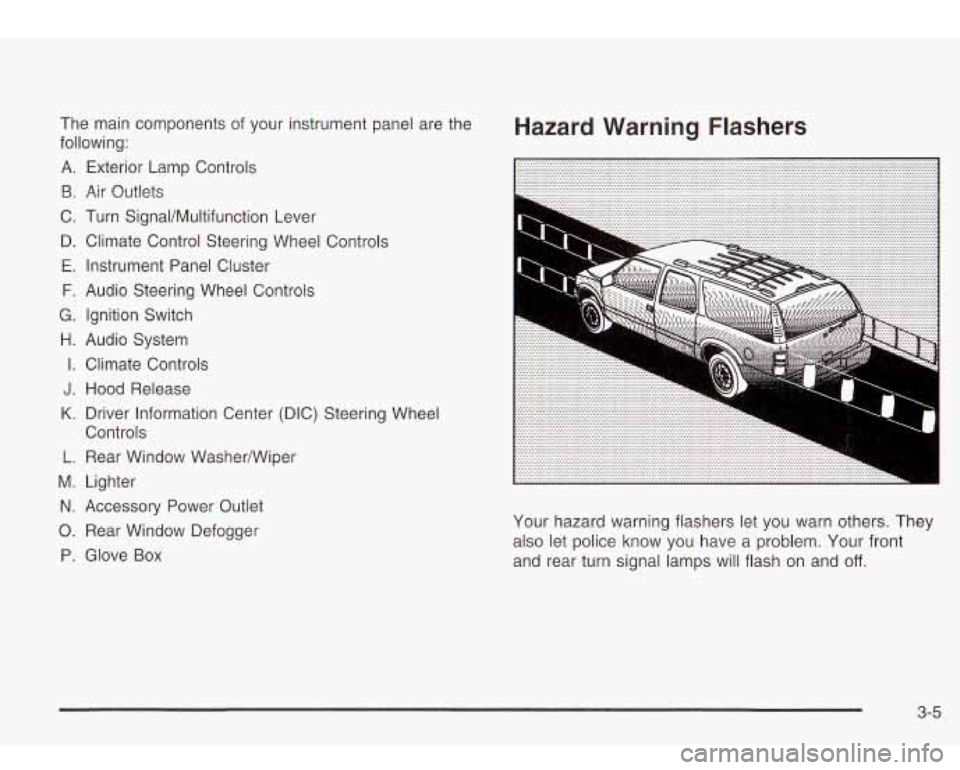
The main components of your instrument panel are the
following:
A. Exterior Lamp Controls
B. Air Outlets
C. Turn Signal/Multifunction Lever
D. Climate Control Steering Wheel Controls
E. Instrument Panel Cluster
F. Audio Steering Wheel Controls
G. Ignition Switch
H. Audio System
I. Climate Controls
J. Hood Release
K. Driver Information Center (DIC) Steering Wheel
Controls
L. Rear Window Washermiper
M. Lighter
N. Accessory Power Outlet
0. Rear Window Defogger
D. Glove Box
Hazard Warning Flashers
Your hazard warning flashers let you warn others. They
also let police know you have a problem. Your front
and rear turn signal lamps will flash on and
off.
3-5
Page 119 of 410
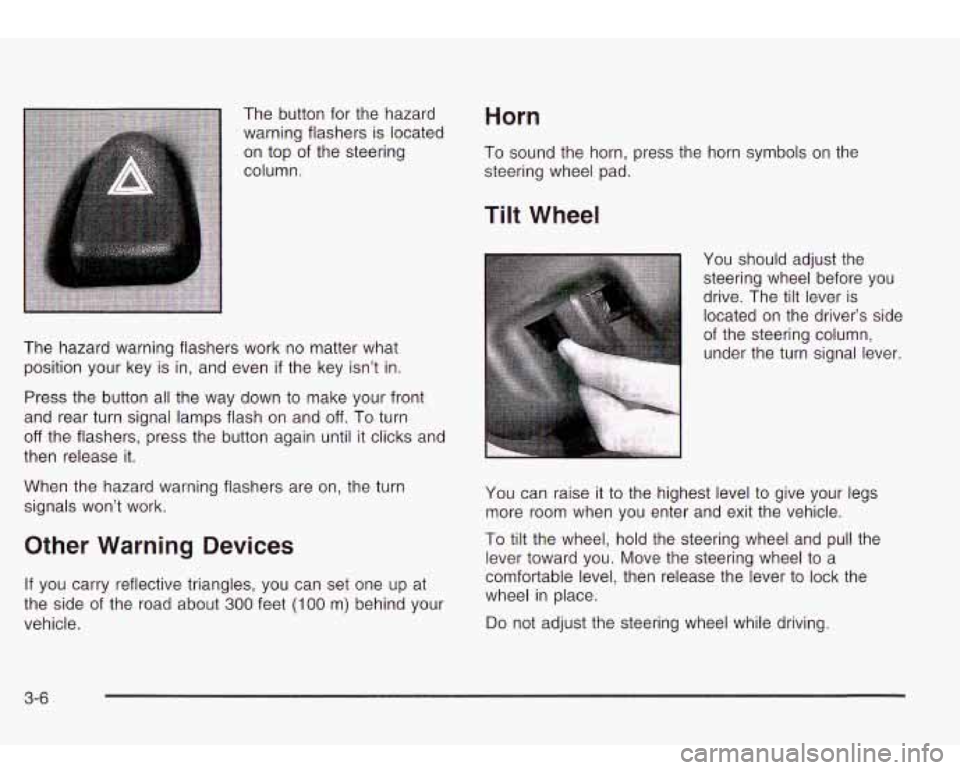
The button for the hazard
warning flashers is located
on top of the steering
column. Horn
To sound the horn, press the horn symbols on the
steering wheel pad.
The hazard warning flashers work no matter what
position your key is in, and even
if the key isn’t in.
Press the button all the way down to make your front
and rear turn signal lamps flash on and
off. To turn
off the flashers, press the button again until it clicks and
then release it.
When the hazard warning flashers are on, the turn
signals won’t work.
Other Warning Devices
If you carry reflective triangles, you can set one up at
the side of the road about
300 feet (I00 m) behind your
vehicle.
Tilt Wheel
You should adjust the
steering wheel before you
drive. The tilt lever is
located on the driver’s side
of the steering column,
under the turn signal lever.
You can raise it to the highest level to give your legs
more room when you enter and exit the vehicle.
To tilt the wheel, hold the steering wheel and pull the
lever toward you. Move the steering wheel to a
comfortable level, then release the lever to lock the
wheel in place.
Do not adjust the steering wheel while driving.
3-6
Page 123 of 410
Windshield Washer
(Windshield Washer): To spray washer fluid on the
windshield, press the windshield washer paddle. The
wipers will clear the window and then either stop
or return to your preset speed.
~
A CAUTION:
In freezing weather, don’t use your washer
until the windshield is warmed. Otherwise the
washer fluid can form ice on the windshield,
blocking your vision.
I
Rear Window WasherMliper
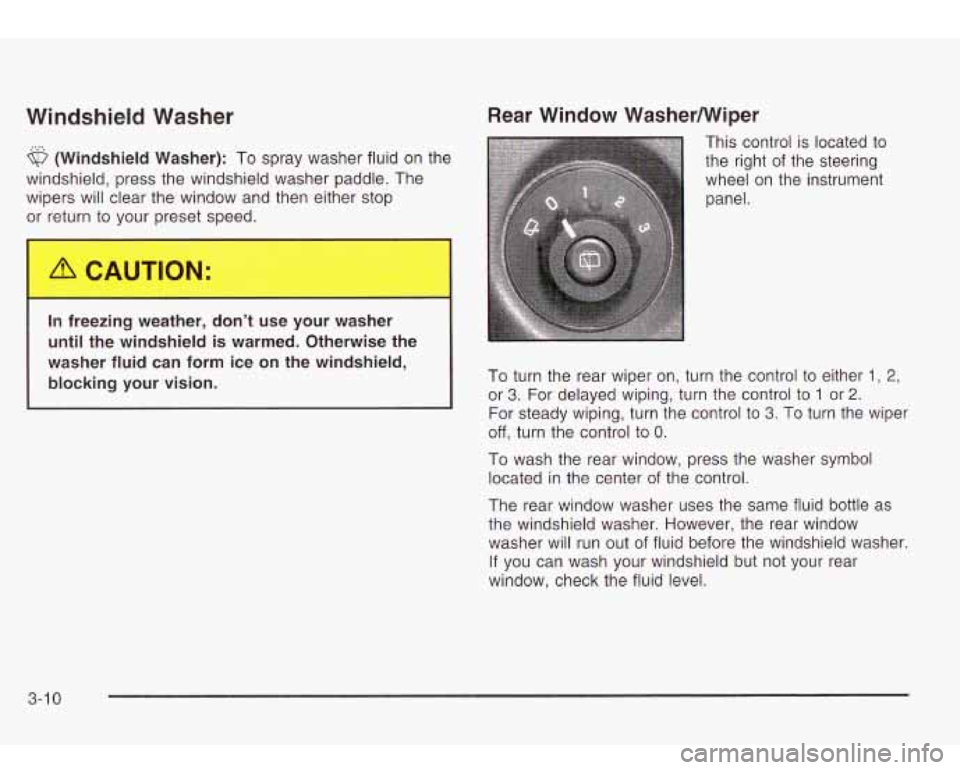
This control is located to
the right of the steering
wheel on the instrument
panel.
To turn the rear wiper on, turn the control
to either 1 , 2,
or 3. For delayed wiping, turn the control to 1 or 2.
For steady wiping, turn the control to 3. To turn the wiper
off, turn the control to 0.
To wash the rear window, press the washer symbol
located in the center of the control.
The rear window washer uses the same fluid bottle as
the windshield washer. However, the rear window
washer will run out
of fluid before the windshield washer.
If you can wash your windshield but not your rear
window, check the fluid level.
3-1 0
Page 124 of 410
Cruise Control
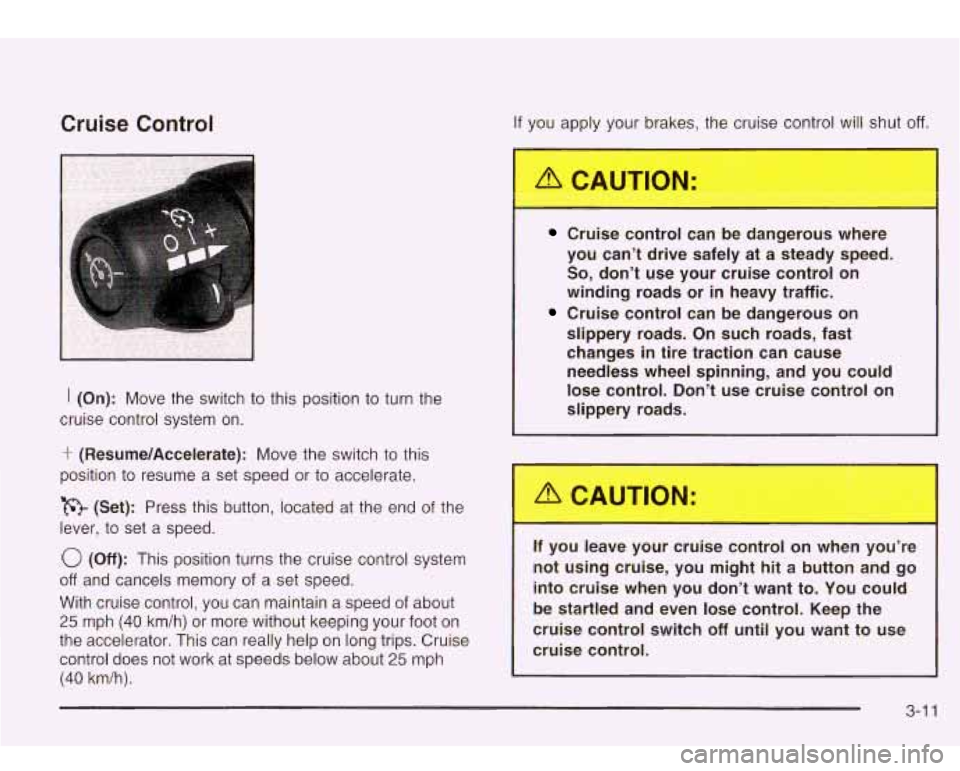
I (On): Move the switch to this position to turn the
cruise control system on.
‘r (Resume/Accelerate): Move the switch to this
position
to resume a set speed or to accelerate.
(Set): Press this button, located at the end
of the
lever,
to set a speed.
0 (Off): This position turns the cruise control system
off and cancels memory of a set speed.
With cruise control, you can maintain a speed
of about
25 mph (40 km/h) or more without keeping your foot on
the accelerator. This can really help on long trips. Cruise
control does not work at speeds below about
25 mph
(40 km/h).
If you apply your brakes, the cruise control will shut off.
Cruise control can be dangerous where
you can’t drive safely
at a steady speed.
So, don’t use your cruise control on
winding roads or in heavy traffic.
Cruise control can be dangerous on
slippery roads. On such roads, fast
changes in tire traction can cause needless wheel spinning, and you could
lose control. Don’t use cruise control on
slippery roads.
If you leavc our cruise control on wher
- ou’re
not using cruise, you might hit a button and go into cruise when you don’t want to. You could
be startled and even lose control. Keep the
cruise control switch
off until you want to use
cruise control.
3-1 1
Page 127 of 410
Exterior Lamps
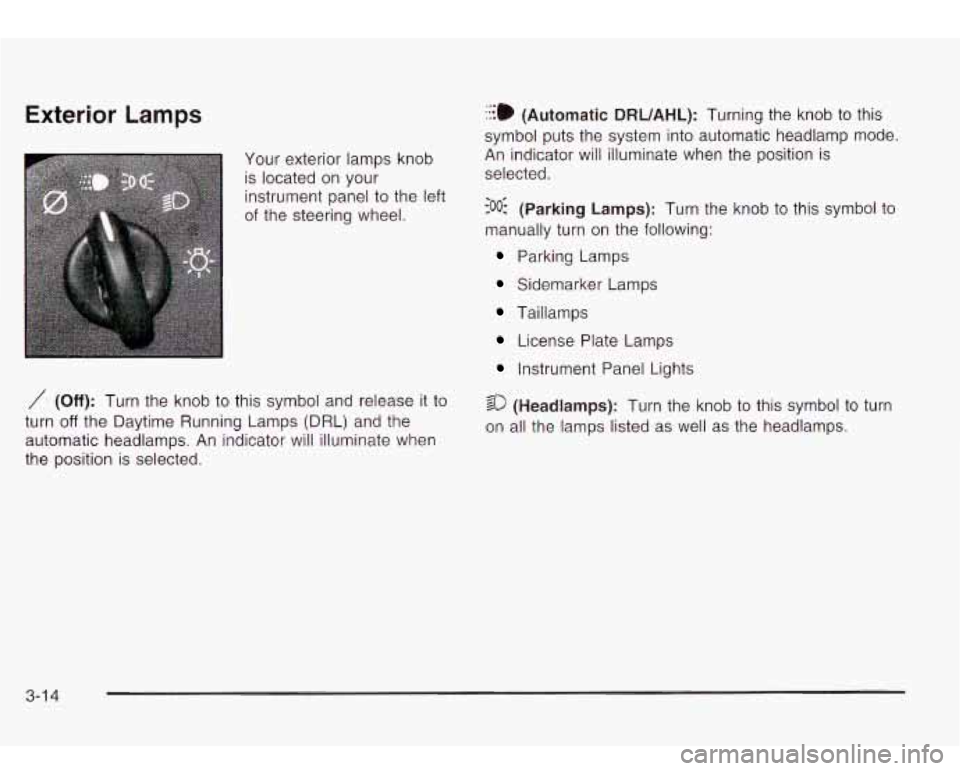
Your exterior lamps knob
is located on your
instrument panel to the left
of the steering wheel.
/I (Off): Turn the knob to this symbol and release it to
turn
off the Daytime Running Lamps (DRL) and the
automatic headlamps. An indicator will illuminate when
the position is selected.
:::. (Automatic DRUAHL): Turning the knob to this
symbol puts the system into automatic headlamp mode.
An indicator will illuminate when the position is
selected.
coo: (Parking Lamps): Turn the knob to this symbol to
manually turn on the following:
...
Parking Lamps
Sidemarker Lamps
Taillamps
License Plate Lamps
Instrument Panel Lights
so (Headlamps): Turn the knob to this symbol to turn
on all the lamps listed
as well as the headlamps.
3-1 4
Page 131 of 410
Entry Lighting
Your vehicle is equipped with an illuminated entry
feature.
When a door is opened, the dome lamps will come on
if
the dome override button is in the “out” position.
When all the doors are closed, the lamps will stay on for
a short period of time and will then turn
off automatically.
If you use your keyless entry transmitter
to unlock the
vehicle, the interior lights will come on for a short
time whether or not the dome override is on.
Exit Lighting
With exit lighting, the interior lamps will come on when
you remove the key from the ignition
to help you
see while exiting the vehicle. With the dome override
button in the “out” position, these lights will stay on for a
short period of time and then will
go out.
Reading Lamps
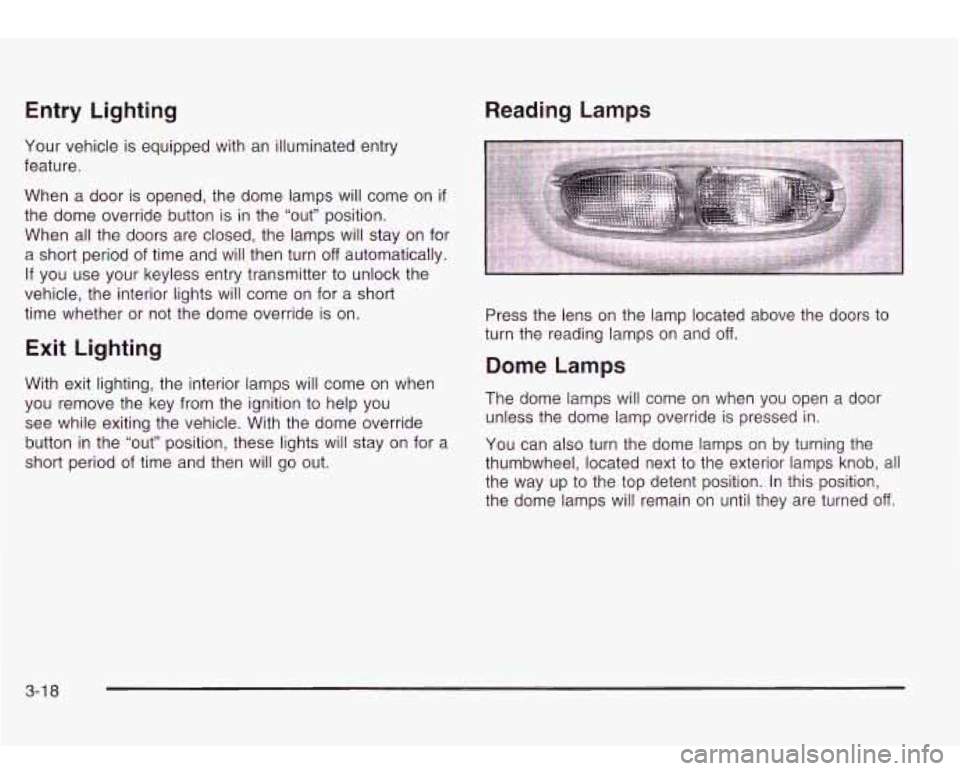
Press the lens on the lamp located above the doors to
turn the reading lamps on and off.
Dome Lamps
The dome lamps will come on when you open a door
unless the dome lamp override is pressed in.
You can also turn the dome lamps on by turning the
thumbwheel, located next to the exterior lamps knob, all
the way up to the top detent position. In this position,
the dome lamps will remain on until they are turned
off.
3-1 8
Page 139 of 410
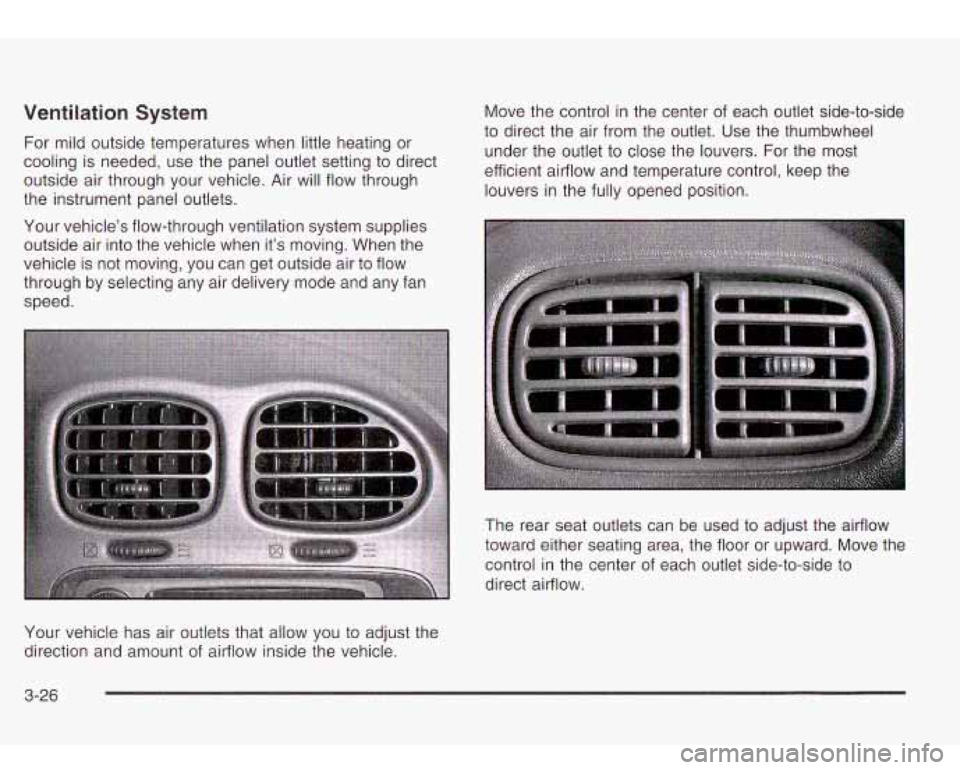
Ventilation System
For mild outside temperatures when little heating or
cooling is needed, use the panel outlet setting to direct
outside air through your vehicle. Air will flow through
the instrument panel outlets.
Your vehicle’s flow-through ventilation system supplies outside air into the vehicle when it’s moving. When the
vehicle is not moving, you can get outside air to flow
through by selecting any air delivery mode and any fan
speed. Move the control
in the center of each outlet side-to-side
to direct the air from the outlet. Use the thumbwheel
under the outlet to close the louvers. For the most
efficient airflow and temperature control, keep the
louvers in the fully opened position.
The rear seat outlets can be used to adjust the airflow
toward either seating area, the floor or upward. Move the
control in the center of each outlet side-to-side to
direct airflow.
Your vehicle has air outlets that allow you to adjust the
direction and amount
of airflow inside the vehicle.
3-26
Page 140 of 410
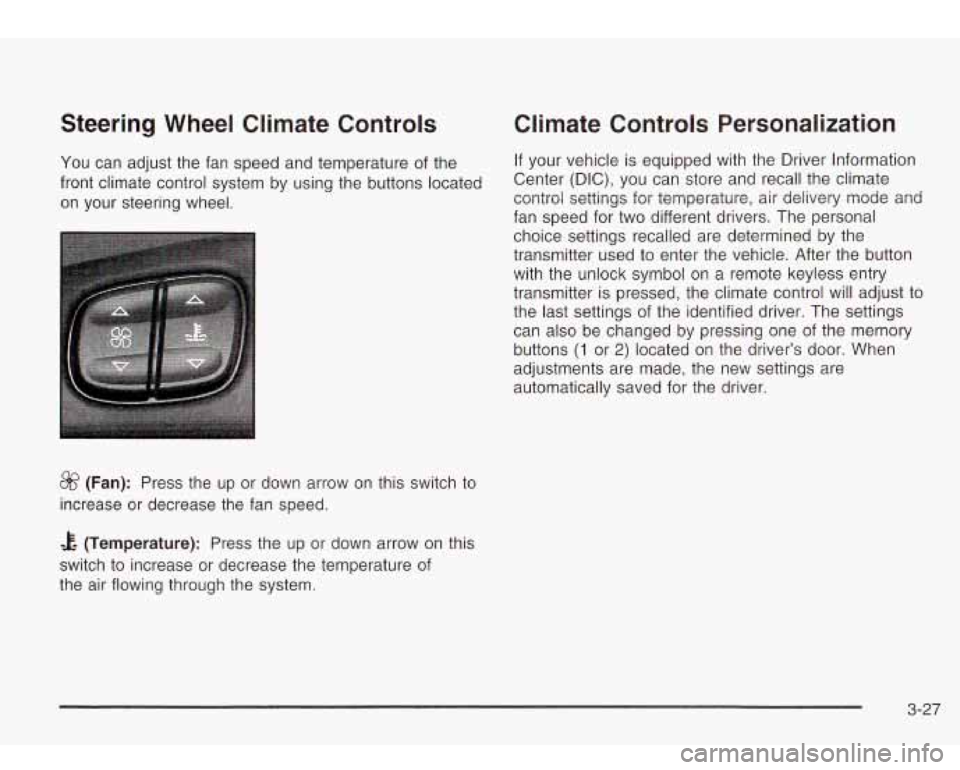
Steering Wheel Climate Controls
You can adjust the fan speed and temperature of the
front climate control system by using the buttons located
on your steering wheel.
&? (Fan): Press the up or down arrow on this switch to
increase or decrease the fan speed.
Climate Controls Personalization
If your vehicle is equipped with the Driver Information
Center (DIC), you can store and recall the climate
control settings for temperature, air delivery mode and
fan speed for two different drivers. The personal
choice settings recalled are determined by the
transmitter used to enter the vehicle. After the button
with the unlock symbol on a remote keyless entry
transmitter is pressed, the climate control will adjust to
the last settings of the identified driver. The settings
can also be changed by pressing one of the memory
buttons
(1 or 2) located on the driver’s door. When
adjustments are made,
automatically saved for the new
settings are
the driver.
& (Temperature): Press the up or down arrow on this
switch to increase or decrease the temperature of
the air flowing through the system.
3-27