lock Oldsmobile Cutlass 1998 s Owner's Guide
[x] Cancel search | Manufacturer: OLDSMOBILE, Model Year: 1998, Model line: Cutlass, Model: Oldsmobile Cutlass 1998Pages: 348, PDF Size: 17.46 MB
Page 89 of 348

Torque Lock
If you are parking on a hill and you don’t shift your
transaxle into
PARK (P) properly, the weight of the
vehicle may put too much force
on the parking pawl in
the transaxle.
You may find it difficult to pull the shift
lever out of PARK
(p). This is called “torque lock.” To
prevent torque lock, set the parking brake and then shift
into
PARK (P) properly before you leave the driver’s
seat.
To find out how, see “Shifting Into PARK (P)” in
the Index.
When you
are ready to drive, move the shift lever out of
PARK (P) before you release the parking brake.
If torque lock does occur, you may need to have another
vehicle push yours a
little uphill to take some of the
pressure from the parking pawl in the transaxle,
so you
can
pull the shift lever out of PARK (P).
Shifting Out of PARK (P)
Your Oldsmobile has a brake-transaxle shift interlock.
You have to apply your regular brake before you can
shift
from PARK (P) when the ignitian is in the RUN
position. See “Automatic Transaxle” in the Index.
If you cannot shift out of PARK (P), ease pressure on
the shift lever -- push the shift lever all the way into
PARK
(P) -- as you maintain brake application. Then
move the shift into the gear you wish. (Press the shift
lever button before moving the
shift lever.)
If you ever hold the brake pedal down but
still can’t
1. Turn the key to ACC.
2. Apply and hold the regular brake until the end of
3. Shift to NEUTRAL (N).
4. Turn the key to ON, to start the vehicle.
5. Shift to the drive gear you want.
6. Have the vehicle fixed as soon as you can.
shift out
of PARK
(P), try this:
Step 5.
Page 92 of 348
Windows
Manual Windows
On a vehicle with manual windows, use the window
crank to open and close each window.
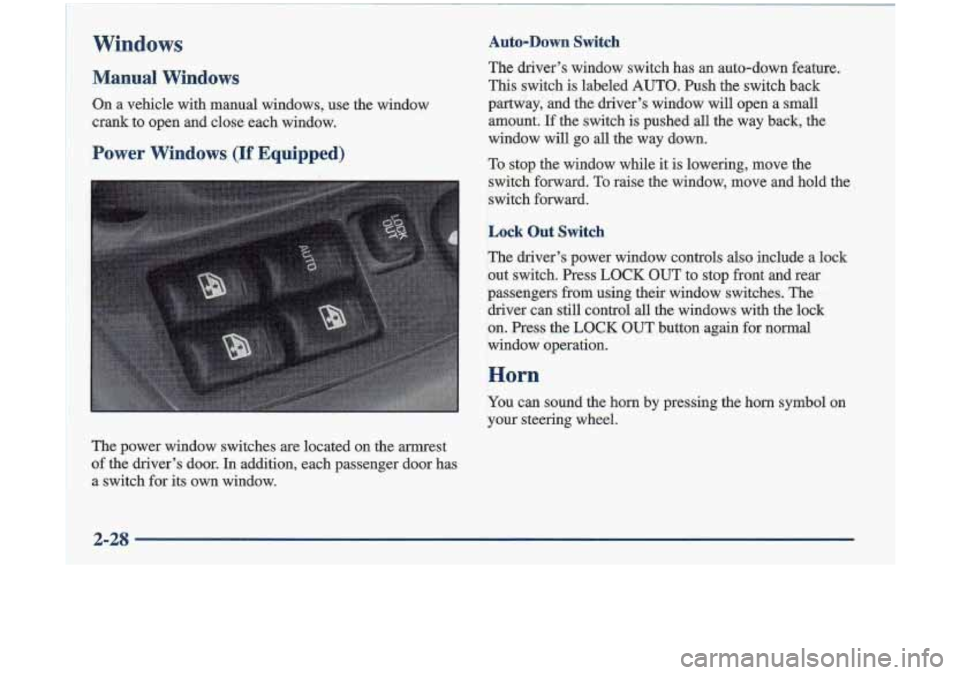
Power Windows (If Equipped)
The power window switches are located on the armrest
of the driver’s door.
In addition, each passenger door has
a switch for its own window.
Auto-Down switch
The driver’s window switch has an auto-down feature.
This switch is labeled AUTO. Push the switch back
partway, and the driver’s window will open a small
amount.
If the switch is pushed all the way back, the
window will go all the way down.
To stop the window while it
is lowering, move the
switch forward. To raise the window, move and hold the
switch forward.
Lock Out Switch
The driver’s power window controls also include a lock
out switch. Press
LOCK OUT to stop front and reat
passengers from using their window switches. The
driver can still control all the windows with the lock
on. Press the LOCK OUT button again for normal
window operation.
P .. ,.
Horn
You can sound the horn by pressing the horn symbol on
your steering wheel.
2-28
Page 102 of 348
Fog Lamps
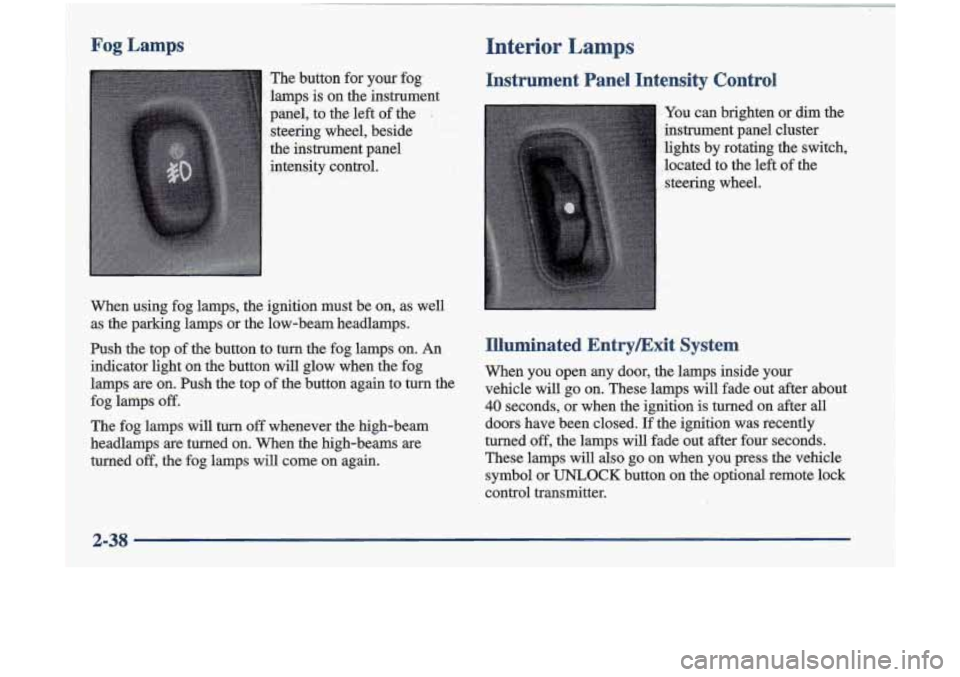
The button for your fog.
lamps is on the instrument
panel, to the left of the
I
steering wheel, beside
the instrument panel
intensity control.
When using fog lamps, the ignition must be on, as well
as the parking lamps or the low-beam headlamps.
Ish the top of the button to turn the fog lamps on. An
indicator light on the button will glow when the fog
.lamps
are on. Push the top of the button again to turn the
The fog lamps will
turn off whenever the high-beam
-headlamps
are turned on. When the high-beams are
turned
off, the fog lamps will come on again.
fog
lamps
off.
Interior Lamps . ..
Instrument Panel Intensity Control
You can brighten or dim the
instrument panel cluster
lights by rotating the switch,
located to the left
of the
steering wheel.
Illuminated EntryExit System
When you open any door, the lamps inside your
vehicle will
go on. These lamps will fade out after about
40 seconds, or when the ignition is turned on after all
doors have been closed. If the ignition was recently
turned
off, the lamps will fade out after four seconds.
These lamps will
also go on when you press the vehicle
symbol or
UNLOCK button on the optional remote lock
control transmitter.
2-38
Page 105 of 348
Power Remote Control Mirror
(If Equipped) Convex Outside Mirror Your
passenger’s side rnirror is convex. A convex
mirror’s surface
is curved so you can see more from the
diver’s seat.
A canvex mimor can make things (like other
vehicles)
look farther away thaa they really are.
If you cut too sharply into the right lane, you
could hit
a vehicle on your right. Check your
inside mirror or gl’ance over your shoulder before changing lanes.
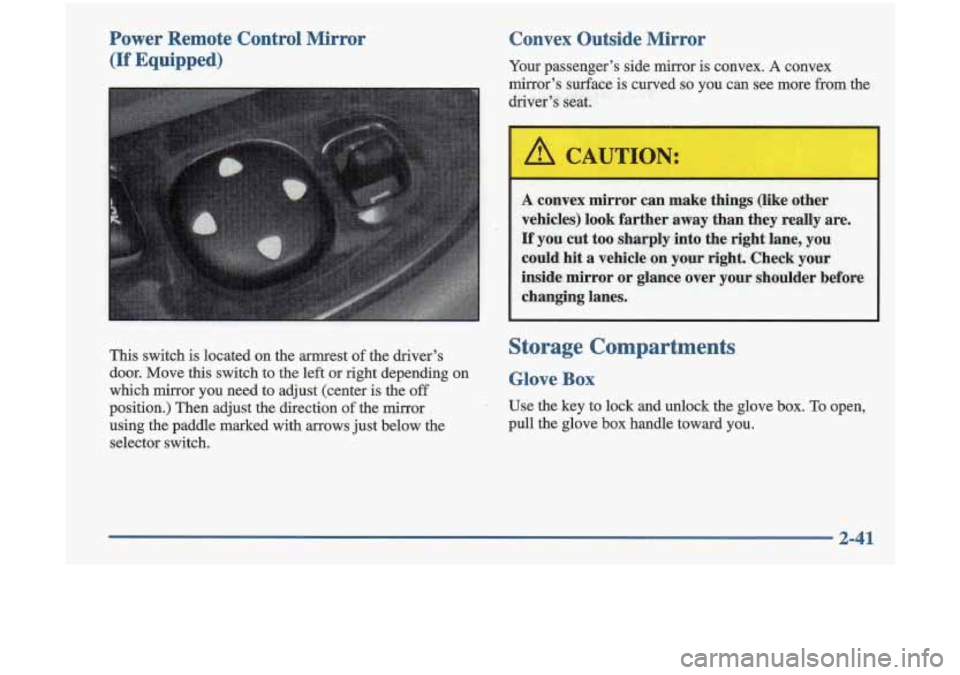
This switch is located on the armrest of the driver’s
door. Move
this switch to the left or right depending on
which mirror you need to adjust (center
is the off
position.) Then adjust the direction of the mirror
using the paddle marked with
arrows just below the
selector switch.
Storage ComDartments
Glove Box
Use the key to lock and unlock the glove box. To open,
pull the glove box handle toward you.
2-41
Page 108 of 348
Sunvisors
To block out glare, you cm swing down the visors. You
can also swing them to the side.
Visor Vanity Mirror
Lift the cover to expose the visor vanity mirror.
Illuminated Visor Vanity Mirror
(If Equipped)
This mirror is located on the passenger's side visor.
When you
lift the cover, the light will turn on.
:! .,.I ., 1J .'I
Accessory Power Outlets
Your vehicle is equipped with two accessory power
outlets. There
is one located at the front of the center
console and one located on the passenger's side
of the
center console. You can
use
it to pfug in additional electric accessories.
Be sure
to follow the proper installation instructions that
are included with any electrical accessory you install.
The accessory power outlets
are protected by a fuse and
have a maximum current level.
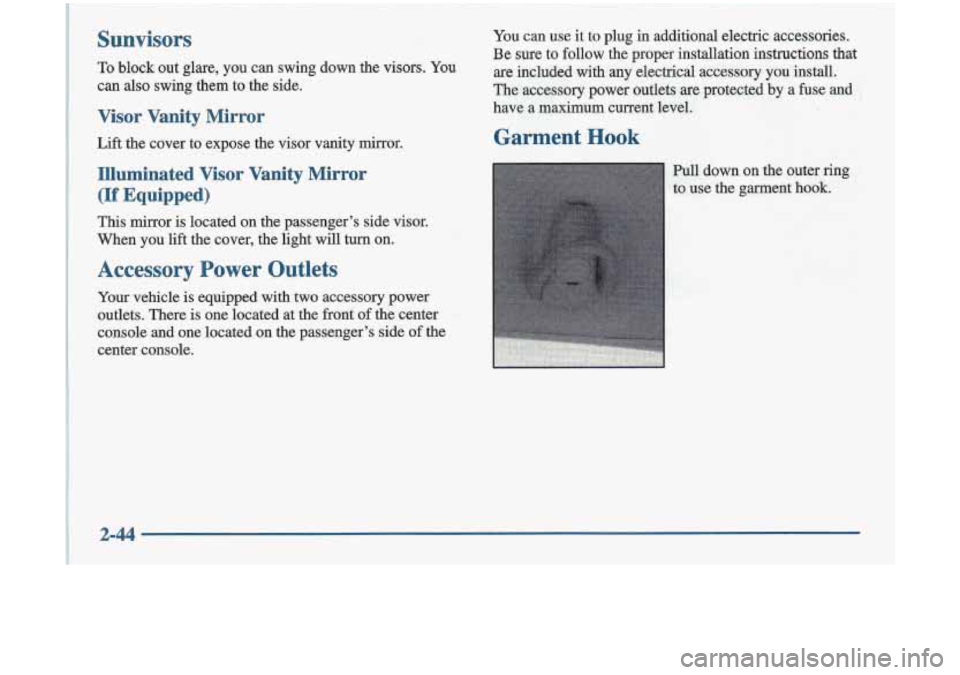
Pull down on the outer ring
to use the garment hook.
2-44
Page 117 of 348
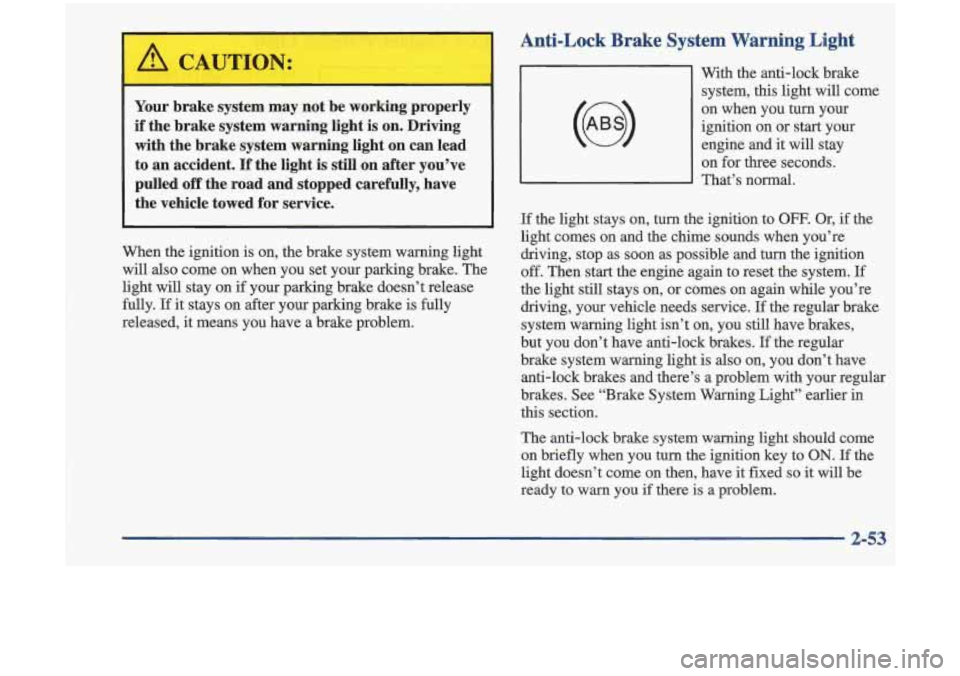
Anti-Lock Brake System Warning Light
Your brake system may not be working properly
if the brake system warning light is on. Driving
with the brake system warning light on can lead
to an accident. If the light is still on after you’ve pulled off the road and stopped carefully, have
the vehicle towed for service.
When the ignition is on, the brake system warning light
will also come on when you set your parking brake. The
light will stay on if your parking brake doesn’t release
fully.
If it stays on after your parking brake is fully
released, it means you have a brake problem. With the anti-lock brake
system, this light will come
on when you
turn your
ignition on or start your engine and it
will stay
on for three seconds.
That’s normal.
If the light stays on, turn the ignition to OFF. Or, if the
light comes on and the chime sounds when you’re
driving, stop as
soon as possible and turn the ignition
off. Then start the engine again to reset the system.
If
the light still stays on, or comes on again while you’re
driving, your vehicle needs service.
If the regular brake
system warning light isn’t on, you still have brakes,
but you don’t have anti-lock brakes.
If the regular
brake system warning light
is also on, you don’t have
anti-lock brakes and there’s a problem with your regular
brakes. See “Brake System Warning Light” earlier
in
this section.
The anti-lock brake system warning light should come
on briefly when you turn the ignition key to
ON. If the
light doesn’t come on then, have
it fixed so it will be
ready to warn you
if there is a problem.
2-53
Page 123 of 348
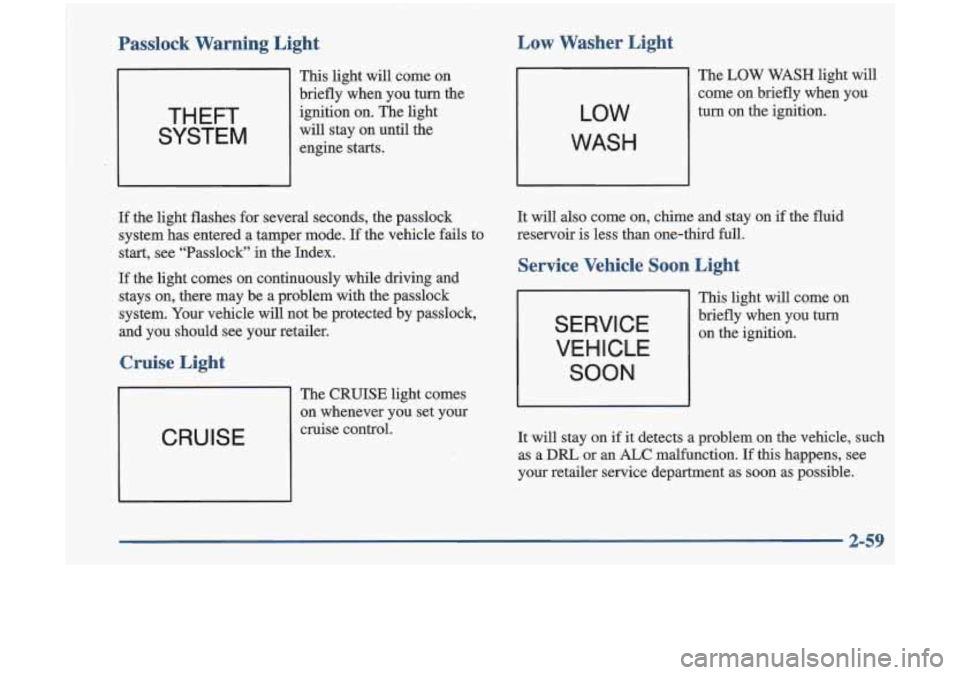
Passlock Warning Light Low Washer Light
This light
will come on
briefly when you
turn the
ignition on. The light
will stay on until the
engine starts.
If the light flashes for several seconds, the passlock
system has entered a tamper mode.
If the vehicle fails to
start, see “Passlock” in the Index.
If the light comes on continuously while driving and
stays on, there may be a problem with the passlock
system. Your vehicle will not be protected by passlock,
and you should see your retailer.
Cruise Light
CRUISE
The CRUISE light comes
on whenever you set your
cruise control.
LOW
WASH
The LOW WASH light will
come on briefly when you
turn on the ignition.
It will also come on, chime and stay on if the fluid
reservoir is less than one-third full.
Service Vehicle Soon Light
SERVICE
VEHICLE
SOON
This light will come on
briefly when you turn
on the ignition.
It will stay on
if it detects a problem on the vehicle, such
as a
DRL or an ALC malfunction. If this happens, see
your retailer service department as soon as possible.
2-59
Page 125 of 348
Section 3 Comfort Controls and Audio Systems I
I
1
~
!
In this section, you’ll find out how to operate the comfort control and audio systems offered with your vehicle. Be ~
sure to read about the particular systems supplied with your vehicle.
3-2 3-2
3-3
3-4
3-4
3-5
3
-5
3 -6
3-6
3-7
3-9 Cornfort Controls
Climate Control System with
Air Conditioning
Air Conditioning
Heating
Defogging and Defrosting Windows
Rear Window Defogger
Ventilation System
Audio Systems Setting
the Clock
AM-FM Stereo
AM-FM Stereo with Cassette Tape Player and
Automatic Tone Control
(If Equipped) 3-13
3-18 3-20
3 -20
3-21
3-21
3-21
3-21 AM-FM Stereo with Cassette Tape and
Compact Disc Player with Automatic
Tone Control
(If Equipped)
Theft-Deterrent Feature Understanding Radio Reception
Tips About Your Audio System
Care
of Your Cassette Tape Player
Care of Your Compact Discs
Care of
Your Compact Disc Player
Fixed Mast Antenna
3-1
Page 131 of 348
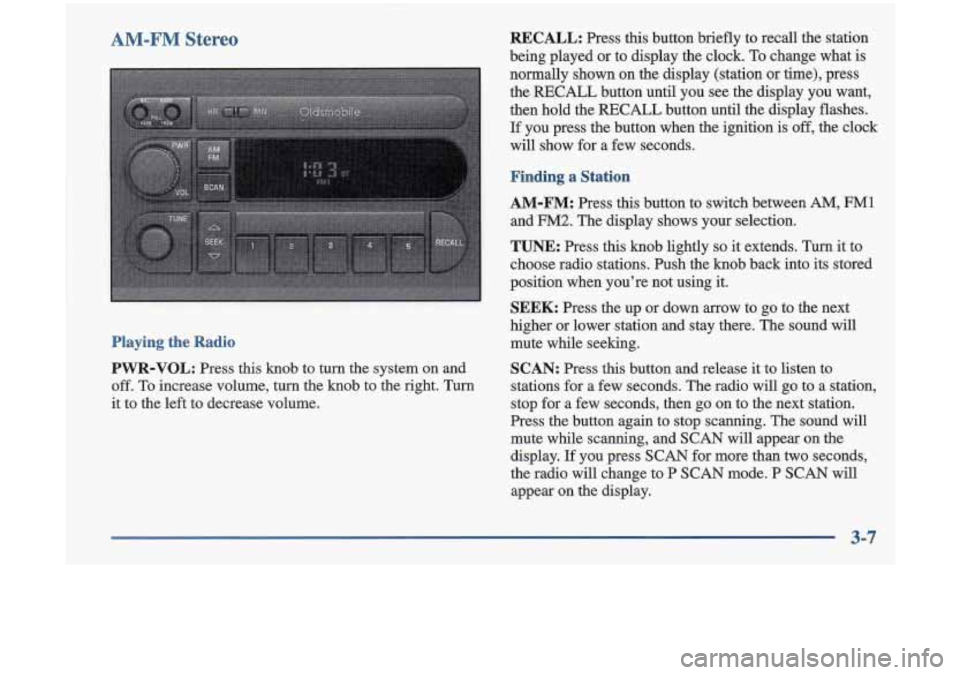
AM-FM Stereo
Playing the Radio
PWR-VOL:
Press this knob to turn the system on and
off.
To increase volume, turn the knob to the right. Turn
it to the left to decrease volume.
RECALL: Press this button briefly to recall the station
being played or to display the clock.
To change what is
normally shown on the display (station
or time), press
the
RECALL button until you see the display you want,
then hold the
RECALL button until the display flashes.
If you press the button when the ignition is off, the clock
will show for a few seconds.
Finding a Station
AM-FM: Press this button to switch between AM, FM1
and FM2. The display shows your selection.
TUNE: Press this knob lightly so it extends. Turn it to
choose radio stations. Push the knob back into its stored
position when you’re not using it.
SEEK: Press the up or down arrow to go to the next
higher or lower station and stay there. The sound will
mute while seeking.
SCAN: Press this button and release it to listen to
stations for a few seconds. The radio will go to a station,
stop for a few seconds, then go on to the next station.
Press the button again to stop scanning. The sound will
mute while scanning, and
SCAN will appear on the
display. If you press
SCAN for more than two seconds,
the radio will change to P
SCAN mode. P SCAN will
appear on the display.
3-7
Page 133 of 348
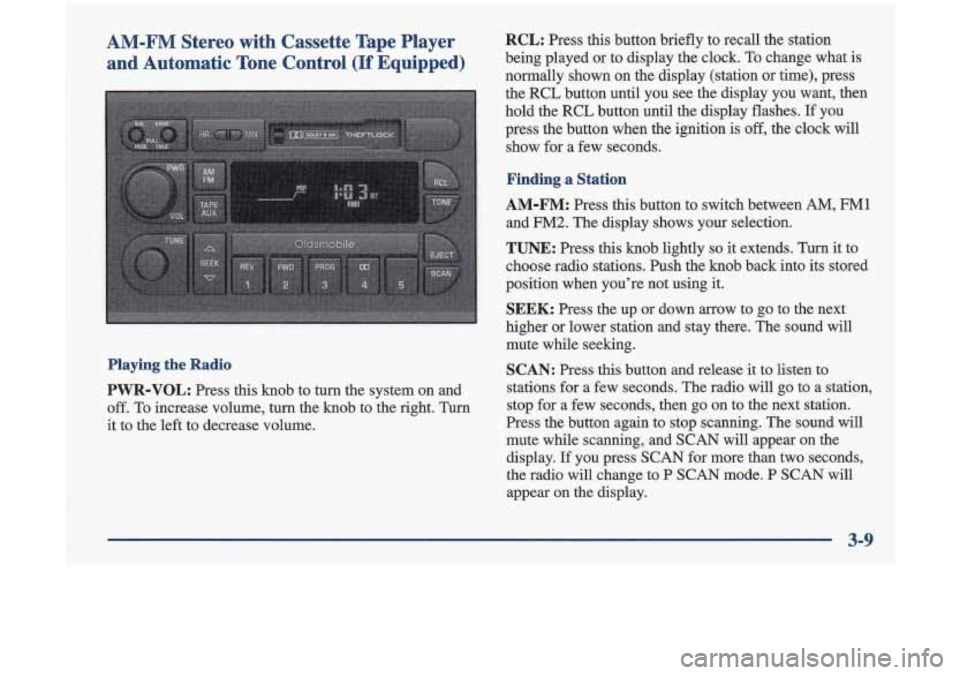
AM-FM Stereo with Cassette Tape Player and Automatic Tone Control
(If Equipped)
Playing the Radio
PWR-VOL: Press this knob to turn the system on and
off. To increase volume, turn the knob to the right. Turn
it to the left to decrease volume.
RCL: Press this button briefly to recall the station
being played or to display the clock. To change what is
normally shown on the display (station or time), press
the RCL button until you see the display you want, then
hold the RCL button until the display flashes.
If you
press the button when the ignition
is off, the clock will
show for a few seconds.
Finding a Station
AM-FM: Press this button to switch between AM, FM1
and FM2. The display shows your selection.
TUNE: Press this knob lightly so it extends. Turn it to
choose radio stations. Push the knob back into its stored
position when you’re not using
it.
SEEK: Press the up or down arrow to go to the next
higher or lower station and stay there. The sound will
mute while seeking.
SCAN: Press this button and release it to listen to
stations for a few seconds. The radio will
go to a station,
stop for a few seconds, then go on to the next station.
Press the button again to stop scanning. The sound will
mute while scanning, and SCAN will appear on the
display.
If you press SCAN for more than two seconds,
the radio will change to
P SCAN mode. P SCAN will
appear on the display.
3-9