CD changer Oldsmobile Cutlass Supreme 1996 Owner's Manuals
[x] Cancel search | Manufacturer: OLDSMOBILE, Model Year: 1996, Model line: Cutlass Supreme, Model: Oldsmobile Cutlass Supreme 1996Pages: 356, PDF Size: 18.48 MB
Page 86 of 356
;, :i
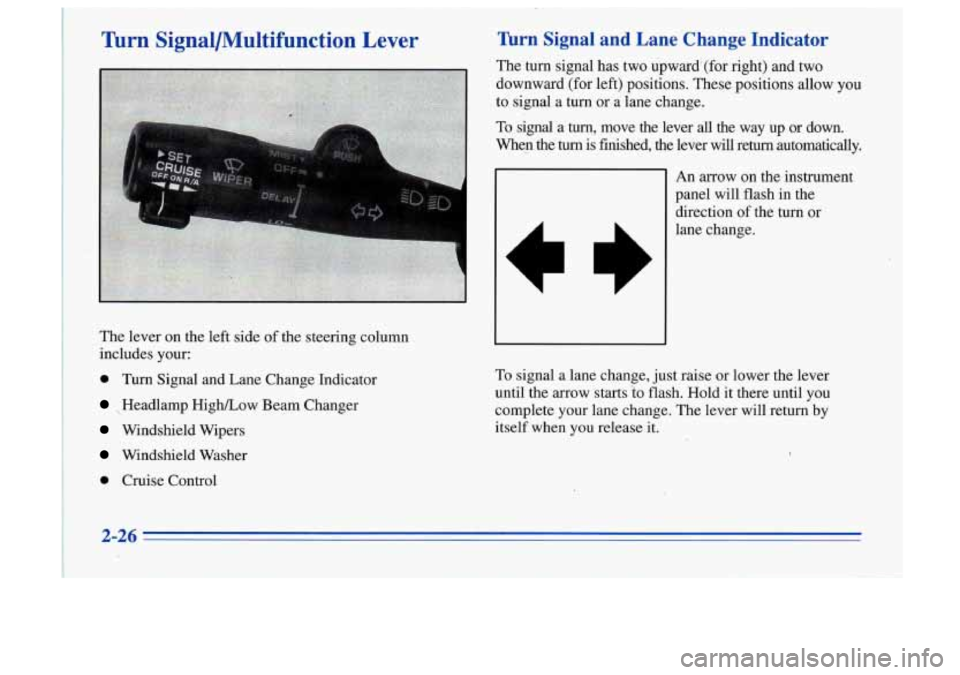
Turn Signal/Multifunction Lever
The lever on the left side of the steering column
includes
your:
0 Turn Signal and Lane Change Indicator
Headlamp High/Low Beam Changer
, Windshield Wipers
' Wmdshield Washer
0 Cruise Control
'.
Turn Signal and Lane Change Indicator
The turn signal has two upwardl(for right) and.twa
downward (for left) positions. These positions allow
you
to signal a turn 'or a lane change. '
To signal a turn, move the lever all the way up or down.
whep the turn is finished, the lever will return automatically.
1
A
1
cs
An arrow on the instrument
panel will flash in the
direction of the.turn or
lane change.
To signal a lane change, just raise or lower the lever
until
the arrow starts 2-0 flash. Hold it there until you
complete your lane change. The lever will return
by
itself when you release it.
2-26
Page 139 of 356
SCAN: Press this button to listen to each selection for a
few seconds. The tape will go to the next selection, stop
for a few seconds, then go on to the next selection. Press
this button again to stop scanning. The sound will be
muted, SCAN will appear on the display and the tape
direction arrow will blink while scanning.
TONE: Press this button to select a TONE while
playing a cassette. The tone will be automatically set
whenever you play a cassette tape.
AM-FM: Press this button to play the radio when a tape
is in the player. The tape will stop but remain in the playe\
r.
TAPE-CD: Press this button if you have a disc loaded
in the changer and the radio is playing, to play a
compact disc. Press AM-FM to return to the radio when
a compact disc is playing. Press TAPE-CD to switch
between the tape and compact disc if both are loaded.
The inactive tape or CD- will remain safely inside the
radio for future listening.
EJECT Press this button to remove the tape. The
radio will play. EJECT may be activated with either the
ignition or radio off. Cassettes may be loaded with the
radio and ignition
off if this button is pressed first.
CLN: This message may appear on the display. If it
does, your cassette tape player needs to be cleaned. It
will still play tapes, but you should clean it as soon as
possible to prevent damage to your tapes and player.
See “Care of Your Cassette Tape Player” in the Index.
After you clean the player, press and hold EJECT for
five seconds to reset the CLN indicator. The radio will
display
--- to show the indicator was reset.
Playing a Compact Disc
The CD player will play either normal-size discs or the
smaller
8 cm discs without an adapter.
With the ignition on, insert a disc partway into the slot,
label side up. The player will pull
it in and the disc
should begin playing.
Note that when the disc is inserted, CD will be
displayed. When the disc is playing, a
box will appear
around CD on the display.
If you select a tone setting for
your CD, it will be activated each time you play a CD.
As each new track starts to play, the track number will
appear in the display.
3-21