engine OLDSMOBILE SILHOUETTE 1993 Owners Manual
[x] Cancel search | Manufacturer: OLDSMOBILE, Model Year: 1993, Model line: SILHOUETTE, Model: OLDSMOBILE SILHOUETTE 1993Pages: 323, PDF Size: 17.13 MB
Page 3 of 323
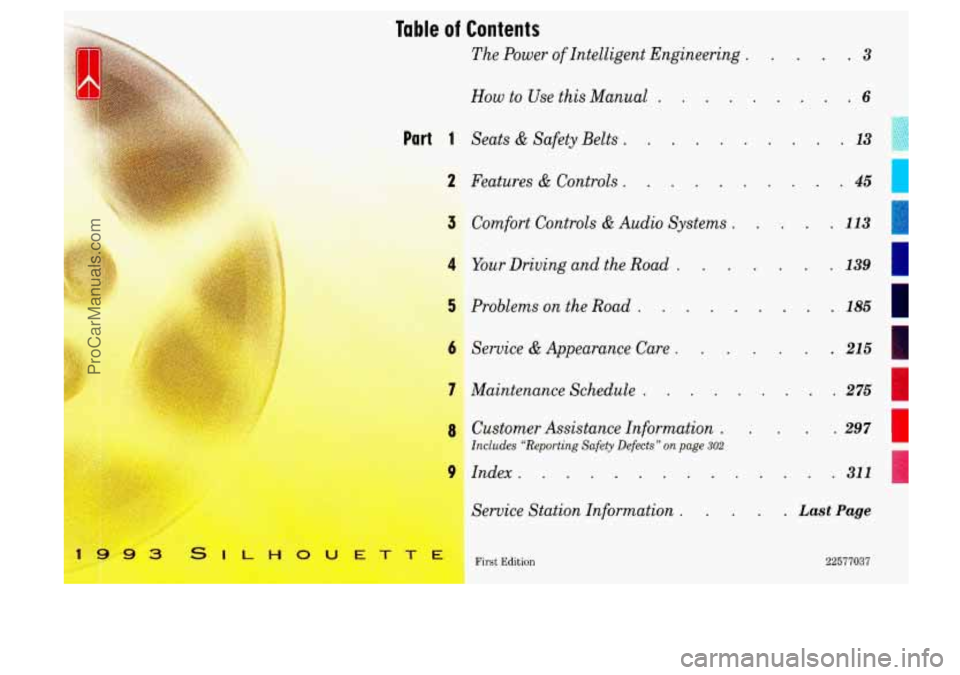
Table of Contents
The Power of Intelligent Engineering . .3
How to Use this Manual . . .6
Part 1 Seats & Safety Belts . . . 13
2 Features & Controls .
Comfort Controls & Audio Systems . .
;4 Your Driving and the Road . . -. .3, .:
Problems on the Road .
iervice & Appearance Care .
gaintenance Schedule .
.. . 45 c
hstomer Assistance Information .
Includes “Reporting Safety Defects” on page 302
-ndex . . . . . . . - -
Service Station Information . .
. 113
. 139
. . . 185
. 215
. 275
. Last Page
22577037 ’irst Edition
.~ ~~
ProCarManuals.com
Page 5 of 323
the Power of
Intelliaent Engineerina
I
I
I
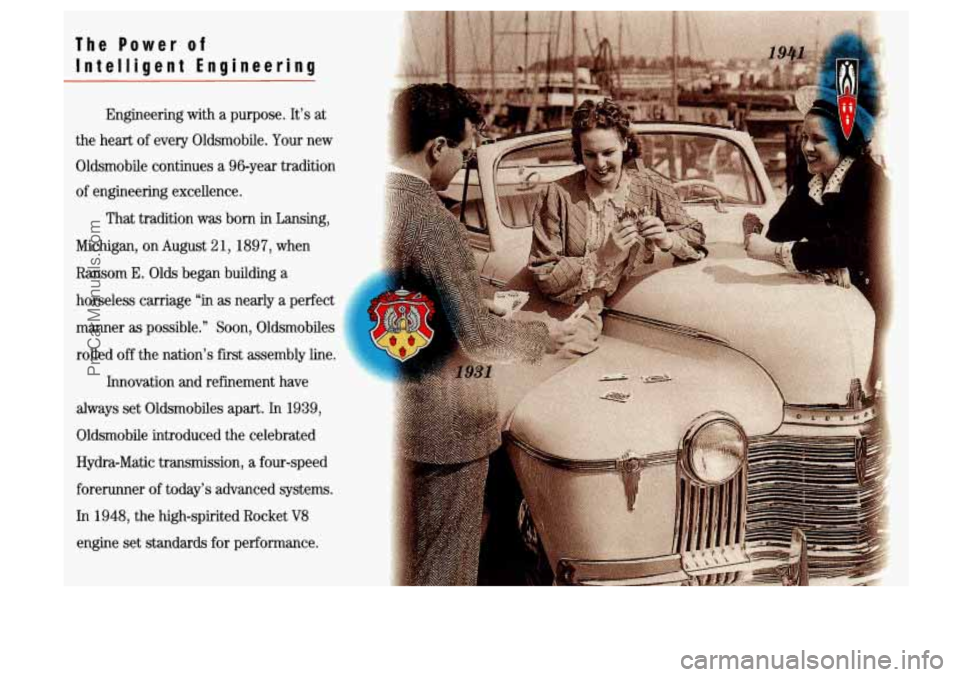
Engineering with a purpose. It’s at
the heart
of every Oldsmobile. Your new
Oldsmobile continues a 96-year tradition
of engineering excellence.
That tradition was born in Lansing,
Michigan, on August
2 1,189 7, when
Ransom
E. Olds began building a
horseless carriage “in as nearly a perfect
manner
as possible.” Soon, Oldsmobiles
rolled
off the nation’s first assembly line.
Innovation and refinement have
always set Oldsmobiles apart. In
1939,
Oldsmobile introduced the celebrated
Hydra-Matic transmission, a four-speed
forerunner
of today’s advanced systems.
In 1948, the high-spirited Rocket V8
engine set standards for Derforrnance.
ProCarManuals.com
Page 6 of 323
A Step Ahead
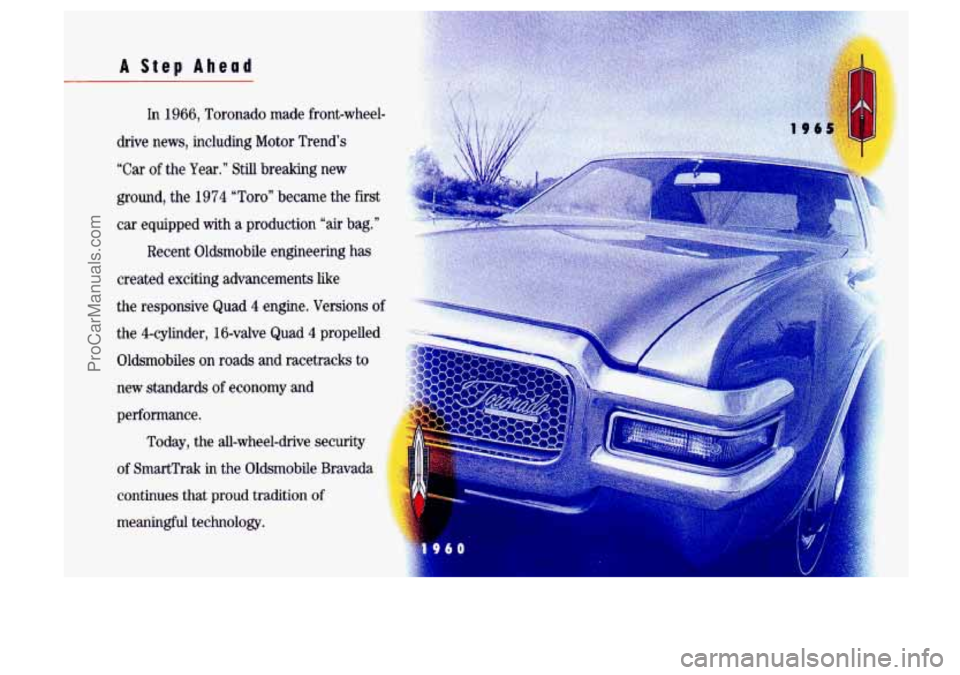
In 1966, Toronado made front-wheel-
drive news, including Motor Trend’s
“Car
of the Year.” Still breaking new
ground, the 1974 “Toro” became the first
car equipped with
a production “air bag.”
Recent Oldsmobile engineering has
created exciting advancements like
the responsive Quad
4 engine. Versions of
the 4-cylinder, 16-valve Quad 4 propelled
Oldsmobiles on roads and racetracks to
new standards
of economy and
performance. Today, the all-wheel-drive security
of SmartTrak
in the Oldsmobile Bravada
continues that proud tradition
of
meaningful technology.
ProCarManuals.com
Page 8 of 323
How to Use this Manual
MANY PEOPLE READ THEIR OWNER t’S
manual from beginning to end when
they first receive their new vehicle.
This
will help you learn about the
features and controls for
your vehicle.
In this manual, you’ll find that
pictures and words work together
to explain things quickly.
There are nine
parts with color-tabbed
pages to help you find each of the
parts of this manual. Each part begins
with a brief list of contents,
so you
can usually tell at
a glance if that part
contains the information you want.
YOU can bend the manual slightly to
reveal the color tabs that
help you
find
a part.
Part 1: Seats & Sa fety Belts
This part tells
you how to use your
seats and safety belts properly.
Part 2: Features & Controls
This part explains how to start and
operate your Oldsmobile.
Part 3: Comfort Controls & Audio Systems
This part tells you how to adjust the
ventilation and comfort controls and
how to operate your audio system.
Part 4: Your Driving and the Road
Here you’ll find helpful information
and tips about the road and how
to
drive under different conditions.
Part 5: Problems on the Road
This part tells you what to do if you
have
a problem while driving, such as
a flat tire or engine overheating.
6
ProCarManuals.com
Page 12 of 323
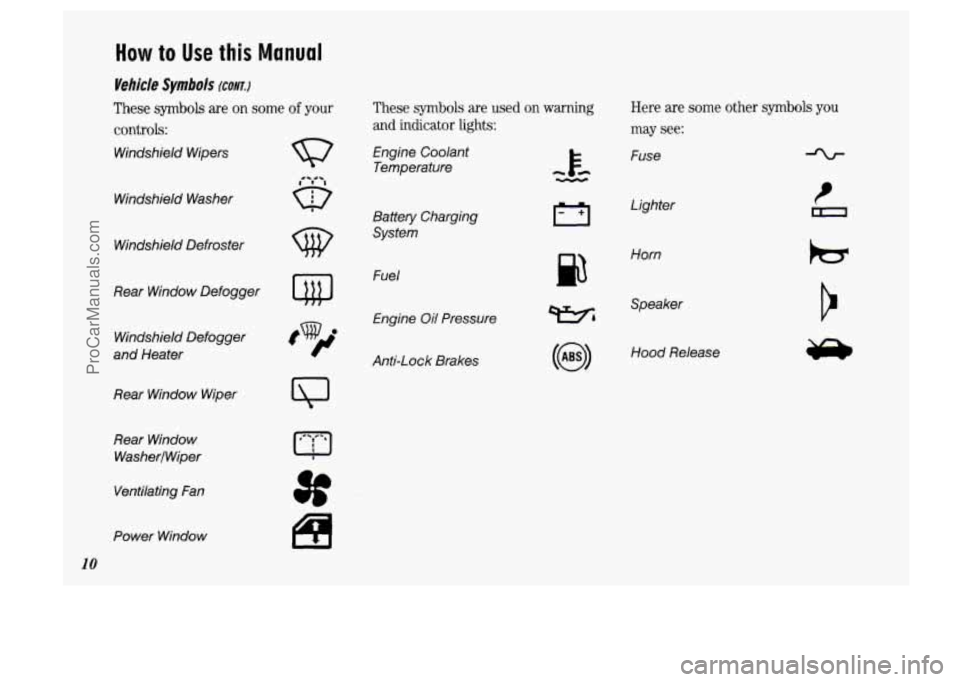
How to Use this Manual
Vehicle Symbols (CONT.)
These symbols are on some of your
controls:
Windshield Wipers
These symbols are used on warning Here are some other symbols you
and indicator lights: may see:
Engine Coolant
Temperature Fuse
Windshield Washer
Lighter
Battery Charging
System
w Windshield Defroster
p3
Horn
Fuel
Engine Oil Pressure
Rear Window
Defogger
Wh
Speaker
Windshield Defogger
and Heater Hood Release
Anti-Lock Brakes
Rear Window Wiper
Rear Window
WasherlWiper
Ventilating Fan
Power Window
10
ProCarManuals.com
Page 47 of 323
v..
.
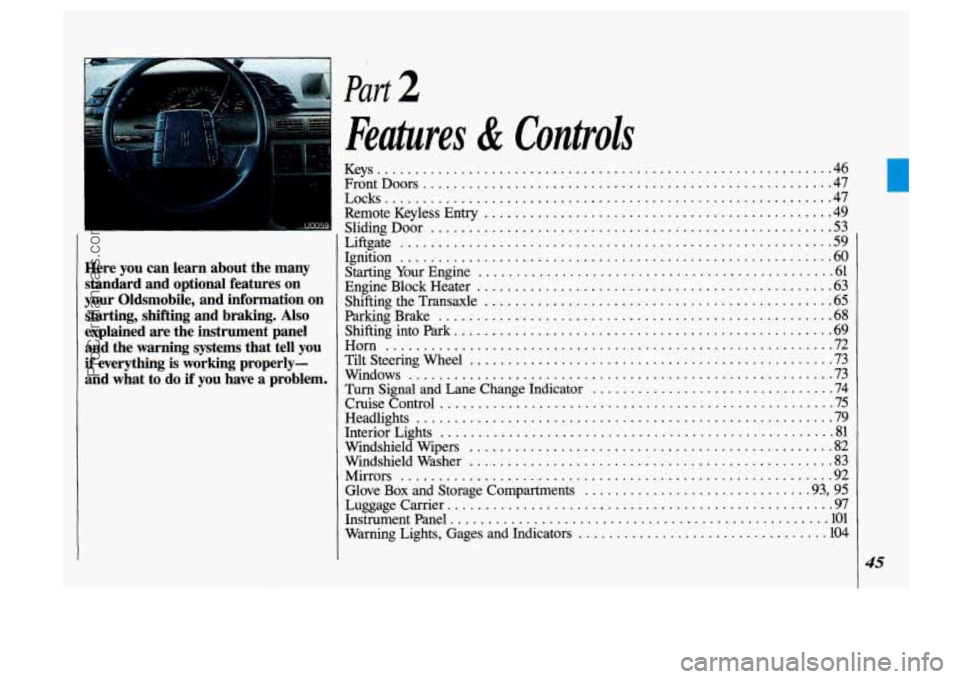
Here you can learn about the many
standard and optional features on
your Oldsmobile. and information on starting. shifting and braking
. Also
explained are the instrument panel and the warning systems that tell you
if everything is working properly-
and what
to do if you have a problem .
Part 2
Features & Controls
Keys 46
FrontDoors
...................................................... 47
Remote Keyless Entry
.............................................. 49
Sliding Door 53
Liftgate
......................................................... 59
Ignition
......................................................... 60
Starting Your Engine
............................................... 61
Shifting the Transaxle
.............................................. 65
..........................................................
Locks ........................................................... 47
.....................................................
EngineBlockHeater ............................................... 63
ParkingBrake
.................................................... 68
Shiftingintopark
.................................................. 69
Horn ........................................................... 72
Windows
........................................................ 73
TiltSteeringWheel
................................................ 73
Turn Signal
and Lane Change Indicator ................................ 74
CruiseControl .................................................... 75
Headlights
....................................................... 79
Windshield Wipers
................................................ 82
Windshield Washer
................................................ 83
Mirrors
......................................................... 92
Glove
Box and Storage Compartments ............................. .93, 95
Luggagecarrier
....................................................
Instrument Panel .................................................. 101
Warning Lights, Gages and Indicators
................................. 104
InteriorLights
.................................................... 81
I'
45
L
ProCarManuals.com
Page 63 of 323
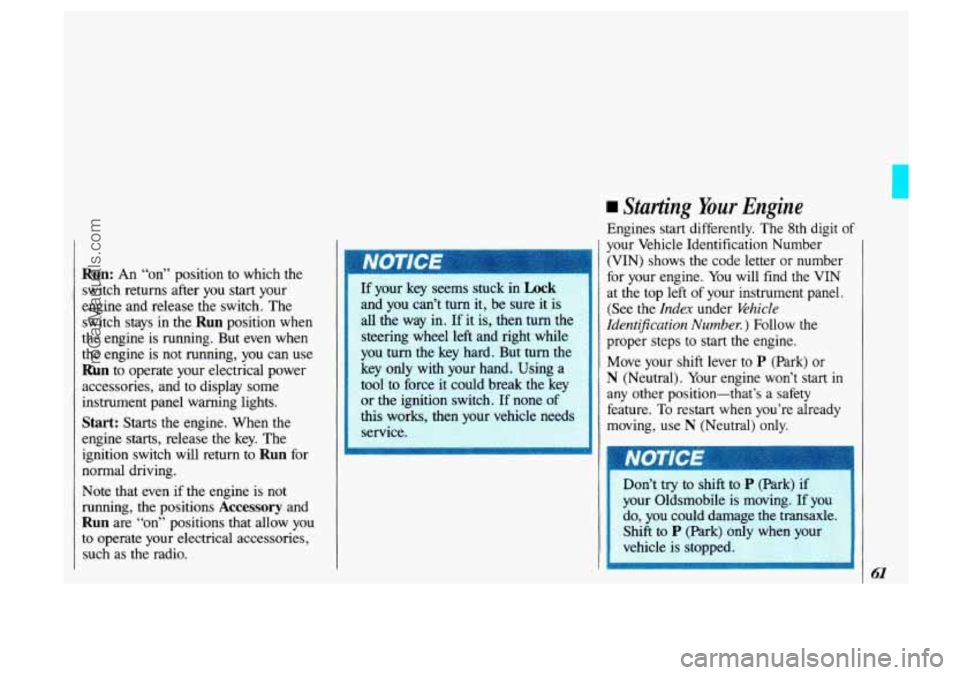
Run: An “on” position to which the
switch returns after you start your
engine and release the switch. The
switch stays in the
Run position when
the engine is running. But even when
the engine is not running, you can use
Run to operate your electrical power
accessories, and to display some
instrument panel warning lights.
Start: Starts the engine. When the
engine starts, release the key. The
ignition switch will return to
Run for
normal driving.
Note that even if the engine is not
running, the positions
Accessory and
Run are “on” positions that allow you
to operate your electrical accessories,
such as the radio.
I 1 and you can’t turn it, be sure it is
all the way
in. If it is, then turn the
steering wheel left and right while
you
turn the key hard. But turn the
: key only with your hand. Using a
-11 tool to force it could break the key
or the ignition switch. If none of
this works, then your vehicle needs
service.
Starting Your Engine
Engines start differently. The 8th digit of
your Vehicle Identification Number
(VIN) shows the code letter or number
for your engine. You will find the VIN
at the top left of your instrument panel.
(See the
Index under Vehicle
ZdentiJication
Number. ) Follow the
proper steps to start the engine.
I Move your shift lever to P (Park) or
N (Neutral). Your engine won’t start in
any other position-that’s a safety
feature.
To restart when you’re already
moving, use
N (Neutral) only.
I I
ProCarManuals.com
Page 64 of 323
Features & Controls
62
Starting Your Engine (CONT.)
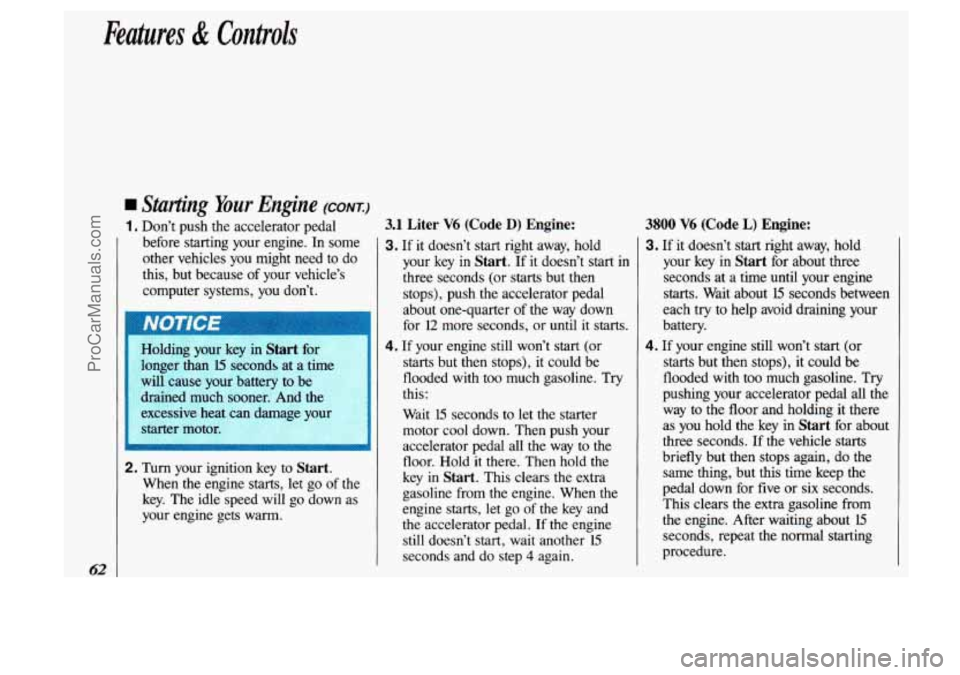
1. Don’t push the accelerator pedal
before starting your engine. In some
other vehicles you might need to do
this, but because of your vehicle’s
computer systems,
you don’t.
~
~
Holding your key in Start for
longer. than 15 seconds at a til
will cause your battery to be
draified much
sooner. And the : .~
excessive heat can damage your :-
starter motor.
~.
2. Turn your ignition key to Start.
When the engine starts, let go of the
key. The idle speed will go down as
your engine gets warm.
3.1 Liter V6 (Code D) Engine:
3. If it doesn’t start right away, hold
your key in
Start. If it doesn’t start in
three seconds (or starts but then
stops), push the accelerator pedal
about one-quarter of the way down
for
12 more seconds, or until it starts.
4. If your engine still won’t start (or
starts but then stops), it could be
flooded with too much gasoline. Try
this:
Wait
15 seconds to let the starter
motor cool down. Then push your
accelerator pedal all the way
to the 1
floor. Hold it there. Then hold the
key in
Start. This clears the extra
gasoline from the engine. When
the
engine starts, let go of the key and
the accelerator pedal. If the engine
still doesn’t start, wait another
15
seconds and do step 4 again.
3800 V6 (Code L) Engine:
3. If it doesn’t start right away, hold
your key in
Start for about three
seconds at a time until your engine
starts. Wait about
15 seconds between
each try to help avoid draining your
battery.
4. If your engine still won’t start (or
starts but then stops), it could be
flooded with too much gasoline. Try
pushing your accelerator pedal
all the
way to the floor and holding it there
as you hold the key in
Start for about
three seconds. If the vehicle starts
briefly but then stops again, do the
same thing, but this time keep the
pedal down for five
or six seconds.
This clears the extra gasoline from
the engine. After waiting about
15
seconds, repeat the normal starting
procedure.
ProCarManuals.com
Page 65 of 323
with the electronics in your
vehicle. If you add electrical parts
or accessories, you could change
the
way the fuel injection system
operates. Before adding electrical
equipment, check with your dealer.
If you don't, your engine might not
perform properly.
If you ever have to have your
manual that tells how to do it
without damaging your vehicle.
See the Index under Towing Your
Oldsmbile.
vehicle towed, see the part of this
Driving Through Deep Standing
Water
engine's air intake and badly
'I
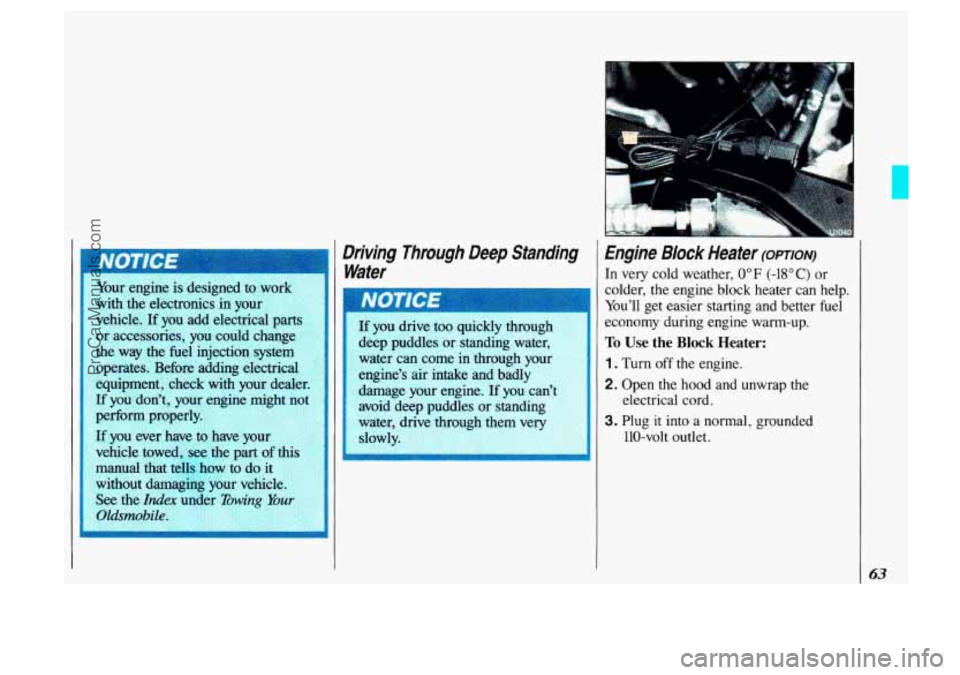
Engine Block Heater (oprlofv)
In very cold weather, 0" F (-18°C) or
colder, the engine block heater can help.
You'll get easier starting and better fuel
economy during engine warm-up.
To Use the Block Heater:
1. Turn off the engine.
2. Open the hood and unwrap the electrical cord.
3. Plug it into a normal, grounded
110-volt outlet.
63
ProCarManuals.com
Page 66 of 323
Features & Controls
Engine Block Heater (CONI)
ungrounded outlet could cause shock.
Also, the
wrong kind
of extension cord
could overheat and cause a fire.
You could be seriously injured.
Plug the cord into a properly
grounded three-prong 110-volt
outlet.
If the cord won’t reach, use
a heavy-duty three-prong extension
cord rated for at least
15 amps. be
sure to store the cord as it was
before, to keep it away from
moving
engine parts. If you don’t, ~
it could be damaged.
How long should you keep the block
heater plugged in? The answer depends
on the weather, the kind of oil you have,
and some other things. Instead
of trying
to list everything here, we ask that you
contact an Oldsmobile dealer in the area
where you’ll be parking your vehicle.
The dealer can give you the best advice
for that particular area.
ProCarManuals.com