door lock OLDSMOBILE SILHOUETTE 2003 Owner's Manual
[x] Cancel search | Manufacturer: OLDSMOBILE, Model Year: 2003, Model line: SILHOUETTE, Model: OLDSMOBILE SILHOUETTE 2003Pages: 466, PDF Size: 21.55 MB
Page 113 of 466
Arming with the Remote Keyless Entry
Transmitter
Your alarm system will arm when you use your remote
keyless entry transmitter
to lock the doors, if the key
is not in the ignition. The security light will turn on to let
you know the system is arming. After all doors and
the liftgate are closed and locked, the security light will
begin flashing at a very slow rate
to let you know
the system is armed.
Arming with Your Key
Your alarm system will arm when you use your key to
lock the doors. The security light will turn on to let
you know the system is arming. After all doors and the
liftgate are closed and locked, the security light will
begin flashing at a very slow rate
to let you know the
system is armed. If you would like your key not
to
arm the system, see Vehicle Personalization on
page 2-62.
Arming Confirmation
If remote unlock confirmation is on, your parking lamps
will flash briefly
to let you know when your alarm system
has disarmed. If you would not like the parking lamps
to
flash, see Vehicle Personalization on page 2-62.
Disarming with the Remote Keyless
Entry Transmitter
Your alarm system will disarm when you use your
remote keyless entry transmitter to unlock the doors.
The security light will stop flashing
to let you know the
system is no longer armed.
Disarming with Your Key
Your alarm system will disarm when you use your key to
unlock the doors. The security light will stop flashing to let
you know the system is no longer armed. If you would like
your key not
to disarm the alarm system, see Vehicle
Personalization on page 2-62.
2-28
Page 118 of 466

B (LOCK): This is the only position from which you
can remove the key. This position locks your ignition,
steering wheel and transaxle.
Notice: If your key seems stuck in LOCK and you
can’t turn
it, be sure you are using the correct key;
if
so, is it all the way in? If it is, then turn the
steering wheel left and right while you turn the key hard. Turn the key only with your hand. Using a
tool to force
it could break the key or the ignition
switch. If none
of these works, then your vehicle
needs service.
C (OFF): This position unlocks the ignition, steering
wheel and transaxle but, does not send power to
any accessories. Use this position
if your vehicle
must be pushed or towed, but never try
to push-start
your vehicle.
D (RUN): This is the position to which the switch returns
after you start your engine and release the ignition key.
This is the position for driving. Even when the engine is
not running, you can use RUN to operate your electrical
accessories and
to display some instrument panel
warning lights.
E (START): This position starts the engine. When the
engine starts, release the ignition key. The switch
will return to RUN for normal driving.
If the engine is not running, ACCESSORY and RUN
are positions that allow you to operate your electrical
accessories, such as the radio.
Retained Accessory Power (RAP)
With RAP, the power windows, power rear quarter
windows, audio system and the automatic level control
will continue to work up to
10 minutes after the
ignition key is turned to
OFF and none of the doors
are opened.
2-33
Page 130 of 466
Mirrors
Manual Rearview Mirror
To reduce glare from lights behind you, pull the lever
toward you (to the night position). To return the mirror to
the day position, push the lever away from you.
Outside Power Mirrors
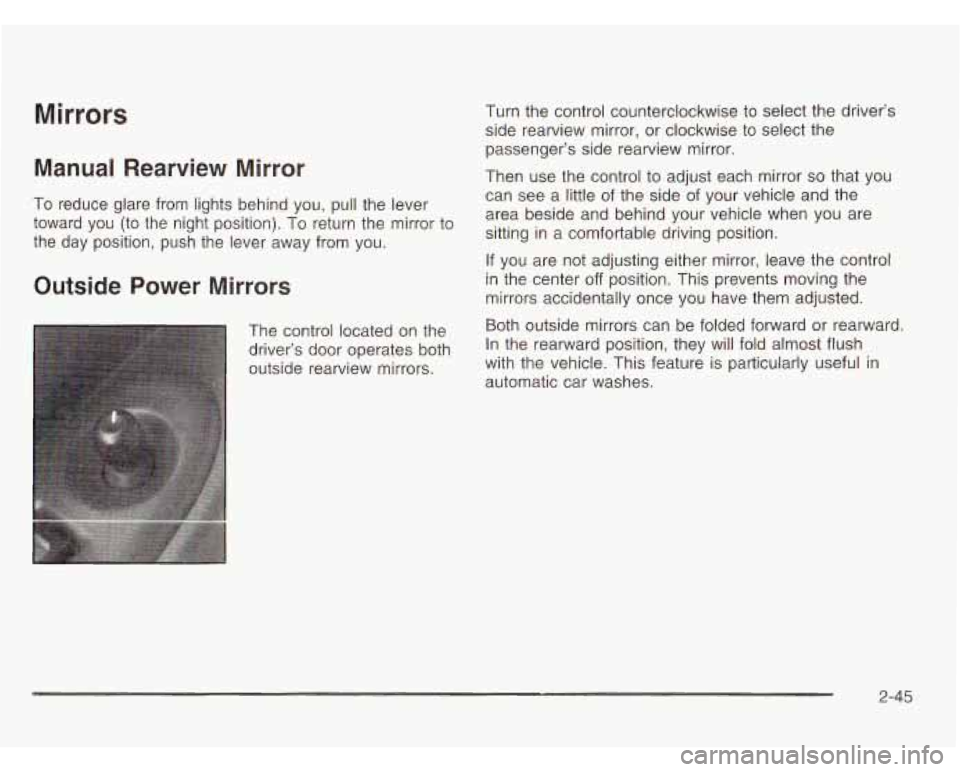
The control located on the
driver’s door operates both
outside rearview mirrors. Turn
the control counterclockwise to select the driver’s
side rearview mirror, or clockwise to select the
passenger’s side rearview mirror.
Then use the control to adjust each mirror
so that you
can see a little
of the side of your vehicle and the
area beside and behind your vehicle when you are
sitting in a comfortable driving position.
If you are not adjusting either mirror, leave the control
in the center
off position. This prevents moving the
mirrors accidentally once you have them adjusted.
Both outside mirrors can be folded forward or rearward.
In the rearward position, they will fold almost flush
with the vehicle. This feature
is particularly useful in
automatic car washes.
2-45
Page 132 of 466
Onstar@ System Onstar@ Services
Onstar@ Drovides a number of service plans. Some of
the services currently provided by OnStap are:
e
Onstar@ uses global positioning system (GPS) satellite
technology, wireless communications, and call centers
to provide you with a wide range
of safety, security,
information and convenience services. An Onstar@
subscription plan is included in the price of your vehicle.
You can upgrade or extend your Onstar@ services to
meet your needs.
A complete OnStap user’s guide and the terms and
conditions
of the Onstar@ Subscription Service
Agreement are included
in your vehicle’s glove box
iiterature. For more iniormaiion, visii
www.msiar.cwrl,
contact Onstar@ at 1 -888-4-ONSTAR (1 -888-466-7827),
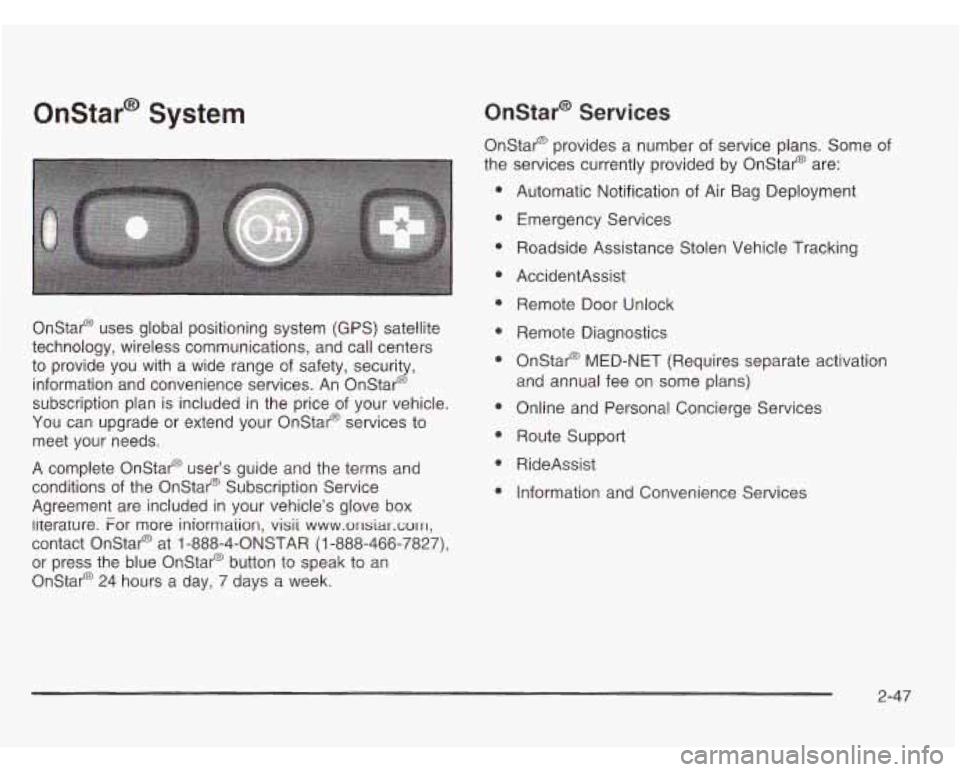
or press the blue Onstar@ button to speak to an
Onstar@ 24 hours a day, 7 days a week. Automatic Notification
of Air Bag Deployment
Emergency Services
Roadside Assistance Stolen Vehicle Tracking
AccidentAssist Remote Door Unlock
Remote Diagnostics
Onstar@ MED-NET (Requires separate activation
and annual fee on some plans)
Online and Personal Concierge Services
Route Support
RideAssist
Information and Convenience Services
2-47
Page 134 of 466
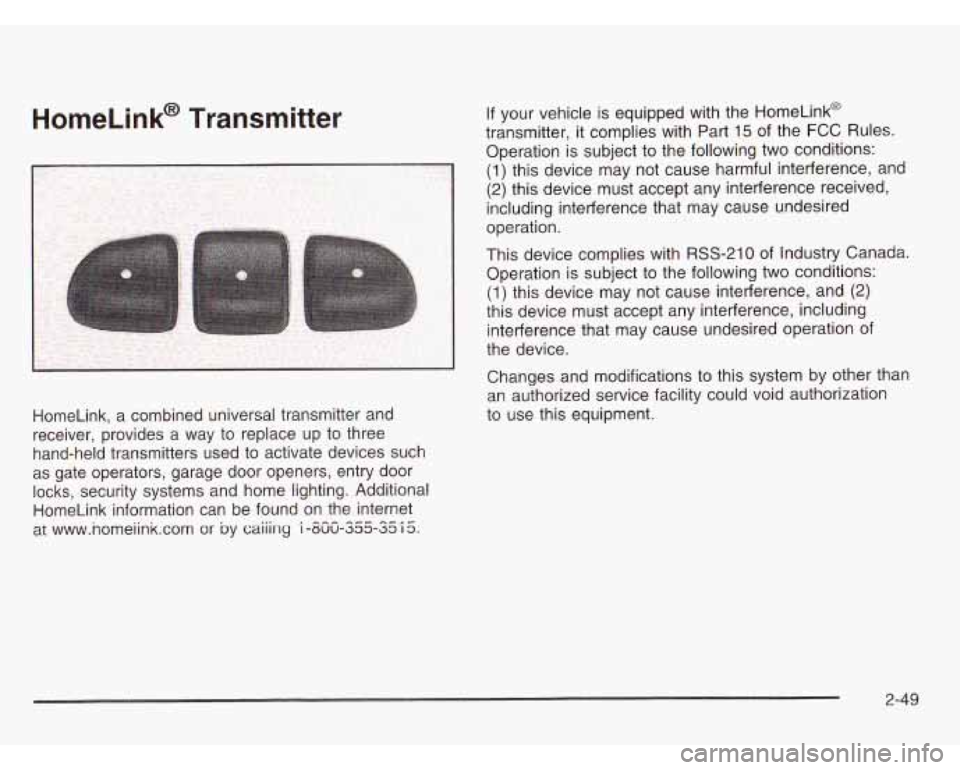
HomeLink, a combined universal transmitter and
receiver, provides a way to replace up to three
hand-held transmitters used to activate devices such
as gate operators, garage door openers, entry door
locks, security systems and home lighting. Additional
HomeLink information can be found on the internet
at www.nomeiink.com
or by caiiing i -uuu-333-~3 I 3. --- --A-
an authorized service facility could void authorization
to use this equipment.
2-49
Page 145 of 466
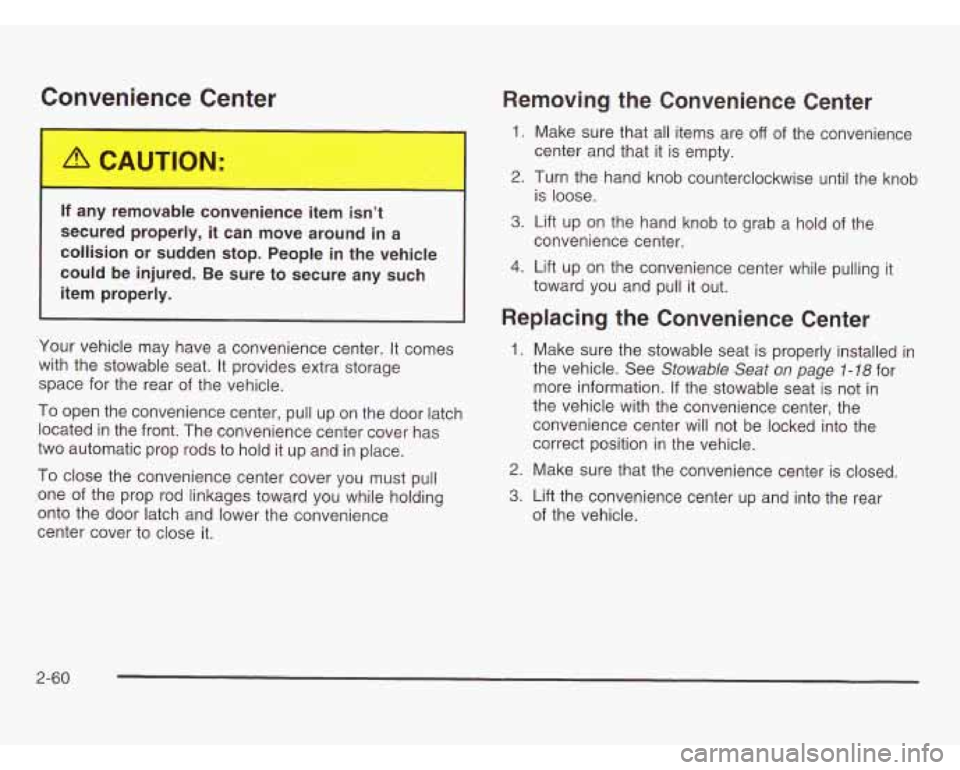
Convenience Center
If a.., removable convenience item isn’t
secured properly, it can move around in a
collision or sudden stop. People in the vehicle
could be injured. Be sure to secure any such
item properly.
Your vehicle may have a convenience center. It comes
with the stowable seat. It provides extra storage
space for the rear of the vehicle.
To open the convenience center, pull up on the door latch
located
in the front. The convenience center cover has
two automatic prop rods to hold it up and in place.
To close the convenience center cover you must pull
one of the prop rod linkages toward you while holding
onto the door latch and lower the convenience
center cover to close it.
Removing the Convenience Center
1. Make sure that all items are off of the convenience
2. Turn the hand knob counterclockwise until the knob
3. Lift up on the hand knob to grab a hold of the
4. Lift up on the convenience center while pulling it
center and that it is
empty.
is loose.
convenience center.
toward you and pull it out.
Replacing the Convenience Center
1. Make sure the stowable seat is properly installed in
the vehicle. See
Stowable Seat on page 1-78 for
more information. If the stowable seat is not in
the vehicle with the convenience center, the
convenience center will not be locked into the
correct position in the vehicle.
2. Make sure that the convenience center is closed.
3. Lift the convenience center up and into the rear
of the vehicle.
2-60
Page 147 of 466
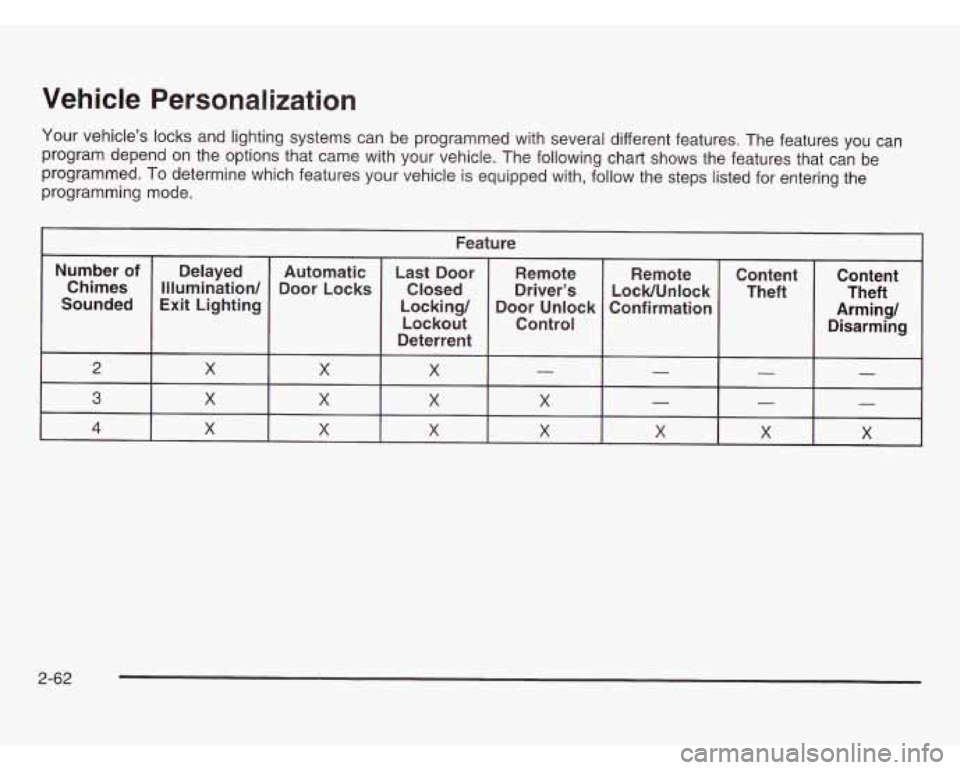
Vehicle Personalization
Your vehicle’s locks and lighting systems can be programmed with several different features. The features you can
program depend on the options that came with your vehicle. The following chart shows the features that can be
programmed. To determine which features your vehicle is equipped with, follow the steps listed for entering the
programming mode.
Feature
Number of
Confirmation
Door
Unlock
Locking/
Exit Lighting
Sounded LocWUnlock
Driver’s
Closed
Door
Locks
Illumination/
Chimes Remote
Remote
Last Door
Automatic
Delayed
Lockout
Deterrent Control
2 - - X X X
Content
Theft Content
Arming/ Theft
Disarming
- -
3
X X X X
X X X 4
- - - X X X X
2-62
Page 148 of 466
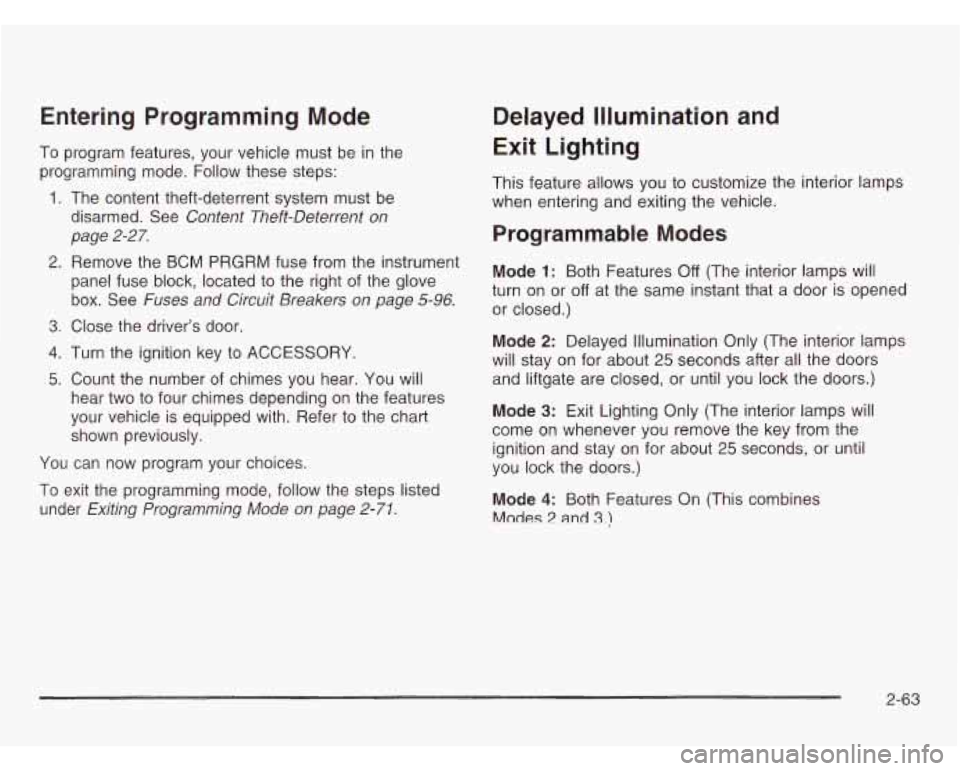
Entering Programming Mode
To program features, your vehicle must be in the
programming mode. Follow these steps:
1. The content theft-deterrent system must be
disarmed. See
Content Theft-Deterrent on
page
2-27.
2. Remove the BCM PRGRM fuse from the instrument
panel fuse block, located to the right of the glove
box. See Fuses and Circuit Breakers on page 5-96.
3. Close the driver’s door
4. Turn the ignition key to ACCESSORY.
5. Count the number of chimes you hear. You will
hear two to four chimes depending on the features
your vehicle is equipped with. Refer to the chart
shown previously.
You can now program your choices.
To exit the programming mode, follow the steps listed
under
Exiting Programming Mode on page 2-71.
Delayed Illumination and
Exit Lighting
This feature allows you to customize the interior lamps
when entering and exiting the vehicle.
Programmable Modes
Mode 1: Both Features Off (The interior lamps will
turn on or
off at the same instant that a door is opened
or closed.)
Mode
2: Delayed Illumination Only (The interior lamps
will stay on for about
25 seconds after all the doors
and liftgate are closed, or until you lock the doors.)
Mode
3: Exit Lighting Only (The interior lamps will
come on whenever you remove the key from the
ignition and stay on for about
25 seconds, or until
you lock the doors.)
Mode
4: Both Features On (This combines
Modes 2 and 3.)
2-63
Page 149 of 466
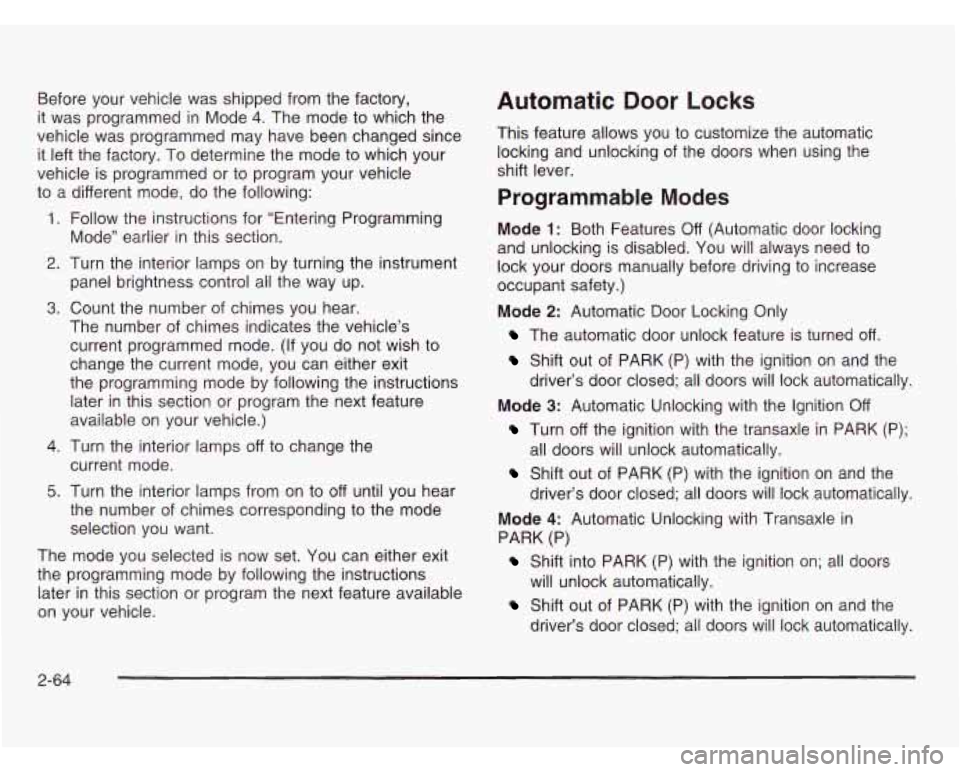
Before your vehicle was shipped from the factory,
it was programmed in Mode
4. The mode to which the
vehicle was programmed may have been changed since
it left the factory.
To determine the mode to which your
vehicle is programmed or to program your vehicle
to a different mode, do the following:
1. Follow the instructions for “Entering Programming
Mode” earlier
in this section.
2. Turn the interior lamps on by turning the instrument
panel brightness control all the way up.
3. Count the number of chimes you hear.
The number of chimes indicates the vehicle’s
current programmed mode. (If you do not wish to
change the current mode, you can either exit
the programming mode by following the instructions later in this section or program the next feature
available on your vehicle.)
4. Turn the interior lamps off to change the
current mode.
5. Turn the interior lamps from on to off until you hear
the number of chimes corresponding to the mode
selection you want.
The mode you selected is now set.
You can either exit
the programming mode by following the instructions
later in this section or program the next feature available
on your vehicle.
Automatic Door Locks
This feature allows you to customize the automatic
locking and unlocking of the doors when using the
shift lever.
Programmable Modes
Mode 1: Both Features Off (Automatic door locking
and unlocking is disabled. You will always need to
lock your doors manually before driving to increase
occupant safety.)
Mode
2: Automatic Door Locking Only
The automatic door unlock feature is turned off.
Shift out of PARK (P) with the ignition on and the
driver’s door closed; all doors will lock automatically.
Turn off the ignition with the transaxle in PARK (P);
Shift out of PARK (P) with the ignition on and the
Mode
3: Automatic Unlocking with the Ignition
Off
all doors will unlock automatically.
driver’s door closed; all doors will lock automatically.
Mode
4: Automatic Unlocking with Transaxle in
PARK (P)
Shift into PARK (P) with the ignition on; all doors
Shift out of PARK (P) with the ignition on and the
will unlock
automatically.
driver’s door closed; all doors will lock automatically.
2-64
Page 150 of 466
Before your vehicle was shipped from the factory,
it was programmed in Mode
3. The mode to which the
vehicle was programmed may have been changed since
it left the factory.
To determine the mode to which
your vehicle is programmed or to program your vehicle
to a different mode, do the following:
1. Follow the instructions for Entering Programming
Mode on page 2-63.
2. Press LOCK on the power door lock switch.
3. Count the number of chimes you hear.
The number of chimes indicates the vehicle’s
current programmed mode. (If you do not wish to
change the current mode, you can either exit
the programming mode by following the instructions
later in this section or program the next feature
available on your vehicle.)
4. Press LOCK to change the current mode.
5. Press LOCK until you hear the number of chimes
corresponding
to the mode selection you want.
The mode you selected is
now set. You can either exit
the programming mode by following the instructions
later in this section or program the next feature available
on your vehicle.
Last Door Locking and Lockout
Deterrent
This feature allows you to customize the automatic
locking of the doors when exiting the vehicle.
Programmable Modes
Mode 1: Both Features Off (Doors will always lock
immediately when you press LOCK on the power door
lock switch or the remote keyless entry transmitter.)
Mode
2: Lockout Deterrent Only (If you leave your key
in the ignition with the driver’s door open, you won’t
be able to lock the doors with the power door locks.)
Mode
3: Last Door Closed Locking Only (If the power
door lock switch or the remote keyless entry transmitter
is used to lock the vehicle while any door or the
liftgate is open, you will hear three chimes. The doors
will not lock. Five seconds after the last door is
closed, all doors and the liftgate will lock.)
Mode
4: Both Features On (This combines
Modes
2 and 3.)
2-65