info OPEL ASTRA K 2017.5 Manual PDF
[x] Cancel search | Manufacturer: OPEL, Model Year: 2017.5, Model line: ASTRA K, Model: OPEL ASTRA K 2017.5Pages: 311, PDF Size: 9.21 MB
Page 177 of 311

Driving and operating175Manual mode
To utilise the engine braking effect, select a lower gear in good time when
driving downhill. Changing into
manual mode is only possible while the engine is running or during an
Autostop.
Rocking the vehicle Rocking the vehicle is only
permissible if the vehicle is stuck in
sand, mud or snow. Move the selector
lever between R and D in a repeat
pattern. Do not race the engine and
avoid sudden acceleration.
Parking
The most recently engaged gear (see
transmission display) remains
engaged when switching off ignition.
With N, no gear is engaged.
Therefore always apply the parking
brake when switching off ignition. If
parking brake is not applied, P flashes
in the transmission display and the
key cannot be removed from the
ignition switch. P stops flashing in the
transmission display as soon as the
parking brake is slightly applied.When the ignition is switched off, the
transmission no longer responds to
movement of the selector lever.
Emergency operation to avoid
freezing of the parking brake 3 166.
Manual mode If a higher gear is selected when the
engine speed is too low, or a lower
gear when the speed is too high, the
shift is not executed. This prevents
the engine from running at too low or
too high an engine speed. A warning
message is displayed in the Driver
Information Centre. Vehicle
messages 3 123.
If engine speed is too low, the transmission automatically shifts to a
lower gear.
When + or - is selected in automatic
mode, the transmission switches to
manual mode and shifts accordingly.
Gear shift indication
The symbol R or S with a number
beside is indicated when gearshifting
is recommended for fuel saving
reasons.Shift indication appears only in
manual mode.
Electronic driving programmes
● Following a cold start, the operating temperature
programme increases engine
speed to quickly bring the
catalytic converter to the required
temperature.
● The adaptive programme tailors gearshifting to the driving
conditions, e.g. greater load or
gradients.
Kickdown If the accelerator pedal is pressed
down completely in automatic mode, the transmission shifts to a lower gear
depending on engine speed.
Fault
To prevent damage to the manual transmission automated, the clutch is
engaged automatically at high clutch
temperatures.
Page 178 of 311

176Driving and operatingIn the event of a fault, a warning
message is displayed in the Driver
Information Centre. Vehicle
messages 3 123.
Continued driving is restricted or not
possible, depending on the fault.
Have the cause of the fault remedied
by a workshop.Brakes
The brake system comprises two
independent brake circuits.
If a brake circuit fails, the vehicle can
still be braked using the other brake
circuit. However, braking effect is
achieved only when the brake pedal
is depressed firmly. Considerably
more force is needed for this. The
braking distance is extended. Seek the assistance of a workshop before
continuing the journey.
When the engine is not running, the
support of the brake servo unit
disappears once the brake pedal has
been depressed once or twice.
Braking effect is not reduced, but
braking requires significantly greater
force. It is especially important to bear this in mind when being towed.
Control indicator R 3 111.
Antilock brake system
Antilock brake system (ABS)
prevents the wheels from locking.ABS starts to regulate brake pressure as soon as a wheel shows a tendency to lock. The vehicle remains
steerable, even during hard braking.
ABS control is made apparent
through a pulse in the brake pedal
and the noise of the regulation
process.
For optimum braking, keep the brake
pedal fully depressed throughout the
braking process, despite the fact that
the pedal is pulsating. Do not reduce
the pressure on the pedal.
After starting off, the system performs
a self-test which may be audible.
Control indicator u 3 112.
Adaptive brake light During full braking, all three brake
lights flash for the duration of ABS
control.
Page 180 of 311

178Driving and operating3 111. The electric parking brake
operates automatically with
adequate force.
Before leaving the vehicle, check
the electric parking brake status.
Control indicator m 3 111.
The electric parking brake can always
be activated, even if the ignition is off.
Do not operate electric parking brake
system too often without engine
running as this will discharge the
vehicle battery.
Releasing
Switch on ignition. Keep foot brake
pedal depressed and then push
switch m.
Drive away function
Vehicles with manual transmission:
Depressing the clutch pedal and then
slightly releasing the clutch pedal and slightly depressing the accelerator
pedal releases the electric parking
brake automatically. This is not
possible when switch m is pulled at
the same time.
Vehicles with automatic transmission
or manual transmission automated:
Engaging D and then depressing the
accelerator pedal releases the
electric parking brake automatically.
This is not possible when switch m is
pulled at the same time.
Dynamic braking when vehicle is
moving
When the vehicle is moving and the
switch m is kept pulled, the electric
parking brake system will decelerate
the vehicle, but will not apply
statically.
As soon as the switch m is released,
dynamic braking will be stopped.
Automatic applying
If the vehicle is equipped with
automatic transmission and adaptive
cruise control is active, electric
parking brake is applied automatically when vehicle is stopped by the
system for more than two minutes.
Parking brake releases automatically
after moving off.Functionality check
When the vehicle is not moving, the
electric parking brake might be
applied automatically. This is done to
check the system.
Fault
Failure mode of electric parking brake
is indicated by a control indicator j
and by a vehicle message which is
displayed in the Driver Information
Centre. Vehicle messages 3 123.
Apply electric parking brake: pull and
hold the switch m for more than
five seconds. If control indicator m
illuminates, electric parking brake is
applied.
Release electric parking brake: push and hold the switch m for more than
two seconds. If control indicator m
extinguishes, electric parking brake is
released.
Control indicator m flashes: electric
parking brake is not fully applied or
released. When continuously
flashing, release electric parking
brake and retry applying.
Page 182 of 311
180Driving and operating
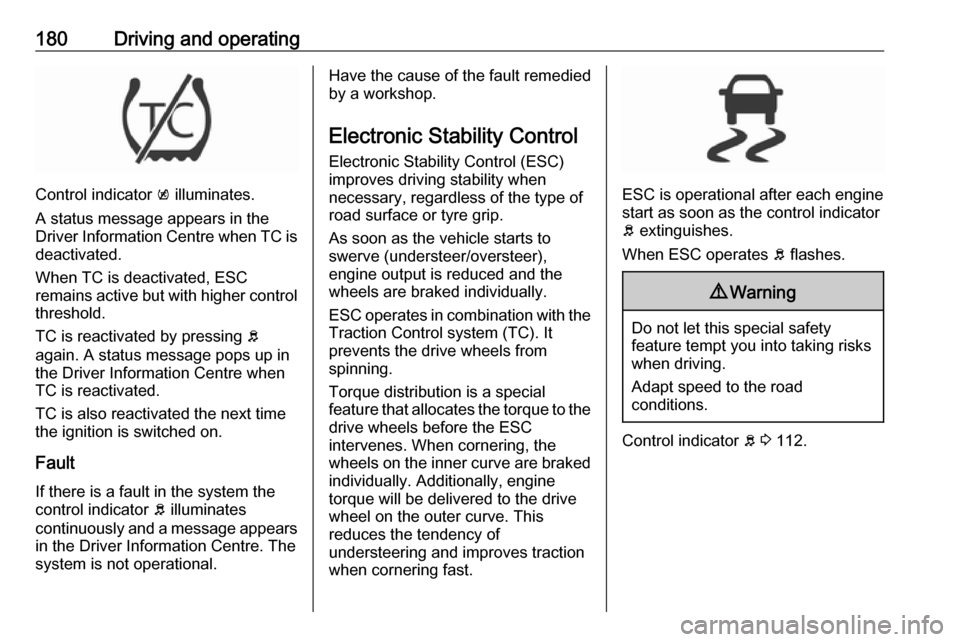
Control indicator k illuminates.
A status message appears in the
Driver Information Centre when TC is
deactivated.
When TC is deactivated, ESC
remains active but with higher control threshold.
TC is reactivated by pressing b
again. A status message pops up in the Driver Information Centre when
TC is reactivated.
TC is also reactivated the next time
the ignition is switched on.
Fault
If there is a fault in the system the
control indicator b illuminates
continuously and a message appears in the Driver Information Centre. The
system is not operational.
Have the cause of the fault remedied by a workshop.
Electronic Stability Control
Electronic Stability Control (ESC)
improves driving stability when
necessary, regardless of the type of
road surface or tyre grip.
As soon as the vehicle starts to
swerve (understeer/oversteer),
engine output is reduced and the wheels are braked individually.
ESC operates in combination with the Traction Control system (TC). It
prevents the drive wheels from
spinning.
Torque distribution is a special
feature that allocates the torque to the drive wheels before the ESC
intervenes. When cornering, the
wheels on the inner curve are braked
individually. Additionally, engine
torque will be delivered to the drive wheel on the outer curve. This
reduces the tendency of
understeering and improves traction
when cornering fast.
ESC is operational after each engine
start as soon as the control indicator
b extinguishes.
When ESC operates b flashes.
9 Warning
Do not let this special safety
feature tempt you into taking risks
when driving.
Adapt speed to the road
conditions.
Control indicator b 3 112.
Page 183 of 311
Driving and operating181Deactivation
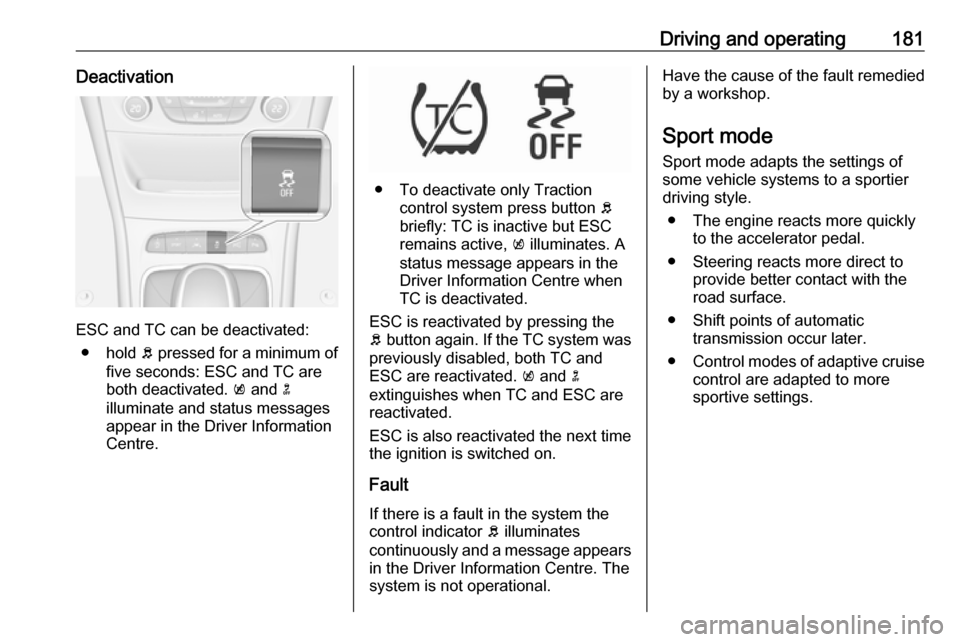
ESC and TC can be deactivated:● hold b pressed for a minimum of
five seconds: ESC and TC are
both deactivated. k and n
illuminate and status messages appear in the Driver Information
Centre.
● To deactivate only Traction control system press button b
briefly: TC is inactive but ESC
remains active, k illuminates. A
status message appears in the
Driver Information Centre when
TC is deactivated.
ESC is reactivated by pressing the
b button again. If the TC system was
previously disabled, both TC and
ESC are reactivated. k and n
extinguishes when TC and ESC are
reactivated.
ESC is also reactivated the next time
the ignition is switched on.
Fault
If there is a fault in the system the
control indicator b illuminates
continuously and a message appears in the Driver Information Centre. The
system is not operational.
Have the cause of the fault remedied
by a workshop.
Sport mode
Sport mode adapts the settings of
some vehicle systems to a sportier
driving style.
● The engine reacts more quickly to the accelerator pedal.
● Steering reacts more direct to provide better contact with the
road surface.
● Shift points of automatic transmission occur later.
● Control modes of adaptive cruise
control are adapted to more
sportive settings.
Page 184 of 311
182Driving and operatingActivation
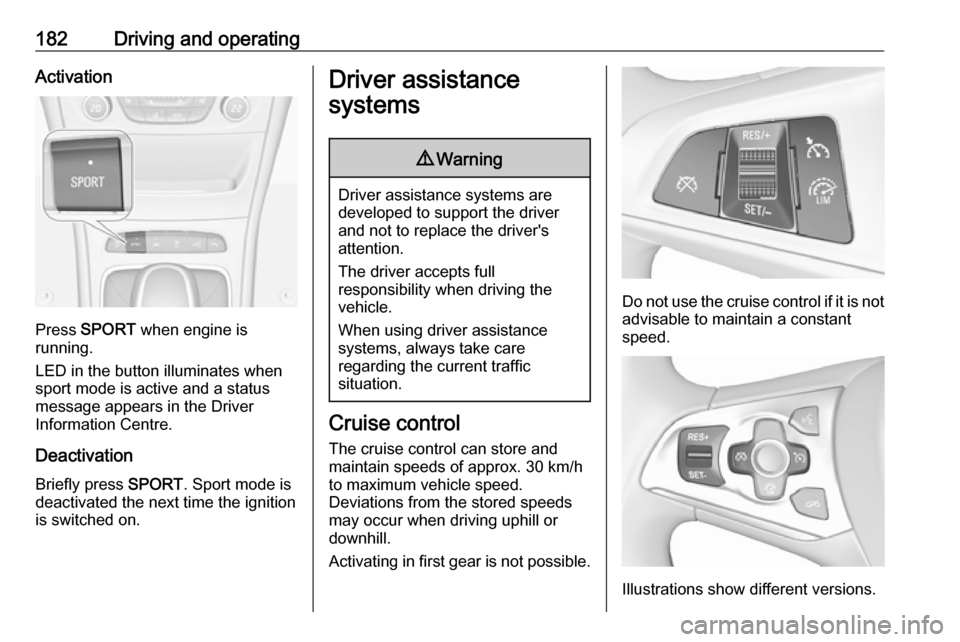
Press SPORT when engine is
running.
LED in the button illuminates when
sport mode is active and a status
message appears in the Driver
Information Centre.
Deactivation Briefly press SPORT. Sport mode is
deactivated the next time the ignition
is switched on.
Driver assistance
systems9 Warning
Driver assistance systems are
developed to support the driver
and not to replace the driver's
attention.
The driver accepts full
responsibility when driving the
vehicle.
When using driver assistance
systems, always take care
regarding the current traffic
situation.
Cruise control
The cruise control can store and
maintain speeds of approx. 30 km/h
to maximum vehicle speed.
Deviations from the stored speeds
may occur when driving uphill or
downhill.
Activating in first gear is not possible.
Do not use the cruise control if it is not
advisable to maintain a constant
speed.
Illustrations show different versions.
Page 186 of 311
184Driving and operating● The Traction Control system orElectronic Stability Control is
operating.
● Parking brake is applied.
● Simultaneous pressing RES/+
and brake pedal deactivates
cruise control and will delete stored speed.
Resume stored speed
Turn thumb wheel to RES/+ at a
speed above 30 km/h. The stored
speed will be obtained.
Switching off
Press m, control indicator m in
instrument cluster extinguishes. The
stored speed is deleted.
Pressing L to activate the speed
limiter or switching off the ignition also switches off cruise control and
deletes the stored speed.
Speed limiter The speed limiter prevents the
vehicle exceeding a preset maximum
speed.The maximum speed can be set at
speeds above 25 km/h up to
200 km/h.
The driver can only accelerate up to
the preset speed. Deviations from the
limited speed may occur when driving
downhill.
The preset speed limit is displayed in
the Driver Information Centre when
the system is active.
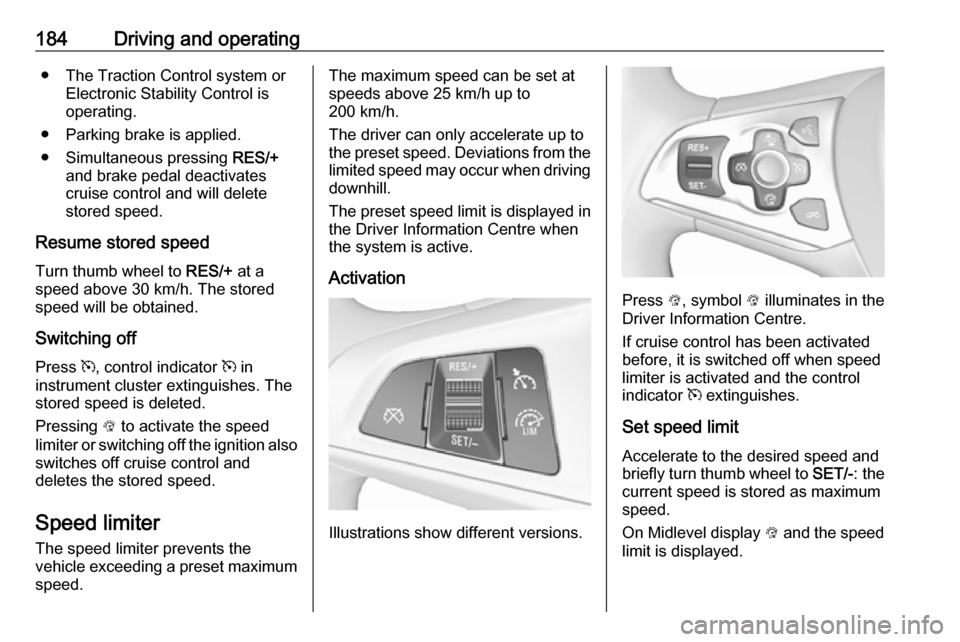
Activation
Illustrations show different versions.
Press L, symbol L illuminates in the
Driver Information Centre.
If cruise control has been activated
before, it is switched off when speed
limiter is activated and the control
indicator m extinguishes.
Set speed limit
Accelerate to the desired speed and
briefly turn thumb wheel to SET/-: the
current speed is stored as maximum speed.
On Midlevel display L and the speed
limit is displayed.
Page 187 of 311
Driving and operating185
On Uplevel display L changes to
green.
Change speed limit With speed limiter active, hold or
briefly turn thumb wheel to RES/+ to
increase or SET/- to decrease the
desired maximum speed.
Exceeding the speed limit
When exceeding the limited speed without driver input, the speed will
flash in the Driver Information Centre
and a chime sounds during this
period.
In the event of an emergency, it is
possible to exceed the speed limit by
depressing the accelerator pedal
firmly nearly to the final point. In this
case no chime appears.
Release the accelerator pedal and
the speed limiter function is
reactivated once a speed lower than
the limit speed is obtained.
Deactivation Press y: speed limiter is deactivated
and the vehicle can be driven without
speed limit.
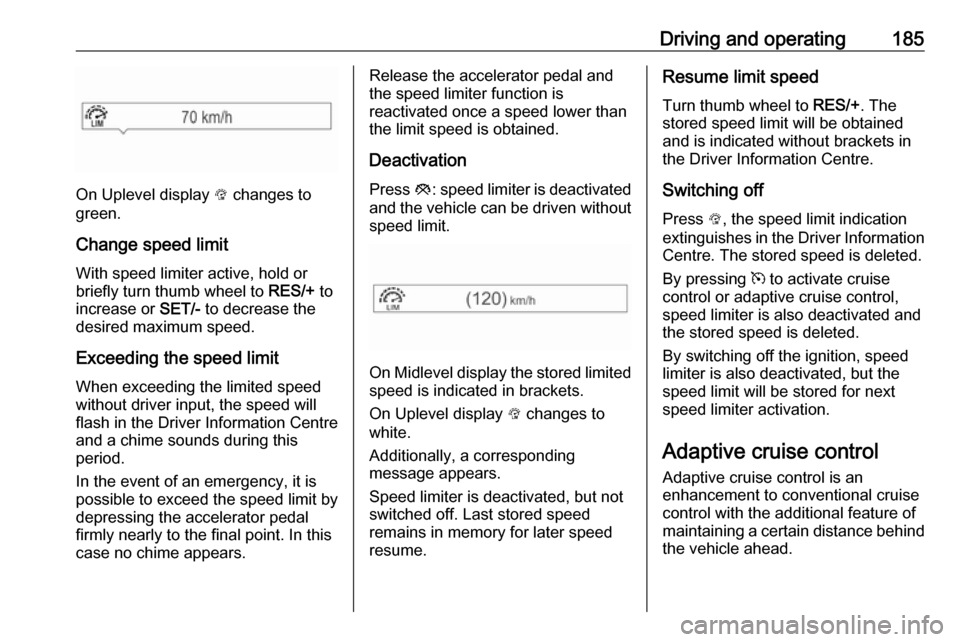
On Midlevel display the stored limited
speed is indicated in brackets.
On Uplevel display L changes to
white.
Additionally, a corresponding
message appears.
Speed limiter is deactivated, but not
switched off. Last stored speed
remains in memory for later speed
resume.
Resume limit speed
Turn thumb wheel to RES/+. The
stored speed limit will be obtained
and is indicated without brackets in the Driver Information Centre.
Switching off
Press L, the speed limit indication
extinguishes in the Driver Information Centre. The stored speed is deleted.
By pressing m to activate cruise
control or adaptive cruise control, speed limiter is also deactivated and
the stored speed is deleted.
By switching off the ignition, speed
limiter is also deactivated, but the
speed limit will be stored for next
speed limiter activation.
Adaptive cruise control
Adaptive cruise control is an
enhancement to conventional cruise control with the additional feature of
maintaining a certain distance behind the vehicle ahead.
Page 189 of 311
Driving and operating187Press C to switch on adaptive cruise
control. C appears in the Driver
Information Centre.
Activation by setting the speed
Adaptive cruise control can be
activated at speeds above 25 km/h on
vehicles with automatic transmission
or 30 km/h on vehicles with manual
transmission. The upper speed limit is 180 km/h.
Accelerate to the desired speed and
turn thumb wheel to SET/-, the
current speed is stored and
maintained.
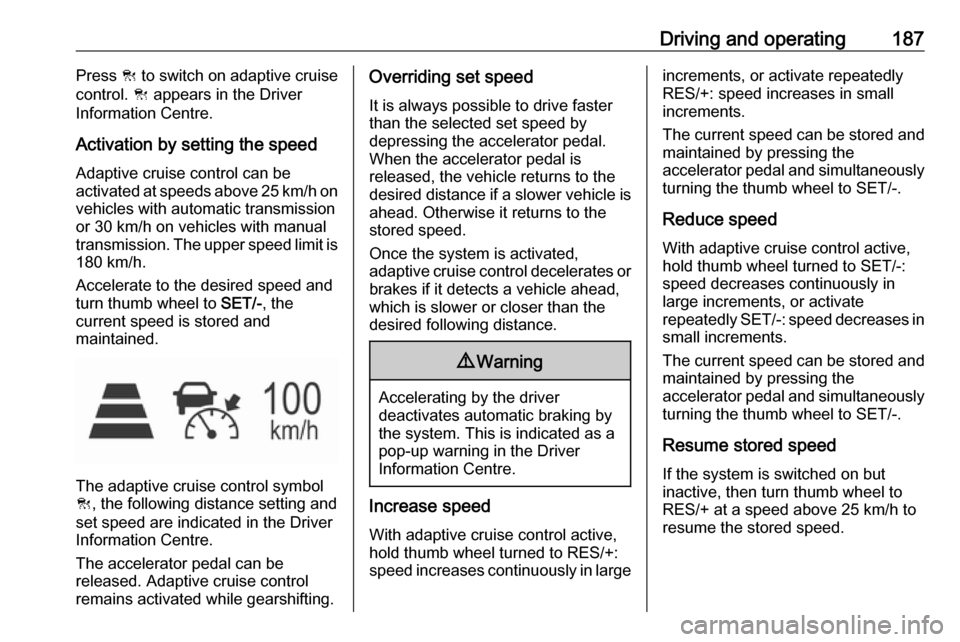
The adaptive cruise control symbol
C , the following distance setting and
set speed are indicated in the Driver
Information Centre.
The accelerator pedal can be
released. Adaptive cruise control
remains activated while gearshifting.
Overriding set speed
It is always possible to drive faster
than the selected set speed by
depressing the accelerator pedal. When the accelerator pedal is
released, the vehicle returns to the
desired distance if a slower vehicle is
ahead. Otherwise it returns to the
stored speed.
Once the system is activated,
adaptive cruise control decelerates or
brakes if it detects a vehicle ahead,
which is slower or closer than the
desired following distance.9 Warning
Accelerating by the driver
deactivates automatic braking by
the system. This is indicated as a
pop-up warning in the Driver
Information Centre.
Increase speed
With adaptive cruise control active,
hold thumb wheel turned to RES/+:
speed increases continuously in large
increments, or activate repeatedly
RES/+: speed increases in small
increments.
The current speed can be stored and maintained by pressing the
accelerator pedal and simultaneously turning the thumb wheel to SET/-.
Reduce speed With adaptive cruise control active,
hold thumb wheel turned to SET/-:
speed decreases continuously in
large increments, or activate
repeatedly SET/-: speed decreases in
small increments.
The current speed can be stored and maintained by pressing the
accelerator pedal and simultaneously turning the thumb wheel to SET/-.
Resume stored speed If the system is switched on but
inactive, then turn thumb wheel to
RES/+ at a speed above 25 km/h to
resume the stored speed.
Page 190 of 311

188Driving and operatingFull speed range adaptive cruise
control on vehicles with automatic
transmission
Full speed range adaptive cruise
control will maintain a following
headway behind a detected vehicle
and slow your vehicle to a stop behind
that vehicle.
In case of a brief stop of the vehicle
ahead the adaptive cruise control will drive off automatically without driver
action. If necessary, press RES/+ or the accelerator pedal to resume
adaptive cruise control.
If the stopped vehicle ahead was
stopped for a longer time and then
begins to move forward, the green
illuminated vehicle ahead control
indicator A will flash and a warning
chime will sound as a reminder to
check traffic before proceeding.
When the vehicle ahead drives away,
press RES+ or the accelerator pedal
to resume adaptive cruise control. If
stopped for more than five minutes or
if the driver door is opened and the
driver safety belt is unbuckled, the
electric parking brake is appliedautomatically to hold the vehicle.
Control indicator m will illuminate. To
release electric parking brake, press
the accelerator pedal. Electric parking
brake 3 1779 Warning
When full speed range adaptive
cruise control is deactivated or
cancelled, the vehicle will no
longer be held at a stop and can
start to move. Always be prepared to manually apply the brake to hold the vehicle stationary.
Do not leave the vehicle while it is being held at a stop by the full
speed range adaptive cruise
control. Always move selector
lever to park position P and switch
off the ignition before leaving the
vehicle.
Setting the following distance
When adaptive cruise control detects
a slower moving vehicle in the driving path, it will adjust the vehicle speed tomaintain the following distance
selected by the driver.
The following distance can be set to
near, medium or far.
Press E, the current setting is shown
in the Driver Information Centre.
Press E again to change the
following distance. The setting is also displayed in the Driver Information
Centre.