light OPEL INSIGNIA 2014 Manual user
[x] Cancel search | Manufacturer: OPEL, Model Year: 2014, Model line: INSIGNIA, Model: OPEL INSIGNIA 2014Pages: 321, PDF Size: 8.95 MB
Page 84 of 321
82Instruments and controlsInstruments and
controlsControls ....................................... 82
Warning lights, gauges and indi‐
cators ........................................... 91
Information displays ...................107
Vehicle messages ...................... 116
Vehicle personalisation ..............118Controls
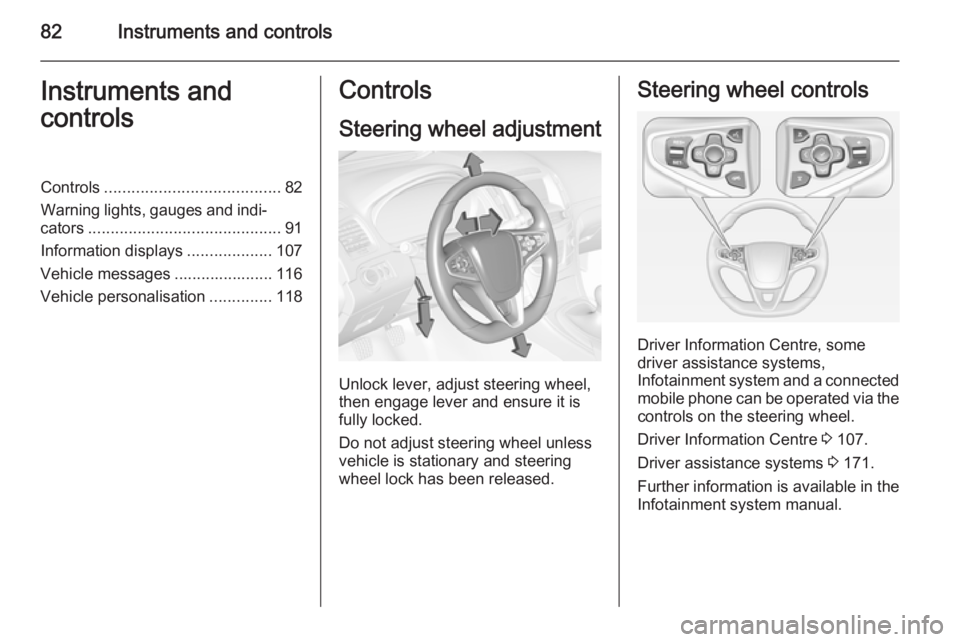
Steering wheel adjustment
Unlock lever, adjust steering wheel,
then engage lever and ensure it is fully locked.
Do not adjust steering wheel unless
vehicle is stationary and steering
wheel lock has been released.
Steering wheel controls
Driver Information Centre, some
driver assistance systems,
Infotainment system and a connected
mobile phone can be operated via the controls on the steering wheel.
Driver Information Centre 3 107.
Driver assistance systems 3 171.
Further information is available in the
Infotainment system manual.
Page 87 of 321
Instruments and controls85
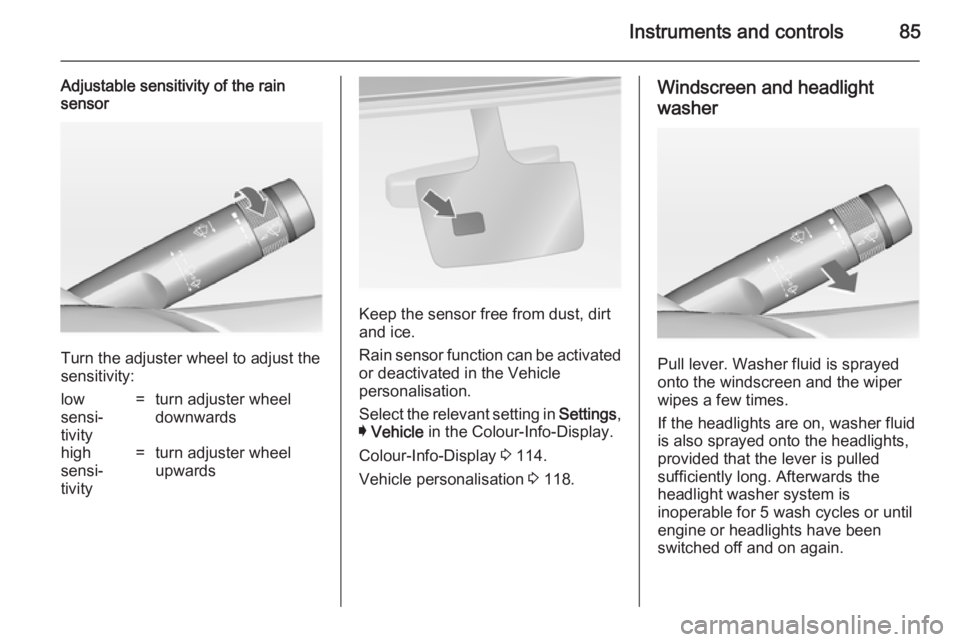
Adjustable sensitivity of the rain
sensor
Turn the adjuster wheel to adjust the
sensitivity:
low
sensi‐
tivity=turn adjuster wheel
downwardshigh
sensi‐
tivity=turn adjuster wheel
upwards
Keep the sensor free from dust, dirt
and ice.
Rain sensor function can be activated or deactivated in the Vehicle
personalisation.
Select the relevant setting in Settings,
I Vehicle in the Colour-Info-Display.
Colour-Info-Display 3 114.
Vehicle personalisation 3 118.
Windscreen and headlight
washer
Pull lever. Washer fluid is sprayed
onto the windscreen and the wiper
wipes a few times.
If the headlights are on, washer fluid is also sprayed onto the headlights,
provided that the lever is pulled
sufficiently long. Afterwards the
headlight washer system is
inoperable for 5 wash cycles or until
engine or headlights have been
switched off and on again.
Page 91 of 321
Instruments and controls89
Do not exceed the maximum power
consumption of 120 watts.
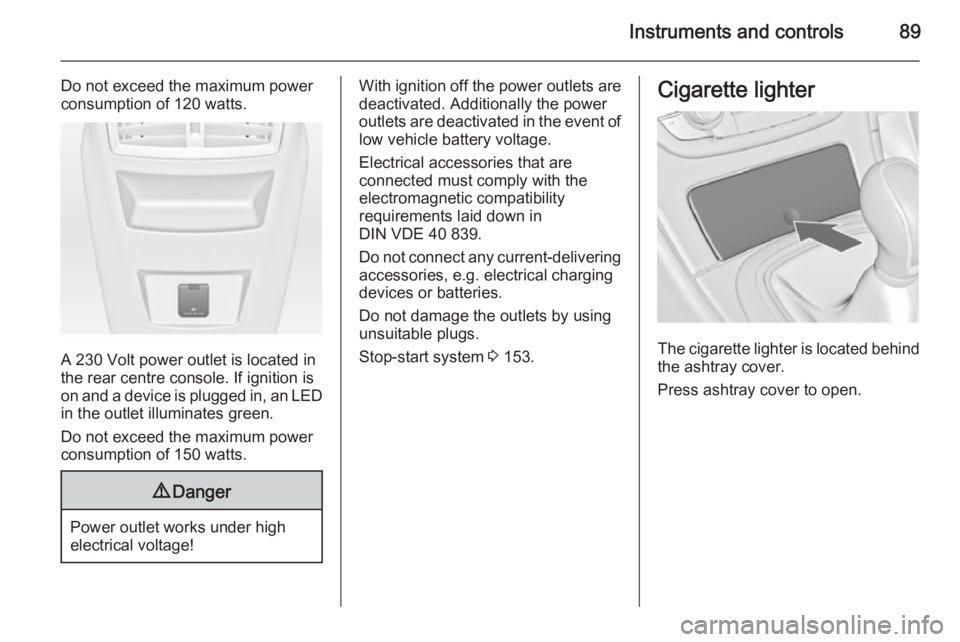
A 230 Volt power outlet is located in
the rear centre console. If ignition is
on and a device is plugged in, an LED
in the outlet illuminates green.
Do not exceed the maximum power
consumption of 150 watts.
9 Danger
Power outlet works under high
electrical voltage!
With ignition off the power outlets are
deactivated. Additionally the power
outlets are deactivated in the event of
low vehicle battery voltage.
Electrical accessories that are
connected must comply with the
electromagnetic compatibility
requirements laid down in
DIN VDE 40 839.
Do not connect any current-delivering accessories, e.g. electrical charging
devices or batteries.
Do not damage the outlets by using
unsuitable plugs.
Stop-start system 3 153.Cigarette lighter
The cigarette lighter is located behind
the ashtray cover.
Press ashtray cover to open.
Page 92 of 321
90Instruments and controls
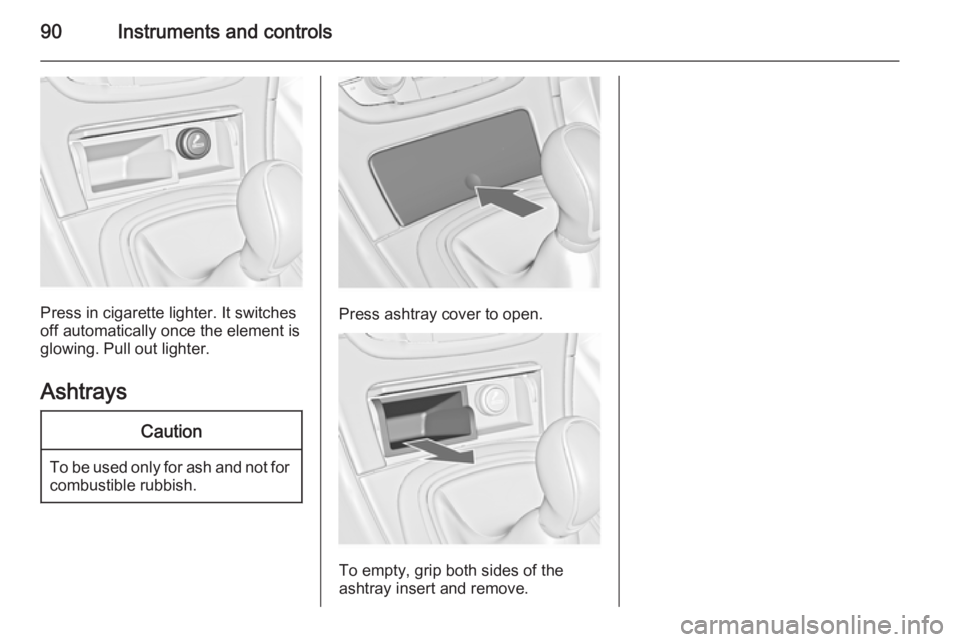
Press in cigarette lighter. It switches
off automatically once the element is
glowing. Pull out lighter.
Ashtrays
Caution
To be used only for ash and not forcombustible rubbish.
Press ashtray cover to open.
To empty, grip both sides of the
ashtray insert and remove.
Page 93 of 321
Instruments and controls91Warning lights, gauges
and indicators
Instrument cluster
Depending on the version, three
instrument clusters are available:
■ Baselevel
■ Midlevel
■ Uplevel
Uplevel instrument cluster can be
displayed as Sport mode or Tour
mode.
Page 102 of 321
100Instruments and controlsControl indicators
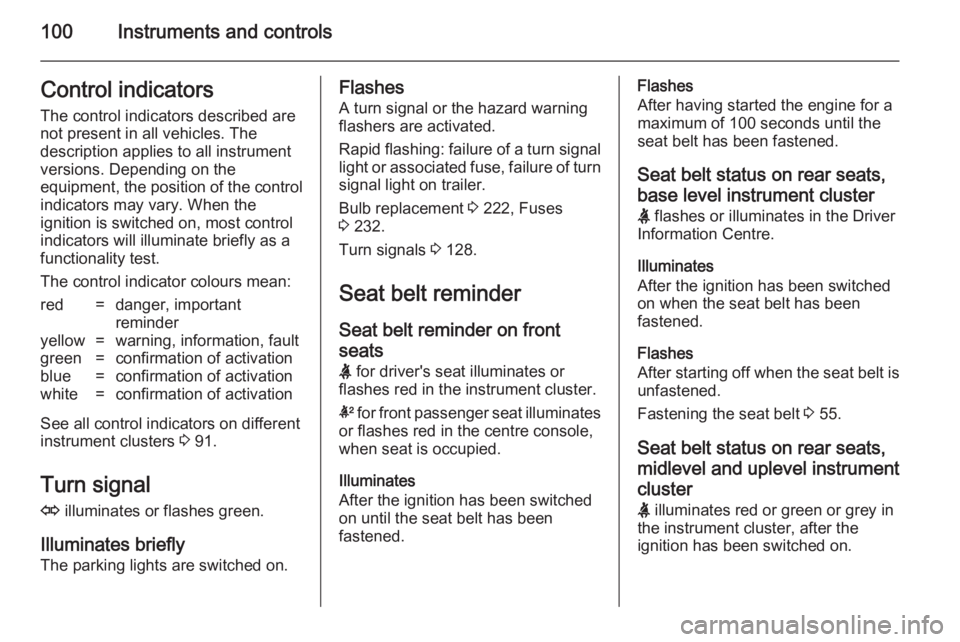
The control indicators described are
not present in all vehicles. The
description applies to all instrument
versions. Depending on the
equipment, the position of the control indicators may vary. When the
ignition is switched on, most control
indicators will illuminate briefly as a functionality test.
The control indicator colours mean:red=danger, important
reminderyellow=warning, information, faultgreen=confirmation of activationblue=confirmation of activationwhite=confirmation of activation
See all control indicators on different
instrument clusters 3 91.
Turn signal
O illuminates or flashes green.
Illuminates briefly
The parking lights are switched on.
Flashes
A turn signal or the hazard warningflashers are activated.
Rapid flashing: failure of a turn signal
light or associated fuse, failure of turn
signal light on trailer.
Bulb replacement 3 222, Fuses
3 232.
Turn signals 3 128.
Seat belt reminder Seat belt reminder on frontseats X for driver's seat illuminates or
flashes red in the instrument cluster.
k for front passenger seat illuminates
or flashes red in the centre console,
when seat is occupied.
Illuminates
After the ignition has been switched
on until the seat belt has been
fastened.Flashes
After having started the engine for a
maximum of 100 seconds until the
seat belt has been fastened.
Seat belt status on rear seats,
base level instrument cluster
X flashes or illuminates in the Driver
Information Centre.
Illuminates
After the ignition has been switched
on when the seat belt has been
fastened.
Flashes
After starting off when the seat belt is unfastened.
Fastening the seat belt 3 55.
Seat belt status on rear seats,
midlevel and uplevel instrument cluster X illuminates red or green or grey in
the instrument cluster, after the
ignition has been switched on.
Page 104 of 321
102Instruments and controlsMalfunction indicator light
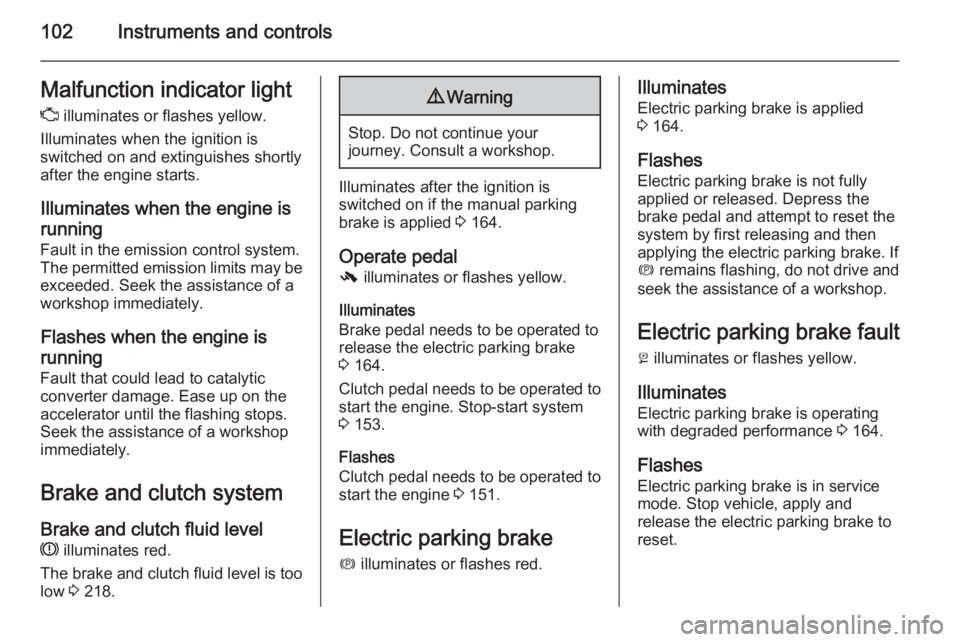
Z illuminates or flashes yellow.
Illuminates when the ignition is
switched on and extinguishes shortly
after the engine starts.
Illuminates when the engine isrunning
Fault in the emission control system. The permitted emission limits may be
exceeded. Seek the assistance of a
workshop immediately.
Flashes when the engine isrunning
Fault that could lead to catalytic
converter damage. Ease up on the
accelerator until the flashing stops.
Seek the assistance of a workshop
immediately.
Brake and clutch system Brake and clutch fluid level
R illuminates red.
The brake and clutch fluid level is too low 3 218.9
Warning
Stop. Do not continue your
journey. Consult a workshop.
Illuminates after the ignition is
switched on if the manual parking
brake is applied 3 164.
Operate pedal
- illuminates or flashes yellow.
Illuminates
Brake pedal needs to be operated to
release the electric parking brake
3 164.
Clutch pedal needs to be operated to start the engine. Stop-start system3 153.
Flashes
Clutch pedal needs to be operated to start the engine 3 151.
Electric parking brake
m illuminates or flashes red.
Illuminates
Electric parking brake is applied
3 164.
Flashes Electric parking brake is not fullyapplied or released. Depress the
brake pedal and attempt to reset the system by first releasing and then
applying the electric parking brake. If
m remains flashing, do not drive and
seek the assistance of a workshop.
Electric parking brake fault
j illuminates or flashes yellow.
Illuminates Electric parking brake is operating
with degraded performance 3 164.
Flashes Electric parking brake is in service
mode. Stop vehicle, apply and
release the electric parking brake to
reset.
Page 107 of 321
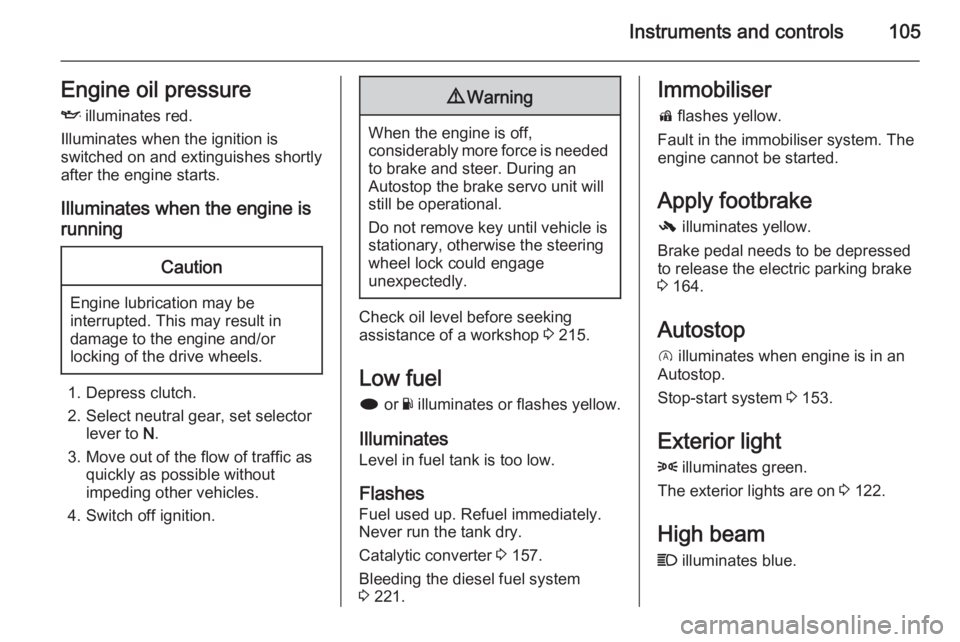
Instruments and controls105Engine oil pressureI illuminates red.
Illuminates when the ignition is
switched on and extinguishes shortly
after the engine starts.
Illuminates when the engine is runningCaution
Engine lubrication may be
interrupted. This may result in
damage to the engine and/or
locking of the drive wheels.
1. Depress clutch.
2. Select neutral gear, set selector lever to N.
3. Move out of the flow of traffic as quickly as possible without
impeding other vehicles.
4. Switch off ignition.
9 Warning
When the engine is off,
considerably more force is needed
to brake and steer. During an
Autostop the brake servo unit will still be operational.
Do not remove key until vehicle is stationary, otherwise the steeringwheel lock could engage
unexpectedly.
Check oil level before seeking
assistance of a workshop 3 215.
Low fuel
i or Y illuminates or flashes yellow.
Illuminates Level in fuel tank is too low.
Flashes
Fuel used up. Refuel immediately.
Never run the tank dry.
Catalytic converter 3 157.
Bleeding the diesel fuel system
3 221.
Immobiliser
d flashes yellow.
Fault in the immobiliser system. The
engine cannot be started.
Apply footbrake
- illuminates yellow.
Brake pedal needs to be depressed
to release the electric parking brake
3 164.
Autostop
D illuminates when engine is in an
Autostop.
Stop-start system 3 153.
Exterior light 8 illuminates green.
The exterior lights are on 3 122.
High beam
C illuminates blue.
Page 108 of 321
106Instruments and controls
Illuminated when high beam is on or
during headlight flash 3 123.
High beam assist
l illuminates green.
The high beam assist is activated,
see adaptive forward lighting 3 125.
Adaptive forward lighting f illuminates or flashes yellow.
Illuminates Fault in the system.
Seek the assistance of a workshop.
Flashes System is switched to symmetrical
low beam.
Control indicator f flashes for approx.
4 seconds after the ignition is
switched on as a reminder for
symmetrical headlight 3 125.
Fog light
> illuminates green.The front fog lights are on 3 128.
Rear fog light
r illuminates yellow.
The rear fog light is on 3 129.
Cruise control m illuminates white or green.
Illuminates white The system is on.
Illuminates green
Cruise control is active. Set speed is
indicated on midlevel or uplevel
display near m symbol.
Cruise control 3 171.
Adaptive cruise control C or m illuminates white or green.
Illuminates white
The system is on.Illuminates green
Adaptive cruise control is active. Set
speed is indicated near C or m
symbol.
Adaptive cruise control 3 173.
Vehicle detected ahead
A illuminates green.
A vehicle ahead is detected in the
same lane.
Adaptive cruise control 3 173,
Forward collision alert 3 181.
Speed limiter L illuminates white or green.
Illuminates white
The system is on.
Illuminates green
Speed limiter is active. Set speed is
indicated near L symbol.
Speed limiter 3 172.
Page 115 of 321
Instruments and controls113
Turn the adjuster wheel or press Q
or P to select a page and follow the
instructions given in the submenus:
■ Units
■ Display themes
■ Info pages
■ Speed warning
■ Tyre loading
■ Software information
Units
Press > while units is displayed.
Select imperial or metric units by
pressing 9.
Display themes
Press > while display themes is
displayed. Select Sport or Touring
mode by pressing 9. Sport mode
includes more vehicle information,
Tour mode includes more media information.
This setting is only available with
Uplevel display.Info pages
Press > while Info pages is displayed.
A list of all items in the Info Menu is
displayed. Select the functions to be
displayed in the Info page by pressing
9 . Selected pages have a 9 in a
checkbox. Non viewable functions
have a blank checkbox. See Info
Menu above.
Speed warning
The speed warning display allows
you to set a speed that you do not
want to exceed.
To set the speed warning, press >
while the page is displayed. Press
Q or P to adjust the value. Press
9 to set the speed. Once the speed
is set, this feature can be turned off by pressing 9 while viewing this page. If
the selected speed limit is exceeded,
a pop-up warning is displayed with a
chime.
Tyre loading
The tyre loading display selects tyre
pressure category according to the
actually inflated tyre pressure. Press
> while the page is displayed 3 241.Select:
■ Light for comfort pressure up to
3 people
■ Eco for Eco pressure up to
3 people
■ Max for full loading
by pressing 9.
Software information
Displays the open source software
information.
Valet mode
Some functions of the Driver
Information Centre and the Colour-
Info-Display can be limited for some
drivers.
Activation or deactivation of valet
mode can be set in the menu
Settings in the vehicle personalisation
menu.
Colour-Info-Display 3 114.
Vehicle personalisation 3 118.
For more information see
Infotainment system manual.