ignition OPEL ZAFIRA 2009 Owner's Guide
[x] Cancel search | Manufacturer: OPEL, Model Year: 2009, Model line: ZAFIRA, Model: OPEL ZAFIRA 2009Pages: 228, PDF Size: 7.3 MB
Page 103 of 228
Instruments and controls
103
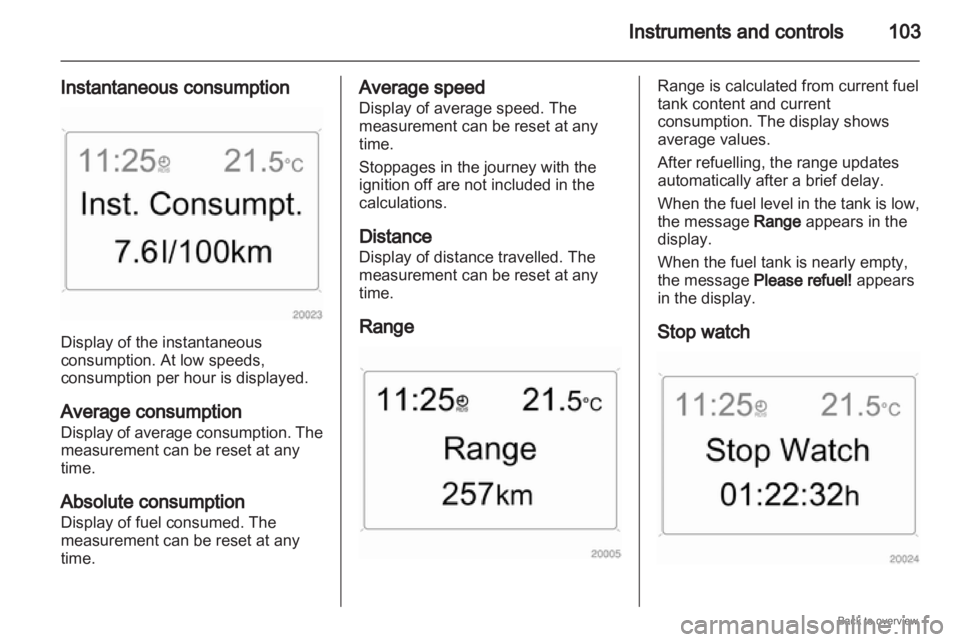
Instantaneous consumption Display of the instantaneous
consumption. At low speeds,
consumption per hour is displayed.
Average consumption
Display
of average consumption. The
measurement can be reset at any
time.
Absolute consumption
Display of fuel consumed. The
measurement can be reset at any
time. Average speed
Display of average speed. The
measurement can be reset at any
time.
Stoppages in the journey with the
ignition off are not included in the
calculations.
Distance
Display of distance travelled. The
measurement can be reset at any
time.
Range Range is calculated from current fuel
tank content and current
consumption. The display shows
average values.
After refuelling, the range updates
automatically after a brief delay.
When
the fuel level in the tank is low,
the message Range appears in the
display.
When the fuel tank is nearly empty,
the message Please refuel! appears
in the display.
Stop watch
Page 105 of 228
Instruments and controls
105When the fuel level in the tank is low,
the message Range appears in the
display.
When the fuel tank is nearly empty,
the message Please refuel! appears
in the display.
Instantaneous consumption
Display of the instantaneous
consumption. At low speeds,
consumption per hour is displayed.
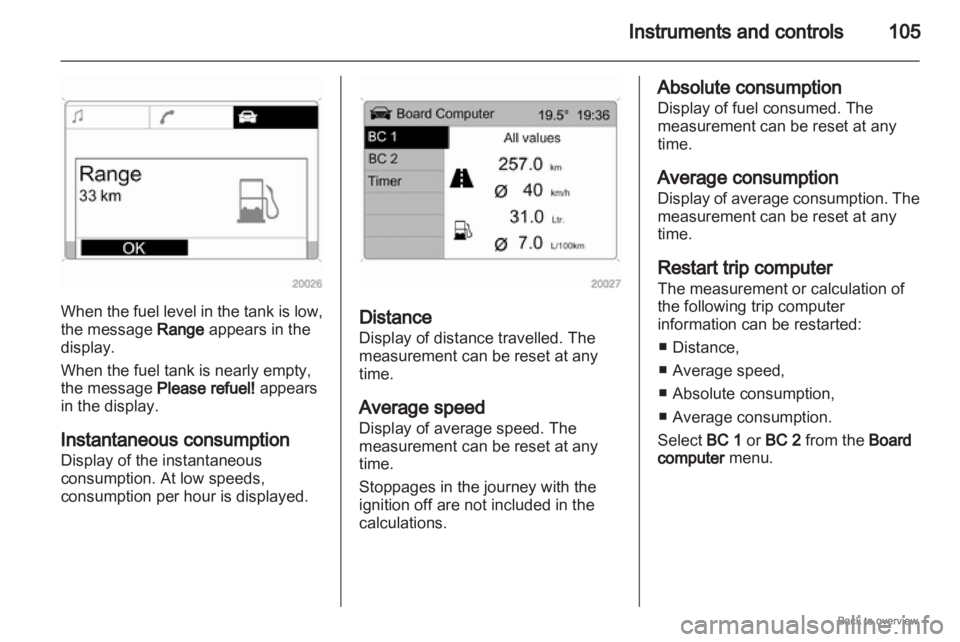
Distance
Display of distance travelled. The
measurement can be reset at any
time.
Average speed
Display of average speed. The
measurement can be reset at any
time.
Stoppages in the journey with the
ignition off are not included in the
calculations. Absolute consumption
Display of fuel consumed. The
measurement can be reset at any
time.
Average consumption
Display
of average consumption. The
measurement can be reset at any
time.
Restart trip computer
The measurement or calculation of
the following trip computer
information can be restarted:
■ Distance,
■ Average speed,
■ Absolute consumption,
■ Average consumption.
Select BC 1 or BC 2 from the Board
computer menu.
Page 107 of 228
Instruments and controls
107
Driving Time incl Stops
The time the vehicle is in motion is
recorded. The time the vehicle is
stationary with the ignition switched
on is included.
Travel Time
Measurement of the time from
manual
activation via Start to manual
deactivation via Reset.
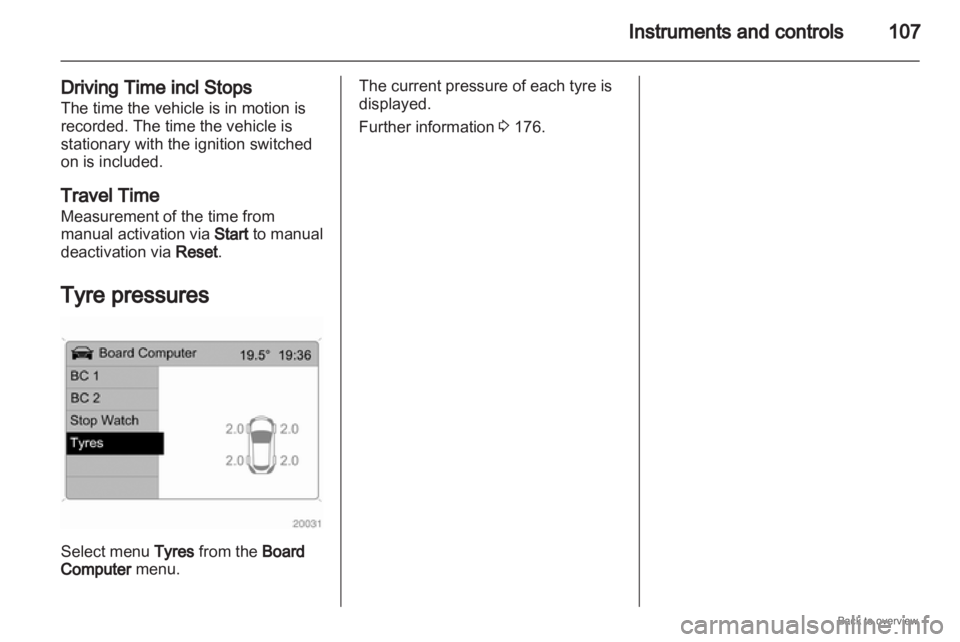
Tyre pressures Select menu Tyres from the Board
Computer menu. The current pressure of each tyre is
displayed.
Further information
3 176.
Page 108 of 228

108
Lighting
Lighting
Exterior lighting .......................... 108
Interior lighting ........................... 113
Lighting features ........................114 Exterior lighting
Light switch
Turn light switch:
7
= Off
8 = Parking lights
9 = Headlights
Control indicator 8 3 92.
If the ignition is switched off with the
headlights on, only the parking lights
remain illuminated. Automatic light control
Light switch set to AUTO: When the
engine is running, headlights are
switched on when external light
conditions are poor.
For
reasons of safety, the light switch
should always remain in the AUTO
position.
Move light switch to 9 if visibility is
poor because of fog or mist.
Page 110 of 228
110
Lighting
Vehicles with halogen headlight
system
Have the headlights adjusted by
a workshop.
Vehicles with adaptive forward
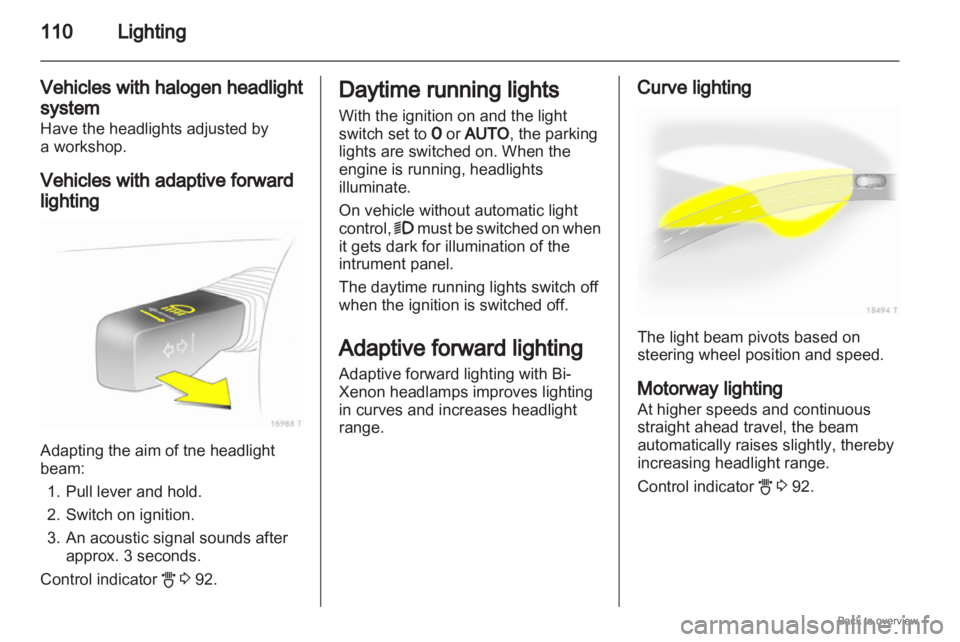
lighting Adapting the aim of tne headlight
beam:
1.
Pull lever and hold.
2. Switch on ignition.
3. An acoustic signal sounds after approx. 3 seconds.
Control indicator B 3 92. Daytime running lights
With the ignition on and the light
switch set to 7 or AUTO, the parking
lights are switched on. When the
engine is running, headlights
illuminate.
On vehicle without automatic light
control, 9
must be switched on when
it gets dark for illumination of the
intrument panel.
The daytime running lights switch off
when the ignition is switched off.
Adaptive forward lighting
Adaptive forward lighting with Bi-
Xenon headlamps improves lighting
in curves and increases headlight
range. Curve lighting
The light beam pivots based on
steering wheel position and speed.
Motorway lighting
At higher speeds and continuous
straight ahead travel, the beam
automatically raises slightly, thereby
increasing headlight range.
Control indicator
B 3 92.
Page 111 of 228

Lighting
111
Hazard warning flashers Operated with the ¨ button.
The hazard warning flashers activate
automatically if the airbags deploy. Turn and lane-change
signals
Lever up = Right indicator
Lever down = Left indicator
The lever always springs back to its
original position.
If the lever is moved past the
resistance point, the indicator is
switched on constantly. When the
steering wheel moves back, the
indicator
is automatically deactivated.
For three flashes, e. g. when
changing lanes, press the lever until
resistance is felt and then release. Move the lever to the resistance point
and hold for longer indication.
Switch the indicator off manually by
moving the lever slightly.
Front fog lights
The front fog lights can only be
switched on when both the ignition
and headlights or parking lights are
on.
Operated with the > button.
Page 112 of 228

112
Lighting
Rear fog lights The rear fog light can only be
switched on when both the ignition
and headlights or parking lights (with
front fog lights) are on.
Operated with the r button.
The vehicle rear fog light is
deactivated when towing. Parking lights
When parked, the parking lights on
one side can be activated:
1. Set light switch to 7 or AUTO .
2.
Ignition off.
3. Move turn signal lever all the way up (right parking lights) or down
(left parking lights).
Confirmed by a signal and the
corresponding turn signal control
indicator.
To switch it off, switch on the ignition
or move the turn signal lever in the
opposite direction. Reversing lights
The reversing lights come on when
the ignition is on and reverse gear is
selected.
Misted light covers
The
inside of the light covers may mist
up briefly in poor, wet and cold
weather conditions, in heavy rain or
after washing. The mist disappears
quickly by itself; to help, switch on the
headlights.
Page 114 of 228
114
Lighting
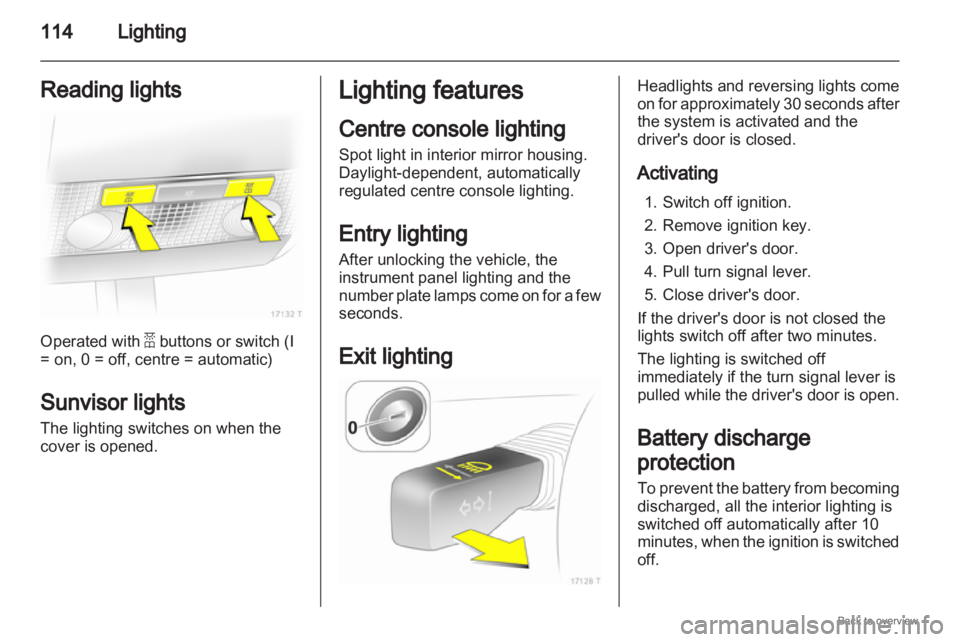
Reading lights Operated with a buttons or switch (I
= on, 0 = off, centre = automatic)
Sunvisor lights
The lighting switches on when the
cover is opened. Lighting features
Centre console lighting
Spot light in interior mirror housing.
Daylight-dependent, automatically
regulated centre console lighting.
Entry lighting
After unlocking the vehicle, the
instrument panel lighting and the
number
plate lamps come on for a few
seconds.
Exit lighting Headlights and reversing lights come
on
for approximately 30 seconds after
the system is activated and the
driver's door is closed.
Activating
1. Switch off ignition.
2. Remove ignition key.
3. Open driver's door.
4. Pull turn signal lever.
5. Close driver's door.
If the driver's door is not closed the
lights switch off after two minutes.
The lighting is switched off
immediately if the turn signal lever is
pulled while the driver's door is open.
Battery discharge
protection
To prevent the battery from becoming
discharged, all the interior lighting is
switched off automatically after 10
minutes, when the ignition is switched
off.
Page 124 of 228
124
Climate control
In the Climate menu, select menu
item Auto recirc and activate or
deactivate.
Switch to manual air recirculation as
necessary.
Manual air recirculation mode
The manual air recirculation mode is
operated with the 4 button. 9
Warning The exchange of fresh air is
reduced in air recirculation mode.
In
operation without cooling the air
humidity increases, so the
windows may mist up. The quality
of the passenger compartment air
deteriorates, which may cause the
vehicle occupants to feel drowsy. Air conditioning with the engine
not running
When
ignition is off, the residual heat
or cooling in the system can be used
for climate control in passenger
compartment. Press the AUTO button with the
ignition off. Residual air conditioning
on will appear briefly in the display.
Residual climate control can only
operate
for a limited period of time. To
cancel, press the AUTO button.
Auxiliary heater
Air heater
Quickheat is an electric auxiliary air
heater which warms up the
passenger compartment more
quickly.
Coolant heater
Diesel-engined vehicles have a fuel-
powered auxiliary coolant heater
which warms up the engine coolant
when the engine is running. Air vents
Adjustable air vents
At least one air vent must be open
while
cooling is on in order to prevent
the evaporator from icing up due to
lack of air movement.
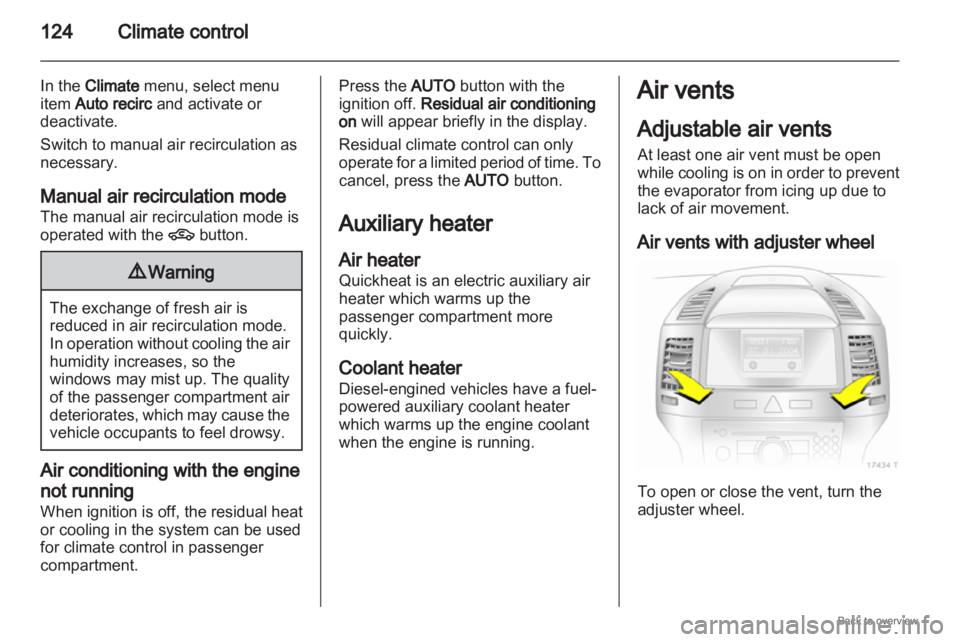
Air vents with adjuster wheel To open or close the vent, turn the
adjuster wheel.
Page 128 of 228
128
Driving and operating
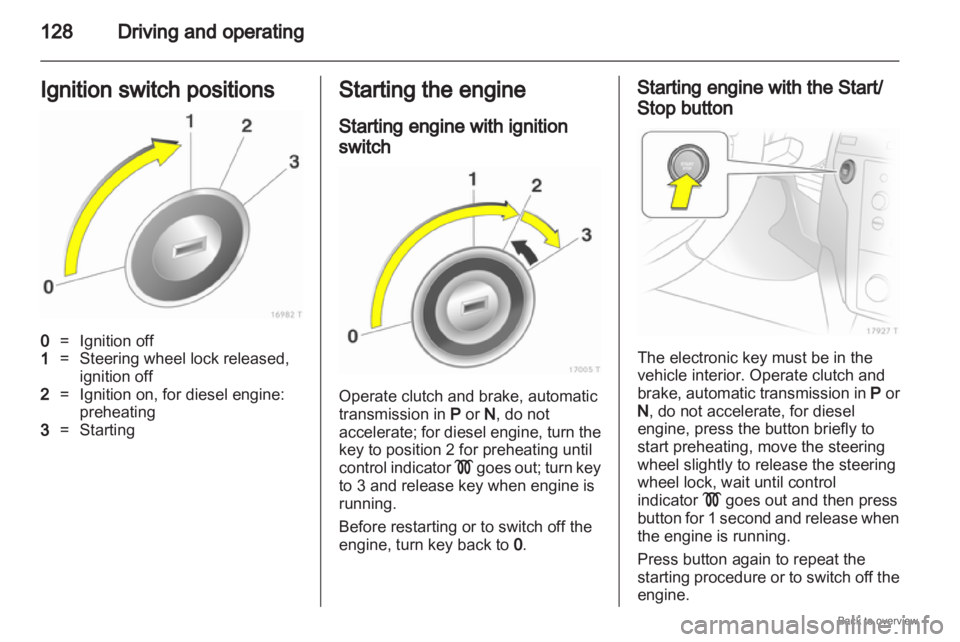
Ignition switch positions 0
= Ignition off
1 = Steering wheel lock released,
ignition off
2 = Ignition on, for diesel engine:
preheating
3 = Starting Starting the engine
Starting engine with ignition
switch
Operate clutch and brake, automatic
transmission in
P or N, do not
accelerate;
for diesel engine, turn the
key to position 2 for preheating until
control indicator ! goes out; turn key
to 3 and release key when engine is
running.
Before restarting or to switch off the
engine, turn key back to 0. Starting engine with the Start/
Stop button
The electronic key must be in the
vehicle interior. Operate clutch and
brake,
automatic transmission in P or
N , do not accelerate, for diesel
engine, press the button briefly to
start preheating, move the steering
wheel slightly to release the steering
wheel lock, wait until control
indicator ! goes out and then press
button for 1 second and release when
the engine is running.
Press button again to repeat the
starting procedure or to switch off the
engine.