infotainment OPEL ZAFIRA 2009 Owners Manual
[x] Cancel search | Manufacturer: OPEL, Model Year: 2009, Model line: ZAFIRA, Model: OPEL ZAFIRA 2009Pages: 228, PDF Size: 7.3 MB
Page 1 of 228
Introduction
.................................... 2
In brief ............................................ 6
Keys, doors and windows ............27
Seats, restraints ........................... 44
Storage ........................................ 67
Instruments and controls .............77
Lighting ...................................... 108
Infotainment system ...................115
Climate control ........................... 118
Driving and operating .................127
Vehicle care ............................... 154
Service and maintenance ..........192
Technical data ........................... 207
Index .......................................... 224
Contents
Page 11 of 228
In brief
11
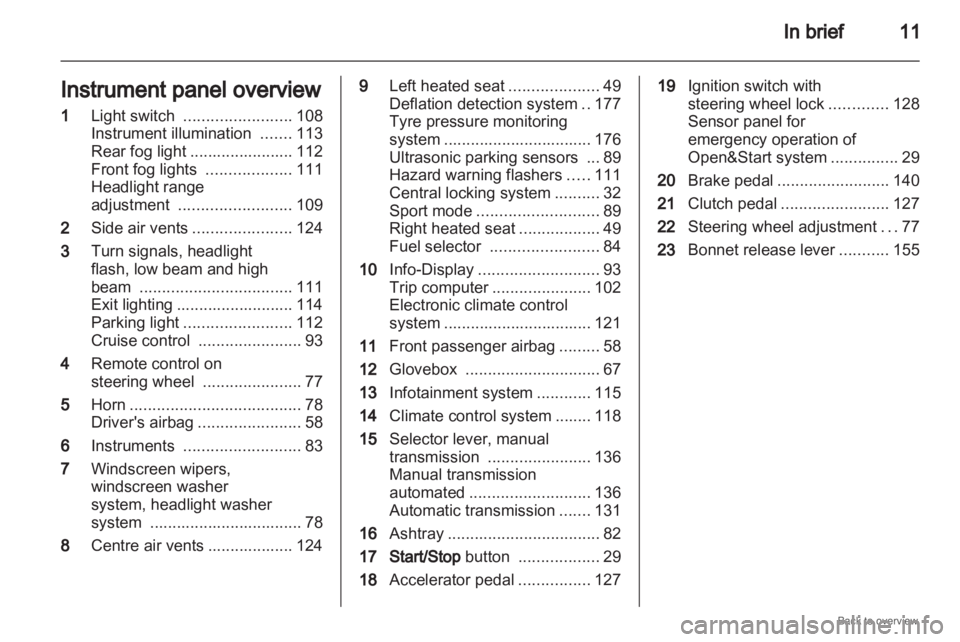
Instrument panel overview
1 Light switch ........................ 108
Instrument illumination .......113
Rear fog light
....................... 112
Front fog lights ...................111
Headlight range
adjustment ......................... 109
2 Side air vents ...................... 124
3 Turn signals, headlight
flash, low beam and high
beam .................................. 111
Exit lighting .......................... 114
Parking light ........................ 112
Cruise control ....................... 93
4 Remote control on
steering wheel ......................77
5 Horn ...................................... 78
Driver's airbag ....................... 58
6 Instruments .......................... 83
7 Windscreen wipers,
windscreen washer
system, headlight washer
system .................................. 78
8 Centre air vents ................... 124 9
Left heated seat ....................49
Deflation detection system ..177
Tyre pressure monitoring
system
................................. 176
Ultrasonic parking sensors ... 89
Hazard warning flashers .....111
Central locking system ..........32
Sport mode ........................... 89
Right heated seat ..................49
Fuel selector ........................ 84
10 Info-Display ........................... 93
Trip computer ...................... 102
Electronic climate control
system ................................. 121
11 Front passenger airbag .........58
12 Glovebox .............................. 67
13 Infotainment system ............115
14 Climate control system ........ 118
15 Selector lever, manual
transmission ....................... 136
Manual transmission
automated ........................... 136
Automatic transmission .......131
16 Ashtray .................................. 82
17 Start/Stop button ..................29
18 Accelerator pedal ................127 19
Ignition switch with
steering wheel lock .............128
Sensor panel for
emergency operation of
Open&Start system ...............29
20 Brake pedal ......................... 140
21 Clutch pedal ........................ 127
22 Steering wheel adjustment ...77
23 Bonnet release lever ...........155
Page 24 of 228

24
In brief
Rear seat audio system Twin Audio allows occupants in the
second row the choice between the
audio source played on the
infotainment system or a separate
audio source.
Rear seat audio system
3 116. Sport mode
Activate by pressing the
SPORT
button.
The Sport mode is used to make
suspension
and steering more direct.
The engine is more responsive to
throttle application. With manual
transmission automated and
automatic transmission, gear
changing is altered.
Sport mode 3 143. FlexOrganizer
The side walls contain retaining
strips, where various components
can be attached to divide the load
compartment or fasten loads.
The system consists of
■
adapters
■ variable partition net
■ mesh pockets for the side walls
■ hooks in the load compartment
FlexOrganizer 3 71.
Page 29 of 228

Keys, doors and windows
29
Radio remote control
synchronisation
After replacing the battery, unlock the
door with the key in the lock. The radio
remote control will be synchronised
when you switch on the ignition.
Memorised settings
When locking the vehicle the last
settings are automatically saved
specifically for the used key:
■ Electronic climate control,
■ Info-Display,
■ Infotainment system,
■ Instrument panel illumination.
The saved settings are automatically
remembered when that key is used
for unlocking. Open&Start system
Makes operation of the following
possible without the use of the
mechanical key
■
Central locking system,
■ Anti-theft locking system,
■ Anti-theft alarm system,
■ Power windows,
■ Ignition and starter.
The electronic key simply needs to be
on the driver's person. Press the Start/Stop button. The
ignition
is switched on. The electronic
immobiliser and steering wheel lock
are deactivated.
To start the engine depress the brake
and clutch pedals then press and hold
the Start/Stop button.
With automatic transmission, only
start with the vehicle in P or N.
The engine and the ignition are
switched off by pressing the Start/
Stop button again. The vehicle must
be stationary. The immobiliser is
activated at the same time.
Page 77 of 228
Instruments and controls
77
Instruments and
controls
Controls ....................................... 77
Warning lights, gauges and
indicators ..................................... 83
Information displays .....................93
Vehicle messages
...................... 100
Trip computer ............................. 102 Controls
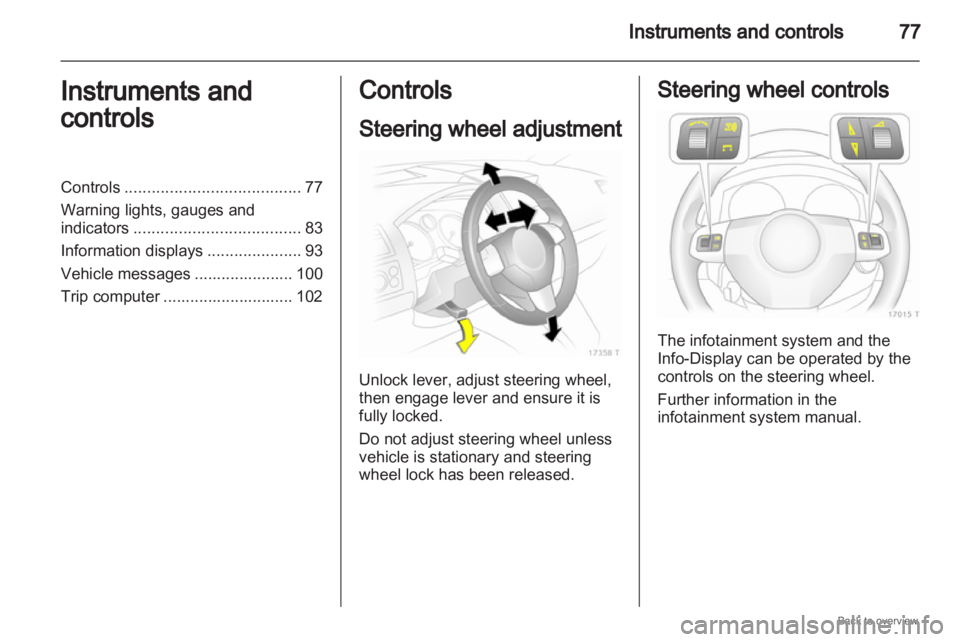
Steering wheel adjustment
Unlock lever, adjust steering wheel,
then engage lever and ensure it is
fully locked.
Do not adjust steering wheel unless
vehicle is stationary and steering
wheel lock has been released. Steering wheel controls
The infotainment system and the
Info-Display can be operated by the
controls on the steering wheel.
Further information in the
infotainment system manual.
Page 80 of 228
80
Instruments and controls
The rear screen wiper comes on
automatically when the windscreen
wiper is switched on and reverse gear
is engaged.
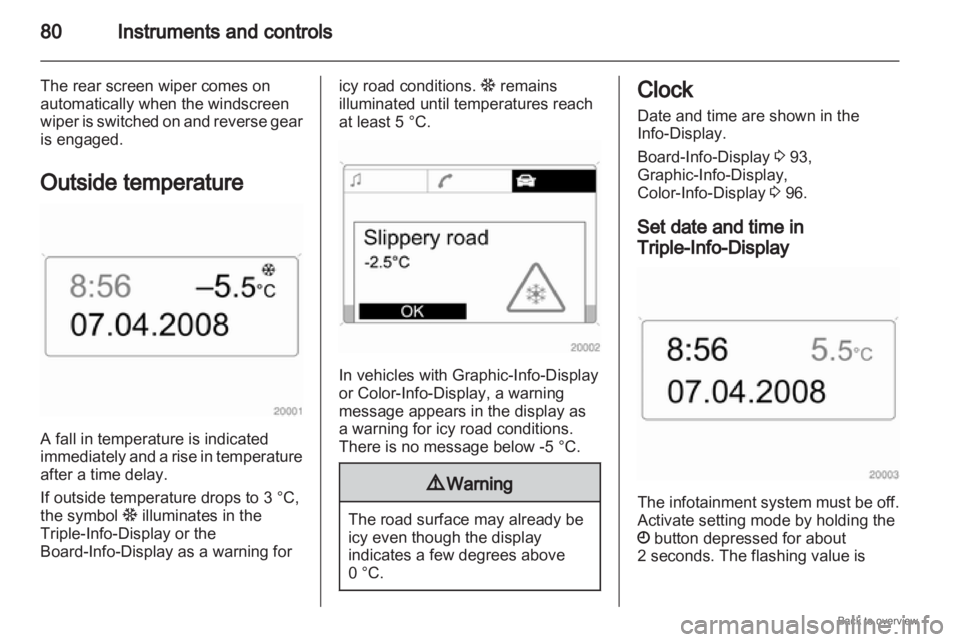
Outside temperature A fall in temperature is indicated
immediately
and a rise in temperature
after a time delay.
If outside temperature drops to 3 °C,
the symbol : illuminates in the
Triple-Info-Display or the
Board-Info-Display as a warning for icy road conditions.
: remains
illuminated until temperatures reach
at least 5 °C. In vehicles with Graphic-Info-Display
or Color-Info-Display
, a warning
message appears in the display as
a warning for icy road conditions.
There is no message below -5 °C. 9
Warning The road surface may already be
icy even though the display
indicates a few degrees above
0 °C. Clock
Date and time are shown in the
Info-Display.
Board-Info-Display
3 93,
Graphic-Info-Display,
Color-Info-Display 3 96.
Set date and time in
Triple-Info-Display The infotainment system must be off.
Activate setting mode by holding the
Ö button depressed for about
2 seconds. The flashing value is
Page 93 of 228

Instruments and controls
93
Rear fog light
r illuminates yellow.
Illuminated when the fog tail lamp is
on 3 112.
Cruise control
m illuminates green.
Illuminated when the system is on
3 144.
Door open
Q illuminates red.
It illuminates when a door or the
tailgate is open. Information displays
Triple-Info-Display
Display of time, outside temperature
and date or /infotainment system
when it is on.
When
the ignition is off, the time, date
and outside temperature can be
presented by briefly pressing one of
the two buttons below the display. Board-Info-Display
Display of time, outside temperature
and date or infotainment system
information.
Selecting functions
Functions and settings of the
infotainment
system can be accessed
via the board information display.
This is done using the menus and
buttons of the infotainment system.
If nothing is operated within
5 seconds, the menus are
automatically exited.
Page 94 of 228
94
Instruments and controls
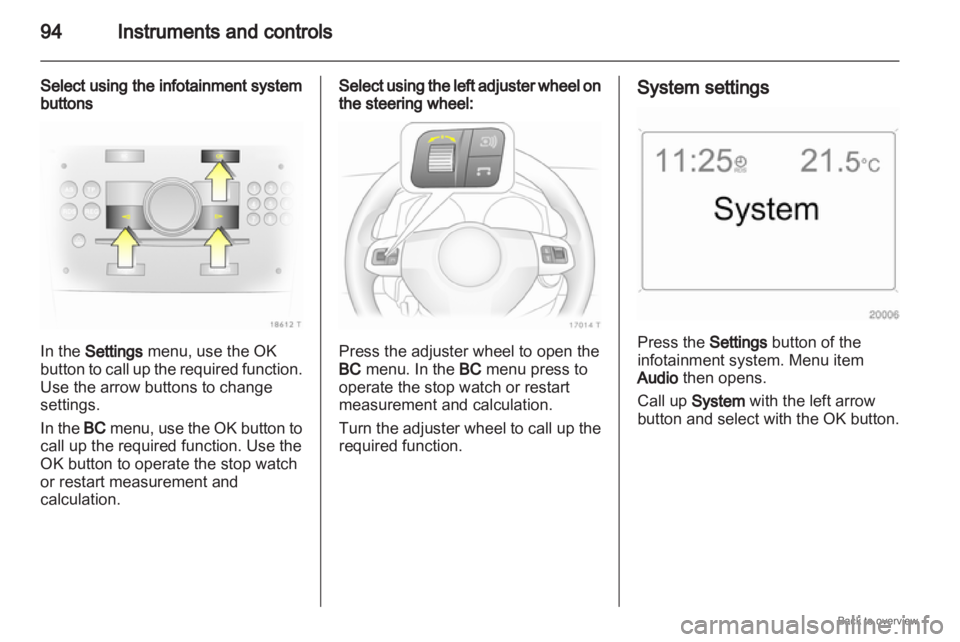
Select using the infotainment system
buttons In the Settings menu, use the OK
button to call up the required function.
Use the arrow buttons to change
settings.
In the BC menu, use the OK button to
call up the required function. Use the
OK button to operate the stop watch
or restart measurement and
calculation. Select using the left adjuster wheel on
the steering wheel:
Press the adjuster wheel to open the
BC menu. In the BC menu press to
operate the stop watch or restart
measurement and calculation.
Turn
the adjuster wheel to call up the
required function. System settings
Press the Settings button of the
infotainment system. Menu item
Audio then opens.
Call up
System with the left arrow
button
and select with the OK button.
Page 95 of 228
Instruments and controls
95
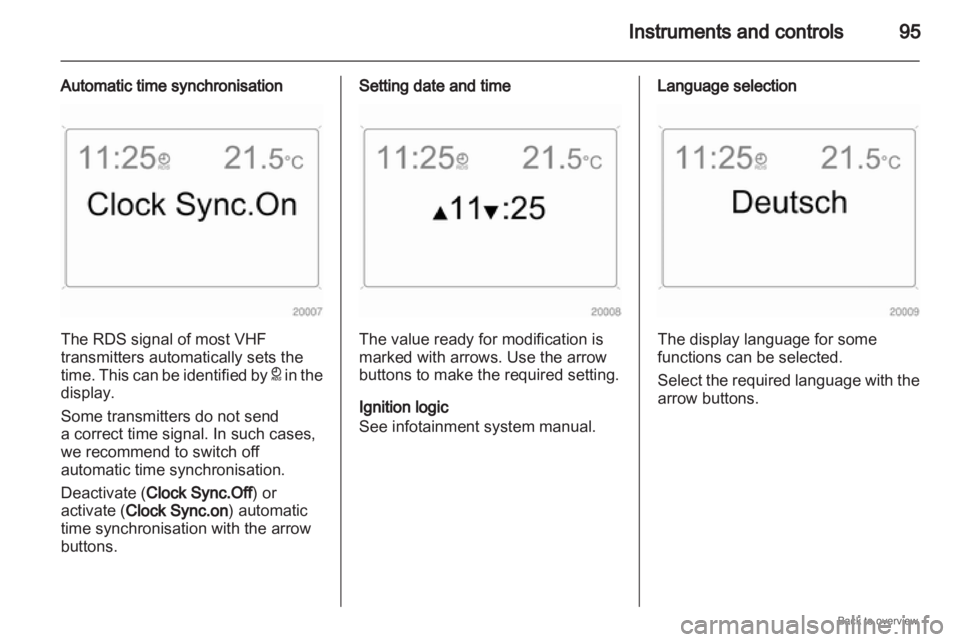
Automatic time synchronisation The RDS signal of most VHF
transmitters automatically sets the
time.
This can be identified by } in the
display.
Some transmitters do not send
a correct time signal. In such cases,
we recommend to switch off
automatic time synchronisation.
Deactivate (Clock Sync.Off) or
activate (Clock Sync.on) automatic
time synchronisation with the arrow
buttons. Setting date and time
The value ready for modification is
marked with arrows. Use the arrow
buttons to make the required setting.
Ignition logic
See infotainment system manual. Language selection
The display language for some
functions can be selected.
Select
the required language with the
arrow buttons.
Page 96 of 228
96
Instruments and controls
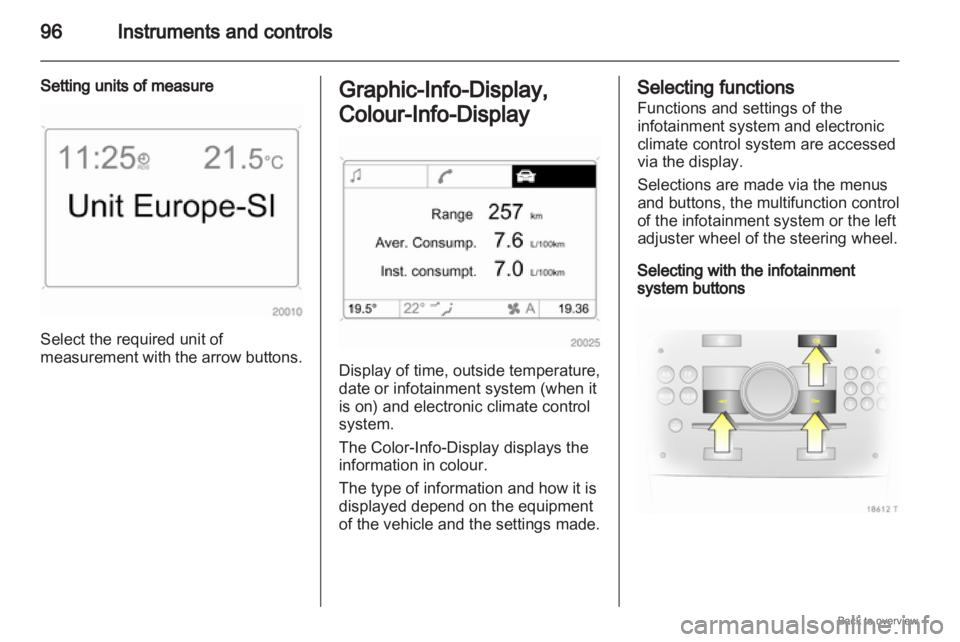
Setting units of measure Select the required unit of
measurement
with the arrow buttons. Graphic-Info-Display,
Colour-Info-Display
Display of time, outside temperature,
date or infotainment system (when it
is on) and electronic climate control
system.
The Color-Info-Display
displays the
information in colour.
The type of information and how it is
displayed depend on the equipment
of the vehicle and the settings made. Selecting functions
Functions and settings of the
infotainment system and electronic
climate control system are accessed
via the display.
Selections are made via the menus
and buttons, the multifunction control
of the infotainment system or the left
adjuster wheel of the steering wheel.
Selecting with the infotainment
system buttons