display PEUGEOT 2008 2013 User Guide
[x] Cancel search | Manufacturer: PEUGEOT, Model Year: 2013, Model line: 2008, Model: PEUGEOT 2008 2013Pages: 324, PDF Size: 8.39 MB
Page 41 of 324
1
39
Instruments and controls
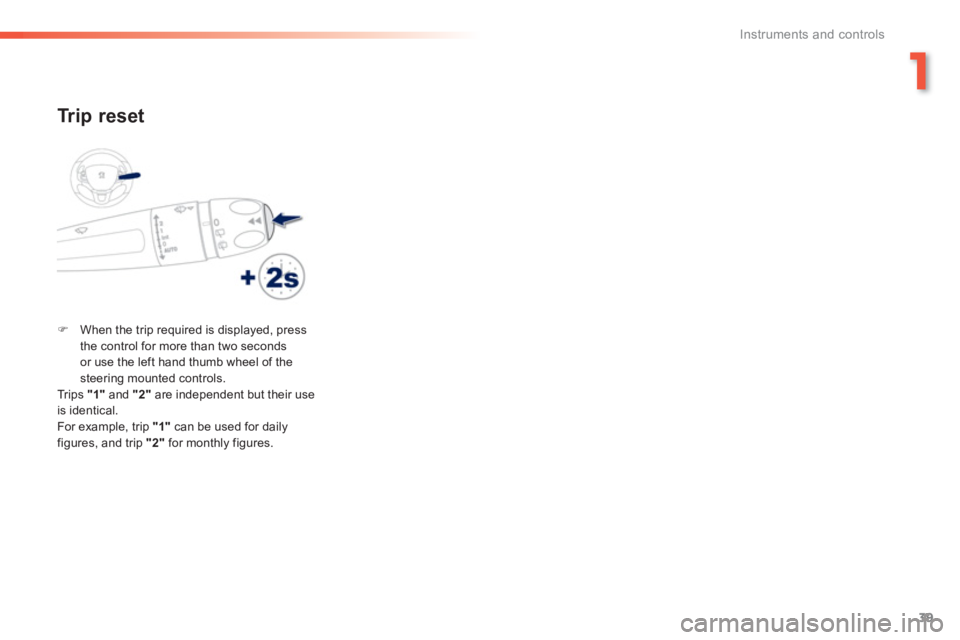
Tr ip reset
)When the trip required is displayed, press
the control for more than two secondsor use the left hand thumb wheel of the steering mounted controls.
Trips "1"
and "2"are independent but their useis identical.
For example, trip "1"
can be used for daily figures, and trip "2"
for monthly figures.
Page 42 of 324
40
Instruments and controls
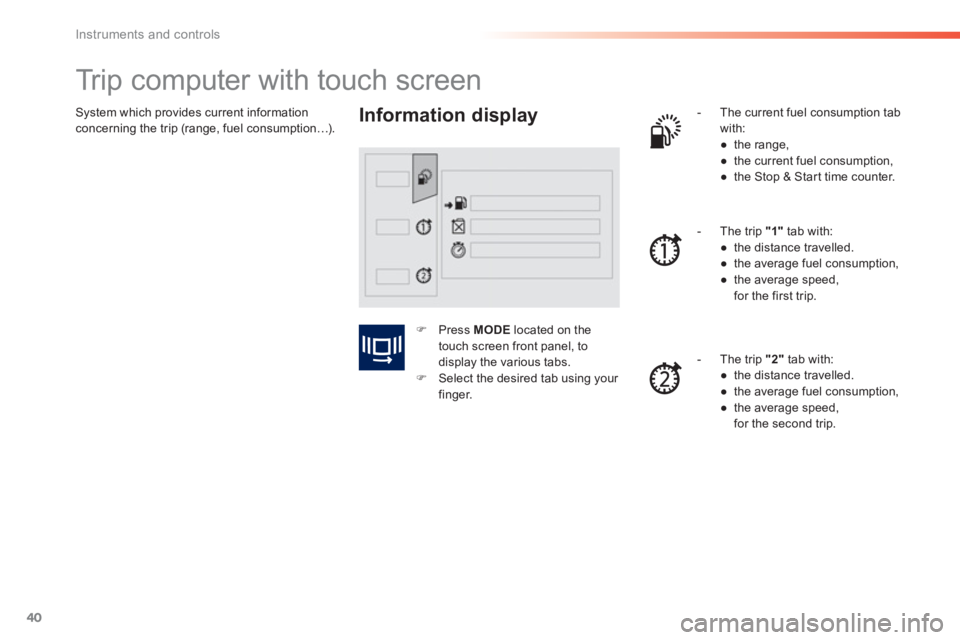
System which provides current information concerning the trip (range, fuel consumption…).
Trip computer with touch screen
Information display
- The current fuel consumption tab
with:
●
the range,
●
the current
fuel consumption,
●
the Stop & Star t time counter.
-
The trip "1"tab with:
●
the distance travelled.
●
the average fuel consumption,
●
the average speed,
for the first trip.
- The trip
"2"
tab with:
●
the distance travelled.
●
the average fuel consumption,
●
the average speed,
for the second trip.
)Press MODElocated on the
touch screen front panel, to
displa
y the various tabs.)Select the desired tab using your finger.
Page 43 of 324
1
41
Instruments and controls
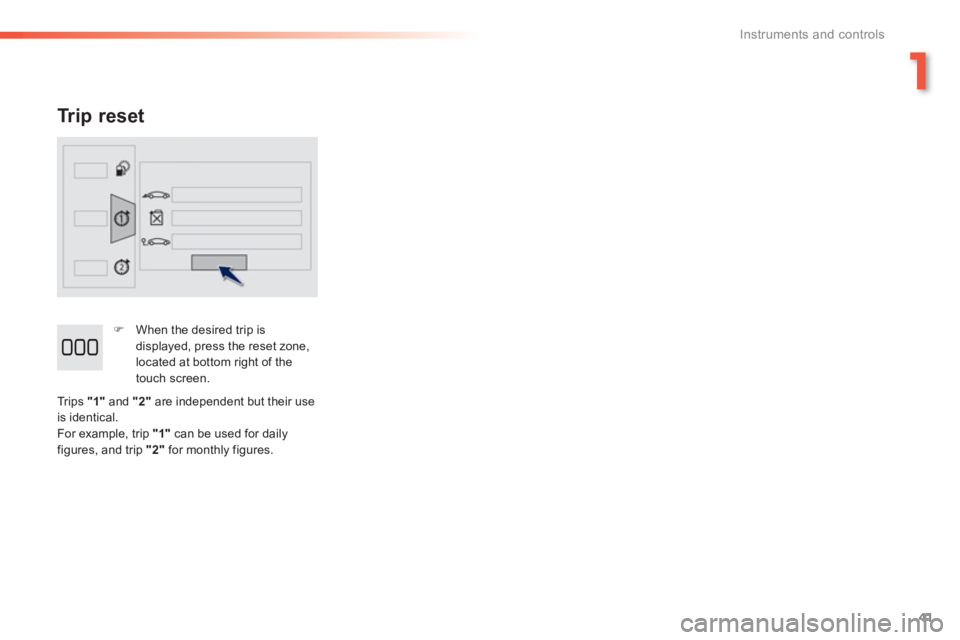
Tr ip reset
)
When the desired trip is
displayed, press the reset zone, located at bottom right of the
touch screen.
Trips
"1"
and "2"are independent but their use
is identical.
For example, trip "1"
can be used for daily
figures, and trip "2"
for monthly figures.
Page 44 of 324
42
Instruments and controls
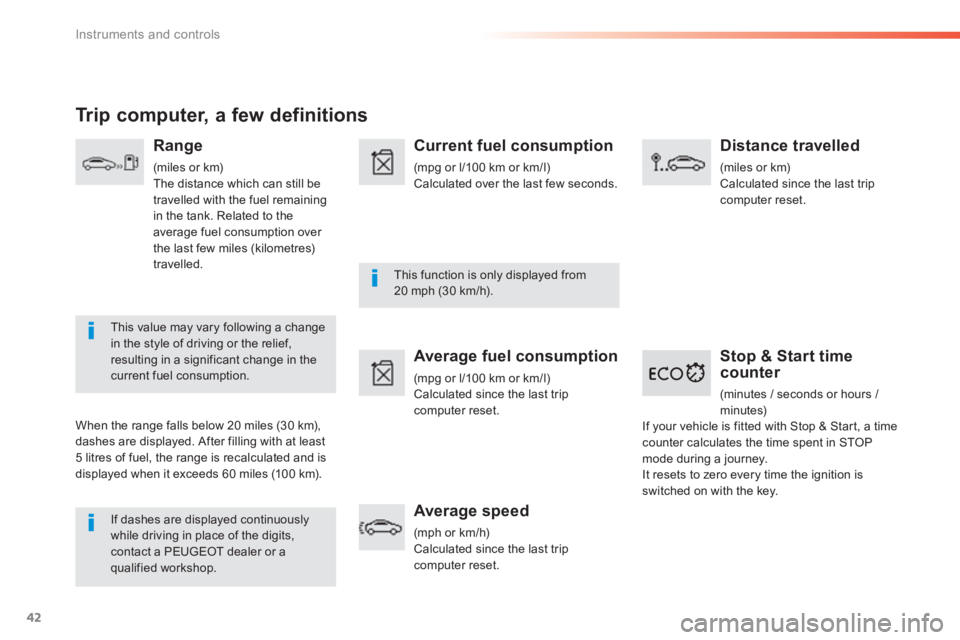
Stop & Start time counter
(minutes / seconds or hours /
minutes)
If dashes are displayed continuously while driving in place of the digits, contact a PEUGEOT dealer or a qualified workshop.
This function is only displayed from 20 mph (30 km/h).
This value may vary following a changein the style of driving or the relief,resulting in a significant change in thecurrent fuel consumption.
Trip computer, a few definitions
Range
(miles or km)
The distance which can still be
travelled with the fuel remainingin the tank. Related to theaverage fuel consumption over
the last few miles (kilometres)
travelled.
When the ran
ge falls below 20 miles (30 km),
dashes are displayed. After filling with at least 5 litres of fuel, the range is recalculated and is
displayed when it exceeds 60 miles (10 0 km).
Current fuel consumption
(mpg or l/100 km or km/l) Calculated over the last few seconds.
Average fuel consumption
(mpg or l/100 km or km/l) Calculated since the last trip computer reset.
Average speed
(mph or km/h)Calculated since the last trip computer reset.
Distance travelled
(miles or km)
Calculated since the last trip
computer reset.
If
your vehicle is fitted with Stop & Star t, a timecounter calculates the time spent in STOP mode during a journey. It resets to zero every time the ignition isswitched on with the key.
Page 45 of 324
1
43
Instruments and controls
LCD instrument panel
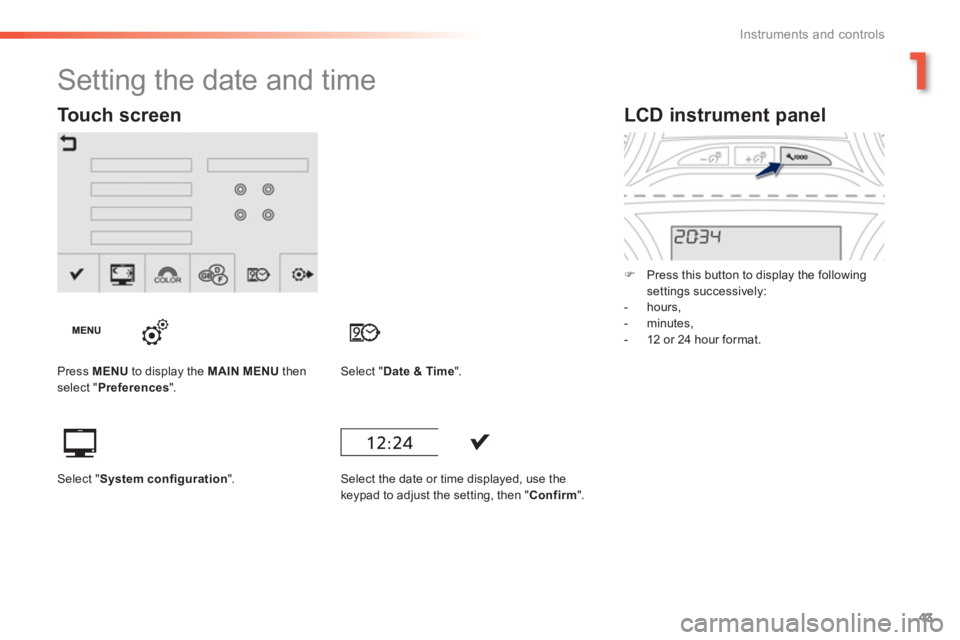
) Press this button to display the following settings successively:
- hours,
- minutes,
- 12 or 24 hour format.
Setting the date and time
Press MENU
to display the MAIN MENUthen select " Preferences".Select "Date & Time".
Select the date or time displa
yed, use the keypad to adjust the setting, then "Confirm".
Touch screen
Select "System configuration".
Page 50 of 324
48
Access
Locking / unlocking from the inside
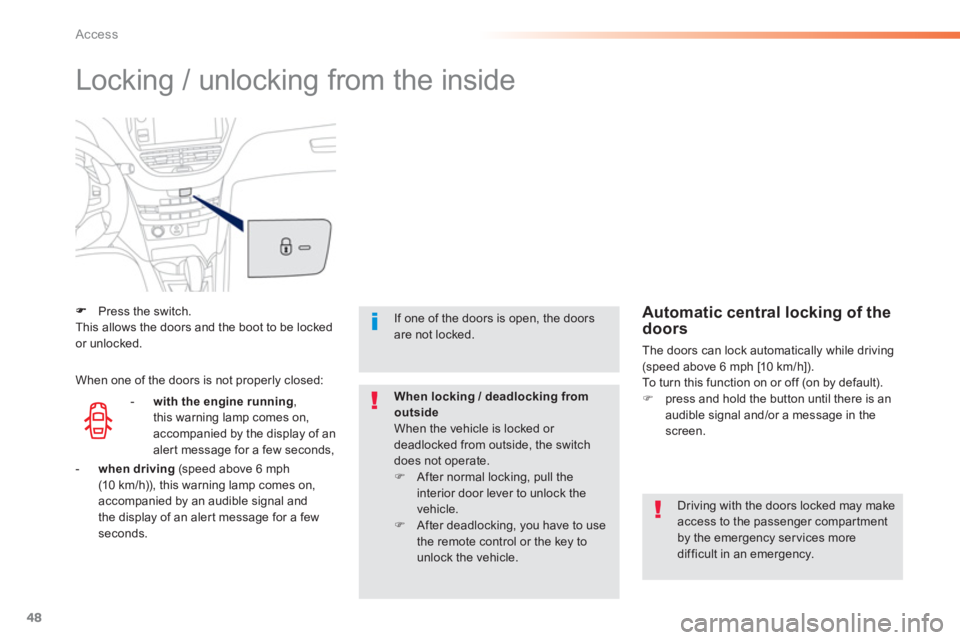
Press the switch.This allows the doors and the boot to be locked or unlocked.
Driving with the doors locked may makeaccess to the passenger compartmentby the emergency services moredifficult in an emergency.
If one of the doors is open, the doorsare not locked.
When locking / deadlocking fromoutsideWhen the vehicle is locked or deadlocked from outside, the switchdoes not operate. )After normal locking, pull theinterior door lever to unlock the vehicle. )After deadlocking, you have to use
the remote control or the key to unlock the vehicle.
Automatic central locking of the doors
The doors can lock automatically while driving (speed above 6 mph [10 km/h]).
To turn this function on or off (on by default). )press and hold the button until there is anaudible signal and/or a message in the
screen.
-
with the engine running,
this warning lamp comes on,
accompanied b
y the display of an
aler t message for a few seconds, When one of the doors is not properl
y closed:
-when driving (speed above 6 mph(10 km/h)), this warning lamp comes on,accompanied by an audible signal andthe display of an aler t message for a fewseconds.
Page 57 of 324
55
2
Access
Boot
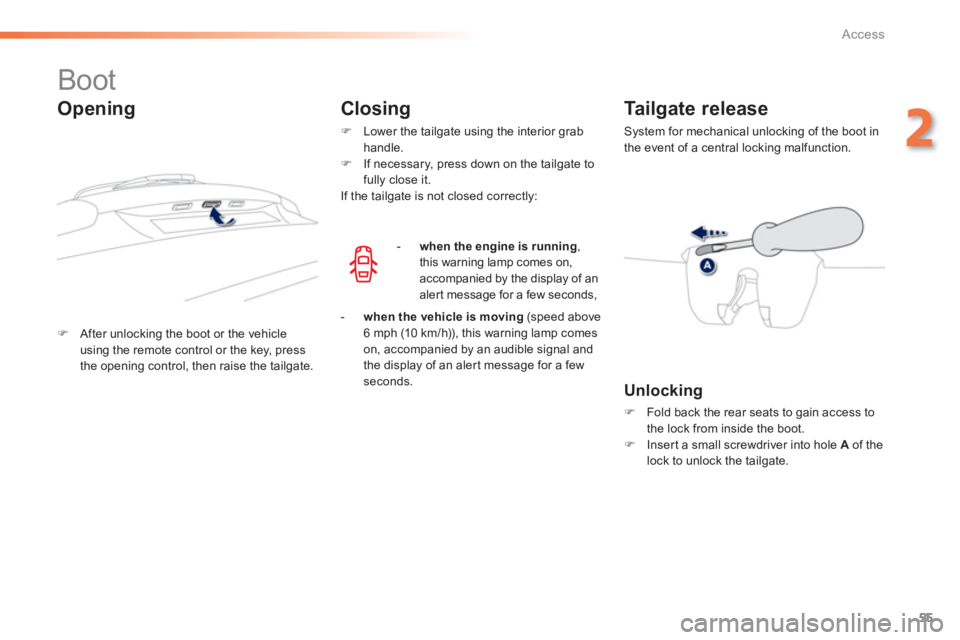
)After unlocking the boot or the vehicle
using the remote control or the key, press
the opening control, then raise the tailgate.
Tailgate release
System for mechanical unlocking of the boot in
the event of a central locking malfunction.
Opening Closing
)
Lower the tailgate using the interior grab
handle. ) If necessary, press down on the tailgate tofully close it.
If the tailgate is not closed correctly:
- when the en
gine is running ,
this warning lamp comes on, accompanied by the display of analert message for a few seconds,
- when the vehicle is moving
(speed above6 mph (10 km/h)), this warning lamp comes
on, accompanied by an audible signal and
the display of an aler t message for a fewseconds.
Unlocking
)
Fold back the rear seats to gain access to
the lock from inside the boot. ) Insert a small screwdriver into hole Aof thelock to unlock the tailgate.
Page 70 of 324
68
Comfort
A setting around 21 enables you to obtain an
optimum level of comfort. Depending on your requirements, a setting between 18 and 24 is usual.
In addition, it is recommended that you avoid a
left/ri
ght setting difference of more than 3.
On entering the vehicle, if the interior temperature is much colder or warmer than the comfort value, there is no need to alter the value displayed in order to obtain the required level of comfort. The system corrects the temperaturedifference automatically and as quicklyas possible.
4. Automatic visibilityprogramme
For maximum cooling or heating of the passenger compartment, you can exceed the minimum value of 14 or the maximum value of 28.)Push the switch 2or 3down until"LO"
is displayed or up until "HI"
is displayed. See "Front demistin
g-defrosting".
Dependin
g on your requirements, you can
make a different selection from that offered by
the system by changing a setting. The other
functions will still be controlled automatically.
Resuming manual control
The air conditioning is designed to
operate efficiently in all seasons, with
t
he windows closed.
5. Air conditioning On/Off
It allows you:
- in summer, to lower the temperature,
- in winter, above 3 °C, to improve demisting.
Switchin
g on)Press the "A/C"button, the associated
indicator lamp comes on.
The air conditioning cannot operate when theair flow is set to off.
Switchin
g off)Press the "A/C"
button again; the associated indicator lamp goes off.
Switching off may cause some problems (humidity, misting).
)Press the "AUTO"button
to return to fully automatic
operation.
Page 71 of 324
69
3
Comfort
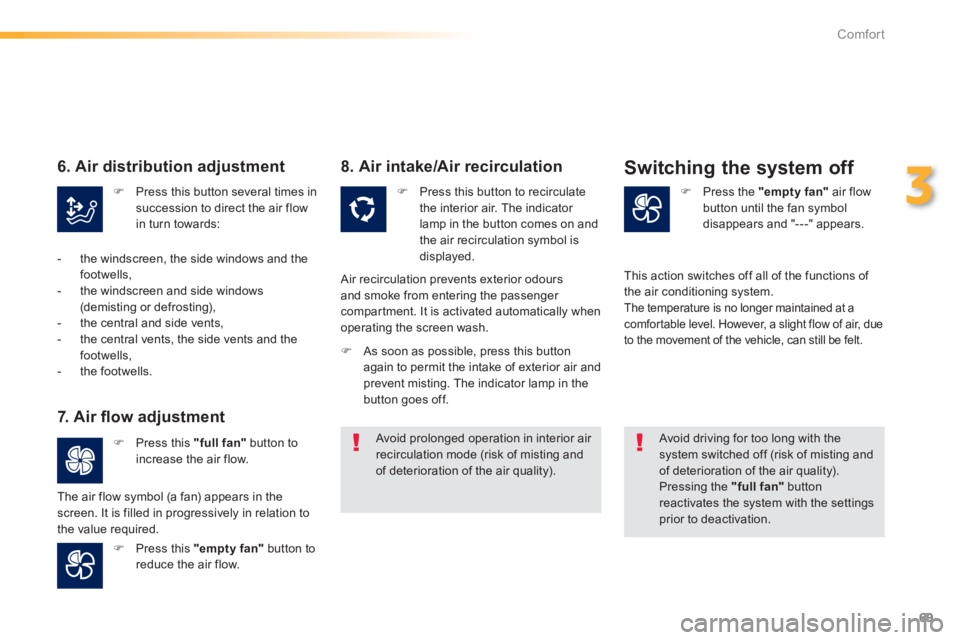
7. Air fl ow adjustment
)
Press this "full fan"
button toincrease the air flow.
)
Press this "empty fan"
button to
reduce the air flow.
8. Air intake/Air recirculation
) Press the "empty fan"
air flow
button until the fan symboldisappears and "---" appears.
Switching the system off
)Press this button to recirculatethe interior air. The indicator lamp in the button comes on and
the air recirculation symbol is
displayed.
Air recirculation prevents exterior odoursand smoke from entering the passenger compartment. It is activated automatically when
operating the screen wash.
Avoid driving for too long with the system switched off (risk of misting andof deterioration of the air quality).
Pressing the "full fan"button reactivates the system with the settings prior to deactivation.
The air
flow symbol (a fan) appears in thescreen. It is filled in progressively in relation to
the value required. Thi
s action switches off all of the functions of
the air conditioning system. The temperature is no longer maintained at a comfor table level. However, a slight flow of air, due
to the movement of the vehicle, can still be felt.) As soon as possible, press this button
again to permit the intake of exterior air and
prevent misting. The indicator lamp in the
button goes off.
) Press this button several times in succession to direct the air flowin turn towards:
6. Air distribution adjustment
- the windscreen, the side windows and the
footwells,
- the windscreen and side windows (demisting or defrosting),
- the central and side vents,
- the central vents, the side vents and the
footwells,
- the footwells.
Avoid prolonged operation in interior air recirculation mode (risk of misting andof deterioration of the air quality).
Page 75 of 324
73
3
Comfort
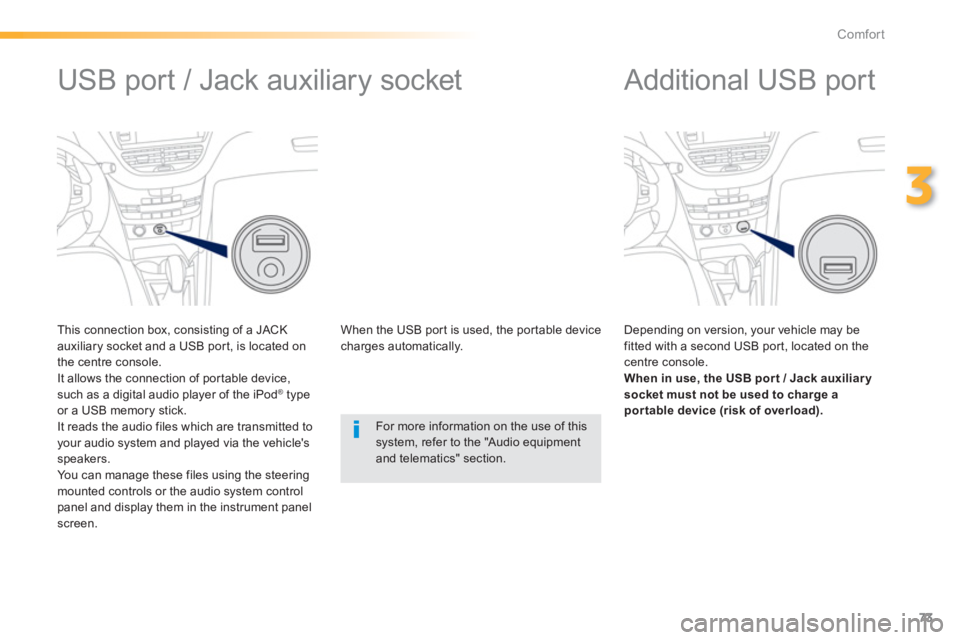
Additional USB port
Depending on version, your vehicle may be fitted with a second USB por t, located on the centre console. When in use, the USB por t / Jack auxiliar y
socket must not be used to charge apor table device (risk of overload).
USB port / Jack auxiliary socket
This connection box, consisting of a JACK
auxiliary socket and a USB por t, is located on
the centre console.
It allows the connection of por table device,such as a digital audio player of the iPod ®type
or a USB memory stick.
It reads the audio files which are transmitted to your audio system and played via the vehicle's speakers.
You can manage these files using the steeringmounted controls or the audio system control panel and display them in the instrument panelscreen. When the U
SB por t is used, the por table devicecharges automatically.
For more information on the use of this system, refer to the "Audio equipmentand telematics" section.