Air Con PEUGEOT 2008 2015 Service Manual
[x] Cancel search | Manufacturer: PEUGEOT, Model Year: 2015, Model line: 2008, Model: PEUGEOT 2008 2015Pages: 340, PDF Size: 8.4 MB
Page 208 of 340
206
2008_en_Chap09_info-pratiques_ed01-2015
Driving advice
Distribution of loads
F Distribute the load in the trailer so that the heaviest items are as close as possible to
the axle and the nose weight approaches
the maximum permitted without
exceeding
it.
Air density decreases with altitude, thus
reducing engine performance. Above
1
000 metres, the maximum towed load must
be reduced by 10
% for every 1 000 metres of
altitude.
Side wind
F Take into account the increased sensitivity to side wind.
Cooling
Towing a trailer on a slope increases the
temperature of the coolant.
As the fan is electrically controlled, its cooling
capacity is not dependent on the engine speed.
F
T
o lower the engine speed, reduce your
speed.
The maximum towed load on a long incline
depends on the gradient and the ambient
temperature.
In all cases, keep a check on the coolant
temperature.
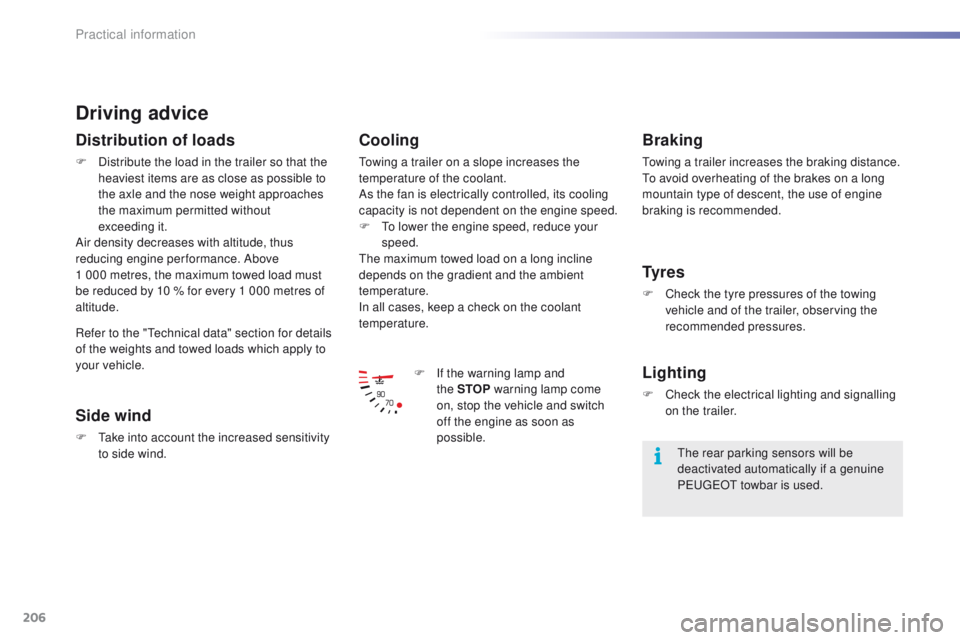
F
I
f the warning lamp and
the
STOP warning lamp come
on, stop the vehicle and switch
off the engine as soon as
possible.
Braking
Towing a trailer increases the braking distance.
To avoid overheating of the brakes on a long
mountain type of descent, the use of engine
braking is recommended.
Ty r e s
F Check the tyre pressures of the towing vehicle and of the trailer, observing the
recommended pressures.
Lighting
F Check the electrical lighting and signalling on the trailer.
The rear parking sensors will be
deactivated automatically if a genuine
PEUGEOT towbar is used.
Refer to the "Technical data" section for details
of the weights and towed loads which apply to
your vehicle.
Practical information
Page 210 of 340
208
2008_en_Chap09_info-pratiques_ed01-2015
Accessories
A wide range of accessories and genuine parts is available from the PEUGEOT dealer network.
These accessories and parts are all suitable for your vehicle and benefit from PEUGEOT's
recommendation and warranty.
Conversion kits
You can obtain an "Enterprise" kit to convert a
private car into a trade vehicle.
"Comfort":
door deflectors, side blinds and rear blind,
cigarette lighter, boot dividers, coat hanger
fixed to head restraint, front and rear parking
sensors...
"Transport solutions":
boot liner, luggage net, roof bars, bicycle
carrier on roof bars, ski carrier, roof box,
towbars....*
T
o avoid any risk of jamming of the pedals:
-
e
nsure that the mat is positioned and
secured correctly,
-
n
ever fit one mat on top of another.
"Styling":
gear lever knob, spoiler, styling strips, alloy
wheels, trims, chromed mirror shells, mirror
personalisation kits, wheel caps and exterior
stickers.....
"Security":
anti-theft alarm, window engraving, wheel
security bolts, child seats and booster
cushions, breathalyzer, first aid kit, warning
triangle, high visibility jacket, stolen vehicle
tracking system, temporary puncture repair kit,
snow chains, non-slip covers, front foglamps
kit, dog guard...
"Protection":
mats*, seat covers compatible with lateral
airbags, mud flaps, door sill protectors, bumper
protection strips, aluminium foot rest...
The towbar must be fitted by a
PEUGEOT dealer or a qualified
workshop.
Practical information
Page 211 of 340
209
2008_en_Chap09_info-pratiques_ed01-2015
The fitting of electrical equipment or
accessories which are not recommended
by PEUGEOT may result in a failure of
your vehicle's electronic system and
excessive electrical consumption.
Contact a PEUGEOT dealer
for information on the range of
recommended equipment and
accessories.Installation of radio
communication
transmitters
Before installing any after-market radio
communication transmitter, you can
contact a PEUGEOT dealer for the
specification of transmitters which can
be fitted (frequency, maximum power,
aerial position, specific installation
requirements), in line with the Vehicle
Electromagnetic Compatibility
Directive
(2004/104/EC). Depending on the legislation in force in
the country, certain safety equipment
may be compulsory: high visibility
safety vests, warning triangles,
breathalyzers, spare bulbs, spare fuses,
fire extinguisher, first aid kit, mud flaps
at the rear of the vehicle.
By visiting a PEUGEOT dealer, you can also
obtain products for cleaning and maintenance
(exterior and interior) - including ecological
products in the "TECHNATURE" range, topping
up products (screenwash...), touch-up pens
and paint aerosols for the exact colour of your
vehicle, refills (cartridge for the temporary
puncture repair kit...), ...
"Multimedia":
audio systems, portable satellite navigation
systems, semi-integral support for portable
satellite navigation system, hands-free kit,
speakers, DVD player, connection kit for MP3
or CD player, CD player for touch screen...
9
Practical information
Page 219 of 340
217
2008_en_Chap10_verifications_ed01-2015
Checks
12 V battery
The battery does not require any maintenance.
However, check that the terminals are clean
and correctly tightened, particularly in summer
and winter.
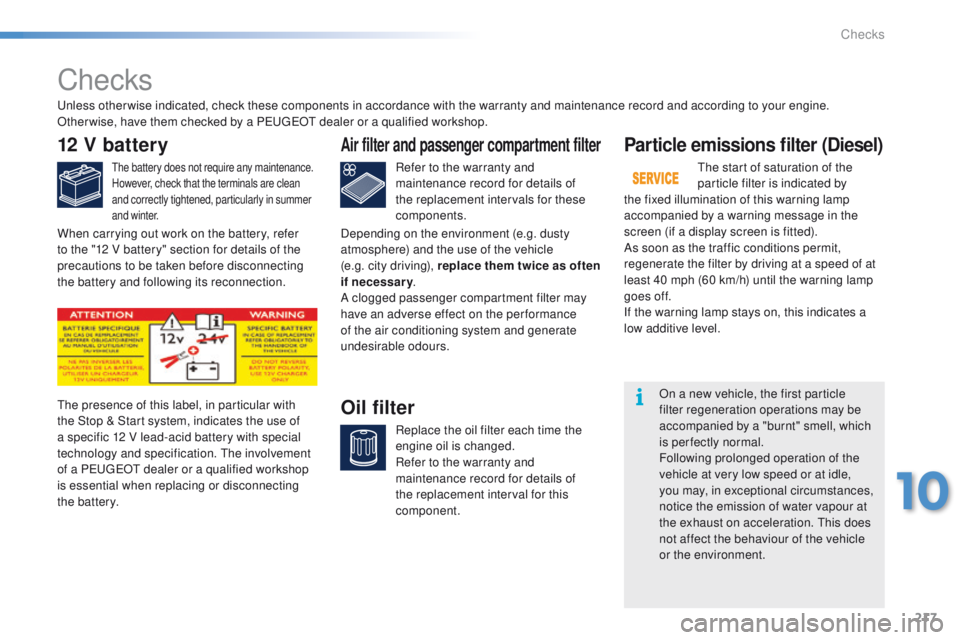
The presence of this label, in particular with
the Stop & Start system, indicates the use of
a specific 12 V lead-acid battery with special
technology and specification. The involvement
of a PEUGEOT dealer or a qualified workshop
is essential when replacing or disconnecting
the battery.
Particle emissions filter (Diesel)
The start of saturation of the
particle filter is indicated by
the fixed illumination of this warning lamp
accompanied by a warning message in the
screen (if a display screen is fitted).
As soon as the traffic conditions permit,
regenerate the filter by driving at a speed of at
least 40 mph (60 km/h) until the warning lamp
goes off.
If the warning lamp stays on, this indicates a
low additive level.
On a new vehicle, the first particle
filter regeneration operations may be
accompanied by a "burnt" smell, which
is perfectly normal.
Following prolonged operation of the
vehicle at very low speed or at idle,
you may, in exceptional circumstances,
notice the emission of water vapour at
the exhaust on acceleration. This does
not affect the behaviour of the vehicle
or the environment.
Unless other wise indicated, check these components in accordance with the warranty and maintenance record and according to your engine.
Other wise, have them checked by a PEUGEOT dealer or a qualified workshop.
Air filter and passenger compartment filter
Refer to the warranty and
maintenance record for details of
the replacement intervals for these
components.
Oil filter
Replace the oil filter each time the
engine oil is changed.
Refer to the warranty and
maintenance record for details of
the replacement interval for this
component.
When carrying out work on the battery, refer
to the "12 V battery" section for details of the
precautions to be taken before disconnecting
the battery and following its reconnection.
Depending on the environment (e.g. dusty
atmosphere) and the use of the vehicle
(e.g. city driving), replace them twice as often
if necessary
.
A clogged passenger compartment filter may
have an adverse effect on the per formance
of the air conditioning system and generate
undesirable odours.
10
Checks
Page 235 of 340
233
2008_en_Chap12a_BTA_ed01-2015
PEUGEOT Connect Assistance
If an impact is detected by the airbag
control unit, and independently of
the deployment of any airbags, an
emergency call is made automatically.
If you purchased your vehicle outside
the PEUGEOT dealer network, we
invite you to have a dealer check the
configuration of these services and, if
desired, modified to suit your wishes.
In a multi-lingual country, configuration
is possible in the official national
language of your choice.
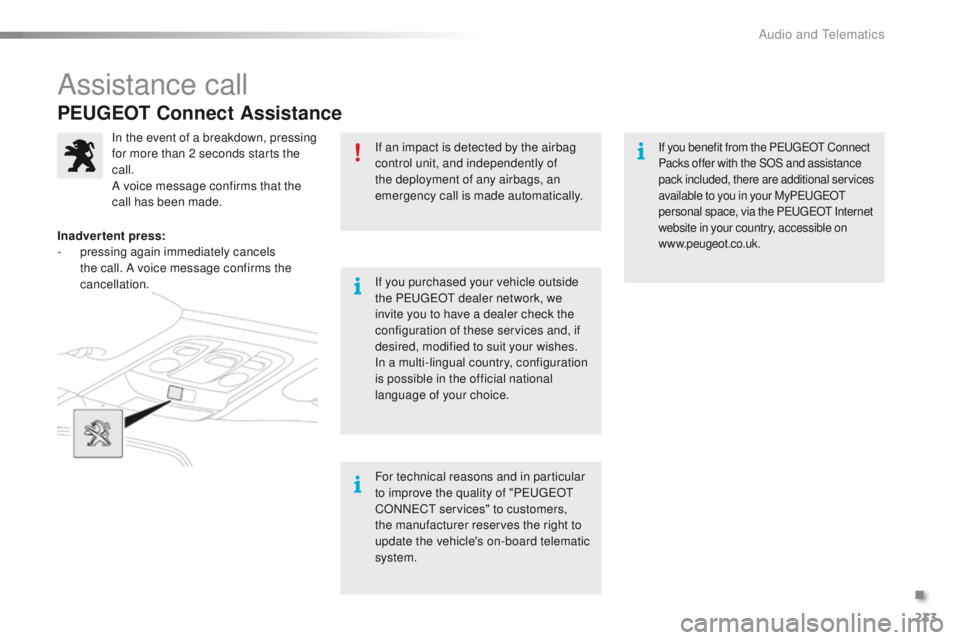
In the event of a breakdown, pressing
for more than 2 seconds starts the
call.
A voice message confirms that the
call has been made.
Inadvertent press:
-
p
ressing again immediately cancels
the call. A voice message confirms the
cancellation.
For technical reasons and in particular
to improve the quality of "PEUGEOT
CONNECT services" to customers,
the manufacturer reserves the right to
update the vehicle's on-board telematic
system.If you benefit from the PEUGEOT Connect
Packs offer with the SOS and assistance
pack included, there are additional services
available to you in your MyPEUGEOT
personal space, via the PEUGEOT Internet
website in your country, accessible on
www.peugeot.co.uk.
Assistance call
.
Audio and Telematics
Page 286 of 340
284
2008_en_Chap12b_SMEGplus_ed01-2015
Pairing a Bluetooth®
telephone
For reasons of safety and because they
require prolonged attention on the part
of the driver, the operations for pairing
the Bluetooth mobile telephone to the
hands-free system of the audio system
must be carried out with the vehicle
stationary .
Procedure (short) from the
telephone
In the Bluetooth menu of your device, select the
system name in the list of devices detected.
Enter a code of at least 4 figures in the device
and confirm.
Enter this same code in the system,
select "OK" and confirm.
Procedure from the system
Activate the telephone's Bluetooth function
and ensure that it is "visible to all" (telephone
configuration).
Press on Telephone to display the
primary page.
Press on the secondary page.
Select " Bluetooth connection ".
Select Search .
The list of telephones detected is
displayed.
If the telephone is not detected, it is
recommended that you switch the Bluetooth
function on your telephone off and then on again.
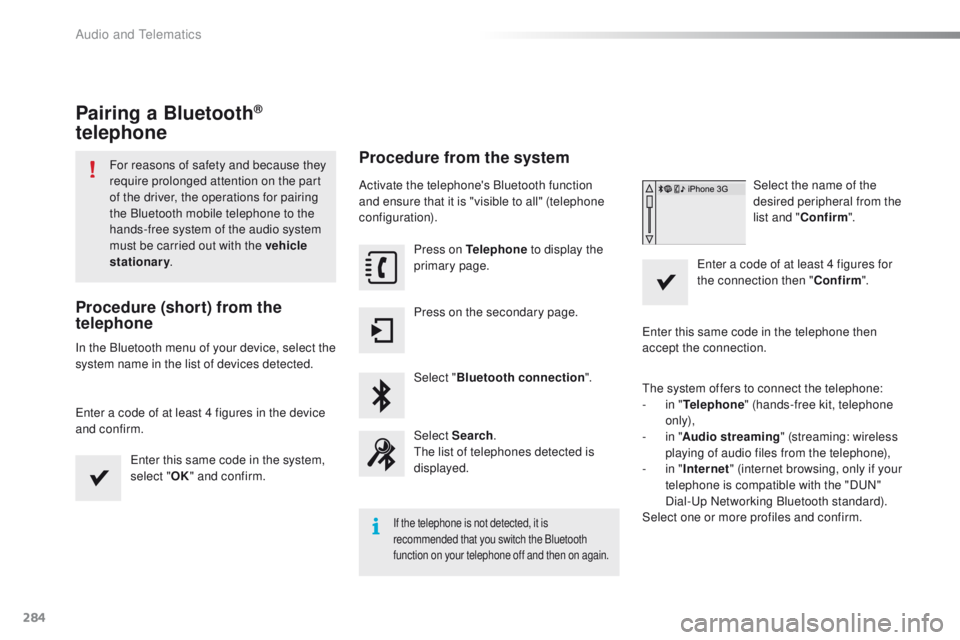
Select the name of the
desired peripheral from the
list and " Confirm ".
Enter a code of at least 4 figures for
the connection then " Confirm".
Enter this same code in the telephone then
accept the connection.
The system offers to connect the telephone:
-
i
n " Telephone " (hands-free kit, telephone
only),
-
i
n " Audio streaming " (streaming: wireless
playing of audio files from the telephone),
-
i
n " Internet " (internet browsing, only if your
telephone is compatible with the "DUN"
Dial-Up Networking Bluetooth standard).
Select one or more profiles and confirm.
Audio and Telematics
Page 287 of 340
285
2008_en_Chap12b_SMEGplus_ed01-2015
The services available depend on
the network, the SIM card and the
compatibility of the Bluetooth telephone
used. Check the telephone manual and
with your network provider for details of
the services available to you.
The ability of the system to connect
with only one profile depends on the
telephone. The three profiles may all
connect by default.
Visit www.peugeot.co.uk for more information
(compatibility, additional help, ...).
The recognised telephone
appears in the list.
Depending on your telephone, you may be
asked to accept automatic connection every
time the ignition is switched on. On return to the vehicle, if the last telephone
connected is present again, it is reconnected
automatically and within around 30 seconds
after switching on the ignition the pairing is
done without any action on your part, with
(Bluetooth activated).
To modify the automatic connection mode,
select the telephone in the list then select the
desired profile.Depending on the type of telephone,
the system will ask you to accept or not
the transfer of your contacts.
If not, select " Update".
Connecting a Bluetooth®
peripheral device
Automatic reconnection
On switching on the ignition, the telephone
connected when the ignition was last switched
off is automatically reconnected, if this
connection mode had been activated during the
pairing procedure.
The connection is confirmed by the display of a
message and the name of the telephone.
Manual connection
Press on Telephone to display the
primary page.
Press on the secondary page.
Select " Bluetooth " to display the list
of paired peripherals.
Select the peripheral to connect. Press on " Search".
The connection is confirmed by the display of a
message and the name of the telephone.
.
Audio and Telematics
Page 288 of 340
286
2008_en_Chap12b_SMEGplus_ed01-2015
Managing paired
telephones
This function allows the connection or
disconnection of a peripheral device as
well as the deletion of a pairing.Using the telephone is not
recommended while driving.
Park the vehicle.
Make the call using the steering
mounted controls.
Press on Telephone
to display the
primary page.
Press on the secondary page.
Select " Bluetooth " to display the list
of paired peripheral devices.
Select the peripheral in the list. Select "Search for devices "
Or "Connect / Disconnect " to start or
end the Bluetooth connection with
the selected device.
Or "Delete " to delete the pairing.
Receiving a call
An incoming call is announced by a ring and a
superimposed display in the screen.
Make a short press on the steering
mounted TEL button to accept an
incoming call.
Make a long press
on the steering mounted TEL button
to reject the call.
Or Select "End call".
Making a call
Calling a new number
Press on Telephone to display the
primary page.
Enter the phone number using the
digital keypad.
Press " Call" to start the call.
Calling a contact
Press on Telephone to display the
primary page.
Or make a long press
on the steering mounted TEL button.
Audio and Telematics
Page 307 of 340
305
2008_en_Chap12c_RDE2_ed01-2015
Bluetooth® audio streaming
Streaming allows music files on a telephone to
be heard via the vehicle's speakers.
Connect the telephone: see the "Telephone"
section.
In the " Bluetooth : Audio" menu, select the
telephone to connect.
The audio system connects automatically to a
newly paired telephone.
Control of playback is via the audio system. The control
of common tracks is possible via the audio system
control buttons and the steering mounted controls**.
Contextual information can be displayed in the screen.
Activate the streaming source by
pressing the SRC/TEL * button.
Connecting Apple® players
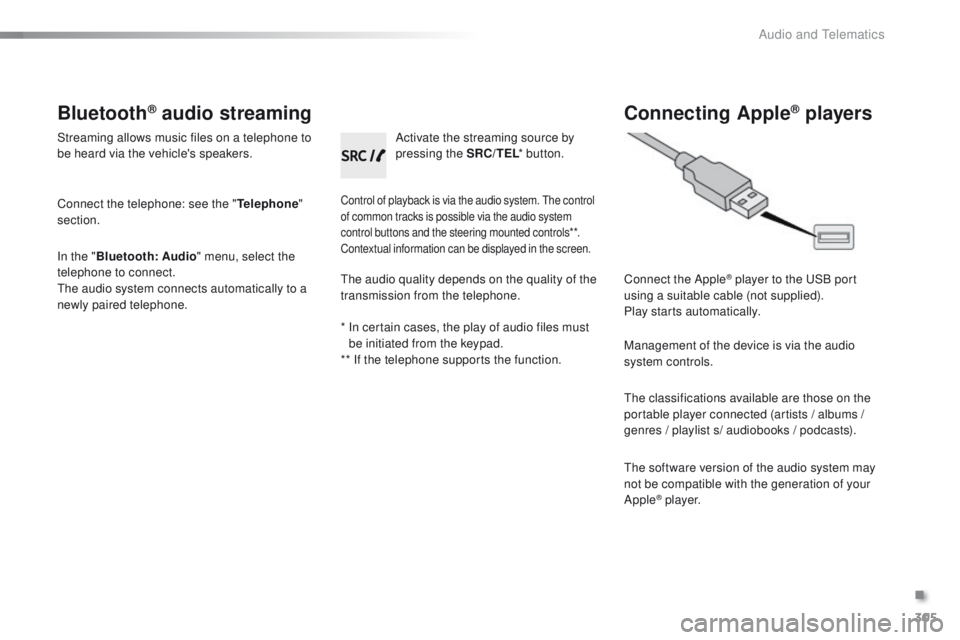
Connect the Apple® player to the USB port
using a suitable cable (not supplied).
Play starts automatically.
Management of the device is via the audio
system controls.
The classifications available are those on the
portable player connected (artists / albums /
genres / playlist s/ audiobooks / podcasts).
The software version of the audio system may
not be compatible with the generation of your
Apple
® p l aye r.
The audio quality depends on the quality of the
transmission from the telephone.
*
I
n certain cases, the play of audio files must
be initiated from the keypad.
** If the telephone supports the function.
.
Audio and Telematics
Page 308 of 340
306
2008_en_Chap12c_RDE2_ed01-2015
Telephone
Pairing a Bluetooth® telephone
For safety reasons and because they
require prolonged attention on the part
of the driver, the operations for pairing
of the Bluetooth mobile telephone
with the Bluetooth hands-free system
of your audio system must be carried
out with the vehicle stationary and the
ignition on.
Visit www.peugeot.co.uk for more information
(compatibility, more help, ...).
Activate the telephone's Bluetooth function and
ensure that it is set as visible to all (refer to the
telephone instructions). Press the MENU button. The services available depend on
the network, the SIM card and the
compatibility of the Bluetooth telephone
used.
Consult your telephone's manual and
your operator to find out which services
are available to you.
Only one telephone can be paired at a time. A message is displayed in the screen of the
telephone: enter the same code and confirm.
If pairing fails, try again; the number of attempts is not limited.
A message appears in the screen to confirm
the result of the connection.
Pairing can also be initiated from the
telephone by searching for detected
Bluetooth devices.
The directory and the calls list can be
accessed after the synchronisation
period (if the telephone is compatible).
Automatic connection must be
configured in the telephone to allow
the connection each time the vehicle is
started.
Select "Bluetooth"
. Select the telephone to be paired
from the list. A virtual keypad is displayed on the
screen: choose a 4 digit code.
Select "Search" . A window is displayed with "Searching
device"
.
In some cases, the Bluetooth address of the
telephone may appear instead of the name of
the telephone. Confirm with "OK"
. Confirm with "OK"
.
Audio and Telematics