mirror Peugeot 301 2017 User Guide
[x] Cancel search | Manufacturer: PEUGEOT, Model Year: 2017, Model line: 301, Model: Peugeot 301 2017Pages: 306, PDF Size: 9.87 MB
Page 222 of 306
220
Key .................................................................. 22
Key with remote control ....................3
6-38, 102
Kit, hands-free
.............................................. 19
3
Kit, temporary puncture repair
....... 1
4 9 -15 0, 152 Maintenance (advice)
....................................
14
0
Map reading lamps
......................................... 69
M
arkings, identification
.................................
183
Mat
..................................................................
63
Menu, main
................................................... 18
6
Mirror, rear view ..............................................
51
Mirrors, door .............................................. 5 0 - 51
Mirror, vanity
...................................................
60
Misfuel prevention
.........................................
13 0
Mountings, Isofix
.......................................
97, 99
MP3 CD ..................................................
188 -189K
J
L
M
N
O
Labels, identification ..................................... 183
Lamps, front .................................................. 161
Level, brake fluid
........................................... 14 4
Level, Diesel additive
.................................... 145
Level, engine coolant
.................................... 145
Level, engine oil
..................................... 143 -14 4
Levels and checks
..............................
...142-145
Level, screenwash fluid
................................14
5
Lighting, guide-me home
................................66
Lighting, interior
...............................
...............69
Loading
......................................................... 140
Load reduction mode
.................................... 137
Locating your vehicle
...................................... 37
Low fuel level
.......................................... 16,
129Number plate lamps
......................................
166
OIl, engine
...............................
...................13 -14
Opening the bonnet
......................................141
Opening the boot
......................................36, 43
Opening the doors
....................................36, 41
Jack
...............................
.........................
15 4 -15 6
Jump starting
................................................
173 Pads, brake
...................................................
147
Paint colour code ..........................................
183
Parking brake
..................................
13, 105 , 147
Parking sensors, rear .................................... 125
Player, MP3 CD
...............................
.......
188 -189
Port, USB ................................................
62, 19 0
Power steering
...............................
.................
19
Pre-heater, Diesel
...........................................
16
Pressures, tyres
....................................
153, 183
Pre-tensioning seat belts
................................
82
Priming the fuel system ................................
148
Protecting children
.......
83-84 , 87- 8 9 , 94, 98-99
Puncture
.........................................
14 9 -15 0, 152
P
RRadio ............................................................. 18 6
Range, AdBlue ................................................ 27
Rear screen, demisting
...................................58
Recharging the battery
.................................174
Reduction of electrical load
..........................137
Regeneration of the particle filter
.................146
Reinitialisation of the under- inflation detection system
.............................75
Reinitialising the remote control
..................... 37
R
eminder, key in ignition
...............................10
4
Reminder, lighting on
...................................... 65
R
emote control
.......................................... 36-38
Removing a wheel
.........................157, 15 9 -16 0
Removing the mat
........................................... 63
Replacing bulbs
.................................... 16
1, 165
Alphabetical index
Page 236 of 306
4
FM/87.5 MHz
87.5MHz
12:13
18,5 21,5
23 °C
12:13
18,5 21,5
23 °C
12:13
18,5 21,5
23 °C
21,518,5
12:1323 °C
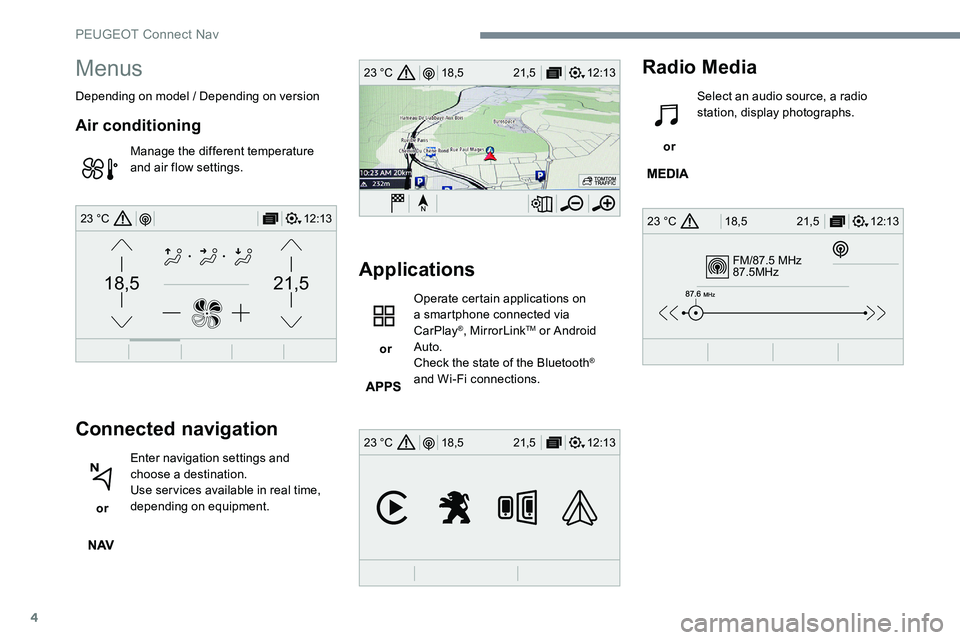
Menus
Depending on model / Depending on version
Air conditioning
Manage the different temperature
and air flow settings.
Connected navigation
or Enter navigation settings and
choose a destination.
Use services available in real time,
depending on equipment.
Applications
or Operate certain applications on
a smartphone connected via
CarPlay
®, MirrorLinkTM or Android
Auto.
Check the state of the Bluetooth
®
and Wi-Fi connections.
Radio Media
or Select an audio source, a radio
station, display photographs.
PEUGEOT Connect Nav
Page 247 of 306
15
Connected navigation
Depending on version
Depending on the equipment level of the
vehicle
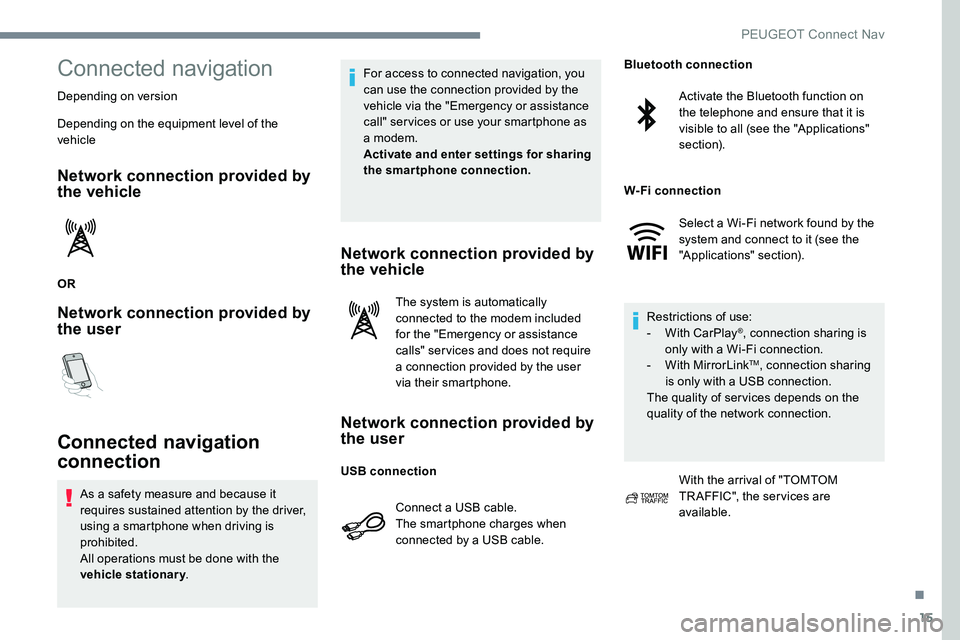
Network connection provided by
the vehicle
OR
Network connection provided by
the user
Connected navigation
connection
As a safety measure and because it
requires sustained attention by the driver,
using a smartphone when driving is
prohibited.
All operations must be done with the
vehicle stationary. For access to connected navigation, you
can use the connection provided by the
vehicle via the "Emergency or assistance
call" services or use your smartphone as
a modem.
Activate and enter settings for sharing
the smartphone connection.
Network connection provided by
the vehicle
The system is automatically
connected to the modem included
for the "Emergency or assistance
calls" services and does not require
a connection provided by the user
via their smartphone.
Network connection provided by
the user
Connect a USB cable.
The smartphone charges when
connected by a USB cable.
Activate the Bluetooth function on
the telephone and ensure that it is
visible to all (see the "Applications"
section).
Select a Wi-Fi network found by the
system and connect to it (see the
"Applications" section).
Restrictions of use:
-
W
ith CarPlay
®, connection sharing is
only with a Wi-Fi connection.
-
W
ith MirrorLink
TM, connection sharing
is only with a USB connection.
The quality of services depends on the
quality of the network connection.
With the arrival of "TOMTOM
TR AFFIC", the services are
available.
USB connection Bluetooth connection
W-Fi connection
.
PEUGEOT Connect Nav
Page 250 of 306
18
Applications
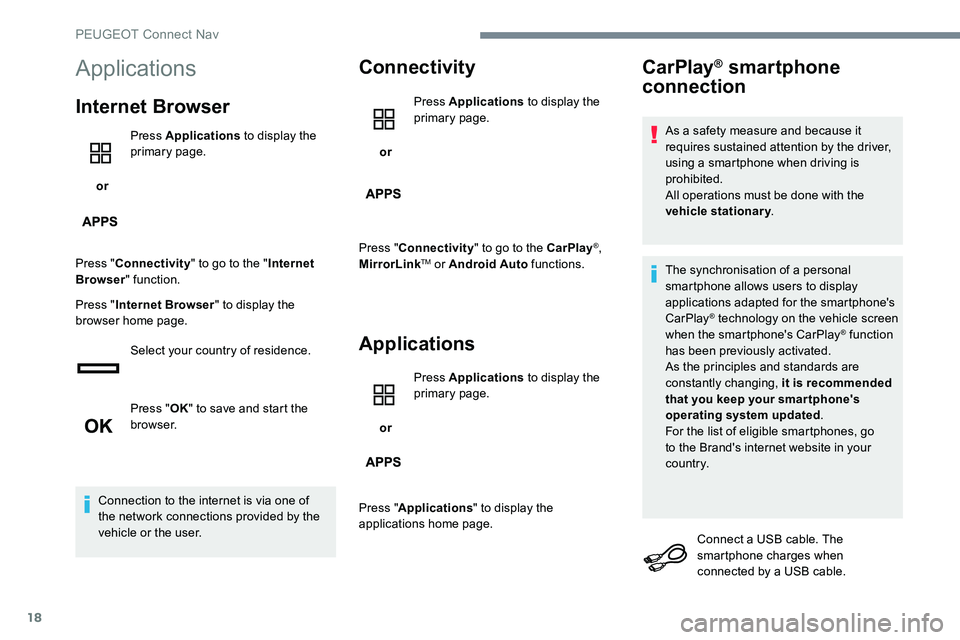
Internet Browser
or Press Applications
to display the
primary page.
Press " Connectivity " to go to the " Internet
Browser " function.
Press " Internet Browser " to display the
browser home page.
Select your country of residence.
Press "OK" to save and start the
browser.
Connection to the internet is via one of
the network connections provided by the
vehicle or the user.
Connectivity
or Press Applications
to display the
primary page.
Press " Connectivity " to go to the CarPlay
®,
MirrorLinkTM or Android Auto functions.
Applications
or Press Applications
to display the
primary page.
Press " Applications " to display the
applications home page.
CarPlay® smartphone
connection
As a safety measure and because it
requires sustained attention by the driver,
using a smartphone when driving is
prohibited.
All operations must be done with the
vehicle stationary .
The synchronisation of a personal
smartphone allows users to display
applications adapted for the smartphone's
CarPlay
® technology on the vehicle screen
when the smartphone's CarPlay® function
has been previously activated.
As the principles and standards are
constantly changing, it is recommended
that you keep your smar tphone's
operating system updated .
For the list of eligible smartphones, go
to the Brand's internet website in your
c o unt r y.
Connect a USB cable. The
smartphone charges when
connected by a USB cable.
PEUGEOT Connect Nav
Page 251 of 306
19
or Press on "
Telephone " to display the
CarPlay
® inter face.
Or Connect a USB cable. The
smartphone charges when
connected by a USB cable.
or From the system, press
"
Applications " to display the
primary page.
Press " Connectivity " to go to the CarPlay
®
function.
Press on " CarPlay" to display the
CarPlay
® inter face.
On connecting the USB cable, the
CarPlay
® function deactivates the
system's Bluetooth® mode.
MirrorLinkTM smartphone
connection
As a safety measure and because it
requires sustained attention by the driver,
using a smartphone when driving is
prohibited.
All operations must be done with the
vehicle stationary .
The synchronisation of a personal
smartphone allows users to display
applications adapted for the smartphone's
MirrorLink
TM technology on the vehicle
screen.
The principles and standards
are constantly changing, for the
communication process between the
smartphone and the system to operate,
it is essential that the smartphone is
unlocked; update the operating system
of the smar tphone as well as the date
and time of the smar tphone and the
system.
For the list of eligible smartphones, go
to the Brand's internet website in your
c o unt r y. As a safety measure, applications can
only be viewed with the vehicle stationary;
display is interrupted once the vehicle is
moving.
The "
MirrorLink
TM" function requires
the use of a compatible smartphone and
applications.
When connecting a smartphone
to the system, it is recommended
that "Bluetooth"
® be started on the
smartphone
Connect a USB cable. The
smartphone charges when
connected by a USB cable.
or From the system, press
"
Applications " to display the
primary page.
Press " Connectivity " to go to the MirrorLink
TM
function.
Press "MirrorLink
TM" to start the
application in the system.
.
PEUGEOT Connect Nav
Page 252 of 306
20
Depending on the smartphone, it may be
necessary to activate the "MirrorLink™"
function. During the procedure, several
screen pages relating to certain
functions are displayed.
Accept to start and complete the
connection.
Once connection is established, a page
is displayed with the applications already
downloaded to your smartphone and adapted
to MirrorLink
TM technology.
Access to the different audio sources remains
accessible in the margin of the MirrorLink
TM
display, using touch buttons in the upper bar.
Access to the menus for the system is possible
at any time using the dedicated buttons.
There may be a wait for the availability of
applications, depending on the quality of
your network.
Android Auto smartphone
connection
As a safety measure and because it
requires sustained attention by the driver,
using a smartphone when driving is
prohibited.
All operations must be done with the
vehicle stationary .
The synchronisation of a personal
smartphone allows users to display
applications adapted for the smartphone's
Android Auto technology on the vehicle
screen.
The principles and standards
are constantly changing, for the
communication process between the
smartphone and the system to operate,
it is essential that the smartphone is
unlocked; update the operating system
of the smar tphone as well as the date
and time of the smar tphone and the
system.
For the list of eligible smartphones, go
to the Brand's internet website in your
c o unt r y. As a safety measure, applications can
only be viewed with the vehicle stationary;
display is interrupted once the vehicle is
moving.
The "
Android Auto " function requires
the use of a compatible smartphone and
applications.
Connect a USB cable. The
smartphone charges when
connected by a USB cable.
or From the system, press
"
Applications " to display the
primary page.
Press " Connectivity " to go to the "Android
Auto" function.
Press "Android Auto " to start the
application in the system.
During the procedure, several
screen pages relating to certain
functions are displayed.
Accept to start and complete the
connection.
PEUGEOT Connect Nav
Page 283 of 306
5
Applications
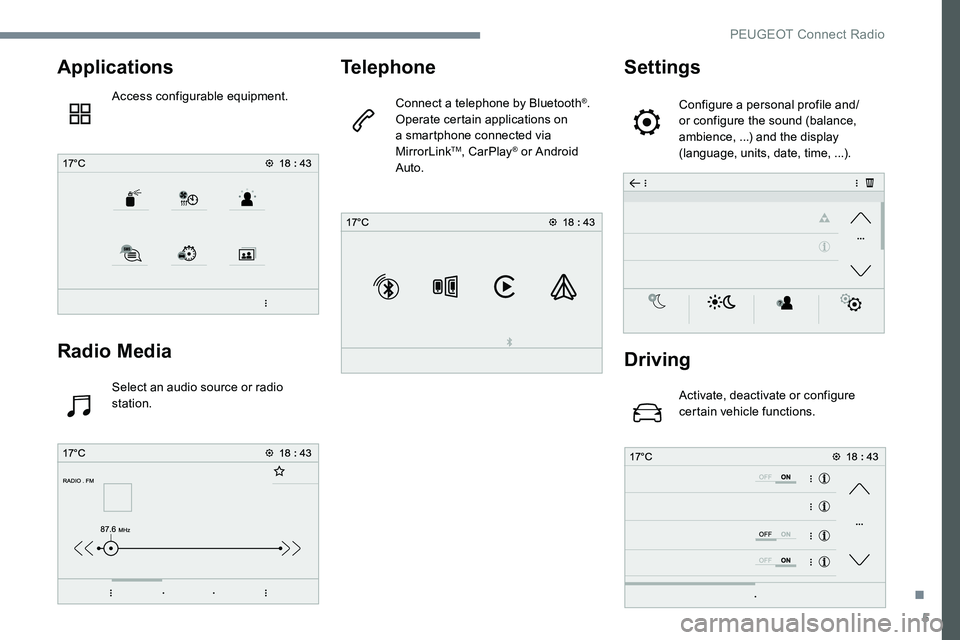
Access configurable equipment.
Radio Media
Select an audio source or radio
station.
Telephone
Connect a telephone by Bluetooth®.
Operate certain applications on
a smartphone connected via
MirrorLink
TM, CarPlay® or Android
Auto.
Settings
Configure a personal profile and/
or configure the sound (balance,
ambience, ...) and the display
(language, units, date, time, ...).
Driving
Activate, deactivate or configure
certain vehicle functions.
.
PEUGEOT Connect Radio
Page 284 of 306
6
Applications
Viewing photos
Insert a USB memory stick in the USB port.To protect the system, do not use a USB
hub.
The system can read folders and image files in
the formats: .tiff; .gif; .jpg/jpeg; .bmp; .png. Press Applications to display the
primary page.
Press "Photos".
Select a folder.
Select an image to view.
Press this button to display the
details of the photo. Press the back arrow to go back a
level.Managing messages
Press Applications
to display the
primary page.
Press "SMS"..
Select the "SMS" tab.
Press this button to select the
display settings for messages.
Press this button to search for a
contact.
Select the "Quick messages" tab.
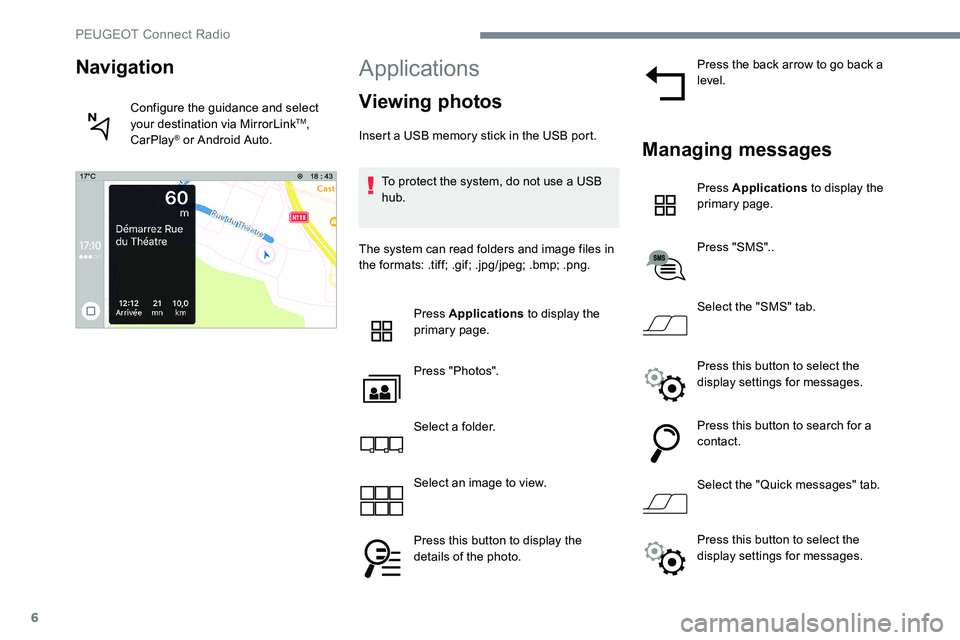
Navigation
Configure the guidance and select
your destination via MirrorLinkTM,
CarPlay® or Android Auto.
Press this button to select the
display settings for messages.
PEUGEOT Connect Radio
Page 290 of 306
12
It is advisable to restrict file names to
20 characters, without using special characters
(e.g.: " " ? . ; ù) so as to avoid any reading or
display problems.
Use only USB keys in FAT32 format
(File Allocation Table).It is recommended that the original USB
cable for the portable device is used.
In order to be able to play a burned CDR or
CDRW, select standards ISO 9660 level 1, 2 or
Joliet if possible when burning the CD.
If the disc is burned in another format, it may
not be played correctly.
It is recommended that the same burning
standard is always used on an individual disc,
with the lowest speed possible (4x maximum)
for the best acoustic quality.
In the particular case of a multi-session CD, the
Joliet standard is recommended.Telephone
MirrorLinkTM smartphone
connection
As a safety measure and because it
requires sustained attention by the driver,
using a smartphone when driving is
prohibited.
All operations must be done with the
vehicle stationary .
The synchronisation of a personal
smartphone allows users to display
applications adapted for the smartphone's
MirrorLink
TM technology on the vehicle
screen.
The principles and standards
are constantly changing, for the
communication process between the
smartphone and the system to operate,
it is essential that the smartphone is
unlocked; update the operating system
of the smar tphone as well as the date
and time of the smar tphone and the
system .
For the list of eligible smartphones, go
to the Brand's internet website in your
c o unt r y. As a safety measure, applications can
only be viewed with the vehicle stationary;
display is interrupted once the vehicle is
moving.
The "MirrorLink
TM" function requires a
compatible smartphone and applications.
Telephone not connected by
Bluetooth®
Connect a USB cable. The
smartphone charges when
connected by a USB cable.
From the system, press
" Telephone " to display the primary
page.
Press " MirrorLink
TM" to start the
application in the system.
Depending on the smartphone, it may be
necessary to activate the " MirrorLink
TM"
function.
PEUGEOT Connect Radio
Page 291 of 306
13
During the procedure, several
screen pages relating to certain
functions are displayed.
Accept to start and complete the
connection.
When connecting a smartphone
to the system, it is recommended
that "Bluetooth
®" be started on the
smartphone
Telephone connected by
Bluetooth®
From the system, press
" Telephone " to display the primary
page.
Press the " PHONE" button to display the
secondary page.
Press "MirrorLink
TM" to start the
application in the system.
Once the connection is established, a page
is displayed with the applications already
downloaded to your smartphone and adapted
to MirrorLink
TM technology. Access to the different audio sources remains
accessible in the margin of the MirrorLink
TM
display, using touch buttons in the upper bar.
Access to the menus for the system is possible
at any time using the dedicated buttons.
There may be a wait for the availability of
applications, depending on the quality of
your network.
CarPlay® smartphone
connection
As a safety measure and because it
requires sustained attention by the driver,
using a smartphone when driving is
prohibited.
All operations must be done with the
vehicle stationary . The synchronisation of a personal
smartphone allows users to display
applications adapted for the smartphone's
CarPlay
® technology on the vehicle screen
when the smartphone's CarPlay® function
has been previously activated.
As the principles and standards are
constantly changing, it is recommended
that you keep your smar tphone's
operating system updated .
For the list of eligible smartphones, go
to the Brand's internet website in your
c o unt r y.
Connect a USB cable. The
smartphone charges when
connected by a USB cable.
From the system, press Car Play to
display the Telephone
® inter face.
Or If the smartphone is already
connected by Bluetooth
®.
.
PEUGEOT Connect Radio