services Peugeot 308 2016 Owner's Guide
[x] Cancel search | Manufacturer: PEUGEOT, Model Year: 2016, Model line: 308, Model: Peugeot 308 2016Pages: 398, PDF Size: 9.38 MB
Page 371 of 398
369
308_en_Chap10d_RD45_ed02-2015
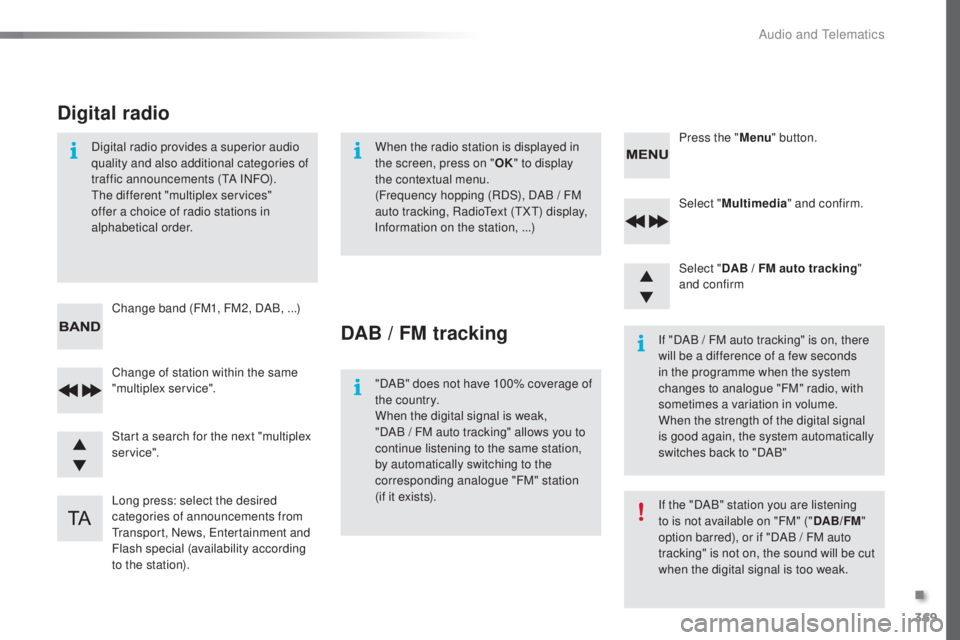
Select "Multimedia " and confirm.
Select " DAB / FM auto tracking "
and confirm
Long press: select the desired
categories of announcements from
tra
nsport, News,
ent
ertainment and
Flash special (availability according
to the station). Change of station within the same
"multiplex service". Press the "
Menu" button.
Start a search for the next "multiplex
service". Change band (FM1, FM2, DAB,
.
..)
Digital radio provides a superior audio
quality and also additional categories of
traffic announcements (
tA IN
FO).the d
ifferent "multiplex services"
offer a choice of radio stations in
alphabetical order.
Digital radio
When the radio station is displayed in
the screen, press on " OK" to display
the contextual menu.
(Frequency hopping (RDS), DAB
/ F
M
auto tracking, Radio
tex
t (
tXt) di
splay,
Information on the station, ...)
DAB / FM tracking
"DAB" does not have 100% coverage of
the country.
When the digital signal is weak,
"DAB
/ F
M auto tracking" allows you to
continue listening to the same station,
by automatically switching to the
corresponding analogue "FM" station
(if it exists). If "DAB / FM auto tracking" is on, there
will be a difference of a few seconds
in the programme when the system
changes to analogue "FM" radio, with
sometimes a variation in volume.
When the strength of the digital signal
is good again, the system automatically
switches back to "DAB"
If the "DAB" station you are listening
to is not available on "FM" ("
DAB/FM"
option barred), or if "DAB / FM auto
tracking" is not on, the sound will be cut
when the digital signal is too weak.
.
Audio and telematics
Page 376 of 398
374
308_en_Chap10d_RD45_ed02-2015
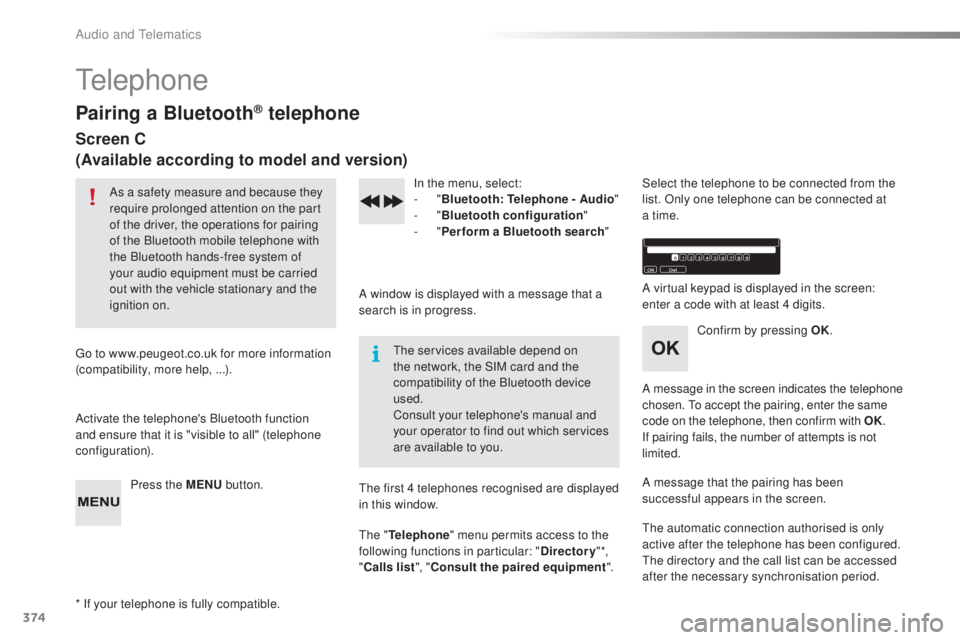
telephone
Pairing a Bluetooth® telephone
Screen C
(Available according to model and version)
As a safety measure and because they
require prolonged attention on the part
of the driver, the operations for pairing
of the Bluetooth mobile telephone with
the Bluetooth hands-free system of
your audio equipment must be carried
out with the vehicle stationary and the
ignition on.
go t
o www.peugeot.co.uk for more information
(compatibility, more help, ...).
Activate the telephone's Bluetooth function
and ensure that it is "visible to all" (telephone
configuration).
Press the MENU button. In the menu, select:
- "
Bl
uetooth: Telephone - Audio "
-
" B
luetooth configuration"
-
" P
erform a Bluetooth search"
A window is displayed with a message that a
search is in progress.
the ser
vices available depend on
the network, the SIM card and the
compatibility of the Bluetooth device
used.
Consult your telephone's manual and
your operator to find out which services
are available to you.
* If your telephone is fully compatible.
the f
irst 4 telephones recognised are displayed
in this window.
the " T
elephone" menu permits access to the
following functions in particular: " Directory" *,
" Calls list ", "Consult the paired equipment ".Select the telephone to be connected from the
list. Only one telephone can be connected at
a time.
A virtual keypad is displayed in the screen:
enter a code with at least 4 digits.
Confirm by pressing OK.
A message in the screen indicates the telephone
chosen.
to a
ccept the pairing, enter the same
code on the telephone, then confirm with OK.
If pairing fails, the number of attempts is not
limited.
A message that the pairing has been
successful appears in the screen.
the a
utomatic connection authorised is only
active after the telephone has been configured.
the d
irectory and the call list can be accessed
after the necessary synchronisation period.
Audio and telematics