warning PEUGEOT 308 2023 Repair Manual
[x] Cancel search | Manufacturer: PEUGEOT, Model Year: 2023, Model line: 308, Model: PEUGEOT 308 2023Pages: 260, PDF Size: 7.97 MB
Page 203 of 260

201
PEUGEOT i-Connect Advanced - PEUGEOT i-Connect
10PEUGEOT i-Connect
Advanced - PEUGEOT
i-Connect
GPS navigation -
Applications - Multimedia
audio system - Bluetooth
®
telephone
The functions and settings described
vary according to the version and
configuration of the vehicle, and according to
the country of sale.
For safety reasons and because they
require continued attention on the part of
the driver, the following operations must be
carried out with the vehicle stationary and
the ignition on:
–
Pairing the smartphone with the system via
Bluetooth®.
–
Using the smartphone.
–
Connecting to Mirror Screen
(Apple®CarPlay® or Android Auto).
–
Changing the system settings and
configuration.
The message Energy economy mode is displayed when the system is about to go
into standby.
For more information on Energy economy
mode, refer to the "Practical information"
section.
Warning
Navigation is a driving aid. It cannot
replace the driver. All guidance instructions
should be carefully checked by the user.
By using the navigation, you accept the
following terms and conditions:
https://www.tomtom.com/en_gb/legal/
eula-automotive/?388448
First steps
The system starts when the ignition is switched on.
Short press, ignition off: system on/off.
Short press, ignition on: mute/restore sound.
Long press, ignition on: start standby mode
(mute sound, screens and clock display off).
Rotation: volume adjustment.
Information
This system gives access to the following
elements:
–
Audio equipment and telephone controls with
display of associated information. –
Connected services and display of associated
information.
–
Navigation system controls and display
of associated information (depending on
equipment).
–
V
oice recognition (depending on equipment).
–
T
ime and outside temperature.
–
Heating/air conditioning system controls and
reminders of settings.
–
Settings for driving aid functions, comfort
and safety functions, extended head-up display
(depending on equipment and version), audio
equipment and digital instrument panel.
–
Settings for functions specific to rechargeable
hybrid vehicles.
–
Display of visual manoeuvring aid functions.
–
Interactive handbook.
–
V
ideo tutorials (e.g. screen management,
driving aids, voice recognition).
Upper banner
Certain information is displayed permanently in
the upper banner of the touch screen:
–
Outside temperature from the vehicle's
sensors (associated with a blue symbol if there is
a risk of ice).
–
T
emperature setting reminder for the air
conditioning on the driver's and passenger sides.
–
Charge level of the connected smartphone.
–
System connection status (Bluetooth®, Wi-Fi,
mobile telephone network).
–
Time. CarM an uals 2 .c o m
Page 217 of 260
215
PEUGEOT i-Connect Advanced - PEUGEOT i-Connect
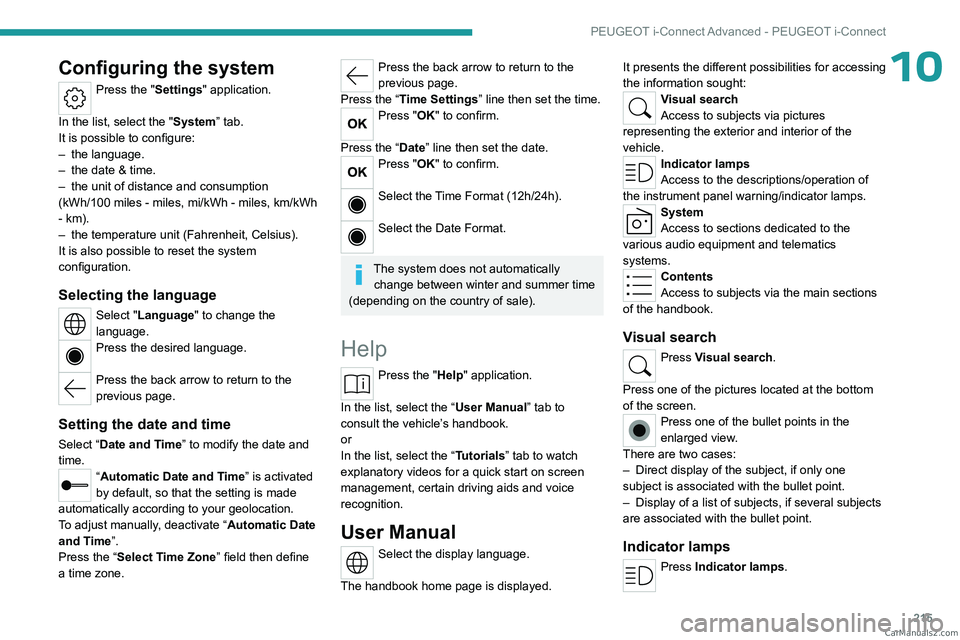
10Configuring the system
Press the "Settings" application.
In the list, select the "System” tab.
It is possible to configure:
–
the language.
–
the date & time.
–
the unit of distance and consumption
(kWh/100 miles - miles, mi/kWh - miles, km/kWh
- km).
–
the temperature unit (Fahrenheit, Celsius).
It is also possible to reset the system
configuration.
Selecting the language
Select "Language" to change the
language.
Press the desired language.
Press the back arrow to return to the
previous page.
Setting the date and time
Select “Date and Time” to modify the date and
time.
“Automatic Date and Time” is activated
by default, so that the setting is made
automatically according to your geolocation.
To adjust manually, deactivate “Automatic Date
and Time”.
Press the “Select Time Zone” field then define
a time zone.
Press the back arrow to return to the
previous page.
Press the “Time Settings” line then set the time.
Press "OK" to confirm.
Press the “Date” line then set the date.
Press "OK" to confirm.
Select the Time Format (12h/24h).
Select the Date Format.
The system does not automatically change between winter and summer time
(depending on the country of sale).
Help
Press the "Help" application.
In the list, select the “User Manual” tab to
consult the vehicle’s handbook.
or
In the list, select the “Tutorials” tab to watch
explanatory videos for a quick start on screen
management, certain driving aids and voice
recognition.
User Manual
Select the display language.
The handbook home page is displayed. It presents the different possibilities for accessing
the information sought:
Visual search
Access to subjects via pictures
representing the exterior and interior of the
vehicle.
Indicator lamps
Access to the descriptions/operation of
the instrument panel warning/indicator lamps.
System
Access to sections dedicated to the
various audio equipment and telematics
systems.
Contents
Access to subjects via the main sections
of the handbook.
Visual search
Press Visual search.
Press one of the pictures located at the bottom
of the screen.
Press one of the bullet points in the
enlarged view.
There are two cases:
–
Direct display of the subject, if only one
subject is associated with the bullet point.
–
Display of a list of subjects, if several subjects
are associated with the bullet point.
Indicator lamps
Press Indicator lamps. CarM an uals 2 .c o m
Page 218 of 260
216
PEUGEOT i-Connect Advanced - PEUGEOT i-Connect
The mosaic of warning/indicator lamps is
displayed.
The warning/indicator lamps are sorted by
colour.
Press the warning/indicator lamp concerned; the
corresponding content is displayed.
Back to the mosaic of warning/indicator
lamps.
System
Press System.
The list of audio and telematics systems is
displayed.
Press on the section concerned; the list of
subjects is displayed.
Press on the subject concerned;
the
corresponding content is displayed.
If the subject has more than one page,
drag horizontally.
Back to the list of subjects.
Contents
Press Contents.
The list of sections is displayed.
Press on the section concerned;
the list of
subjects is displayed.
Press on the subject concerned;
the
corresponding content is displayed.
If the subject has more than one page,
drag horizontally.
Back to the list of subjects. CarM an uals 2 .c o m
Page 223 of 260
221
Alphabetical index
Checking tyre pressures
(using the kit)
178, 180
Checks
167, 168–170
Checks, routine
168–170
Child lock
93
Children
83, 89–90
Children (safety)
93
Child seats
83, 86–88
Child seats, conventional
88, 91–92
Child seats, i-Size
90–92
Child seats, ISOFIX
89–92
Cleaning (advice)
149, 173–175
Closing the boot
29, 33
Closing the doors
29, 33
Collision Risk Alert
130–132
Configuration, vehicle
10, 23
Connection, Bluetooth
209–210
Connectivity
214
Consumptions
23
Container, AdBlue®
171
Control, emergency boot release
33
Control, emergency door
31
Control, heated seats
45–46
Controls, steering mounted
101–102
Control stalk, lighting
65–66
Control stalk, wipers
71–73
Control unit
151–153, 157
Courtesy lamps
60–61
Cruise control
113–114, 116–117
Cruise control, adaptive
113–114, 118–119
Cruise control by
speed limit recognition
113–114Cup holder 56
D
Date (setting) 215
Daytime running lamps
66
Deactivating the passenger airbag
84, 88–89
Deadlocking
27, 29
Deferred charging
24, 158
Deferred charging
(Rechargeable hybrid)
23–24, 150, 155
Defrosting
47, 55
Defrosting, front
55
Defrosting, rear screen
55
Demisting
47, 55
Demisting, front
55
Demisting, rear
55
Diagnosis, vehicle
20
Dials and gauges
10
Digital instrument panel
10
Dimensions
199
Dipstick
18, 167
Direction indicators (turn signals)
66, 185
Display screen, instrument panel
10
Domestic charging
153
Domestic charging (Rechargeable hybrid)
157
Door pockets
56
Doors
33
Drive Assist Plus
11 8
Driver’s attention warning
134–135
Driving
42–43, 94–95, 110
Driving abroad 70
Driving aids camera (warnings)
109
Driving aid shortcuts
11 0
Driving aids (recommendations)
108
Driving economically
8
Driving modes
103
Driving positions (storing)
45
Dynamic stability control (DSC)
80
E
EBFD 79
Eco-driving (advice)
8
ECO mode
103
Electric automatic gearbox
(Rechargeable hybrid)
100
Electronic brake force distribution (EBFD)
79
Emergency braking assistance (EBA)
80
Emergency call
77–78
Emergency switching off
97
Emergency warning lamps
76, 176
Emissions control system, SCR
19, 170
Energy economy (mode)
165
Energy economy mode
165
Energy flows
23
Energy recovery
20, 102
Engine
170
Engine compartment
165–166
Engine, Diesel
147, 167, 176, 197
Engine, petrol
104, 166, 195
Engines
194–195, 197 CarM an uals 2 .c o m
Page 224 of 260
222
Alphabetical index
Environment 8, 32
e-Save function (energy reserve)
24
ESC (electronic stability control)
79
Expanded traffic sign recognition
11 4
Exterior lighting
68
F
Fatigue detection 134–135
Favourite driving functions
11 0
Filling the AdBlue® tank
168, 172
Filling the fuel tank
147–148
Filter, air
169
Filter, oil
169
Filter, particle
168–169
Filter, passenger compartment
51, 169
Fitting a wheel
182–183
Fitting roof bars
162–163
Fittings, boot
61
Fittings, front
56
Fittings, interior
57
Fittings, rear
60
Flap, charging
158
Flap, fuel filler
147–148
Flap, ski
60
Flashing indicators
66
Flat bed (towing)
192
Floor, boot, adjustable
63
Fluid, brake
168
Fluid, engine coolant
168
Foglamps, rear
65, 186
Folding the rear seats 49–50
Frequency (radio)
212
Fuel
8, 147
Fuel consumption
8, 20
Fuel level, low
147
Fuel (tank)
147–148
Fuses
186
G
Gauge, fuel 147
Gearbox, automatic
100–103, 105, 169, 187
Gearbox, manual
100, 105, 169
Gear lever
100
Gear lever, manual gearbox
100
Gear shift indicator
105
Glove box
57
H
Hands-free access 35–36
Hands-free tailgate
35–36
Hazard warning lamps
76, 176
Headlamps (adjustment)
66
Headlamps, automatic dipping
68–69
Headlamps, automatic operation
67
Headlamps, halogen
66
Headlamps, main beam
68
Head restraints, front
43
Head restraints, rear
49–50
Heated steering wheel 47
Heating
51
Heating, programmable
24, 55
Hi-Fi system
59
High voltage
149
Hill start assist
104–105
Histogramme, fuel consumption
23–24
Horn
77
I
Ignition 97, 214
Ignition on
97
Immobiliser, electronic
95
Indicator, AdBlue® range
18
Indicator, coolant temperature
18
Indicator, engine oil level
18
Indicators, direction
66
Indicator, service
17
Inflating tyres
170, 200
Inflating tyres and accessories
(using the kit)
178, 180
Information, vehicle
10, 217
Infrared camera
109
Instrument panel
10, 21, 110
Instrument panels
10
ISOFIX mountings
89, 91–92 CarM an uals 2 .c o m
Page 226 of 260
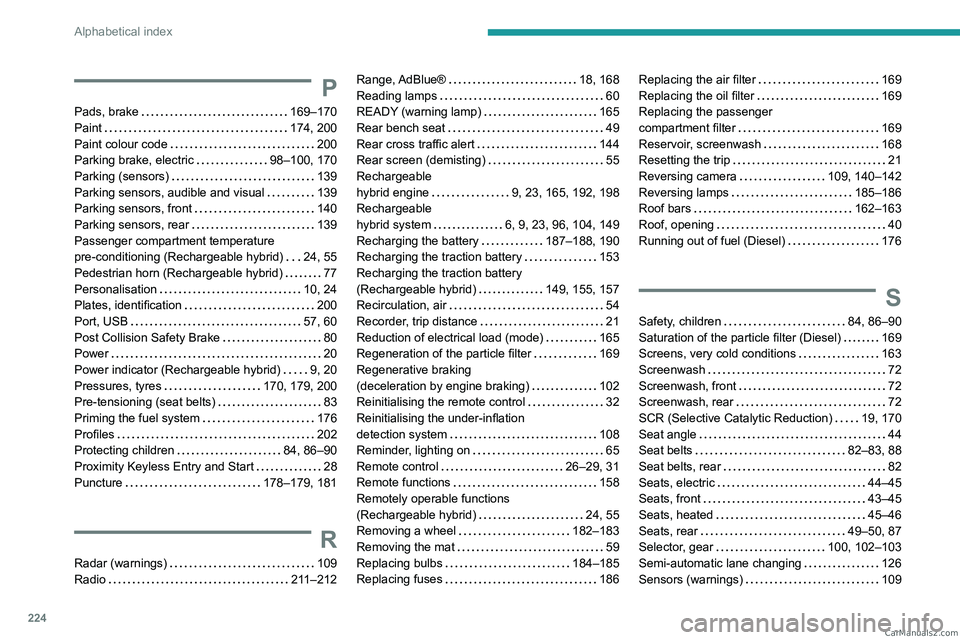
224
Alphabetical index
P
Pads, brake 169–170
Paint
174, 200
Paint colour code
200
Parking brake, electric
98–100, 170
Parking (sensors)
139
Parking sensors, audible and visual
139
Parking sensors, front
140
Parking sensors, rear
139
Passenger compartment temperature
pre-conditioning (Rechargeable hybrid)
24, 55
Pedestrian horn (Rechargeable hybrid)
77
Personalisation
10, 24
Plates, identification
200
Port, USB
57, 60
Post Collision Safety Brake
80
Power
20
Power indicator (Rechargeable hybrid)
9, 20
Pressures, tyres
170, 179, 200
Pre-tensioning (seat belts)
83
Priming the fuel system
176
Profiles
202
Protecting children
84, 86–90
Proximity Keyless Entry and Start
28
Puncture
178–179, 181
R
Radar (warnings) 109
Radio
211–212
Range, AdBlue® 18, 168
Reading lamps
60
READY (warning lamp)
165
Rear bench seat
49
Rear cross traffic alert
144
Rear screen (demisting)
55
Rechargeable
hybrid engine
9, 23, 165, 192, 198
Rechargeable
hybrid system
6, 9, 23, 96, 104, 149
Recharging the battery
187–188, 190
Recharging the traction battery
153
Recharging the traction battery
(Rechargeable hybrid)
149, 155, 157
Recirculation, air
54
Recorder, trip distance
21
Reduction of electrical load (mode)
165
Regeneration of the particle filter
169
Regenerative braking
(deceleration by engine braking)
102
Reinitialising the remote control
32
Reinitialising the under-inflation
detection system
108
Reminder, lighting on
65
Remote control
26–29, 31
Remote functions
158
Remotely operable functions
(Rechargeable hybrid)
24, 55
Removing a wheel
182–183
Removing the mat
59
Replacing bulbs
184–185
Replacing fuses
186Replacing the air filter 169
Replacing the oil filter
169
Replacing the passenger
compartment filter
169
Reservoir, screenwash
168
Resetting the trip
21
Reversing camera
109, 140–142
Reversing lamps
185–186
Roof bars
162–163
Roof, opening
40
Running out of fuel (Diesel)
176
S
Safety, children 84, 86–90
Saturation of the particle filter (Diesel)
169
Screens, very cold conditions
163
Screenwash
72
Screenwash, front
72
Screenwash, rear
72
SCR (Selective Catalytic Reduction)
19, 170
Seat angle
44
Seat belts
82–83, 88
Seat belts, rear
82
Seats, electric
44–45
Seats, front
43–45
Seats, heated
45–46
Seats, rear
49–50, 87
Selector, gear
100, 102–103
Semi-automatic lane changing
126
Sensors (warnings)
109 CarM an uals 2 .c o m
Page 227 of 260
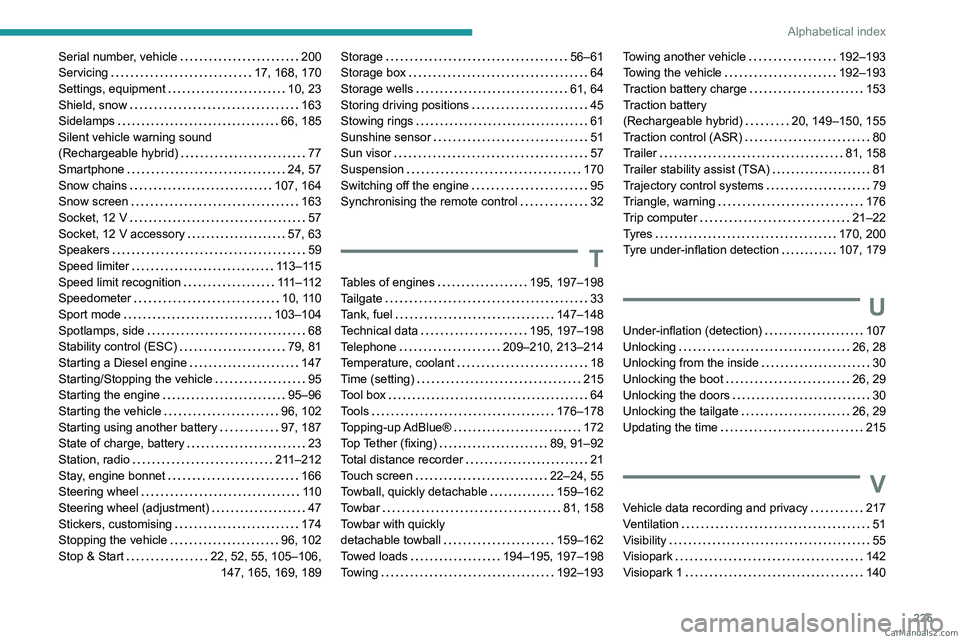
225
Alphabetical index
Serial number, vehicle 200
Servicing
17, 168, 170
Settings, equipment
10, 23
Shield, snow
163
Sidelamps
66, 185
Silent vehicle warning sound
(Rechargeable hybrid)
77
Smartphone
24, 57
Snow chains
107, 164
Snow screen
163
Socket, 12 V
57
Socket, 12 V accessory
57, 63
Speakers
59
Speed limiter
113–115
Speed limit recognition
111 – 11 2
Speedometer
10, 110
Sport mode
103–104
Spotlamps, side
68
Stability control (ESC)
79, 81
Starting a Diesel engine
147
Starting/Stopping the vehicle
95
Starting the engine
95–96
Starting the vehicle
96, 102
Starting using another battery
97, 187
State of charge, battery
23
Station, radio
211–212
Stay, engine bonnet
166
Steering wheel
11 0
Steering wheel (adjustment)
47
Stickers, customising
174
Stopping the vehicle
96, 102
Stop & Start
22, 52, 55, 105–106, 147, 165, 169, 189Storage 56–61
Storage box
64
Storage wells
61, 64
Storing driving positions
45
Stowing rings
61
Sunshine sensor
51
Sun visor
57
Suspension
170
Switching off the engine
95
Synchronising the remote control
32
T
Tables of engines 195, 197–198
Tailgate
33
Tank, fuel
147–148
Technical data
195, 197–198
Telephone
209–210, 213–214
Temperature, coolant
18
Time (setting)
215
Tool box
64
Tools
176–178
Topping-up AdBlue®
172
Top Tether (fixing)
89, 91–92
Total distance recorder
21
Touch screen
22–24, 55
Towball, quickly detachable
159–162
Towbar
81, 158
Towbar with quickly
detachable towball
159–162
Towed loads
194–195, 197–198
Towing
192–193
Towing another vehicle 192–193
Towing the vehicle
192–193
Traction battery charge
153
Traction battery
(Rechargeable hybrid)
20, 149–150, 155
Traction control (ASR)
80
Trailer
81, 158
Trailer stability assist (TSA)
81
Trajectory control systems
79
Triangle, warning
176
Trip computer
21–22
Tyres
170, 200
Tyre under-inflation detection
107, 179
U
Under-inflation (detection) 107
Unlocking
26, 28
Unlocking from the inside
30
Unlocking the boot
26, 29
Unlocking the doors
30
Unlocking the tailgate
26, 29
Updating the time
215
V
Vehicle data recording and privacy 217
Ventilation
51
Visibility
55
Visiopark
142
Visiopark 1
140 CarM an uals 2 .c o m
Page 228 of 260
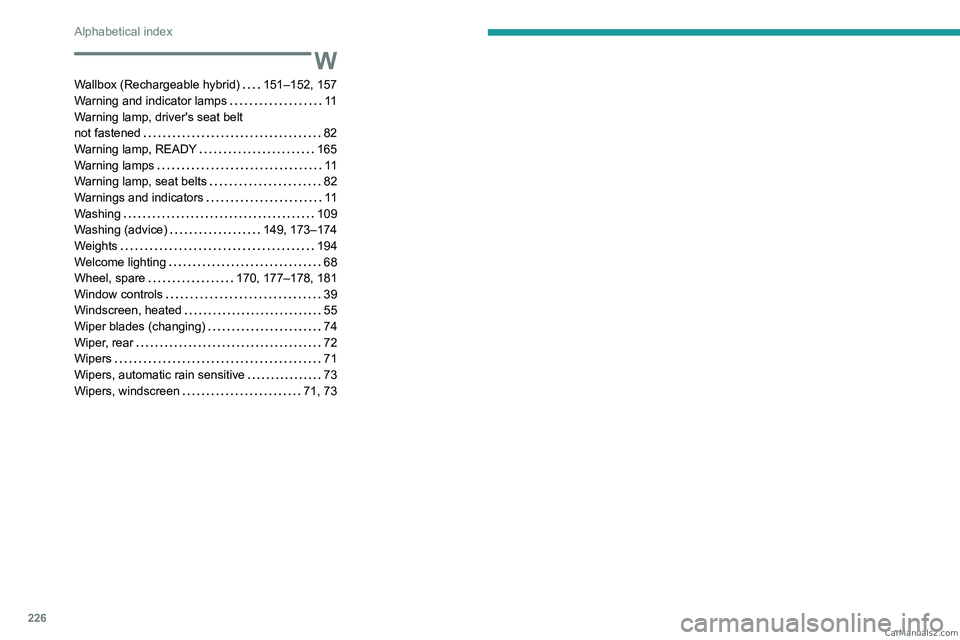
226
Alphabetical index
W
Wallbox (Rechargeable hybrid) 151–152, 157
Warning and indicator lamps
11
Warning lamp, driver's seat belt
not fastened
82
Warning lamp, READY
165
Warning lamps
11
Warning lamp, seat belts
82
Warnings and indicators
11
Washing
109
Washing (advice)
149, 173–174
Weights
194
Welcome lighting
68
Wheel, spare
170, 177–178, 181
Window controls
39
Windscreen, heated
55
Wiper blades (changing)
74
Wiper, rear
72
Wipers
71
Wipers, automatic rain sensitive
73
Wipers, windscreen
71, 73 CarM an uals 2 .c o m