change language PEUGEOT 5008 2017 Owners Manual
[x] Cancel search | Manufacturer: PEUGEOT, Model Year: 2017, Model line: 5008, Model: PEUGEOT 5008 2017Pages: 404, PDF Size: 15.31 MB
Page 143 of 404
141
Peugeot Connect
Assistance
** As per the geographic coverage of "Peugeot Connect SOS", "Peugeot Connect
Assistance" and the official national
language chosen by the owner of the
vehicle.
T
he list of countries covered and PEUGEOT
CONNECT services is available from
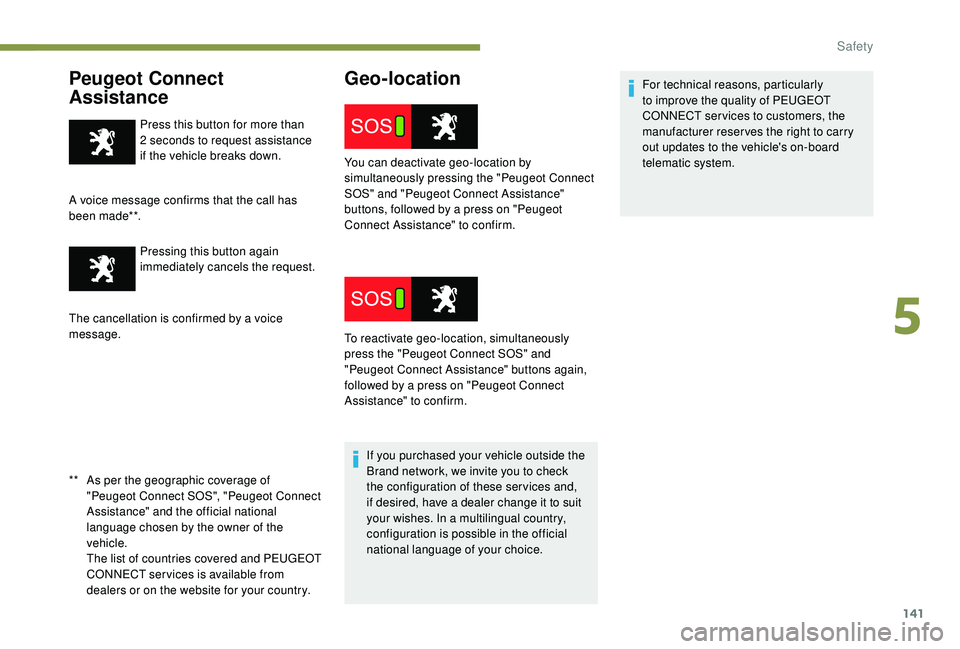
dealers or on the website for your country. Press this button for more than
2
seconds to request assistance
if the vehicle breaks down.
A voice message confirms that the call has
been made**. Pressing this button again
immediately cancels the request.
The cancellation is confirmed by a voice
message.
Geo-location
If you purchased your vehicle outside the
Brand network, we invite you to check
the configuration of these ser vices and,
if desired, have a dealer change it to suit
your wishes. In a multilingual country,
configuration is possible in the official
national language of your choice. For technical reasons, particularly
to improve the quality of PEUGEOT
CONNECT ser vices to customers, the
manufacturer reser ves the right to carry
out updates to the vehicle's on-board
telematic system.
You can deactivate geo-location by
simultaneously pressing the "Peugeot Connect
SOS" and "Peugeot Connect Assistance"
buttons, followed by a press on "Peugeot
Connect Assistance" to confirm.
To reactivate geo-location, simultaneously
press the "Peugeot Connect SOS" and
"Peugeot Connect Assistance" buttons again,
followed by a press on "Peugeot Connect
Assistance" to confirm.
5
Safety
Page 333 of 404
35
Select "Ambience ".
Or
" Position ".
Or
" Sound ".
Or
" Voice ".
Or
" Ringtone ".
Press " OK" to save the settings.
Modifying system settings
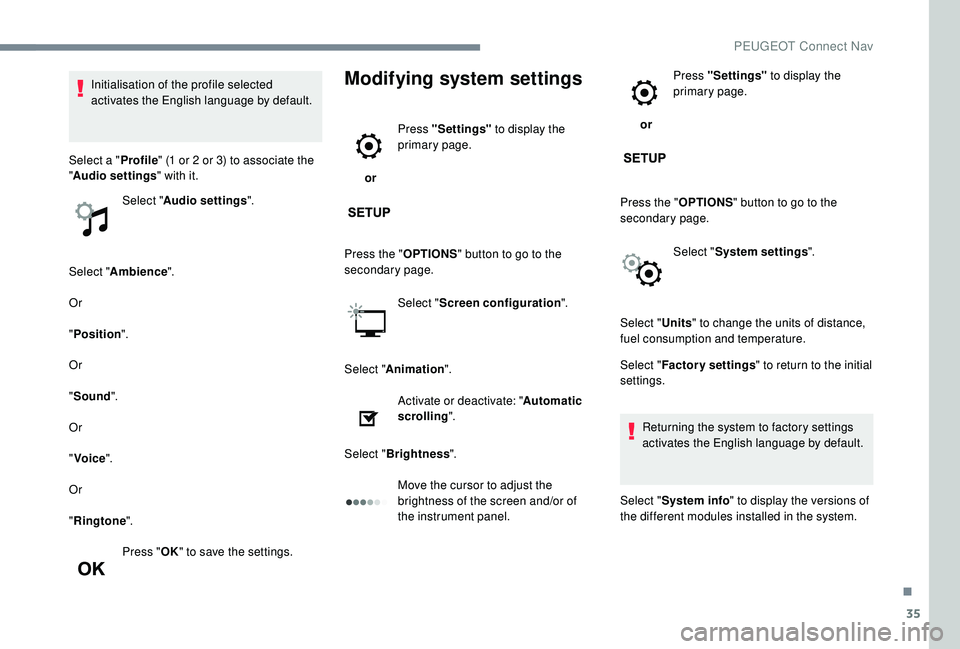
or Press "Settings"
to display the
primary page.
Press the " OPTIONS" button to go to the
secondary page.
Select "Screen configuration ".
Select " Animation ".
Activate or deactivate: " Automatic
scrolling ".
Select " Brightness ".
Move the cursor to adjust the
brightness of the screen and/or of
the instrument panel. or
Press "Settings"
to display the
primary page.
Press the " OPTIONS" button to go to the
secondary page.
Select "System settings ".
Initialisation of the profile selected
activates the English language by default.
Select a " Profile" (1
or 2
or 3) to associate the
" Audio settings " with it.
Select " Audio settings ".
Select "Units" to change the units of distance,
fuel consumption and temperature.
Select " Factory settings " to return to the initial
settings.
Returning the system to factory settings
activates the English language by default.
Select " System info " to display the versions of
the different modules installed in the system.
.
PEUGEOT Connect Nav
Page 334 of 404
36
Select the language
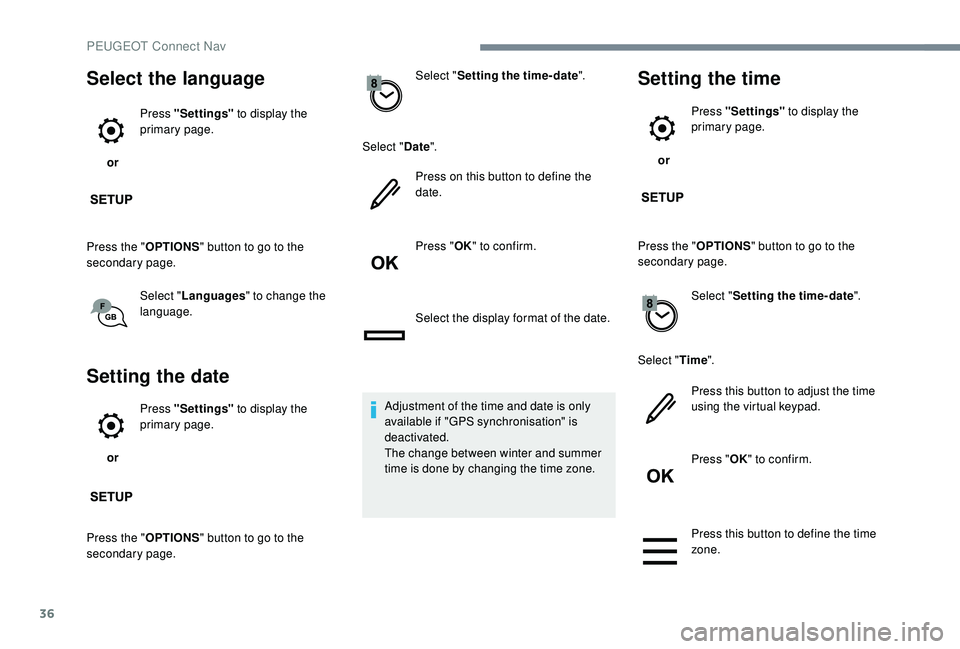
or Press "Settings"
to display the
primary page.
Press the " OPTIONS" button to go to the
secondary page.
Select "Languages " to change the
language.
Setting the date
or Press "Settings"
to display the
primary page.
Press the " OPTIONS" button to go to the
secondary page. Select "
Setting the time- date".
Select " Date".
Press on this button to define the
date.
Press " OK" to confirm.
Select the display format of the date.
Adjustment of the time and date is only
available if "GPS synchronisation" is
deactivated.
The change between winter and summer
time is done by changing the time zone.
Setting the time
or Press "Settings"
to display the
primary page.
Press the " OPTIONS" button to go to the
secondary page.
Select "Setting the time- date".
Select " Time".
Press this button to adjust the time
using the virtual keypad.
Press " OK" to confirm.
Press this button to define the time
zone.
PEUGEOT Connect Nav
Page 363 of 404
19
Press the back arrow to confirm.
Press this button to activate the
profile.
Press the back arrow again to
confirm.
Press this button to initialise the
profile selected.
Adjust brightness
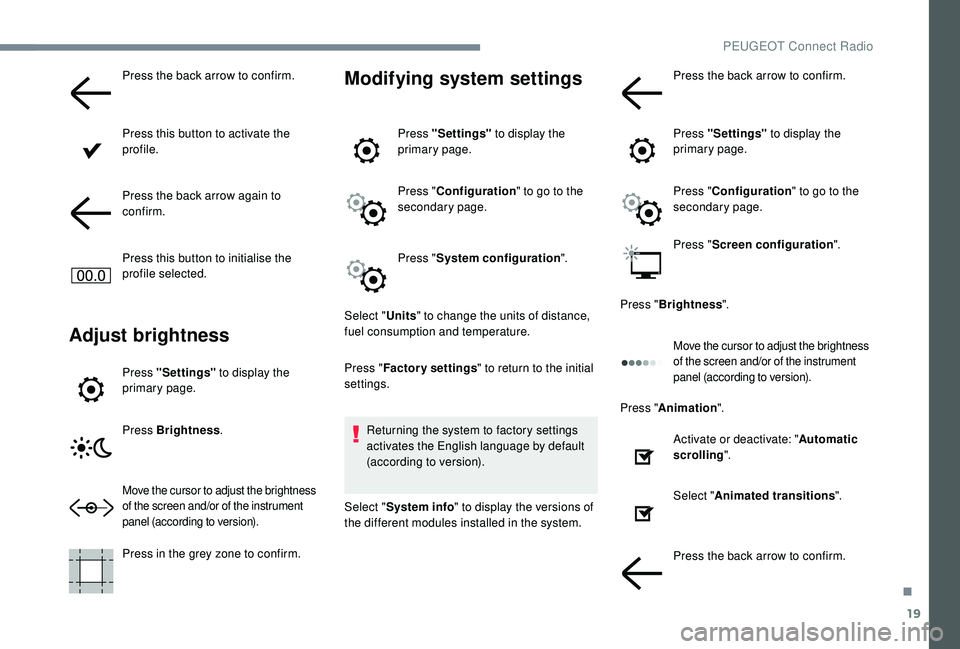
Press "Settings" to display the
primary page.
Press Brightness .
Move the cursor to adjust the brightness
of the screen and/or of the instrument
panel (according to version).
Press in the grey zone to confirm.
Modifying system settings
Press "Settings" to display the
primary page.
Press " Configuration " to go to the
secondary page.
Press " System configuration ".
Select " Units" to change the units of distance,
fuel consumption and temperature.
Press " Factory settings " to return to the initial
settings.
Returning the system to factory settings
activates the English language by default
(according to version).
Select " System info " to display the versions of
the different modules installed in the system. Press the back arrow to confirm.
Press "Settings"
to display the
primary page.
Press " Configuration " to go to the
secondary page.
Press " Screen configuration ".
Press " Brightness ".
Move the cursor to adjust the brightness
of the screen and/or of the instrument
panel (according to version).
Press "Animation ".
Activate or deactivate: " Automatic
scrolling ".
Select " Animated transitions ".
Press the back arrow to confirm.
.
PEUGEOT Connect Radio
Page 364 of 404
20
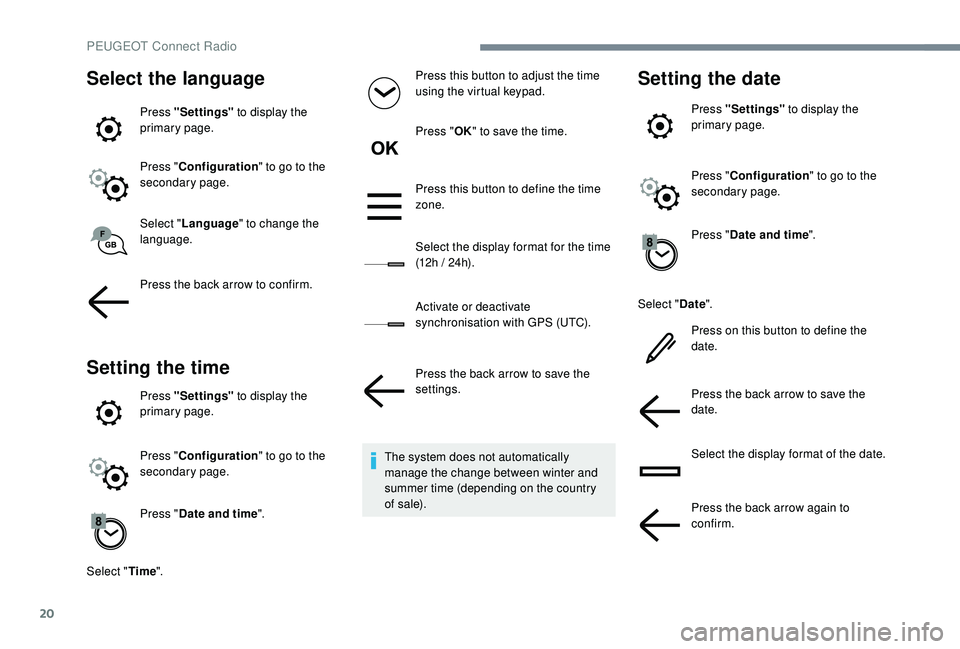
Select the language
Press "Settings" to display the
primary page.
Press " Configuration " to go to the
secondary page.
Select " Language " to change the
language.
Press the back arrow to confirm.
Setting the time
Press "Settings" to display the
primary page.
Press " Configuration " to go to the
secondary page.
Press " Date and time ".
Select " Time". Press this button to adjust the time
using the virtual keypad.
Press "
OK" to save the time.
Press this button to define the time
zone.
Select the display format for the time
(12h / 24h).
Activate or deactivate
synchronisation with GPS (UTC).
Press the back arrow to save the
settings.
The system does not automatically
manage the change between winter and
summer time (depending on the country
of s a l e).
Setting the date
Press "Settings" to display the
primary page.
Press " Configuration " to go to the
secondary page.
Press " Date and time ".
Select " Date".
Press on this button to define the
date.
Press the back arrow to save the
date.
Select the display format of the date.
Press the back arrow again to
confirm.
PEUGEOT Connect Radio