Service Peugeot 508 2019 Owner's Guide
[x] Cancel search | Manufacturer: PEUGEOT, Model Year: 2019, Model line: 508, Model: Peugeot 508 2019Pages: 320, PDF Size: 10.09 MB
Page 290 of 320
22
Connection sharing
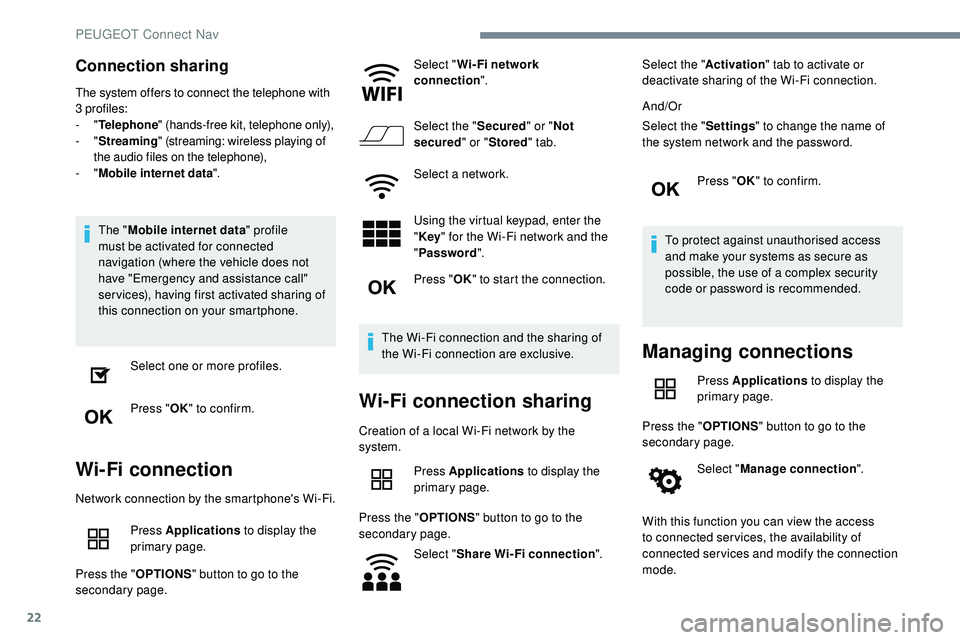
The system offers to connect the telephone with
3 profiles:
- "Telephone " (hands-free kit, telephone only),
-
"Streaming " (streaming: wireless playing of
the audio files on the telephone),
-
"Mobile internet data ".
The "Mobile internet data " profile
must be activated for connected
navigation (where the vehicle does not
have "Emergency and assistance call"
services), having first activated sharing of
this connection on your smartphone.
Select one or more profiles.
Press " OK" to confirm.
Wi-Fi connection
Network connection by the smartphone's Wi-Fi.
Press Applications to display the
primary page.
Press the " OPTIONS" button to go to the
secondary page. Select "
Wi- Fi network
connection ".
Select the " Secured" or "Not
secured " or "Stored " tab.
Select a network.
Using the virtual keypad, enter the
" Key " for the Wi-Fi network and the
" Password ".
Press " OK" to start the connection.
The Wi-Fi connection and the sharing of
the Wi-Fi connection are exclusive.
Wi-Fi connection sharing
Creation of a local Wi-Fi network by the
system. Press Applications to display the
primary page.
Press the " OPTIONS" button to go to the
secondary page.
Select "Share Wi-Fi connection ".Select the "
Activation" tab to activate or
deactivate sharing of the Wi-Fi connection.
And/Or
Select the " Settings" to change the name of
the system network and the password.
Press "OK" to confirm.
To protect against unauthorised access
and make your systems as secure as
possible, the use of a complex security
code or password is recommended.
Managing connections
Press Applications to display the
primary page.
Press the " OPTIONS" button to go to the
secondary page.
Select "Manage connection ".
With this function you can view the access
to connected ser vices, the availability of
connected services and modify the connection
mode.
PEUGEOT Connect Nav
Page 296 of 320
28
Activation of the profile; "Mobile internet
data " is obligatory for connected
navigation having first activated sharing of
this connection on your smartphone.
Select one or more profiles.
Press " OK" to confirm.
Depending on the type of telephone, you
may be asked to accept or not the transfer
of your contacts and messages.
Automatic reconnection
On return to the vehicle, if the last
telephone connected is present again, it
is reconnected automatically and within
around 30 seconds after switching on
the ignition the pairing is done without
any action on your part (with Bluetooth
activated).
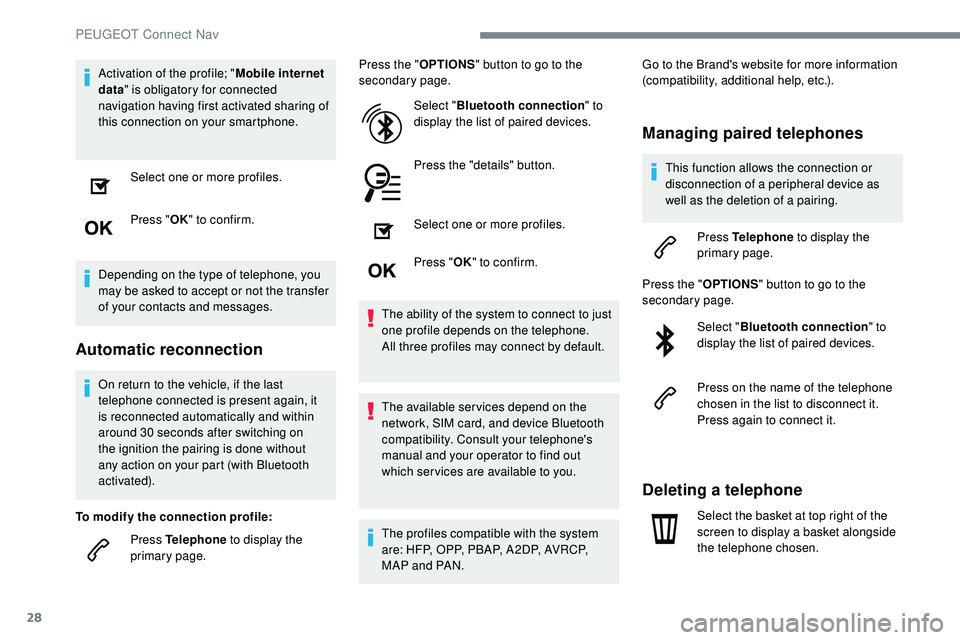
To modify the connection profile: Press Telephone to display the
primary page. Press the "
OPTIONS" button to go to the
secondary page.
Select "Bluetooth connection " to
display the list of paired devices.
Press the "details" button.
Select one or more profiles.
Press " OK" to confirm.
The ability of the system to connect to just
one profile depends on the telephone.
All three profiles may connect by default.
The available services depend on the
network, SIM card, and device Bluetooth
compatibility. Consult your telephone's
manual and your operator to find out
which ser vices are available to you.
The profiles compatible with the system
are: HFP, OPP, PBAP, A 2DP, AVRCP,
MAP and PAN. Go to the Brand's website for more information
(compatibility, additional help, etc.).
Managing paired telephones
This function allows the connection or
disconnection of a peripheral device as
well as the deletion of a pairing.
Press Telephone to display the
primary page.
Press the " OPTIONS" button to go to the
secondary page.
Select "Bluetooth connection " to
display the list of paired devices.
Press on the name of the telephone
chosen in the list to disconnect it.
Press again to connect it.
Deleting a telephone
Select the basket at top right of the
screen to display a basket alongside
the telephone chosen.
PEUGEOT Connect Nav
Page 298 of 320
30
In the "Telephone " tab, enter the telephone
numbers for the contact.
In the " Address " tab, enter the addresses for
the contact.
In the " Email" tab, enter the email addresses
for the contact.
The " Email " function allows email
addresses to be entered for a contact, but
the system is not able to send emails.
Managing messages
Press Telephone to display the
primary page.
Press the " OPTIONS" button to go to the
secondary page.
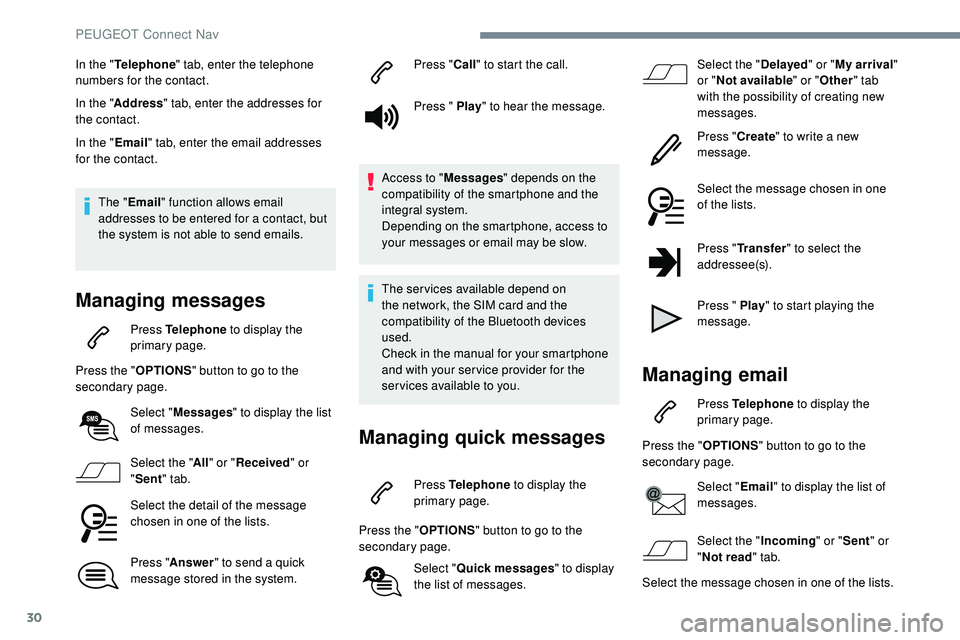
Select "Messages " to display the list
of messages.
Select the " All" or " Received " or
" Sent " tab.
Select the detail of the message
chosen in one of the lists.
Press " Answer " to send a quick
message stored in the system. Press "
Call" to start the call.
Press " Play " to hear the message.
Access to " Messages" depends on the
compatibility of the smartphone and the
integral system.
Depending on the smartphone, access to
your messages or email may be slow.
The services available depend on
the network, the SIM card and the
compatibility of the Bluetooth devices
used.
Check in the manual for your smartphone
and with your ser vice provider for the
services available to you.
Managing quick messages
Press Telephone to display the
primary page.
Press the " OPTIONS" button to go to the
secondary page.
Select "Quick messages " to display
the list of messages. Select the "
Delayed" or "My arrival "
or " Not available " or "Other " tab
with the possibility of creating new
messages.
Press " Create" to write a new
message.
Select the message chosen in one
of the lists.
Press " Transfer " to select the
addressee(s).
Press " Play " to start playing the
message.
Managing email
Press Telephone to display the
primary page.
Press the " OPTIONS" button to go to the
secondary page.
Select "Email" to display the list of
messages.
Select the " Incoming" or "Sent " or
" Not read " tab.
Select the message chosen in one of the lists.
PEUGEOT Connect Nav
Page 306 of 320
38
Telephone
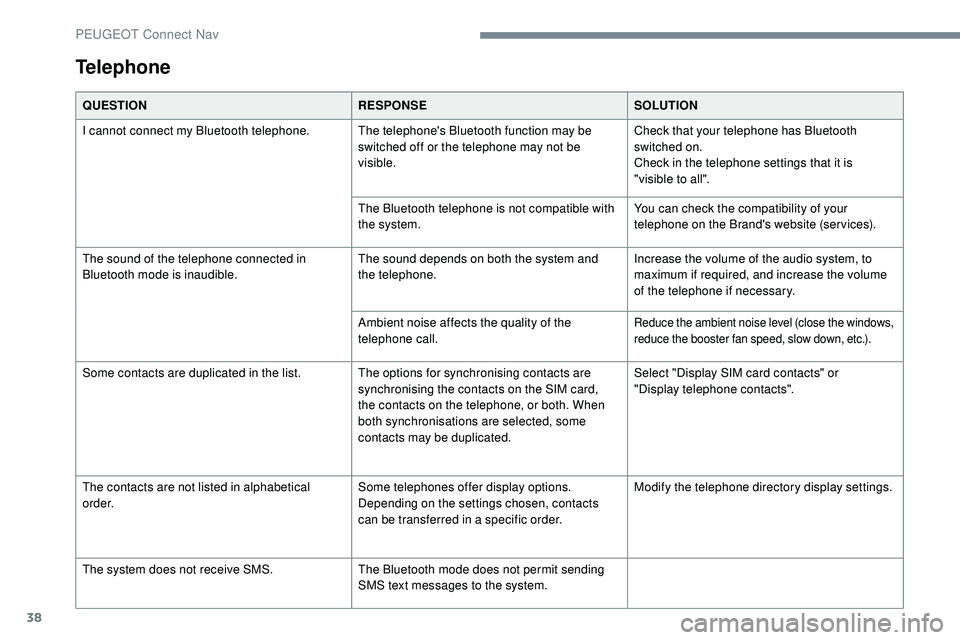
QUESTIONRESPONSESOLUTION
I cannot connect my Bluetooth telephone. The telephone's Bluetooth function may be switched off or the telephone may not be
visible.Check that your telephone has Bluetooth
switched on.
Check in the telephone settings that it is
"visible to all".
The Bluetooth telephone is not compatible with
the system. You can check the compatibility of your
telephone on the Brand's website (services).
The sound of the telephone connected in
Bluetooth mode is inaudible. The sound depends on both the system and
the telephone.Increase the volume of the audio system, to
maximum if required, and increase the volume
of the telephone if necessary.
Ambient noise affects the quality of the
telephone call.
Reduce the ambient noise level (close the windows,
reduce the booster fan speed, slow down, etc.).
Some contacts are duplicated in the list. The options for synchronising contacts are synchronising the contacts on the SIM card,
the contacts on the telephone, or both. When
both synchronisations are selected, some
contacts may be duplicated.Select "Display SIM card contacts" or
"Display
telephone contacts".
The contacts are not listed in alphabetical
o r d e r. Some telephones offer display options.
Depending on the settings chosen, contacts
can be transferred in a specific order.Modify the telephone directory display settings.
The system does not receive SMS. The Bluetooth mode does not permit sending
SMS text messages to the system.
PEUGEOT Connect Nav
Page 312 of 320
248
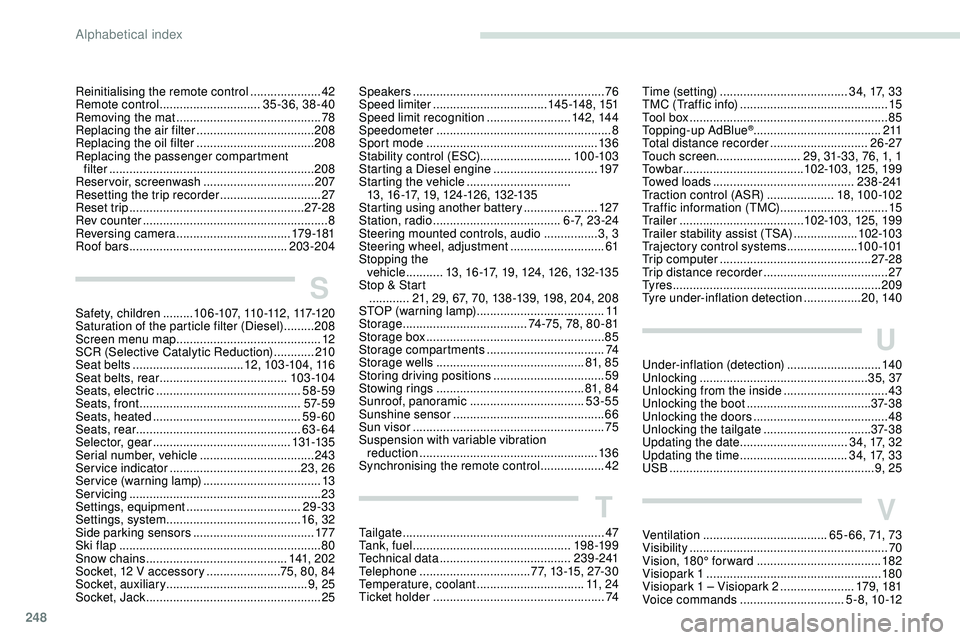
Reinitialising the remote control .....................42
R emote control .............................. 35 -36, 38 - 40
Removing the mat
........................................... 78
Replacing the air filter
................................... 20
8
Replacing the oil filter
................................... 20
8
Replacing the passenger compartment filter
...............................
..............................208
Reservoir, screenwash
.................................207
Resetting the trip recorder
..............................27
Reset trip
.................................................... 27-2 8
Rev counter
....................................................... 8
Reversing camera
...............................
...179 -181
Roof bars
............................................... 203-204
S
Safety, children .........1 0 6 -1 0 7, 11 0 -112 , 117-12 0
Saturation of the particle filter (Diesel) .........208
Screen menu map
........................................... 12
SCR (Selective Catalytic Reduction)
............210
Seat belts
................................. 12, 103 -104, 116
Seat belts, rear
...................................... 103 -104
Seats, electric
........................................... 58-59
Seats, front
...............................
.................57- 5 9
Seats, heated
............................................ 59-60
Seats, rear
................................................. 63-64
Selector, gear
......................................... 131-13 5
Serial number, vehicle
..................................243
Service indicator
....................................... 23, 26
Service (warning lamp)
...................................13
Servicing
......................................................... 23
S
ettings, equipment
.................................. 29-33
Settings, system
........................................ 16, 32
Side parking sensors
.................................... 17
7
Ski flap
..............................
..............................80
Snow chains
.......................................... 141, 2 0 2
Socket, 12 V accessory
......................75, 80, 84
Socket, auxiliary
.......................................... 9
, 25
Socket, Jack
.................................................... 25
Speakers ......................................................... 76
Speed limiter .................................. 14
5 -148, 151
Speed limit recognition
......................... 14
2, 14 4
Speedometer
.................................................... 8
Sport mode
................................................... 13 6
Stability control (ESC)........................... 10 0 -103
Starting a Diesel engine
............................... 19
7
Starting the vehicle
...............................
1
3, 16 -17, 19, 124-126, 132-135
Starting using another battery
......................127
Station, radio
...............................
.......6 - 7, 2 3 - 2 4
Steering mounted controls, audio
................ 3
, 3
Steering wheel, adjustment
............................ 61
S
topping the
vehicle
...........13, 16 -17, 19, 124, 126, 132-135
Stop & Start
............ 21, 29, 67, 70, 138 -139, 198, 204, 208
STOP (warning lamp)
...................................... 11
Storage
..................................... 74-75, 78, 80 - 81
Storage box
..................................................... 85
Storage compartments
...................................74
Storage wells
............................................ 81, 8 5
Storing driving positions
................................. 59
S
towing rings
............................................ 81, 8 4
Sunroof, panoramic
.................................. 53
-55
Sunshine sensor
............................................. 66
Sun visor
...............................
..........................75
Suspension with variable vibration reduction
..................................................... 13 6
Synchronising the remote control
...................42
T
Tailgate ................ ............................................ 47
Ta n k , f u e l ............................................... 198 -19 9
Technical data
....................................... 2
3 9 - 2 41
Telephone
..............................
...77, 13 -15, 27-30
Temperature, coolant
................................11, 2 4
Ticket holder
................................................... 74
Time (setting) ...................................... 34, 17, 33
TMC (Traffic info) ............................................ 15
T
ool box
................
........................................... 85
Topping-up AdBlue
®...................................... 2 11
Total distance recorder ............................. 26-27
Touch screen ......................... 29, 31-33, 76, 1, 1
To w b a r
...............................
.....102-103, 125, 199
Towed loads
.......................................... 2 3 8 - 2 41
Traction control (ASR)
.................... 18, 10 0 -102
Traffic information (TMC)
................................ 15
Tr a i l e r
...............
...................... 102-103, 125, 199
Trailer stability assist (TSA)
................... 10
2-103
Trajectory control systems
..................... 10
0 -101
Trip computer
............................................. 27-2 8
Trip distance recorder
..................................... 2
7
Ty r e s
.............................................................. 209
Tyre under-inflation detection
................. 20, 140
U
Under-inflation (detection) ............................140
Unlocking .................................................. 35, 37
Unlocking from the inside
...............................43
Unlocking the boot
...............................
......37- 3 8
Unlocking the doors
........................................ 48
U
nlocking the tailgate
................................ 3
7- 3 8
Updating the date
................................ 3
4, 17, 32
Updating the time
...............................
.34, 17, 33
USB
............................................................. 9, 25
V
Ventilation ..................................... 65 - 66, 71, 73
Visibility ............... ............................................ 70
Vision, 180° for ward
..................................... 182
Visiopark 1
.................................................... 18 0
Visiopark 1 – Visiopark 2
......................17
9, 181
Voice commands
............................... 5 - 8 , 10 -12
Alphabetical index
Page 313 of 320
249
W
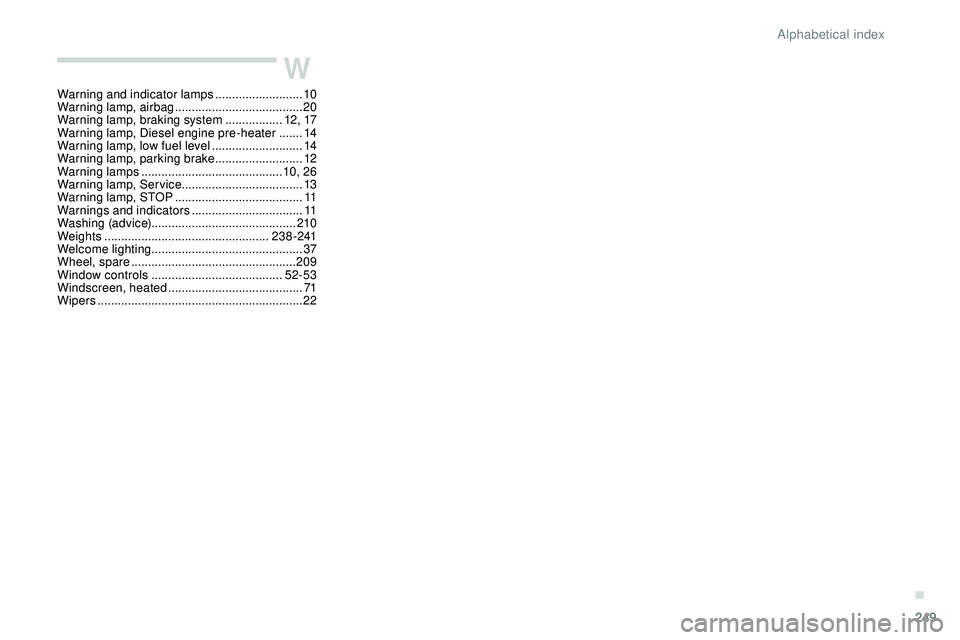
Warning and indicator lamps ..........................10
W arning lamp, airbag ...................................... 20
W
arning lamp, braking system
.................12 , 17
Warning lamp, Diesel engine pre-heater
.......14
Warning lamp, low fuel level
...........................14
Warning lamp, parking brake
..........................12
Warning lamps
.......................................... 10, 26
Warning lamp, Service ....................................13
Warning lamp, STOP
...................................... 11
W
arnings and indicators
.................................11
Washing (advice) ........................................... 210
Weights
...............
.................................. 2 3 8 - 2 41
Welcome lighting ............................................. 37
Wheel, spare
...............................
..................209
Window controls
....................................... 52-53
Windscreen, heated
........................................ 71
Wipers
............................................................. 22
.
Alphabetical index