ignition Peugeot 508 2020 Owner's Manual
[x] Cancel search | Manufacturer: PEUGEOT, Model Year: 2020, Model line: 508, Model: Peugeot 508 2020Pages: 276, PDF Size: 8.43 MB
Page 238 of 276
236
PEUGEOT Connect Nav
The ability of the system to connect just one profile depends on the telephone.
All three profiles may connect by default.
The profiles compatible with the system are: HFP, OPP, PBAP, A2DP, AVRCP,
MAP and PAN.
Visit the Brand's website for more information
(compatibility, additional help, etc.).
Automatic reconnection
On returning to the vehicle, if the last telephone
connected is present again, it is automatically
recognised and within about 30 seconds
after switching on the ignition, the pairing is
established automatically (Bluetooth activated).
To modify the connection profile:
Press Telephone to display the main
page.
Press the "OPTIONS " button to access the
secondary page.
Select "Bluetooth connection " to display
the list of paired devices.
Press the "Details" button.
Select one or more profiles.
Press "OK" to confirm.
Information and advice
The system supports USB mass storage
devices, BlackBerry® devices and Apple® players
via the USB ports. The adapter cable is not
supplied.
Devices are managed using the audio system
controls.
Other devices, not recognised on connection,
must be connected to the auxiliary socket using
a jack cable (not supplied) or via Bluetooth
streaming, if compatible.
The audio system will only play audio files with
".wma", ".aac", ".flac", ".ogg" and ".mp3" file
extensions, at bit rates between 32 Kbps and
320 Kbps.
It also supports VBR (Variable Bit Rate) mode.
No other file types (".mp4", etc.) can be read.
All ".wma" files must be standard WMA 9 files.
The supported sampling rates are 32, 44 and
48 KHz.
To avoid reading and display problems, we
recommend choosing file names less than 20
characters long that do not contain any special
characters (e.g. “ ? .
; ù).
Use only USB memory sticks in FAT32 format
(File Allocation Table).
We recommend using the original USB
cable for the portable device.
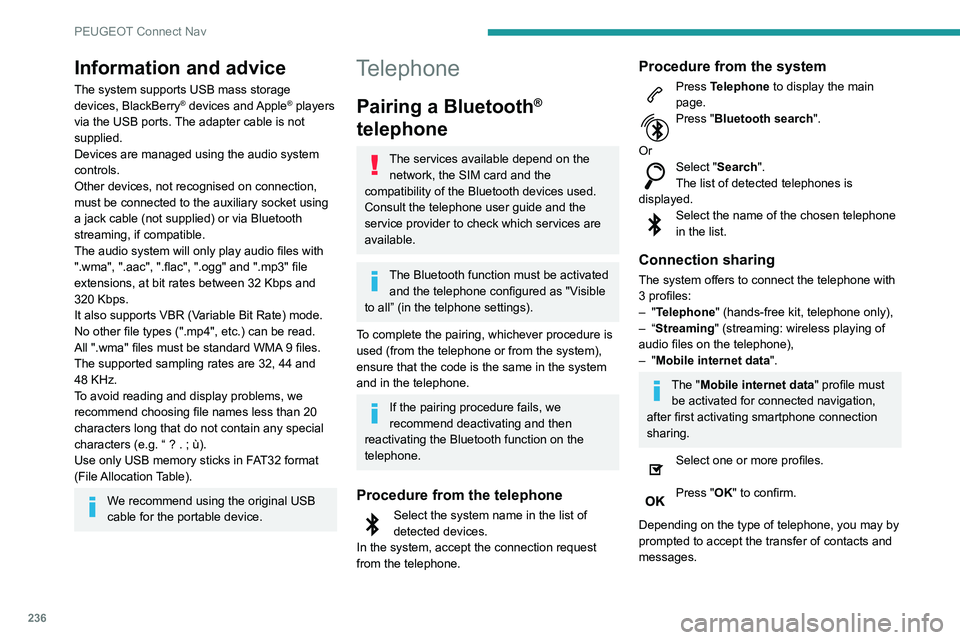
Telephone
Pairing a Bluetooth®
telephone
The services available depend on the
network, the SIM card and the
compatibility of the Bluetooth devices used.
Consult the telephone user guide and the
service provider to check which services are
available.
The Bluetooth function must be activated and the telephone configured as "Visible
to all” (in the telphone settings).
To complete the pairing, whichever procedure is
used (from the telephone or from the system),
ensure that the code is the same in the system
and in the telephone.
If the pairing procedure fails, we
recommend deactivating and then
reactivating the Bluetooth function on the
telephone.
Procedure from the telephone
Select the system name in the list of
detected devices.
In the system, accept the connection request
from the telephone.
Procedure from the system
Press Telephone to display the main
page.
Press "Bluetooth search".
Or
Select "Search".
The list of detected telephones is
displayed.
Select the name of the chosen telephone
in the list.
Connection sharing
The system offers to connect the telephone with
3 profiles:
–
"Telephone" (hands-free kit, telephone only),
–
“Streaming" (streaming: wireless playing of
audio files on the telephone),
–
"Mobile internet data ".
The "Mobile internet data " profile must
be activated for connected navigation,
after first activating smartphone connection
sharing.
Select one or more profiles.
Press "OK" to confirm.
Depending on the type of telephone, you may by
prompted to accept the transfer of contacts and
messages.
Page 239 of 276
237
PEUGEOT Connect Nav
11The ability of the system to connect just one profile depends on the telephone.
All three profiles may connect by default.
The profiles compatible with the system are: HFP, OPP, PBAP, A2DP, AVRCP,
MAP and PAN.
Visit the Brand's website for more information
(compatibility, additional help, etc.).
Automatic reconnection
On returning to the vehicle, if the last telephone
connected is present again, it is automatically
recognised and within about 30 seconds
after switching on the ignition, the pairing is
established automatically (Bluetooth activated).
To modify the connection profile:
Press Telephone to display the main
page.
Press the "OPTIONS " button to access the
secondary page.
Select "Bluetooth connection " to display
the list of paired devices.
Press the "Details" button.
Select one or more profiles.
Press "OK" to confirm.
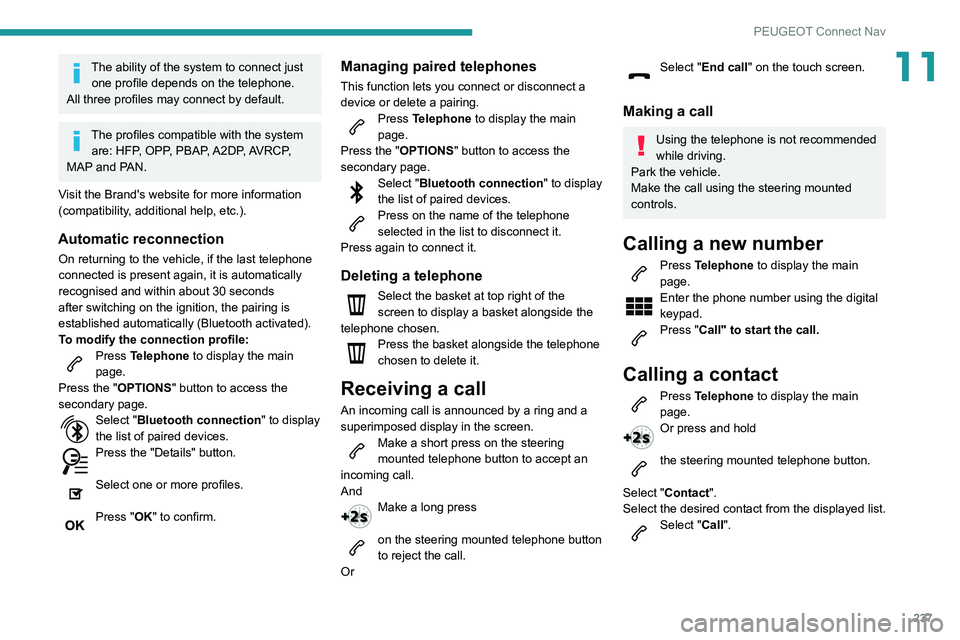
Managing paired telephones
This function lets you connect or disconnect a
device or delete a pairing.
Press Telephone to display the main
page.
Press the "OPTIONS " button to access the
secondary page.
Select "Bluetooth connection " to display
the list of paired devices.
Press on the name of the telephone
selected in the list to disconnect it.
Press again to connect it.
Deleting a telephone
Select the basket at top right of the
screen to display a basket alongside the
telephone chosen.
Press the basket alongside the telephone
chosen to delete it.
Receiving a call
An incoming call is announced by a ring and a
superimposed display in the screen.
Make a short press on the steering
mounted telephone button to accept an
incoming call.
And
Make a long press
on the steering mounted telephone button
to reject the call.
Or
Select "End call" on the touch screen.
Making a call
Using the telephone is not recommended
while driving.
Park the vehicle.
Make the call using the steering mounted
controls.
Calling a new number
Press Telephone to display the main
page.
Enter the phone number using the digital
keypad.
Press "Call" to start the call.
Calling a contact
Press Telephone to display the main
page.
Or press and hold
the steering mounted telephone button.
Select "Contact".
Select the desired contact from the displayed list.
Select "Call".
Page 249 of 276
247
Alphabetical index
I
i-Cockpit® amplify function 44
Ignition
98, 238
Ignition on
98
Immobiliser, electronic
97
Indicator, AdBlue® range
18
Indicator, coolant temperature
18
Indicator, engine oil level
17
Indicators, direction
66, 182
Inflating tyres
167, 204
Inflating tyres and accessories
(using the kit)
174, 176
Infrared camera
69, 112
Instrument panel
9, 20–21, 113
Instrument panel (Hybrid)
9
Internet browser
228, 232
ISOFIX mountings
89
J
Jack 173–174, 177, 235
Jump starting
189
K
Key 25–26, 29
Key, electronic
27–28
Keyless Entry and Starting
27–29, 97–98
Key not recognised
99
Key with remote control 25, 97
Kit, hands-free
213–214, 236–237
Kit, puncture repair
173–174
Kit, temporary puncture repair
173–176
L
Labels, identification 204
Lamp, boot
64
Lamps, parking
66
Lamps, rear
182–183
Lams with “Full LED" technology
67, 69, 181
Lane assist
121, 125–126, 128
Lane departure warning active
131, 135
Leather (care)
171
LEDs - Light-emitting diodes
66, 181–183
Level, AdBlue®
166
Level, brake fluid
165
Level, Diesel additive
166
Level, engine coolant
18, 165
Level, engine oil
17, 164
Levels and checks
164–166
Level, screenwash fluid
72, 165
Light-emitting diodes - LEDs
66, 181–183
Lighting, cornering
69
Lighting dimmer
20
Lighting, exterior
65
Lighting, guide-me home
26, 67–68
Lighting, interior
58–59
Lighting, mood
59
Lighting, welcome
67–68
Loading 160–161
Load reduction mode
162
Locating your vehicle
26
Locking
26–27
Locking from the inside
30
Locking the doors
30–31
Long objects, transporting
60
Low fuel level
151
Lumbar
42–43
M
Mains socket (domestic network) 154, 158
Maintenance (advice)
153, 170
Maintenance, routine
113, 166
Manoeuvring aids (recommendations)
11 2
Map reading lamps
59–60
Markings, identification
204
Massage function
44
Massage, multi-point
44
Mat
58, 113
Memorising a speed
120–121
Menu
212
Menu, main
23
Menus (audio)
207–208, 220–221
Menu short cuts
23
Messages
238
Messages, quick
238
Mirror, rear view
46
Mirrors, door
45–46, 52, 135
Mirror, vanity
55