steering wheel Peugeot Bipper 2014.5 - RHD (UK, Australia) User Guide
[x] Cancel search | Manufacturer: PEUGEOT, Model Year: 2014.5, Model line: Bipper, Model: Peugeot Bipper 2014.5Pages: 192, PDF Size: 7.93 MB
Page 58 of 192
56
Bipper_en_Chap03_pret-a-partir_ed02-2014
Stopping the vehicle
to switch off the engine, with your foot on
the brake pedal, you should:
-
select first gear or reverse.
-
apply the parking brake to immobilise the
vehicle.
-
switch of
f the ignition.
Temporarily changing gear
in AUTO mode
You can also request a gear change using
the gear lever.
t
his action does not deactivate the
automated mode, but allows temporary
use of the sequential mode functions (for
example: for overtaking another vehicle...).
"AUTO" remains displayed in the instrument
panel screen.
"ECO" economy programme
t
his programme works with the automated
mode to reduce fuel consumption.
Press button E to activate the programme.
Sequential mode
After using the automated mode, you can
return to the sequential mode by selecting
position A/M again.
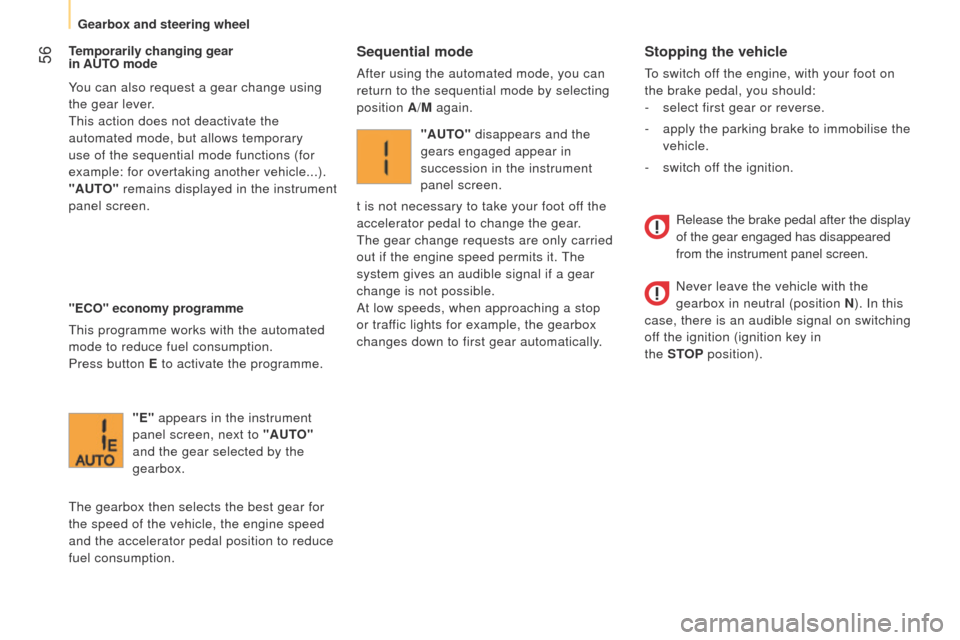
"E" appears in the instrument
panel screen, next to "AUTO"
and the gear selected by the
gearbox.
t
he gearbox then selects the best gear for
the speed of the vehicle, the engine speed
and the accelerator pedal position to reduce
fuel consumption. "AUTO" disappears and the
gears engaged appear in
succession in the instrument
panel screen.
t is not necessary to take your foot off the
accelerator pedal to change the gear.
t
he gear change requests are only carried
out if the engine speed permits it.
t
he
system gives an audible signal if a gear
change is not possible.
At low speeds, when approaching a stop
or traffic lights for example, the gearbox
changes down to first gear automatically.
Release the brake pedal after the display
of the gear engaged has disappeared
from the instrument panel screen.
Never leave the vehicle with the
gearbox in neutral (position N ). In this
case, there is an audible signal on switching
off the ignition (ignition key in
the STOP
position).
Gearbox and steering wheel
Page 59 of 192
57
Bipper_en_Chap03_pret-a-partir_ed02-2014
Reinitialisation
turn the ignition key to the MAR position.
Within ten seconds, the gear engaged should
appear in the instrument panel screen.
Otherwise, turn the ignition key to the
STOP
position and wait until the instrument
panel screen goes off.
turn the ignition key to the
MAR position
again. t he illumination of this warning
lamp, accompanied by a message
in the instrument panel screen,
indicates incorrect use of the
gearbox by the driver.
With the ignition on, the flashing this warning
lamp, accompanied by an audible signal and
a message in the instrument panel screen,
indicates a fault with the gearbox.
Have it checked by a P
euge O t
dealer or a
qualified workshop.
If the problem persist, have the system
checked by a P
euge O t
dealer or a
qualified workshop.
Never select neutral N while the vehicle
is moving.
Only engage reverse gear R with the vehicle
immobilised and the brake pedal pressed.
You risk damaging the gearbox if you
press the accelerator and brake pedals
simultaneously.
Back-up mode - Slow move off
this procedure should be applied if pressing
the brake pedal is not recognised by the
system, or if the gearbox has fault on
starting the engine.
Press the brake pedal firmly.
turn the ignition key to the
AV V position for
at least seven seconds.
t
he engine starts.
t
he system is in back-up mode; the gearbox
will not go beyond the 3rd gear engaged and
automated mode is not available.
If the engine does not start, have the
system checked by a P
euge O t
dealer
or a qualified workshop.
Operating faultIn the event of a prolonged stop with
the engine running, it is recommended
that the gearbox be put into neutral
(position N).
With the vehicle stationary, the engine
running and first, second or reverse
gear engaged, the gearbox changes to
neutral automatically, accompanied
by
an audible signal, in the following
circumstances:
-
no action on the accelerator or brake
pedals for at least 3
minutes,
-
brake pedal applied for more than
10
minutes,
-
driver's door opened and no action on the
accelerator or brake pedals for at least
1.5
seconds,
-
a gearbox fault. When towing your vehicle, ensure that
the gearbox is in neutral (position N ).
When traversing a flooded road or a
ford, drive at walking pace.
3
READY TO SET OFF
Gearbox and steering wheel
Page 60 of 192
58
Bipper_en_Chap03_pret-a-partir_ed02-2014
GEAR SHIFT INDICATOR*
* According to engine.
Operation
the system intervenes only when driving
economically .
t
he gear change recommendations must
not be considered compulsory, as the
configuration of the road, the volume of
traffic and safety remain determining factors
when choosing the best gear.
t
herefore,
the driver remains responsible for deciding
whether or not to follow the advice given by
the system.
t
his system cannot be deactivated.
e
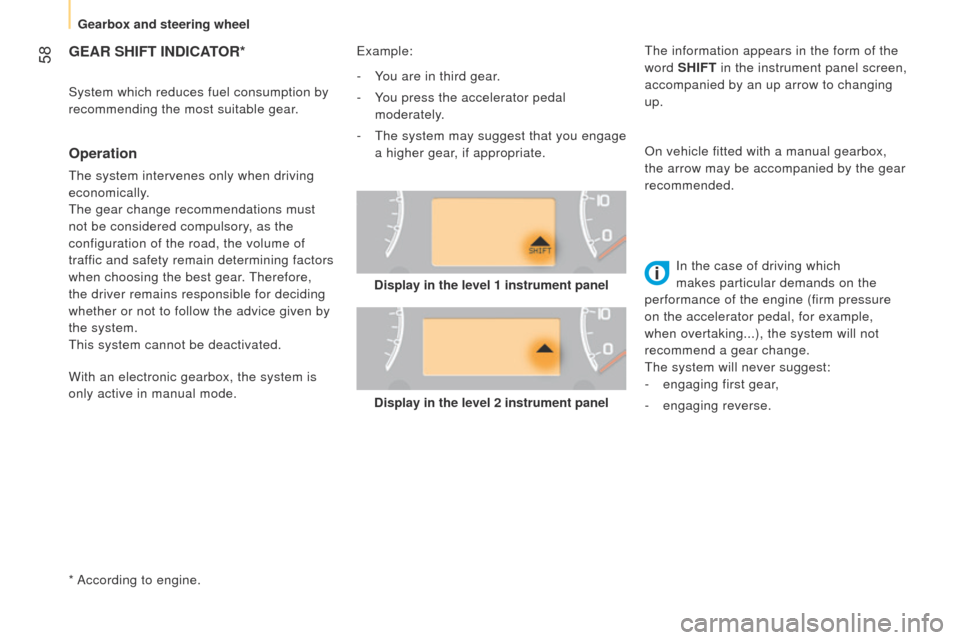
xample:
System which reduces fuel consumption by
recommending the most suitable gear.
Display in the level 2 instrument panelIn the case of driving which
makes particular demands on the
performance of the engine (firm pressure
on the accelerator pedal, for example,
when overtaking...), the system will not
recommend a gear change.
t
he system will never suggest:
-
engaging first gear
,
-
engaging reverse.
-
Y
ou are in third gear.
-
Y
ou press the accelerator pedal
moderately.
- t he system may suggest that you engage
a higher gear, if appropriate. On vehicle fitted with a manual gearbox,
the arrow may be accompanied by the gear
recommended.
With an electronic gearbox, the system is
only active in manual mode.
t
he information appears in the form of the
word SHIFT in the instrument panel screen,
accompanied by an up arrow to changing
up.
Display in the level 1 instrument panel
Gearbox and steering wheel
Page 86 of 192
84
Bipper_en_Chap05_technologie_ed02-2014
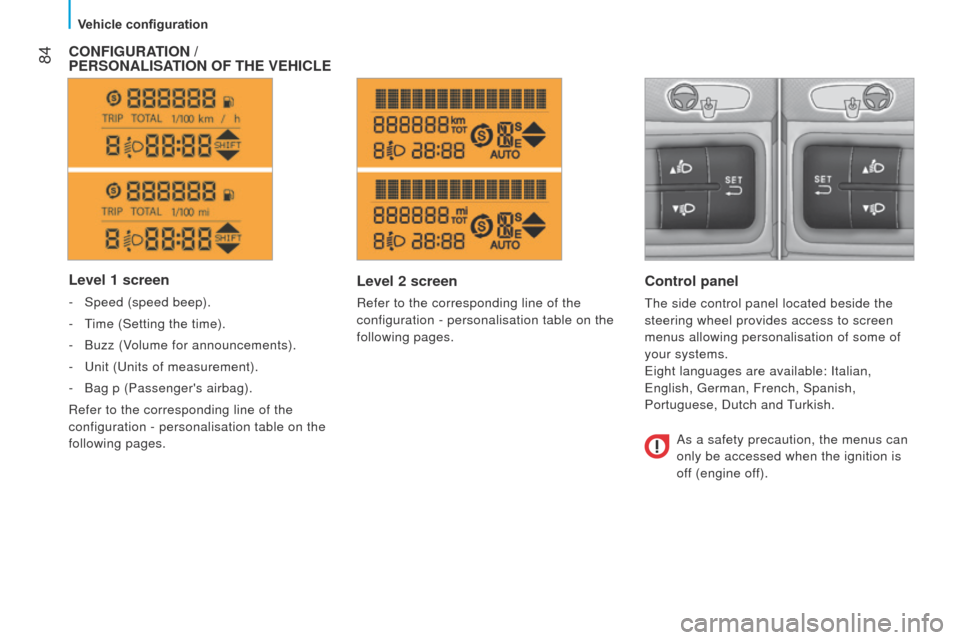
Level 1 screen
- Speed (speed beep).
- t
ime (Setting the time).
-
Buzz (V
olume for announcements).
-
u nit ( u nits of measurement).
-
Bag p (Passenger's airbag).
Refer to the corresponding line of the
configuration - personalisation table on the
following pages.
CONFIGURATION /
P ERSONALISATION OF THE VEHICLE
Level 2 screen
Refer to the corresponding line of the
configuration - personalisation table on the
following pages.
Control panel
the side control panel located beside the
steering wheel provides access to screen
menus allowing personalisation of some of
your systems.
e
ight languages are available: Italian,
e
nglish, g erman, French, Spanish,
Portuguese, Dutch and
turkish.
As a safety precaution, the menus can
only be accessed when the ignition is
off (engine off).
Vehicle configuration
Page 95 of 192
93
Bipper_en_Chap05_technologie_ed02-2014
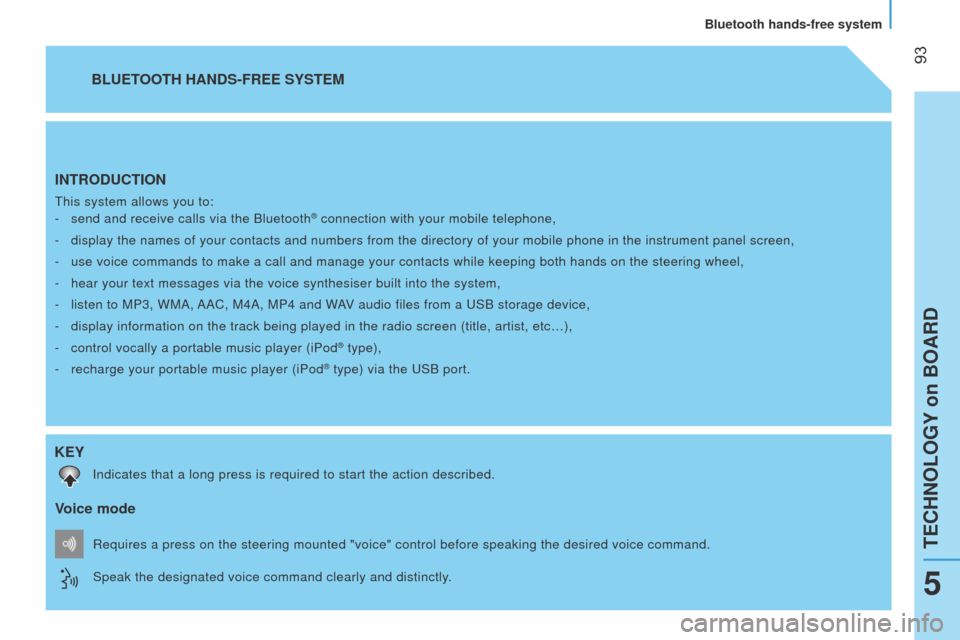
INTRODUCTION
this system allows you to:
-
send and receive calls via the Bluetooth® connection with your mobile telephone,
-
display the names of your contacts and numbers from the directory of you\
r mobile phone in the instrument panel screen,
-
use voice commands to make a call and manage your contacts while keeping\
both hands on the steering wheel,
-
hear your text messages via the voice synthesiser built into the system,\
-
listen to MP3, WMA,
AAC, M4A, MP4 and WAV audio files from a u SB storage device,
-
display information on the track being played in the radio screen (titl\
e, artist, etc…),
-
control vocally a portable music player (iPod® type),
-
recharge your portable music player (iPod® type) via the uSB port.
BLUETOOTH HANDS-FREE SYSTEM
K
EY
Indicates that a long press is required to start the action described.
Voice mode
Speak the designated voice command clearly and distinctly. Requires a press on the steering mounted "voice" control before speaking\
the desired voice command.
teCHNOlOgY on BOARD
Bluetooth hands-free system
5
Page 114 of 192
11 2
Bipper_en_Chap06_securite_ed02-2014
HORN
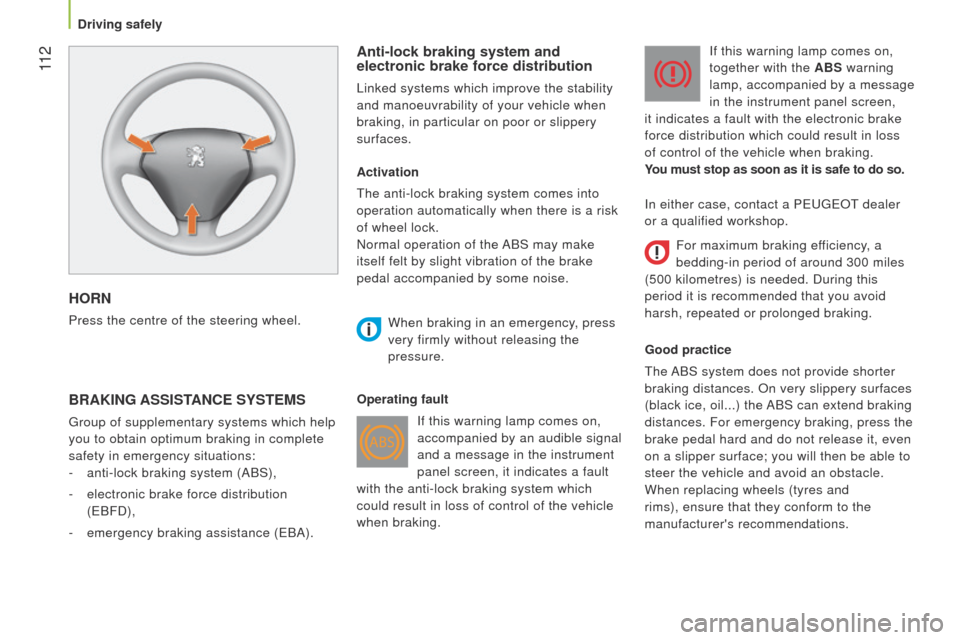
Press the centre of the steering wheel.
Anti-lock braking system and
electronic brake force distribution
linked systems which improve the stability
and manoeuvrability of your vehicle when
braking, in particular on poor or slippery
surfaces.
BRAKING ASSISTANCE SYSTEMS
group of supplementary systems which help
you to obtain optimum braking in complete
safety in emergency situations:
-
anti-lock braking system (ABS),
-
electronic brake force distribution
(
e BFD),
-
emergency braking assistance (
e BA).Activation
t
he anti-lock braking system comes into
operation automatically when there is a risk
of wheel lock.
Normal operation of the ABS may make
itself felt by slight vibration of the brake
pedal accompanied by some noise.
When braking in an emergency
, press
very firmly without releasing the
pressure.
Operating fault If this warning lamp comes on,
accompanied by an audible signal
and a message in the instrument
panel screen, it indicates a fault
with the anti-lock braking system which
could result in loss of control of the vehicle
when braking. If this warning lamp comes on,
together with the ABS warning
lamp, accompanied by a message
in the instrument panel screen,
it indicates a fault with the electronic brake
force distribution which could result in loss
of control of the vehicle when braking.
You must stop as soon as it is safe to do so.
Good practice
t
he ABS system does not provide shorter
braking distances. On very slippery surfaces
(black ice, oil...) the ABS can extend braking
distances. For emergency braking, press the
brake pedal hard and do not release it, even
on a slipper surface; you will then be able to
steer the vehicle and avoid an obstacle.
When replacing wheels (tyres and
rims), ensure that they conform to the
manufacturer's recommendations. In either case, contact a P euge O t
dealer
or a qualified workshop.
For maximum braking efficiency, a
bedding-in period of around 300 miles
(500 kilometres) is needed. During this
period it is recommended that you avoid
harsh, repeated or prolonged braking.
Driving safely
Page 116 of 192
11 4
Bipper_en_Chap06_securite_ed02-2014
Reactivation
t
he ASR system is reactivated automatically
every time the ignition is switched back on.
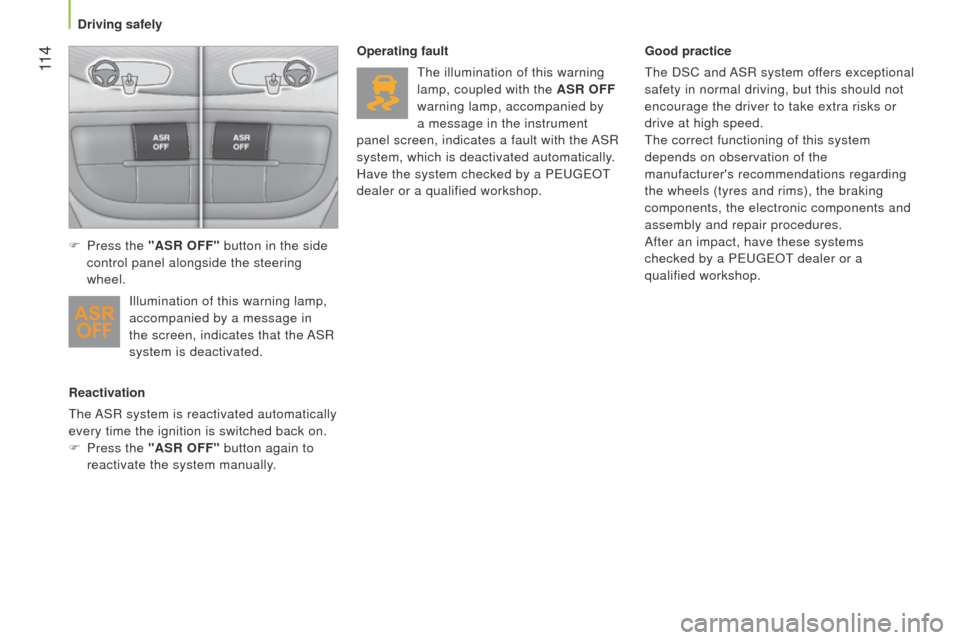
F
Press the
"ASR OFF" button again to
reactivate the system manually. Operating fault
t
he illumination of this warning
lamp, coupled with the ASR OFF
warning lamp, accompanied by
a message in the instrument
panel screen, indicates a fault with the ASR
system, which is deactivated automatically.
Have the system checked by a P euge O t
dealer or a qualified workshop. Good practice
t
he DSC and ASR system offers exceptional
safety in normal driving, but this should not
encourage the driver to take extra risks or
drive at high speed.
t
he correct functioning of this system
depends on observation of the
manufacturer's recommendations regarding
the wheels (tyres and rims), the braking
components, the electronic components and
assembly and repair procedures.
After an impact, have these systems
checked by a P euge O t
dealer or a
qualified workshop.
F
Press the
"ASR OFF" button in the side
control panel alongside the steering
wheel.
Illumination of this warning lamp,
accompanied by a message in
the screen, indicates that the ASR
system is deactivated.
Driving safely
Page 117 of 192
11 5
Bipper_en_Chap06_securite_ed02-2014
Intelligent Traction Control
System to improve traction on slippery
surfaces (snow, black ice, mud...)
t
his system checks for situations of difficult
surface adhesion that could make it difficult
to move off or make progress.
In these situations, Intelligent Traction
Control takes over from the ASR system,
by transferring drive to the wheel with the
best grip on the ground to provide the best
traction and trajectory control.
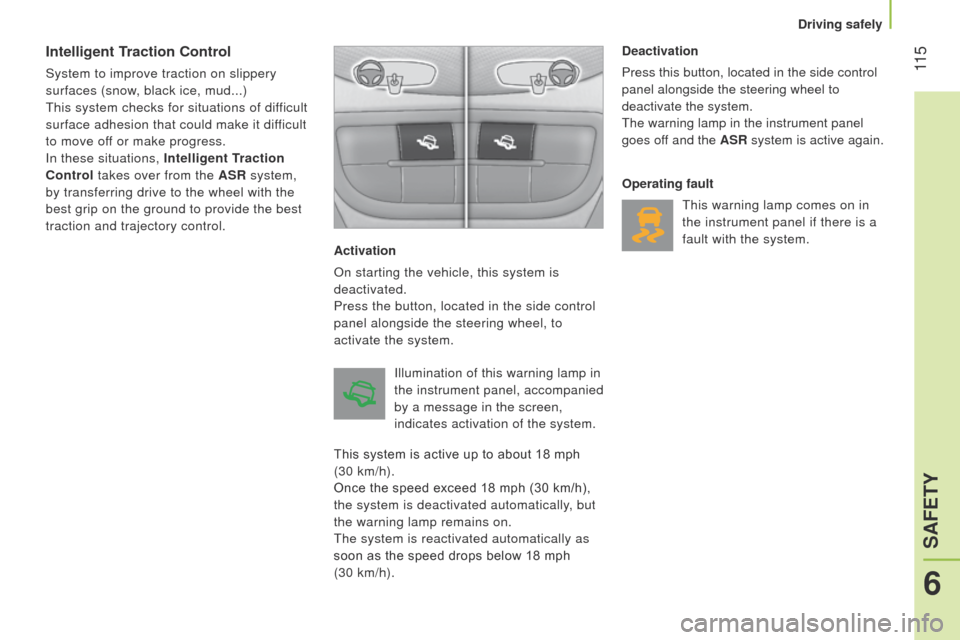
Activation
On starting the vehicle, this system is
deactivated.
Press the button, located in the side control
panel alongside the steering wheel, to
activate the system.Deactivation
Press this button, located in the side control
panel alongside the steering wheel to
deactivate the system.
t
he warning lamp in the instrument panel
goes off and the ASR system is active again.
Operating fault
t
his warning lamp comes on in
the instrument panel if there is a
fault with the system.
Illumination of this warning lamp in
the instrument panel, accompanied
by a message in the screen,
indicates activation of the system.
This system is active up to about 18 mph
(30 km/h).
Once the speed exceed 18 mph (30 km/h),
the system is deactivated automatically, but
the warning lamp remains on.
t
he system is reactivated automatically as
soon as the speed drops below 18 mph
(30 km/h).
6
SAFETY
Driving safely
Page 118 of 192
11 6
Bipper_en_Chap06_securite_ed02-2014
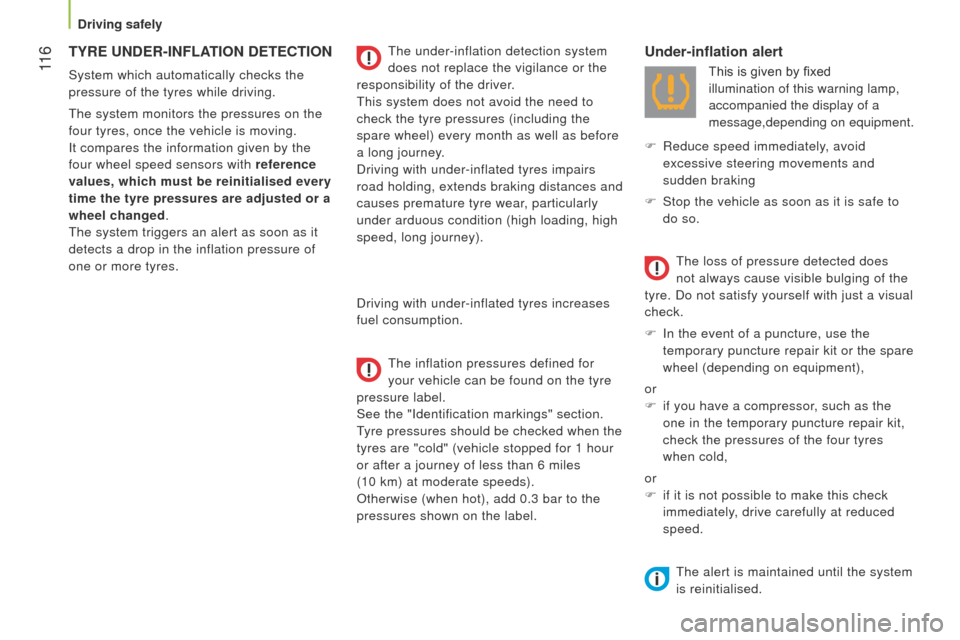
TYRE UNDER-INFLATION DETECTION
System which automatically checks the
pressure of the tyres while driving.
t
he system monitors the pressures on the
four tyres, once the vehicle is moving.
It compares the information given by the
four wheel speed sensors with reference
values, which must be reinitialised every
time the tyre pressures are adjusted or a
wheel changed.
t
he system triggers an alert as soon as it
detects a drop in the inflation pressure of
one or more tyres.
t
he under-inflation detection system
does not replace the vigilance or the
responsibility of the driver.
t
his system does not avoid the need to
check the tyre pressures (including the
spare wheel) every month as well as before
a long journey.
Driving with under-inflated tyres impairs
road holding, extends braking distances and
causes premature tyre wear, particularly
under arduous condition (high loading, high
speed, long journey).
Driving with under-inflated tyres increases
fuel consumption.
t
he inflation pressures defined for
your vehicle can be found on the tyre
pressure label.
See the "Identification markings" section.
tyre pressures should be checked when the
tyres are "cold" (vehicle stopped for 1 hour
or after a journey of less than 6 miles
(10 km) at moderate speeds).
Otherwise (when hot), add 0.3 bar to the
pressures shown on the label.
Under-inflation alert
This is given by fixed
illumination of this warning lamp,
accompanied the display of a
message,depending on equipment.
F
Reduce speed immediately
, avoid
excessive steering movements and
sudden braking
F
Stop the vehicle as soon as it is safe to
do so.
t
he loss of pressure detected does
not always cause visible bulging of the
tyre. Do not satisfy yourself with just a visual
check.
F
In the event of a puncture, use the
temporary puncture repair kit or the spare
wheel (depending on equipment),
or
F
if you have a compressor
, such as the
one in the temporary puncture repair kit,
check the pressures of the four tyres
when cold,
or
F
if it is not possible to make this check
immediately, drive carefully at reduced
speed.
t
he alert is maintained until the system
is reinitialised.
Driving safely
Page 124 of 192
122
Bipper_en_Chap06_securite_ed02-2014
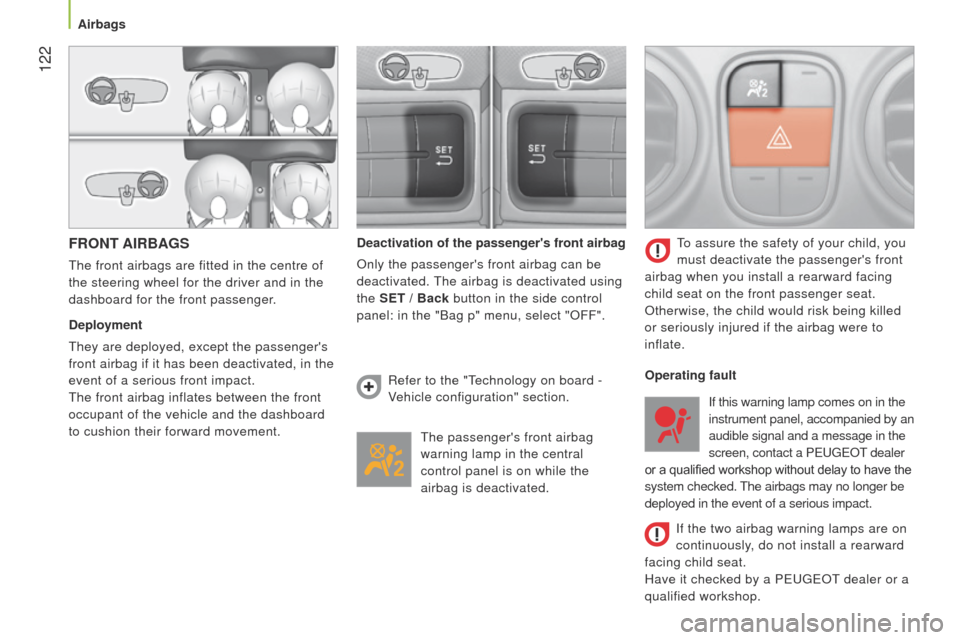
FRONT AIRBAGS
the front airbags are fitted in the centre of
the steering wheel for the driver and in the
dashboard for the front passenger.
Deployment
t
hey are deployed, except the passenger's
front airbag if it has been deactivated, in the
event of a serious front impact.
t
he front airbag inflates between the front
occupant of the vehicle and the dashboard
to cushion their forward movement. Deactivation of the passenger's front airbag
Only the passenger's front airbag can be
deactivated. t
he airbag is deactivated using
the SET / Back button in the side control
panel: in the "Bag p" menu, select "OFF".
t
he passenger's front airbag
warning lamp in the central
control panel is on while the
airbag is deactivated.
to assure the safety of your child, you
must deactivate the passenger's front
airbag when you install a rearward facing
child seat on the front passenger seat.
Otherwise, the child would risk being killed
or seriously injured if the airbag were to
inflate.
Refer to the "
t
echnology on board -
Vehicle configuration" section. Operating fault
If the two airbag warning lamps are on
continuously, do not install a rearward
facing child seat.
Have it checked by a P
euge O t
dealer or a
qualified workshop. If this warning lamp comes on in the
instrument panel, accompanied by an
audible signal and a message in the
screen, contact a P
euge O t
dealer
or a qualified workshop without delay to have the
system checked.
t
he airbags may no longer be
deployed in the event of a serious impact.
Airbags