ECO mode Peugeot Boxer 2014 Owner's Guide
[x] Cancel search | Manufacturer: PEUGEOT, Model Year: 2014, Model line: Boxer, Model: Peugeot Boxer 2014Pages: 240, PDF Size: 8.98 MB
Page 214 of 240
10
10.48
VOICE COMMANDS
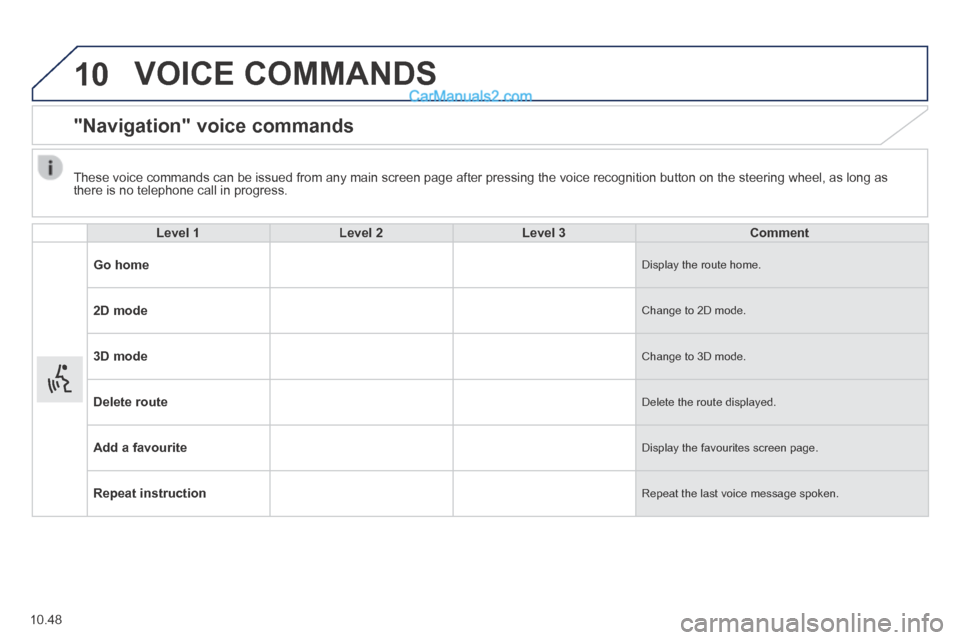
"Navigation" voice commands
Level 1Level 2Level 3Comment
Go home Display the route home.
2D mode Change to 2D mode.
3D mode Change to 3D mode.
Delete route Delete the route displayed.
Add a favourite Display the favourites screen page.
Repeat instruction Repeat the last voice message spoken.
These voice commands can be issued from any main screen page after press\
ing the voice recognition button on the steering wheel, as long as there is no telephone call in progress.
Page 217 of 240
10.51
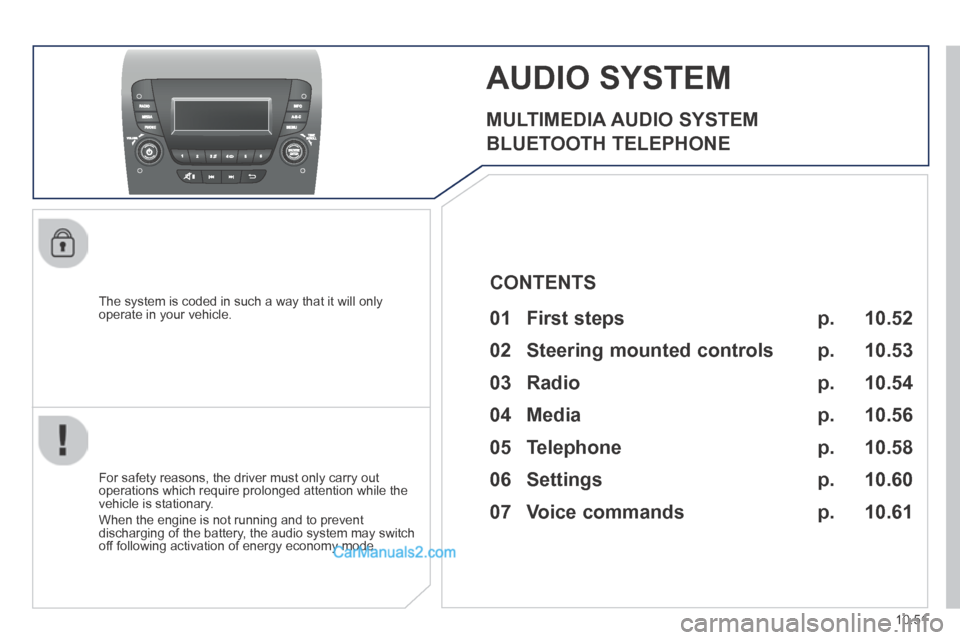
AUDIO SYSTEM
MULTIMEDIA AUDIO SYSTEM
BLUETOOTH TELEPHONE
The system is coded in such a way that it will only operate in your vehicle.
For safety reasons, the driver must only carry out operations which require prolonged attention while the vehicle is stationary.
When the engine is not running and to prevent discharging of the battery, the audio system may switch off following activation of energy economy mode.
p.
p.
p.
p.
p.
p.
01 First steps
02 Steering mounted controls
03 Radio
04 Media
05 Telephone
06 Settings
07 Voice commands p.
10.52
10.53
10.54
10.56
10.58
10.60
10.61
CONTENTS
Page 227 of 240
07
10.61
VOICE COMMANDS
Information - Using the system
To ensure that your voice commands are always recognised by the system, we recommend that you follow the advice below:
- speak with a normal tone of voice,
- before speaking, always wait for the "beep" (audible signal),
- the system is able to recognise the voice commands delivered, independent off gender, tone and infl exion of the voice of the person speaking,
- keep the noise level inside the vehicle as low as possible,
- before speaking a voice command, ask other passengers not to speak. As the system recognizes voice commands whatever is said, when more than one person speaks at the same time, it is possible that the system will recognise commands different or additional to the one intended,
- for best operation, it is recommended that the windows and opening roof (for versions/markets where it is available) be closed to avoid interference from extraneous noises.
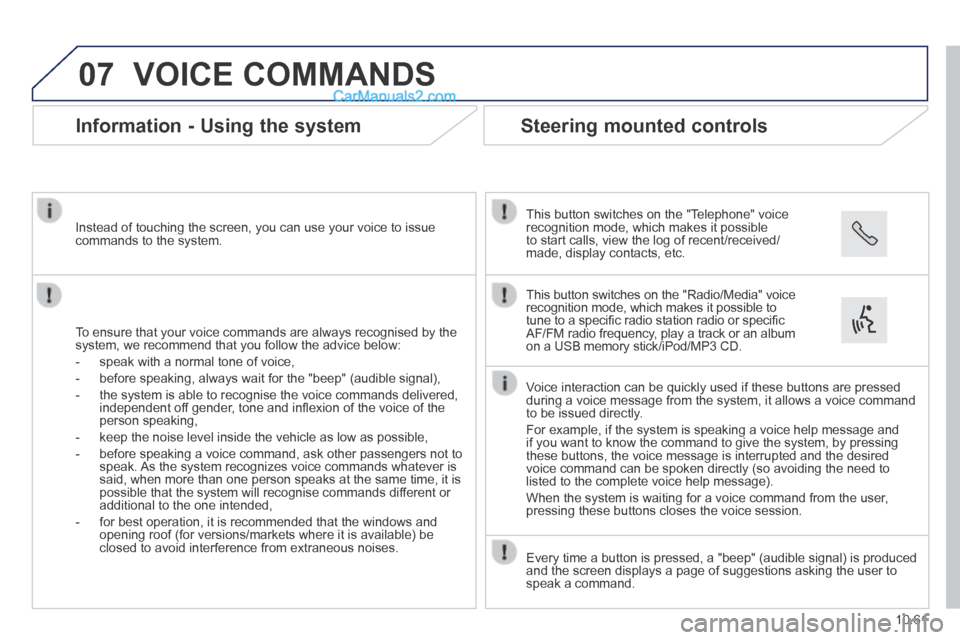
Instead of touching the screen, you can use your voice to issue commands to the system.
Steering mounted controls
This button switches on the "Telephone" voice recognition mode, which makes it possible to start calls, view the log of recent/received/made, display contacts, etc.
Every time a button is pressed, a "beep" (audible signal) is produced \
and the screen displays a page of suggestions asking the user to speak a command.
This button switches on the "Radio/Media" voice recognition mode, which makes it possible to tune to a specifi c radio station radio or specifi c AF/FM radio frequency, play a track or an album on a USB memory stick/iPod/MP3 CD.
Voice interaction can be quickly used if these buttons are pressed during a voice message from the system, it allows a voice command to be issued directly.
For example, if the system is speaking a voice help message and if you want to know the command to give the system, by pressing these buttons, the voice message is interrupted and the desired voice command can be spoken directly (so avoiding the need to listed to the complete voice help message).
When the system is waiting for a voice command from the user, pressing these buttons closes the voice session.