key Peugeot Boxer 2018 Owner's Guide
[x] Cancel search | Manufacturer: PEUGEOT, Model Year: 2018, Model line: Boxer, Model: Peugeot Boxer 2018Pages: 232, PDF Size: 9.09 MB
Page 198 of 232
12
If the USB device contains new software,
the system starts by updating the navigation
software. The system must restart once the
software has been updated.
F
Sel
ect "OK".
Before the system starts updating the map, it
advises you that the map will take at least thirty
minutes to install.
Do not remove the USB device or switch
off the system before updating has ended.
The system cannot be used before
updating has been completed. Start
the system update again if updating is
interrupted.
The following message appears when the map
has been updated:
" Update ended "
You can now safely remove your USB
device.
Problem solving Y ou should perhaps prepare the USB
device again.
-
T
he version of the map on the USB device
is the same as on the system or even older.
If so, download the map again onto the USB
device using "TomTom HOME".
You should perhaps prepare the USB
device again.
Telephone
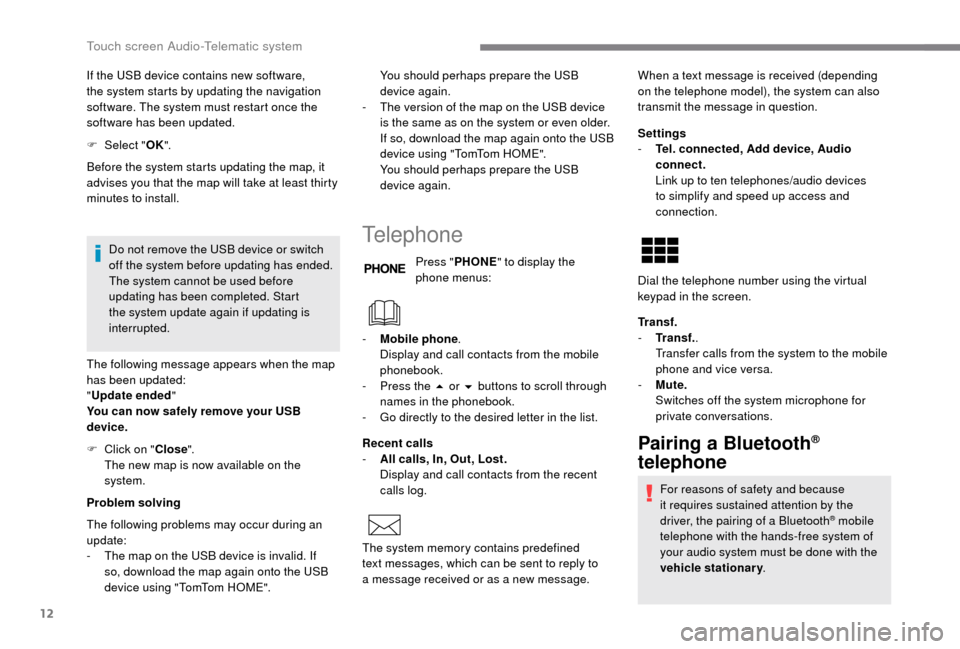
Press " PHONE " to display the
phone menus:
Recent calls
-
A
ll calls, In, Out, Lost.
D
isplay and call contacts from the recent
calls log. Settings
-
T
el. connected, Add device, Audio
connect.
L
ink up to ten telephones/audio devices
to simplify and speed up access and
connection.
Transf.
-
T
ransf..
Transfer calls from the system to the mobile
phone and vice versa.
-
M
ute.
S
witches off the system microphone for
private conversations.
Pairing a Bluetooth®
telephone
For reasons of safety and because
it requires sustained attention by the
driver, the pairing of a
Bluetooth
® mobile
telephone with the hands-free system of
your audio system must be done with the
vehicle stationary .
The following problems may occur during an
update:
-
T
he map on the USB device is invalid. If
so, download the map again onto the USB
device using "TomTom HOME". -
M
obile phone
.
Display and call contacts from the mobile
phonebook.
-
P
ress the 5
or 6
buttons to scroll through
names in the phonebook.
-
G
o directly to the desired letter in the list.
The system memory contains predefined
text messages, which can be sent to reply to
a
message received or as a
new message. When a
text message is received (depending
on the telephone model), the system can also
transmit the message in question.
Dial the telephone number using the virtual
keypad in the screen.
F
C
lick on "
Close".
The new map is now available on the
system.
Touch screen Audio-Telematic system
Page 199 of 232
13
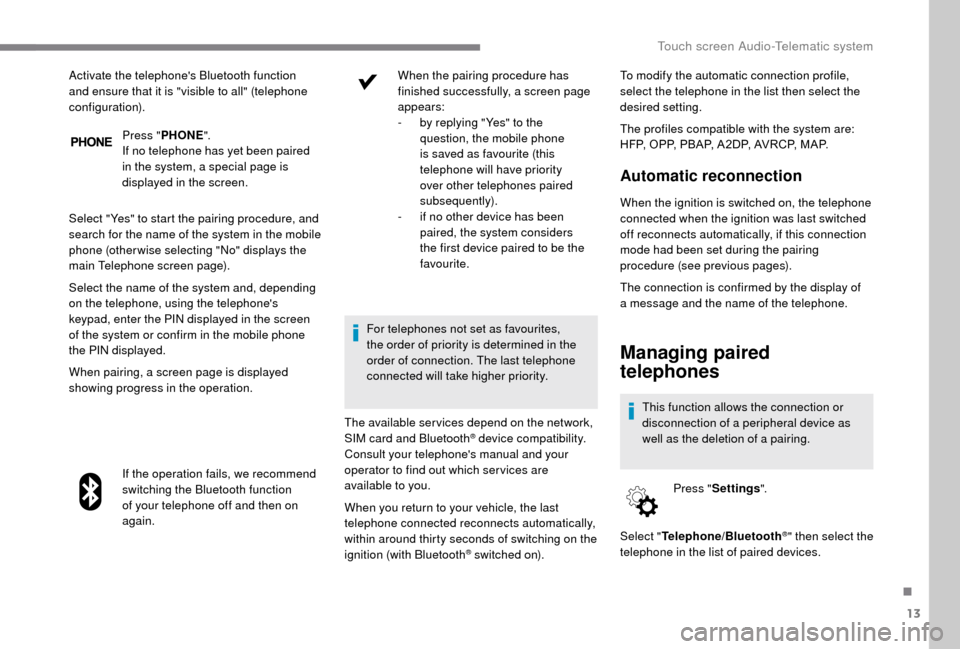
Press "PHONE ".
If no telephone has yet been paired
in the system, a special page is
displayed in the screen.
Select "Yes" to start the pairing procedure, and
search for the name of the system in the mobile
phone (other wise selecting "No" displays the
main Telephone screen page).
Select the name of the system and, depending
on the telephone, using the telephone's
keypad, enter the PIN displayed in the screen
of the system or confirm in the mobile phone
the PIN displayed.
When pairing, a screen page is displayed
showing progress in the operation.
If the operation fails, we recommend
switching the Bluetooth function
of your telephone off and then on
again. When the pairing procedure has
finished successfully, a screen page
appears:
-
b y replying "Yes" to the
question, the mobile phone
is saved as favourite (this
telephone will have priority
over other telephones paired
subsequently).
-
i
f no other device has been
paired, the system considers
the first device paired to be the
favourite.
For telephones not set as favourites,
the order of priority is determined in the
order of connection. The last telephone
connected will take higher priority.
The available ser vices depend on the network,
SIM card and Bluetooth
® device compatibility.
Consult your telephone's manual and your
operator to find out which ser vices are
available to you. To modify the automatic connection profile,
select the telephone in the list then select the
desired setting.
The profiles compatible with the system are:
HFP, OPP, PBAP, A 2DP, AVRCP, MAP.
Automatic reconnection
When the ignition is switched on, the telephone
connected when the ignition was last switched
off reconnects automatically, if this connection
mode had been set during the pairing
procedure (see previous pages).
Activate the telephone's Bluetooth function
and ensure that it is "visible to all" (telephone
configuration).
When you return to your vehicle, the last
telephone connected reconnects automatically,
within around thirty seconds of switching on the
ignition (with Bluetooth
® switched on).The connection is confirmed by the display of
a
message and the name of the telephone.
Managing paired
telephones
This function allows the connection or
disconnection of a
peripheral device as
well as the deletion of a
pairing.
Press " Settings ".
Select " Telephone/Bluetooth
®" then select the
telephone in the list of paired devices.
.
Touch screen Audio-Telematic system
Page 200 of 232
14
Select "Connected " or "Disconnected ",
" Delete device " or "Add device", " Save
Favourites ", "Text messages on ",
" Download " in the list of options offered.
Receiving a call
An incoming call is announced by a ring and
a superimposed display in the screen.
Press this steering wheel mounted
button briefly to accept an incoming
call.
or
Press the " Answer" button displayed in the
screen.
If there are two calls in progress (one in
progress and one on hold), it is possible to
change from one to the other by pressing the
" Switch calls " button or to combine both calls
in a
conference call by pressing the " Co nf e r."
button.
Ending a call
To reject a call, press this button
a t the steering wheel mounted
controls.
or
Press the " Ignore" button displayed in the
screen.
Making a call
Calling a new number
Using the telephone while driving is not
advised. We recommend that you park
safely or make use of the steering wheel
mounted controls.
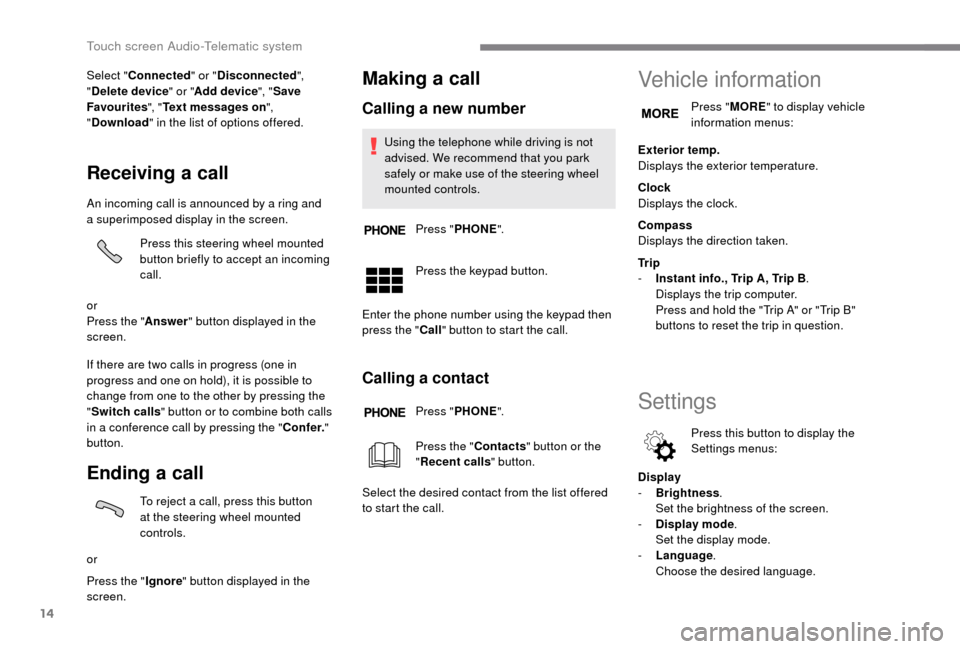
Press " PHONE ".
Press the keypad button.
Enter the phone number using the keypad then
press the " Call" button to start the call.
Calling a contact
Press "PHONE ".
Press the " Contacts" button or the
" Recent calls " button.
Select the desired contact from the list offered
to start the call.
Vehicle information
Press " MORE" to display vehicle
information menus:
Exterior temp.
Displays the exterior temperature.
Clock
Displays the clock.
Compass
Displays the direction taken.
Tr i p
-
I
nstant info., Trip A, Trip B .
Displays the trip computer.
Press and hold the "Trip A" or "Trip B"
buttons to reset the trip in question.
Settings
Press this button to display the
Settings menus:
Display
-
B
rightness .
S
et the brightness of the screen.
-
Di
splay mode .
Set the display mode.
-
L
anguage .
Choose the desired language.
Touch screen Audio-Telematic system
Page 215 of 232
5
To protect the system, do not use a USB
hub .
The system does not support the simultaneous
connection of two identical devices (two
memory sticks or two Apple
® players) but it is
possible to connect one memory stick and one
Apple
® player at the same time.
It is recommended that you use genuine
Apple® USB cables for correct operation.
Connecting Apple® players
Control is via the audio system. The classifications available are those of
the portable device connected (artists/
albums/genres/tracks/playlists/audio
books/podcasts).
The default classification used is by
artists. To modify the classification used,
return to the first level of the menu then
select the desired classification (playlists,
for example) and confirm to go down
through the menu to the desired track.
The version of software in the audio
system may not be compatible with the
generation of your Apple
® p l aye r.
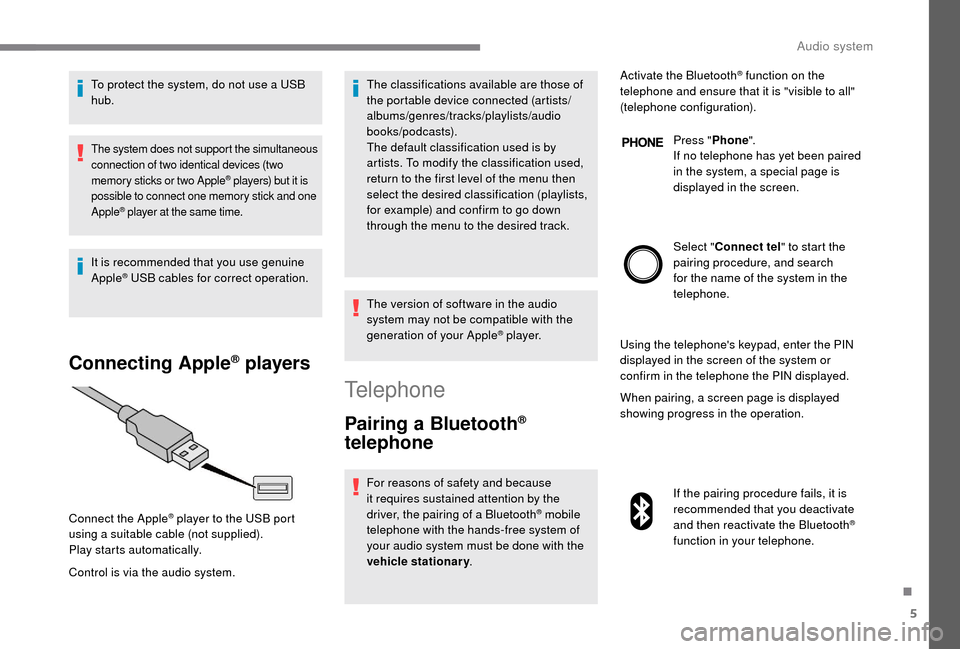
Connect the Apple
® player to the USB port
using a
suitable cable (not supplied).
Play starts automatically.
Telephone
Pairing a Bluetooth®
telephone
For reasons of safety and because
it requires sustained attention by the
driver, the pairing of a
Bluetooth
® mobile
telephone with the hands-free system of
your audio system must be done with the
vehicle stationary . Activate the Bluetooth
® function on the
telephone and ensure that it is "visible to all"
(telephone configuration).
Press "Phone".
If no telephone has yet been paired
in the system, a special page is
displayed in the screen.
Select " Connect tel " to start the
pairing procedure, and search
for the name of the system in the
telephone.
Using the telephone's keypad, enter the PIN
displayed in the screen of the system or
confirm in the telephone the PIN displayed.
When pairing, a screen page is displayed
showing progress in the operation.
If the pairing procedure fails, it is
recommended that you deactivate
and then reactivate the Bluetooth
®
function in your telephone.
.
Audio system
Page 216 of 232
6
When the pairing procedure has
finished successfully, a screen page
with "Connection successful"
appears:
Confirm to display the menus.
The telephone menu gives access to
the following functions in particular:
" Calls list ", "Contacts " *,"Digital
keypad ".
Receiving a call
An incoming call is announced by a ring and
a superimposed display in the screen.
Press this button to accept the
incoming call.
Or press this steering wheel
mounted button to reject the call.
Ending a call
To reject a call, press this button
a t the steering wheel mounted
controls.
Making a call
Select "Call log " for access to the
recent calls made.
Select " Contacts " to display your
contacts and use the dial to scroll
through the list.
To dial a
number, use the system's
" Keypad ".
Settings
System settings
Press the " MENU" button.
Select " System settings " then
press to display the list of settings
for activating or deactivating options:
-
"Reset default value "
-
"20
min. delay for switching
off "
-
"Limit initial volume "
-
"Automatic "
Audio
Press the "MENU" button.
Select " Audio" then press to display
the list of settings for activating or
deactivating options:
-
"Tr e b l e "
-
"Mid-range "
-
"Bass "
-
"Balance "
-
"Volume linked to vehicle
speed "
-
"Loudness "
The audio settings are different and
independent for each audio source.
*
I
f your telephone is fully compatible.
Voice commands
Information – Using the
system
Instead of touching the screen, you can
use your voice to issue commands to the
system.
Audio system