buttons Peugeot Expert VU 2016 Service Manual
[x] Cancel search | Manufacturer: PEUGEOT, Model Year: 2016, Model line: Expert VU, Model: Peugeot Expert VU 2016Pages: 599, PDF Size: 13.14 MB
Page 497 of 599
495
Expert_en_Chap10d_RD6_ed01-2016
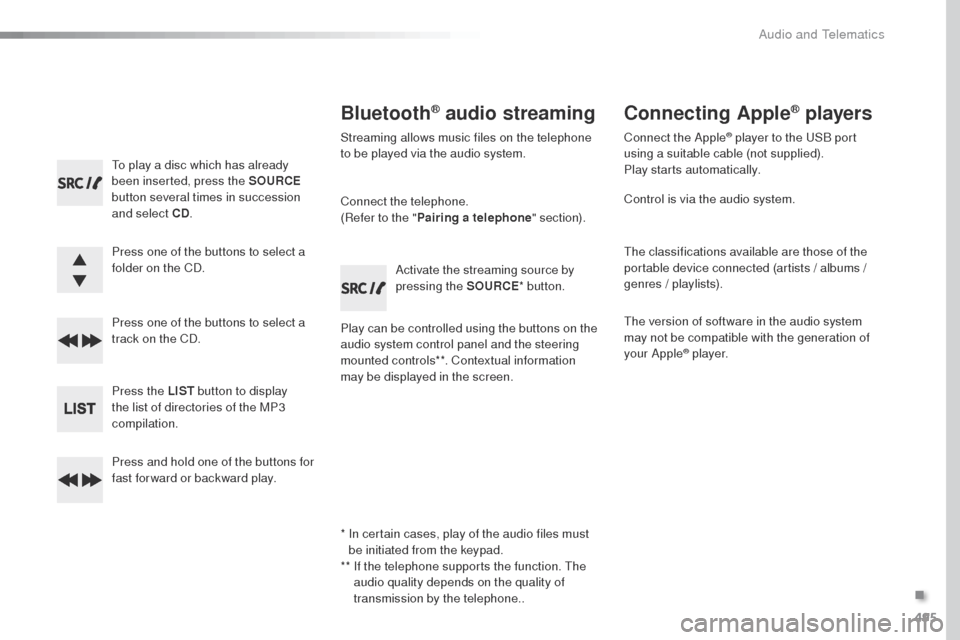
to play a disc which has already
been inserted, press the SOURCE
button several times in succession
and select CD .
Press one of the buttons to select a
folder on the CD.
Press one of the buttons to select a
track on the CD.
Press the LIST button to display
the list of directories of the MP3
compilation.
Press and hold one of the buttons for
fast for ward or backward play.
Bluetooth® audio streaming
Streaming allows music files on the telephone
to be played via the audio system.
Connect the telephone.
(Refer to the " Pairing a telephone " section).
Play can be controlled using the buttons on the
audio system control panel and the steering
mounted controls**. Contextual information
may be displayed in the screen. Activate the streaming source by
pressing the SOURCE
* button.
Connecting Apple® players
Connect the Apple® player to the uSB port
using a suitable cable (not supplied).
Play starts automatically.
Control is via the audio system.
th
e classifications available are those of the
portable device connected (artists / albums /
genres / playlists).
th
e version of software in the audio system
may not be compatible with the generation of
your Apple
® p l aye r.
*
I
n certain cases, play of the audio files must
be initiated from the keypad.
**
I
f the telephone supports the function.
t
h
e
audio quality depends on the quality of
transmission by the telephone..
.
Audio and telematics
Page 501 of 599
499
Expert_en_Chap10d_RD6_ed01-2016
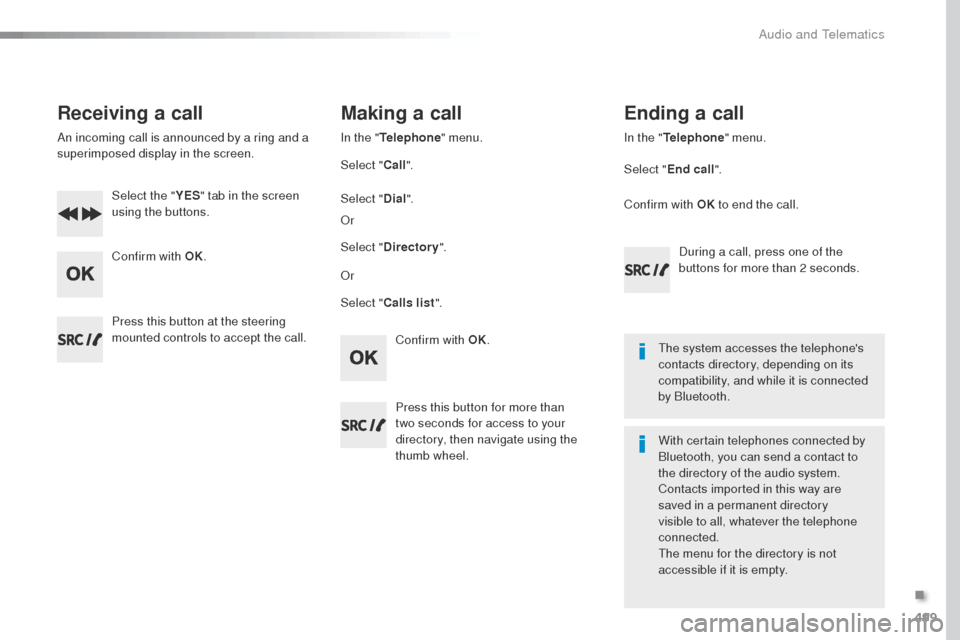
Receiving a call
An incoming call is announced by a ring and a
superimposed display in the screen.Select the " YES" tab in the screen
using the buttons.
Confirm with OK.
Confirm with OK.
Press this button at the steering
mounted controls to accept the call.
Making a call
In the "
Telephone " menu.
Select " Call".
Select " Calls list ".
Select "
Dial".
o
r
o
r
Select " Directory ".
Press this button for more than
two
seconds for access to your
directory, then navigate using the
thumb wheel. In the "
Telephone " menu.
Select " End call".
Ending a call
During a call, press one of the
buttons for more than 2 seconds.
Confirm with OK
to end the call.
th
e system accesses the telephone's
contacts directory, depending on its
compatibility, and while it is connected
by Bluetooth.
With certain telephones connected by
Bluetooth, you can send a contact to
the directory of the audio system.
Contacts imported in this way are
saved in a permanent directory
visible to all, whatever the telephone
connected.
th
e menu for the directory is not
accessible if it is empty.
.
Audio and telematics
Page 522 of 599
154
First steps
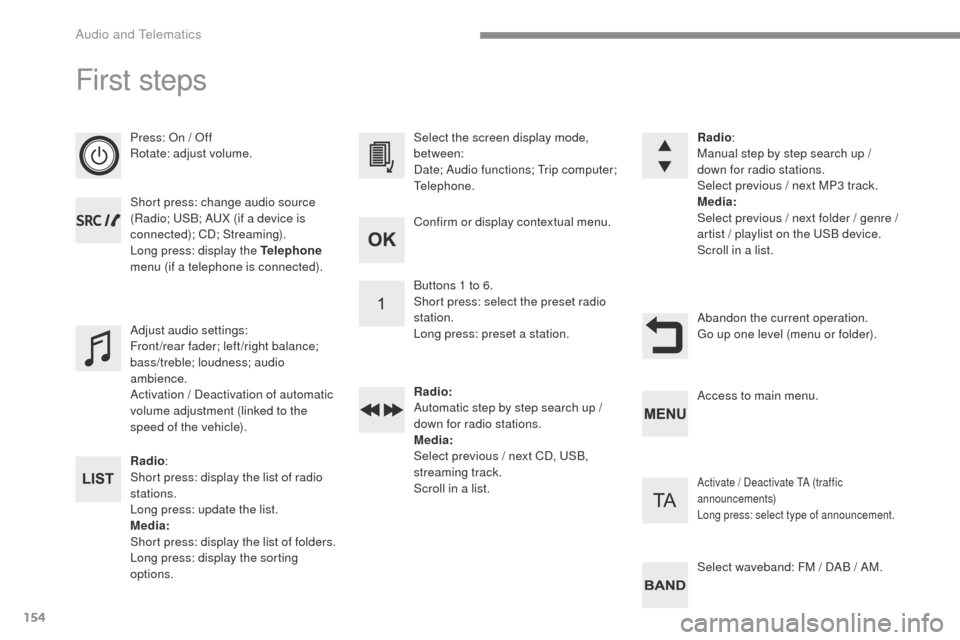
Press: On / Off
Rotate: adjust volume.
Short press: change audio source
(Radio; USB; AUX (if a device is
connected); CD; Streaming).
Long press: display the Telephone
menu (if a telephone is connected).
Radio :
Short press: display the list of radio
stations.
Long press: update the list.
Media:
Short press: display the list of folders.
Long press: display the sorting
options. Select the screen display mode,
between:
Date; Audio functions; Trip computer;
Telephone.
Adjust audio settings:
Front/rear fader; left/right balance;
bass/treble; loudness; audio
ambience.
Activation / Deactivation of automatic
volume adjustment (linked to the
speed of the vehicle). Radio
:
Manual step by step search up /
down for radio stations.
Select previous / next MP3 track.
Media:
Select previous / next folder / genre /
artist
/ playlist on the USB device.
Scroll in a list.
Abandon the current operation.
Go up one level (menu or folder).
Confirm or display contextual menu.
Buttons 1 to 6.
Short press: select the preset radio
station.
Long press: preset a station.
Radio:
Automatic step by step search up /
down for radio stations.
Media:
Select previous / next CD, USB,
streaming track.
Scroll in a list.
Access to main menu.
Activate / Deactivate TA (traffic
announcements)
Long press: select type of announcement.
Select waveband: FM / DAB / AM.
Audio and Telematics
Page 523 of 599
155
Transversal-Peugeot_en_Chap03_RD6_ed01-2016
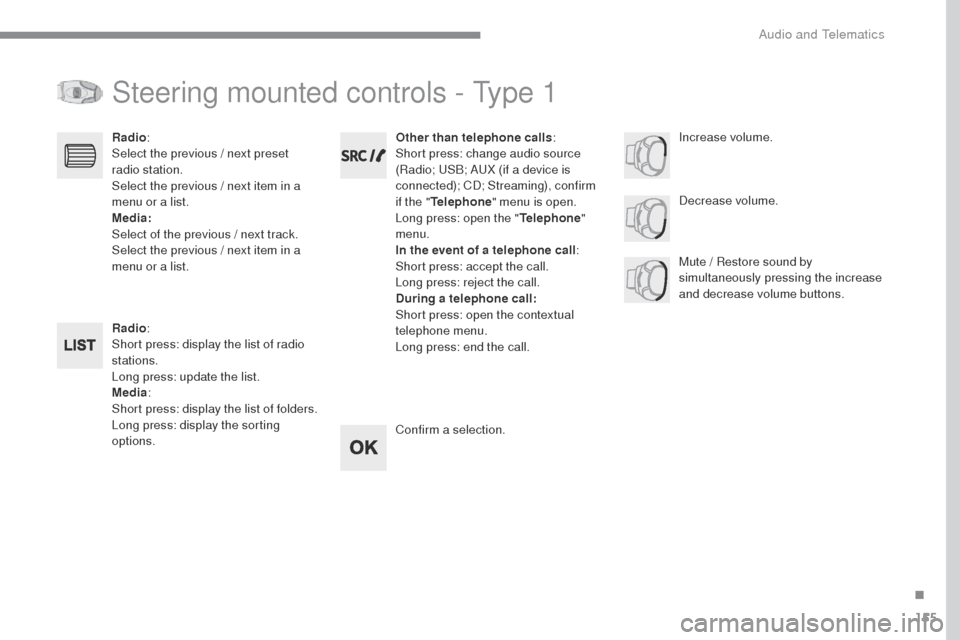
Steering mounted controls - Type 1
Radio:
Short press: display the list of radio
stations.
Long press: update the list.
Media :
Short press: display the list of folders.
Long press: display the sorting
options. Decrease volume.
Radio
:
Select the previous / next preset
radio station.
Select the previous / next item in a
menu or a list.
Media:
Select of the previous / next track.
Select the previous / next item in a
menu or a list. Mute / Restore sound by
simultaneously pressing the increase
and decrease volume buttons.
Other than telephone calls
:
Short press: change audio source
(Radio; USB; AUX (if a device is
connected); CD; Streaming), confirm
if the " Telephone " menu is open.
Long press: open the " Telephone"
menu.
In the event of a telephone call :
Short press: accept the call.
Long press: reject the call.
During a telephone call:
Short press: open the contextual
telephone menu.
Long press: end the call.
Confirm a selection. Increase volume.
.
Audio and Telematics
Page 526 of 599
158
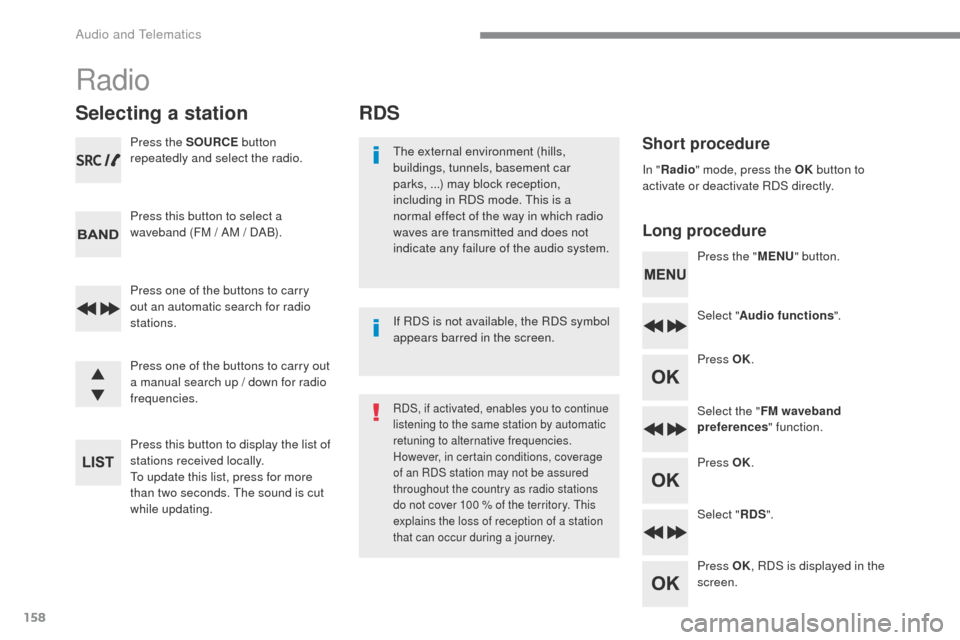
RDS
Short procedure
Long procedureThe external environment (hills,
buildings, tunnels, basement car
parks, ...) may block reception,
including in RDS mode. This is a
normal effect of the way in which radio
waves are transmitted and does not
indicate any failure of the audio system. Press the "MENU" button.
Select " Audio functions ".
Press OK.
Select the " FM waveband
preferences " function.
Press OK.
Select " RDS".
Press OK , RDS is displayed in the
screen.
In "
Radio " mode, press the OK button to
activate or deactivate RDS directly.
RDS, if activated, enables you to continue
listening to the same station by automatic
retuning to alternative frequencies.
However, in certain conditions, coverage
of an RDS station may not be assured
throughout the country as radio stations
do not cover 100 % of the territory. This
explains the loss of reception of a station
that can occur during a journey.
If RDS is not available, the RDS symbol
appears barred in the screen.
Radio
Selecting a station
Press the SOURCE button
repeatedly and select the radio.
Press this button to select a
waveband (FM / AM / DAB).
Press one of the buttons to carry
out an automatic search for radio
stations.
Press one of the buttons to carry out
a manual search up / down for radio
frequencies.
Press this button to display the list of
stations received locally.
To update this list, press for more
than two seconds. The sound is cut
while updating.
Audio and Telematics
Page 528 of 599
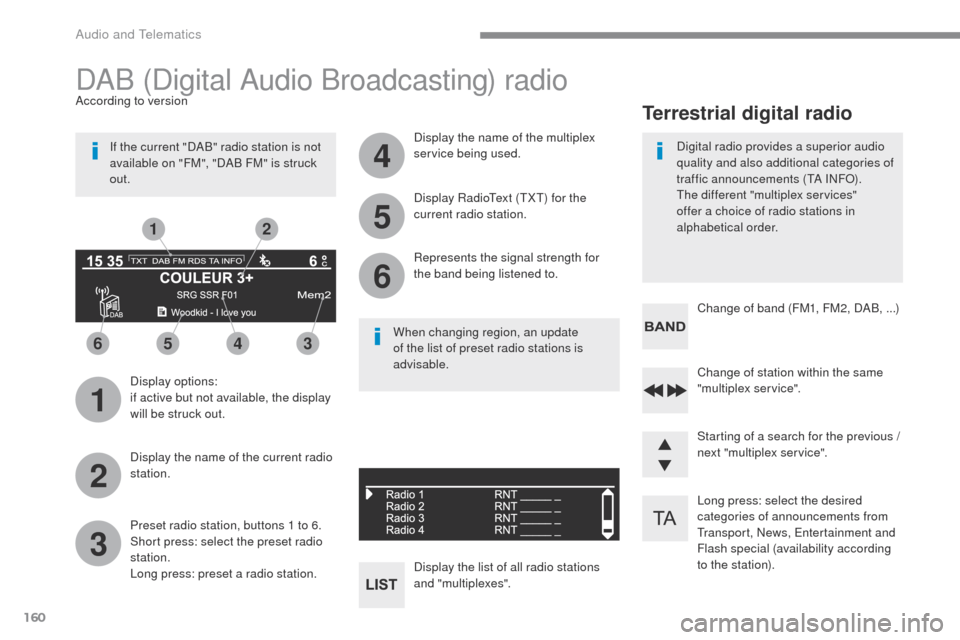
160
1
3
5
2
4
6
6543
21
Long press: select the desired
categories of announcements from
Transport, News, Entertainment and
Flash special (availability according
to the station). Change of station within the same
"multiplex service".
Starting of a search for the previous /
next "multiplex service". Change of band (FM1, FM2, DAB, ...)
Digital radio provides a superior audio
quality and also additional categories of
traffic announcements (TA INFO).
The different "multiplex services"
offer a choice of radio stations in
alphabetical order.
Terrestrial digital radio
DAB (Digital Audio Broadcasting) radio
Display options:
if active but not available, the display
will be struck out.
According to version
Preset radio station, buttons 1 to 6.
Short press: select the preset radio
station.
Long press: preset a radio station. Display the name of the multiplex
service being used.
Display the list of all radio stations
and "multiplexes". Represents the signal strength for
the band being listened to. Display RadioText (TXT) for the
current radio station.
Display the name of the current radio
station.
If the current "DAB" radio station is not
available on "FM", "DAB FM" is struck
out.
When changing region, an update
of the list of preset radio stations is
advisable.
Audio and Telematics
Page 531 of 599
163
Transversal-Peugeot_en_Chap03_RD6_ed01-2016
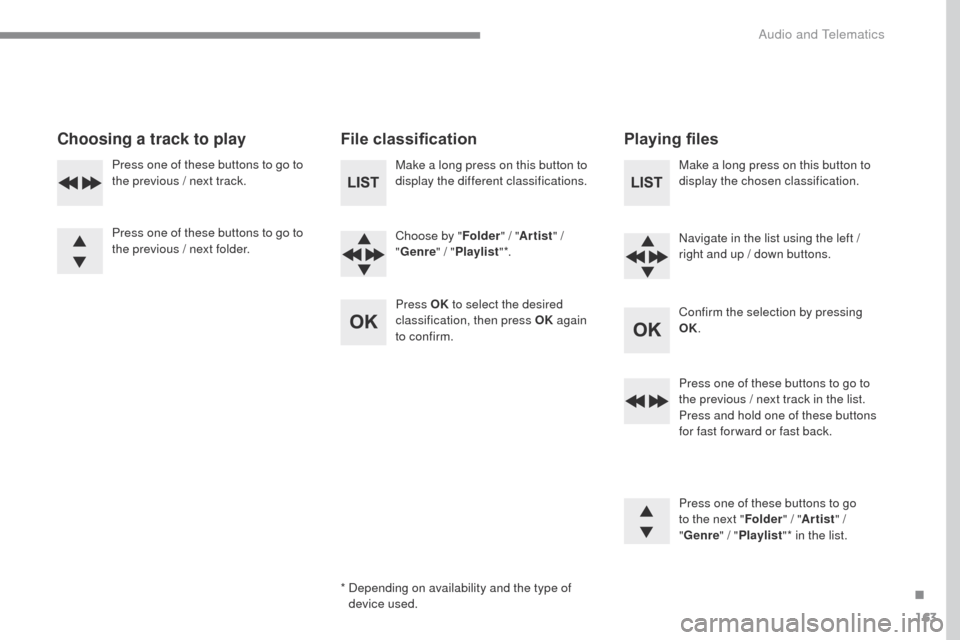
Choosing a track to playFile classificationPlaying files
Make a long press on this button to
display the different classifications.
Choose by "Folder" / "Artist " /
" Genre " / "Playlist " *.
Press OK to select the desired
classification, then press OK again
to confirm. Make a long press on this button to
display the chosen classification.
Navigate in the list using the left /
right and up / down buttons.
Confirm the selection by pressing
OK.
Press one of these buttons to go to
the previous / next track in the list.
Press and hold one of these buttons
for fast for ward or fast back.
Press one of these buttons to go
to the next "
Folder" / "Artist " /
" Genre "
/ "Playlist "* in the list.
*
D
epending on availability and the type of
device used.
Press one of these buttons to go to
the previous / next track.
Press one of these buttons to go to
the previous / next folder.
.
Audio and Telematics
Page 532 of 599
164
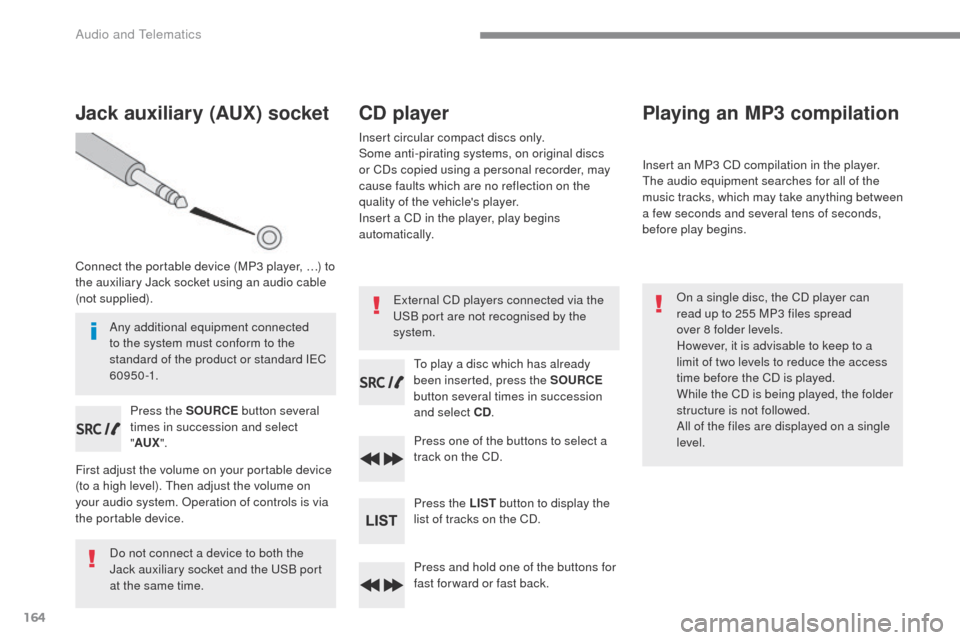
Jack auxiliary (AUX) socket
Connect the portable device (MP3 player, …) to
the auxiliary Jack socket using an audio cable
(not supplied).Press the SOURCE button several
times in succession and select
" AUX ".
First adjust the volume on your portable device
(to a high level). Then adjust the volume on
your audio system. Operation of controls is via
the portable device.
Do not connect a device to both the
Jack auxiliary socket and the USB port
at the same time.
CD player
Insert circular compact discs only.
Some anti-pirating systems, on original discs
or CDs copied using a personal recorder, may
cause faults which are no reflection on the
quality of the vehicle's player.
Insert a CD in the player, play begins
automatically.
To play a disc which has already
been inserted, press the SOURCE
button several times in succession
and select CD .
Press one of the buttons to select a
track on the CD.
Press the LIST button to display the
list of tracks on the CD.
Press and hold one of the buttons for
fast for ward or fast back.
Playing an MP3 compilation
Insert an MP3 CD compilation in the player.
The audio equipment searches for all of the
music tracks, which may take anything between
a few seconds and several tens of seconds,
before play begins.
On a single disc, the CD player can
read up to 255 MP3 files spread
over 8 folder levels.
However, it is advisable to keep to a
limit of two levels to reduce the access
time before the CD is played.
While the CD is being played, the folder
structure is not followed.
All of the files are displayed on a single
level.
External CD players connected via the
USB port are not recognised by the
system.
Any additional equipment connected
to the system must conform to the
standard of the product or standard IEC
6 0 9 5 0 -1.
Audio and Telematics
Page 533 of 599
165
Transversal-Peugeot_en_Chap03_RD6_ed01-2016
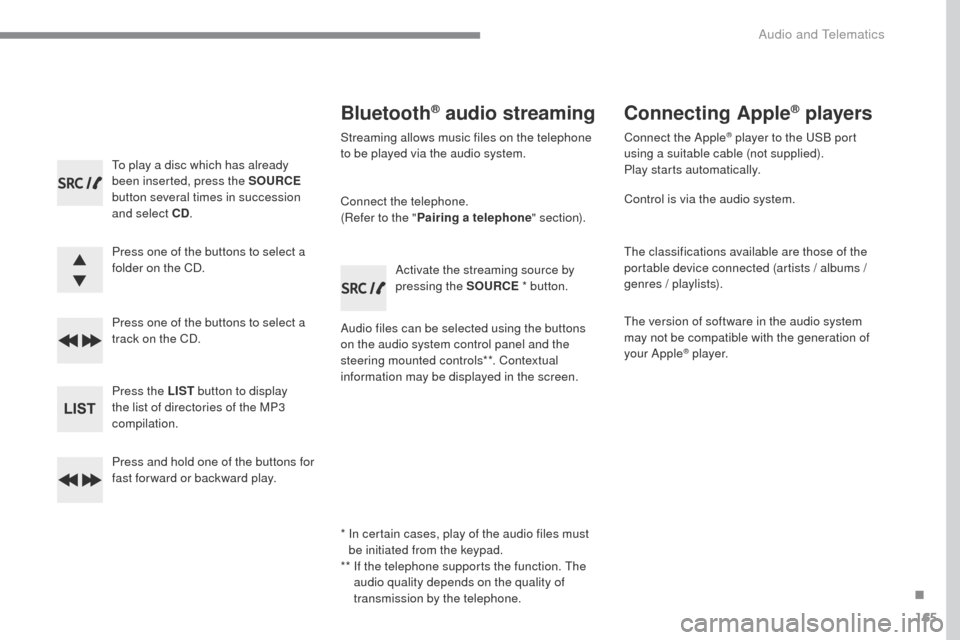
To play a disc which has already
been inserted, press the SOURCE
button several times in succession
and select CD .
Press one of the buttons to select a
folder on the CD.
Press one of the buttons to select a
track on the CD.
Press the LIST button to display
the list of directories of the MP3
compilation.
Press and hold one of the buttons for
fast for ward or backward play.
Bluetooth® audio streaming
Streaming allows music files on the telephone
to be played via the audio system.
Connect the telephone.
(Refer to the " Pairing a telephone " section).
Audio files can be selected using the buttons
on the audio system control panel and the
steering mounted controls**. Contextual
information may be displayed in the screen. Activate the streaming source by
pressing the SOURCE
* button.
Connecting Apple® players
Connect the Apple® player to the USB port
using a suitable cable (not supplied).
Play starts automatically.
Control is via the audio system.
The classifications available are those of the
portable device connected (artists / albums /
genres / playlists).
The version of software in the audio system
may not be compatible with the generation of
your Apple
® p l aye r.
*
I
n certain cases, play of the audio files must
be initiated from the keypad.
**
I
f the telephone supports the function. The
audio quality depends on the quality of
transmission by the telephone.
.
Audio and Telematics
Page 537 of 599
169
Transversal-Peugeot_en_Chap03_RD6_ed01-2016
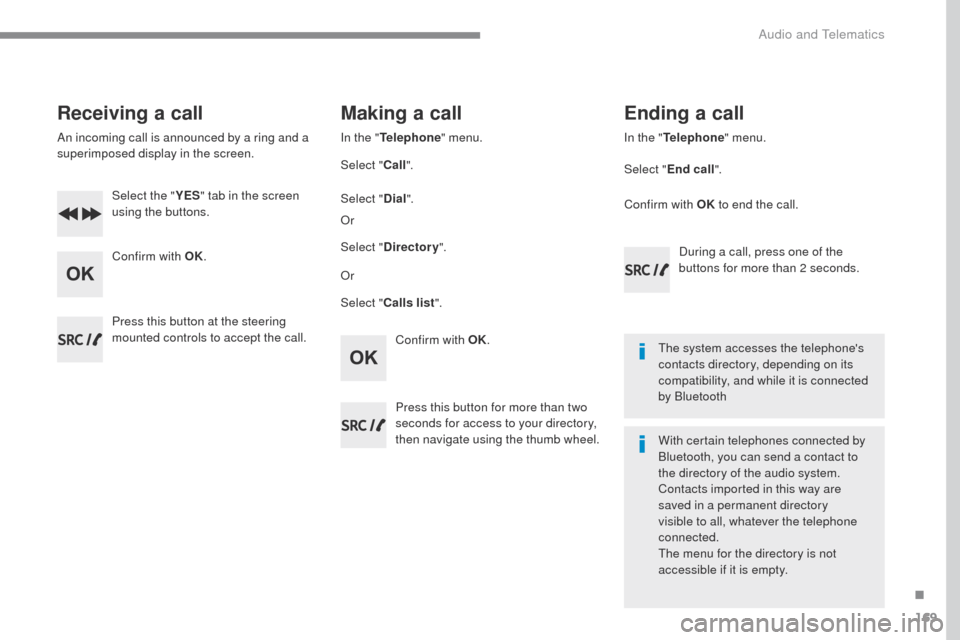
Receiving a call
An incoming call is announced by a ring and a
superimposed display in the screen.Select the " YES" tab in the screen
using the buttons.
Confirm with OK.
Confirm with OK.
Press this button at the steering
mounted controls to accept the call.
Making a call
In the "
Telephone " menu.
Select " Call".
Select " Calls list ".
Select "
Dial".
Or Or
Select " Directory ".
Press this button for more than two
seconds for access to your directory,
then navigate using the thumb wheel. In the "
Telephone " menu.
Select " End call".
Ending a call
During a call, press one of the
buttons for more than 2 seconds.
Confirm with OK
to end the call.
The system accesses the telephone's
contacts directory, depending on its
compatibility, and while it is connected
by Bluetooth
With certain telephones connected by
Bluetooth, you can send a contact to
the directory of the audio system.
Contacts imported in this way are
saved in a permanent directory
visible to all, whatever the telephone
connected.
The menu for the directory is not
accessible if it is empty.
.
Audio and Telematics